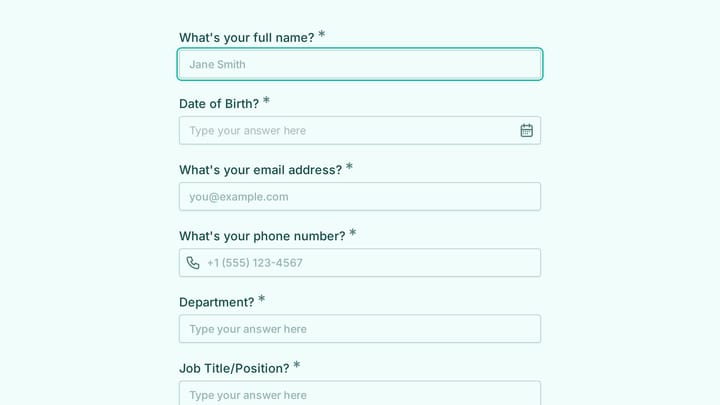
Manufacturing Form Templates

Free manufacturing form templates for industrial operations. Create quality inspection, work order, and vendor management forms.

No templates found matching your criteria.

No templates found in this category yet. Check back later!

About Manufacturing Forms

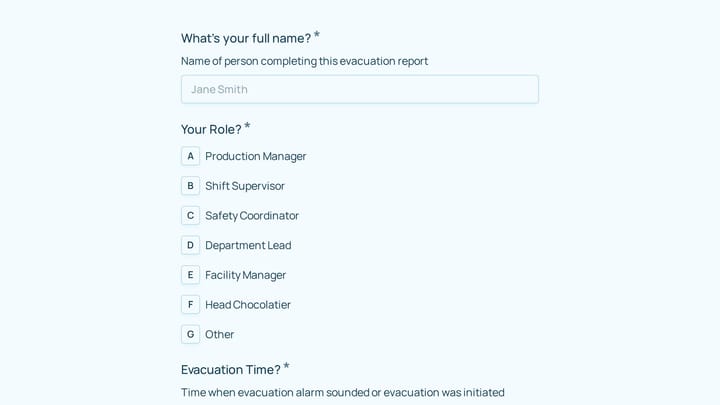
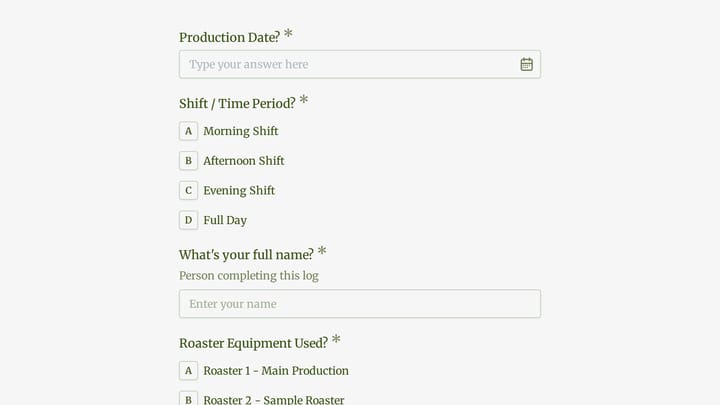
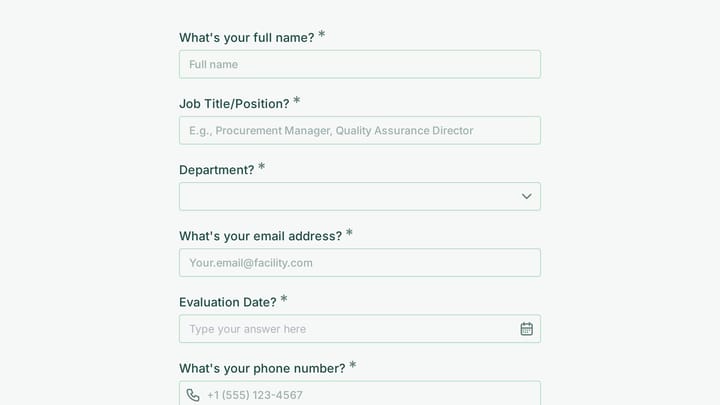
Manufacturing forms support production operations, quality management, and supply chain coordination. From work orders and inspection checklists to vendor qualification and customer requests, they help manufacturers maintain quality, efficiency, and compliance across complex operations.

Manufacturing environments often have unique constraints—forms need to work on shop floors, accommodate safety requirements, and integrate with production systems.

Common Form Types for Manufacturing

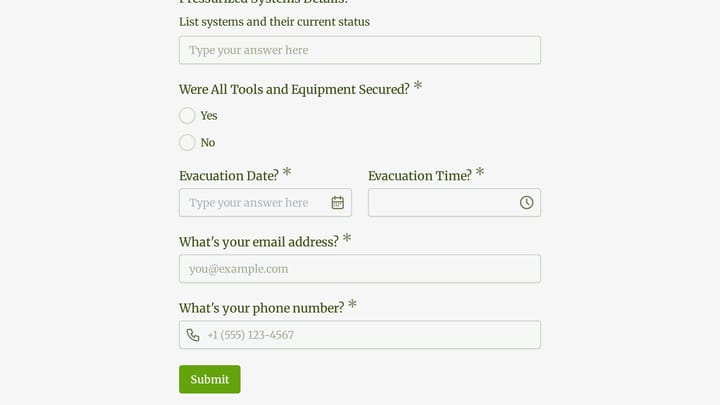
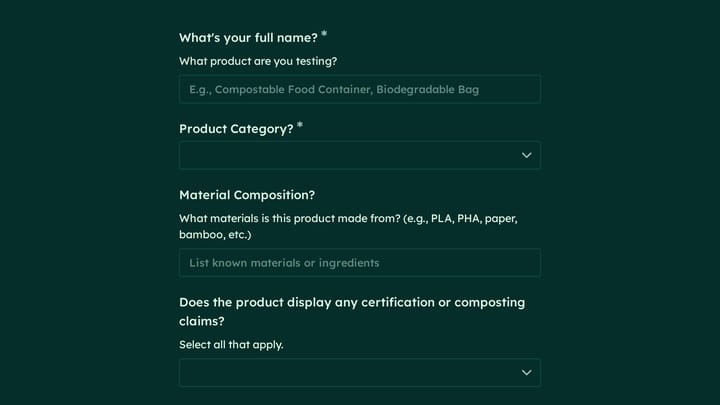
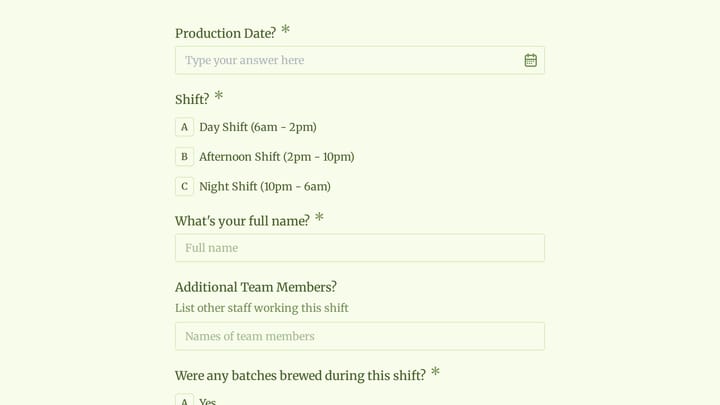
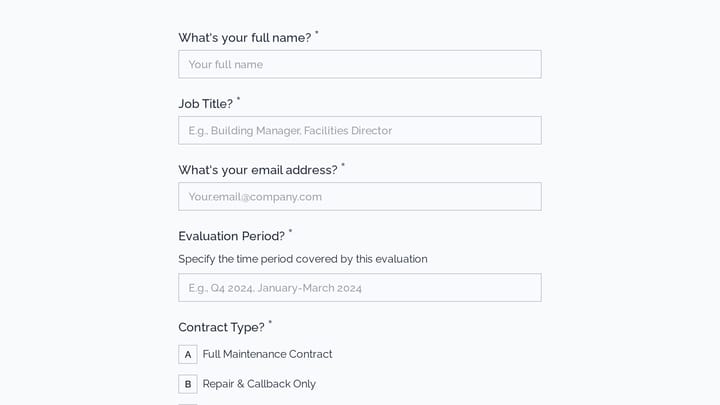
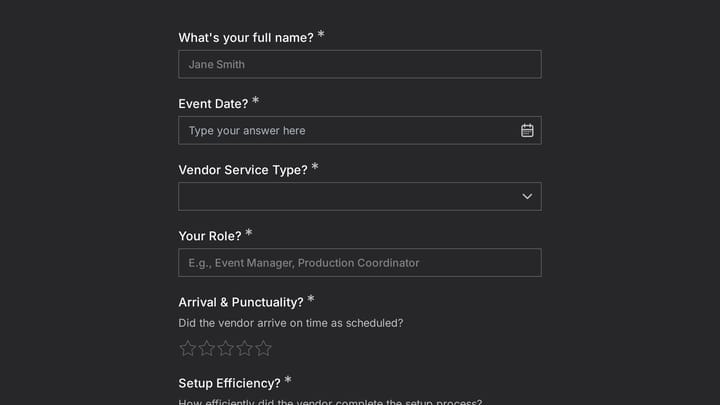
  • Work order and production request forms
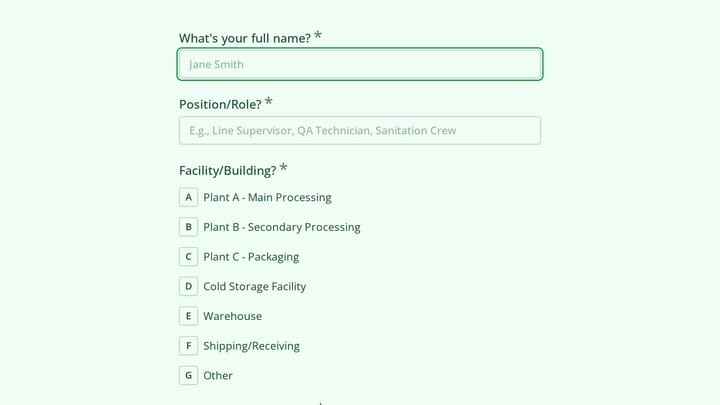
  • Quality inspection and audit checklists
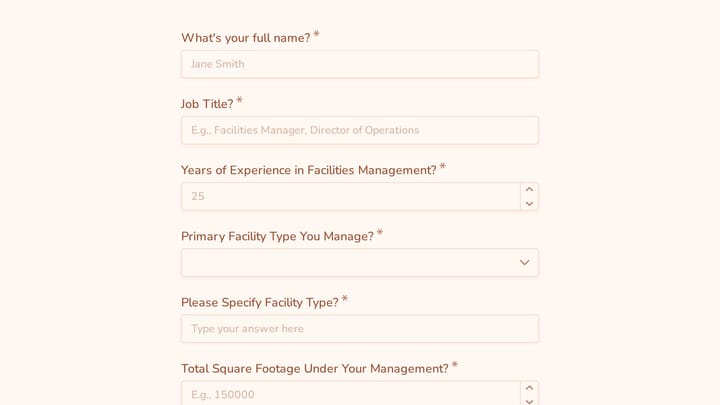
  • Equipment maintenance request forms
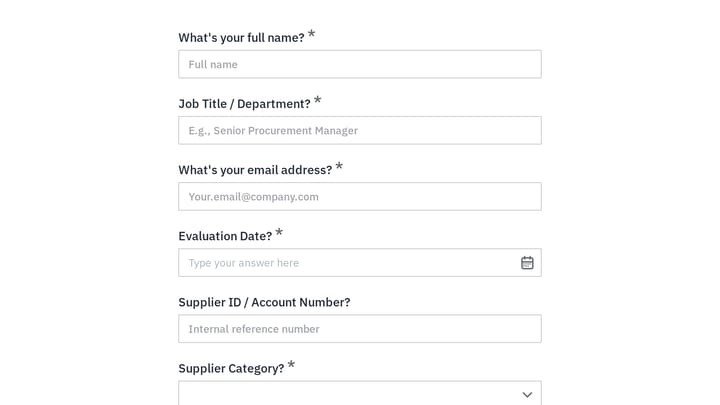
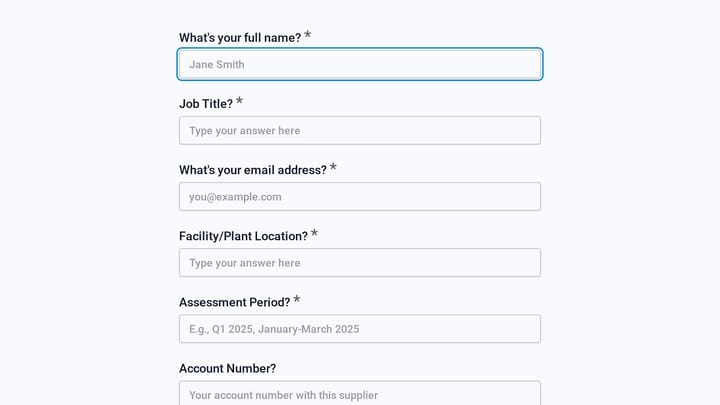
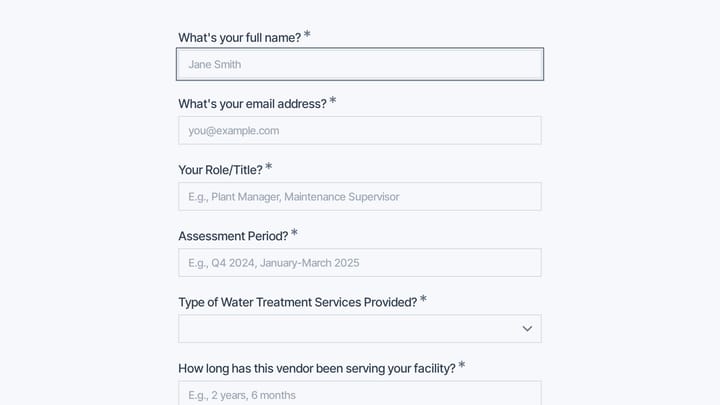
  • Vendor qualification and onboarding forms
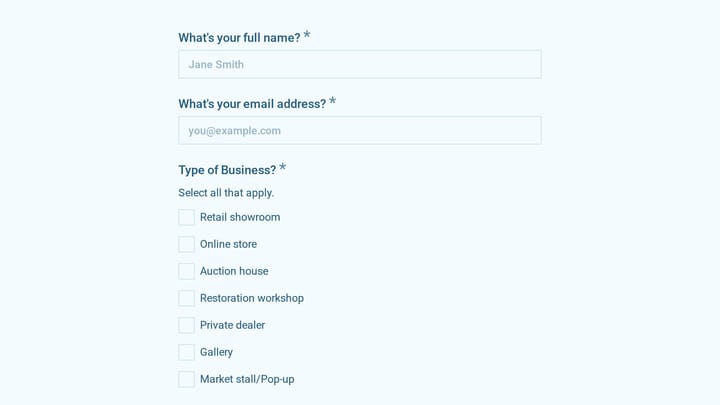
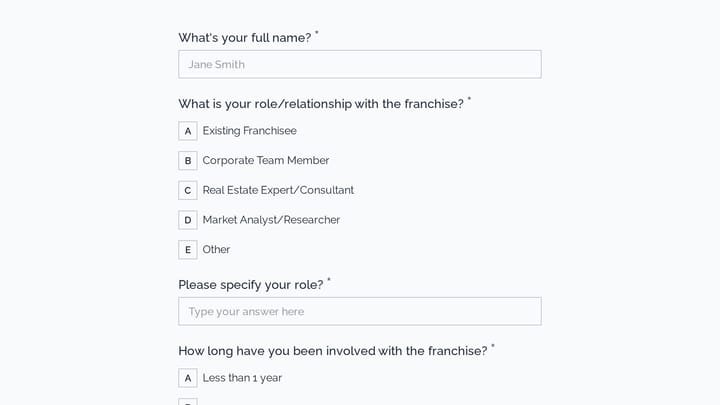
  • Customer quote request forms
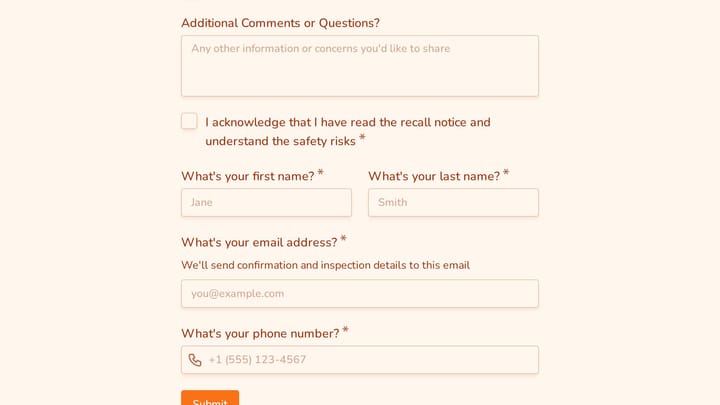
  • Non-conformance and defect report forms
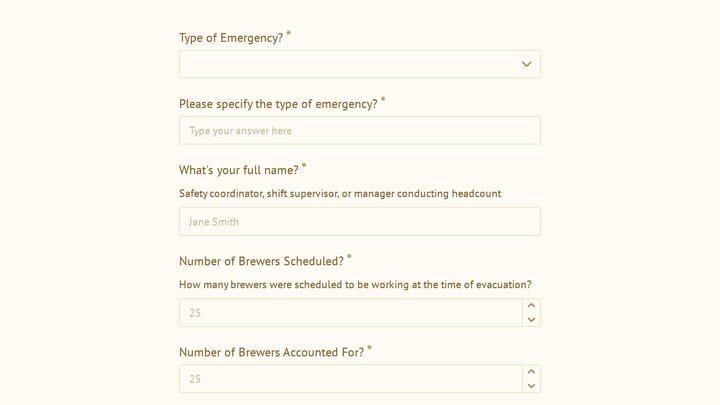
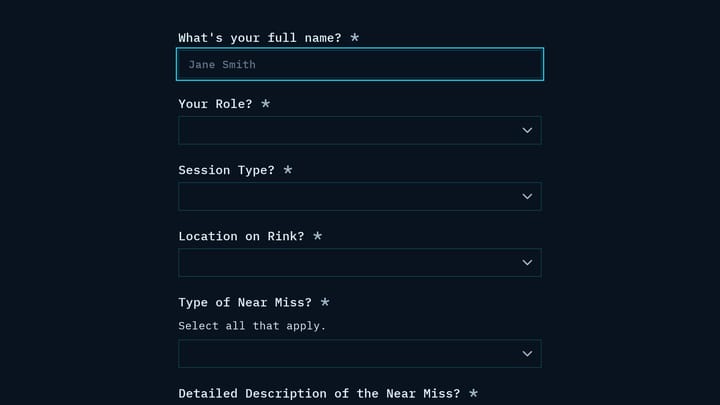
  • Safety incident report forms
  • Inventory request and transfer forms

Who Uses Manufacturing Forms?

Industrial operations across sectors use these forms. Production facilities manage work orders. Quality teams conduct inspections. Procurement qualifies vendors. Maintenance tracks equipment issues. Safety coordinators document incidents.

Building Forms for Manufacturing

Design forms that work in production environments—consider touchscreen compatibility and readability. Include photo capture for inspection documentation. Build structured checklists that ensure consistency. Create clear escalation paths for quality issues. Time-stamp submissions automatically for audit trails. Route submissions to appropriate departments for action. Integrate with production and quality management systems where possible.

Frequently asked questions

What is a form template?

A form template is a pre-designed form structure that you can use as a starting point for creating your own forms. Templates include pre-configured fields, layouts, and styling that are tailored for specific use cases, saving you time and ensuring best practices are followed. Simply select a template, customize it to match your needs, and publish it to start collecting responses.

How do I customize this template?

Customizing a template is easy with our drag-and-drop editor. Click "Use Template" to open the form in the editor where you can add, remove, or rearrange fields, change colors and fonts to match your brand, update question text and descriptions, configure validation rules, and set up email notifications. All changes are saved automatically, and you can preview your form at any time before publishing.

Is this template free to use?

Yes, all our form templates are completely free to use. You can create unlimited forms from any template on our free plan. Some advanced features like file uploads, custom domains, and removing branding require a paid plan, but the core form functionality and templates are available to everyone at no cost.

Can I use this template for my business?

Absolutely! Our templates are designed for both personal and business use. Whether you're a freelancer, small business, or enterprise, you can use any template to collect leads, gather feedback, process applications, or handle any other form-based workflow. For business use, we recommend our Pro plan which includes features like custom branding, advanced analytics, and priority support.

How do I share my form after creating it?

Once you've customized and published your form, you have several sharing options. You can copy the direct link to share via email, social media, or messaging apps. You can also embed the form on your website using our embed code, or use a QR code for offline materials. All sharing options are available from your form's settings page after publishing.

Ready to create your first Fomr?

Your next form deserves better than a white page with dropdowns. Build something people actually want to fill out.