





About Feedback Forms
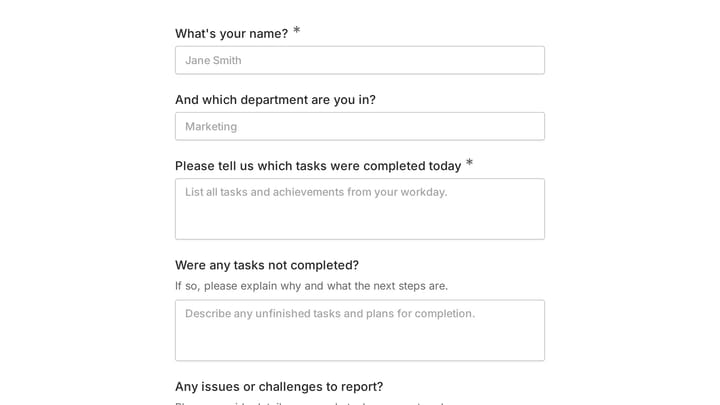
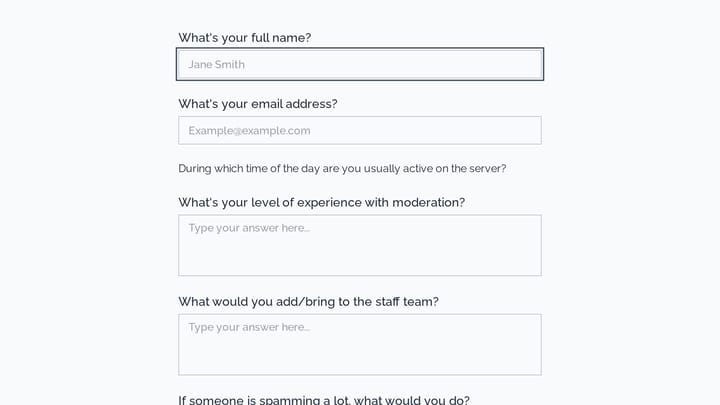
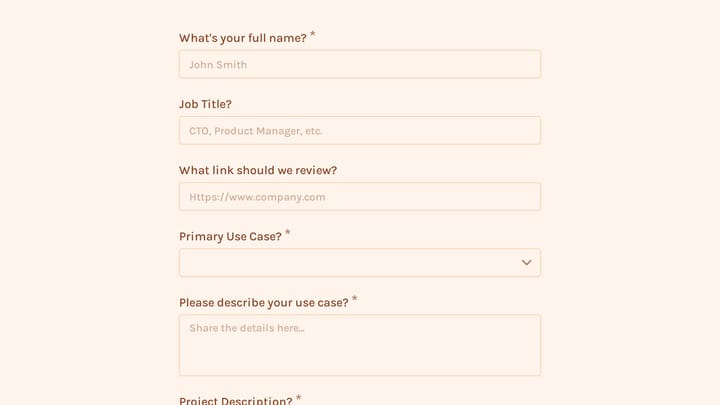
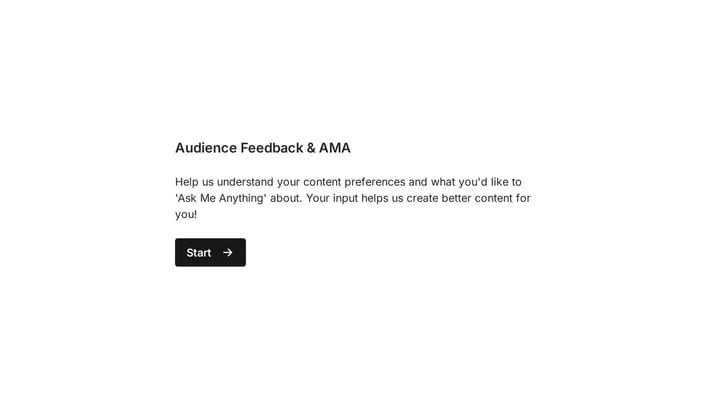
Feedback forms create a direct channel for customers, employees, and stakeholders to share their experiences and suggestions. Unlike formal surveys, feedback forms are typically shorter and more focused, designed to capture reactions to specific interactions, purchases, or experiences. This ongoing feedback loop helps organizations identify issues quickly and celebrate what's working well.
Retail businesses collect post-purchase feedback. Service providers request project reviews. Event organizers gather attendee reactions. Software companies capture feature requests.
Common Use Cases
- Post-purchase feedback and product reviews
- Service experience ratings after appointments
- Website usability and user experience feedback
- Feature requests and product suggestions
- Employee feedback on workplace improvements
- Training session evaluations
- Customer complaint and issue reporting
Who Uses Feedback Forms?
Any organization focused on continuous improvement needs feedback mechanisms. E-commerce stores collect product reviews. Healthcare practices measure patient experience. Restaurants gather dining feedback. Fitness studios assess class satisfaction. Educational institutions evaluate teaching effectiveness.
Building Effective Feedback Forms
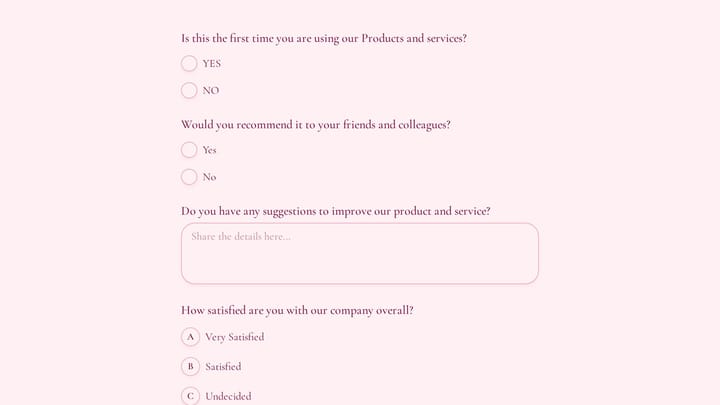
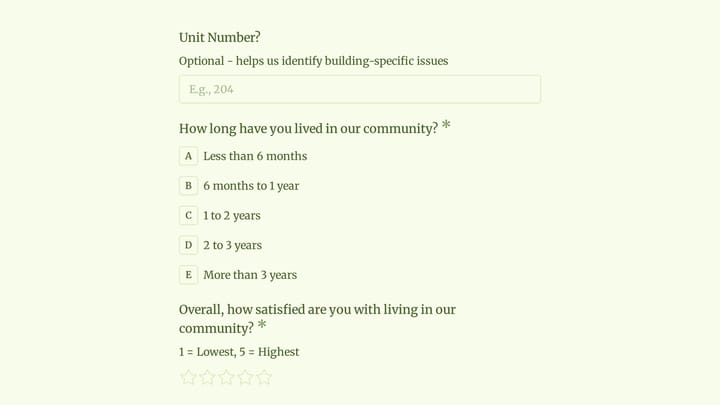
Timing matters with feedback forms—send them while experiences are fresh. Keep forms brief to encourage completion, typically 3-5 questions maximum. Include a rating scale for quick quantitative measurement and at least one open-ended question for detailed insights. Make it easy to submit feedback anonymously when appropriate, and always acknowledge submissions to show respondents their input is valued.
