Emergency Evacuation Check-In

An emergency evacuation check-in form for funeral homes to document evacuation details, confirm staff safety, and track critical operational status during a crisis. Use it to record who is safe, what services or care areas may be affected,…

Use Template
Used 0 times
Created by Fomr Team
Last updated

About

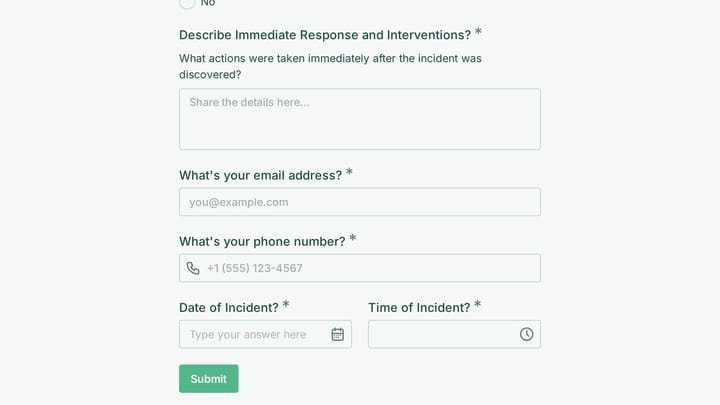
This emergency evacuation check-in form is designed for funeral homes that need a clear, reliable way to document what happened during an evacuation. It captures core incident details such as facility name, evacuation date and time, emergency type, and the person responsible for completing the record, so each event has a complete administrative trail from the start.

Beyond basic incident logging, the template helps managers confirm staff accountability by recording how many team members were present, how many were safely evacuated, whether anyone is missing, and whether injuries were reported. That structure is useful when decisions need to be made quickly and leadership needs a current snapshot of staff safety.

The form also supports the operational realities unique to funeral service settings. It can be used to track the status of deceased in care, refrigeration systems, active services, and family notifications, helping teams document what requires immediate attention once everyone is out of danger. This makes the emergency evacuation check-in form practical for both real-time response and post-incident review.
Related Templates

View all →
Branding Project Intake Form preview

Branding Project Intake Form

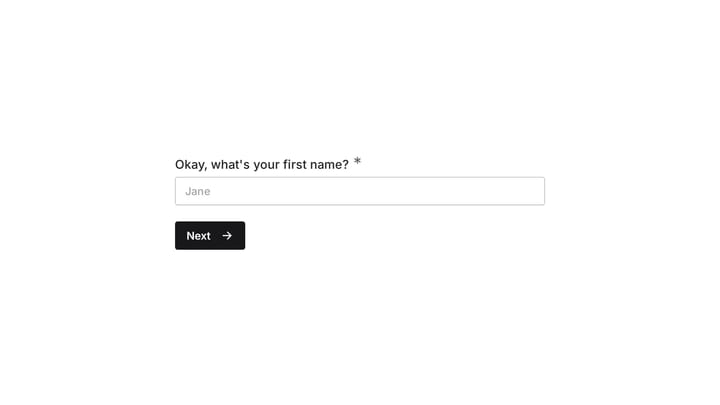
Empower your branding projects from the start with this essential intake form template. It guides creative professionals in capturing crucial client details like project goals, target audience, style preferences, and necessary assets for a perfectly aligned kickoff.

employee coaching form preview

employee coaching form

Cultivating a culture of continuous learning and development is vital for any organization. This employee coaching form template simplifies the process, making it easy for team members to proactively request guidance and define their career aspirations.

Data Analyst Quote Form preview

Data Analyst Quote Form

This dedicated form helps data analysts gather client requests efficiently and provide accurate project estimates. It simplifies collecting essential details and prioritizing new data analysis projects.

Request a Blockchain Integration Consultation preview

Request a Blockchain Integration Consultation

Use this request a blockchain integration consultation form to capture project goals, technical requirements, and consultation preferences in one clear intake flow. It helps teams qualify blockchain inquiries faster by collecting use case,…

Frequently asked questions

What is this emergency evacuation check-in used for?

This template is used to collect structured responses for a emergency evacuation check-in workflow. It gives teams a consistent format for gathering the information they need and reviewing submissions more efficiently.

What information should I collect first?

Start with the most important details people can answer quickly, then move into the more specific questions. In this template, that can include items such as Facility Name, Date of Evacuation, Time of Evacuation depending on how you customize it.

Can I customize this template for my own workflow?

Yes. You can adapt the questions, required fields, and structure to fit your process while keeping the overall flow clear and easy to complete. That makes it useful as both a starting point and a publish-ready template.

How many questions should a form like this include?

Keep only the questions that directly support the purpose of the form. Shorter forms usually get better completion rates, so it is often better to collect the essentials first and ask for extra details later if needed.

Why use a structured template instead of building from scratch?

A structured template helps you move faster and keeps your submissions more consistent. It also reduces the chance of missing important details because the form already follows a logical order.

Ready to create your first Fomr?

Your next form deserves better than a white page with dropdowns. Build something people actually want to fill out.