Healthcare Form Templates

Free healthcare form templates for medical practices. Create patient intake, consent, and assessment forms that improve care delivery.

0

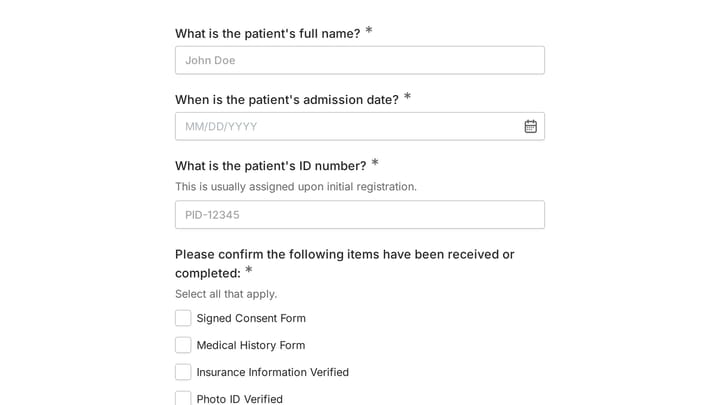
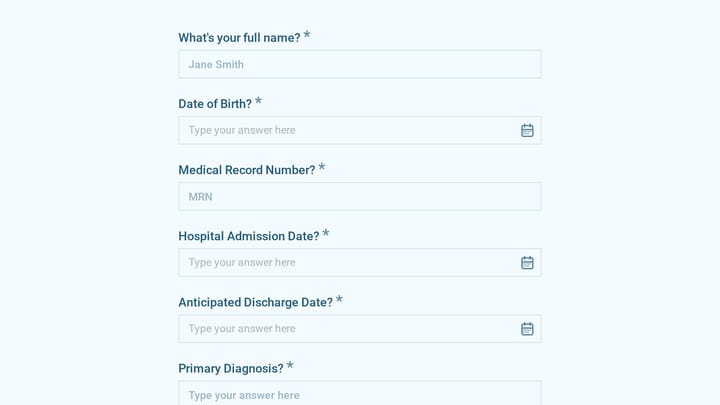
Admission Checklist Form

Streamline your intake process with this comprehensive digital admission checklist template. It helps organizations efficiently collect all necessary information and documents from applicants, ensuring a smooth and organized start.

Application Consents Education Education Healthcare Administrator
0

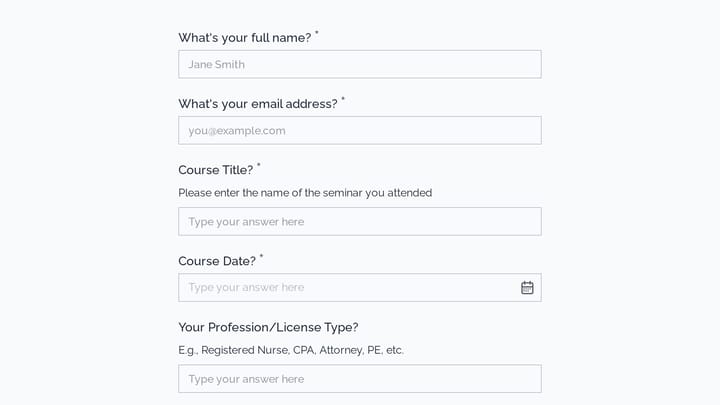
Appointment Form

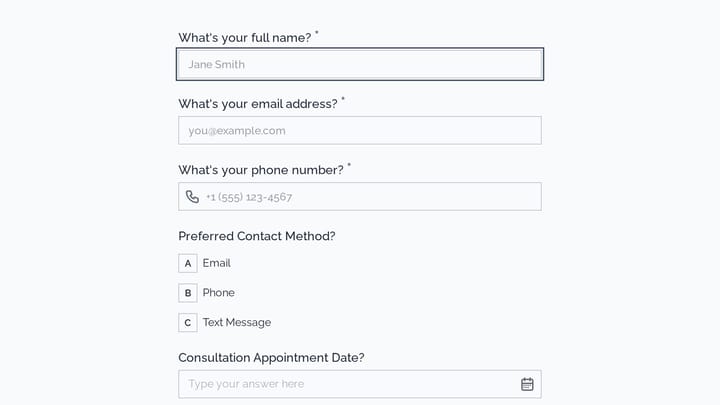
This versatile form template helps streamline the process of scheduling appointments or collecting registrations for various events. It simplifies gathering client and participant details efficiently.

Event Registration Healthcare Appointments Beauty & Wellness Small Business Owner
0

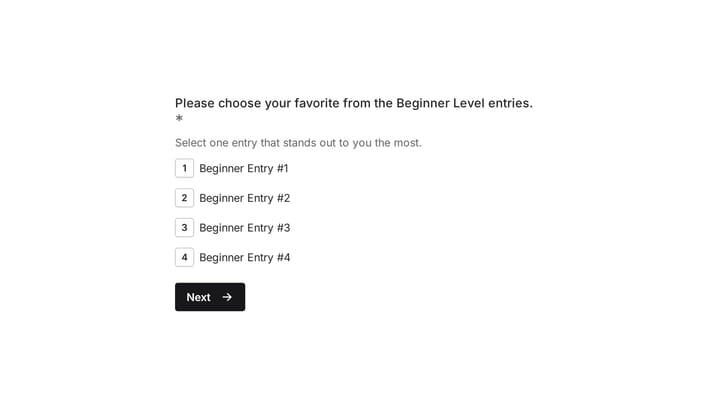
Art Contest Voting Form

Easily manage and streamline the voting for your art competition with this user-friendly template. It's designed to eliminate manual data entry, ensuring a fair and seamless experience for everyone.

Event Registration Healthcare Payments Events Event Planner
0

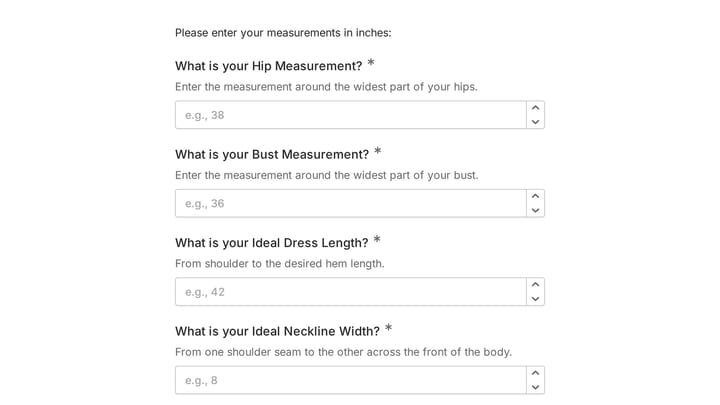
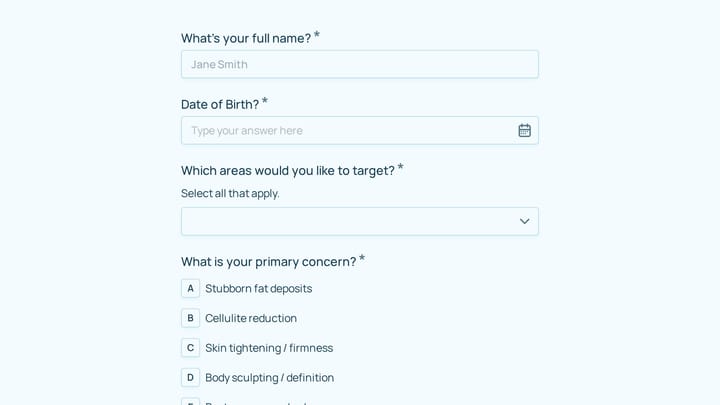
Body Measurement Form

This body measurement form provides a straightforward way to record essential physical dimensions. It's an ideal tool for custom clothing design, fitness tracking, or monitoring personal progress with precision.

Healthcare Event Registration Contacts Healthcare Healthcare Administrator
0

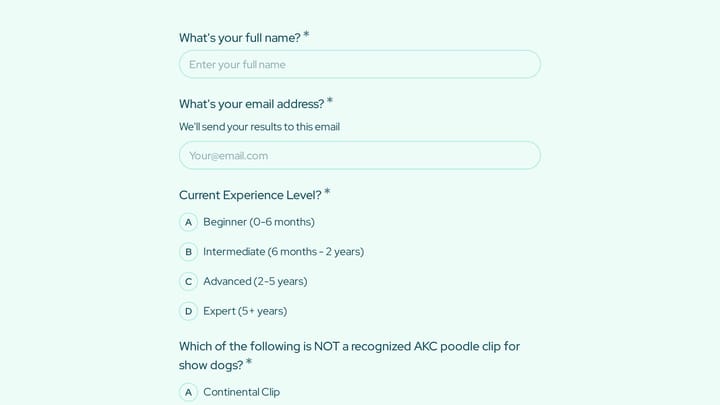
dental health history questionnaire

Quickly gather crucial dental health history from your patients with this efficient questionnaire. It streamlines your intake process, preparing your team for appointments and enabling personalized, high-quality patient care.

Healthcare Intakes Feedback Healthcare Healthcare Administrator
0

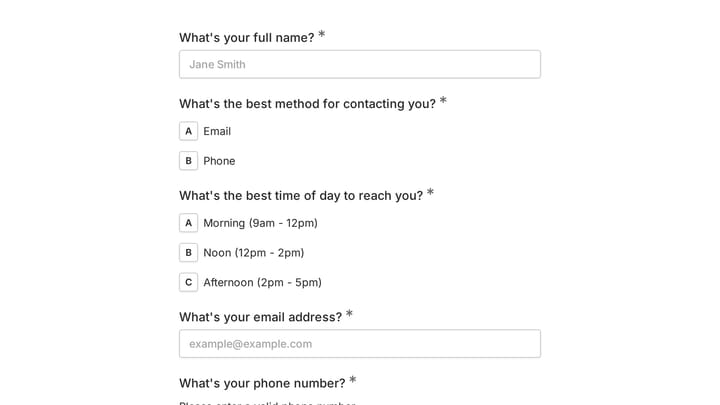
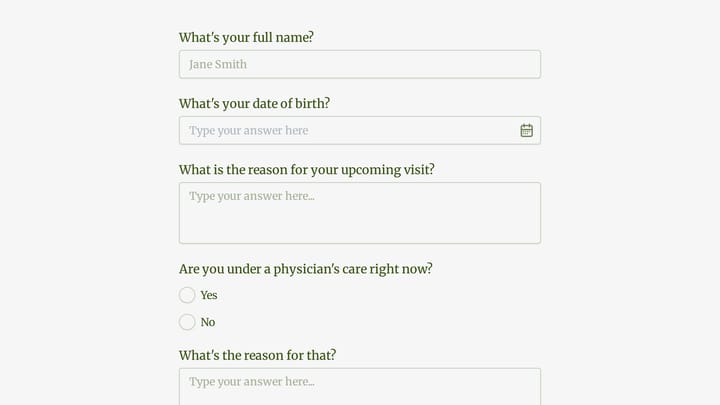
Doctor appointment form

Effortlessly manage patient bookings with this doctor appointment form. It helps you gather crucial details and keeps your schedule perfectly organized.

Appointments Feedback Bookings Healthcare Healthcare Administrator
0

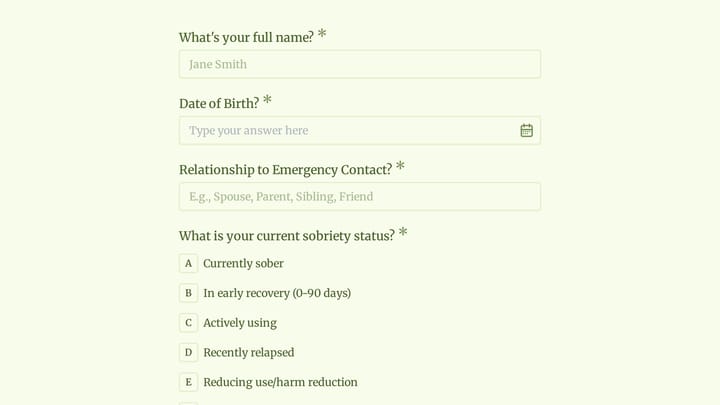
Employee Medical Form

Simplify how you gather crucial health details from your team with this online employee medical form template. It's fully customizable and requires no coding, allowing you to efficiently collect medical history, emergency contacts, and allergy information.

Healthcare Contacts Feedback Healthcare HR Manager

About Healthcare Forms

Healthcare forms support the clinical and administrative functions that keep medical practices running smoothly. From patient intake and medical history to consent forms and satisfaction surveys, these forms handle the documentation essential to quality care. Digital healthcare forms reduce paperwork burden, minimize transcription errors, and give providers more time to focus on patients.

The healthcare industry has unique requirements around privacy, compliance, and accessibility. Forms must accommodate patients with varying technical abilities, collect sensitive information securely, and integrate with existing practice management systems.

Common Form Types for Healthcare

  • Patient registration and demographic information
  • Medical history and symptom questionnaires
  • Insurance verification and authorization forms
  • Informed consent for procedures and treatments
  • HIPAA acknowledgment and privacy notices
  • Appointment scheduling and requests
  • Patient satisfaction surveys
  • Referral request forms

Who Uses Healthcare Forms?

Medical professionals across specialties rely on healthcare forms. Primary care physicians manage patient records. Dental offices track oral health history. Urgent care centers triage walk-in patients. Physical therapy clinics document treatment progress. Home health agencies coordinate care visits.

Building Forms for Healthcare

Healthcare forms must balance thoroughness with patient experience. Keep language clear and accessible—avoid medical jargon when possible. Group related questions logically and provide progress indicators for longer forms. Ensure forms work well on mobile devices since patients often complete them in waiting rooms. Consider accessibility needs and offer assistance options for patients who need help.

Frequently asked questions

What is a form template?

A form template is a pre-designed form structure that you can use as a starting point for creating your own forms. Templates include pre-configured fields, layouts, and styling that are tailored for specific use cases, saving you time and ensuring best practices are followed. Simply select a template, customize it to match your needs, and publish it to start collecting responses.

How do I customize this template?

Customizing a template is easy with our drag-and-drop editor. Click "Use Template" to open the form in the editor where you can add, remove, or rearrange fields, change colors and fonts to match your brand, update question text and descriptions, configure validation rules, and set up email notifications. All changes are saved automatically, and you can preview your form at any time before publishing.

Is this template free to use?

Yes, all our form templates are completely free to use. You can create unlimited forms from any template on our free plan. Some advanced features like file uploads, custom domains, and removing branding require a paid plan, but the core form functionality and templates are available to everyone at no cost.

Can I use this template for my business?

Absolutely! Our templates are designed for both personal and business use. Whether you're a freelancer, small business, or enterprise, you can use any template to collect leads, gather feedback, process applications, or handle any other form-based workflow. For business use, we recommend our Pro plan which includes features like custom branding, advanced analytics, and priority support.

How do I share my form after creating it?

Once you've customized and published your form, you have several sharing options. You can copy the direct link to share via email, social media, or messaging apps. You can also embed the form on your website using our embed code, or use a QR code for offline materials. All sharing options are available from your form's settings page after publishing.

Ready to create your first Fomr?

Your next form deserves better than a white page with dropdowns. Build something people actually want to fill out.