Construction Form Templates

Free construction form templates for contractors. Create project estimates, work orders, and safety inspection forms.

0

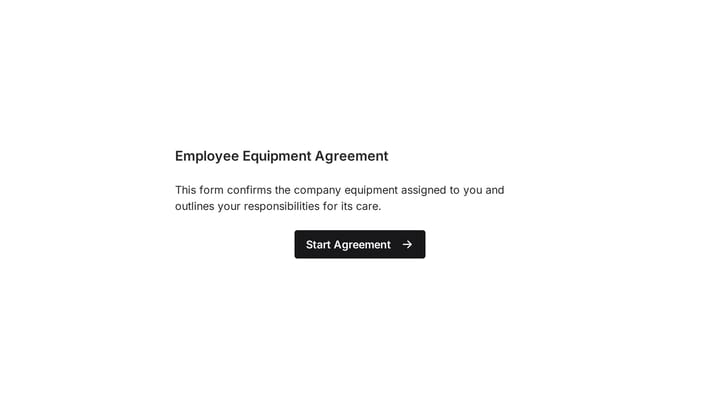
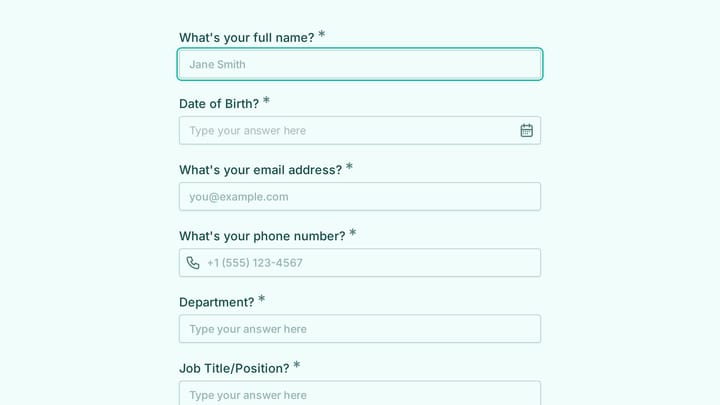
Employee Equipment Agreement Form

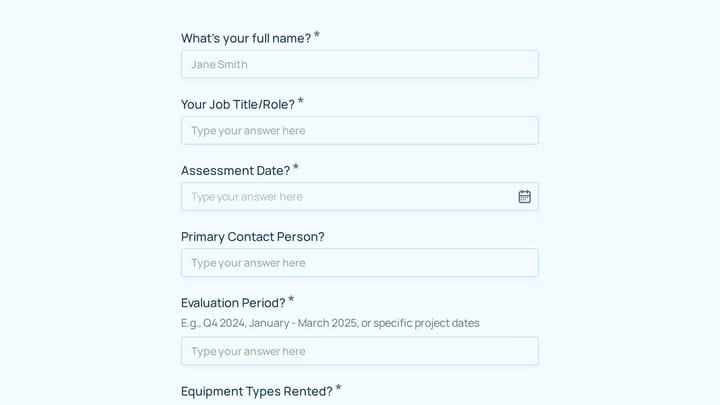
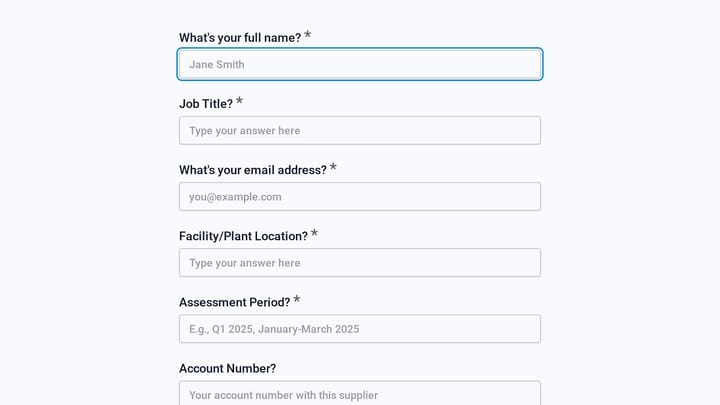
This online Employee Equipment Agreement Form template helps you efficiently track company assets assigned to your staff. Easily collect important details like employee names, departments, and serial numbers for items ranging from laptops and monitors to specialized tools.

Employees Feedback Consents Construction HR Manager
0

Estimate Form

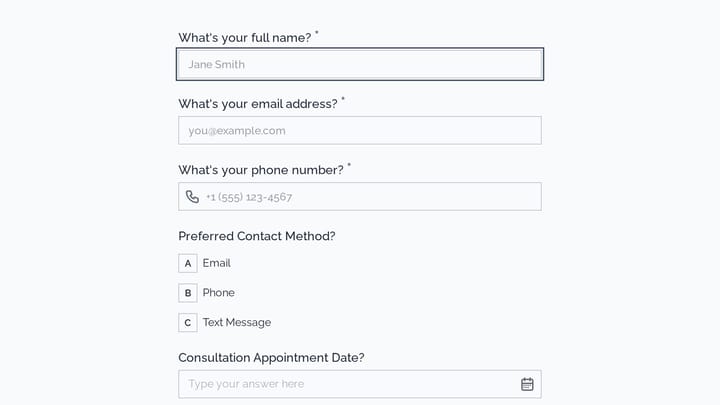
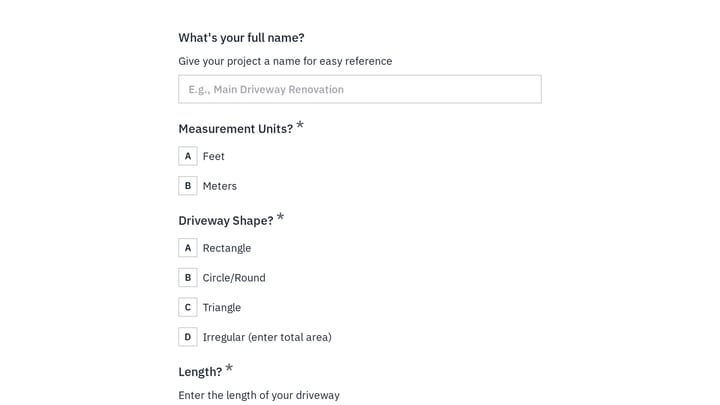
Quickly generate professional project estimates and provide a seamless experience for your clients with this customizable form template.

Quote Requests Feedback Contacts Construction Small Business Owner

About Construction Forms

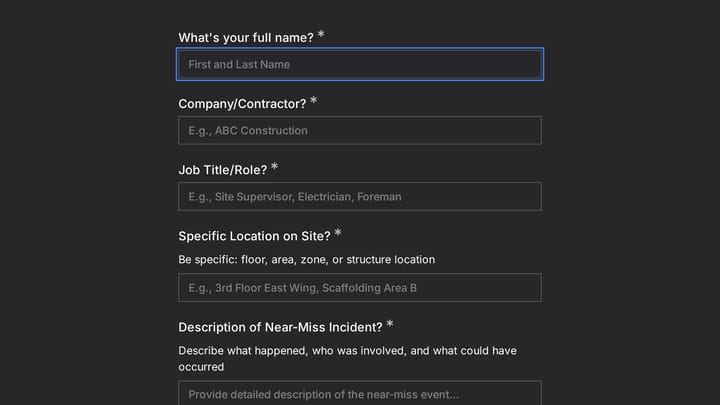
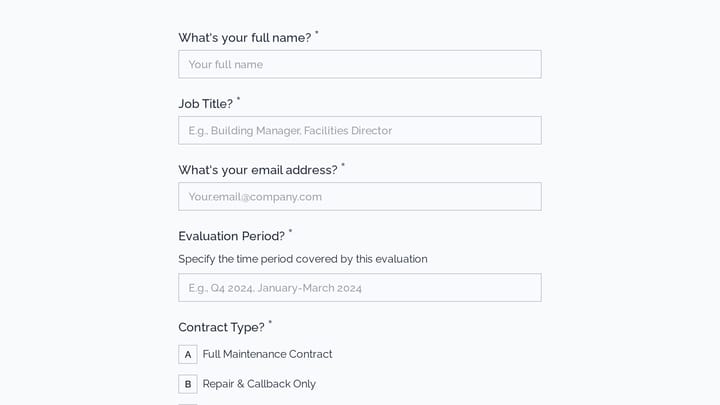
Construction forms support project management from initial estimates through completion. From quote requests and change orders to safety inspections and punch lists, they help construction professionals document work, communicate with clients, and maintain the records essential to successful projects.

Construction projects involve multiple parties, detailed specifications, and safety requirements. Forms should capture comprehensive information while remaining usable in job site conditions.

Common Form Types for Construction

  • Project estimate and quote request forms
  • Work order and service request forms
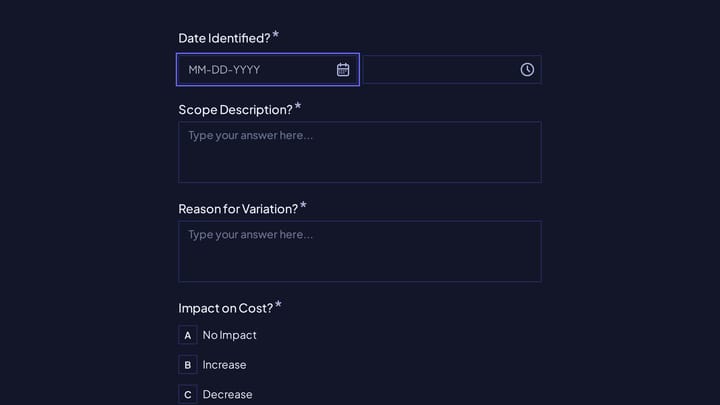
  • Change order approval forms
  • Daily log and progress report forms
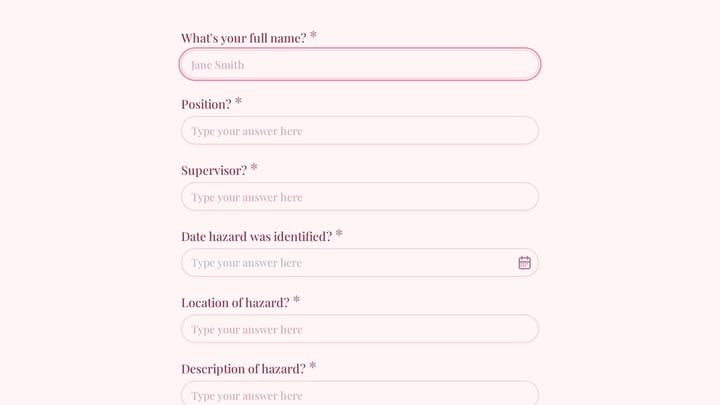
  • Safety inspection and incident report forms
  • Subcontractor application and qualification forms
  • Punch list and completion checklists
  • Client approval and sign-off forms

Who Uses Construction Forms?

Construction professionals across trades use these forms. General contractors manage project documentation. Specialty subcontractors handle work orders. Home builders collect buyer selections. Remodelers process change orders. Architects gather project requirements.

Building Forms for Construction

Design forms that work on tablets and phones at job sites. Include signature fields for approvals and authorizations. Capture photos and documentation inline where possible. For estimates, collect detailed project specifications that enable accurate pricing. Create clear approval workflows for change orders. Maintain comprehensive records for warranty and liability purposes.

Frequently asked questions

What is a form template?

A form template is a pre-designed form structure that you can use as a starting point for creating your own forms. Templates include pre-configured fields, layouts, and styling that are tailored for specific use cases, saving you time and ensuring best practices are followed. Simply select a template, customize it to match your needs, and publish it to start collecting responses.

How do I customize this template?

Customizing a template is easy with our drag-and-drop editor. Click "Use Template" to open the form in the editor where you can add, remove, or rearrange fields, change colors and fonts to match your brand, update question text and descriptions, configure validation rules, and set up email notifications. All changes are saved automatically, and you can preview your form at any time before publishing.

Is this template free to use?

Yes, all our form templates are completely free to use. You can create unlimited forms from any template on our free plan. Some advanced features like file uploads, custom domains, and removing branding require a paid plan, but the core form functionality and templates are available to everyone at no cost.

Can I use this template for my business?

Absolutely! Our templates are designed for both personal and business use. Whether you're a freelancer, small business, or enterprise, you can use any template to collect leads, gather feedback, process applications, or handle any other form-based workflow. For business use, we recommend our Pro plan which includes features like custom branding, advanced analytics, and priority support.

How do I share my form after creating it?

Once you've customized and published your form, you have several sharing options. You can copy the direct link to share via email, social media, or messaging apps. You can also embed the form on your website using our embed code, or use a QR code for offline materials. All sharing options are available from your form's settings page after publishing.

Ready to create your first Fomr?

Your next form deserves better than a white page with dropdowns. Build something people actually want to fill out.