Most roundups of data collection tools spend two thousand words on form editors and one sentence on what happens after someone hits submit. That’s backwards. If you’re shortlisting data collection software, the editor is the easy part. The part that decides whether the tool survives contact with your project is the pipeline: what formats you can export, whether capture works offline, and what the row limits do to your budget once responses start arriving.
So that’s how we’ve ranked this list. Seven tools, judged by their exits.
A quick disclosure before we start: we make Fomr, one of the tools below. We’ve put it in the one section where it genuinely wins and named what it can’t do, because you’ll check anyway.
Judge data collection tools by the exit, not the entrance
Four questions eliminate most candidates faster than any feature tour:
- What can you export? CSV is table stakes. XLSX matters if Excel is your analysis home. SPSS syntax matters enormously for academic and social research, and almost nothing supports it.
- Does capture work offline? Field research, door-to-door surveys, and anything in a warehouse or clinic with bad Wi-Fi needs a mobile app that stores responses locally and syncs later. This is a hard requirement, not a nice-to-have.
- Is there an API? If responses need to land in a database or trigger downstream jobs automatically, a tool without an API means a human doing exports on a schedule. Humans forget.
- Where are the caps? Submission limits, storage limits, and retention windows are where cheap plans get expensive. A 100-submission monthly cap is fine for a contact form and useless for a study.
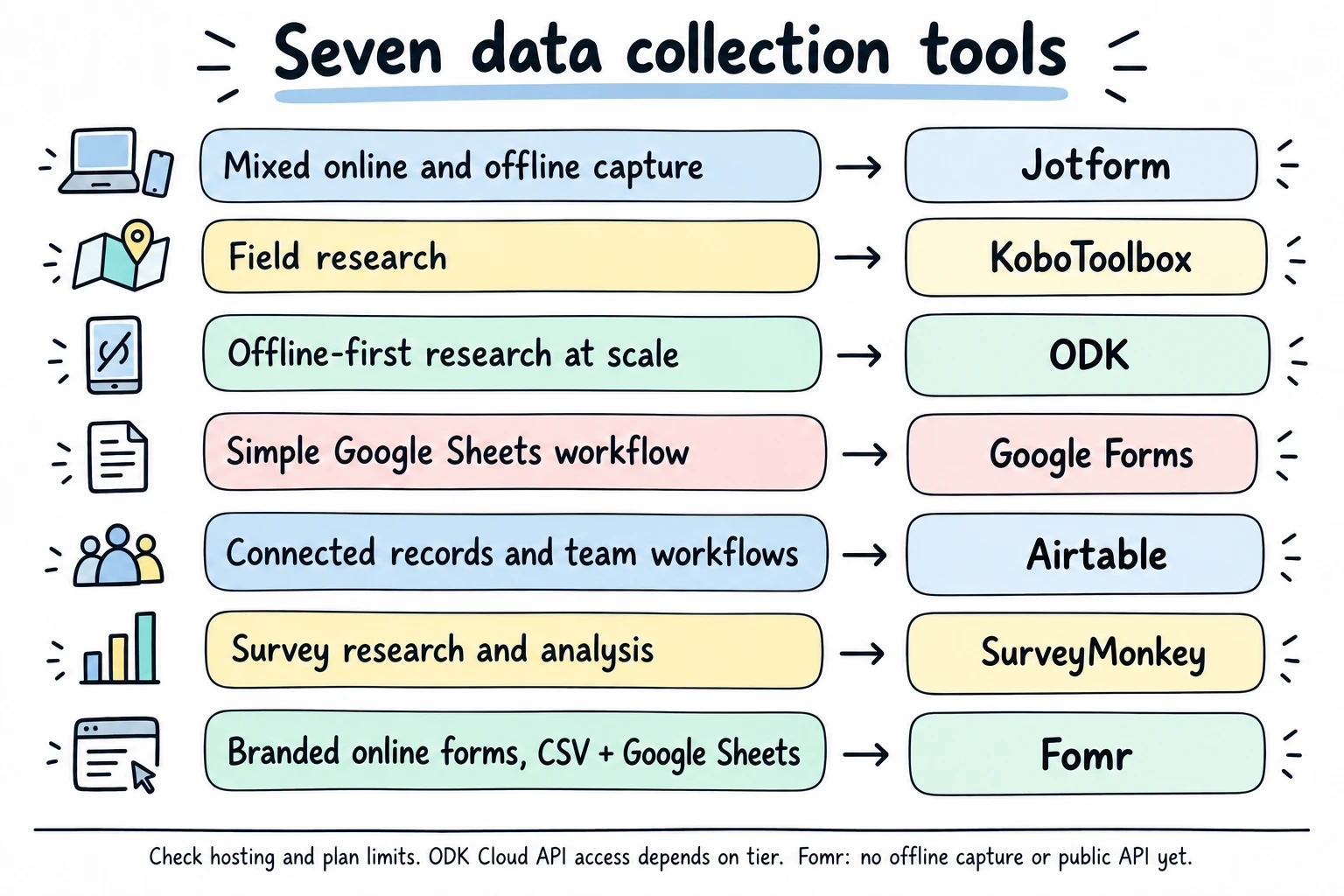
Answer those four for your project and this list of seven collapses to two or three. Here’s the comparison, then the detail.
The 7 best data collection tools compared
| Tool | Offline capture | Exports | API | Free plan | Paid entry (annual) |
|---|---|---|---|---|---|
| Jotform | Yes, mobile app | CSV, Excel, PDF | Yes | 5 forms, 100 submissions/mo | $34/mo |
| KoboToolbox | Yes, KoboCollect | XLSX, CSV, SPSS, GeoJSON, KML | Yes | 5,000 submissions/mo, 1 GB | ≈$129/mo |
| ODK | Yes, offline-first | CSV; API on higher tier | On $499/mo tier (Cloud) | Self-host free | $199/mo (Cloud) |
| Google Forms | No | Google Sheets, CSV | Via Apps Script / Forms API | Effectively unlimited | Workspace plans |
| Airtable | No true offline mode | CSV per view | Yes, all plans | 1,000 records/base, 5 editors | $20/user/mo |
| SurveyMonkey | Enterprise only | CSV, XLSX; SPSS on upper tiers | Yes | 10 questions/survey | $39/mo |
| Fomr | No | CSV, Google Sheets sync | Not yet | Unlimited forms and responses | $24/mo |
Prices and limits checked against vendor pricing pages in August 2026.
1. Jotform, best overall for mixed online and offline collection
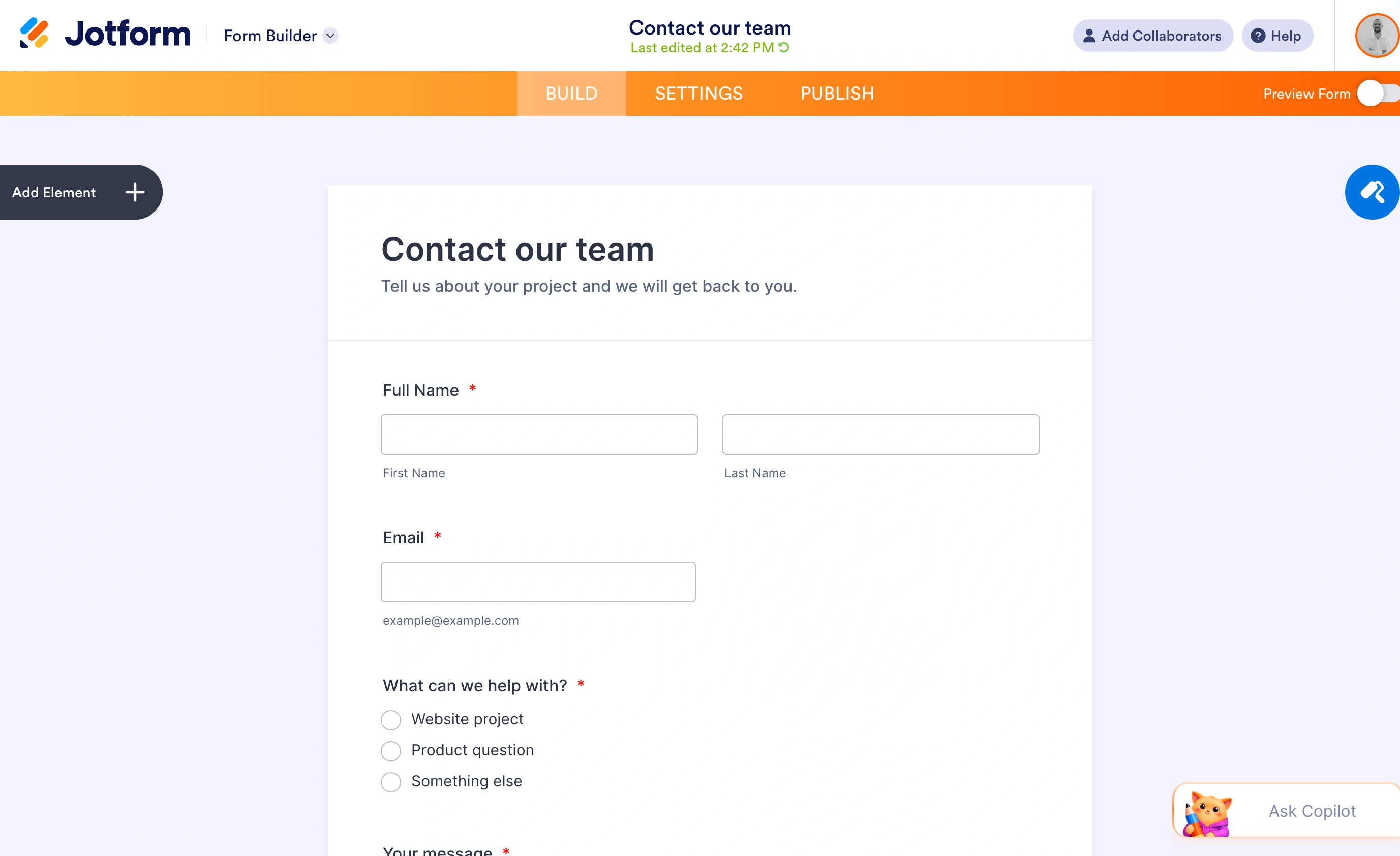
Jotform is the pick when one project spans web forms, a tablet at an event, and a PDF report for whoever asked for the data. Its mobile forms app collects responses without an internet connection and syncs when you’re back online, which puts it in rare company among general-purpose form builders. Exports cover CSV, Excel, and PDF, and there’s a proper API for programmatic pipelines.
Where it loses is the caps. The free Starter plan allows 5 forms and 100 submissions a month with 100 MB of storage, which a single active project exhausts in a week. Bronze at $34/month (billed annually, $39 month-to-month) lifts that to 25 forms and 1,000 monthly submissions; Silver at $39/month gets you 2,500. For steady data collection you should assume you’re on a paid tier from day one, and you should know your monthly volume before picking which.
Honest limitation: the pricing ladder is really a submission meter. Cross 1,000 responses a month and your bill jumps whether or not you need any new features.
2. KoboToolbox, best free tool for field research
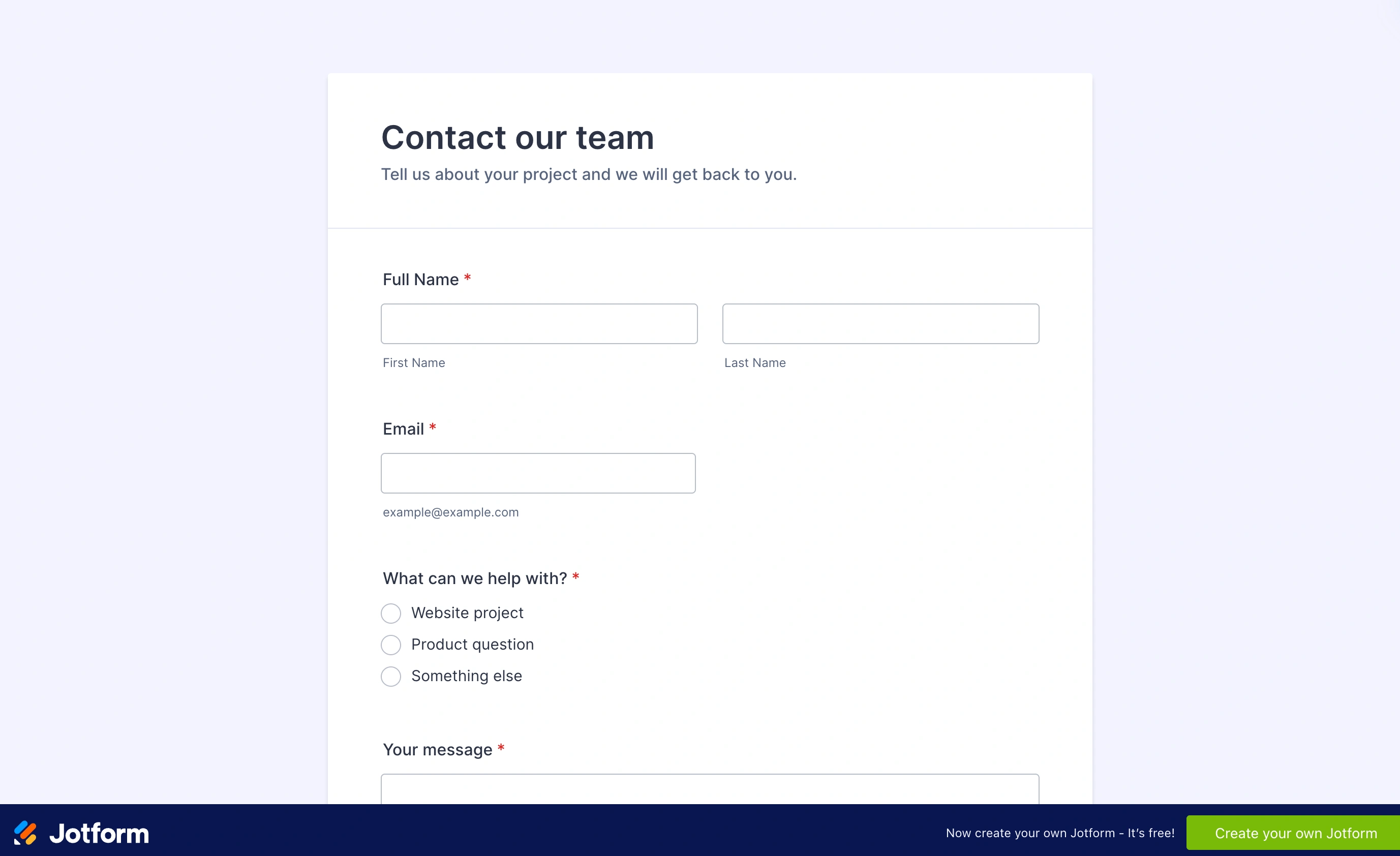
KoboToolbox was built for humanitarian data collection, and it shows in all the right places. The free Community plan includes 5,000 submissions a month with 1 GB of storage and unlimited projects, which is more free capacity than anything else on this list except Fomr. Offline capture works through the KoboCollect Android app, and the export options are the best here: XLSX, CSV, GeoJSON, KML for GPS work, and an SPSS syntax file that applies question and value labels to your variables.
That SPSS export deserves emphasis. If your data ends up in academic analysis, Kobo hands you labeled variables while most tools hand you raw column headers and an afternoon of recoding.
Honest limitation: the form-building experience is functional, not pleasant. Complex forms are typically authored in XLSForm, a spreadsheet-based standard with a real learning curve. And paid plans start at roughly $129/month, so overflowing the free tier is a big jump.
3. ODK, the specialist for offline-first research at scale
ODK (Open Data Kit) is the open-source standard for offline data collection, and half the specialist tools in this space are built on top of it, KoboToolbox included. Both the mobile and web apps work fully offline and sync automatically when a connection appears. The documentation is thorough, and because the software is open source, a technical team can self-host the whole stack for free.
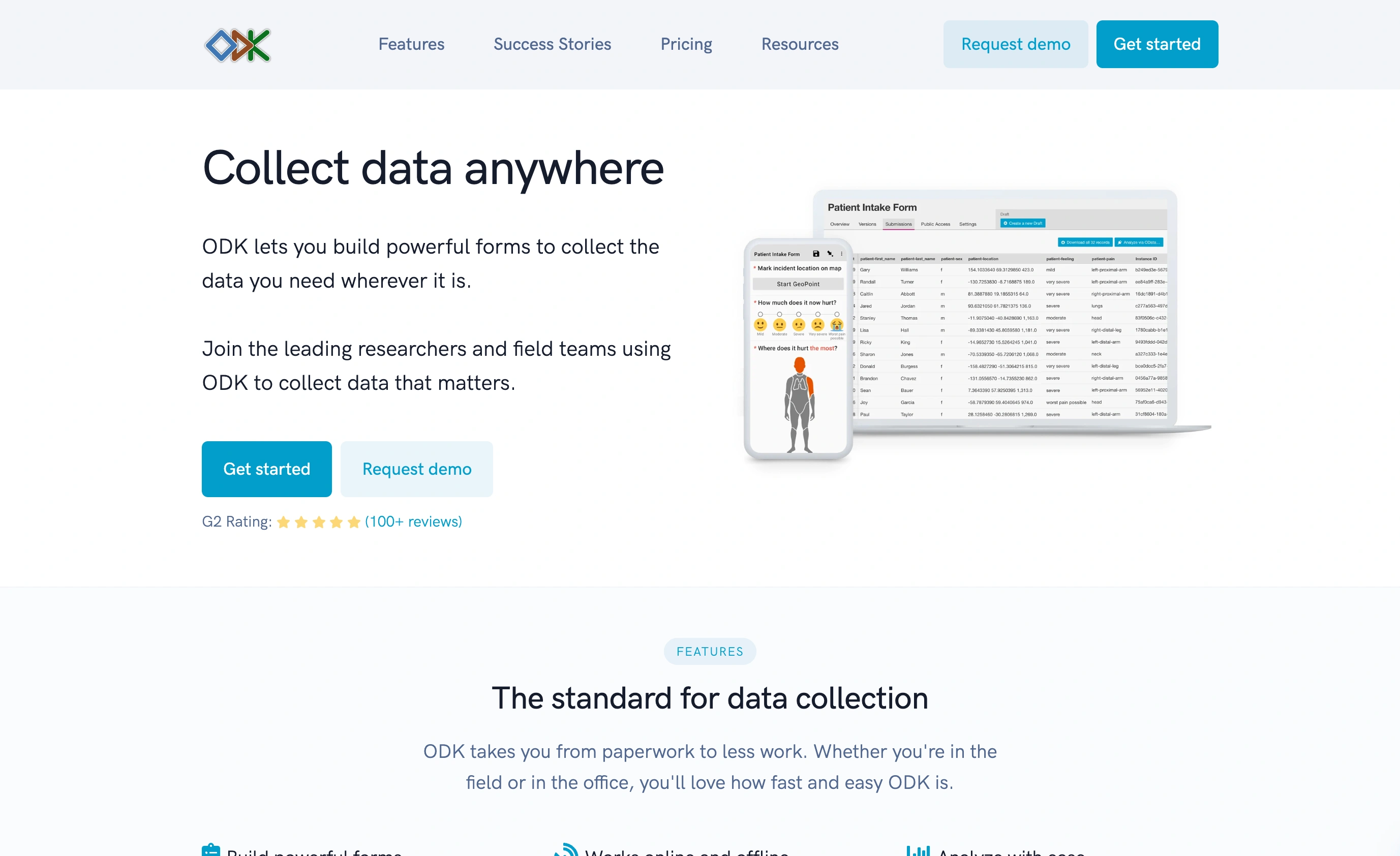
The managed option, ODK Cloud, starts at $199/month for one project and 10,000 monthly submissions, with API access arriving on the $499/month Professional tier. That pricing tells you who it’s for: funded research programs and NGOs where data integrity justifies the line item, not side projects.
Honest limitation: ODK assumes technical capacity. Self-hosting is genuinely free but requires someone comfortable running a server, and XLSForm authoring applies here too.
4. Google Forms, the budget baseline
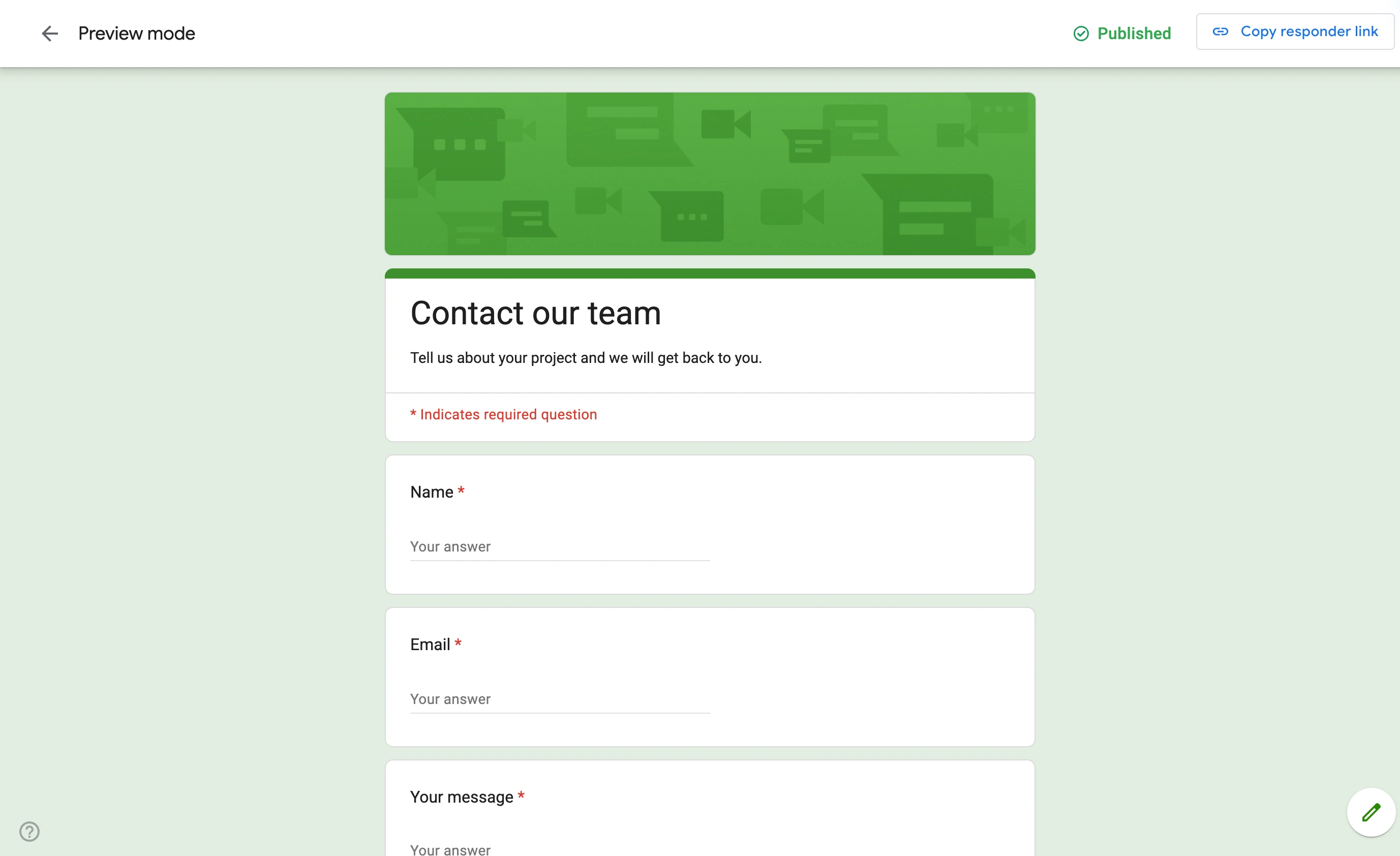
Google Forms remains the tool to beat at the price of zero. Responses land in a Google Sheet automatically, there’s no meaningful submission cap, and Apps Script gives you a scrappy but real automation path. For internal data collection where nobody cares how the form looks, it’s hard to argue with.
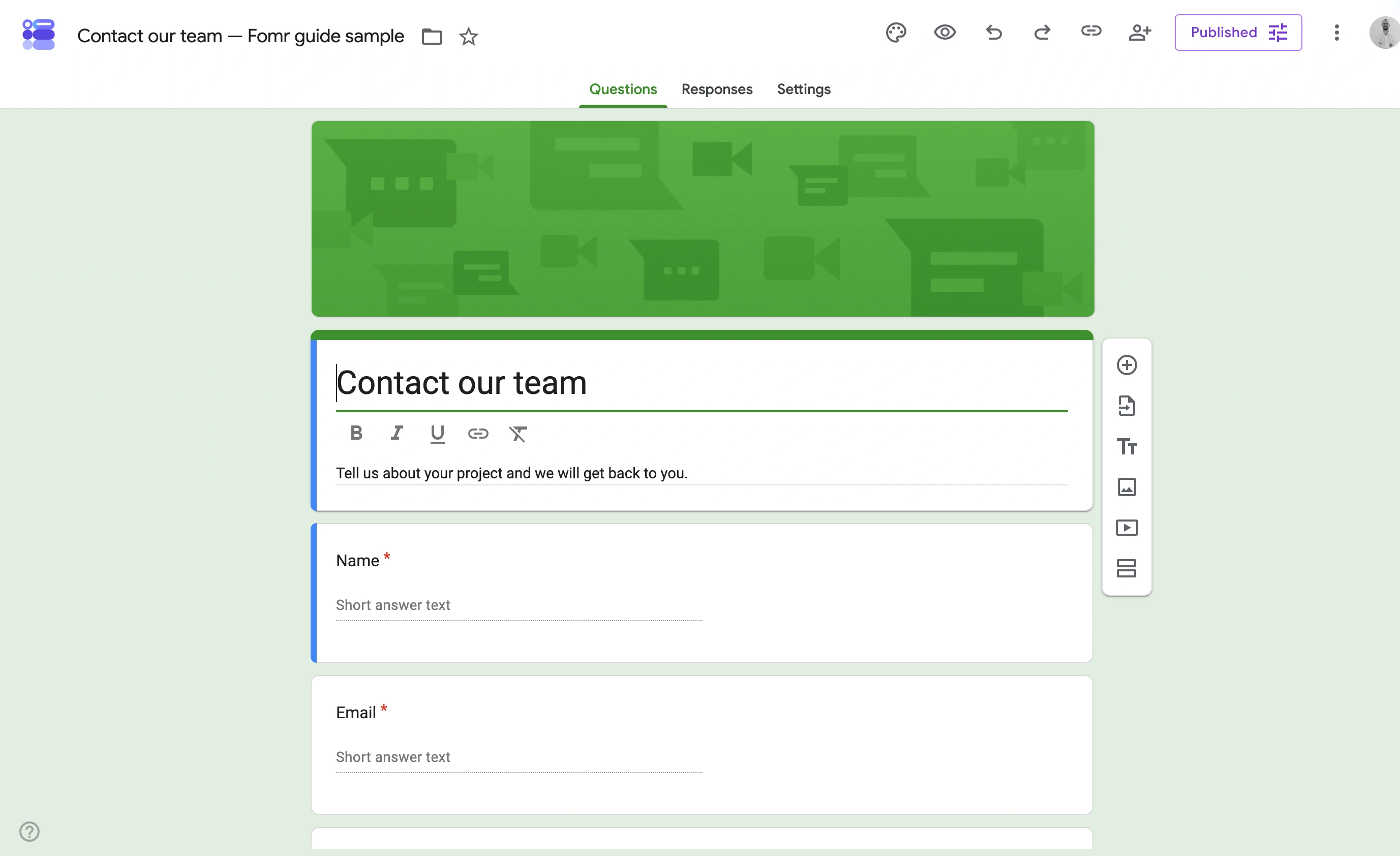
The case against it is everything around the edges. No offline capture, minimal design control, and exports are essentially “whatever you can do with a Sheet.” If respondents are customers rather than colleagues, the generic look costs you response quality, something we dug into in our form analytics guide.
Honest limitation: it’s a form in front of a spreadsheet, and that’s the ceiling. There’s no path to offline capture, SPSS, or granular plan limits because there are no plans to speak of.
5. Airtable, best when the data is the product
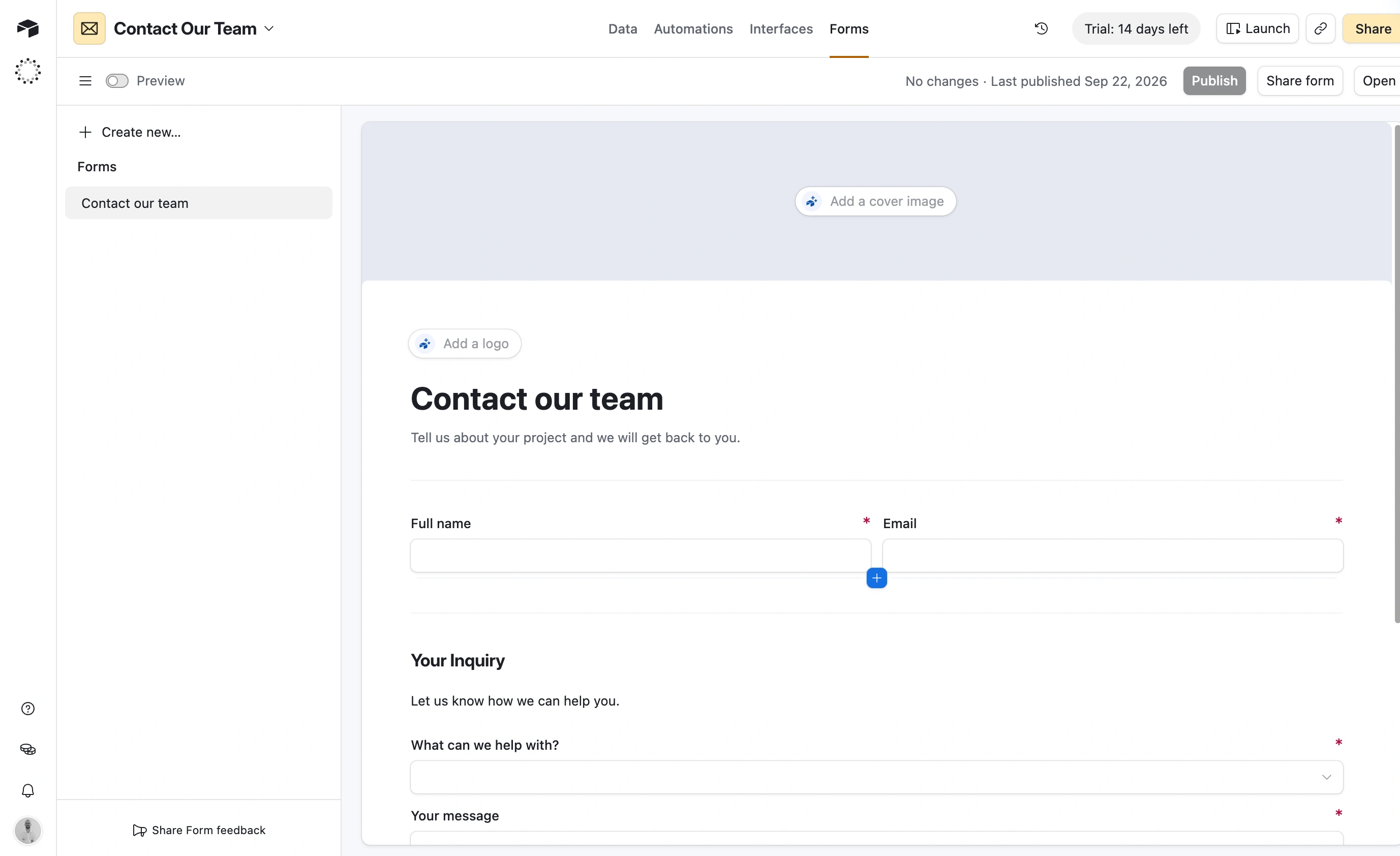
Airtable inverts the usual model: instead of a form that produces an export, you get a database that happens to have forms attached. Every submission is a record you can filter, link to other tables, and pull through an API that’s available on every plan including the free one. If your “data collection” is really “building a dataset the team works in daily”, that structure beats any export workflow.
The free plan caps at 1,000 records per base with 5 editors and 1 GB of attachments, and Airtable trimmed that record limit early in 2026, so don’t plan around old numbers. Team costs $20/user/month billed annually, and the per-seat model means costs scale with your team, not your data.
Honest limitation: the native forms are plain and there’s no true offline mode. Airtable is where collected data should live, not the best instrument for collecting it in difficult conditions.
6. SurveyMonkey, best for survey research that ends in stats software
For classic survey research, SurveyMonkey’s analysis and export depth still earns its place. Paid plans export to CSV and XLSX, and SPSS export exists on the upper tiers, which matters if your pipeline ends in statistical software rather than a spreadsheet. The Advantage plan runs $39/month billed annually with 15,000 responses a year; Premier is $139/month with 40,000.
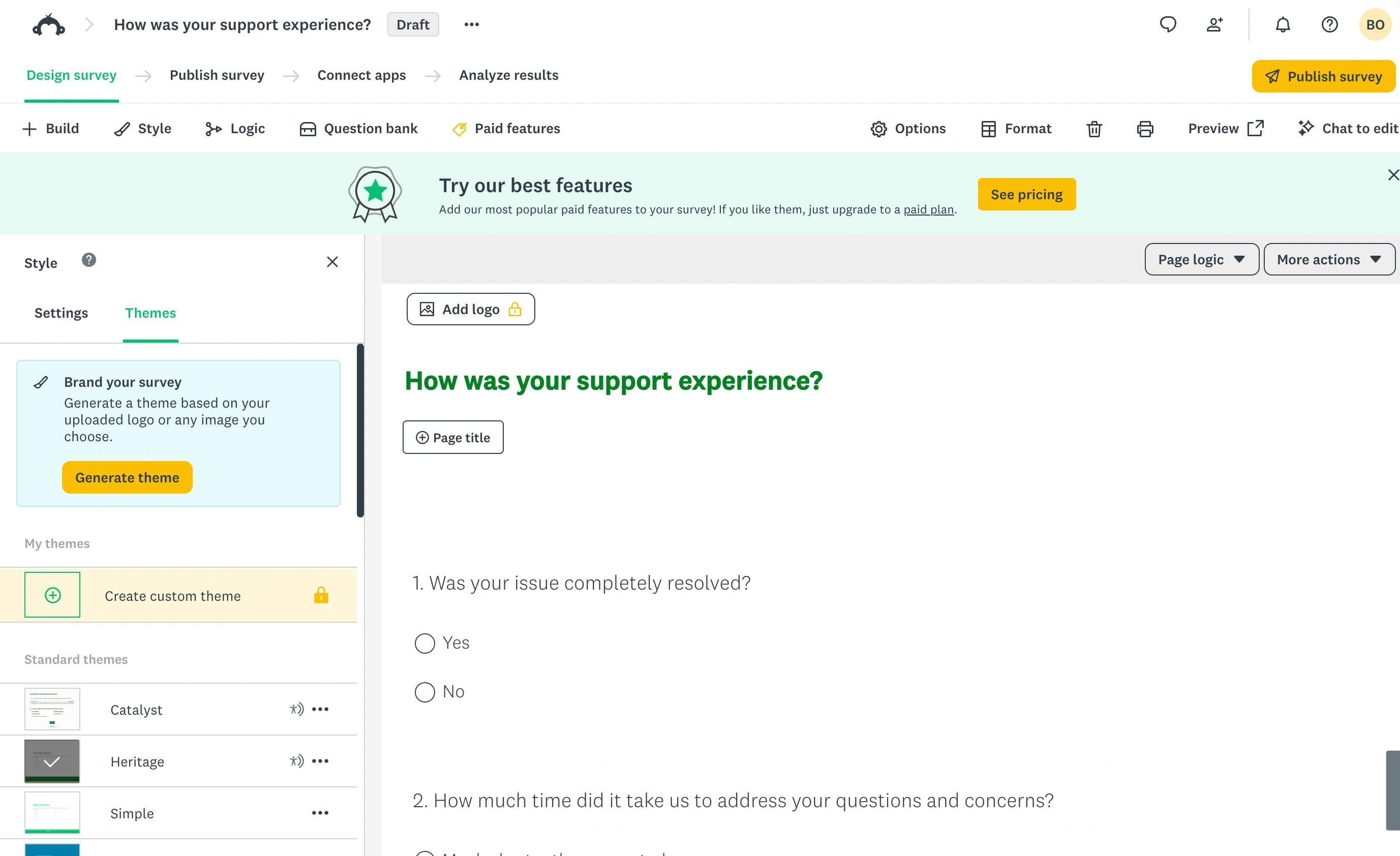
Two things to watch. The free plan is a demo, capped at 10 questions per survey with only a handful of viewable responses. And offline collection through the SurveyMonkey Anywhere app is restricted to Enterprise plans, so field teams on individual plans are out of luck. We compared it against lighter options in our survey tools for small teams roundup.
Honest limitation: annual response quotas suit scheduled research waves, not continuous collection. Overage fees per extra response make a viral survey an expensive surprise.
7. Fomr, best free pick for online capture with a spreadsheet pipeline
We built Fomr, so weigh this section accordingly. Here’s the case on the four questions above.
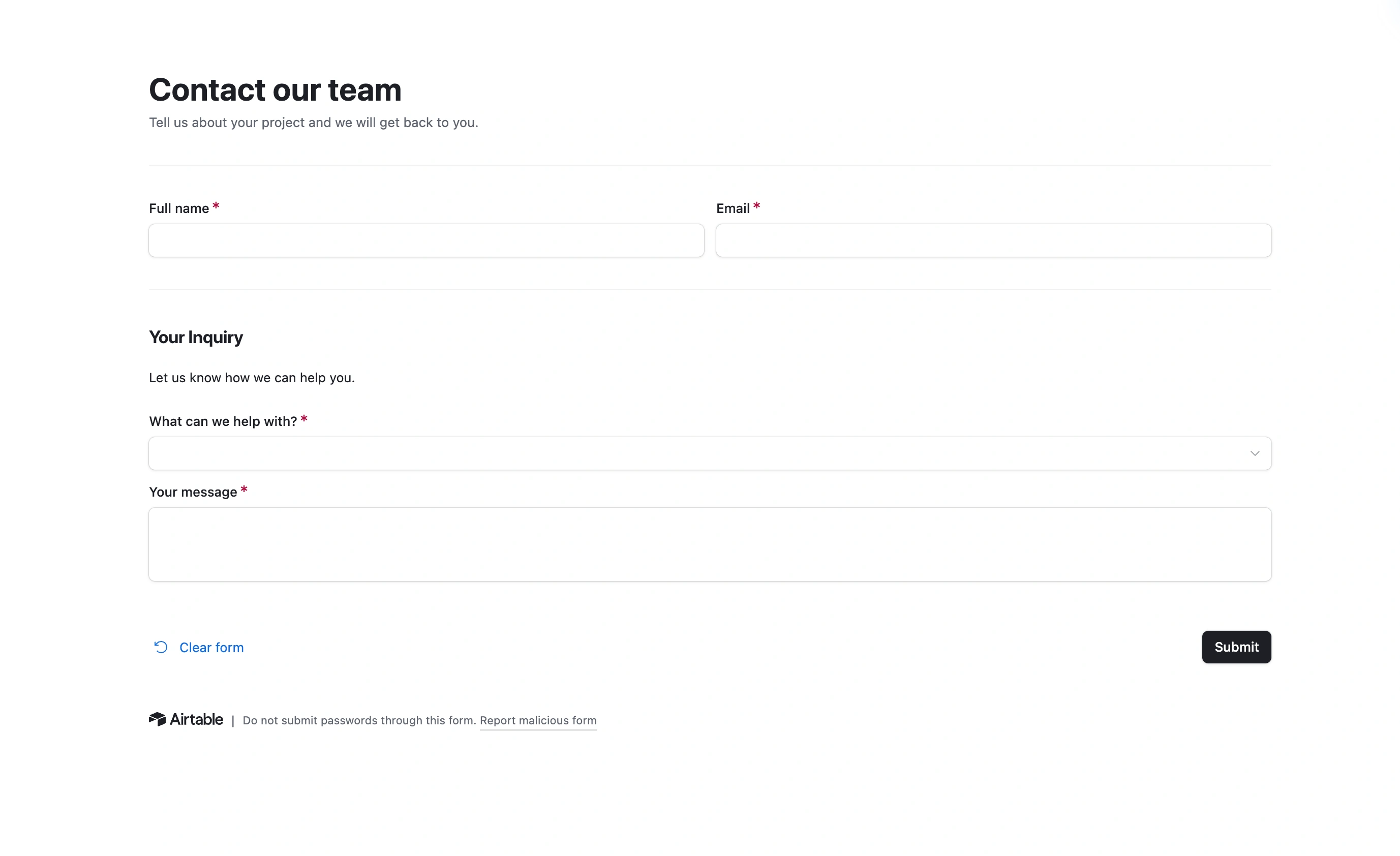
Volume: the free plan has no caps on forms, responses, fields, or team members, which makes it the only tool here where “how many submissions will we get?” isn’t a budgeting question. Exports: completed responses download as CSV, and our Workflows feature syncs each new response to a Google Sheet automatically, with question labels kept in sync as the form changes. Design: full control over fonts, colors, and layout, so the form respondents see looks like yours, not ours. You can try the editor without creating an account.
Now the exits we don’t have, because this audience will check. There’s no REST API and no webhooks yet, so programmatic pipelines are out for now; we’ve written about where the API is headed. There’s no offline mobile capture, so field research should go to Kobo or ODK. And there’s no SPSS export. Fomr fits teams collecting data online whose pipeline ends in a spreadsheet, and at that job the free tier is unbeatable. Pro is $24/month for custom domains and removing our branding.
Give it a try
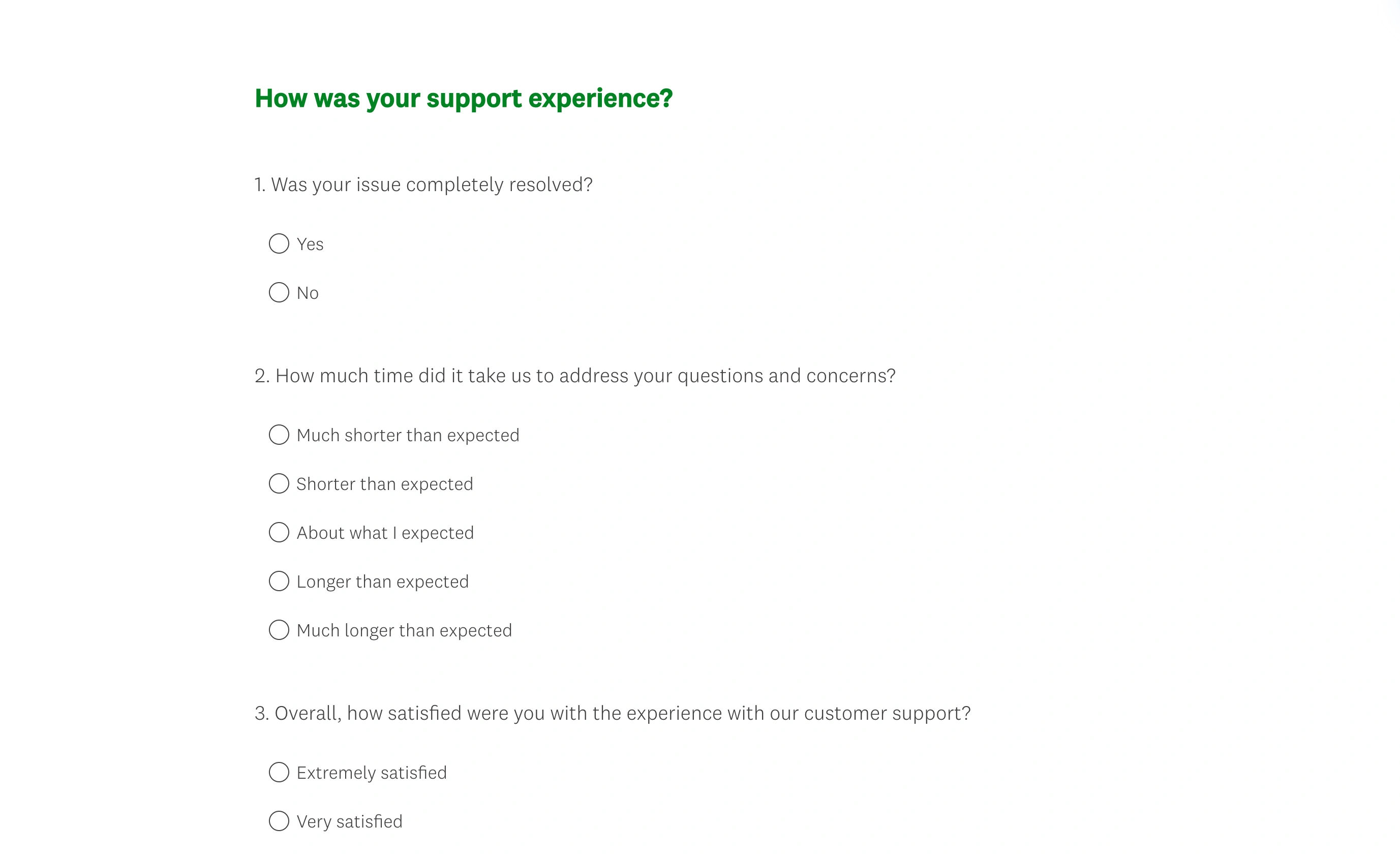
Try this Fomr customer feedback survey form
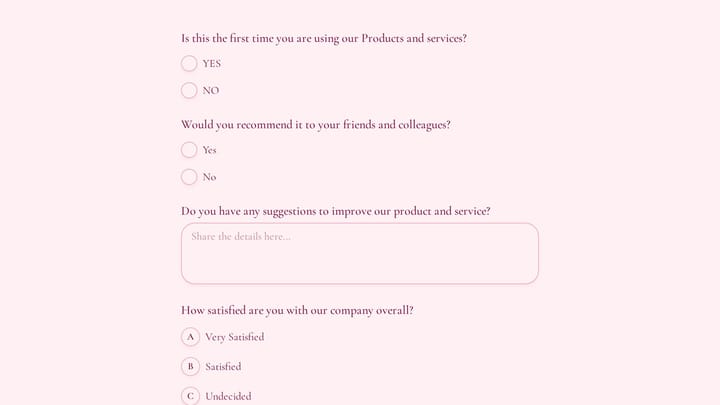
Try the recommendation, improvement, and satisfaction questions in this Fomr feedback survey. It shows how to collect responses, without automated research analysis or scoring.

What switching actually costs
Whichever way you go, budget for three things beyond the subscription:
- History exports, structure doesn’t. Every tool here gets your rows out as CSV, but branching rules, notification setups, and validation logic get rebuilt by hand in the new tool.
- Column mapping is the boring risk. Question wording changes between tools break longitudinal comparisons. Keep a mapping document from old column names to new ones before you flip the switch.
- Retention clocks differ. Check how long your old tool keeps data after you downgrade or cancel, and export everything before that window closes, not after.
The verdict
Match the tool to your pipeline:
- Mixed online and offline collection with reporting: Jotform, priced by your monthly volume
- Field research on a budget: KoboToolbox, and its SPSS export is the sleeper feature
- Offline-first research with funding or technical staff: ODK
- Internal data gathering at zero cost and zero polish: Google Forms
- Building a living dataset with API access: Airtable
- Scheduled survey waves ending in stats software: SurveyMonkey
- Online collection at any volume, ending in a spreadsheet: Fomr
If that last profile is yours, the test costs nothing: open the Fomr editor, build a collection form without signing up, and connect it to a Google Sheet when you’re ready. Unlimited responses on the free plan means the pilot and the real project run on the same price: zero.