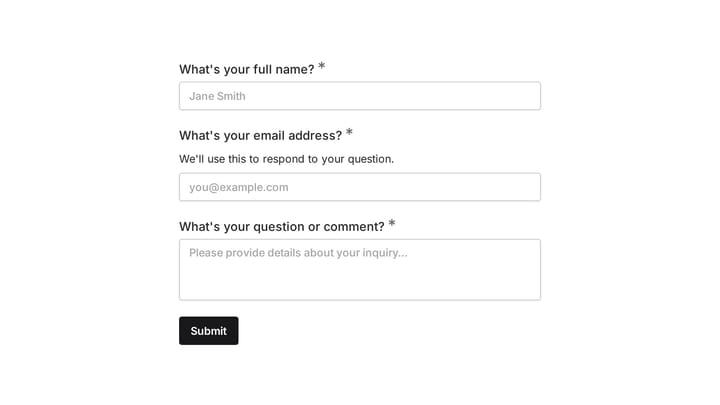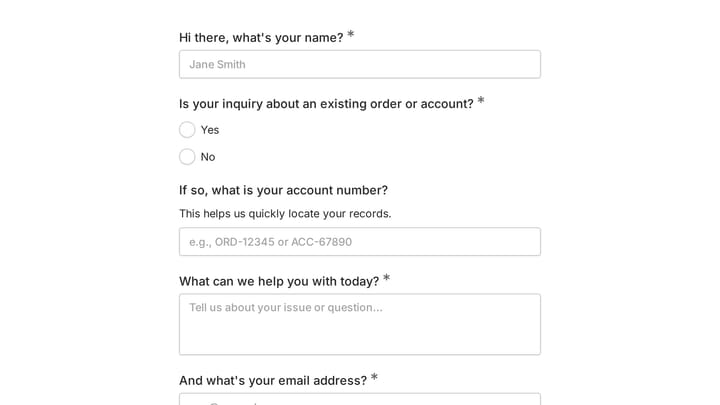
The Formstack vs Jotform decision looks like a form builder comparison, but it’s really a question about what happens after someone hits submit. Formstack sells a workflow suite: the form is the front door to document generation, eSignatures, and approval chains, priced accordingly at $83/month and up. Jotform sells throughput: as many forms, templates, and integrations as you can use, starting free and scaling in affordable steps.
Pick by feature checklist and they look similar. Pick by what your team does with submissions and the right answer usually becomes obvious within a paragraph or two. Let’s get you there.
One naming note before we start: Formstack’s parent company rebranded to Intellistack in mid-2025, but the Formstack product line kept its name and remains actively sold. If you see both names in sales calls, that’s why.
What each tool is actually for
Formstack is built for operations and compliance-minded teams, especially in healthcare, finance, and anything Salesforce-shaped. Its pitch is that a form should trigger a process: generate a populated document, route it for signature, push the data into your system of record. The pieces (Forms, Documents, Sign) are sold together in a Suite plan, and the company leans hard into HIPAA and Salesforce-native deployments.
Jotform is built for everyone else. It’s the most feature-dense mainstream form builder: 10,000+ templates, payments on every tier including free, approval flows, a table view of your data, and an integration directory that covers nearly any tool you already use. It grew bottom-up from individual users, and the pricing still reflects that.
Neither is a bad product. They’re aimed at different buyers, which is why the pricing gap below isn’t a ripoff on one side or a bargain on the other. It’s two different bets.
Formstack vs Jotform pricing in 2026
We pulled these numbers from both vendors’ pricing pages the day this was written. Both discount for annual billing; we quote the annual-billing rate with monthly in parentheses.
Formstack now sells two standard plans. Forms is $83/month billed annually ($99 monthly) and includes 1 builder user, 25 forms, 1,000 submissions per form, and 2 GB of storage. Suite is $250/month billed annually ($299 monthly) with 3 builder users, 100 forms, 5,000 submissions per form, 10 GB of storage, plus unlimited document generation and eSignatures. Documents and Sign are no longer priced as standalone products on the pricing page, so if you want the workflow features that justify choosing Formstack, the realistic budget is Suite: about $3,000 a year.
Jotform starts free with 5 forms and 100 submissions a month. Bronze is $34/month billed annually ($39 monthly) for 25 forms and 1,000 monthly submissions. Silver is $39/month ($49 monthly) for 50 forms and 2,500 submissions. Gold is $99/month ($129 monthly) for 100 forms, 10,000 monthly submissions, and HIPAA features. Enterprise is custom, with unlimited everything.
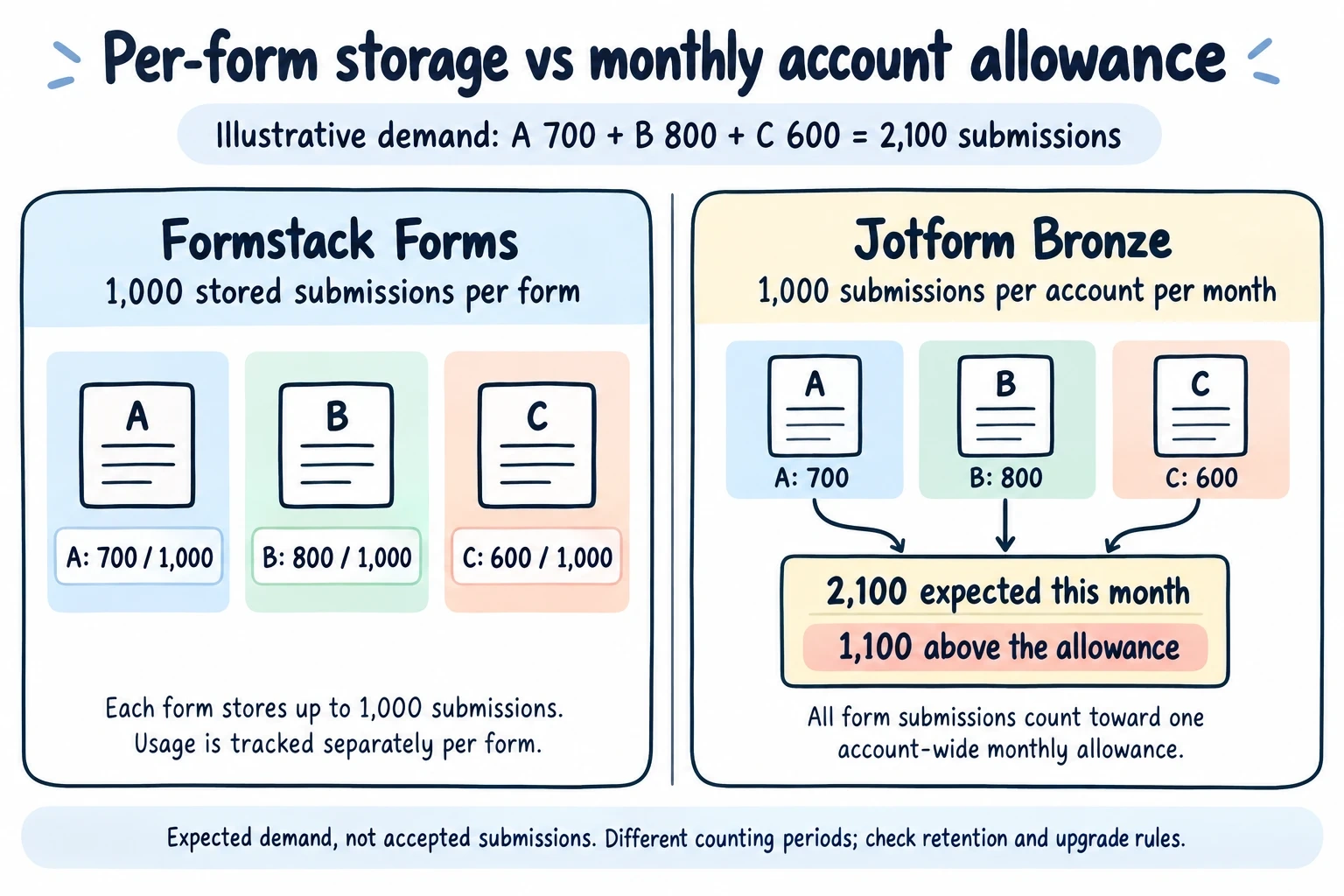
Read those limits carefully: Jotform counts submissions across the account each month; Formstack limits the records stored per form. These are different units, not directly comparable monthly allowances. In the illustration, three forms need 700 + 800 + 600 = 2,100 responses, which is 1,100 above Jotform Bronze’s monthly allowance. Each fits a separate 1,000-record Formstack allowance only if enough storage remains. Formstack explains its per-form counting and overflow behavior. Plan retention and exports before comparing costs.
Building forms: ease vs depth
Day to day, Jotform is the friendlier tool. The drag-and-drop builder is quick, the template library means you rarely start from zero, and small conveniences (payment fields on the free plan, a spreadsheet-style Tables view) add up. Its conditional logic covers show/hide, skip, and calculation cases without add-ons.
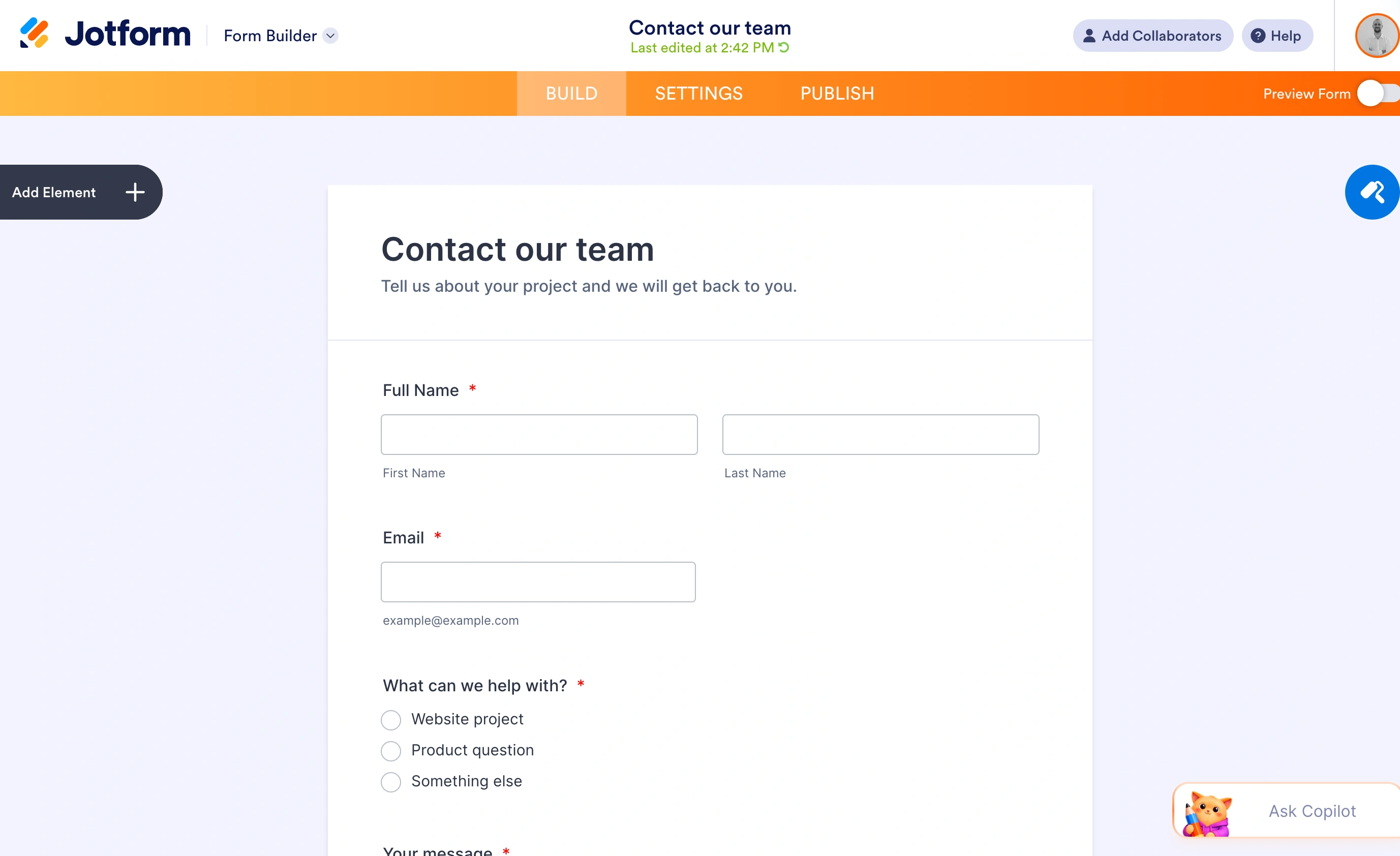
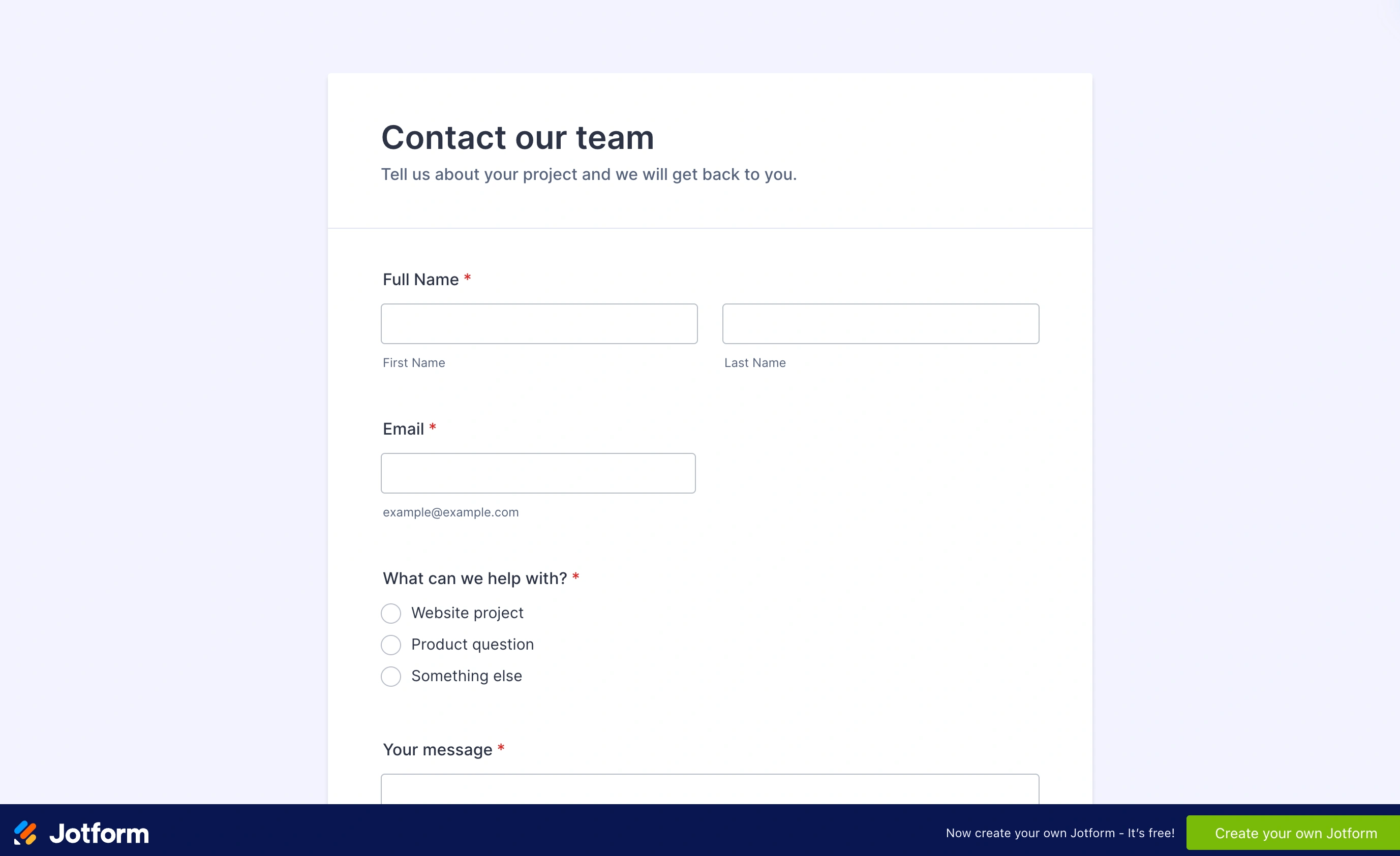
Our finished contact form puts the name, email, topic, and message fields on one page. Respondents can see what information they need to provide before they start typing.
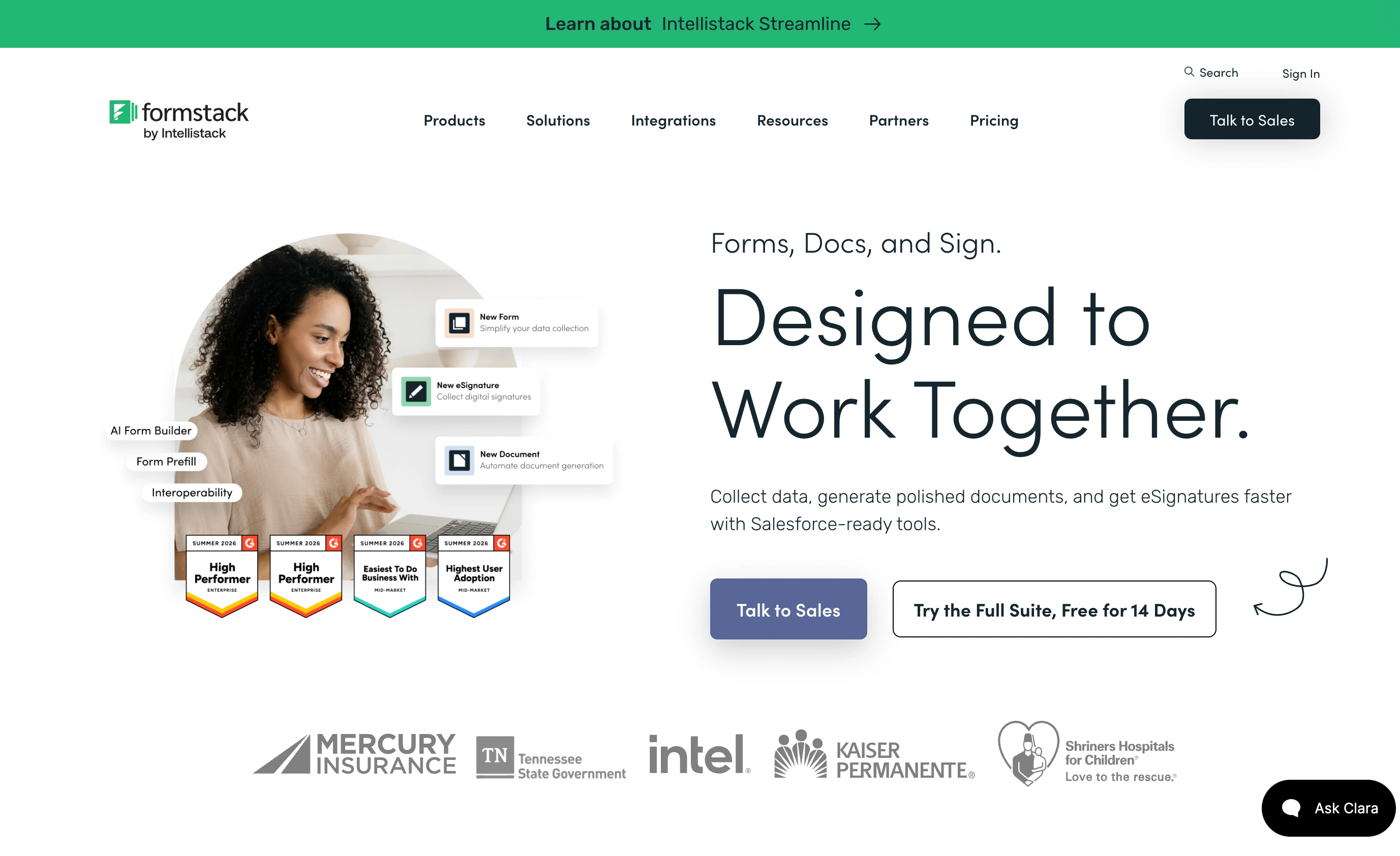
Formstack’s builder is competent but utilitarian. You feel the product’s center of gravity is elsewhere: workflow configuration, field mapping into documents, Salesforce objects. Teams that live in those screens don’t mind. People who just need a registration form up by Friday tend to find it heavier than necessary, and the 1-builder-user limit on the Forms plan means collaboration starts at Suite prices.
On pure form design, honestly, neither wins awards. Both produce forms that look like the tool that made them unless you invest in CSS. If the form is customer-facing and brand matters, this is the one area where we’d point you at a third option: Fomr gives you full visual control (1,700+ fonts, custom backgrounds, multi-page layouts) with unlimited forms and responses on the free plan. It doesn’t do document workflows or deep integrations yet, so it’s not a Formstack replacement, but for the design-sensitive forms in your stack it costs nothing to use alongside either tool.
Give it a try
Try this Fomr lead capture information form
Try this Fomr lead-capture example: enter contact details, choose an interest, and describe what you need. The pages show the collection experience without automated lead routing.

Documents, signatures, and workflow: where Formstack wins
This is Formstack’s home turf and Jotform doesn’t really contest it at the same depth. Suite generates populated documents from submission data, routes them for legally binding signatures with no per-envelope fees, and handles multi-step approval chains, all natively. If your process is “intake form, then contract, then signature, then Salesforce,” Formstack collapses three vendors into one and the $250/month starts to look reasonable against a DocuSign-plus-forms-plus-glue stack.
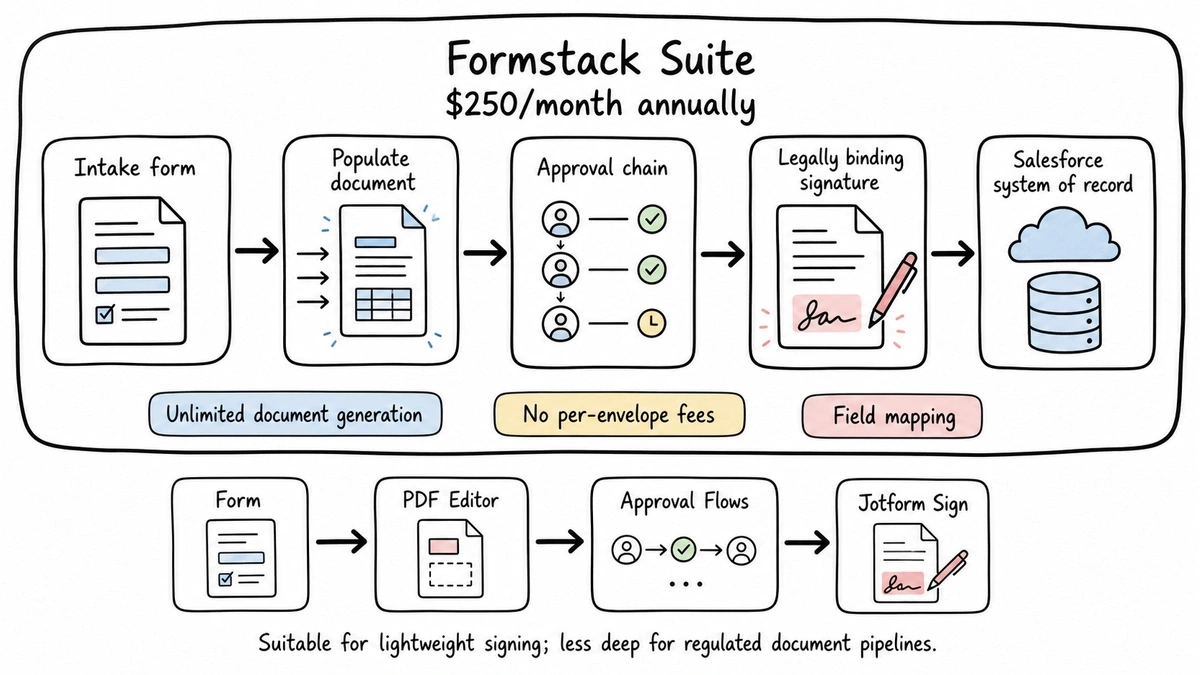
Jotform has an answer (Jotform Sign, PDF Editor, approval flows), and for lightweight signing it’s genuinely fine. But teams with document-heavy, regulated processes usually find Formstack’s pipeline more robust, and its Salesforce-native option has no real Jotform equivalent.
Integrations and templates: where Jotform wins
Flip the axis and Jotform takes the round just as clearly. Its integration directory spans payment processors (30+, on every plan), CRMs, email tools, storage, and automation platforms, and its template library is measured in the tens of thousands. Formstack’s integration list covers the enterprise essentials but is a fraction of the size.
Jotform also wins on approachability at every price point. There’s a real free plan to test on, the mobile apps are mature, and you can go from signup to a working payment form in under an hour without talking to anyone. Formstack has no free plan, only a trial, and its buying process is oriented toward demos and sales conversations.
Compliance: HIPAA and SOC 2 on both, at different prices
Both platforms serve regulated industries, but the entry price differs a lot.
Jotform includes HIPAA features on the Gold plan at $99/month billed annually, with a BAA, and its Enterprise tier runs in a SOC 2 Type II compliant environment. That’s the cheapest credible HIPAA form option between the two.
Formstack offers HIPAA compliance as an add-on to its standard plans rather than bundling it, and holds SOC 2 Type II certification as an organization. Enterprise deals bundle compliance, SSO, and custom SLAs. Practically: a small clinic gets HIPAA cheaper from Jotform; an organization that also needs compliant document generation and signatures in the same pipeline is squarely in Formstack territory.
If SOC 2 is the requirement driving your evaluation, we’ve written a broader guide to choosing a SOC 2 compliant form builder. Fomr runs on infrastructure hosted in SOC 2-compliant data centers, with EU data residency and encryption in transit and at rest on every plan, free one included. Our security page has the details.
Formstack vs Jotform: the comparison table
| Formstack | Jotform | |
|---|---|---|
| Entry paid plan | $83/mo annual ($99 monthly) | $34/mo annual ($39 monthly) |
| Free plan | No, trial only | Yes: 5 forms, 100 submissions/mo |
| Forms on entry plan | 25 | 25 |
| Submission limit model | 1,000 per form | 1,000 per account/month |
| Users on entry plan | 1 builder | 1 |
| Documents + eSign | Native, unlimited on Suite ($250/mo annual) | Jotform Sign, lighter weight |
| HIPAA | Paid add-on on standard plans | Included at Gold, $99/mo annual |
| SOC 2 | Type II certified organization | Type II environment on Enterprise |
| Templates and integrations | Enterprise essentials | Massive directory, 10,000+ templates |
| Salesforce-native option | Yes | No |
Verdict: match the tool to the buyer
Choose Formstack if submissions feed a document pipeline. Intake-to-contract-to-signature processes, Salesforce-native deployments, and operations teams that will actually use Suite’s workflow depth get real value for the roughly $3,000/year it costs. Buying it just for forms, though, means paying workflow prices for a form builder, and Jotform Bronze does that job at less than half the Forms plan’s price.
Choose Jotform if you need volume, templates, integrations, or payments without procurement meetings. It’s the better everyday form builder, the cheaper path to HIPAA at $99/month, and the only one of the two you can properly evaluate for free. Its ceiling is workflow depth: if you find yourself duct-taping documents and signatures around it, you’ve hit the boundary that Formstack exists on the other side of.
And if you need neither document workflows nor a giant integration directory, because your forms are registrations, feedback, and lead capture that should look like your brand, both tools are heavier and pricier than the job requires. That gap is where we’ve aimed Fomr: unlimited forms and responses free, serious design control, and a guest editor you can try without an account. We’re upfront that conditional logic, payments, and integrations are still on our roadmap, so evaluate against your actual field list. Our Jotform comparison and our roundup of Formstack alternatives go deeper if that’s your route.
Whichever way you go, run one real form through your real process before you sign an annual contract. An hour of testing beats any comparison table, including this one.