Most people who go looking for Formstack alternatives aren’t browsing the category. They got a renewal quote, opened the invoice, and started doing math.
Formstack has no free tier. The entry-level Forms plan runs $99/month, or $83/month billed annually, and that buys 25 forms, 1,000 stored submissions per form, and exactly one builder seat. Want document generation and e-signatures too? Those are separate products, and bundling them puts you on the Suite plan at $299/month ($250 annually).
That gap between what Formstack sells and what most teams use is the whole story here. Below are eight replacements with current prices and honest limitations, sorted by which half of Formstack you’re actually paying for.
Why people look for Formstack alternatives
The entry price is the obvious one. No free plan, no cheap starter tier, so the first step is $99/month whether you run one form or twenty-five.
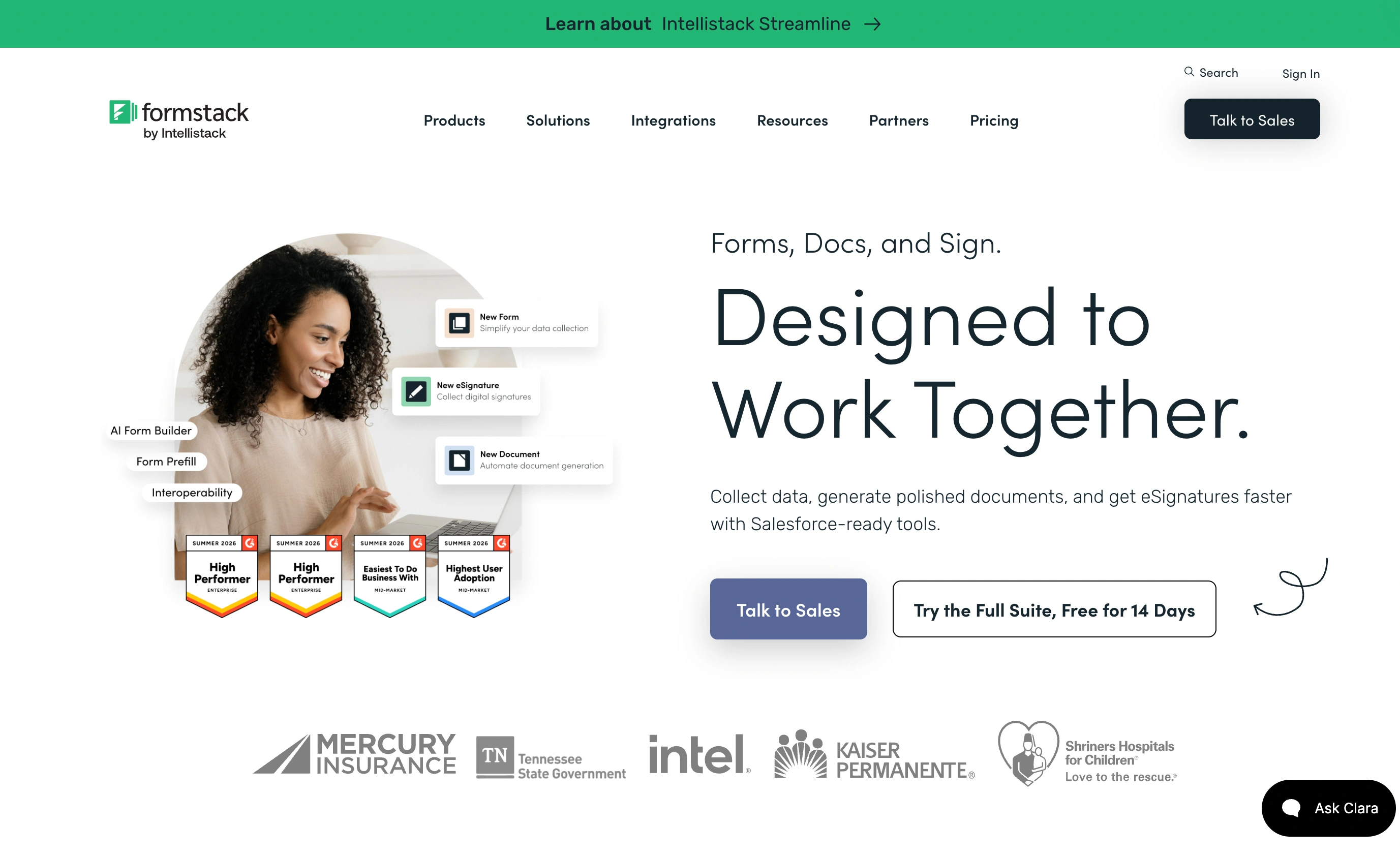
The second is how submissions get counted. The cap is per form rather than per account, so one busy form hits its ceiling while twenty quiet ones sit unused. That’s a strange way to allocate a budget.
Third is the products split. Formstack markets Forms, Documents, and Sign as one platform but prices them as three things, so teams regularly discover the contract generation they read about isn’t in the plan they bought. Approval routing and workflow step logic sit on the Suite tiers or a Workflows PRO add-on, not the base Forms plan.
Fourth, and this is the one that quietly pushes teams out: one builder seat. The moment a second person needs to edit a form, you’re pricing up a tier rather than adding a user.
Sort out which half of Formstack you actually use
Before comparing anything, answer one question. When someone submits your form, what happens next?
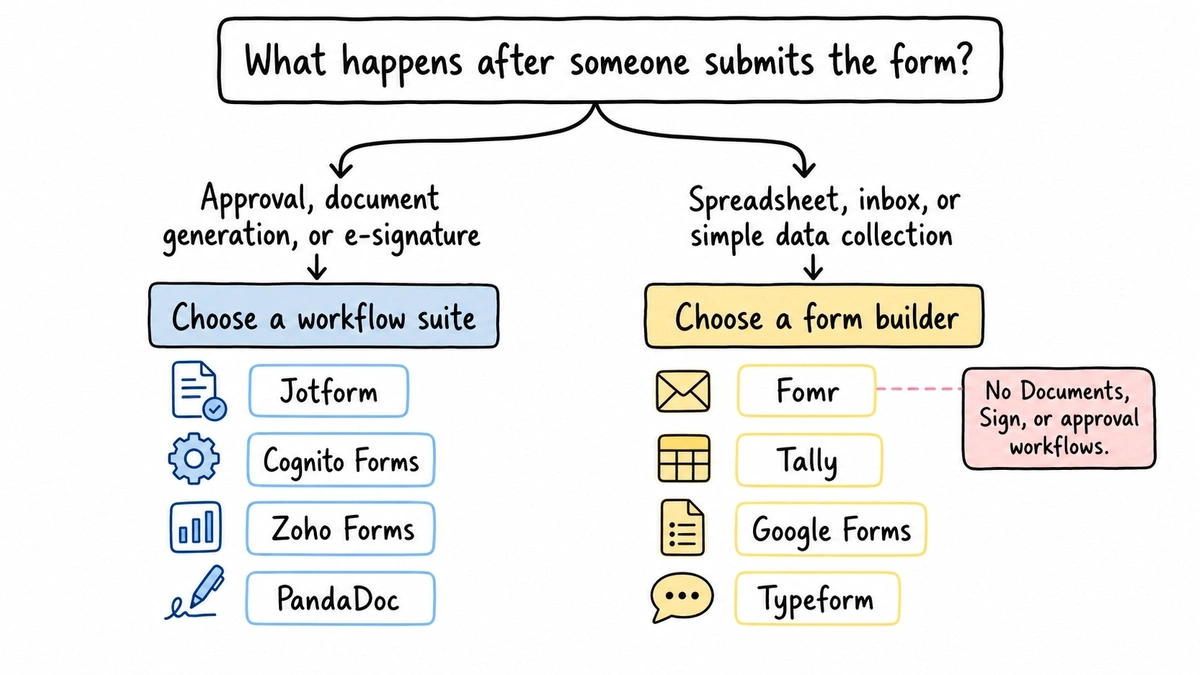
If it kicks off a routed approval, populates a contract, and goes out for signature, you’re a Suite customer and you need a workflow tool. If it lands in a spreadsheet or an inbox, you’re paying workflow prices for a form builder. That’s most teams, in our experience, and the switch is easy.
Worth saying plainly before you read on: Fomr has no equivalent to Formstack Documents, Formstack Sign, or approval workflows. No document generation, no e-signature, no routing. If those are load-bearing for you, skip our section and pick from the first group. We’d rather tell you now than three paragraphs into a pitch.
The comparison table
Same criteria applied to every tool. Prices are monthly list unless the annual figure is noted.
| Tool | Free plan | Cheapest paid plan | What that plan includes | E-signature | Approval routing |
|---|---|---|---|---|---|
| Formstack | None | $99 ($83 annual) | 25 forms, 1,000 stored submissions per form, 1 seat | Separate product | Suite tiers or add-on |
| Jotform | 100 submissions/mo | $39 ($34 annual) | 25 forms, 1,000 submissions/mo | Yes | Yes |
| Cognito Forms | 100 entries/mo | $24 | Unlimited forms, 2,000 entries/mo, 2 users | Yes | Basic |
| Zoho Forms | 3 forms, 500 subs/mo | $25 | Unlimited forms, 10,000 submissions/mo, 1 user | Yes, via Zoho Sign | Standard tier and up |
| PandaDoc | 60 documents/year | $19 per user | Unlimited uploads, e-signature, templates | Yes | Business tier and up |
| Fomr | Unlimited forms/responses | $24/mo | Custom domains, no branding, SEO controls | No | No |
| Tally | Unlimited forms/responses | $24 | Custom domains, no branding, unlimited file uploads | Signature field only | No |
| Google Forms | Unlimited | None | n/a | No | No |
| Typeform | 10 responses/mo | $39 | 100 responses/mo, 1 seat | No | No |
If you need the whole workflow suite
1. Jotform, the best overall replacement
Jotform is the closest like-for-like swap for a Formstack Suite customer, and it’s roughly a third of the price. Conditional logic, approval workflows, PDF generation, e-signatures, and payment collection are all in the product rather than sold as separate SKUs.
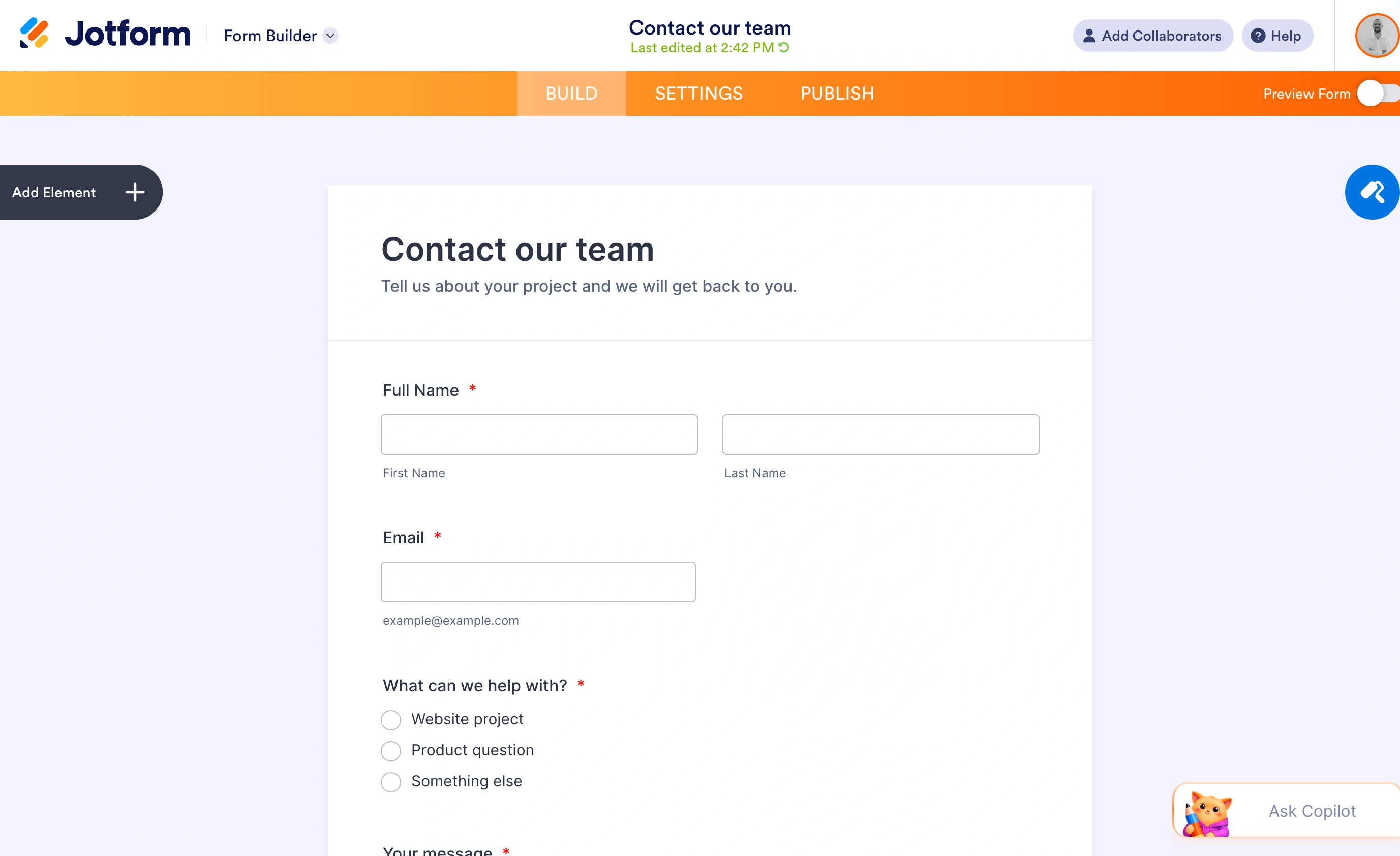
Pricing runs $39/month for Bronze (25 forms, 1,000 monthly submissions), $49 for Silver (50 forms, 2,500 submissions), and $129 for Gold (100 forms, 10,000 submissions). Annual billing knocks those to $34, $39, and $99. The free plan gives you 5 forms and 100 monthly submissions, which is enough to evaluate properly before paying.
Where it loses: the editor is cluttered. Jotform has accumulated so many features over twenty years that finding a setting takes longer than building the form did. Forms look like Jotform forms unless you put real work into the CSS. HIPAA compliance only starts at Gold, so regulated teams face $99/month minimum on annual billing.
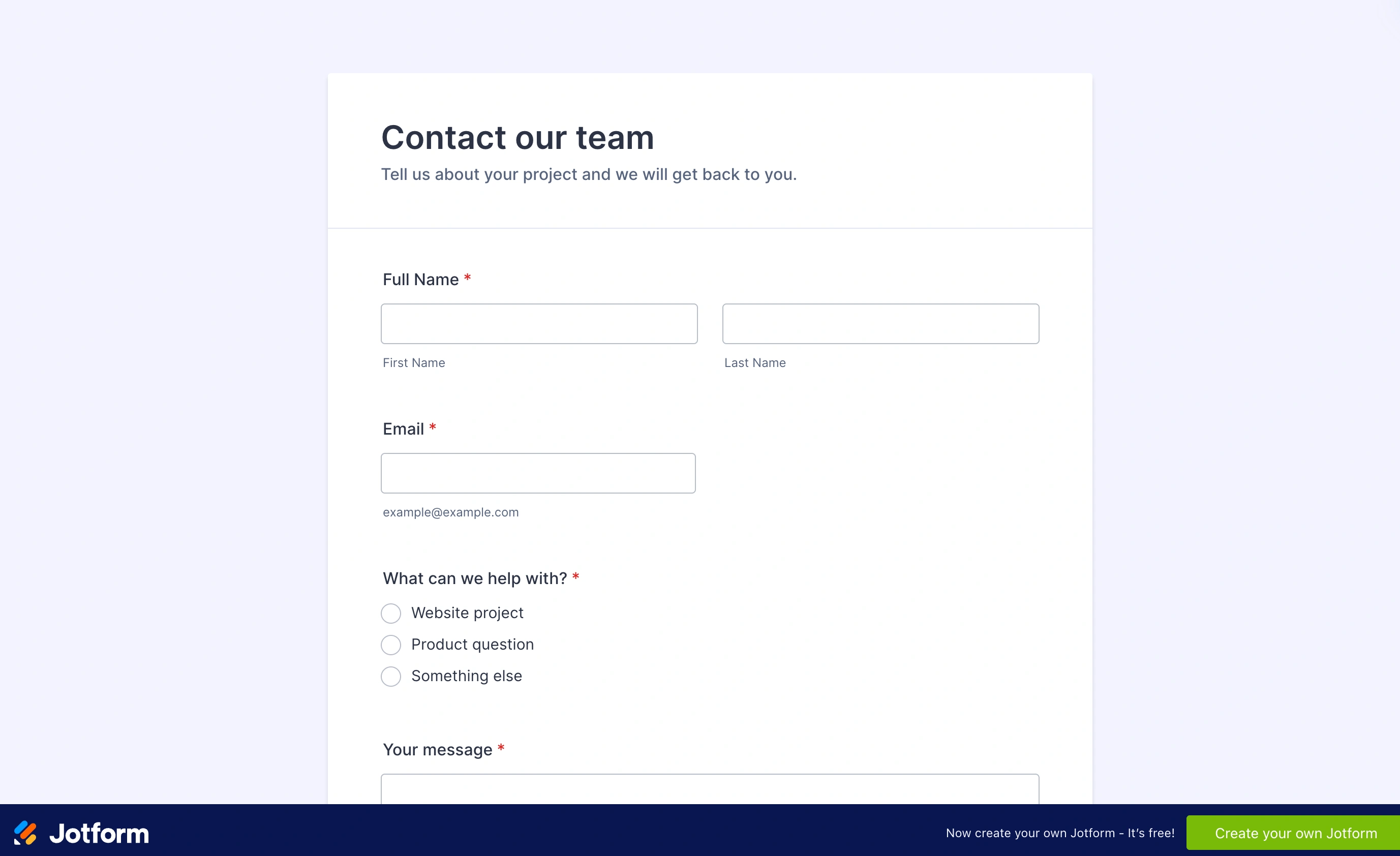
Honest limitation: you’re trading Formstack’s corporate polish for a busier interface. If your team found Formstack confusing, Jotform won’t fix that. Our Jotform alternatives roundup covers what to do if it doesn’t stick.
2. Cognito Forms, the budget workflow pick
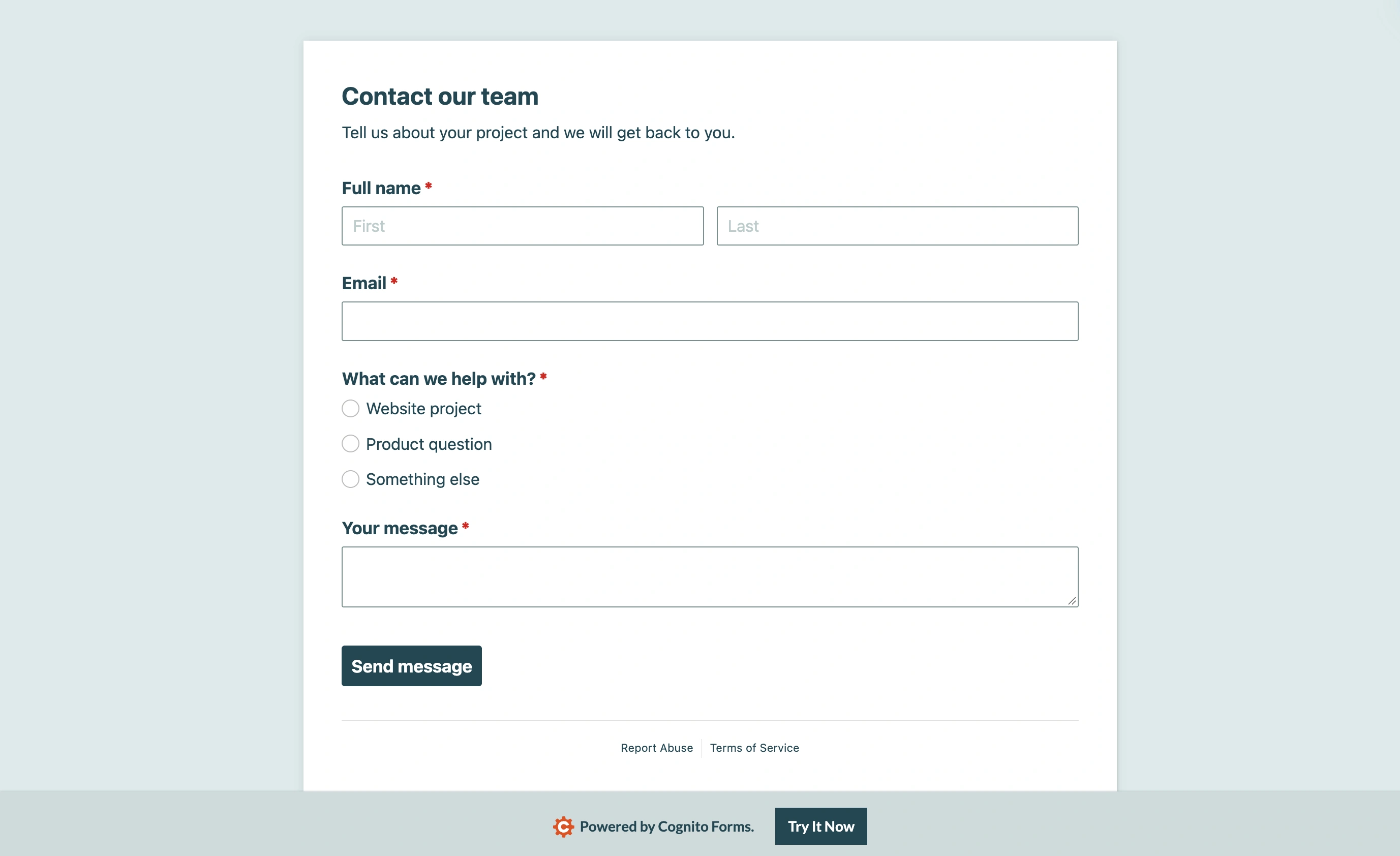
Cognito Forms is the cheapest way to keep calculations, payments, and e-signatures in one place. Pro is $24/month for 2,000 entries and 2 users. Team is $49/month for 10,000 entries and 5 users. Enterprise, at $174/month, adds HIPAA compliance and SSO. Every tier gets unlimited forms, which alone fixes Formstack’s 25-form ceiling.
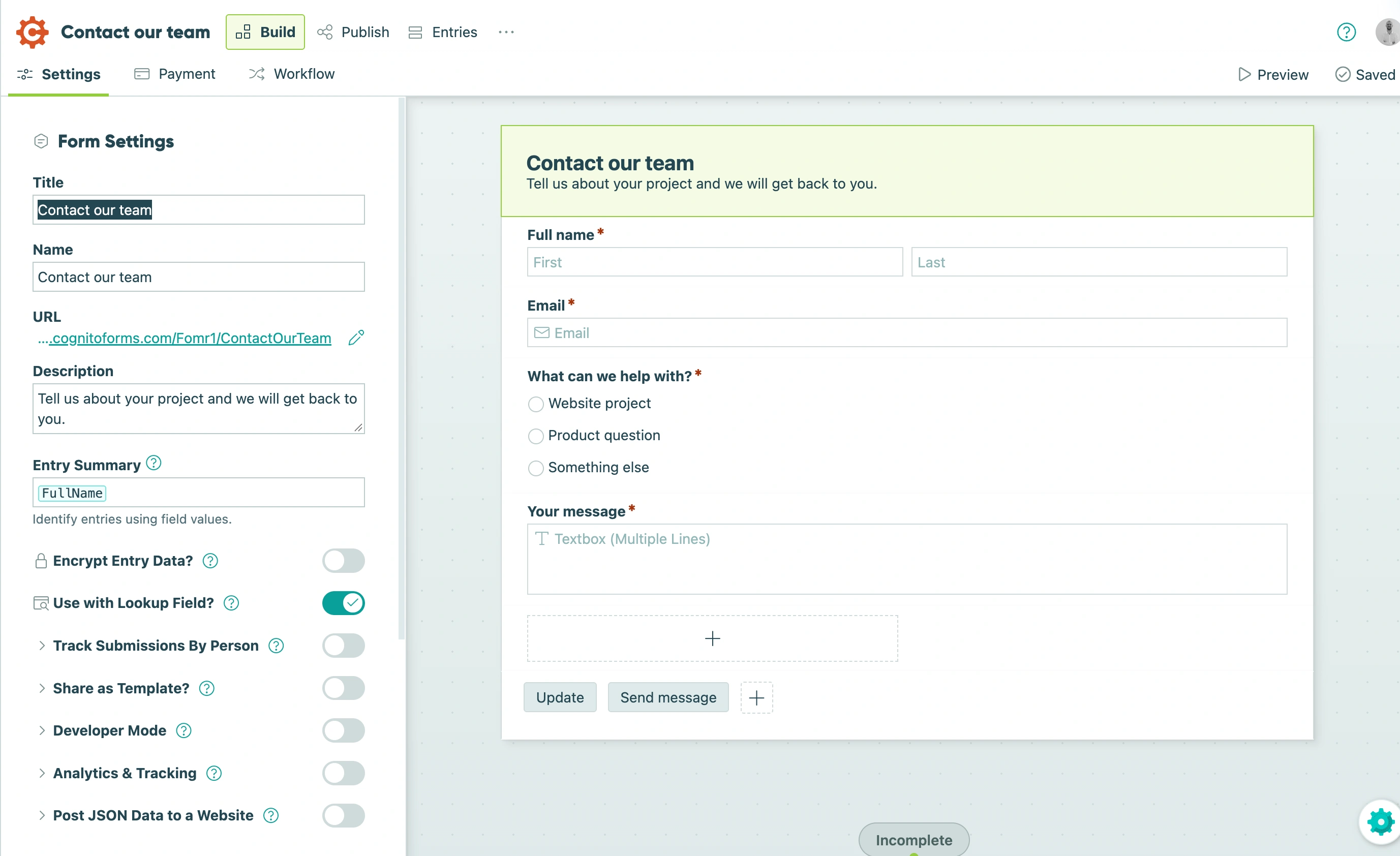
The calculation engine is better than Formstack’s for line items, conditional pricing, and repeating sections. If your forms do math, that’s a real upgrade.
Where it loses: the free plan is now 100 entries per month, so it’s a demo rather than a working tier. The editor has a learning curve and the forms look utilitarian. Approval handling is basic next to Formstack Suite, and there’s no document generation to speak of.
Honest limitation: this replaces the forms and the payments, not the document pipeline.
3. Zoho Forms, the pick if you’re already in Zoho
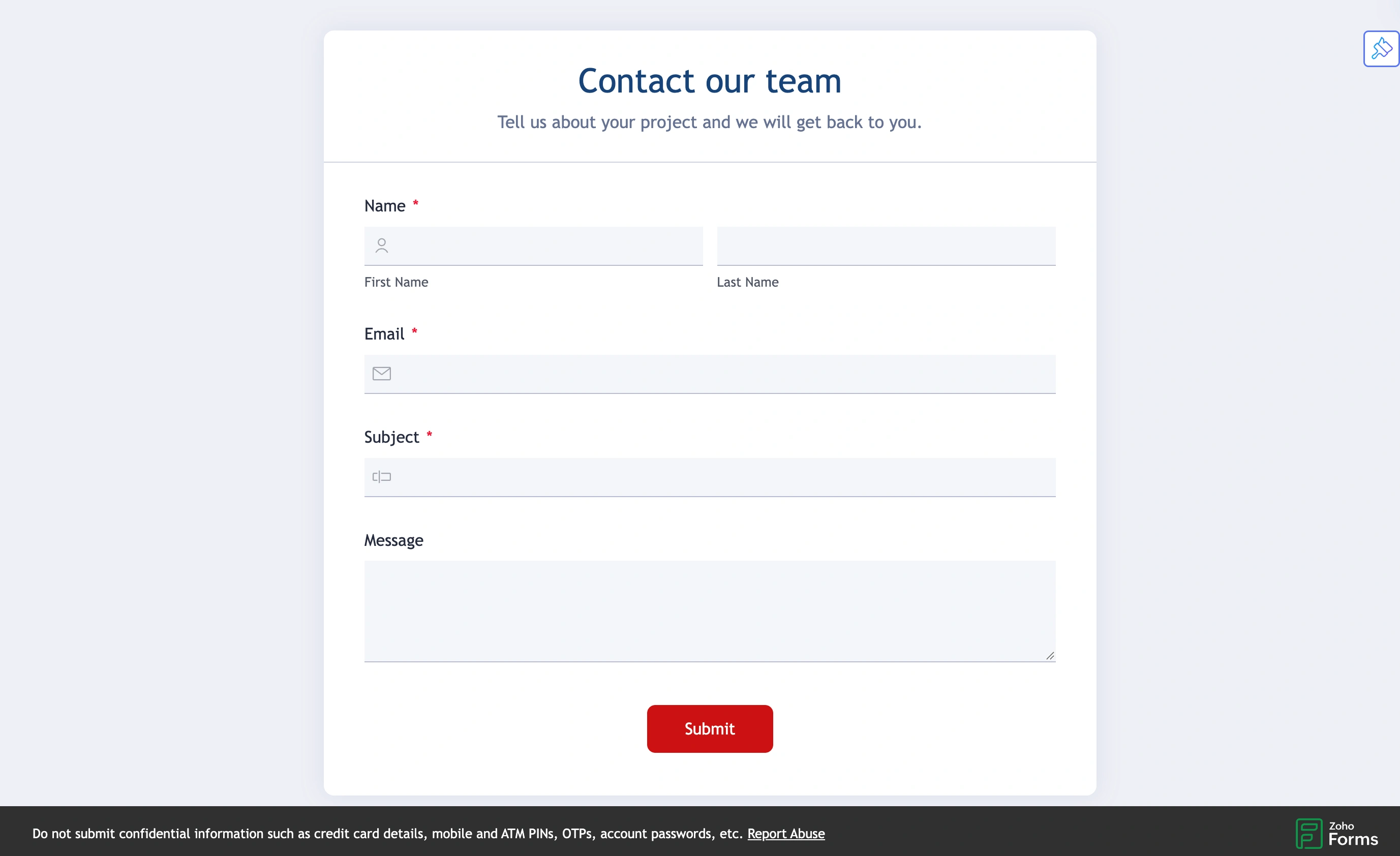
Zoho Forms starts at $25/month for unlimited forms and 10,000 monthly submissions, which is an absurd amount of headroom for the money. Standard is $50/month and adds approval workflows plus 10 users. E-signature comes through Zoho Sign on any paid tier. If your company already runs Zoho CRM or Zoho One, the data flows where it needs to go without integration work.
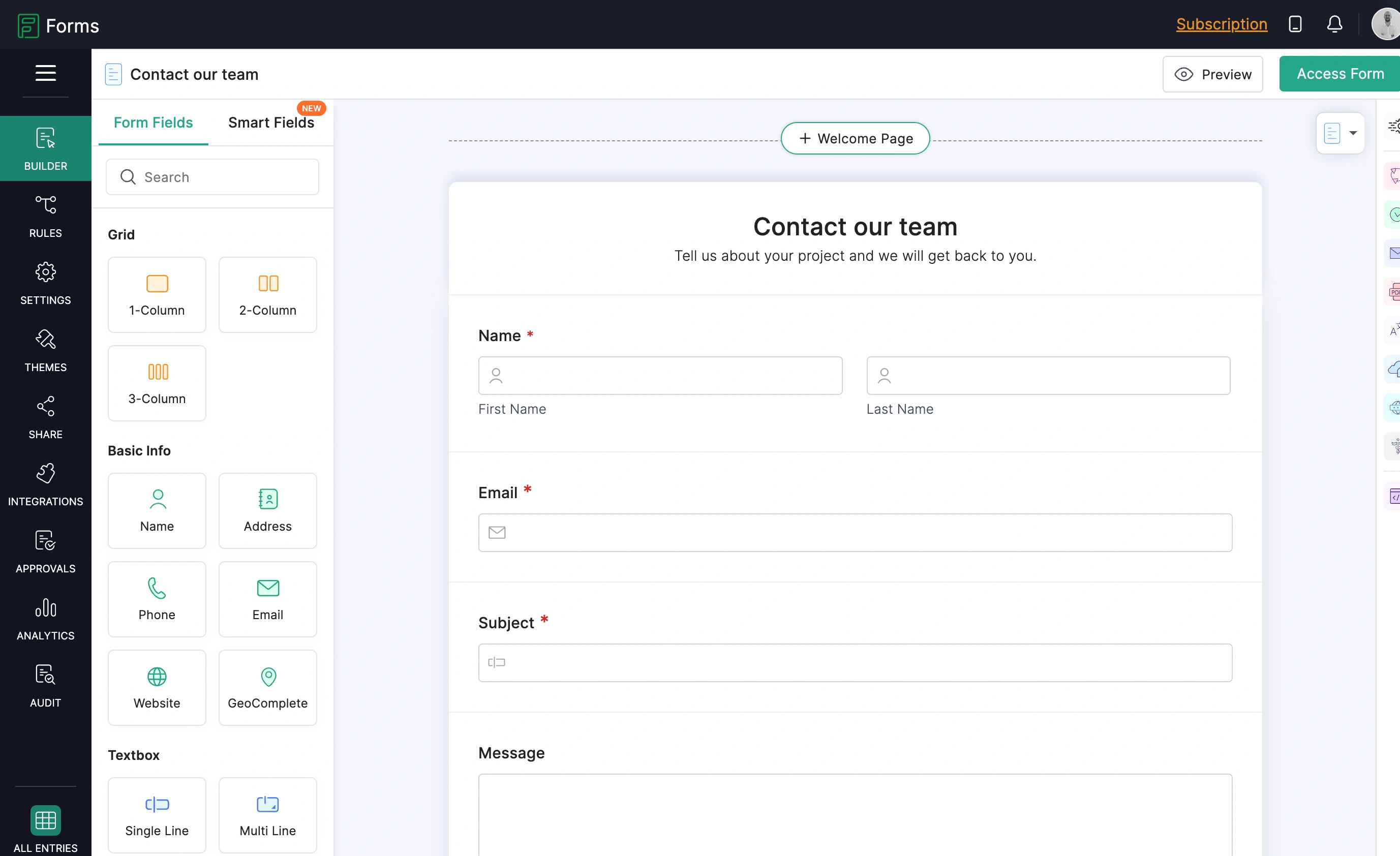
Where it loses: the free tier caps you at 3 forms and 500 submissions. The editor feels like enterprise software from a decade ago, and forms come out looking that way too. Approval workflows aren’t on the $25 plan, so the real comparison point is $50/month.
Honest limitation: outside the Zoho ecosystem the appeal drops sharply. This is a bundling play, not a best-in-class form builder.
4. PandaDoc, the specialist if Documents and Sign were the point
Some teams bought Formstack for the contracts, not the forms. If that’s you, a document platform beats a form builder.
PandaDoc does templated document generation, e-signature, and payment collection inside the document. The free tier covers 60 documents a year with e-signature included. Starter is $19 per user per month. Business is $49 per user per month and adds approval workflows, CRM integrations, custom branding, and web forms.
Where it loses: it’s priced per seat, so a team of six on Business is $294/month. That’s Suite money. The web forms are a feature of a document tool rather than a real form builder, so design control is limited.
Honest limitation: you’ll likely still need a separate form builder for public-facing data collection. Budget for two tools.
If you only ever used the forms
5. Fomr, best for forms that have to look good
We built Fomr because the design-first end of this market was either expensive or nonexistent. You get 1,700+ fonts, custom colors, background images, logo uploads, multi-page layouts, and instant preview. 30+ field types. Share by link, embed with a simple iframe, trigger as a popup, or generate a QR code.
The free plan has no response cap, no form cap, no field cap, and no seat cap. Pro is $24/month and adds custom domains, white-label branding, and SEO controls. That’s the entire pricing page. Against Formstack’s $99 entry and per-form submission counting, a team running fifteen forms with uneven traffic stops thinking about limits at all. Our cost calculator shows the gap at your own volume.
Where it loses: we don’t have payment collection, integrations with Zapier or Notion, or a REST API yet. All three are in active development and none of them ship today. Against Formstack’s feature list, that’s a lot of missing rows, though form logic isn’t one of them: conditional logic and Calculated values are on every plan, including free.
Honest limitation: if one of those three is required, we’re not your replacement yet. And document generation, e-signature, and approval routing aren’t on our roadmap at all.
Build a form in the guest editor without signing up if you’d rather check the editor than take our word for it.
Give it a try
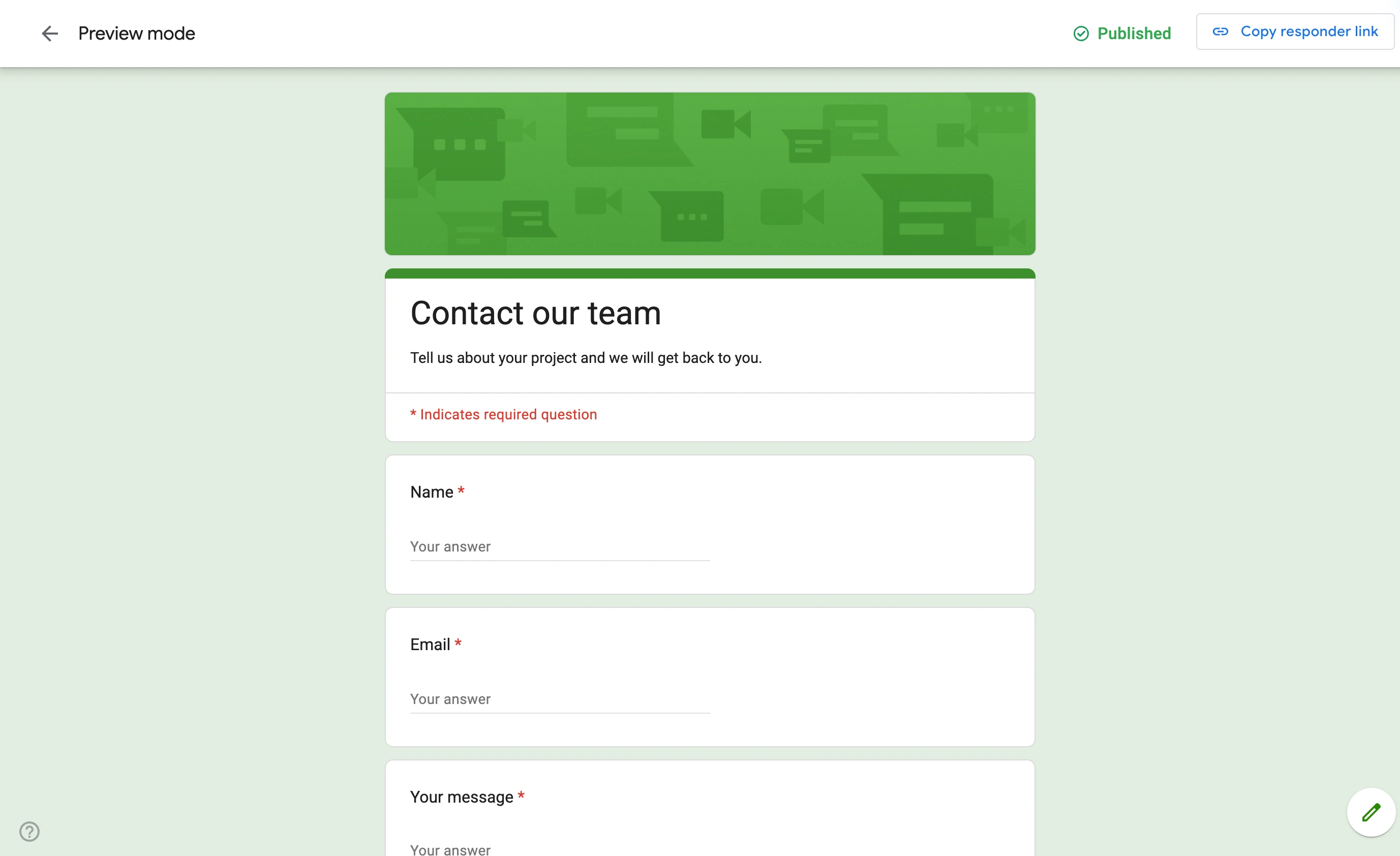
Try this Fomr lead capture information form
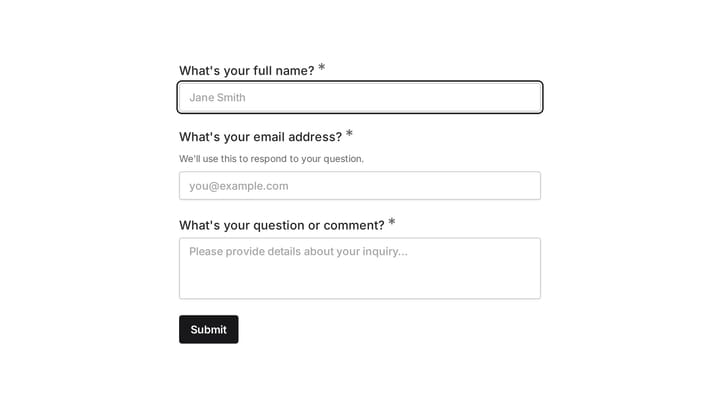
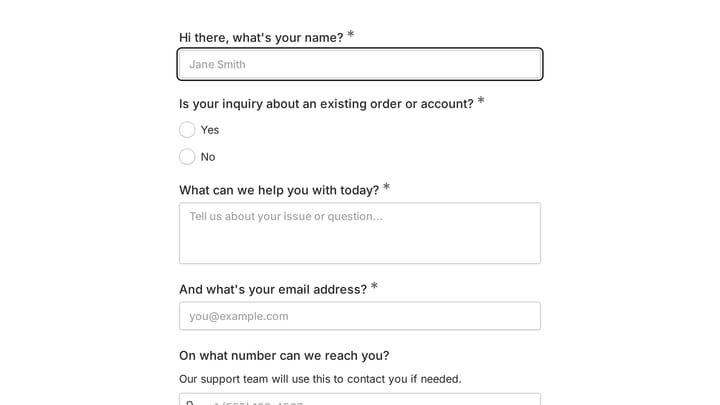
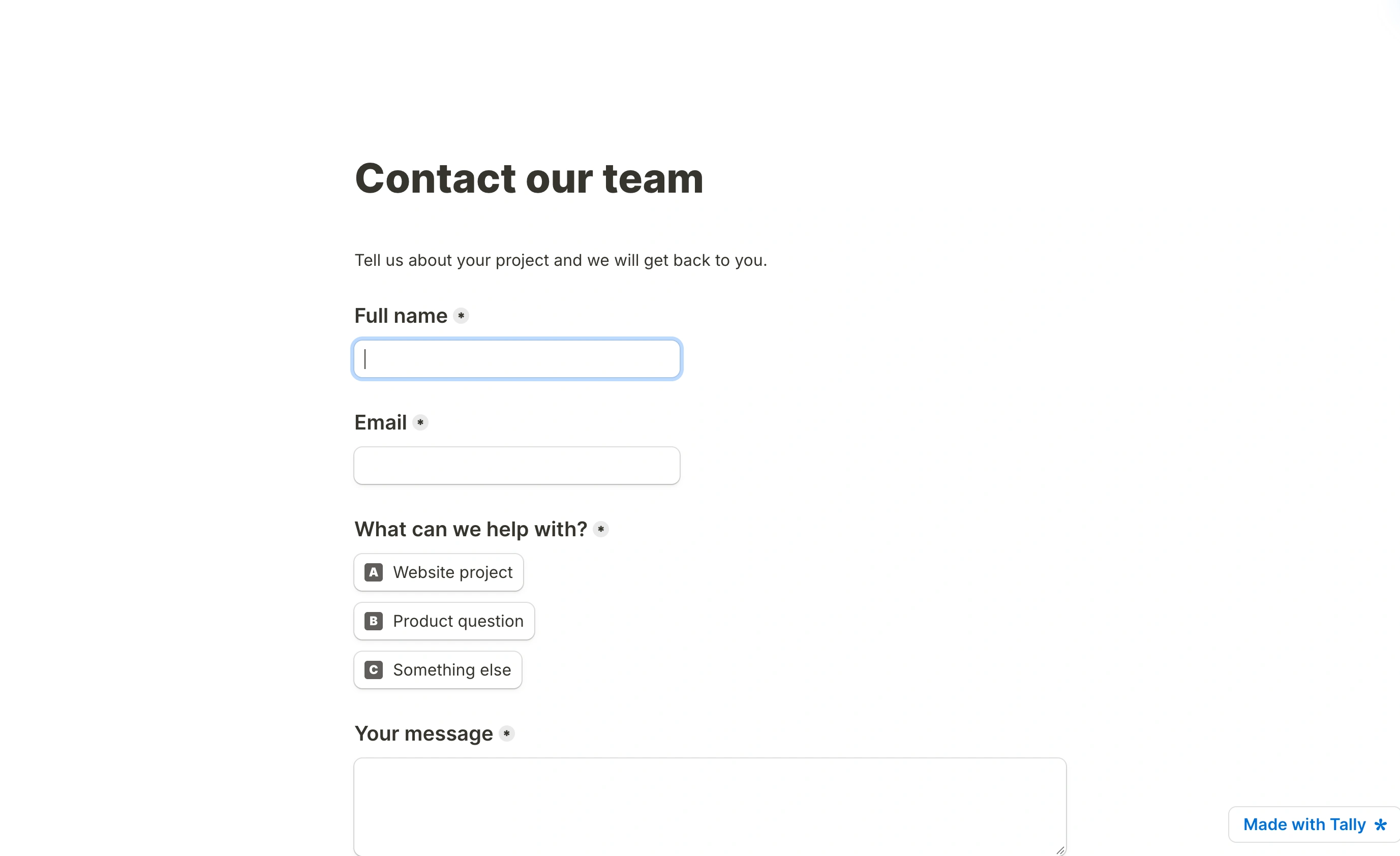
Try this Fomr lead-capture example: enter contact details, choose an interest, and describe what you need. The pages show the collection experience without automated lead routing.
6. Tally, the budget pick with the widest free tier
Tally gives away almost everything. Conditional logic, calculations, signature fields, file uploads, Google Sheets, Notion, Airtable, Zapier, and webhooks are all on the free plan, with unlimited forms and responses under fair use. Nothing else on this list is that generous.
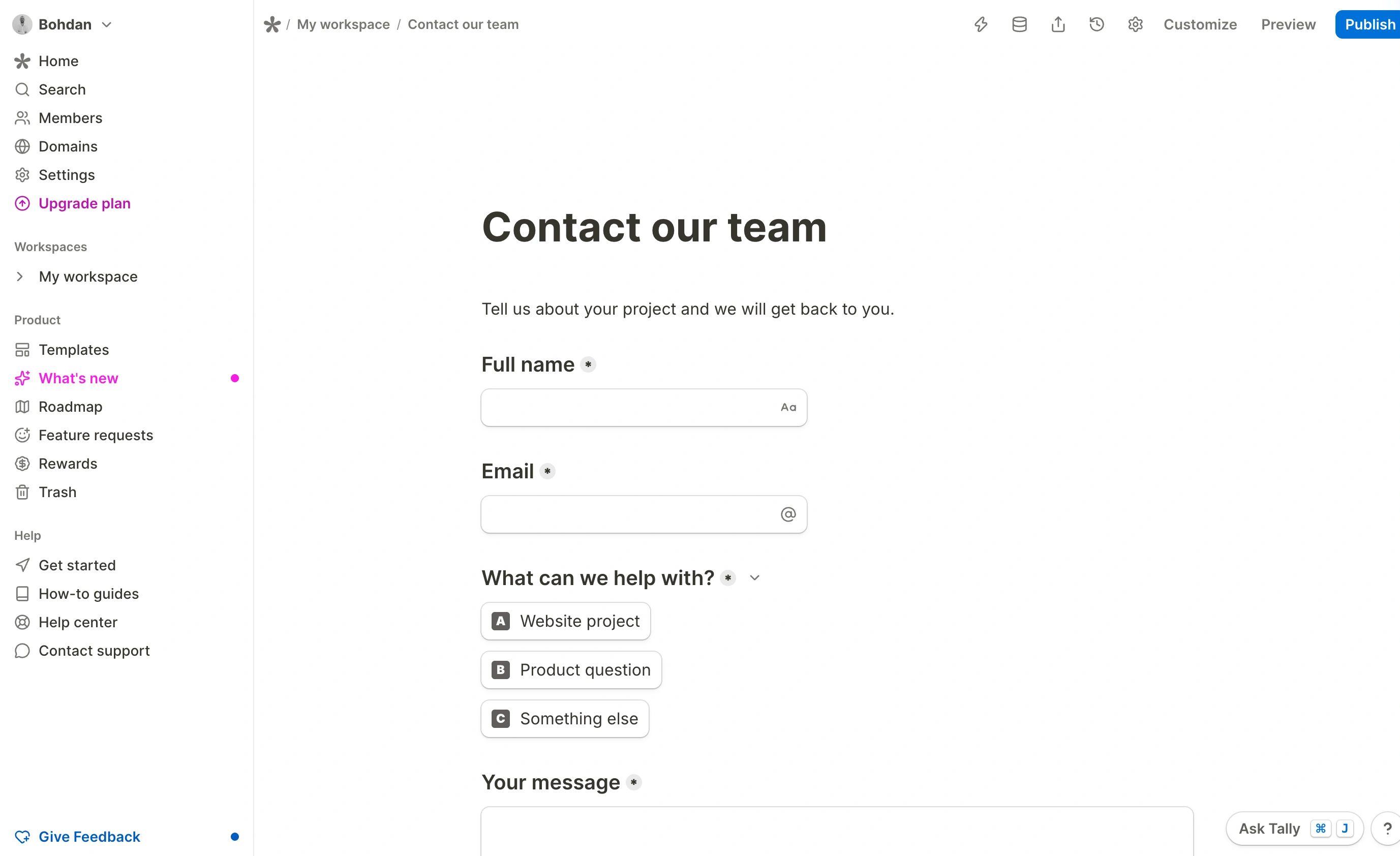
Pro is $24/month for custom domains, branding removal, drop-off analytics, custom CSS, and unlimited file upload sizes. Business is $74/month and mostly adds data retention controls and email verification.
Where it loses: the document-style editor is fast to type into but gives far less design control than a visual canvas. You can change colors and fonts. You cannot build a form that looks meaningfully different from every other Tally form. The signature field is a drawn signature, not an audited e-signature with a legal trail, so it’s no Formstack Sign replacement.
Honest limitation: design control is limited. Compare which customization features each paid plan includes before choosing.
7. Google Forms, for internal forms nobody outside sees
Free, unlimited, zero learning curve, and responses land in Sheets automatically. For a team poll or an internal request queue, spending anything is hard to justify.
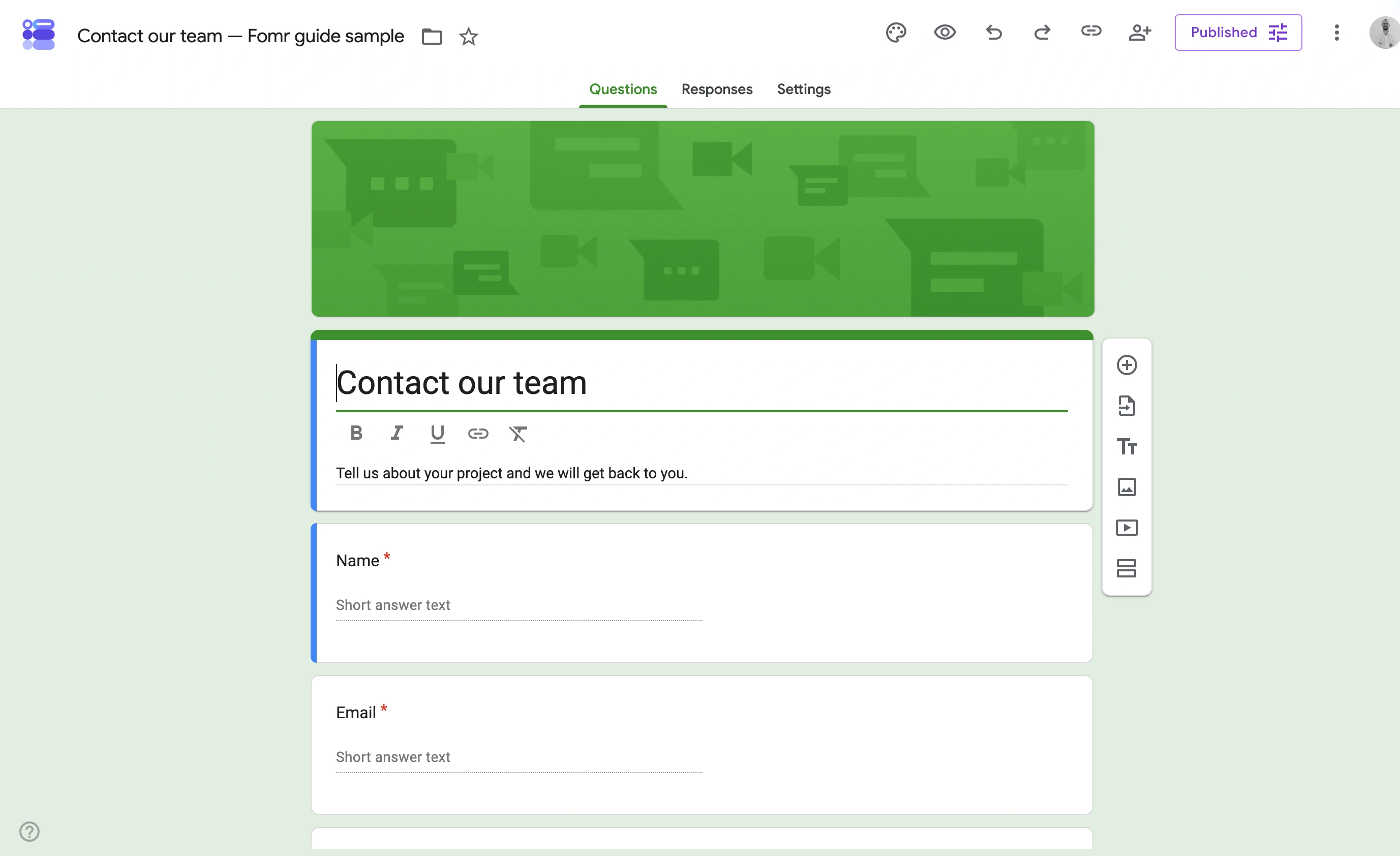
Where it loses: design customization is a color picker and a header image. No real conditional logic beyond section routing, no payments, no embed control worth the name. Anything customer-facing will look like a Google Form, which reads as unfinished.
Honest limitation: it’s not a Formstack replacement. It’s a reason to stop paying for the third of your forms that never leave the building.
8. Typeform, when the filling experience is the product
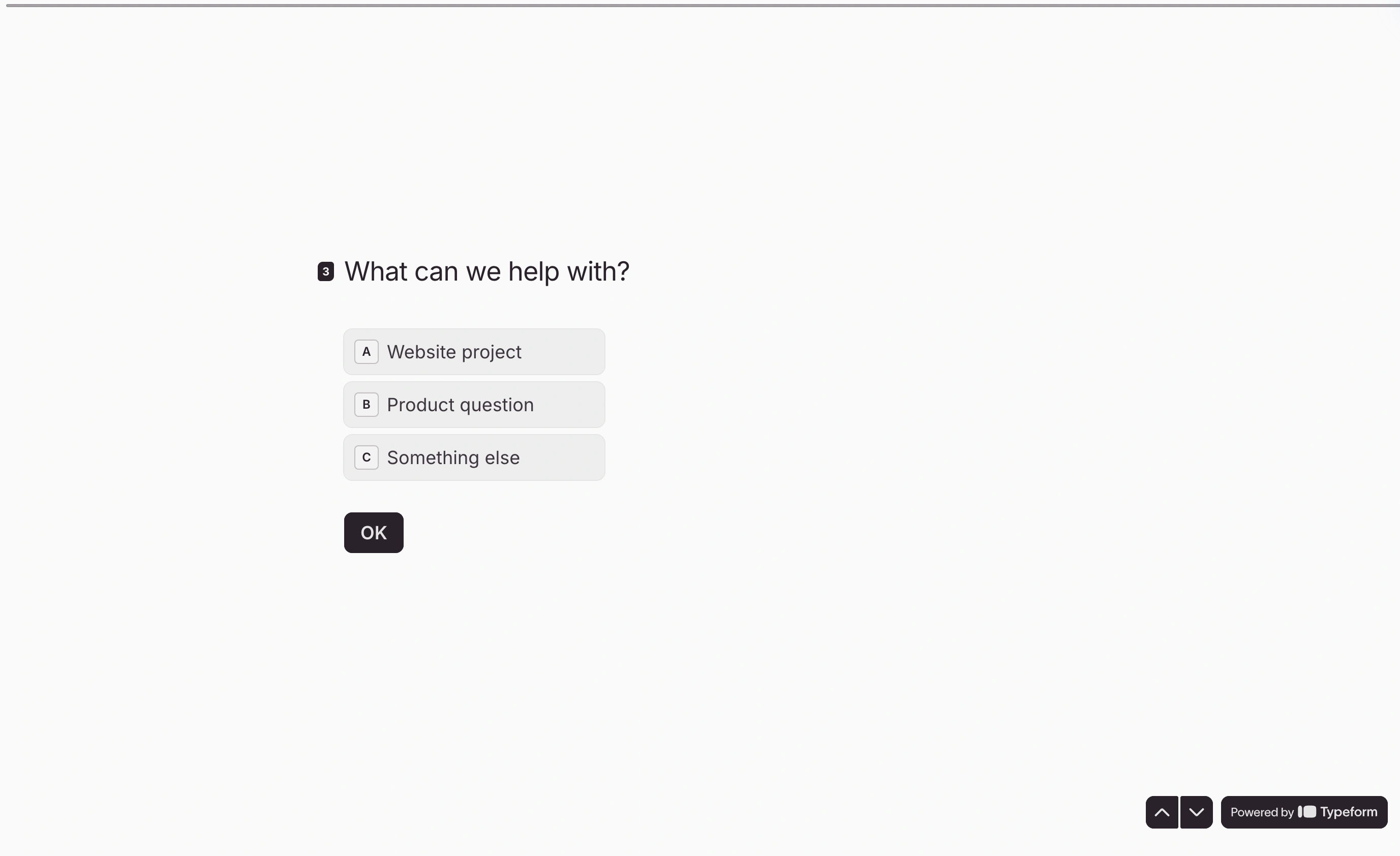
Typeform still owns the one-question-at-a-time format, and for research surveys and lead capture the completion rates justify it. Basic is $39/month for 100 responses and one seat. Plus is $79 for 1,000 responses. Business is $129 for 10,000, all on monthly billing. The free plan allows 10 responses per month, so treat it as a demo.
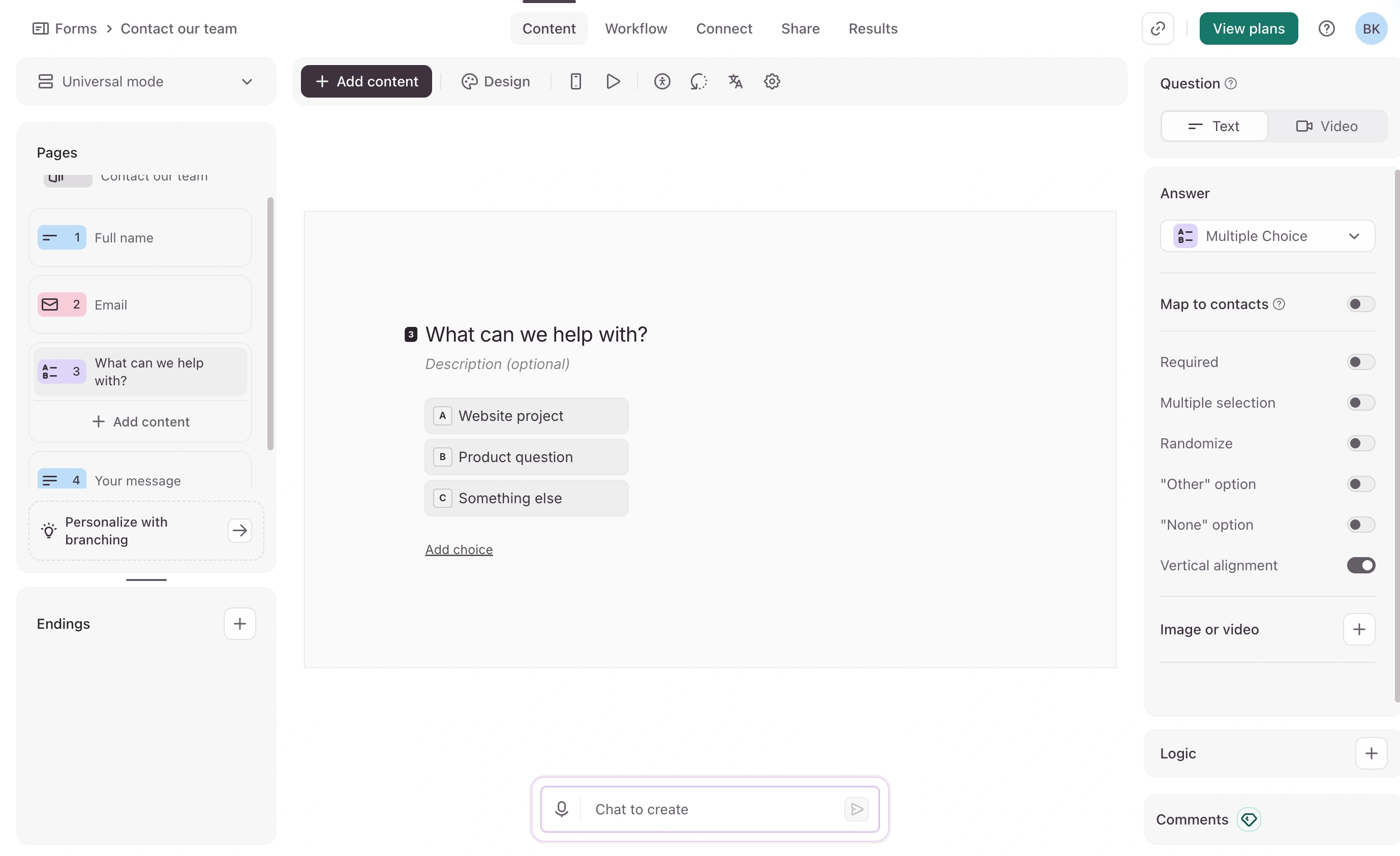
Where it loses: it’s the most expensive per response on this list, and the hard cap stops collection outright when you hit it. The conversational format is wrong for order forms, applications, or anything where people need to see several fields at once.
Honest limitation: you’re renting a specific aesthetic at a premium. If your forms are utilities rather than experiences, this is the wrong purchase.
What actually breaks when you migrate off Formstack
Nobody warns you about this part, so here it is.
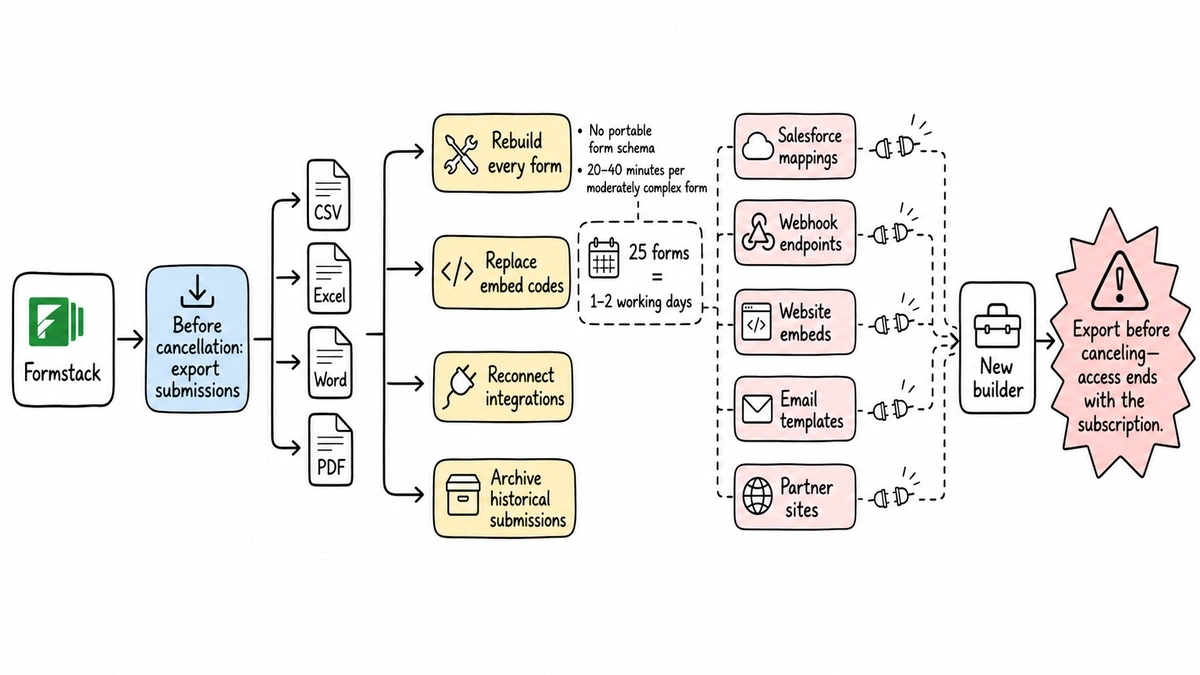
Formstack exports submission data as CSV, Excel, Word, or PDF. It does not export form structure. There’s no portable schema and no import file another builder accepts, so every form gets rebuilt by hand. Budget 20 to 40 minutes per moderately complex form, more with heavy conditional logic. For a 25-form account that’s a day or two of work, and it’s the single biggest reason teams keep renewing a contract they resent.
Three other things break:
- Embed codes change. Every page holding a Formstack form needs its snippet swapped, including anything sitting in an email template or on a partner’s site.
- Integration wiring gets rebuilt. Salesforce mappings and webhook endpoints don’t carry over, and field names rarely match one-to-one.
- Historical submissions land as spreadsheets, not as searchable records in the new tool.
Run the export before you cancel, not after. Access ends with the subscription.
The verdict, by buyer type
If you use Formstack end to end and need the workflow intact, go to Jotform. It’s the only tool here that covers logic, approvals, PDFs, signatures, and payments in one product, and Bronze at $34/month annually is a 60% cut off Formstack’s $83.
If you need it cheap and your forms do math, Cognito Forms at $24/month is the value pick. If the contracts were the real reason you were on Formstack, PandaDoc is the specialist, and you should plan on paying for a form builder separately.
If your forms just collect answers and you want them to look like your brand, that’s where Fomr wins: unlimited responses on free, $24/month for custom domains and white-label, and design control nothing else on this list matches. The catch is the four missing features named above. If none of them apply to you, the switch is a rebuild afternoon and then you stop paying $99/month.
Open the guest editor and rebuild your busiest Formstack form. No account, no card. Fifteen minutes will tell you whether the trade works for your team better than any comparison table can.