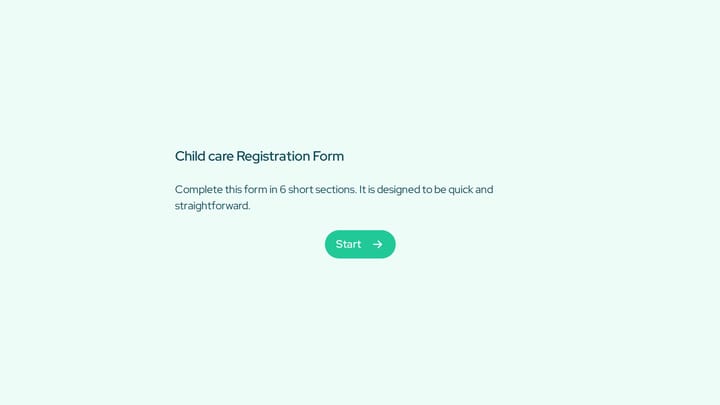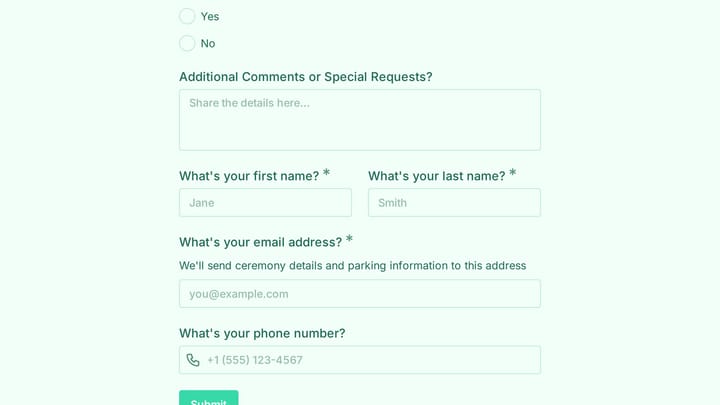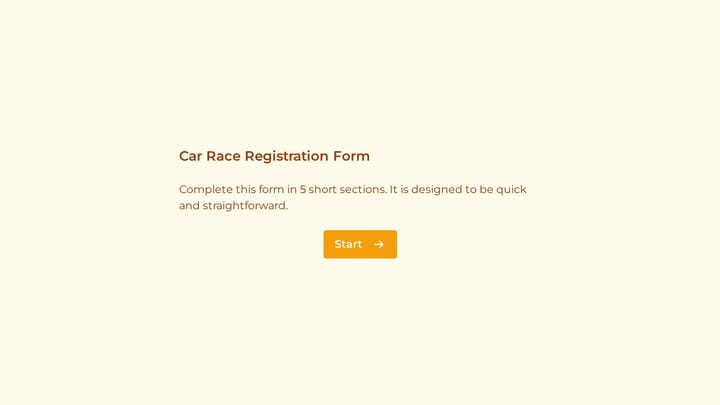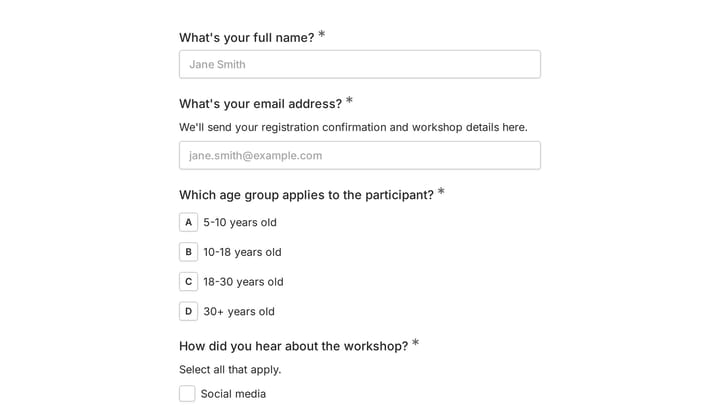
When you need to collect data online, two names dominate the conversation: Google Forms and Jotform. Both are popular form builders, but they serve very different needs and budgets. Google Forms offers simplicity and integration with Google Workspace, while Jotform provides advanced features and customization options.
Choosing between Google Forms vs Jotform isn’t just about features — it’s about understanding your priorities. Do you need something quick and free, or are you willing to pay for more design control and advanced functionality? Let’s break down exactly what each platform offers so you can make the right choice.
What are Google Forms and Jotform?
Google Forms is Google’s free form builder that integrates seamlessly with Google Workspace. It’s designed for simplicity — you can create basic surveys, registration forms, and questionnaires without any learning curve. Responses automatically save to Google Sheets, making data analysis straightforward for teams already using Google’s ecosystem.
Jotform is a comprehensive form builder that targets businesses and organizations needing more sophisticated forms. It offers advanced features like conditional logic, payment processing, and extensive customization options. Jotform operates on a freemium model with paid plans that unlock more submissions and advanced features.
The fundamental difference? Google Forms prioritizes simplicity and integration, while Jotform focuses on power and flexibility.
Give it a try
This live shipping order delivery form is ready to fill out
This is a real, working template from our gallery. Fill it out like a respondent would, then make it your own.

Editor experience and ease of use
Google Forms: simple but limited
Google Forms uses a straightforward interface that anyone can master in minutes. You add questions by clicking the ”+” button, choose from basic field types like multiple choice, short answer, or file upload, and you’re done. The editor shows a real-time preview of your form as you build it.
The simplicity is both Google Forms’ strength and weakness. You can’t customize the layout beyond basic themes, and everything happens in a single column with minimal design control. Multi-page forms and branching do exist, but in a basic form: you split a form into sections, then use “go to section based on answer” to route people. That only works on multiple choice and dropdown questions, so anything more involved than a simple fork is out of reach.
Jotform: powerful but complex
Jotform offers two editor experiences: a traditional form builder and a drag-and-drop card-based editor. The traditional builder works similarly to Google Forms but with more field types and customization options. The card-based editor presents each question as a separate screen, creating a more engaging user experience.
Jotform’s editor includes advanced features like conditional logic, calculation fields, and form analytics. You can customize fonts, colors, backgrounds, and layouts extensively. However, this power comes with complexity — new users often feel overwhelmed by the number of options and settings.
Design and customization options
This is where the Google Forms vs Jotform comparison becomes stark.
Google Forms design limitations
Google Forms provides basic theming options: you can choose from pre-made color schemes, add a header image, and select from a handful of fonts. That’s it. Every Google Form looks recognizably like a Google Form, with the same layout structure and limited visual appeal.
For quick internal surveys or simple data collection, this limitation doesn’t matter. But if you’re representing a brand or need forms that match your website’s design, Google Forms falls short.
Jotform’s extensive customization
Jotform treats design as a core feature. You get access to hundreds of form templates across different industries and use cases. The platform offers complete control over fonts, colors, spacing, and layout. You can add custom CSS for even more precise styling.
Jotform also supports advanced layout options like multi-column forms, progress bars, and custom thank-you pages. The visual form builder lets you see exactly how your form will look as you design it, and forms can be fully responsive across devices.
Pricing and value comparison
| Feature | Google Forms | Jotform Starter (free) | Jotform Bronze ($39/mo, or $408/yr = $34/mo) |
|---|---|---|---|
| Monthly submissions | Unlimited | 100 | 1,000 |
| Monthly form views | Unlimited | 10,000 | 100,000 |
| Active forms | Unlimited | 5 | 25 |
| Total stored submissions | Unlimited | 500 | 10,000 |
| File upload space | 15GB shared across your Google account | 100MB | 1GB |
| Fields per form | No published limit | 100 | 250 |
| Branding removal | N/A (no branding) | No | Yes |
| SSL encryption | Yes | Yes | Yes |
| Conditional logic | Basic (go to section based on answer) | Yes | Yes |
| Payment processing | No | Yes, 10 payment submissions/mo | Yes, 100/mo |
| File uploads | Yes | Yes | Yes |
| HIPAA | No | No | No (Gold plan only) |
Google Forms: completely free
Google Forms costs nothing and has no submission limits, form limits, or premium tiers. You get unlimited responses, unlimited forms, and automatic data storage in Google Sheets. The only cost is the 15GB storage limit shared across your entire Google account.
This makes Google Forms unbeatable for budget-conscious users, students, nonprofits, or anyone who needs basic data collection without ongoing costs.
Jotform: freemium with expensive upgrades
Jotform’s free Starter plan limits volume hard: 100 submissions a month, 5 active forms, and 500 stored submissions in total. What it does not limit is capability. Conditional logic is included on every plan, free ones included, and Starter even allows 10 payment submissions a month. You hit the ceiling on how much you collect long before you hit a wall on what you can build.
Bronze is $39/month billed monthly, or $408 a year, which works out to about $34/month if you pay annually. That buys 1,000 submissions and 25 active forms. Higher tiers climb quickly, and HIPAA compliance only appears on Gold at $129/month.
For businesses that need Jotform’s advanced features, the pricing makes sense. But casual users often find themselves paying for volume rather than for capabilities, which is a different value question than the one most comparisons pose.
Features and functionality comparison
Google Forms: basic but reliable
Google Forms covers the essentials well:
- A compact set of question types: short answer, paragraph, multiple choice, checkboxes, dropdown, file upload, linear scale, rating, multiple choice grid, checkbox grid, date, and time
- Automatic response validation
- Real-time collaboration (multiple people can edit forms simultaneously)
- Built-in quiz functionality with auto-grading
- Response summary with basic charts and graphs
- Direct integration with Google Sheets, Docs, and other Workspace apps
What’s missing? Payment processing, advanced field types, design flexibility, and anything beyond the basic section-based branching described above.
Jotform: feature-rich platform
Jotform offers significantly more functionality:
- 100+ form fields including signature capture, appointment booking, and rating scales
- Conditional logic to show/hide fields based on responses
- Payment processing through 40+ payment gateways
- Form analytics and conversion tracking
- Workflow automation and approval processes
- Integration with 150+ third-party apps
- HIPAA compliance options for healthcare forms
The feature gap between Google Forms vs Jotform is substantial. Jotform functions as a complete business solution, while Google Forms handles basic data collection.
Integration and workflow capabilities
Google Forms integration strengths
Google Forms shines in Google’s ecosystem. Responses automatically populate Google Sheets with real-time updates. You can create forms directly from Google Sheets, embed forms in Google Sites, and share them through Gmail or Google Classroom.
For teams already using Google Workspace, this integration eliminates data silos and manual exports. Form responses become immediately available for analysis in Google Sheets or visualization in Google Data Studio.
Jotform’s broader integration network
Jotform connects with a wider range of business tools including Salesforce, HubSpot, Mailchimp, Slack, and Trello. The platform offers webhook support and a REST API for custom integrations.
Jotform’s workflow features let you route form submissions to different team members, create approval processes, and trigger automated actions based on responses. These capabilities make Jotform suitable for complex business processes that Google Forms can’t handle.
Who should choose Google Forms?
Google Forms works best for:
- Students and educators who need quick surveys or quizzes
- Small teams already using Google Workspace
- Budget-conscious users who can’t justify paid form builders
- Simple data collection like event RSVPs or feedback surveys
- Internal use cases where design doesn’t matter
Choose Google Forms if you value simplicity over customization and need something that works immediately without setup or ongoing costs.
Who should choose Jotform?
Jotform makes sense for:
- Businesses that need branded, professional-looking forms
- Organizations collecting payments or requiring conditional logic
- Marketing teams running lead generation campaigns
- Healthcare or legal practices needing HIPAA compliance
- Anyone who’s outgrown Google Forms’ limitations
Jotform justifies its cost when you need advanced features, design control, or handle high submission volumes.
A third option worth considering
While Google Forms vs Jotform covers the mainstream options, there’s another form builder that splits the difference: Fomr. We offer unlimited forms and responses on our free plan (like Google Forms) but with extensive design control and modern form components (like Jotform).
Fomr provides 1,700+ fonts, custom colors and backgrounds, multi-page forms, and 30+ field types — all without submission limits or forced upgrades. Our drag-and-drop editor creates beautiful forms that work on any device, and you can share them via link, embed, popup, or QR code.
If you want more design flexibility than Google Forms but don’t need Jotform’s enterprise features or pricing, Fomr might be the perfect middle ground.
Making your decision
The Google Forms vs Jotform choice ultimately depends on your specific needs and budget. Google Forms excels at simple, free data collection within Google’s ecosystem. Jotform provides powerful business features at a premium price.
Consider Google Forms if you need basic functionality, have budget constraints, or work primarily within Google Workspace. Choose Jotform if you require advanced features, professional design, or handle complex business processes.
Ready to try a form builder that combines the best of both worlds? Start building with Fomr’s guest editor — no signup required, unlimited forms, and complete design control from day one.