SurveyMonkey vs Google Forms usually gets framed as paid versus free, or serious research versus a quick poll. That framing is comfortable and it misses the thing that will actually bite you.
Search google forms vs survey monkey and you’ll find a hundred feature tables. Almost none of them answer the question that decides it: at what point does the free plan stop showing you your own responses?
One of these tools has a hard answer to that. The other doesn’t, and that turns out to matter more than any feature row.
SurveyMonkey vs Google Forms: what each tool is built for
Google Forms is a free form builder attached to a Google account. It exists to move answers into a spreadsheet, and it does that job with almost no ceremony.
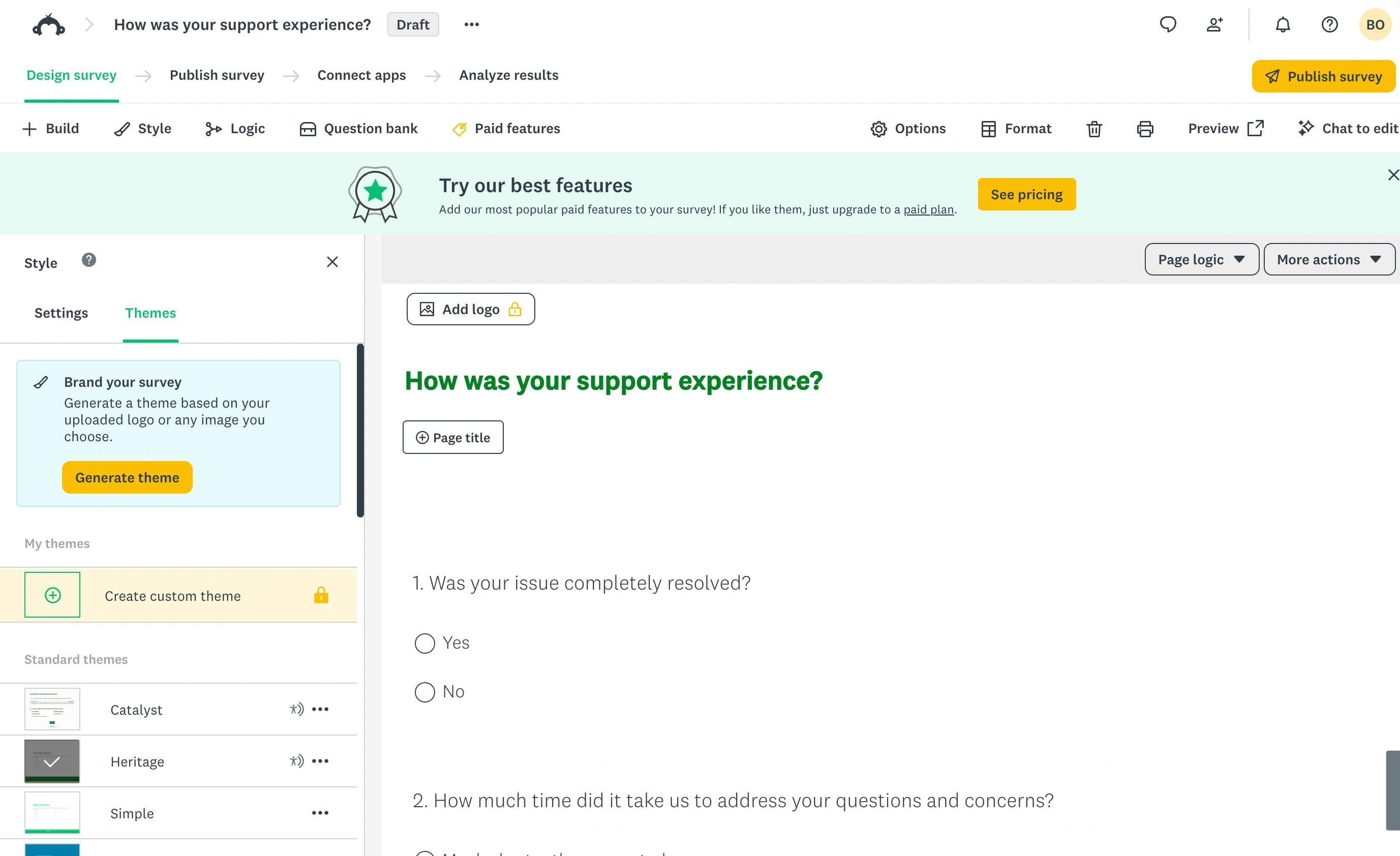
SurveyMonkey is survey research software. Matrix questions, Net Promoter Score, benchmarks, statistical significance testing, sentiment analysis, and a paid respondent panel you can buy answers from. The free tier is a doorway into that product rather than a plan you’re meant to live on.
Everything below follows from that difference.
The number SurveyMonkey won’t show you before you sign up
Here’s the part that surprised me. SurveyMonkey’s own plan comparison page does not publish the free plan’s response limit. Where the number should be, the Basic column just says responses per survey are limited, and the footnote sends you away: “Sign up or log in to see exact response amounts for Basic plans.”
You have to create an account to find out how much of your data you’ll be allowed to look at. Third-party blogs quote 10, 25, and 40 for that figure, which tells you they’re guessing too.
I don’t love this. Every other limit on that page is a specific number. This one is the number that determines whether the free plan works for you, and it’s the one behind the signup wall.
What happens to the responses you can’t see
This is the part people miss until it’s too late. SurveyMonkey keeps collecting past your limit, but according to its response limits documentation, responses above the cap aren’t viewable and get deleted. You can remove them yourself right away, or SurveyMonkey clears them automatically a year after they were collected.
Read that again. The free plan caps what you can view, not what you can submit, and it puts a delete timer on the difference.
Picture sending a customer survey to 300 people, getting 180 replies, and being shown the first couple dozen. The rest sit in your account as a number you can’t read, then expire. Upgrading later doesn’t reliably rescue them, and the docs don’t promise a grace period.
That single mechanic is the whole comparison. Everything else is detail.
What Google Forms does when the numbers get big
Google Forms doesn’t publish a hard response cap, and in practice there isn’t one. What Google publishes instead is a set of thresholds where features start dropping off, documented in its form responses help page.
| Product and threshold | What can change | What remains available |
|---|---|---|
| Google Forms: over 10,000 responses | Question and individual views may be unavailable; CSV order may differ from submission timestamps | Continued collection and CSV download |
| Google Forms: over 50,000 responses | The summary view may be unavailable | Continued collection and CSV download |
| Google Forms: over 100,000 responses | Responses may stop syncing to Sheets | Continued collection and CSV download |
| SurveyMonkey: above your per-survey viewing limit | The excess responses are not viewable; they are automatically deleted one year after collection, or sooner if you delete them | Responses within the viewing allowance; check the allowance in your account |
Google describes possible feature limitations, not guaranteed cutoffs. Sources checked September 23, 2026: Google Forms response help and SurveyMonkey response limits.
Past roughly 10,000 responses, the per-question and individual response views inside Forms may stop appearing, and CSV downloads may come back out of timestamp order. Past 50,000, the summary view can disappear. Past 100,000, responses may stop syncing to Sheets.
The wording that matters: your form keeps receiving responses, and you can still download them as a CSV.
Nothing is deleted. Nothing is withheld to sell you an upgrade. The convenient views degrade, and your raw data stays yours. If you want a cap, you set one yourself under the form’s response settings.
Two products, two philosophies. One gates the results, the other gets slower at presenting them.
SurveyMonkey vs Google Forms free plans, side by side
Same criteria applied to both. Prices and limits checked against each vendor’s own pages in August 2026.
| Criterion | SurveyMonkey Basic (free) | Google Forms |
|---|---|---|
| Price | Free | Free with a Google account |
| Questions per form | 10 | No documented limit |
| Responses you can view | Not published before signup | All of them |
| Responses over the limit | Not viewable, then deleted | No limit to exceed |
| Share methods per form | 3 collectors | Link, embed, email, QR |
| Templates | 175+ | Around a dozen |
| Analysis filters | 1 | Summary charts, no filter builder |
| Export to CSV or Excel | Paid plans only | Free, plus live Sheets sync |
| Conditional logic | Paid plans only | Section branching, free |
| File uploads | Paid plans only | Free, respondent must sign in |
| Design control | Themes on paid plans | Header image, color, few fonts |
| Benchmarks and stat testing | Paid plans | None |
| Next paid tier | 1,000 responses/month | Not applicable |
SurveyMonkey’s paid individual plans, by their published response allowances: the monthly plan covers 1,000 responses per month, Advantage Annual covers 15,000 responses per year at roughly $33 a month billed annually, and Premier Annual covers 40,000 per year at roughly $99 a month billed annually. Overage is charged per extra response. Note that SurveyMonkey prices in local currency and the page renders in whatever region it thinks you’re in, so check your own figure before budgeting.
Where SurveyMonkey is clearly better
I’d be lying if I said the free tier tells the whole story. Once you’re paying, SurveyMonkey does things neither Google Forms nor most form builders attempt.
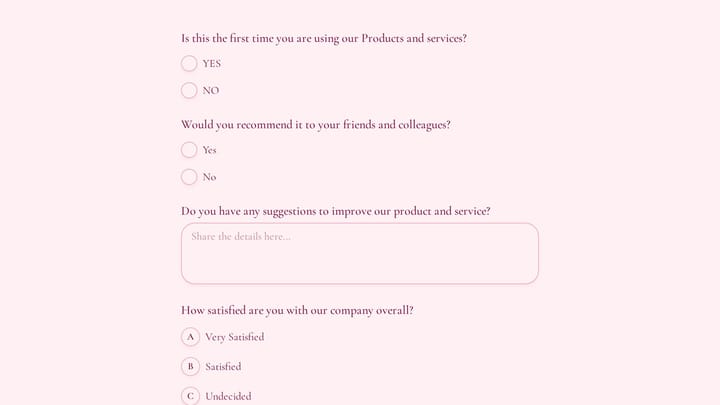
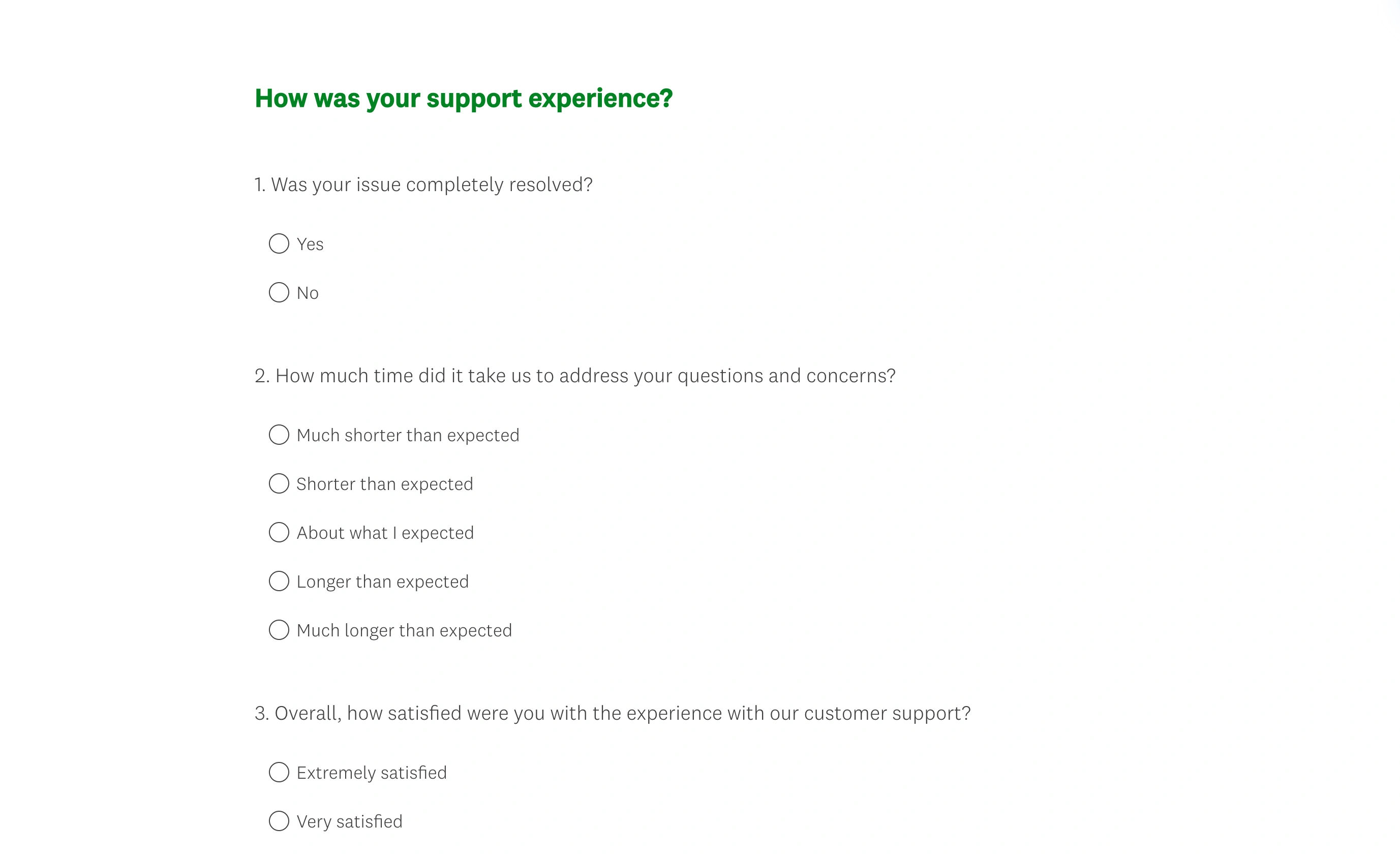
In the respondent preview, the support-feedback questions sit in a conventional survey layout. The editor’s menus disappear, leaving the questions and answer controls that respondents interact with.
You get real survey instrument design: matrix questions, Best-Worst Scale, NPS with proper scoring, answer piping, carry-forward, and question randomization for controlling order bias. If you’re writing a questionnaire that has to survive scrutiny, these are not decorations.
Then there’s the analysis layer. Global and industry benchmarks let you compare your score against other companies, which is something you simply cannot compute on your own. Crosstabs on the top individual tier, statistical significance across groups, sentiment and thematic analysis, poor-quality response flagging, and SPSS export.
And the Audience panel. If you need 500 responses from a demographic you don’t have access to, SurveyMonkey will sell them to you. Google Forms has no equivalent, and neither do we.
For an actual research team, this is worth paying for. Skip the free tier, buy the plan that matches your response volume, and treat it as a research tool rather than a form builder.
Where Google Forms is clearly better
Cost at volume, and it isn’t close. Collect 200 responses or 200,000 and the price stays zero. For a school running course evaluations or a nonprofit collecting sign-ups, that’s the entire decision.
The Sheets connection is the other genuine advantage. Responses land in a spreadsheet in real time, and from there you can pivot, chart, script, or hand the tab to a colleague. It’s a plainer analysis story than SurveyMonkey’s, but you own the data and nobody meters your access to it.
Free conditional logic deserves a mention too. Section-based branching is coarse compared to question-level rules, but it’s there, it works, and it costs nothing. SurveyMonkey puts logic behind a paid plan.
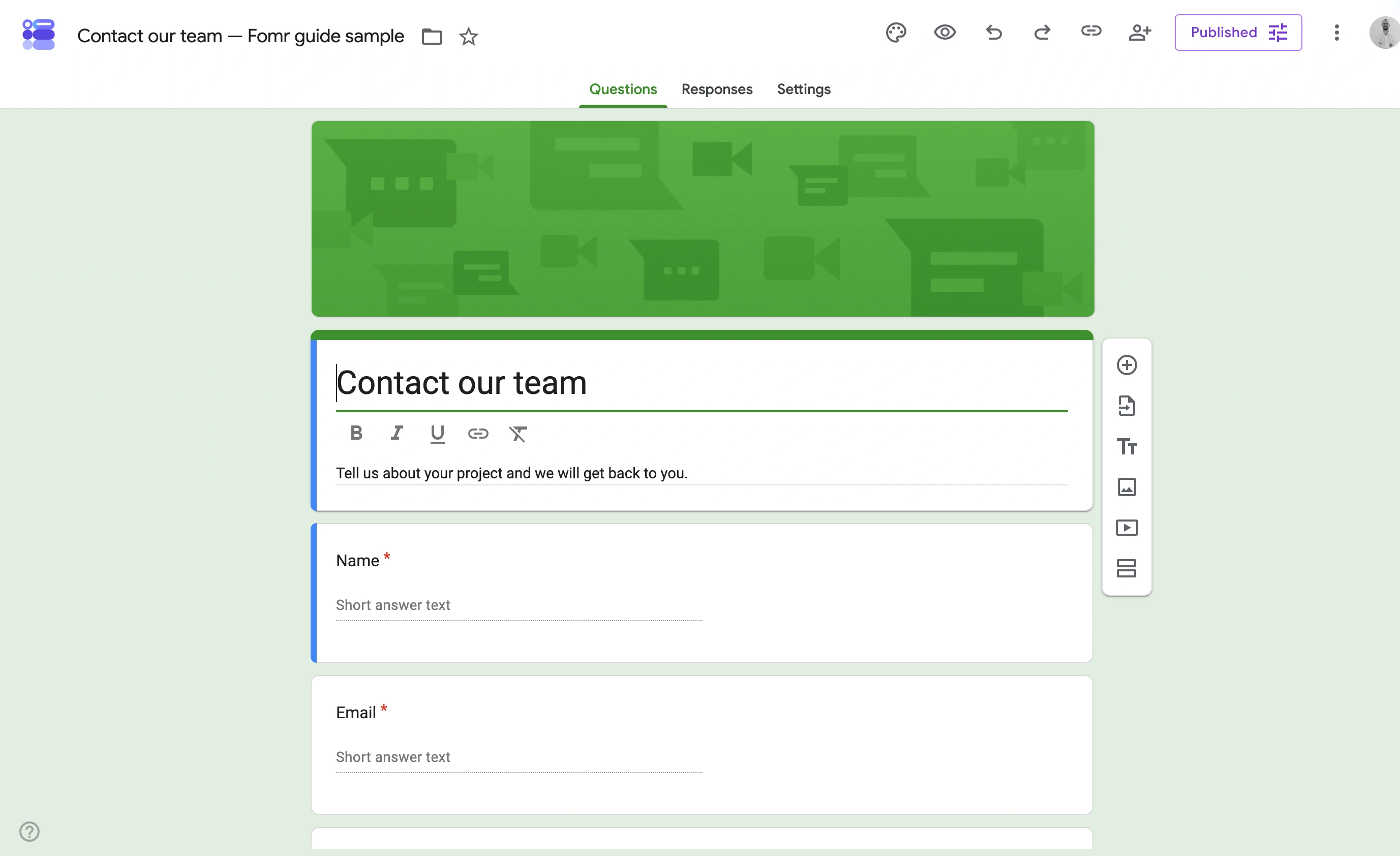
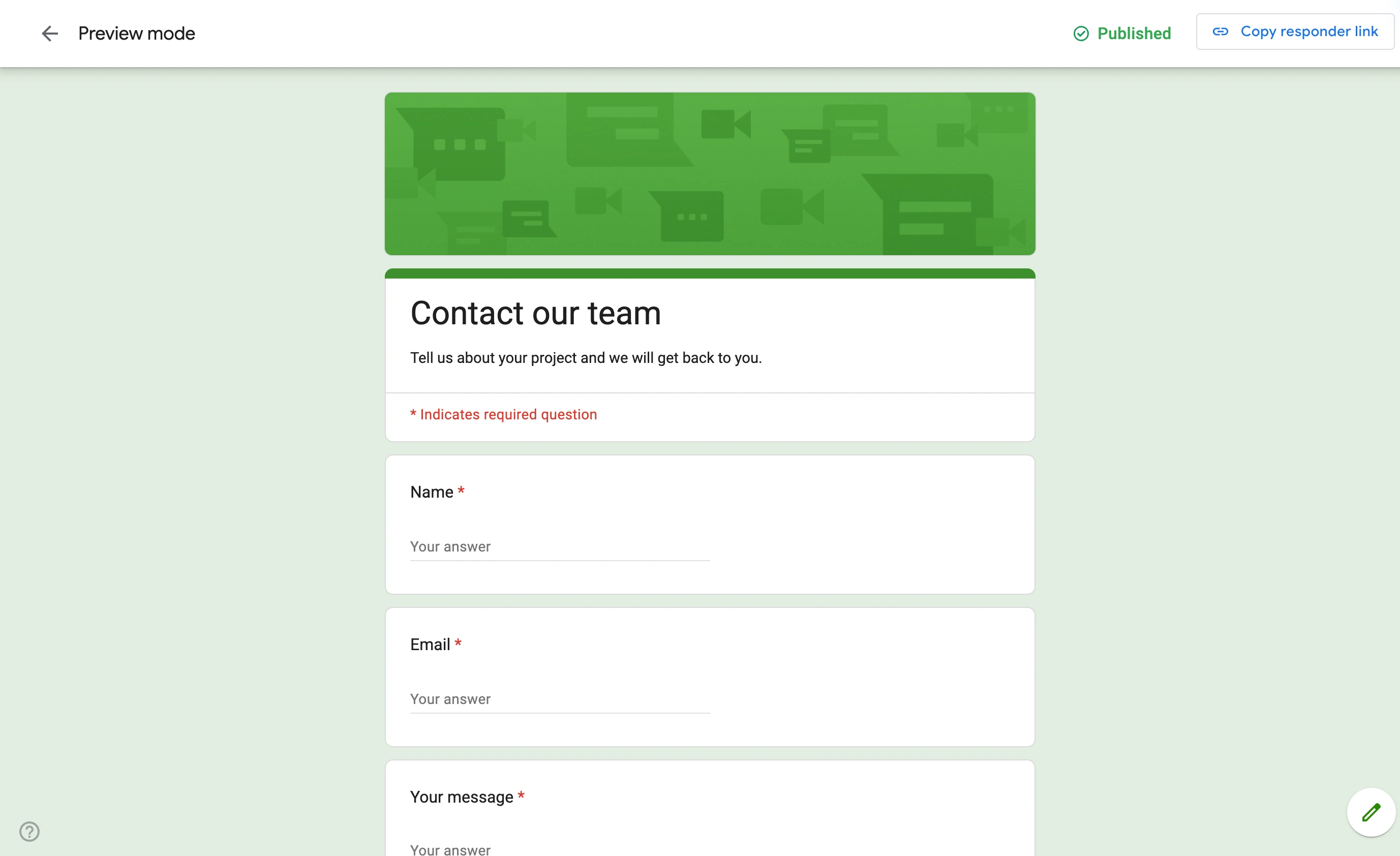
Google Forms is genuinely weak on design. You get a header image, an accent color, and a small set of fonts. Every Google Form looks like a Google Form, and for a customer-facing page that’s a real cost.
The verdict, by who you are
There isn’t one winner here. There are three different buyers.
If you’re doing research that gets presented to stakeholders, buy SurveyMonkey. Benchmarks, crosstabs, and significance testing are the product, and no free tool replaces them. Don’t try to run it on Basic. Ten questions and an unpublished view limit will waste your fieldwork.
If you’re collecting answers and want to keep all of them, use Google Forms. No cap, no deletion, no upgrade prompt at the worst possible moment. Accept that it looks like Google Forms and move on.
If the form is customer-facing and represents your brand, neither is a great fit, which is where we come in.
Where Fomr fits, and where it doesn’t
We built Fomr for the case both tools handle badly: a form that people outside your company will see. Unlimited forms, responses, fields, and team members on the free plan, with no viewing cap and nothing deleted. Full design control with 1,700+ fonts, custom colors, backgrounds, and logos, plus 30+ components and multi-page layouts. Pro is $24/month for custom domains, removing our branding, and SEO controls. You can build one right now in the guest editor without making an account.
Now the honest part. We have conditional logic on every plan, but no payment collection, no Zapier integration, and no API or webhooks. Responses do sync to Google Sheets; the rest is on the roadmap and none of it ships today. If you need any of those this week, pick a different tool this week.
We also have nothing resembling SurveyMonkey’s research stack. No benchmarks, no crosstabs, no significance testing, no respondent panel. That’s a deliberate choice about what we’re building, not a gap we’re about to close.
If you’re specifically shopping to replace SurveyMonkey, we compare the realistic options in our SurveyMonkey alternatives roundup, and there are detailed breakdowns on the SurveyMonkey alternative and Google Forms alternative pages.
Give it a try
Try this Fomr candidate feedback survey form
Try rating the job-description and application experience in this Fomr candidate survey. It collects hiring-process feedback rather than evaluating applicants.

What to do before you commit
Two things, and they take about ten minutes.
Sign in to a SurveyMonkey Basic account and read the response number it shows you, since that figure is the one thing that decides whether the free plan is usable for your project. Then estimate your realistic response count for the next twelve months, not this one survey.
If the answer is “more than I can view and I care about the design,” try building it on Fomr. No signup, no response cap, and you’ll know inside five minutes whether the missing features are a dealbreaker.