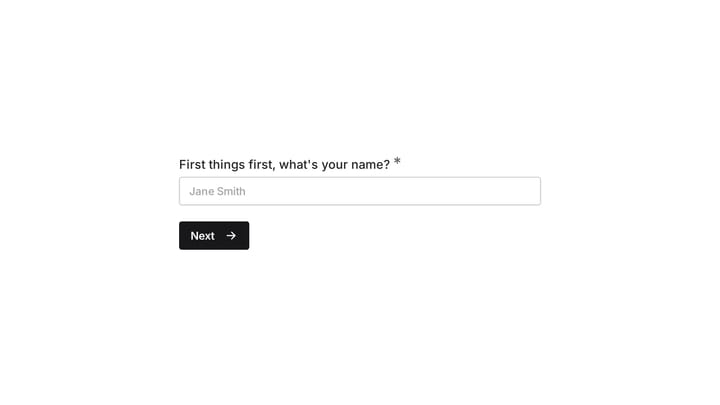
For a design-first form builder, our editor had a design problem of its own: fixed sidebars on both sides, with your form squeezed into the strip between them. The tools took up permanent space whether you were using them or not.
July changed that. We rebuilt the editor around one idea (the form you’re building deserves the whole screen) and then kept shipping into the new layout all month: undo and redo, hidden questions and pages, component type switching, richer text blocks, and a few smaller things you’ll bump into along the way.
Here’s the tour.
The canvas is the editor now
Open a form today and it fills the screen. Pages, components, design controls, and question settings all float above the canvas instead of boxing it in.
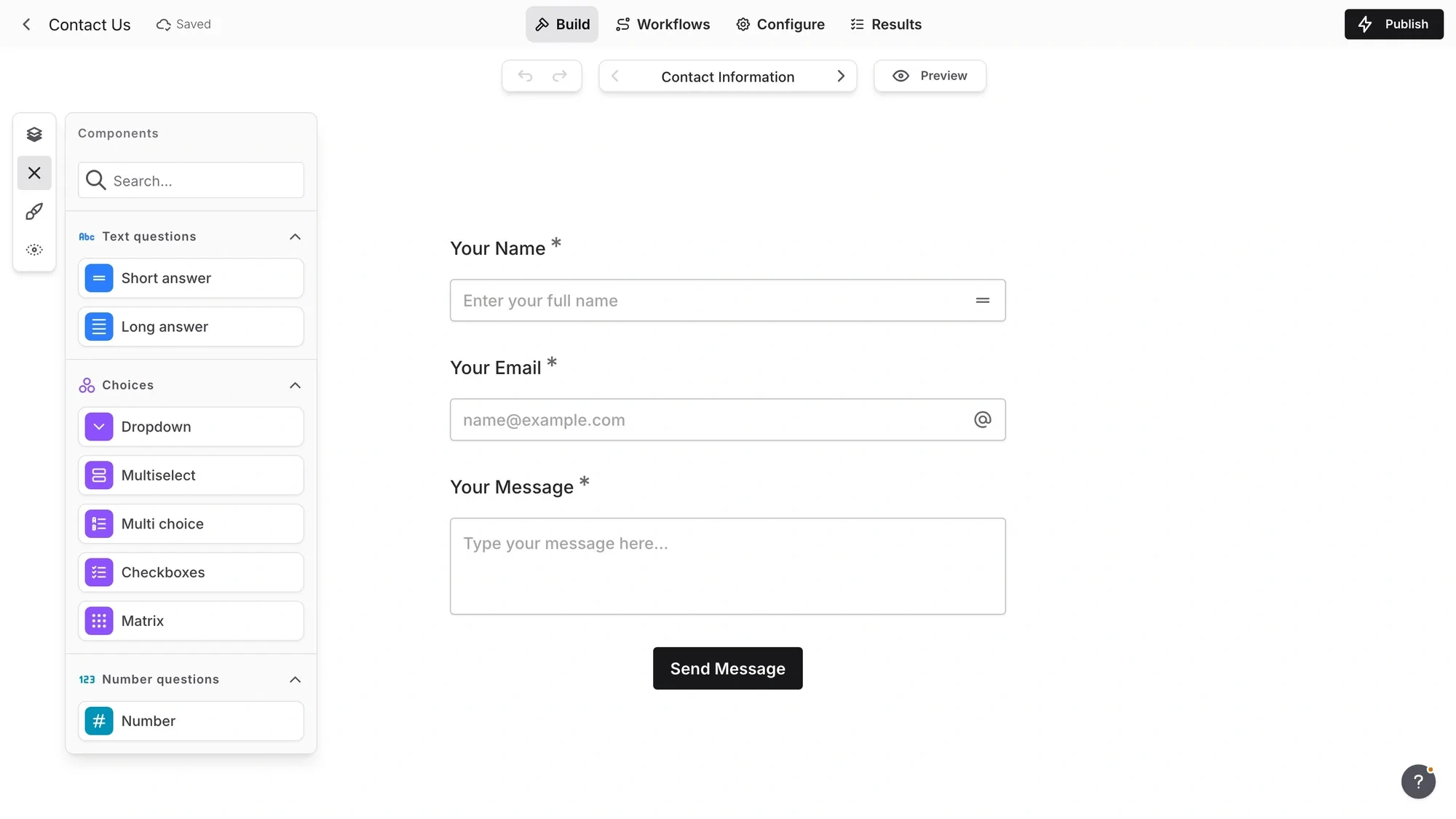
The tools live in a compact dock on the left edge of the canvas. Click Pages, Components, or Design and that panel opens; only one opens at a time, so the editor never turns into a wall of overlapping controls. Close it and you’re back to just your form.
Question settings moved too. Select a question and a small floating panel appears near it, so you edit settings next to the thing you’re editing instead of glancing back and forth to a distant sidebar.
A few details we’re particularly happy with:
- Page controls on the canvas. A new page navigator lets you move between pages without opening the page list, and you can rename the current page inline, right where you are.
- Components you can actually find. The component library is grouped by type, color-coded, and searchable. Typing “rat” beats scrolling past twenty tiles to find Rating.
- Panel state lives in the URL. Refresh the editor, or share an editor link with a teammate, and it reopens with the same panel you had open.
- Better tablet behavior. Panels and settings adapt more gracefully on tablets and narrow browser windows, where the old fixed sidebars really hurt.
If you’re worried about relearning everything: don’t be. The layout is new, but the editing flow isn’t. Your existing forms, pages, questions, design settings, workflows, previews, and responses are all where they were — the editor around them just got cleaner.
Undo and redo, finally
This was our most requested editor feature, and honestly the most overdue. Every editor mistake used to be a manual repair job. Deleted the wrong question? Rebuild it.
Now: Ctrl/Cmd+Z undoes, Ctrl/Cmd+Shift+Z (or Ctrl+Y) redoes. There are buttons too, sitting next to Preview and the page navigator, and undo history covers workflow edits as well as form building.
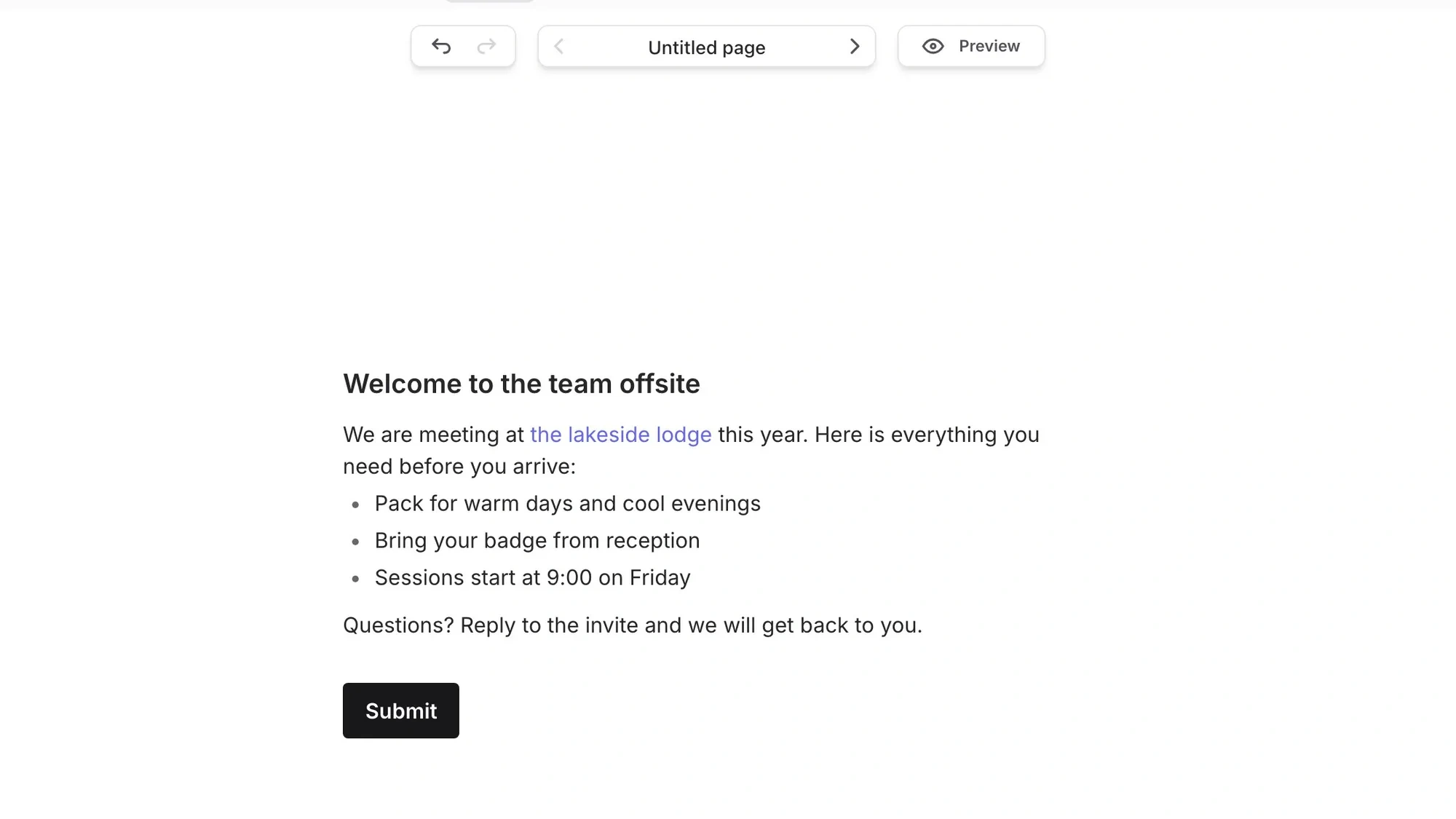
The part we sweated over: history survives a reload. Close the tab, come back, and you can still undo the changes you made before leaving. An undo stack that evaporates on refresh is barely an undo stack at all.
Hide questions and pages instead of deleting them
You can now hide a question, or an entire page, from your live form without deleting it. Hidden items are removed when you publish, so respondents never see them, but any answers you’ve already collected for those questions stay intact.
It’s the difference between pausing a question and destroying it. Not sure yet whether to ask for a phone number? Hide it, publish, and decide later. Running a seasonal page in a recurring survey? Drop it from the flow in the off months and unhide it when it’s relevant again. Nothing is lost either way.
Switch a component’s type without rebuilding it
Picked Short Answer but it should have been Email? You used to delete the question and start over, losing its title, settings, and position.
Now you switch the type from the component settings panel. Short Answer to Email, Dropdown to Multi Choice, Checkboxes to Multiselect, Rating to Linear Scale. Any switch between compatible types keeps the question intact and just changes how it’s presented.
Small feature, but it removes one of those quiet frictions that made experimenting with a form’s format feel expensive.
Text blocks grew up
Text blocks used to hold a single paragraph, which made anything longer — instructions, consent text, a welcome page — an awkward stack of separate blocks.
A text block now holds a whole passage. Press Enter and keep writing in the same block, mixing headings and paragraphs freely. Paste several paragraphs and they stay together. Lists are in too: bulleted or numbered, nested to any depth for sub-points.
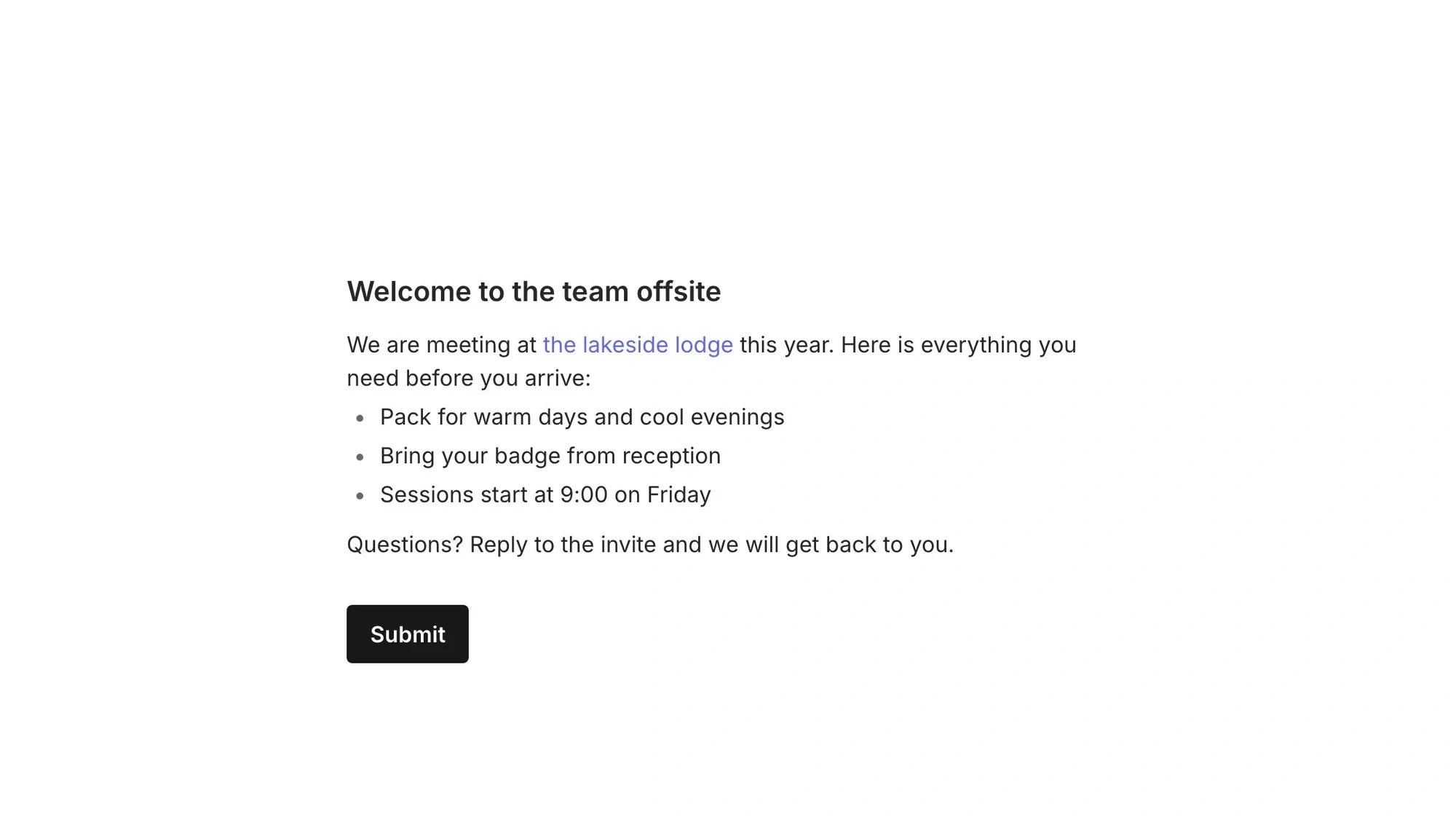
You can color any part of the text, either with a color that follows your form’s theme or one you pick yourself. There’s a new Small style for fine print like disclaimers, and Shift+Enter adds a line break without starting a new paragraph.
One behavior change worth calling out: the formatting toolbar now appears when you select text, not every time you place the cursor. Everything you need is in that toolbar, so text blocks no longer have a separate settings panel. Less UI, same control.
Paste a list, get your options
Adding answer choices one by one is over. Copy a list from a spreadsheet or document, paste it into an option of any choice question, and each line becomes its own option automatically. Formatting like bold text and links comes along too.
It works everywhere options exist: Dropdown, Multiselect, Multi Choice, Checkboxes, Ranking, and Matrix rows and columns. If you’ve ever typed fifty countries into a dropdown by hand, this one’s for you.
And a new component: Yes/No
July also brought a Yes/No component for binary questions. It always shows exactly two answers, and you can rename the labels right on the canvas: “Agree” and “Disagree”, “Attending” and “Can’t make it”, whatever fits. Your custom labels carry through to responses, exports, and Google Sheets, and it works with auto-jump, default values, and answer piping.
Go see it
Everything above is live for everyone, on every plan, including free. If you have a Fomr account, your forms are already in the new editor.
If you don’t, you don’t need one to try it. Open the editor as a guest and build something — no signup, and the canvas is all yours.