Most people start hunting for a Shopify form builder for one of three reasons. The contact form baked into their theme dumps everything into one inbox with no fields worth reading. They need a wholesale application or a returns request and there’s nowhere to put it. Or they installed something a year ago, the free tier ran out at 40 submissions, and now there’s a recurring charge on the bill they don’t remember approving.
That last one is the interesting problem, and it’s the one every roundup skips. Almost every form app on the Shopify App Store bills per store. Shopify’s own subscription works the same way, one charge per store. So if you run a main shop plus a wholesale storefront plus a regional store, a $9.90/month app is a $356 a year app.
I priced six options in August 2026, pulling every figure from the live App Store listing rather than a competitor’s blog. Here’s what they actually cost and where each one breaks.
What a Shopify form builder actually costs per store
Run the arithmetic before you install anything, because the sticker price on the listing is the single-store price.
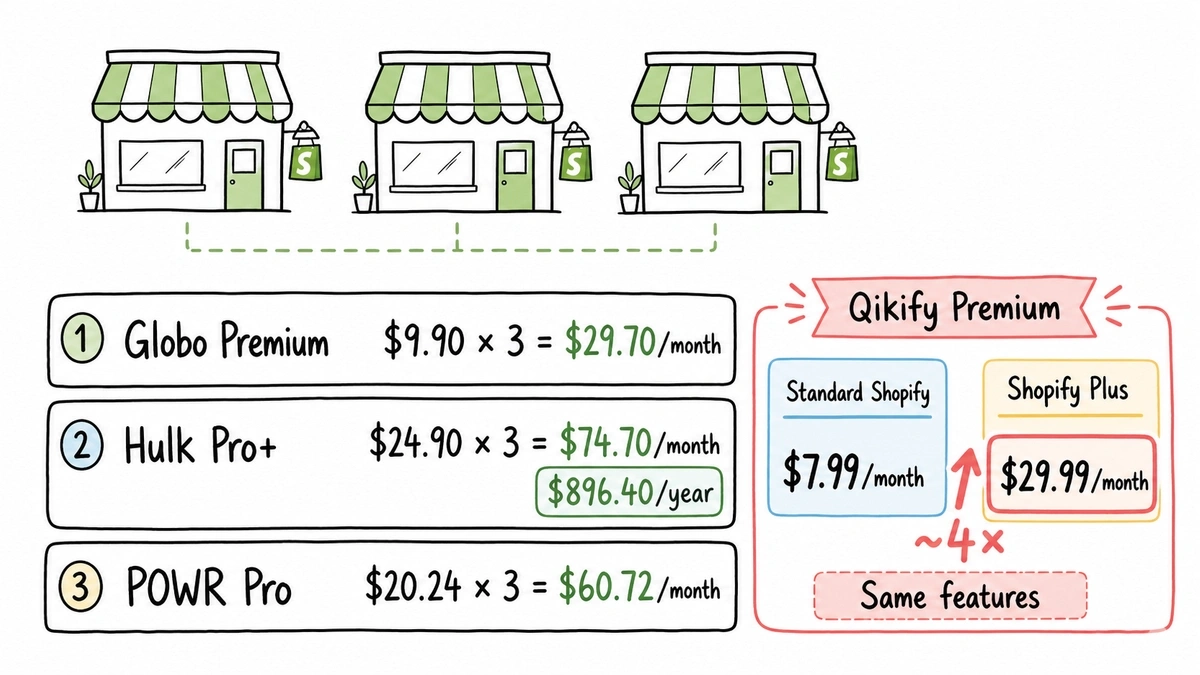
Three stores on Globo’s Premium plan is $29.70/month. Three stores on Hulk’s Pro+ tier is $74.70/month, which is $896 a year to collect form submissions. POWR’s Pro plan across three stores is $60.72/month.
Qikify has the sharpest edge here. Its Premium plan is $7.99/month on a standard Shopify plan and $29.99/month if you’re on Shopify Plus, same features. Nearly four times the price for the same forms because of the plan you’re on.
None of that math is hidden exactly. It’s just never in the table.
All six, compared on the same criteria
Prices below are the monthly, per-store rates from each App Store listing as of August 2026. Annual billing knocks 16-27% off depending on the app.
| Option | Free plan cap | Cheapest paid | Conditional logic | Billed per store |
|---|---|---|---|---|
| Globo Powerful Contact Form Builder | 1 form, 40 submissions/mo | $9.90/mo (1,000 subs) | Yes, on Premium | Yes |
| Hulk Form Builder | 1 form, 50 submissions | $9.90/mo (unlimited subs) | Advanced logic on Pro+ ($24.90) | Yes |
| Qikify Contact Form Builder | 1 form, 10 fields | $5.99/mo (3 forms) | Yes, on free | Yes, +Plus surcharge |
| POWR Contact Form Builder | 25 submissions/mo, 6 fields | $11.99/mo | Yes, on Pro ($20.24) | Yes |
| Shopify Forms | Free, no paid tier | n/a | No | No, it’s free |
| Fomr | Unlimited forms and responses | $24/mo (whole account) | Yes, on free | No, billed per account |
1. Globo Powerful Contact Form Builder: best overall app
If you want one installed app that handles everything and you only run one store, this is the one I’d pick. It’s rated 4.9 across roughly 2,300 reviews, and the feature list is genuinely deep for the money: cart forms, bulk order forms, conditional logic, file uploads.
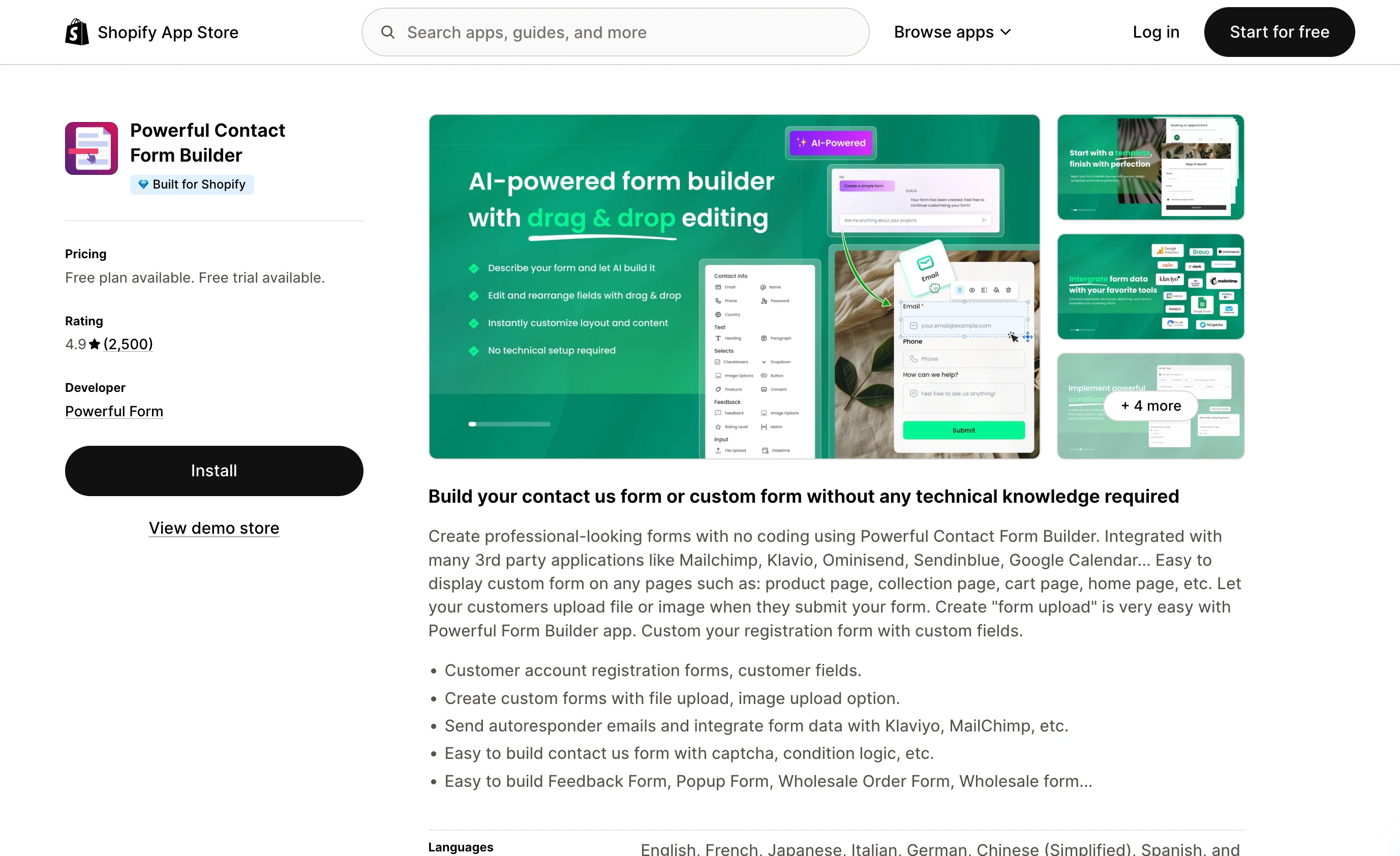
Premium is $9.90/month for unlimited forms and 1,000 submissions. Pro at $19.90/month takes you to 10,000 submissions and adds Zapier, Google Sheets, and Make.com.
Where it loses: the free plan is a demo. One form, 40 submissions a month, 200MB of storage. A store doing any real volume burns through that in a week. And submission caps are the wrong pricing lever for a form app, because the month you get unexpected traffic is the month your forms quietly stop collecting.
2. Hulk Form Builder: cheapest route to unlimited submissions
Hulk’s Pro plan is also $9.90/month, but it gives you unlimited forms and unlimited submissions at that tier instead of capping you at 1,000. If you’re choosing purely on submission volume per dollar, Hulk wins the entry tier outright. Also 4.9 stars, around 1,880 reviews.
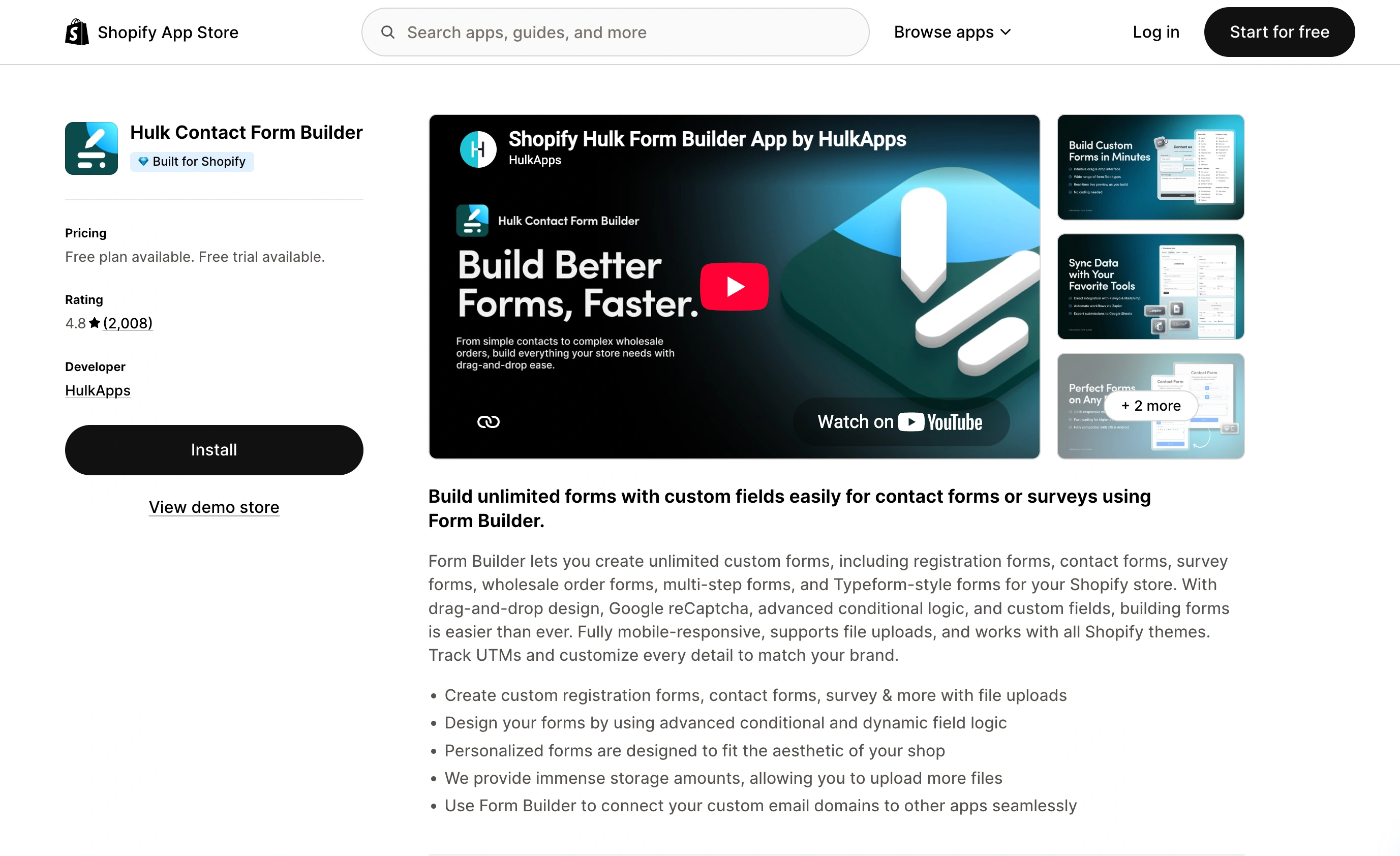
Where it loses: the good structural features are gated one level up. Multi-page forms, advanced conditional logic, Slack, and Zapier all live on Pro+ at $24.90/month. Multi-page forms behind a $25 tier is a stretch, since long forms are exactly the case where you need pagination most.
3. Qikify Contact Form Builder: the budget pick
$5.99/month for three forms, $7.99/month for unlimited. That’s the lowest real price in this list, and the free tier includes conditional logic, which the others charge for. For a single store that needs a contact form and a returns form, this is the sensible cheap answer.
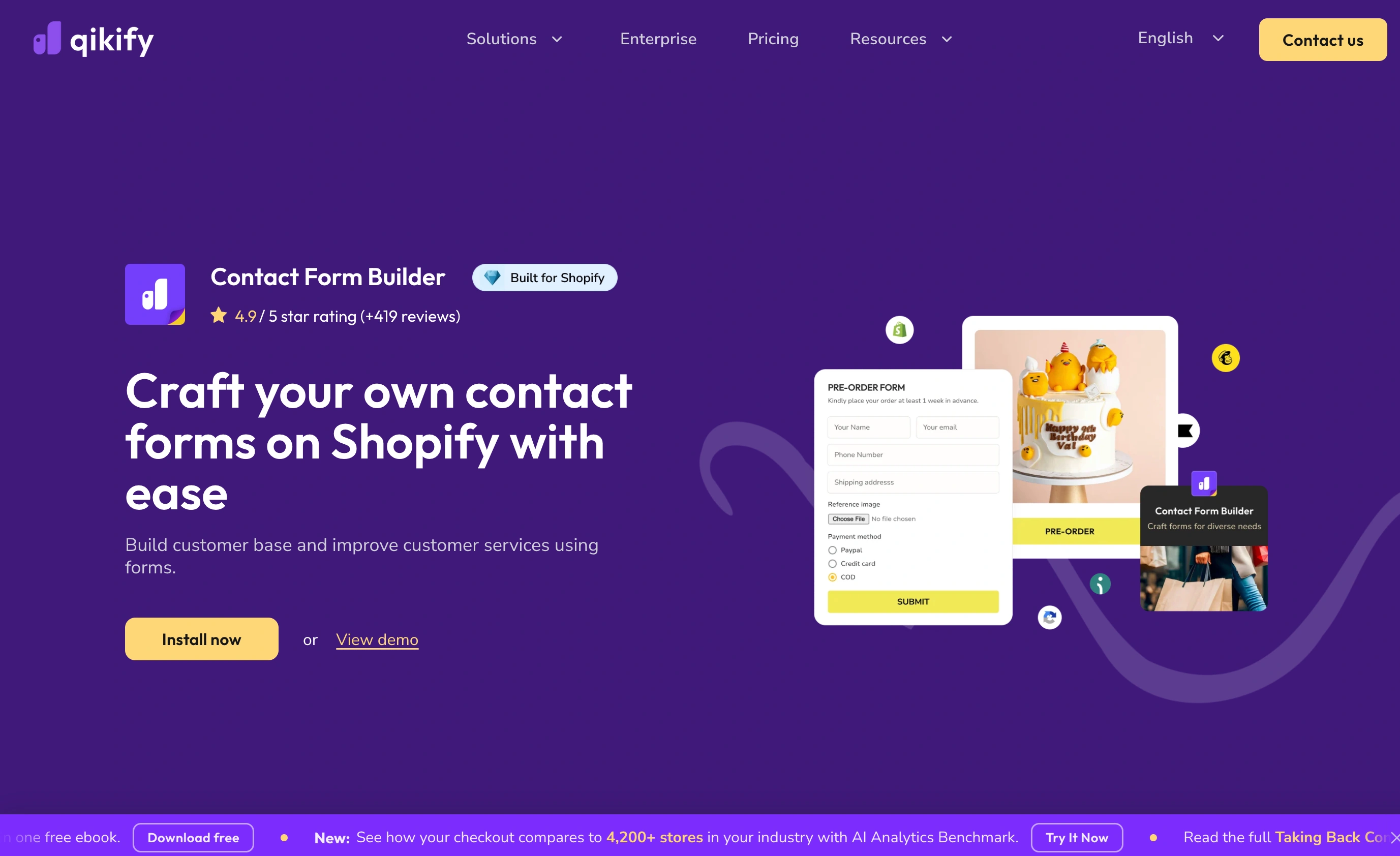
Where it loses: the free plan caps you at 10 fields on one form, and submission notifications are capped at 100 on Basic and 500 on Premium unless you route them through Shopify Flow. The Plus surcharge I mentioned earlier stings if you ever upgrade your Shopify plan.
4. POWR Contact Form Builder: big template library, harsh free tier
POWR gives you 200+ templates, multi-step flows, and syncing into Shopify Customers and Klaviyo. If you like starting from a template instead of a blank canvas, it’s the strongest option here. 4.6 stars across roughly 660 reviews.
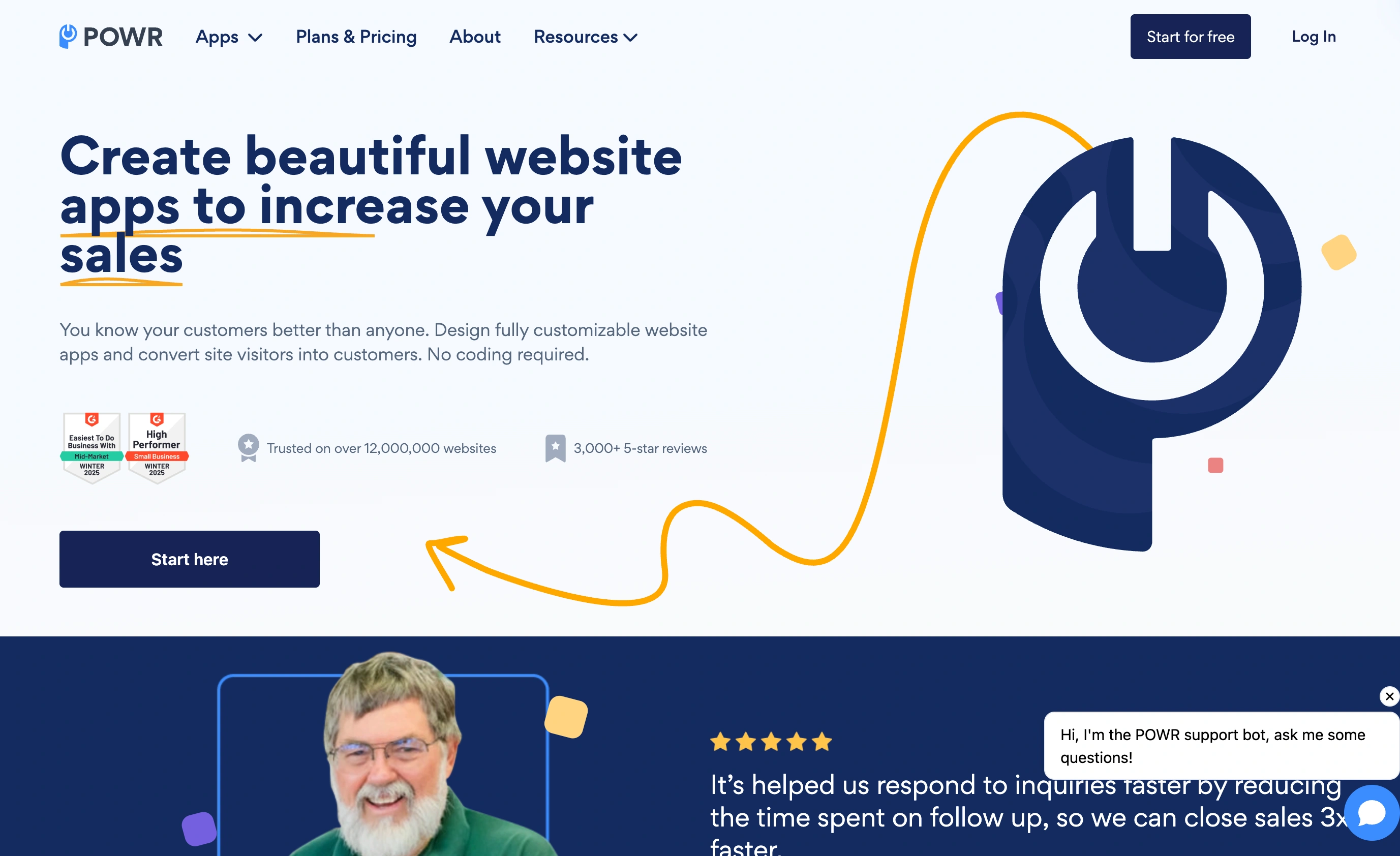
Where it loses: the free plan allows 25 submissions a month and six fields per form. Six. A normal support form is name, email, order number, subject, category, message, and you’re already out of fields. Conditional logic and file upload sit on Pro at $20.24/month, and the Business tier is $98.99/month, which is a strange number to see next to a contact form.
5. Shopify Forms: the best free option if you only need email capture
Shopify makes its own forms app and it costs nothing. It does pop-ups and inline forms, tags customers, feeds Shopify Email and Automations, and supports 20 languages. If your actual job is “grow the newsletter list,” stop reading and install this. Nothing else here integrates as cleanly with customer records.
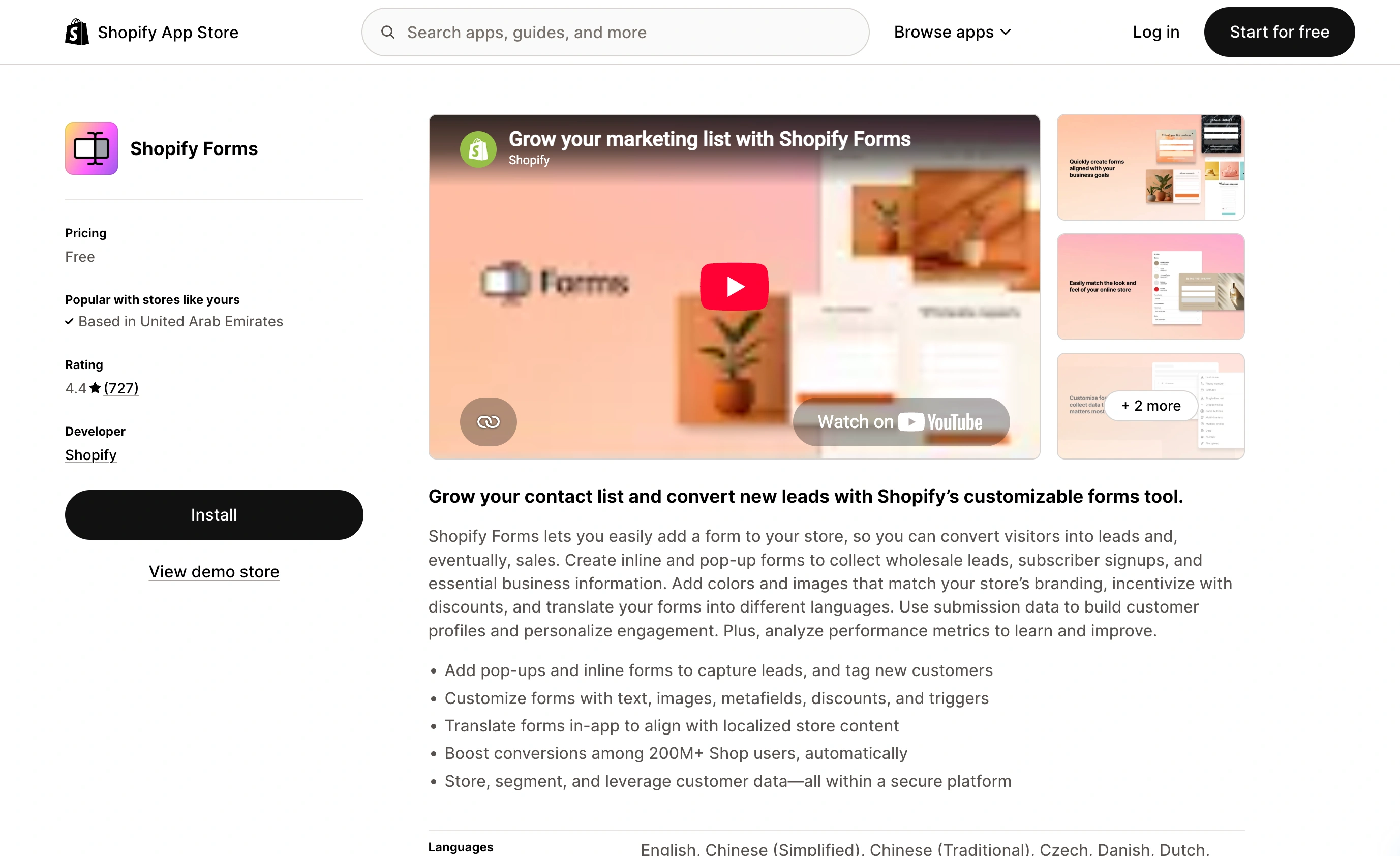
Where it loses: it’s a marketing capture tool, not a form builder. No conditional logic, limited field types, and design control that stops well short of matching a custom theme. It sits at 4.5 stars, noticeably below the third-party apps, and the recurring complaint in reviews is inconsistent submission notifications. For a wholesale application or a repair intake form, it’s the wrong shape.
6. Fomr: best if you run more than one store
Here’s where the per-store math stops applying. Fomr isn’t an App Store listing. It’s a form builder that gives you an embed snippet, and one account covers every store, landing page, and email you paste that snippet into. Unlimited forms, responses, fields, and team members are free. Pro is $24/month for the whole account, not per storefront, and that’s where custom domains and branding removal live. Full detail on pricing.
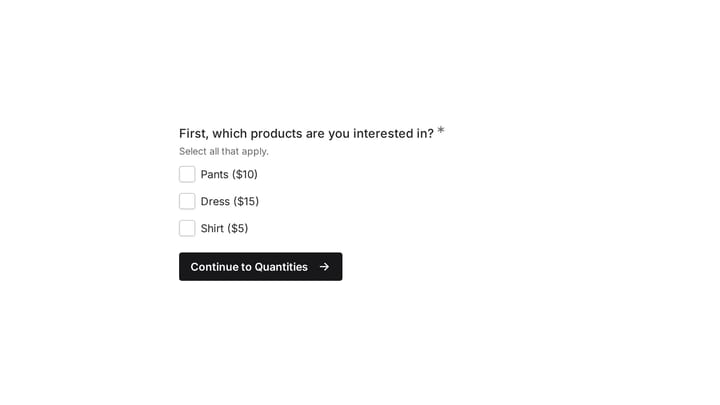
The design control is the other reason to look at it. 1,700+ fonts, custom colors, backgrounds, and logos, so the form can match your theme rather than looking like an embedded widget from a different decade. Multi-page forms and 30+ field types come free, no tier gate.
Where it loses, plainly: Fomr has no native Shopify connection. It can’t read your orders, it can’t write to your customer records, and it won’t tag anyone in Shopify Email. If your form needs to know which order a customer is asking about, you’re asking them to type the order number. Payment collection is on the roadmap and not shipped yet.
You can build a form and see it running before deciding: the guest editor works without an account.
Give it a try
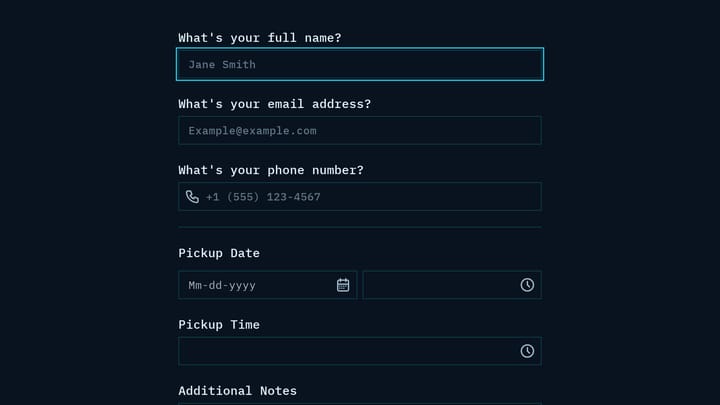
Try this Fomr curbside pickup order form
Try this Fomr pickup-request example to inspect the customer fields. It does not read Shopify inventory, create Shopify orders, or collect a payment.
How to put a form builder on your Shopify theme without an app
Embedding takes about five minutes and doesn’t require the App Store. The flow is the same for any form builder with an embed snippet.
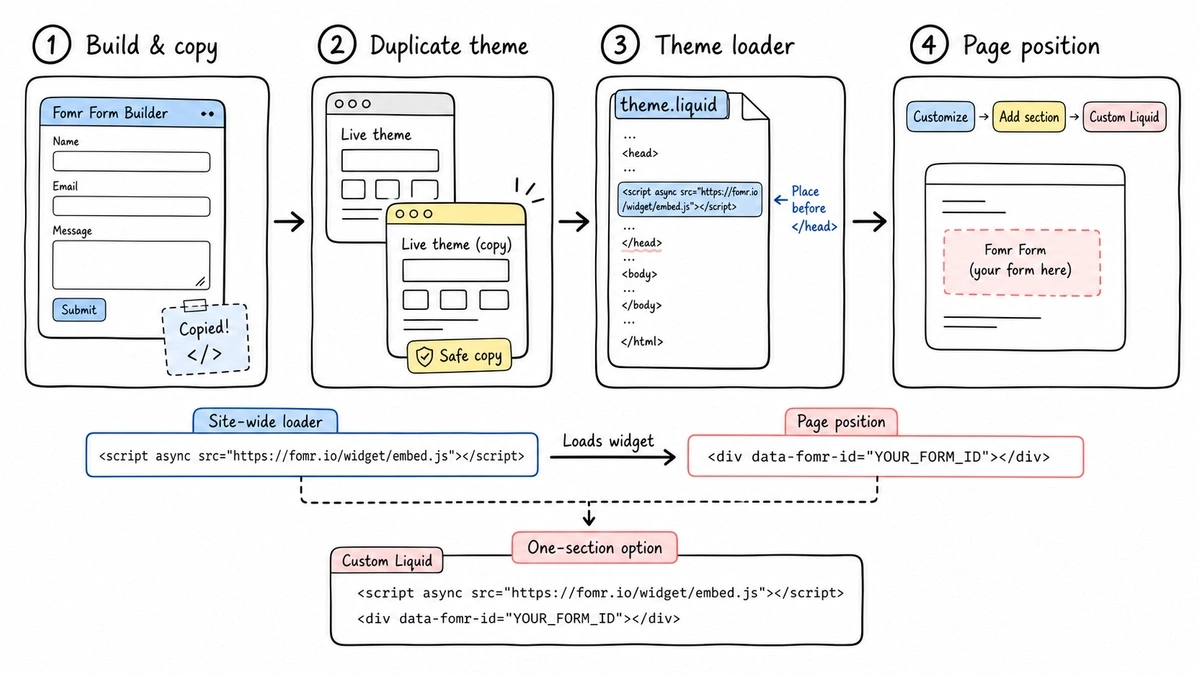
- Build your form, then copy the embed snippet.
- In your Shopify admin, go to Online Store > Themes, open the menu on your live theme, and choose Edit code. Shopify warns that theme code changes can be wiped by a theme update, so duplicate the theme first.
- If your form builder needs a site-wide script tag, open
theme.liquidand paste it just before the closing</head>. Fomr’s script travels inside the same snippet as the form, so you can skip this step. - To place the form itself, skip the code editor. Go to Online Store > Themes > Customize, pick the template you want, click Add section, and choose Custom Liquid. Online Store 2.0 added a Liquid input setting exactly for this. Paste the snippet there and save.
With Fomr, the snippet is an iframe plus one small script that resizes the form to fit:
<iframe src="https://fomr.io/s/embed/YOUR_FORM_ID" title="Contact form" width="100%" height="500" loading="lazy" allow="clipboard-write; fullscreen" style="border: 0"></iframe><script async src="https://fomr.io/widget/embed.js"></script>Since both lines go in the same section and there’s no theme file to touch, everything lives in one place a non-developer can find later. The same Custom Liquid section also accepts the popup snippet, a button that opens the form, or a full-page form. We walk through every variant in the embed guide and on the embed forms page.
What switching actually costs you
Migration pain is real and worth pricing in.
Existing submissions usually don’t come with you. Most of these apps export to CSV, so you keep the data as a file, but the searchable archive inside the old app is gone the day you uninstall. Export before you cancel, not after.
Automations break next. If you wired Klaviyo, Google Sheets, or Zapier to a form app, every one of those connections has to be rebuilt against the new tool. That’s the part that eats an afternoon.
Uninstalling an app also leaves theme leftovers in some cases. Check your product and contact templates for orphaned app blocks after removal, or you’ll get an empty gap where a form used to be.
Rebuilding the forms themselves is the easy part. A contact form takes ten minutes. It’s the plumbing around it that costs time.
Picking a Shopify form builder: the short version
One store, want everything in one app: Globo at $9.90/month. Deep features, good reviews, and the price is fair for a single storefront.
One store, high submission volume, tight budget: Hulk Pro at $9.90/month for unlimited submissions, or Qikify at $5.99 if your needs are simple.
You only want to grow an email list: Shopify Forms. It’s free and it talks to Shopify natively. Don’t pay for something else to do this.
Two or more stores, or you care about the form matching your brand: build it once in Fomr and embed the same snippet everywhere. Free covers unlimited forms and responses, and $24/month covers the whole account rather than each storefront. Just go in knowing there’s no Shopify data connection.
Try the editor without signing up and paste the snippet into a Custom Liquid section on a draft page. Ten minutes will tell you more than another comparison table.