Airport Security Threat Report Form Template

This airport security threat report form helps aviation security teams document suspicious activity, threat assessments, incident timing, and exact airport locations in a consistent format. Use it to capture the details needed for fast rev…

Use Template
Used 2 times
4.9
Created by Fomr Team
Last updated

About

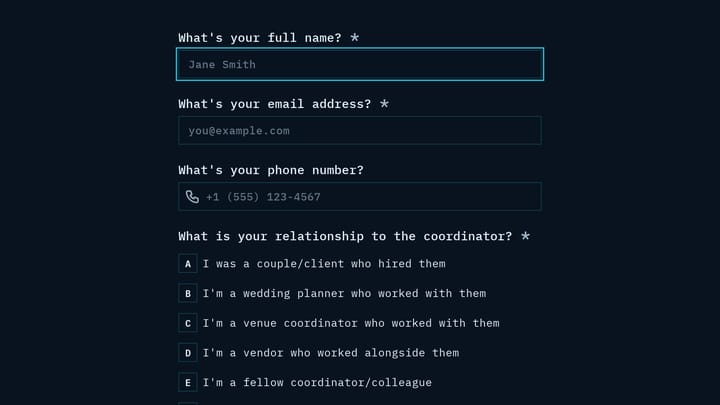
An airport security threat report form helps security, operations, and law enforcement teams capture urgent incident details in a clear, reviewable format. This template is designed for reporting situations such as suspicious packages, unattended baggage, unauthorized access, weapons, bomb threats, and active shooter incidents without losing critical context.

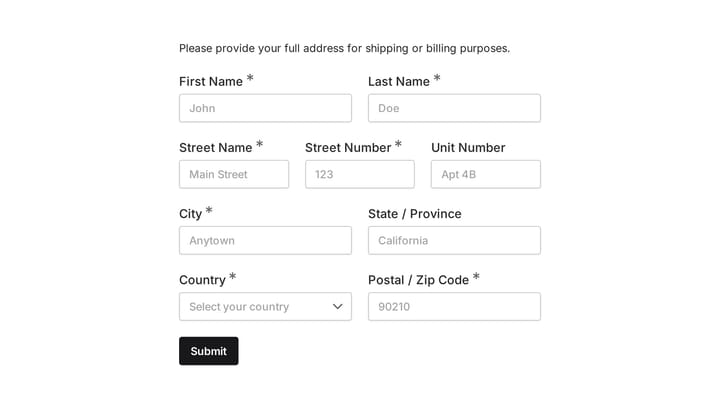
The form collects core reporting details including the reporter's name, badge or employee ID, department, phone number, email address, incident date and time, and the exact airport location involved. It also includes fields for threat type, initial threat level assessment, and a detailed narrative so responders can quickly understand what was observed and where escalation may be needed.

Because the structure is specific to aviation environments, it works well for terminals, gates, checkpoints, restricted areas, and other operational zones where accurate reporting matters. Teams can use it as a practical incident report form for internal documentation, cross-department coordination, and post-incident review while keeping submissions consistent from one report to the next.
Related Templates

View all →
Event Volunteer Form preview

Event Volunteer Form

Streamline your event planning by effortlessly collecting all the crucial details from your potential volunteers. This customizable form simplifies sign-ups, helping you build a supportive and well-organized team.

Damage Report Form preview

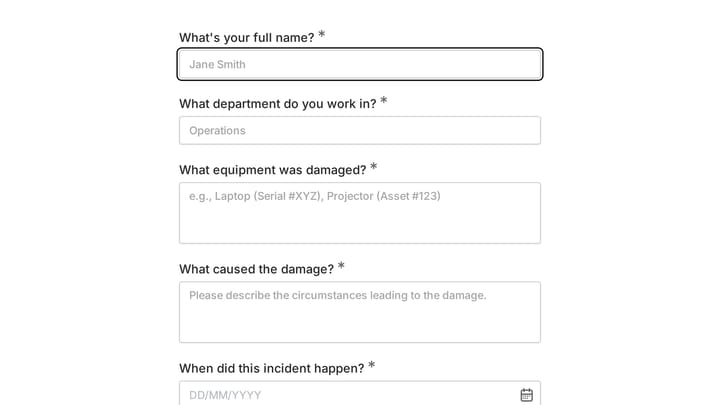
Damage Report Form

This template provides an easy way for staff to document incidents and damaged equipment online. It's fully customizable to efficiently capture essential details for internal record-keeping and prompt follow-up.

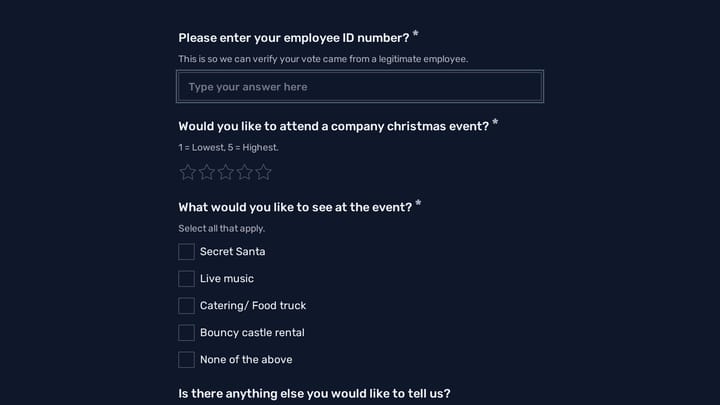
Voting Form preview

Voting Form

Use this best free online form builder to collect structured responses in a format that is easy for both respondents and your team. It helps turn incoming information into a more organized workflow.

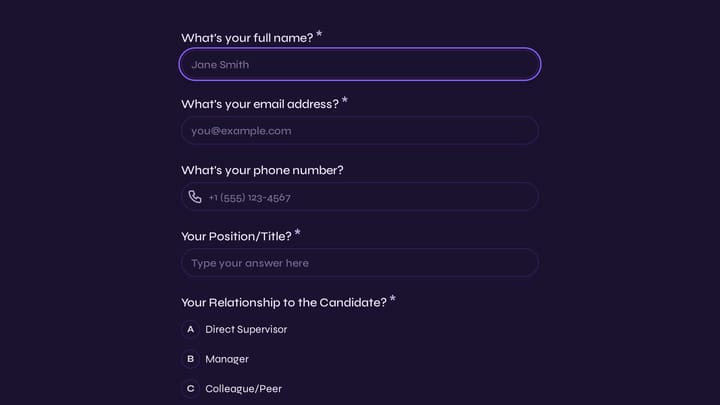
Wedding Venue Manager Reference Form preview

Wedding Venue Manager Reference Form

Use this customer feedback form to collect structured responses in a format that is easy for both respondents and your team. It helps turn incoming information into a more organized workflow.

Wedding Inquiry Form preview

Wedding Inquiry Form

Use this how to create a contact form to collect the details you need before starting a conversation, project, or request. It helps teams qualify submissions and respond with better context.

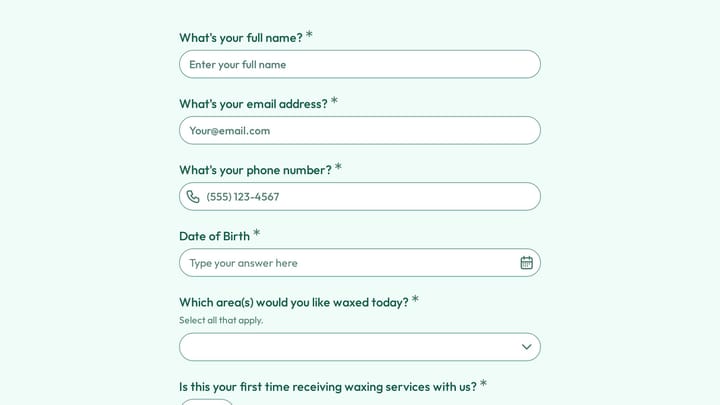
Waxing Service Client Intake Form preview

Waxing Service Client Intake Form

Use this client intake form to collect the details you need before starting a conversation, project, or request. It helps teams qualify submissions and respond with better context.

Wedding Rehearsal Coordinator Reference Check preview

Wedding Rehearsal Coordinator Reference Check

Use this wedding rehearsal coordinator reference check form to collect structured responses in a format that is easy for both respondents and your team. It helps turn incoming information into a more organized workflow.

Address form preview

Address form

Quickly and accurately collect full shipping and billing addresses with this versatile template. It's designed for businesses that need reliable customer location details for deliveries, invoicing, or organized record-keeping.

Frequently asked questions

What is this airport security threat report used for?

This template is used to collect structured responses for a airport security threat report workflow. It gives teams a consistent format for gathering the information they need and reviewing submissions more efficiently.

What information should I collect first?

Start with the most important details people can answer quickly, then move into the more specific questions. In this template, that can include items such as Full Name, Employee/Badge ID, Department/Organization depending on how you customize it.

Can I customize this template for my own workflow?

Yes. You can adapt the questions, required fields, and structure to fit your process while keeping the overall flow clear and easy to complete. That makes it useful as both a starting point and a publish-ready template.

How many questions should a form like this include?

Keep only the questions that directly support the purpose of the form. Shorter forms usually get better completion rates, so it is often better to collect the essentials first and ask for extra details later if needed.

Why use a structured template instead of building from scratch?

A structured template helps you move faster and keeps your submissions more consistent. It also reduces the chance of missing important details because the form already follows a logical order.

Your next form could be the best-looking thing on your site.

Free forever. Unlimited responses. No signup to start.