Government Form Templates

Free government form templates for public agencies. Create permit applications, service requests, and citizen feedback forms.

0

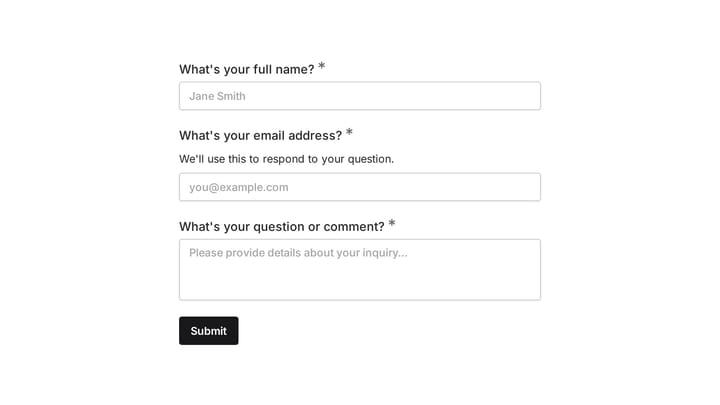
Ask a Question

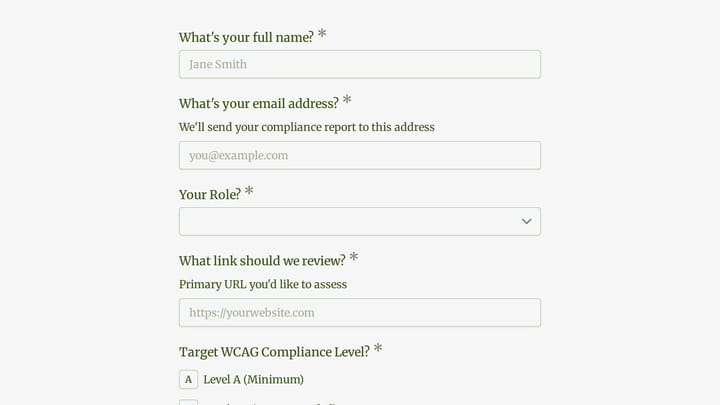
Easily add a customizable 'Ask a Question' form to your website with this template. It empowers visitors to submit inquiries and comments effortlessly, streamlining communication and improving engagement.

Contacts Event Registration Quote Requests E-commerce Small Business Owner
0

Customs Officer Job Application Form

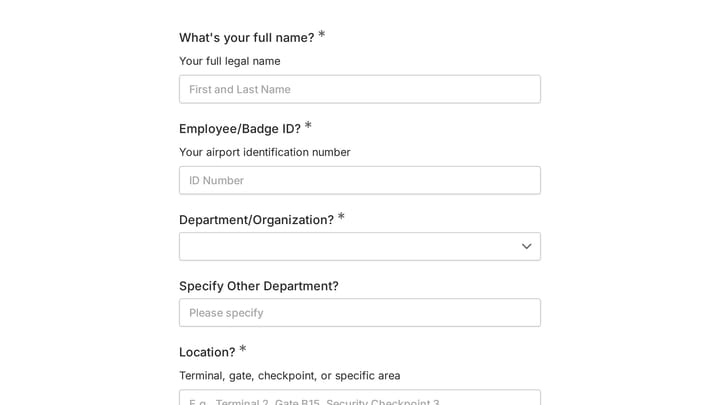
Simplify your hiring process for customs officers with this comprehensive application form. It efficiently collects essential applicant details, work history, and resumes all in one place.

Job Applications Feedback Application Government Recruiter
0

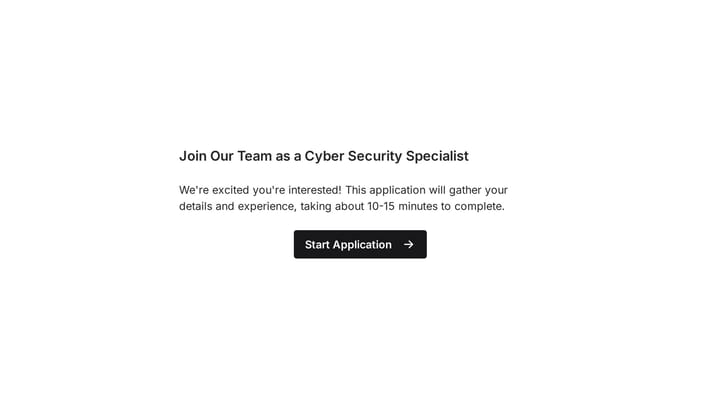
Cyber Security Specialist Job Application Form

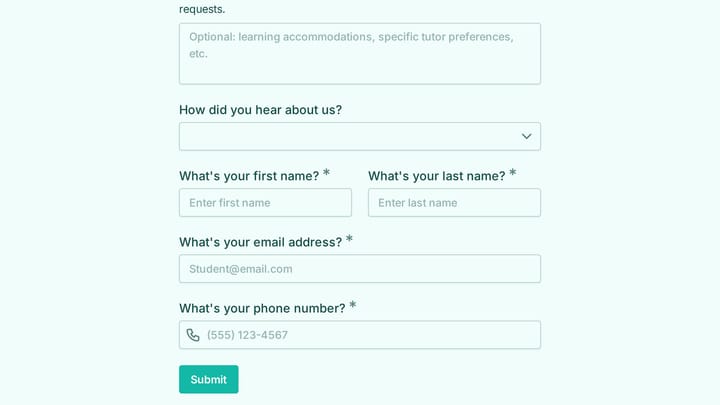
Simplify your recruitment for a Cyber Security Specialist with this ready-to-use job application form template. It helps you efficiently gather crucial candidate details, resumes, and cover letters in one place.

Job Applications Feedback Application Government Recruiter
0

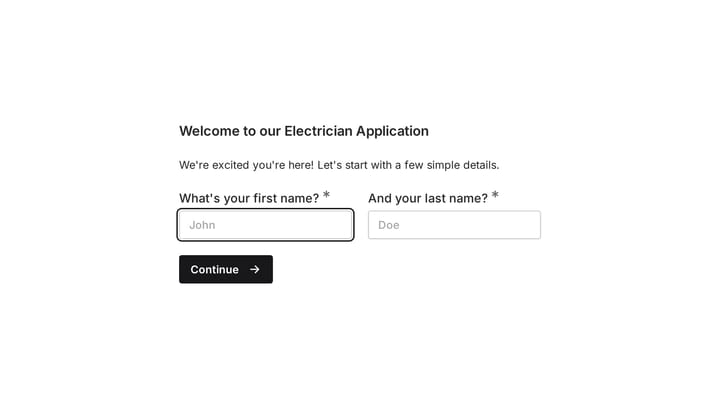
Electrician Job Application Form

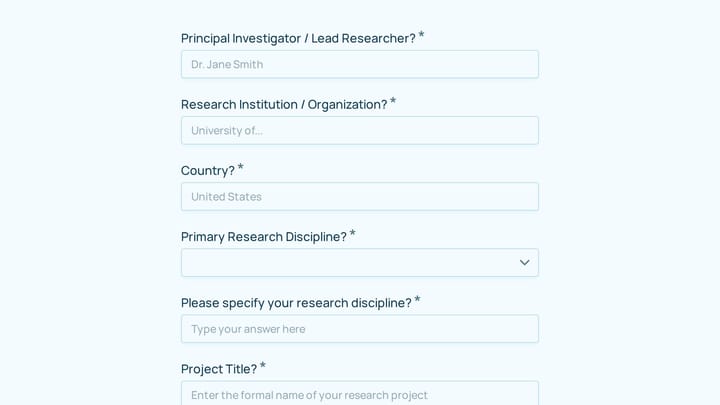
Simplify your hiring for skilled electricians with this professional job application form template. It's designed to help you quickly gather candidate information, resumes, and cover letters, ensuring you find the best talent efficiently.

Job Applications Feedback Application Government Small Business Owner
0

Engineer Job Application Form

Create a professional, on-brand engineer job application form that captures resumes, cover letters, and essential candidate details in one seamless step.

Job Applications Feedback Application Government Recruiter

About Government Forms

Government forms enable civic participation and public service delivery. From permit applications and service requests to citizen feedback and public meeting signups, they help agencies serve constituents efficiently while maintaining the transparency and accessibility that democracy requires.

Government serves everyone, including people with disabilities, limited English proficiency, and varying technical skills. Forms must meet accessibility standards and work for all citizens.

Common Form Types for Government

  • Permit and license application forms
  • Service request and reporting forms
  • Public meeting registration forms
  • Citizen feedback and complaint forms
  • Public records request forms
  • Volunteer and board application forms
  • Grant application forms
  • Community survey forms

Who Uses Government Forms?

Public sector organizations at all levels use these forms. Municipal governments handle permits and service requests. State agencies process applications and registrations. Federal programs collect program applications. Public utilities manage service inquiries. Civic organizations coordinate community engagement.

Building Forms for Government

Accessibility is non-negotiable—meet WCAG standards and provide alternative submission methods. Use plain language that citizens can understand. Explain what information is required and why. Provide clear instructions and examples. Communicate processing timelines and next steps. Ensure data security and privacy compliance. Make forms available in multiple languages where needed.

Frequently asked questions

What is a form template?

A form template is a pre-designed form structure that you can use as a starting point for creating your own forms. Templates include pre-configured fields, layouts, and styling that are tailored for specific use cases, saving you time and ensuring best practices are followed. Simply select a template, customize it to match your needs, and publish it to start collecting responses.

How do I customize this template?

Customizing a template is easy with our drag-and-drop editor. Click "Use Template" to open the form in the editor where you can add, remove, or rearrange fields, change colors and fonts to match your brand, update question text and descriptions, configure validation rules, and set up email notifications. All changes are saved automatically, and you can preview your form at any time before publishing.

Is this template free to use?

Yes, all our form templates are completely free to use. You can create unlimited forms from any template on our free plan. Some advanced features like file uploads, custom domains, and removing branding require a paid plan, but the core form functionality and templates are available to everyone at no cost.

Can I use this template for my business?

Absolutely! Our templates are designed for both personal and business use. Whether you're a freelancer, small business, or enterprise, you can use any template to collect leads, gather feedback, process applications, or handle any other form-based workflow. For business use, we recommend our Pro plan which includes features like custom branding, advanced analytics, and priority support.

How do I share my form after creating it?

Once you've customized and published your form, you have several sharing options. You can copy the direct link to share via email, social media, or messaging apps. You can also embed the form on your website using our embed code, or use a QR code for offline materials. All sharing options are available from your form's settings page after publishing.

Ready to create your first Fomr?

Your next form deserves better than a white page with dropdowns. Build something people actually want to fill out.