Waxing Service Client Intake Form Template

Use this client intake form to collect the details you need before starting a conversation, project, or request. It helps teams qualify submissions and respond with better context.

Use Template
Used 0 times
4.9
Created by Fomr Team
Last updated

About

A good client intake form should make it easy for people to respond while still giving your team useful information to work with. This template keeps the flow clear and structured so submissions are easier to review, route, and act on.

It includes practical prompts such as Full Name, Email Address, Phone Number, Date of Birth, which helps capture the context people usually expect to provide in this kind of workflow. That balance between clarity and completeness makes the template useful right away, while still leaving room for customization.

Because the structure is already organized, teams can spend less time chasing missing details and more time responding to submissions. It also helps create a more consistent experience across every response you collect.

It also fits naturally alongside related use cases such as form builder for small business and consent form online, which makes it a flexible starting point for teams that want a template they can adapt to different workflows.
Related Templates

View all →
Body Measurement Form preview

Body Measurement Form

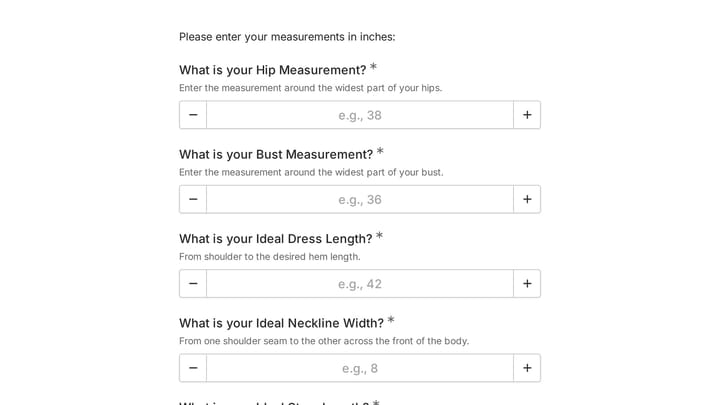
This body measurement form provides a straightforward way to record essential physical dimensions. It's an ideal tool for custom clothing design, fitness tracking, or monitoring personal progress with precision.

Branding Project Intake Form preview

Branding Project Intake Form

Empower your branding projects from the start with this essential intake form template. It guides creative professionals in capturing crucial client details like project goals, target audience, style preferences, and necessary assets for a perfectly aligned kickoff.

Client Photo & Media Release Form preview

Client Photo & Media Release Form

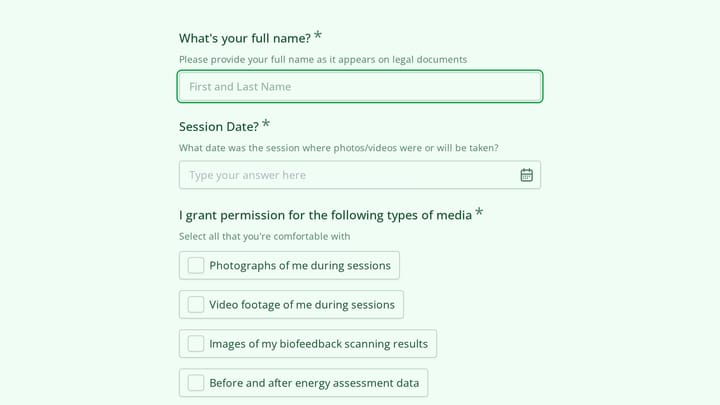
Client Photo & Media Release Form helps wellness and healthcare practices document clear consent for photos, videos, testimonials, and published identifiers. Use it to capture media permissions, usage channels, consent duration, and any cl…

Event RSVP Form preview

Event RSVP Form

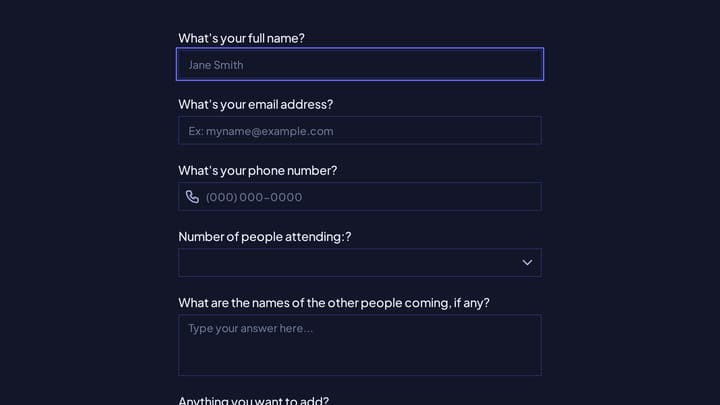
Use this Event RSVP Form to collect participant details and attendance information. It keeps registration, confirmation, and event follow-up organized.

Post-event feedback survey form preview

Post-event feedback survey form

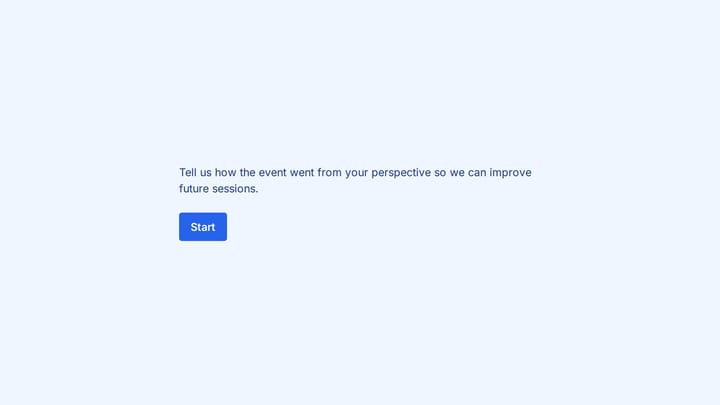
Measure attendee satisfaction after an event with structured ratings and follow-up comments.

Ask a Question preview

Ask a Question

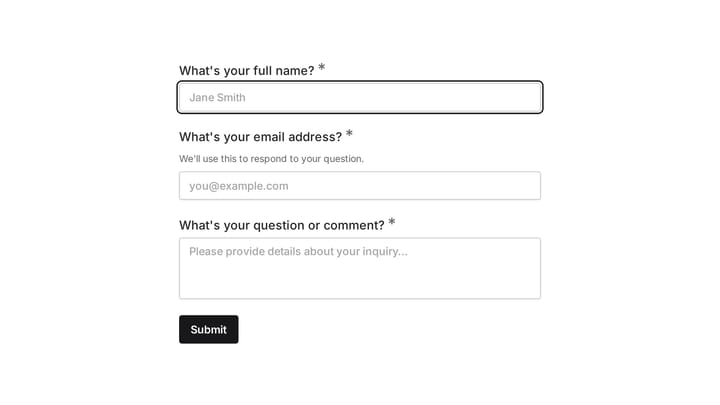
Easily add a customizable 'Ask a Question' form to your website with this template. It empowers visitors to submit inquiries and comments effortlessly, streamlining communication and improving engagement.

Patient Health History Questionnaire preview

Patient Health History Questionnaire

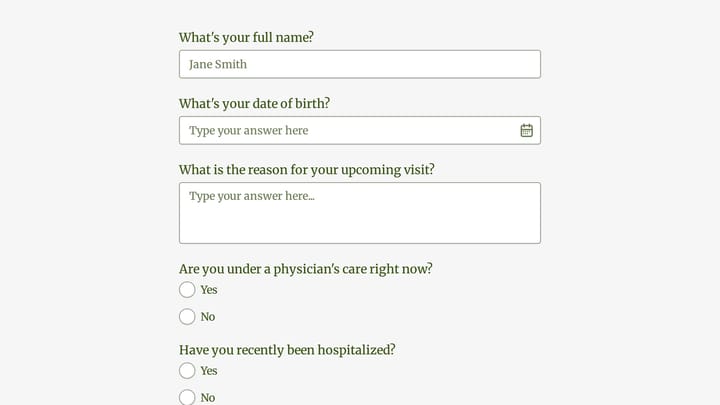
Use this patient health history questionnaire to collect medical background details before an appointment, including the reason for the visit, current care, recent hospitalization, and medications.

Past Crushes Survey Form preview

Past Crushes Survey Form

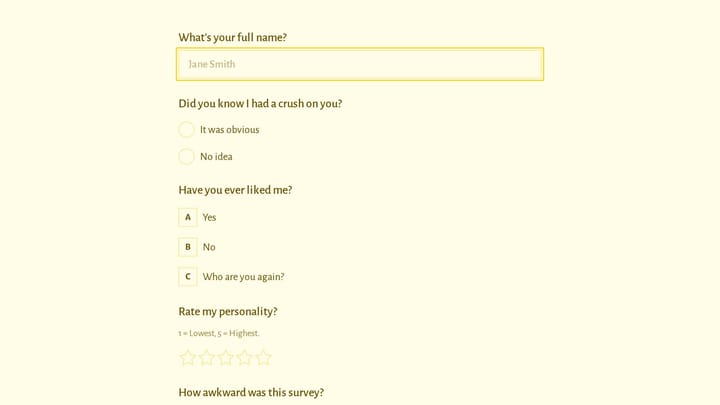
Use this past crushes survey form to collect clear feedback, satisfaction scores, and open-ended comments in one place. It helps teams understand what is working well and where the experience can improve.

Frequently asked questions

What is this waxing service client intake form used for?

This template is used to collect structured responses for a waxing service client intake form workflow. It gives teams a consistent format for gathering the information they need and reviewing submissions more efficiently.

What information should I collect first?

Start with the most important details people can answer quickly, then move into the more specific questions. In this template, that can include items such as Full Name, Email Address, Phone Number depending on how you customize it.

Can I customize this template for my own workflow?

Yes. You can adapt the questions, required fields, and structure to fit your process while keeping the overall flow clear and easy to complete. That makes it useful as both a starting point and a publish-ready template.

How many questions should a form like this include?

Keep only the questions that directly support the purpose of the form. Shorter forms usually get better completion rates, so it is often better to collect the essentials first and ask for extra details later if needed.

Why use a structured template instead of building from scratch?

A structured template helps you move faster and keeps your submissions more consistent. It also reduces the chance of missing important details because the form already follows a logical order.

Your next form could be the best-looking thing on your site.

Free forever. Unlimited responses. No signup to start.