Beta User Journey Mapping Workshop Template

A beta user journey mapping workshop form helps product teams capture how testers actually use a product, where they get stuck, and what they need to succeed. Use it to document workflows, uncover friction points, and collect focused feedb…

Use Template
Used 0 times
5.0
Created by Fomr Team
Last updated

About

This beta user journey mapping workshop form is designed for teams that want more than general feedback from early users. It helps you collect structured insight about who your beta testers are, what they are trying to accomplish, how often they use the product, and what triggers them to start a task or workflow.

The template focuses on journey mapping details that are easy to compare across responses. It includes fields for primary use case, top goals, previous tools or processes, entry point into the product, and a step-by-step workflow description, making it easier to understand real behavior instead of relying on assumptions.

Because the form captures both context and sequence, it works well for product discovery sessions, usability workshops, and post-beta review meetings. Teams can use the responses to identify repeated pain points, spot onboarding gaps, prioritize fixes, and refine the product experience around the moments that matter most to users.
Related Templates

View all →
Event Registration Form preview

Event Registration Form

Effortlessly gather attendee information for any event with this registration form template. It streamlines sign-ups, manages workshop selections, and collects vital details like dietary needs, ensuring smooth planning.

Hybrid Schedule Coordination Form preview

Hybrid Schedule Coordination Form

Use this hybrid schedule coordination form to collect proposed in-office and remote work patterns for client-facing teams. It helps managers review schedule requests, confirm coverage, and plan around customer-facing responsibilities.

Address form preview

Address form

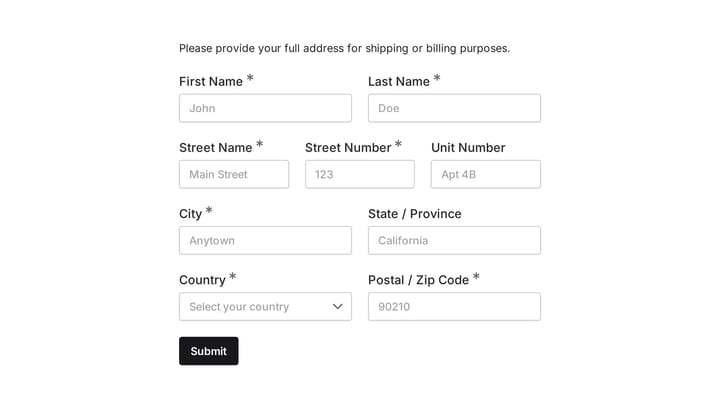
Quickly and accurately collect full shipping and billing addresses with this versatile template. It's designed for businesses that need reliable customer location details for deliveries, invoicing, or organized record-keeping.

Claw Machine Near Miss & Safety Report preview

Claw Machine Near Miss & Safety Report

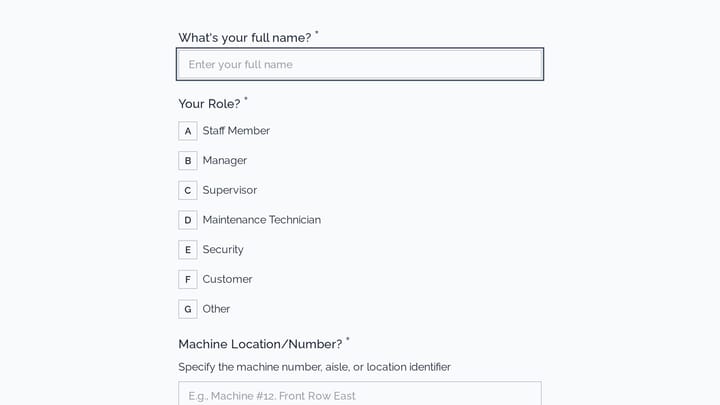
This incident report form helps arcade teams document claw machine near misses, mechanical problems, and customer safety concerns in a clear, consistent format. Use it to capture what happened, where it happened, and whether the issue was…

Membership Cancellation Request preview

Membership Cancellation Request

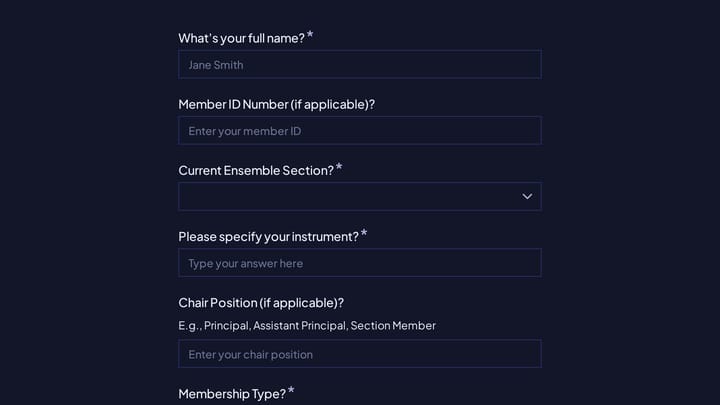
A membership cancellation request form for orchestras and chamber ensembles to document pauses, permanent departures, and the timing of a member's exit. It helps collect the details needed to update rosters, rehearsal plans, performance as…

Hair Salon Review Form preview

Hair Salon Review Form

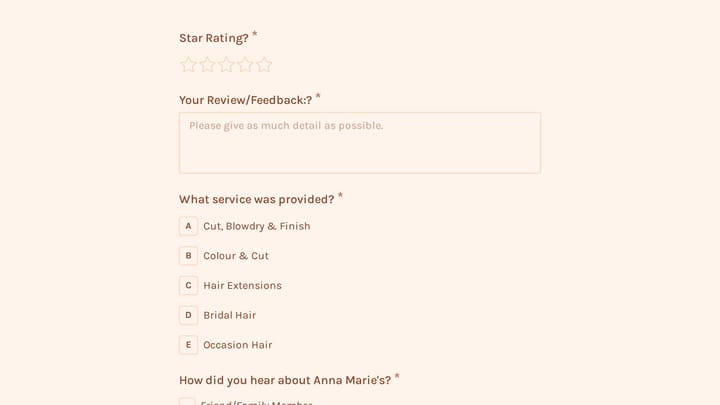
Use this customer feedback form to collect clear feedback, satisfaction scores, and open-ended comments in one place. It helps teams understand what is working well and where the experience can improve.

Classroom Observation Survey Form preview

Classroom Observation Survey Form

Use this classroom observation survey form to collect clear feedback, satisfaction scores, and open-ended comments in one place. It helps teams understand what is working well and where the experience can improve.

Event Volunteer Form preview

Event Volunteer Form

Streamline your event planning by effortlessly collecting all the crucial details from your potential volunteers. This customizable form simplifies sign-ups, helping you build a supportive and well-organized team.

Frequently asked questions

What is this beta user journey mapping workshop used for?

This template is used to collect structured responses for a beta user journey mapping workshop workflow. It gives teams a consistent format for gathering the information they need and reviewing submissions more efficiently.

What information should I collect first?

Start with the most important details people can answer quickly, then move into the more specific questions. In this template, that can include items such as Full Name, Email Address, Company/Organization depending on how you customize it.

Can I customize this template for my own workflow?

Yes. You can adapt the questions, required fields, and structure to fit your process while keeping the overall flow clear and easy to complete. That makes it useful as both a starting point and a publish-ready template.

How many questions should a form like this include?

Keep only the questions that directly support the purpose of the form. Shorter forms usually get better completion rates, so it is often better to collect the essentials first and ask for extra details later if needed.

Why use a structured template instead of building from scratch?

A structured template helps you move faster and keeps your submissions more consistent. It also reduces the chance of missing important details because the form already follows a logical order.

What makes an application form easier to review?

Clear questions and a predictable structure make application forms easier to review because every respondent submits information in the same format. That helps teams compare answers fairly and move through evaluations more quickly.

Your next form could be the best-looking thing on your site.

Free forever. Unlimited responses. No signup to start.