Startup Form Templates

Free startup form templates. Create waitlists, lead capture, and feedback forms that help you build and grow faster.

0

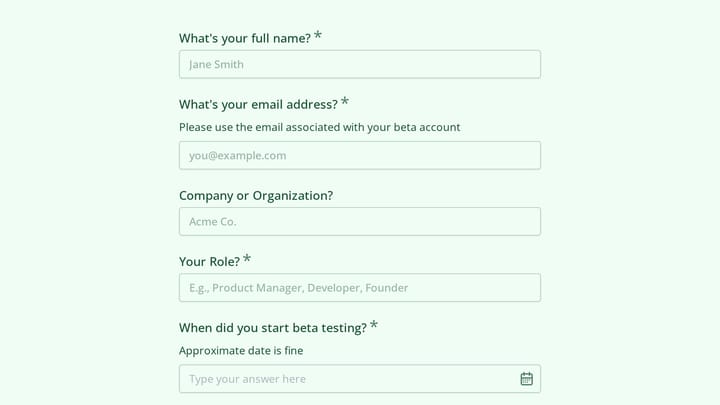
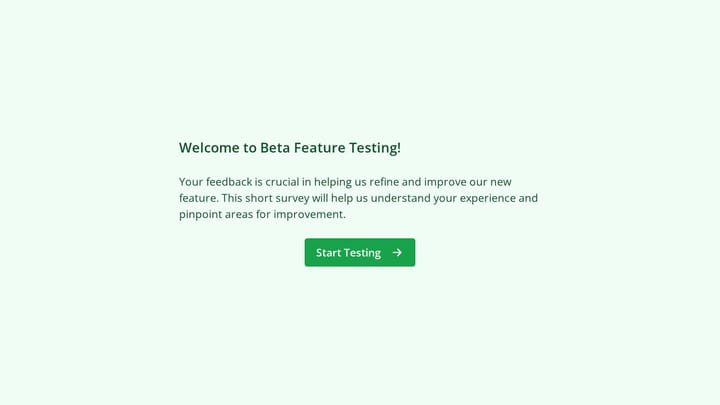
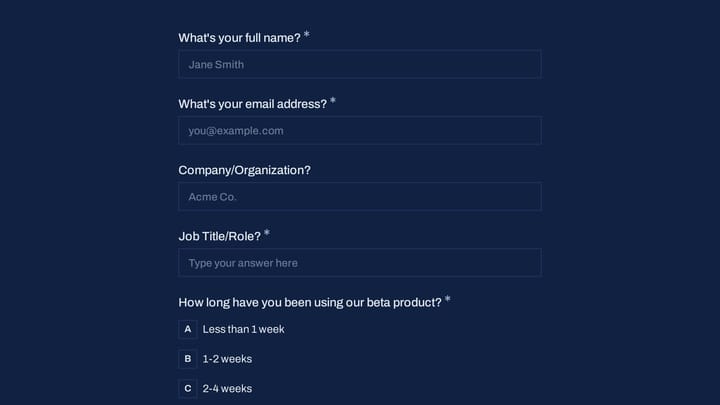
Beta Feature Testing

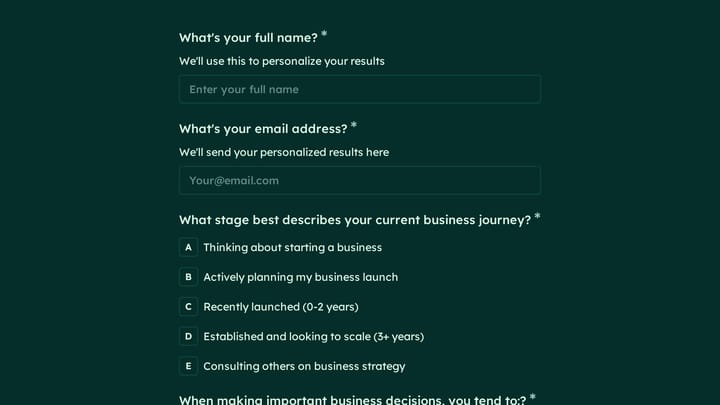
This template empowers product designers and managers to gather crucial feedback on new features, particularly those in beta. It helps teams deeply understand user experience and pinpoint areas for improvement well before a full product launch.

Feedback Onboarding Quote Requests Startups Customer Success Manager

About Startup Forms

Startups move fast and need tools that keep up. Forms help early-stage companies validate ideas, capture waitlist interest, collect user feedback, and build the early traction that attracts customers and investors. When resources are limited, every form interaction needs to deliver maximum value.

The startup journey requires different forms at different stages—from pre-launch interest capture to growth-stage lead generation and beyond.

Common Form Types for Startups

  • Waitlist signup forms for pre-launch interest
  • Early access application forms
  • Customer discovery interview scheduling
  • Beta feedback and feature request forms
  • Investor inquiry and pitch deck requests
  • Job application forms for growing teams
  • Partnership and collaboration inquiries
  • Customer development survey forms

Who Uses Startup Forms?

Entrepreneurs at every stage benefit from these forms. Pre-launch founders gauge market interest. Seed-stage startups collect user feedback. Growth-stage companies generate qualified leads. Accelerator participants organize investor communications. Solo founders manage customer relationships efficiently.

Building Forms for Startups

Speed matters in startup land. Use forms that can be created quickly and modified as you learn. Keep initial forms minimal—you can always collect more information later. Focus on the one piece of information you most need right now. Test different form versions to optimize conversion. Integrate with the tools you're already using. Build forms that scale as your company grows.

Frequently asked questions

What is a form template?

A form template is a pre-designed form structure that you can use as a starting point for creating your own forms. Templates include pre-configured fields, layouts, and styling that are tailored for specific use cases, saving you time and ensuring best practices are followed. Simply select a template, customize it to match your needs, and publish it to start collecting responses.

How do I customize this template?

Customizing a template is easy with our drag-and-drop editor. Click "Use Template" to open the form in the editor where you can add, remove, or rearrange fields, change colors and fonts to match your brand, update question text and descriptions, configure validation rules, and set up email notifications. All changes are saved automatically, and you can preview your form at any time before publishing.

Is this template free to use?

Yes, all our form templates are completely free to use. You can create unlimited forms from any template on our free plan. Some advanced features like file uploads, custom domains, and removing branding require a paid plan, but the core form functionality and templates are available to everyone at no cost.

Can I use this template for my business?

Absolutely! Our templates are designed for both personal and business use. Whether you're a freelancer, small business, or enterprise, you can use any template to collect leads, gather feedback, process applications, or handle any other form-based workflow. For business use, we recommend our Pro plan which includes features like custom branding, advanced analytics, and priority support.

How do I share my form after creating it?

Once you've customized and published your form, you have several sharing options. You can copy the direct link to share via email, social media, or messaging apps. You can also embed the form on your website using our embed code, or use a QR code for offline materials. All sharing options are available from your form's settings page after publishing.

Ready to create your first Fomr?

Your next form deserves better than a white page with dropdowns. Build something people actually want to fill out.