Client Onboarding Personality Assessment Template

An onboarding questionnaire for agencies and consultants that learns how a new client likes to communicate, make decisions, give feedback, handle risk, and measure project success.

Use Template
Used 4 times
4.9
Created by Fomr Team
Last updated

About

Client relationships that go sideways usually do so because of mismatched expectations about communication, not because of the work itself. This client onboarding personality assessment helps agencies, consultants, and studios learn how a new client likes to work before the kickoff meeting, so the team can adapt from day one.

After contact details and role, the questionnaire covers communication: the preferred channel for updates, how often they want to hear from you, their ideal meeting cadence, the communication style that lands best, and how quickly they usually reply. It then looks at decision making, including how they decide, who signs off on major choices, how quickly they move, and how much detail they want before committing.

Later questions explore how they prefer to give feedback on deliverables, how direct they like feedback to be, how involved they want to be in execution, how they handle disagreements, their preferred work pace, comfort with mid-project changes, and appetite for creative risk. The form finishes with planning style, what project success means to them, reporting and documentation preferences, time zone and working hours, and lessons from past agency partnerships.

Share the answers with the whole account team and keep them in the client file. When everyone knows that one client wants a weekly summary backed by data while another prefers a quick message and a gut call, projects run with fewer surprises.
Related Templates

View all →
Aircraft Hangar Found Item Report preview

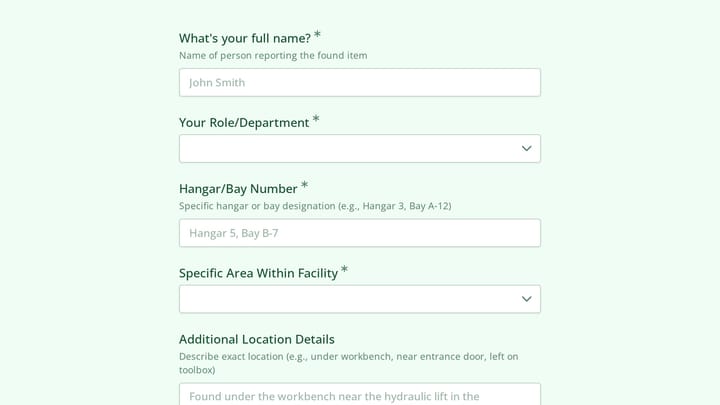
Aircraft Hangar Found Item Report

This incident report form template helps aviation facilities document found items in aircraft hangars with clear location, timing, and reporter details. Use it to capture consistent records for follow-up, security review, and item return.

Address form preview

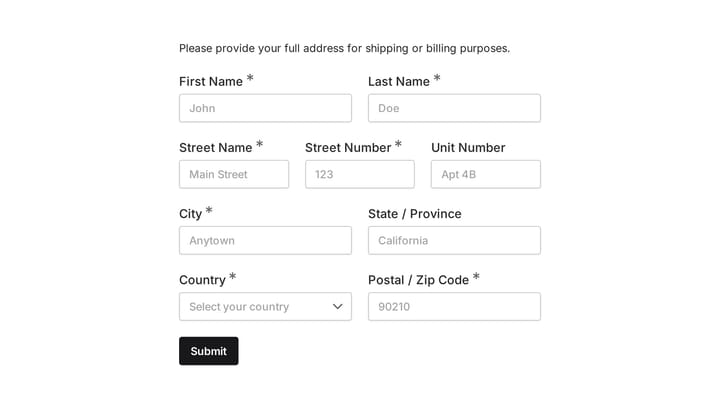
Address form

Quickly and accurately collect full shipping and billing addresses with this versatile template. It's designed for businesses that need reliable customer location details for deliveries, invoicing, or organized record-keeping.

Employee Coaching Form preview

Employee Coaching Form

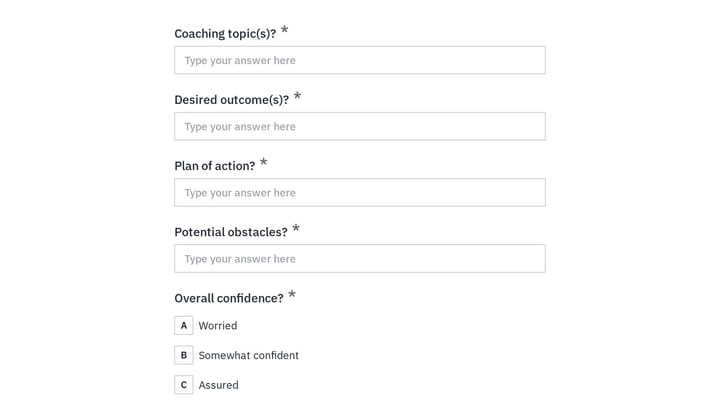
Use this employee coaching form to document key takeaways from 1:1 coaching sessions, including goals, action steps, obstacles, confidence level, and the next meeting date. It gives managers, HR teams, and coaches a clear, repeatable way t…

Aircraft Maintenance Software User Research preview

Aircraft Maintenance Software User Research

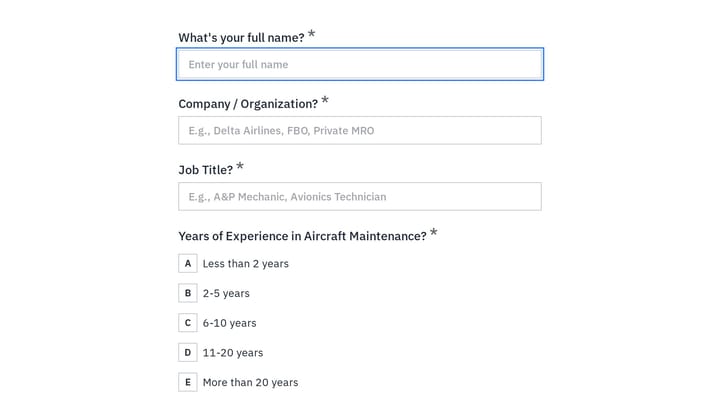
An aircraft maintenance software user research form helps you gather detailed feedback from technicians, inspectors, and maintenance teams about how they track work, manage compliance, and handle parts and inspections. Use it to identify w…

Aircraft Maintenance Hangar Evacuation Form preview

Aircraft Maintenance Hangar Evacuation Form

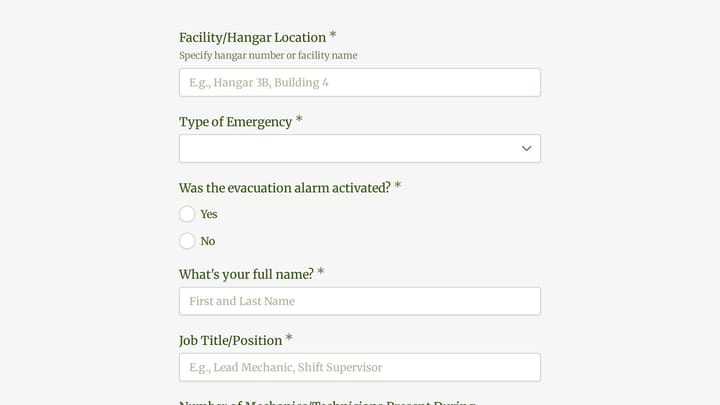
This aircraft maintenance hangar evacuation form helps aviation teams document emergency evacuations with the operational details needed for accountability, response, and follow-up. Use it to record when the evacuation happened, where it o…

Guest Age Verification preview

Guest Age Verification

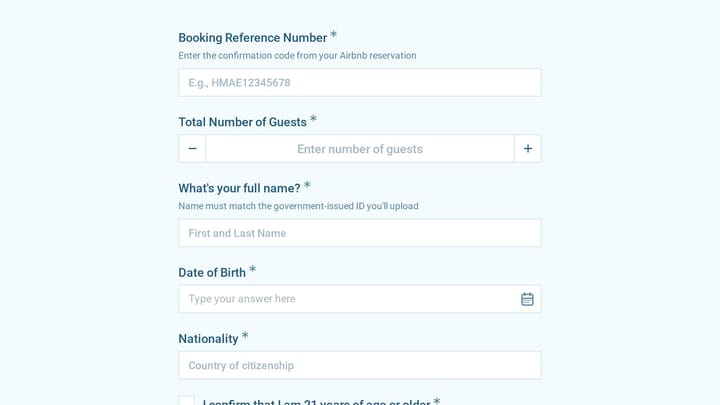
A guest age verification form helps short-term rental hosts confirm the primary guest's age, identity details, and stay information before check-in. This template collects booking, contact, and ID information in one clear review process.

Membership Pause Request preview

Membership Pause Request

This membership pause request template is a specialized change request form for heritage societies and community organizations that need to pause member participation without losing important program details. It helps staff collect timing,…

Employee Availability Form preview

Employee Availability Form

Crafting work schedules can often feel like solving a complex puzzle. This employee availability form simplifies the task by providing a clear, organized overview of your team's availability.

Frequently asked questions

Is this a psychological personality test?

No. It is a practical work-style questionnaire, not a clinical or psychometric test. The questions focus on communication, decision making, and collaboration habits that shape how a project runs.

When should I send it to a new client?

Send it right after the contract is signed and before the kickoff call. The answers help you set the right meeting rhythm, reporting format, and approval process from the start.

Who at the client should fill it in?

The main point of contact should complete it, but you can also send it to other key stakeholders. Comparing answers from a marketing lead and an executive sponsor often reveals different expectations worth discussing early.

How long does it take to complete?

Most clients finish in about 5 to 8 minutes, because nearly every question uses quick multiple-choice answers or a five-point rating. The few written questions at the end, about time zone, working hours, and past agencies, are optional.

How should my team use the answers?

Summarize the key preferences in your project brief or client record so everyone on the account sees them. Use them to pick a communication channel, set update frequency, and decide how much detail to put in reports.

Can I tailor it to my services?

Yes. You can replace the tool examples in the channel question, add questions about brand guidelines or account access, and remove sections that do not apply to your kind of work.

Your next form could be the best-looking thing on your site.

Free forever. Unlimited responses. No signup to start.