
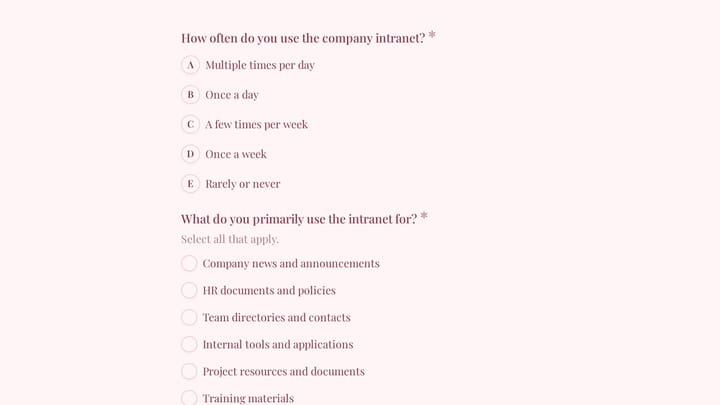
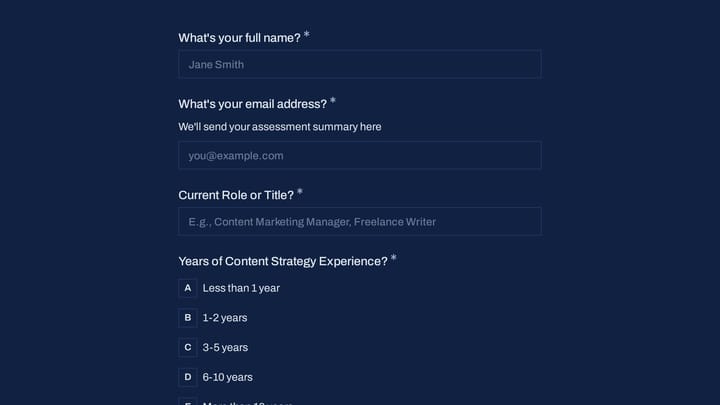
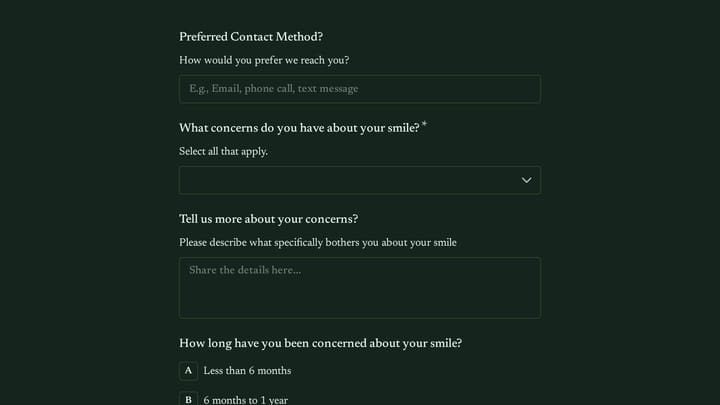
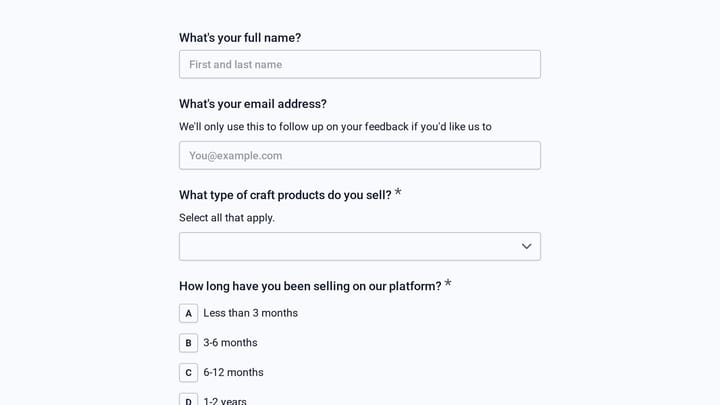
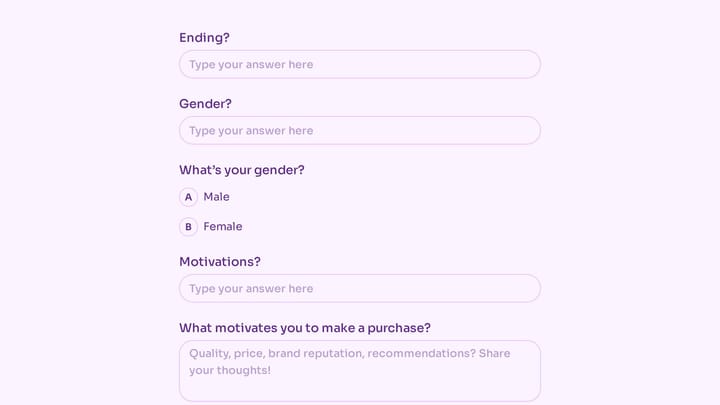
Questionnaire Form Templates

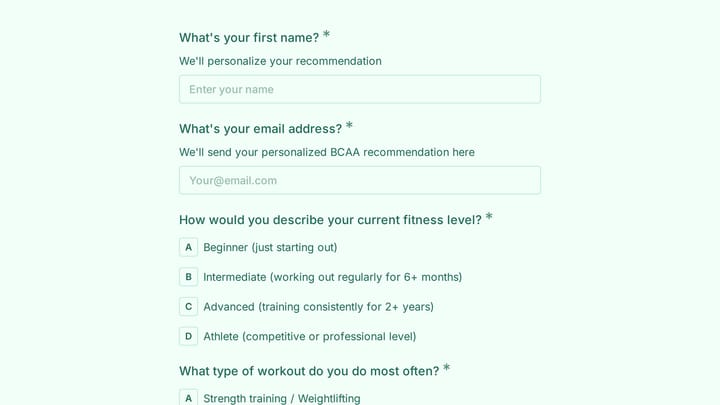
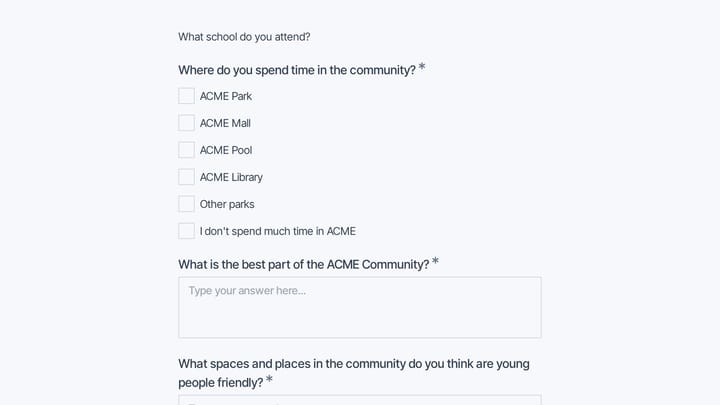
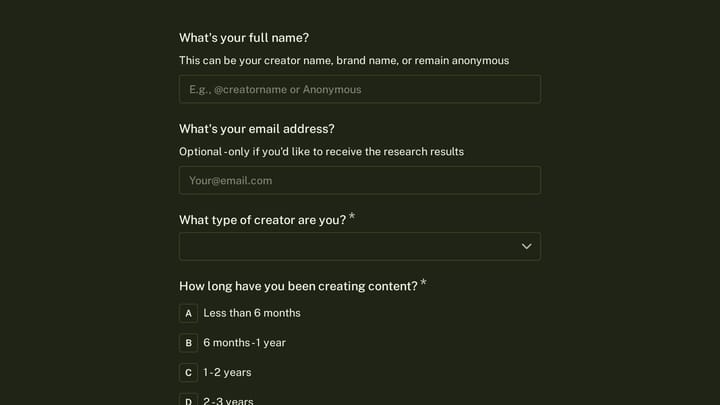
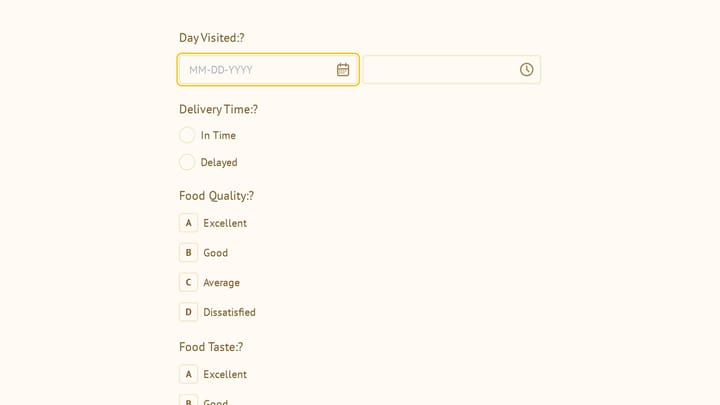
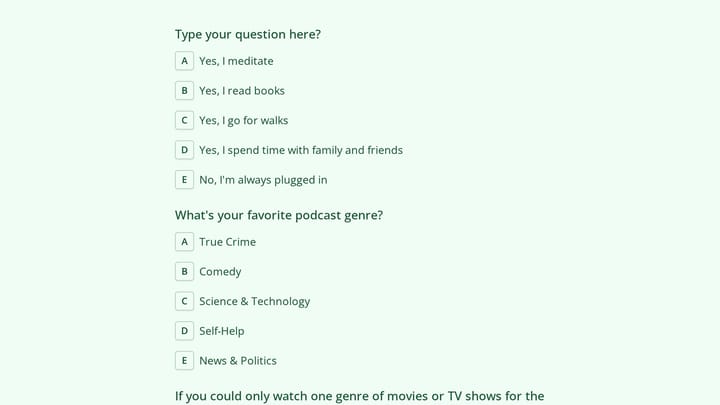
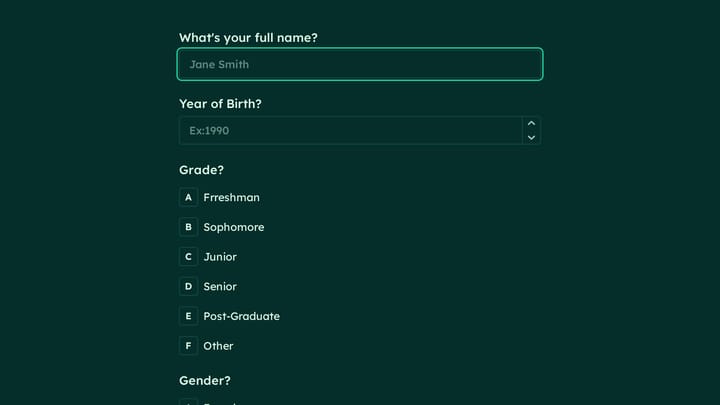
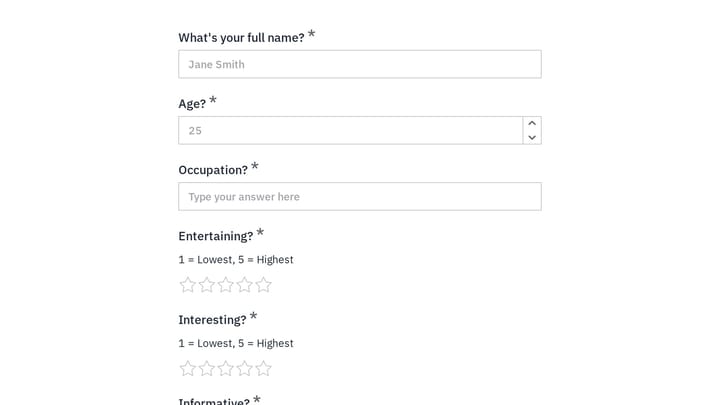
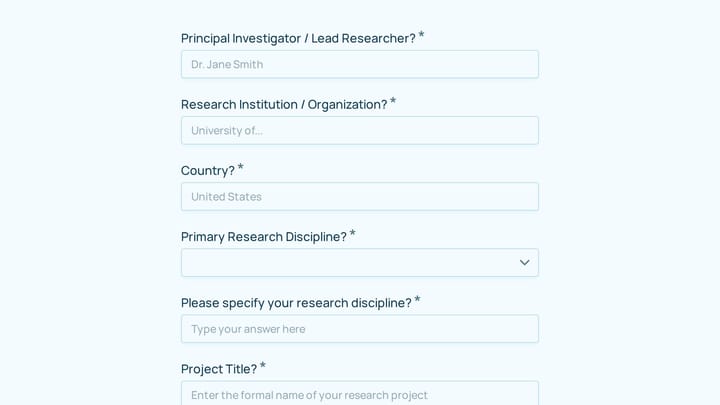
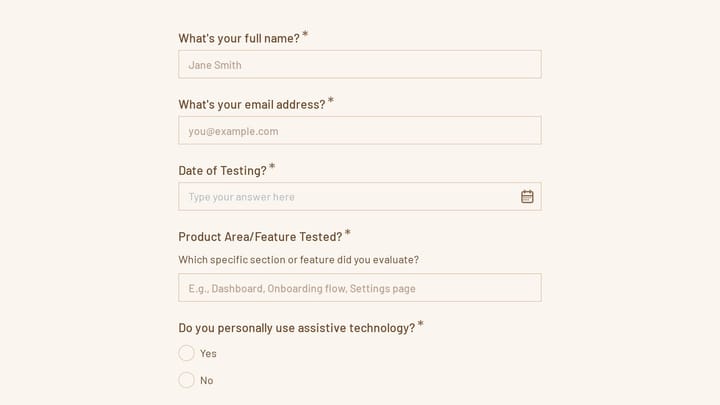
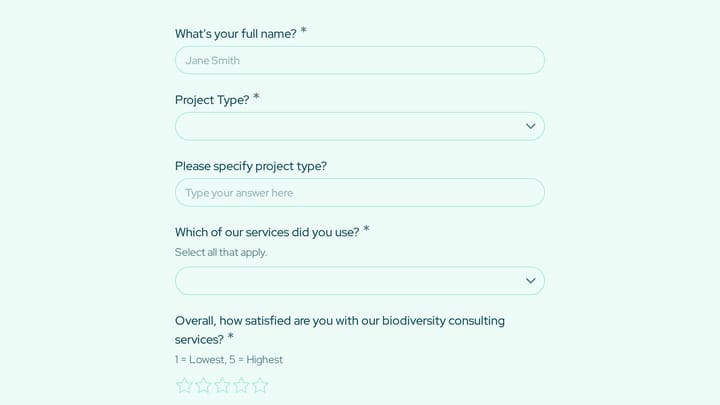
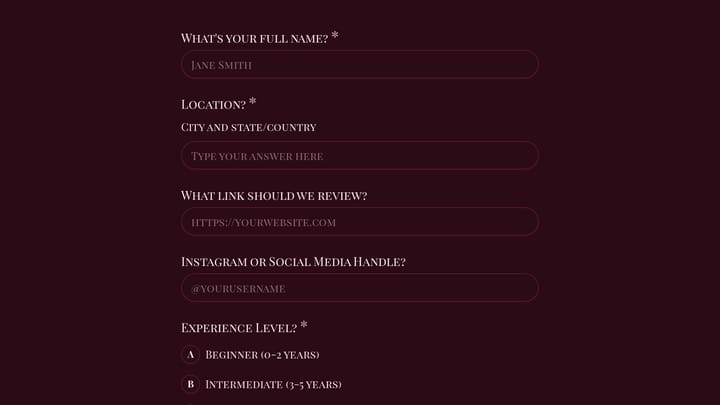
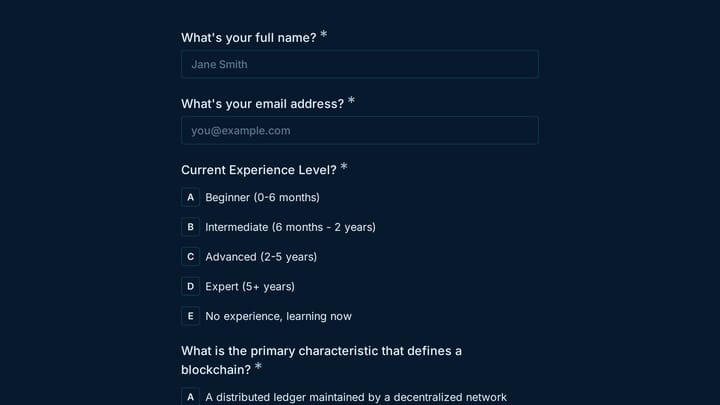
Free questionnaire templates for research and assessments. Create structured forms for comprehensive information gathering.

0

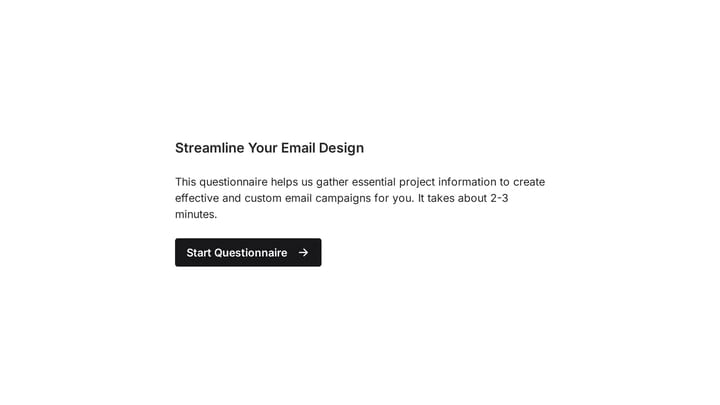
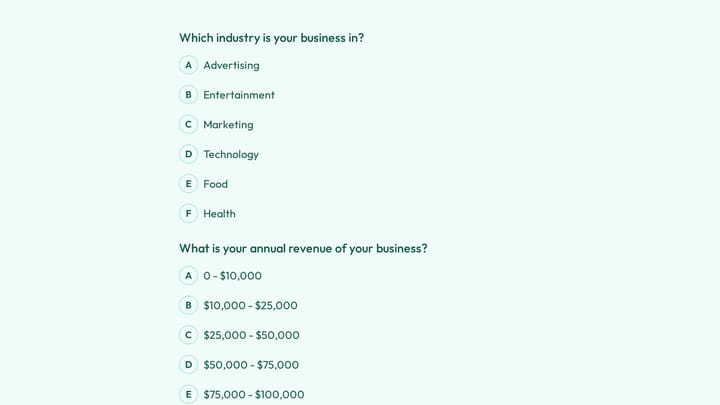
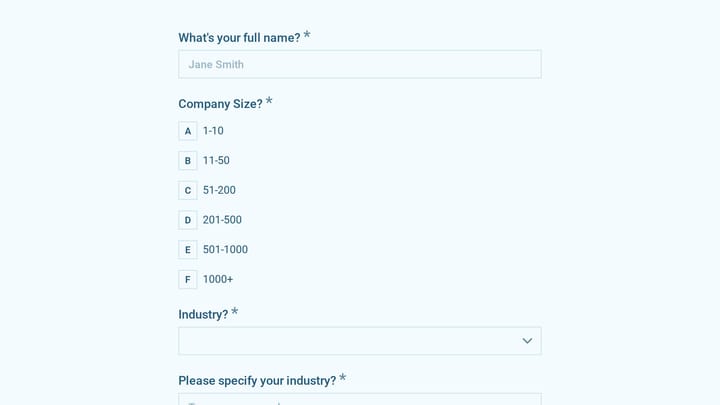
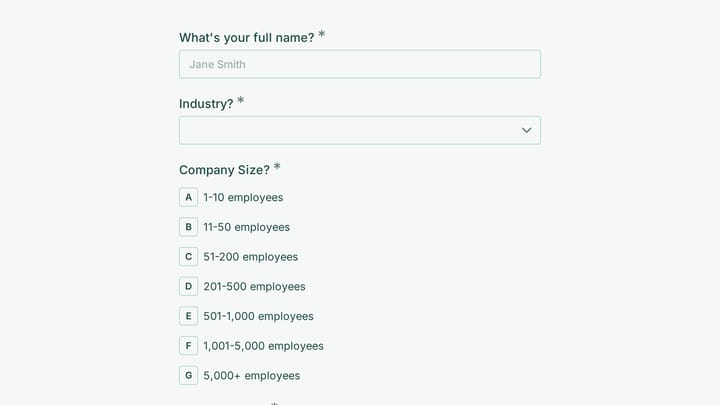
Email Design Questionnaire

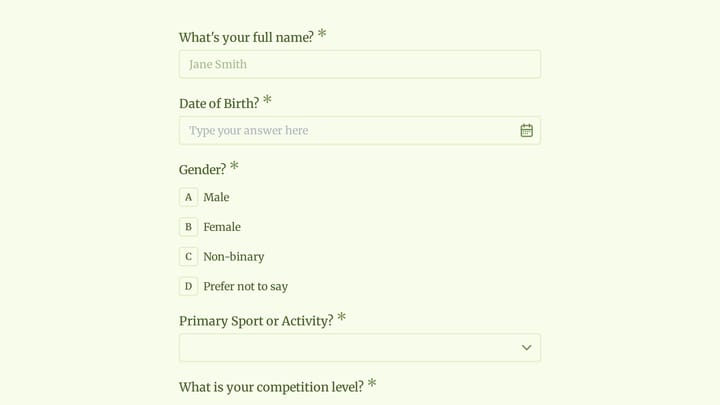
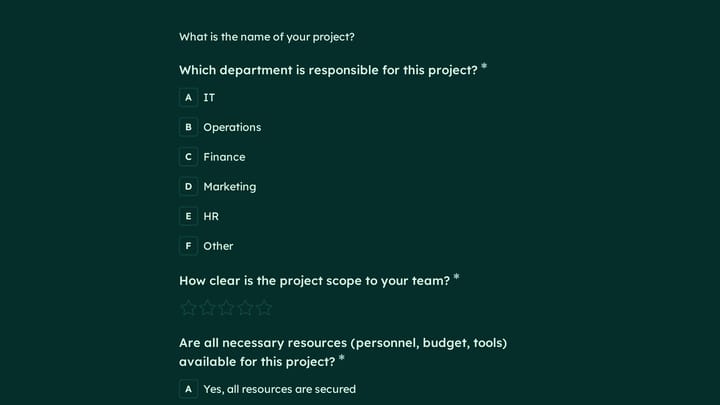
Streamline your email design process with this online questionnaire, ensuring you collect all essential project information upfront. Get clear, comprehensive briefs that lead to more effective and custom email campaigns for your business or clients.

Questionnaires Polls Feedback Marketing Marketing Executive
0

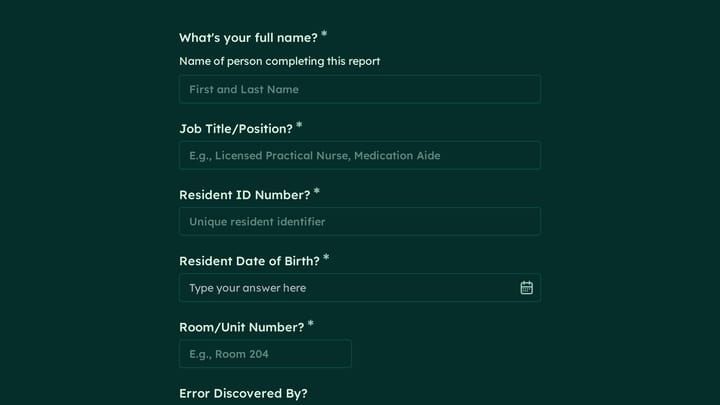
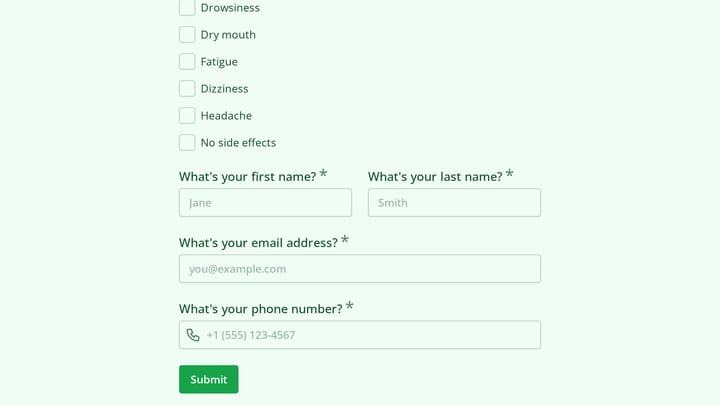
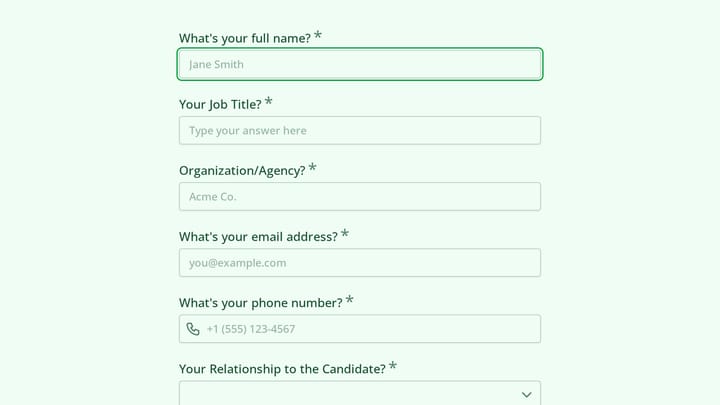
Employee Medical Form

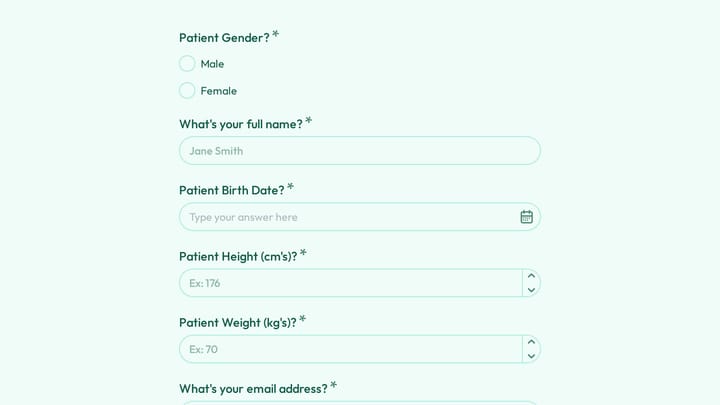
Simplify how you gather crucial health details from your team with this online employee medical form template. It's fully customizable and requires no coding, allowing you to efficiently collect medical history, emergency contacts, and allergy information.

Healthcare Contacts Feedback Healthcare HR Manager

About Questionnaires

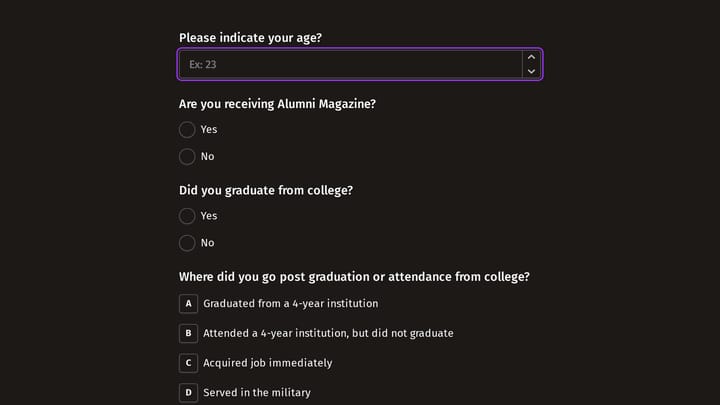
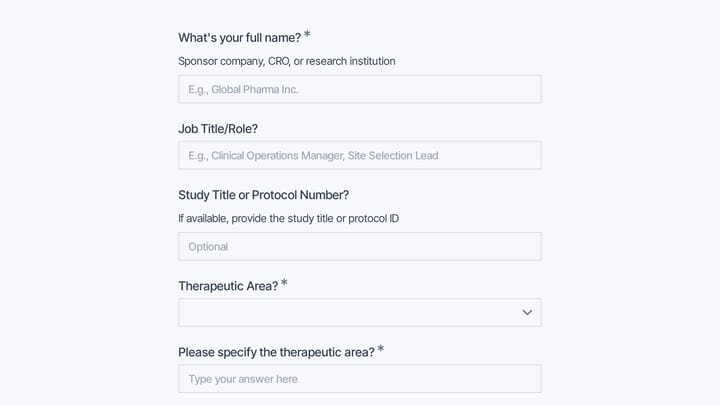
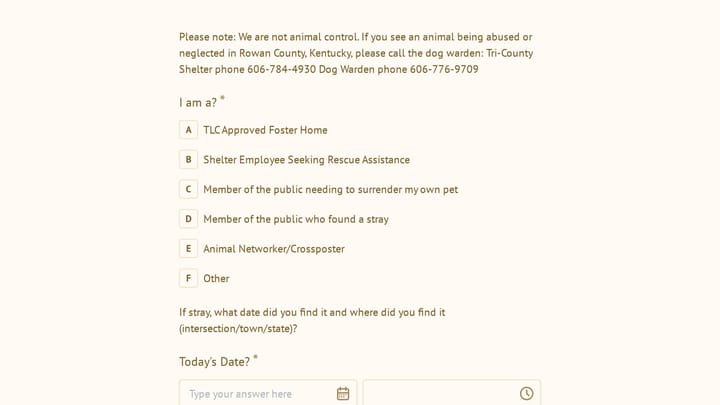
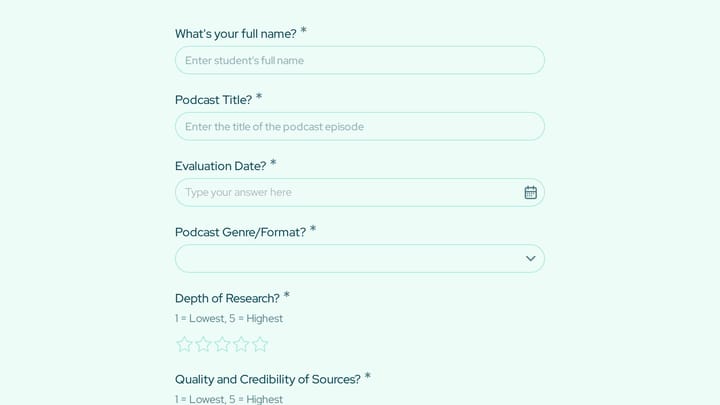
Questionnaires are structured forms designed to collect comprehensive information through a series of carefully crafted questions. Unlike brief feedback forms, questionnaires dig deeper—gathering detailed data for research, assessments, client profiling, or compliance purposes. They're essential when you need thorough, consistent information from every respondent.

Healthcare providers use intake questionnaires before appointments. Mental health practitioners conduct assessments. Legal professionals gather case information. Researchers collect study data.

Common Use Cases

  • Health history and medical intake questionnaires
  • Client onboarding and discovery questionnaires
  • Pre-consultation and needs assessment forms
  • Research studies and academic data collection
  • Psychological assessments and screening tools
  • Financial planning and risk tolerance questionnaires
  • Vendor qualification and due diligence forms

Who Uses Questionnaires?

Professionals requiring detailed client information rely heavily on questionnaires. Therapists assess client needs. Financial advisors understand risk tolerance. Consultants scope projects. Insurance providers evaluate coverage needs. Real estate agents understand buyer preferences.

Building Effective Questionnaires

Organize questionnaires into logical sections to prevent respondent fatigue. Use clear, unambiguous language and provide instructions where needed. Mix question types—closed-ended for consistency, open-ended for nuance. Consider conditional logic to show relevant questions based on previous answers. For longer questionnaires, add progress indicators and allow respondents to save and return later.

Frequently asked questions

What is a form template?

A form template is a pre-designed form structure that you can use as a starting point for creating your own forms. Templates include pre-configured fields, layouts, and styling that are tailored for specific use cases, saving you time and ensuring best practices are followed. Simply select a template, customize it to match your needs, and publish it to start collecting responses.

How do I customize this template?

Customizing a template is easy with our drag-and-drop editor. Click "Use Template" to open the form in the editor where you can add, remove, or rearrange fields, change colors and fonts to match your brand, update question text and descriptions, configure validation rules, and set up email notifications. All changes are saved automatically, and you can preview your form at any time before publishing.

Is this template free to use?

Yes, all our form templates are completely free to use. You can create unlimited forms from any template on our free plan. Some advanced features like file uploads, custom domains, and removing branding require a paid plan, but the core form functionality and templates are available to everyone at no cost.

Can I use this template for my business?

Absolutely! Our templates are designed for both personal and business use. Whether you're a freelancer, small business, or enterprise, you can use any template to collect leads, gather feedback, process applications, or handle any other form-based workflow. For business use, we recommend our Pro plan which includes features like custom branding, advanced analytics, and priority support.

How do I share my form after creating it?

Once you've customized and published your form, you have several sharing options. You can copy the direct link to share via email, social media, or messaging apps. You can also embed the form on your website using our embed code, or use a QR code for offline materials. All sharing options are available from your form's settings page after publishing.

Ready to create your first Fomr?

Your next form deserves better than a white page with dropdowns. Build something people actually want to fill out.