Computer Repair Service Request Form Template

Collect device details, the problem, backup status, urgency, and service preferences from customers who need a computer fixed. Built for repair shops and IT support providers.

Use Template
Used 1 times
4.9
Created by Fomr Team
Last updated

About

Repair shops and independent IT technicians lose time when a ticket arrives with little more than a note that the laptop is broken. This computer repair service request form gives customers a clear path to describe the device, the operating system, and what has gone wrong, so a technician can judge the likely cause and the parts or tools needed before the first call.

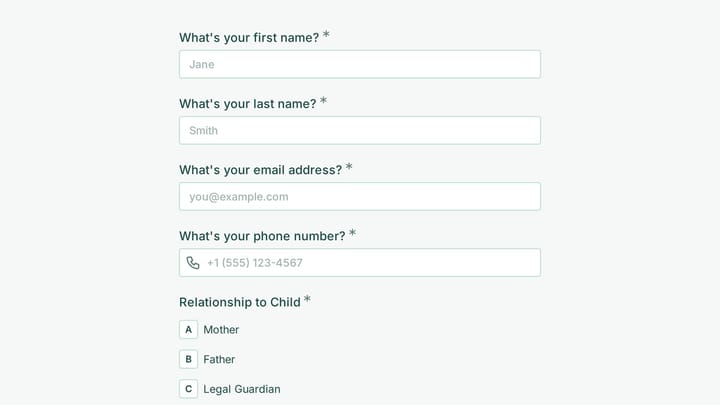
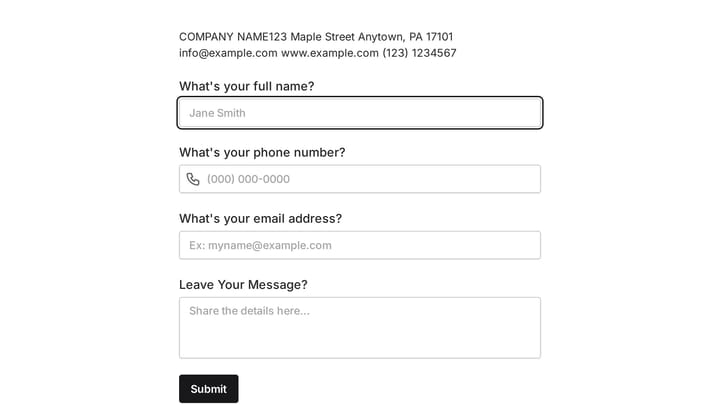
The form opens with contact details, then moves to the device itself: type, brand and model, and operating system. Next comes the issue category, a free-text description for error messages and symptoms, and when the problem started. Customers then pick an urgency level, a service location such as drop-off, on-site, remote, or mail-in, and the best time to be contacted.

One question adapts to the answers. Customers who say they do not have a recent backup of their files are asked whether they want data recovery if the device cannot be repaired, so the shop knows early when a job needs extra care. Everyone else skips that question and finishes faster.
Related Templates

View all →
Account Opening Form preview

Account Opening Form

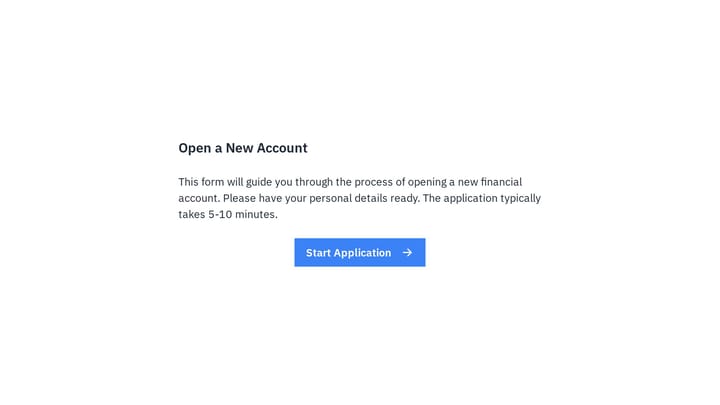
Easily open new financial accounts and gather all necessary customer information with this intuitive form template. It's perfect for banks, credit unions, and any financial institution looking to simplify their onboarding process.

Job Completion Form preview

Job Completion Form

Use this job completion form to collect applicant details in a structured and professional format. It helps teams review submissions consistently while keeping the process easy for respondents.

Trichotillomania Therapy Intake Form preview

Trichotillomania Therapy Intake Form

Use this one question at a time form to collect the details you need before starting a conversation, project, or request. It helps teams qualify submissions and respond with better context.

Sign Up Sheet preview

Sign Up Sheet

This sign up sheet form is designed for student sports tryouts, making it easy to collect contact details, class year, and the sport each participant plans to try out for. It gives coaches and organizers a clear, organized way to review re…

Customer Feedback Survey Form preview

Customer Feedback Survey Form

Use this customer feedback form to collect clear feedback, satisfaction scores, and open-ended comments in one place. It helps teams understand what is working well and where the experience can improve.

Inquiry Form preview

Inquiry Form

Use this event registration form to collect the details you need before starting a conversation, project, or request. It helps teams qualify submissions and respond with better context.

Ask a Question preview

Ask a Question

Easily add a customizable 'Ask a Question' form to your website with this template. It empowers visitors to submit inquiries and comments effortlessly, streamlining communication and improving engagement.

Website Design Intake Form preview

Website Design Intake Form

Use this client intake form to collect the details you need before starting a conversation, project, or request. It helps teams qualify submissions and respond with better context.

Frequently asked questions

Who is this computer repair request form for?

It suits computer repair shops, mobile technicians, managed IT providers, and office or campus help desks. Any team that needs device and symptom details before diagnosing a problem can use it as the first step of a repair job.

Why does the form ask about backups?

Backup status tells the technician how careful they need to be with the drive and whether data recovery should be part of the quote. If the customer has no recent backup, a follow-up question asks whether they want recovery services in case the device cannot be fixed.

Can I change the operating system and issue lists?

Yes. Edit the dropdown options to match the devices you actually service, such as adding newer macOS releases or removing Linux if you do not support it. Keeping the lists close to your real work makes new requests easier to sort.

How does the urgency question help with scheduling?

Urgency levels range from critical, where the customer cannot work without the device, to low priority with no rush. Sorting new requests by this answer helps you decide which jobs to book first and when to offer a loaner or a remote session.

Can customers choose between drop-off, on-site, and remote repair?

Yes. The service location question lists drop-off, on-site repair, remote support, and mail-in service. Remove any option you do not offer so customers only see the services you can deliver.

What should customers include in the problem description?

The helper text asks for error messages, symptoms, and recent changes such as updates or new software. Those details often point to the cause faster than the issue category alone.

Your next form could be the best-looking thing on your site.

Free forever. Unlimited responses. No signup to start.