Emergency Evacuation Report Template

Emergency evacuation report form for go-kart tracks to document what happened, when the evacuation began, and whether drivers, marshals, and critical areas were cleared safely. Use it to capture consistent safety records during fires, fuel…

Use Template
Used 0 times
5.0
Created by Fomr Team
Last updated

About

This emergency evacuation report template is designed for go-kart tracks that need a clear record of how an evacuation was handled. It captures the essentials from the moment the emergency begins, including who reported it, the type of incident, when the evacuation was initiated, and a brief description of what happened.

The form is tailored to track operations and safety response. It helps staff record whether drivers were still on the track, how many drivers needed to be stopped and removed from karts, whether the pit lane was fully cleared, and how many marshals were on duty during the incident.

That structure makes it useful for immediate post-incident documentation, internal review, and follow-up safety procedures. If you also use a bug report form or incident report form in other parts of your operation, this template serves a more specific purpose by focusing on evacuation steps, personnel status, and track-area clearance during an active emergency.
Related Templates

View all →
Employee Coaching Form preview

Employee Coaching Form

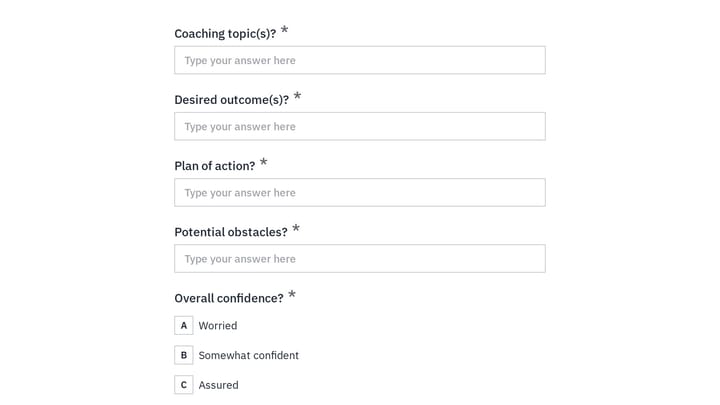
Use this employee coaching form to document key takeaways from 1:1 coaching sessions, including goals, action steps, obstacles, confidence level, and the next meeting date. It gives managers, HR teams, and coaches a clear, repeatable way t…

Appendicitis Screening Assessment preview

Appendicitis Screening Assessment

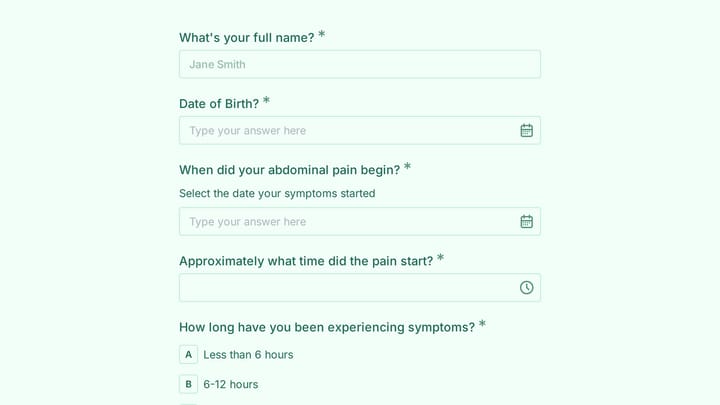
A client intake form for appendicitis screening that helps healthcare teams collect symptom onset, pain location, tenderness findings, and contact details before evaluation. It is suited for urgent care, emergency, and primary care intake…

Branding Project Intake Form preview

Branding Project Intake Form

Empower your branding projects from the start with this essential intake form template. It guides creative professionals in capturing crucial client details like project goals, target audience, style preferences, and necessary assets for a perfectly aligned kickoff.

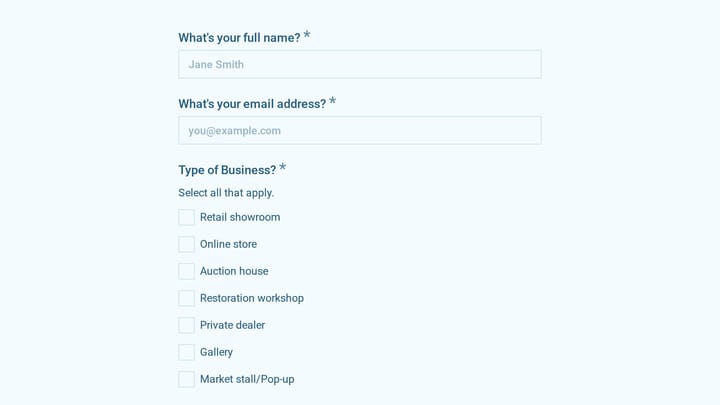
Antique & Vintage Goods Dealer Carbon Footprint Survey preview

Antique & Vintage Goods Dealer Carbon Footprint Survey

Use this antique & vintage goods dealer carbon footprint survey form to document emissions-related activity across storage, restoration, sourcing travel, and shipping. It helps antique businesses gather consistent operational data for inte…

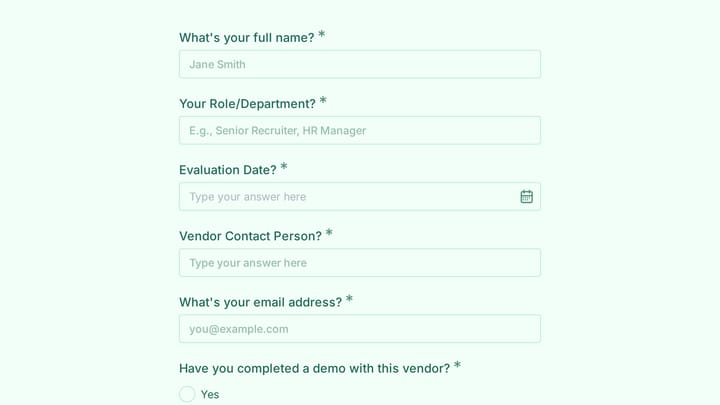
Applicant Tracking System Vendor Evaluation preview

Applicant Tracking System Vendor Evaluation

This applicant tracking system vendor evaluation form helps hiring and talent acquisition teams compare ATS options in a consistent, structured way. Use it to document vendor details, demo notes, candidate experience, workflow fit, reporti…

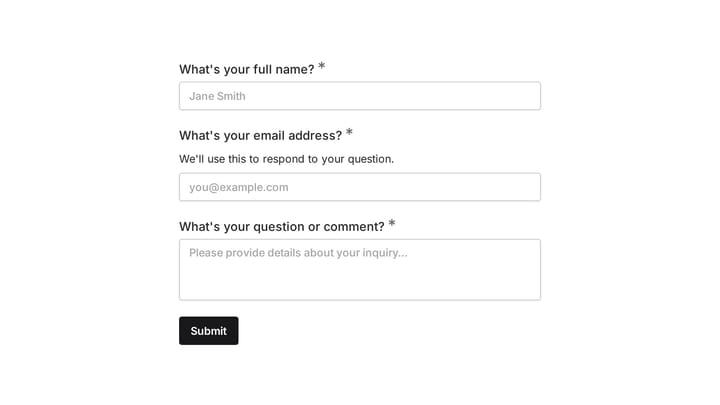
Ask a Question preview

Ask a Question

Easily add a customizable 'Ask a Question' form to your website with this template. It empowers visitors to submit inquiries and comments effortlessly, streamlining communication and improving engagement.

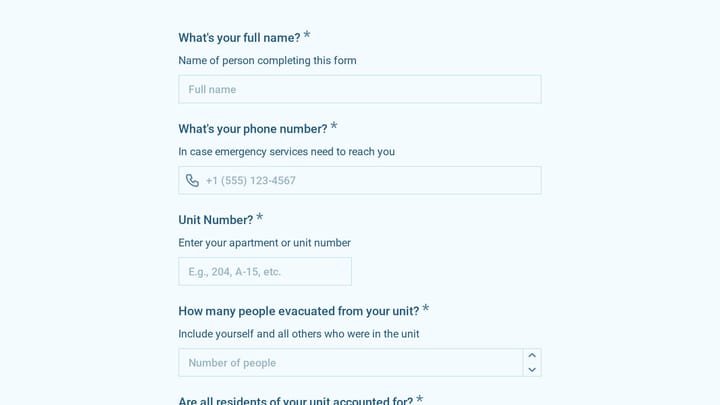
Fire Evacuation Check-In preview

Fire Evacuation Check-In

A mobile-ready fire evacuation check-in template for apartment buildings and residential properties. Use it to quickly account for residents, pets, possible occupants still inside, and any accessibility or medical needs during an emergency.

Schedule a Call Form preview

Schedule a Call Form

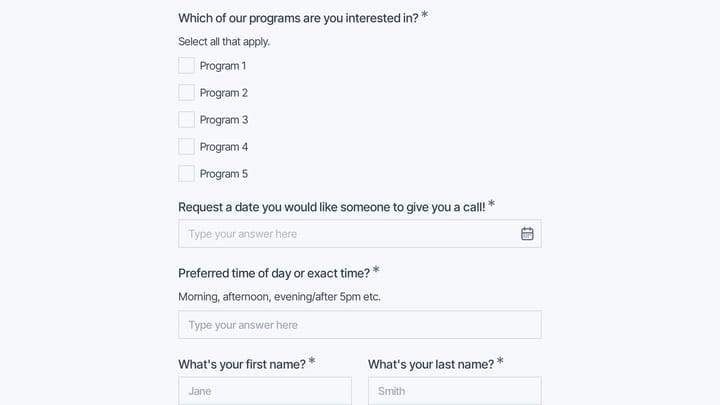
Use this Schedule A Call Form to collect contact details, program interest, and a preferred callback date and time in one clear request. It is a practical example of how to create a contact form that helps teams follow up with better conte…

Frequently asked questions

What is this emergency evacuation report used for?

This template is used to collect structured responses for a emergency evacuation report workflow. It gives teams a consistent format for gathering the information they need and reviewing submissions more efficiently.

What information should I collect first?

Start with the most important details people can answer quickly, then move into the more specific questions. In this template, that can include items such as Name of Person Reporting, Position/Role, Date of Evacuation depending on how you customize it.

Can I customize this template for my own workflow?

Yes. You can adapt the questions, required fields, and structure to fit your process while keeping the overall flow clear and easy to complete. That makes it useful as both a starting point and a publish-ready template.

How many questions should a form like this include?

Keep only the questions that directly support the purpose of the form. Shorter forms usually get better completion rates, so it is often better to collect the essentials first and ask for extra details later if needed.

Why use a structured template instead of building from scratch?

A structured template helps you move faster and keeps your submissions more consistent. It also reduces the chance of missing important details because the form already follows a logical order.

Your next form could be the best-looking thing on your site.

Free forever. Unlimited responses. No signup to start.