Sports & Recreation Form Templates

Free sports form templates for teams and leagues. Create registration, waiver, and team management forms.

0

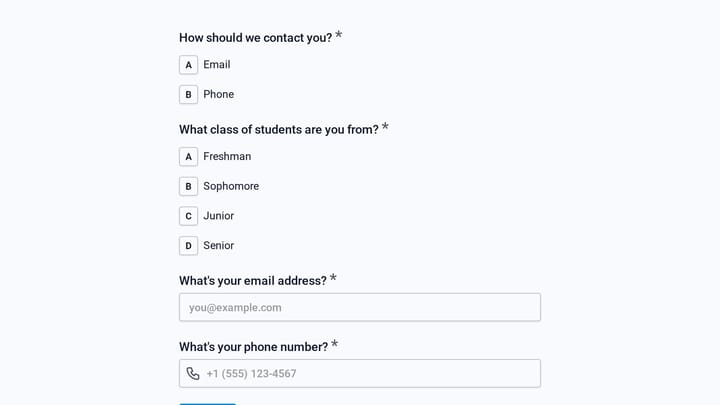
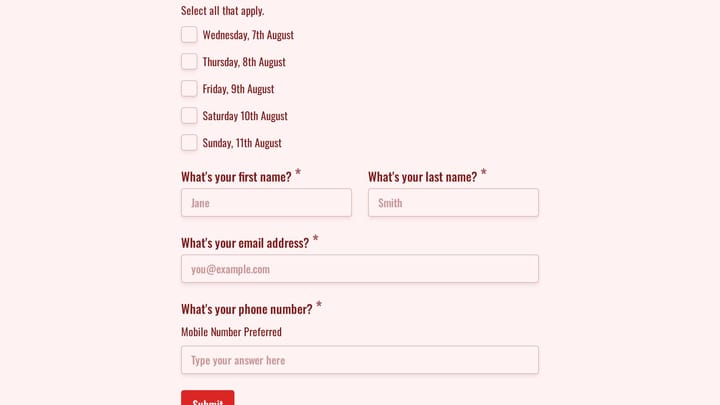
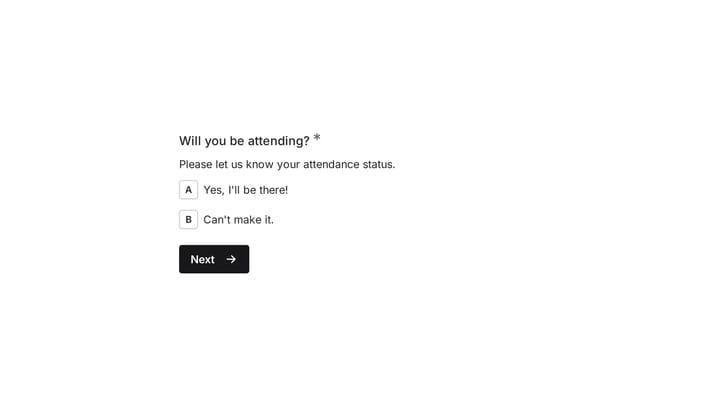
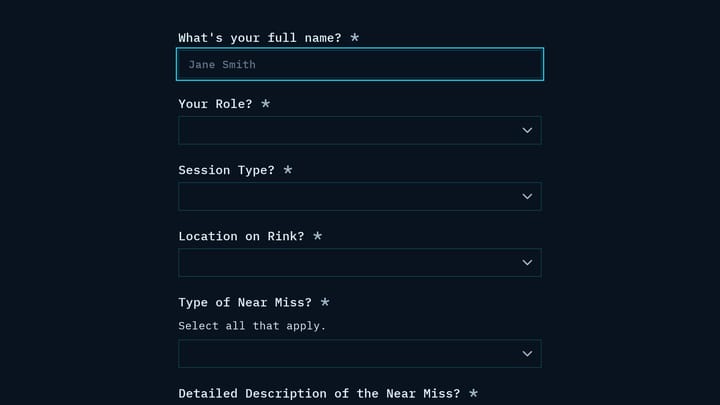
Attendance Form

Keep track of who's present with this versatile attendance form template. It makes logging attendance simple for everything from events and training sessions to employee and student records.

Event Registration Onboarding Employees Events Event Planner
0

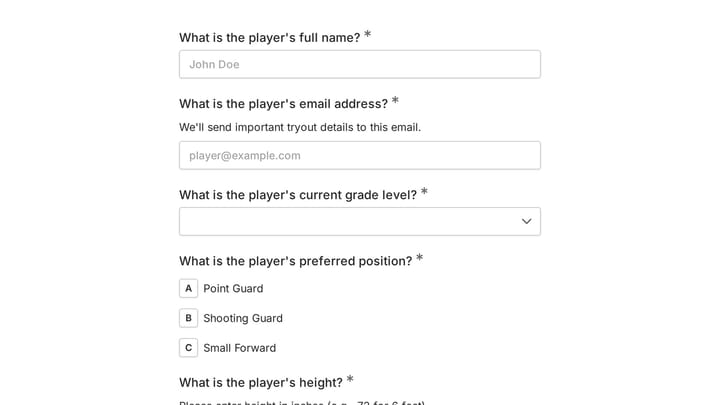
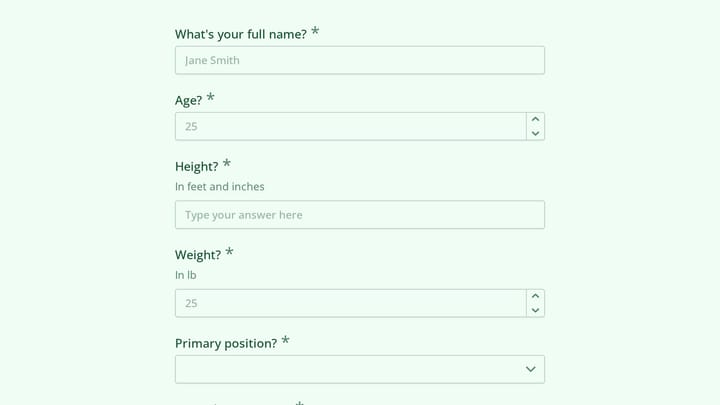
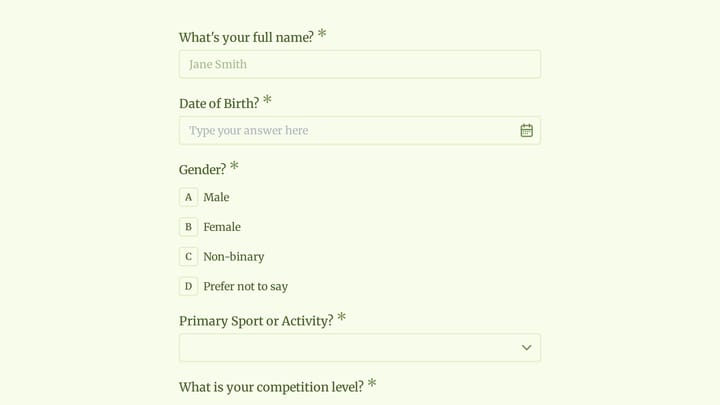
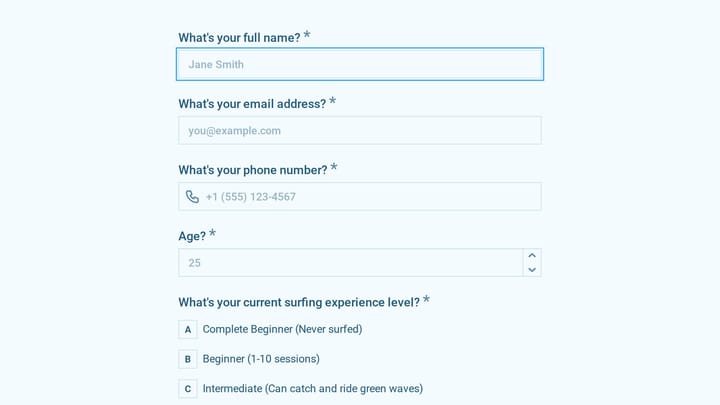
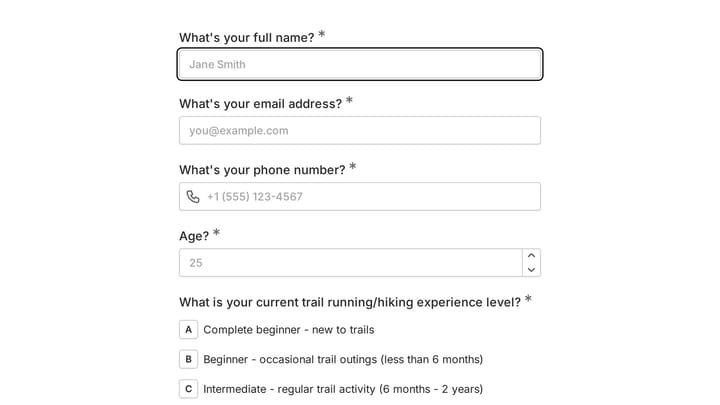
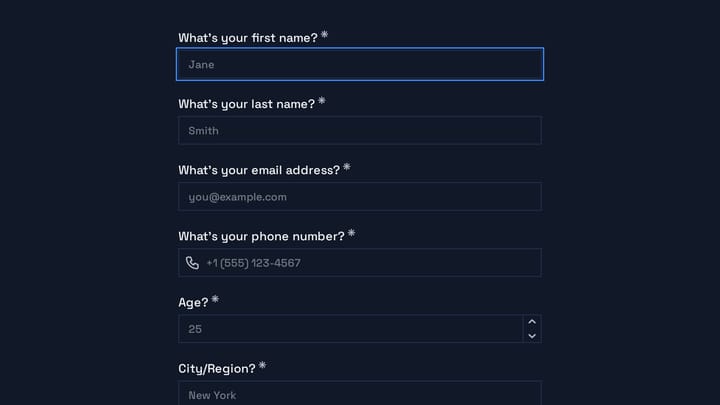
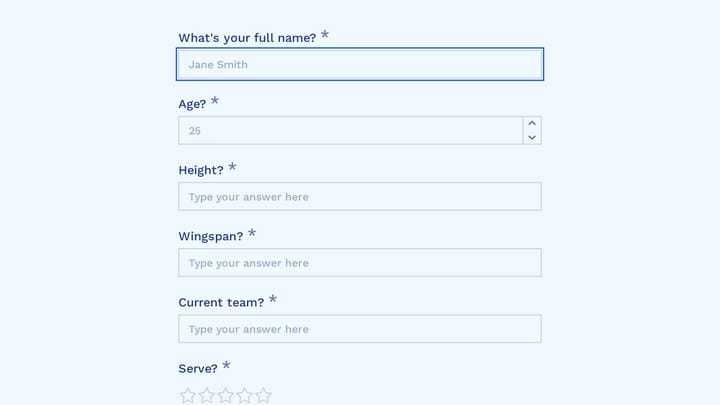
Basketball Tryout Registration Form

Efficiently manage your basketball tryouts with this comprehensive online registration form. It gathers key player information, including contact details, grade, position, height, weight, and allows for additional comments, simplifying your selection process.

Event Registration Healthcare Payments Sports & Recreation Event Planner

About Sports & Recreation Forms

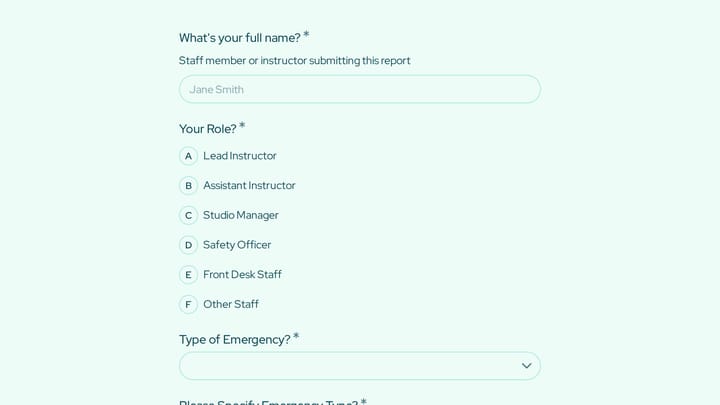
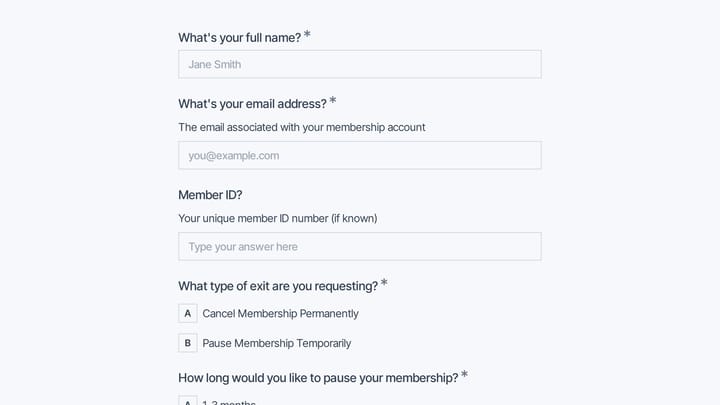
Sports and recreation forms support the administration that keeps teams, leagues, and programs running. From player registrations and liability waivers to tryout signups and equipment requests, they help athletic organizations manage participants, ensure safety, and build thriving sports communities.

Sports involve both excitement and risk. Forms should channel enthusiasm while capturing the information needed to keep participants safe.

Common Form Types for Sports & Recreation

  • Player and team registration forms
  • Liability waiver and assumption of risk forms
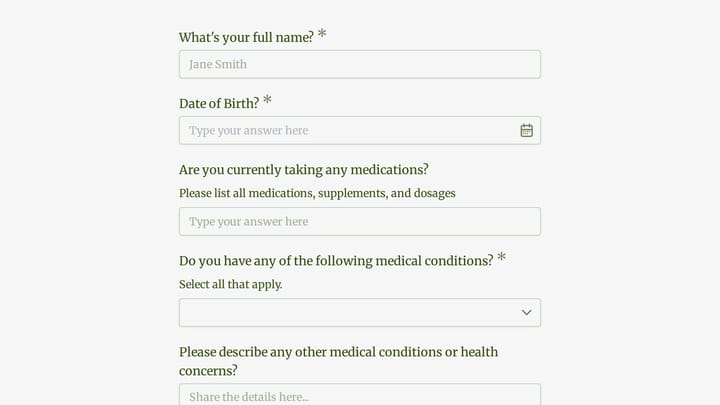
  • Medical information and emergency contact forms
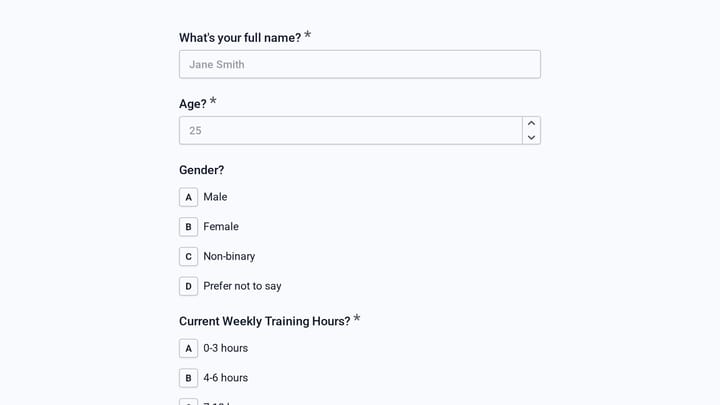
  • Tryout application forms
  • League enrollment forms
  • Equipment checkout and rental forms
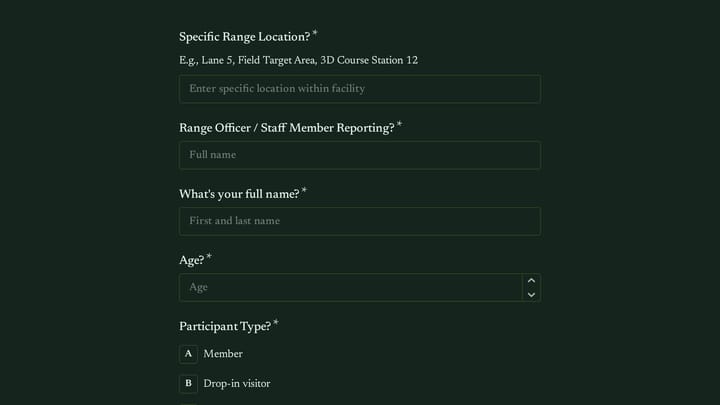
  • Tournament registration forms
  • Volunteer coach application forms

Who Uses Sports & Recreation Forms?

Athletic organizations at all levels use these forms. Youth sports leagues register players. Recreation centers manage program enrollments. Sports clubs coordinate team activities. Coaches collect player information. Tournament organizers handle team registrations.

Building Forms for Sports & Recreation

Collect comprehensive emergency contact and medical information for safety. Document assumption of risk with clear waiver language. Make registration easy for parents managing multiple children. Include payment processing for registration fees. Consider age-based conditional logic for different requirements. Send confirmations with schedule information and what to bring. Keep forms mobile-friendly for busy sports parents.

Frequently asked questions

What is a form template?

A form template is a pre-designed form structure that you can use as a starting point for creating your own forms. Templates include pre-configured fields, layouts, and styling that are tailored for specific use cases, saving you time and ensuring best practices are followed. Simply select a template, customize it to match your needs, and publish it to start collecting responses.

How do I customize this template?

Customizing a template is easy with our drag-and-drop editor. Click "Use Template" to open the form in the editor where you can add, remove, or rearrange fields, change colors and fonts to match your brand, update question text and descriptions, configure validation rules, and set up email notifications. All changes are saved automatically, and you can preview your form at any time before publishing.

Is this template free to use?

Yes, all our form templates are completely free to use. You can create unlimited forms from any template on our free plan. Some advanced features like file uploads, custom domains, and removing branding require a paid plan, but the core form functionality and templates are available to everyone at no cost.

Can I use this template for my business?

Absolutely! Our templates are designed for both personal and business use. Whether you're a freelancer, small business, or enterprise, you can use any template to collect leads, gather feedback, process applications, or handle any other form-based workflow. For business use, we recommend our Pro plan which includes features like custom branding, advanced analytics, and priority support.

How do I share my form after creating it?

Once you've customized and published your form, you have several sharing options. You can copy the direct link to share via email, social media, or messaging apps. You can also embed the form on your website using our embed code, or use a QR code for offline materials. All sharing options are available from your form's settings page after publishing.

Ready to create your first Fomr?

Your next form deserves better than a white page with dropdowns. Build something people actually want to fill out.