Fitness Form Templates

Free fitness form templates for gyms and trainers. Create membership, waiver, and health assessment forms.

0

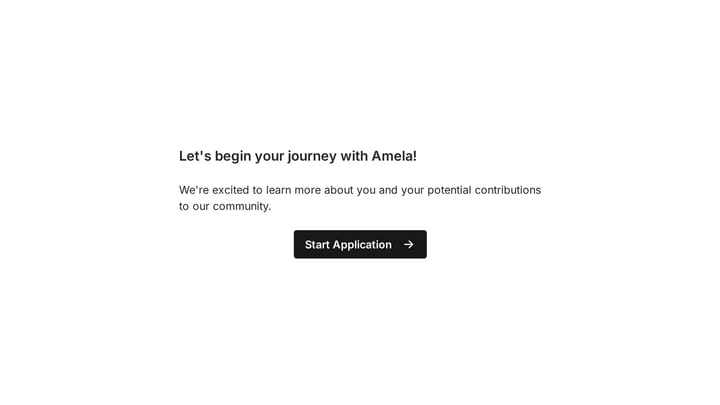
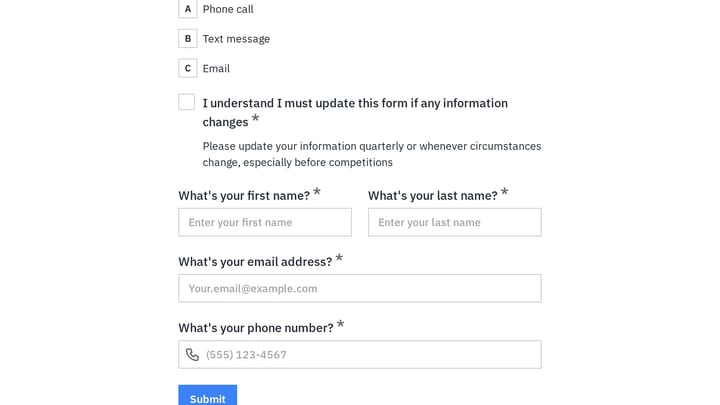
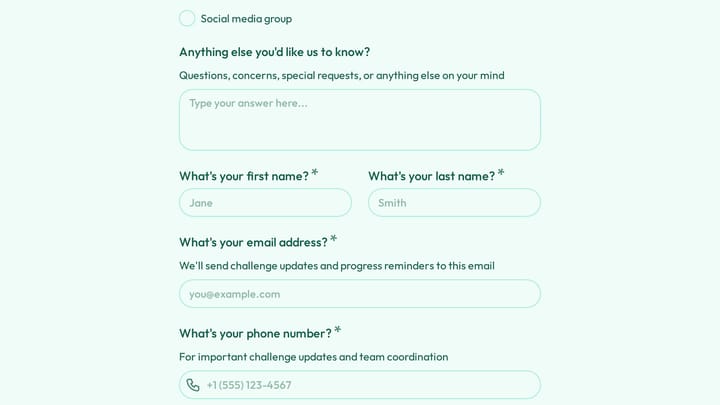
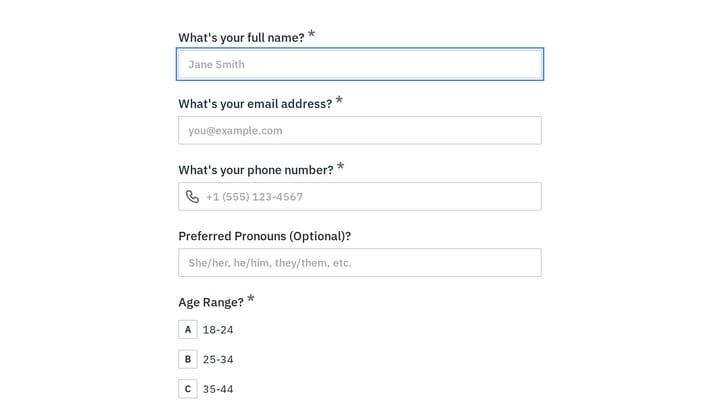
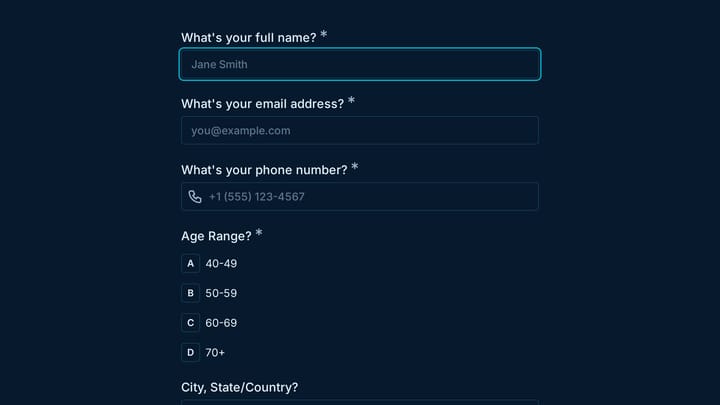
Community Membership Form

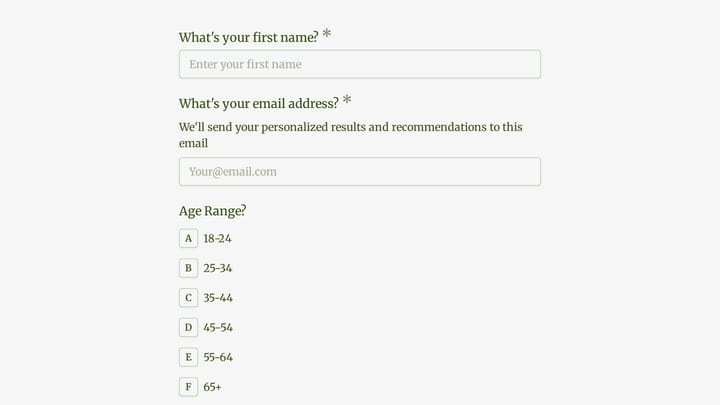
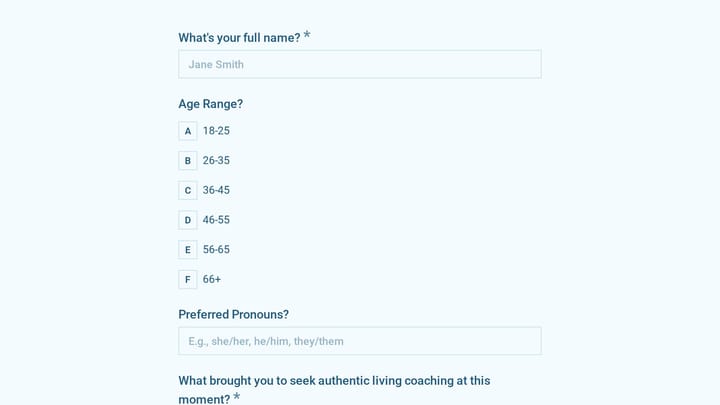
Seamlessly welcome new members to your community with this application template. It gathers essential information and uncovers applicants' true motivations and potential contributions.

Application Signups Onboarding Marketing Marketing Executive
0

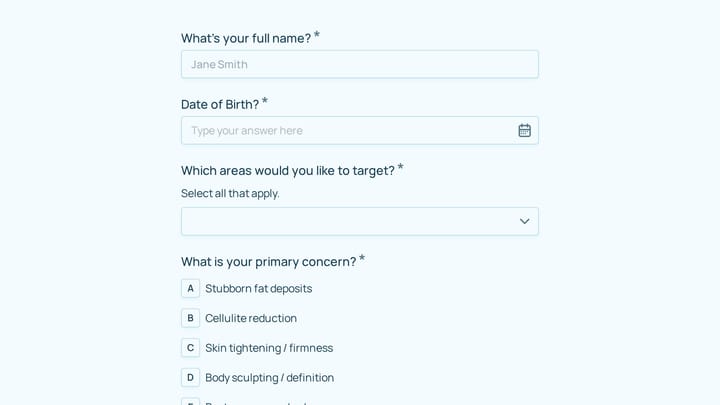
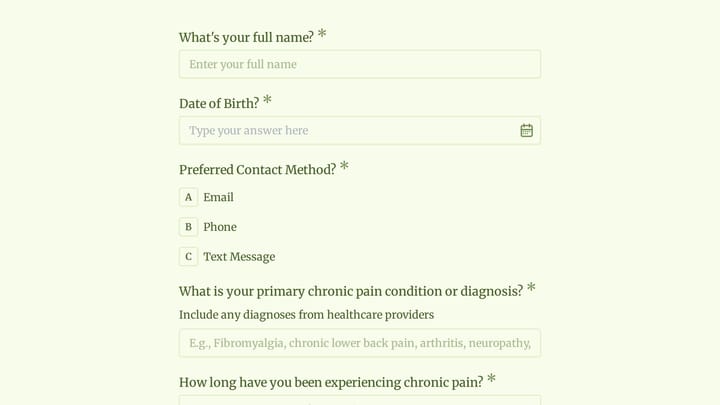
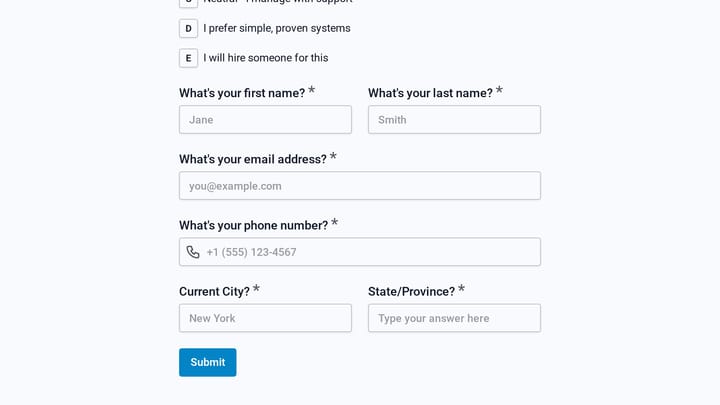
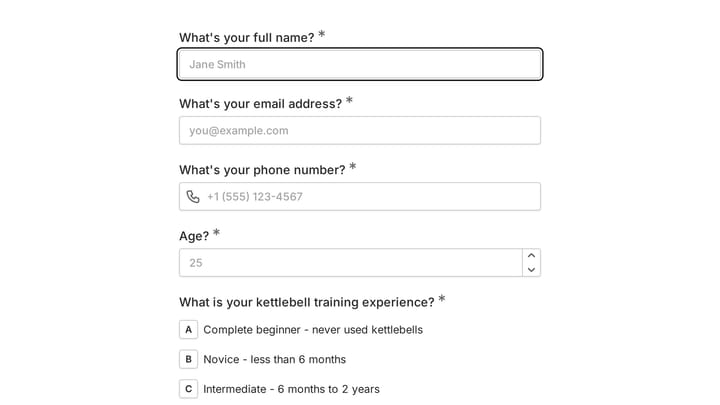
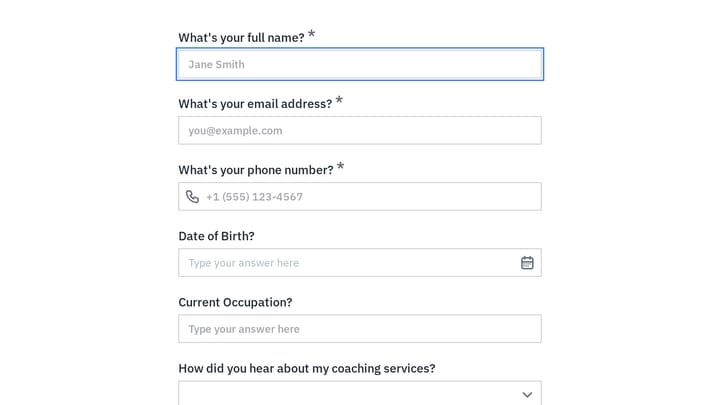
Coaching Services Onboarding

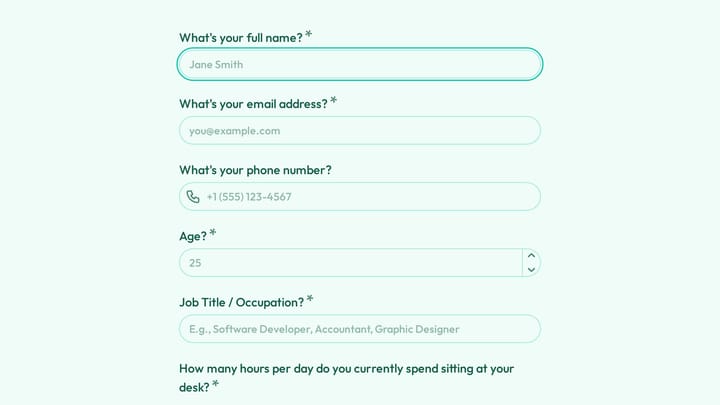
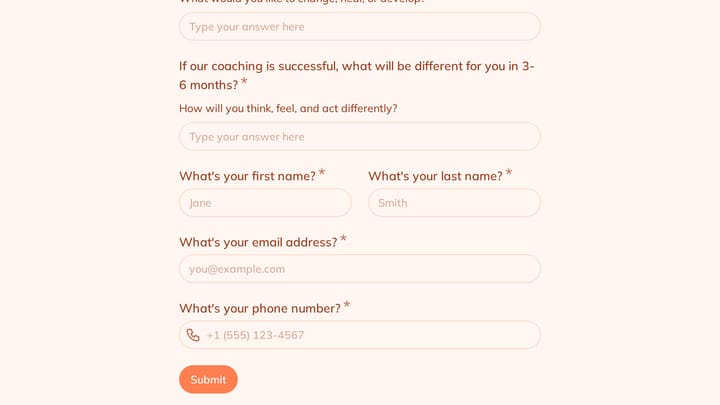
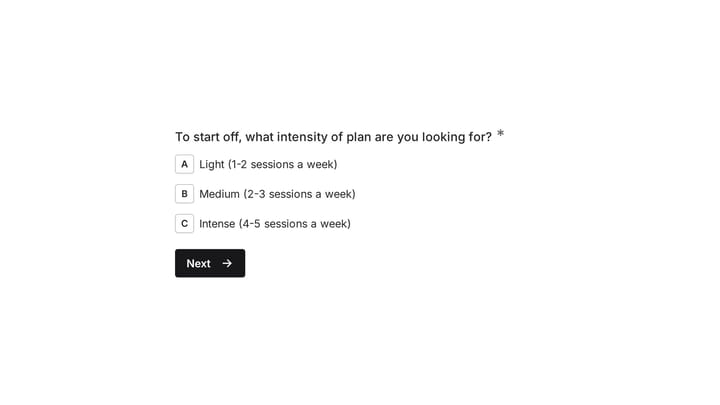
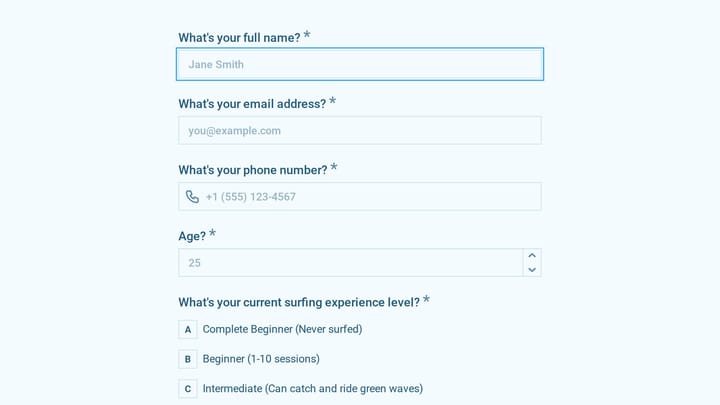
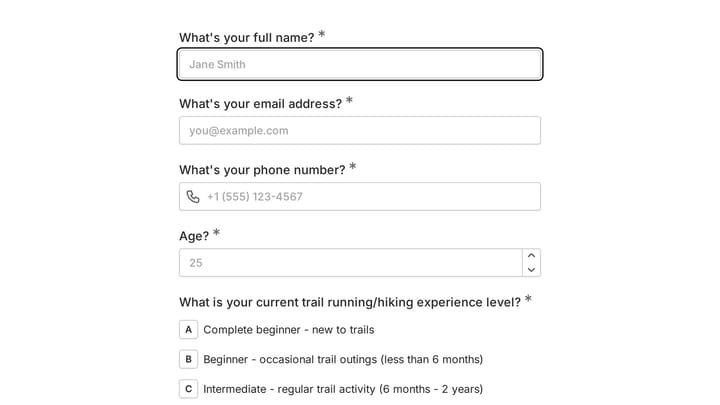
This template empowers fitness coaches to efficiently gather essential client information, enabling them to create truly personalized workout plans. It simplifies the client onboarding process, ensuring every new client receives a tailored and effective start to their fitness journey.

Onboarding Feedback Polls Fitness Fitness Instructor

About Fitness Forms

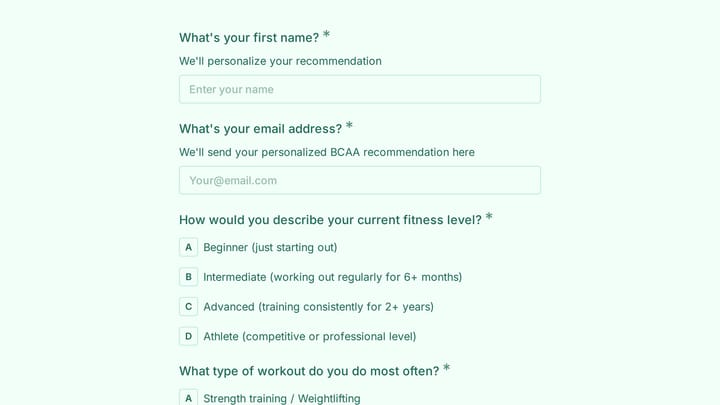
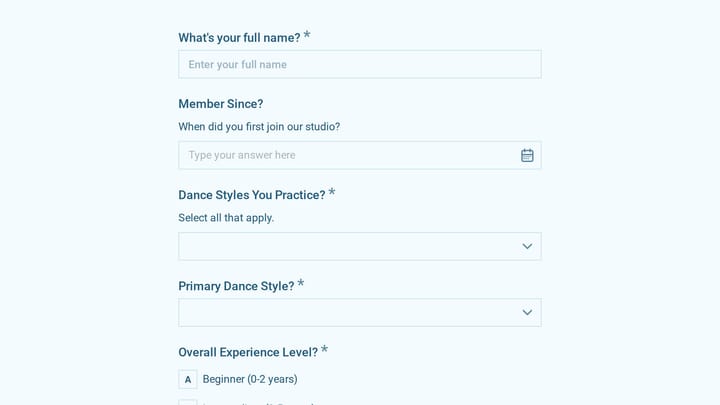
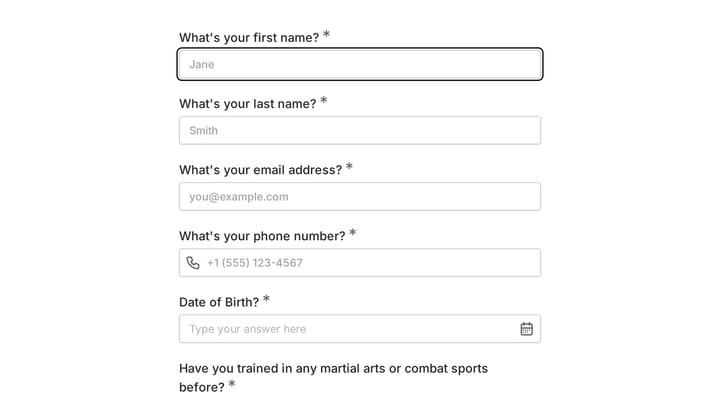
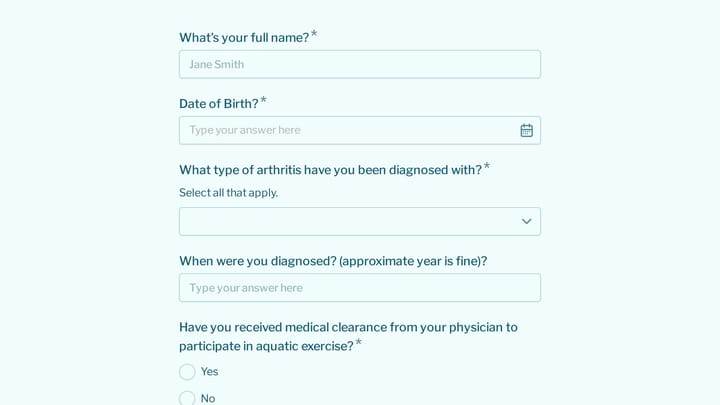
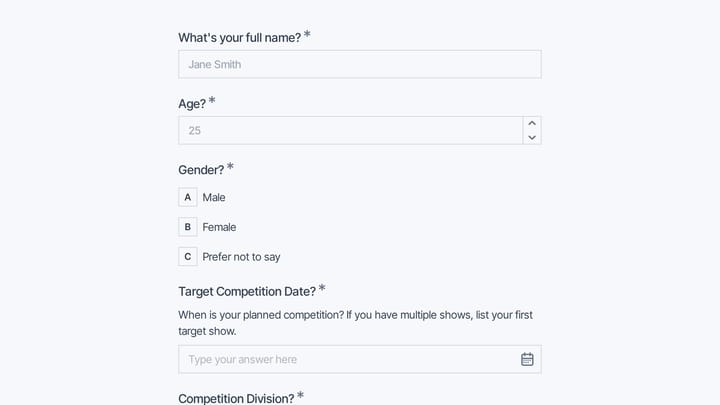
Fitness forms help gyms and trainers understand clients, manage memberships, and deliver personalized programming. From membership enrollment and health assessments to class registrations and progress tracking, they support the client journey from first visit to fitness goals achieved.

Fitness involves physical activity with inherent risks. Forms must capture health information and document informed consent while creating a welcoming experience for new members.

Common Form Types for Fitness

  • Membership enrollment and agreements
  • Liability waiver and assumption of risk forms
  • Health history and PAR-Q questionnaires
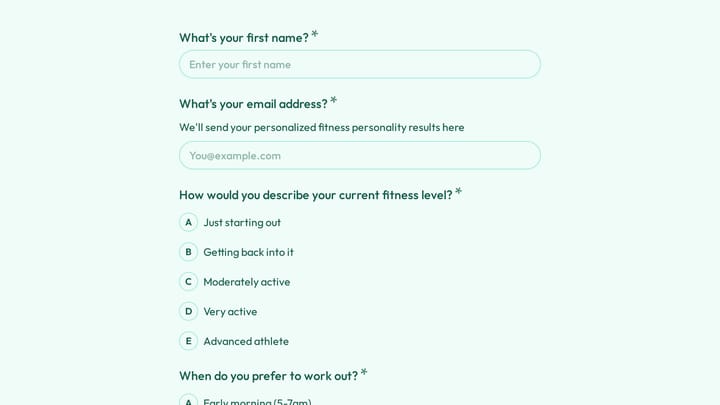
  • Fitness assessment and goal-setting forms
  • Class registration and booking forms
  • Personal training intake forms
  • Progress tracking and check-in forms
  • Cancellation and freeze request forms

Who Uses Fitness Forms?

Fitness businesses of all types rely on these forms. Gyms and fitness centers manage memberships. Personal trainers assess new clients. Yoga and pilates studios handle class registrations. CrossFit boxes collect health information. Sports performance facilities track athlete progress.

Building Forms for Fitness

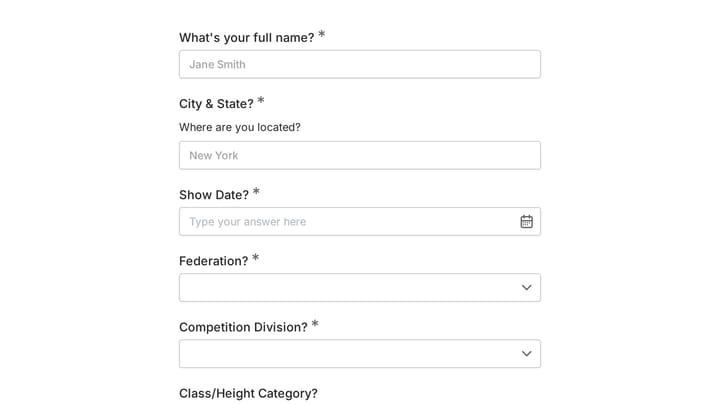
Collect health and medical information needed to train clients safely. Document informed consent with clear waiver language. Make membership signup straightforward—complex forms discourage new members. Include goal-setting sections that build motivation. For class bookings, show availability clearly and confirm reservations instantly. Send workout reminders and encouragement that support member engagement.

Frequently asked questions

What is a form template?

A form template is a pre-designed form structure that you can use as a starting point for creating your own forms. Templates include pre-configured fields, layouts, and styling that are tailored for specific use cases, saving you time and ensuring best practices are followed. Simply select a template, customize it to match your needs, and publish it to start collecting responses.

How do I customize this template?

Customizing a template is easy with our drag-and-drop editor. Click "Use Template" to open the form in the editor where you can add, remove, or rearrange fields, change colors and fonts to match your brand, update question text and descriptions, configure validation rules, and set up email notifications. All changes are saved automatically, and you can preview your form at any time before publishing.

Is this template free to use?

Yes, all our form templates are completely free to use. You can create unlimited forms from any template on our free plan. Some advanced features like file uploads, custom domains, and removing branding require a paid plan, but the core form functionality and templates are available to everyone at no cost.

Can I use this template for my business?

Absolutely! Our templates are designed for both personal and business use. Whether you're a freelancer, small business, or enterprise, you can use any template to collect leads, gather feedback, process applications, or handle any other form-based workflow. For business use, we recommend our Pro plan which includes features like custom branding, advanced analytics, and priority support.

How do I share my form after creating it?

Once you've customized and published your form, you have several sharing options. You can copy the direct link to share via email, social media, or messaging apps. You can also embed the form on your website using our embed code, or use a QR code for offline materials. All sharing options are available from your form's settings page after publishing.

Ready to create your first Fomr?

Your next form deserves better than a white page with dropdowns. Build something people actually want to fill out.