Online Trivia Quiz Template with Scoring

A three-question trivia quiz that scores each answer and shows players their result on one of two endings. Swap in your own questions for classrooms, team events, or online contests.

Use Template
Used 1 times
4.9
Created by Fomr Team
Last updated

About

A short trivia quiz is an easy way to warm up a class, open a team meeting, or keep an online audience engaged between sessions. This template starts with a welcome page and then asks three multiple choice questions, one per page, covering geography and animal facts.

Every correct answer adds 10 points to a running score. When the last question is answered, the quiz checks the total and sends players to one of two endings: a congratulations screen for strong scores and a try-again screen for lower ones. Both endings display the player's score out of 30, so people know exactly how they did.

The sample questions are lighthearted on purpose, but the structure works for any topic. Replace the questions and options with your own, point the scoring rules at the right answers, and adjust the pass mark to match how hard you want the quiz to be.
Related Templates

View all →
Dog Grooming Certification Practice Quiz preview

Dog Grooming Certification Practice Quiz

A dog grooming certification practice quiz form helps you assess grooming knowledge across breed-specific cuts, handling techniques, skin conditions, and salon safety. Use it to deliver a structured practice test for students, junior groom…

Continuing Education Seminar Evaluation preview

Continuing Education Seminar Evaluation

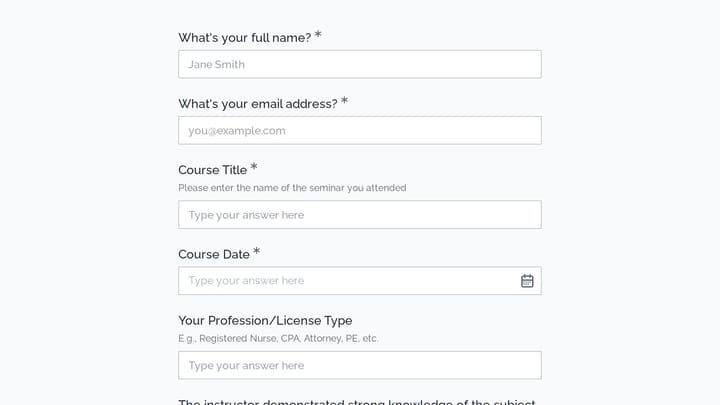
This course evaluation form helps continuing education providers gather structured feedback on seminar quality, instructor performance, course organization, and professional relevance. Use it to review participant experience, document impr…

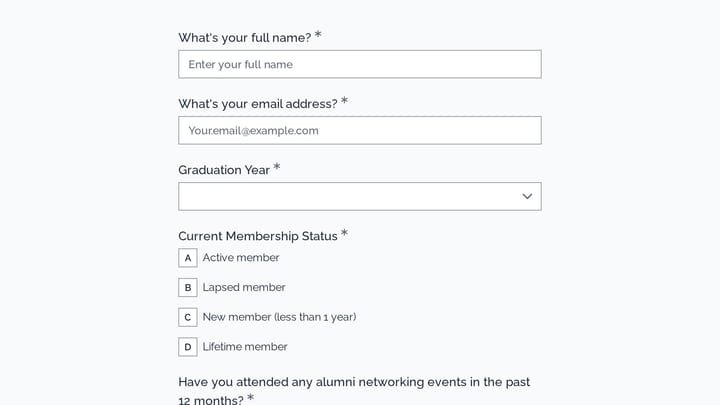
Alumni Association Member Engagement Survey preview

Alumni Association Member Engagement Survey

Use this alumni association member engagement survey form to gather targeted feedback on networking events, mentorship participation, membership status, and communication preferences. It helps alumni teams understand what drives engagement…

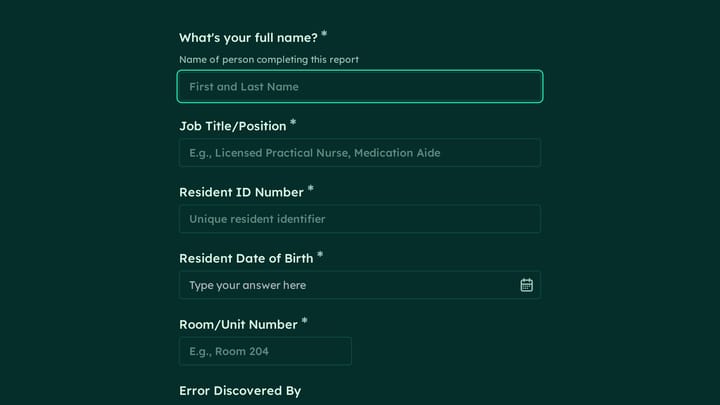
Medication Administration Error Report preview

Medication Administration Error Report

A medication administration error report form helps assisted living and senior care teams document medication incidents clearly, consistently, and with the details needed for follow-up. Use it to record resident information, the type of er…

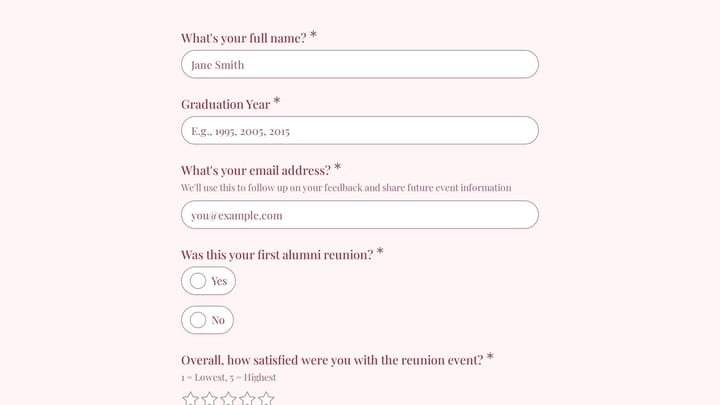
Alumni Reunion Feedback preview

Alumni Reunion Feedback

This customer feedback form template helps alumni associations gather detailed reunion feedback on satisfaction, campus nostalgia, networking, venue experience, and future event preferences. Use it to understand what attendees valued most…

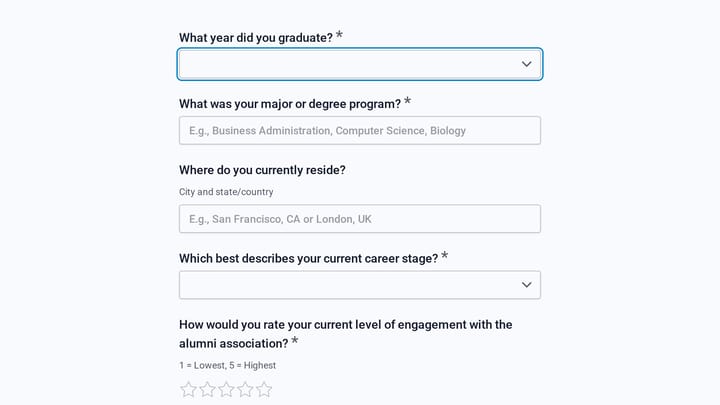
Alumni Engagement & Benefits Survey preview

Alumni Engagement & Benefits Survey

Use this alumni engagement & benefits survey form to learn how graduates engage with your alumni association, which events they attend, and which services matter most to them. It helps schools and alumni teams identify participation barrie…

Alumni Association Contact Form preview

Alumni Association Contact Form

This alumni association contact form helps schools and alumni groups collect inquiries, membership details, event interest, mentorship preferences, and optional donations in one place. It also works well as an event registration form for r…

Alumni Membership Pause Request preview

Alumni Membership Pause Request

This change request form helps alumni associations collect clear membership pause requests, including contact details, pause timing, and communication preferences. Use it to manage temporary pauses consistently while giving members a simpl…

Frequently asked questions

How does the scoring work?

Each question has one correct option, and choosing it adds 10 points to the score. The score starts at zero, so three correct answers give a maximum of 30. Wrong answers add nothing.

What decides which ending a player sees?

After the final question, players with more than 15 points see the congratulations ending and players below 15 see the try-again ending. With 10 points per question, two or three correct answers count as a pass.

Can I add more questions?

Yes. Add a new multiple choice question, then create a scoring rule that adds points when the correct option is picked. Update the maximum score shown on the endings and the pass mark so the results still make sense.

Is this quiz suitable for classrooms?

It works well as a quick review at the start or end of a lesson. Teachers can replace the sample questions with topic-specific ones and share the link with students, who see their score as soon as they finish.

Can players see their score?

Yes. Both endings show the player's total out of 30 right after the last question. That gives instant feedback without anyone grading answers by hand.

How can I use it at a virtual event?

Share the quiz link in your event chat or on screen between sessions. Because each question appears on its own page, the quiz is easy to complete on a phone, and you can review the submissions afterwards to see how the group did.

Your next form could be the best-looking thing on your site.

Free forever. Unlimited responses. No signup to start.