Teacher & Educator Form Templates

Free teacher form templates for educators. Create assessment, permission slip, and parent communication forms that support learning.

0

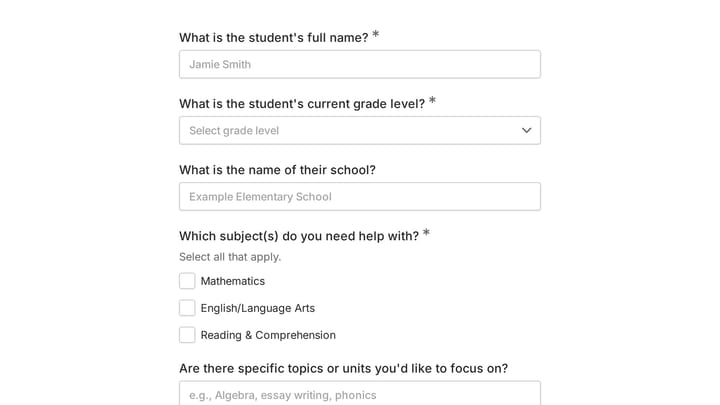
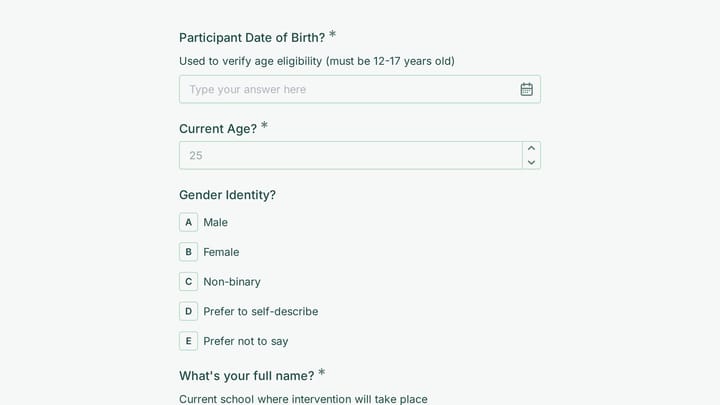
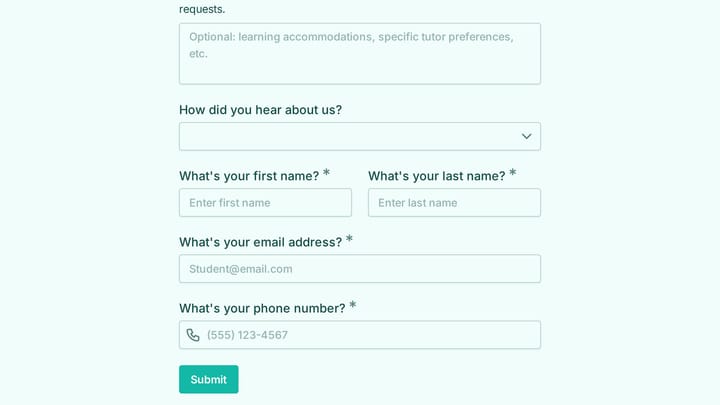
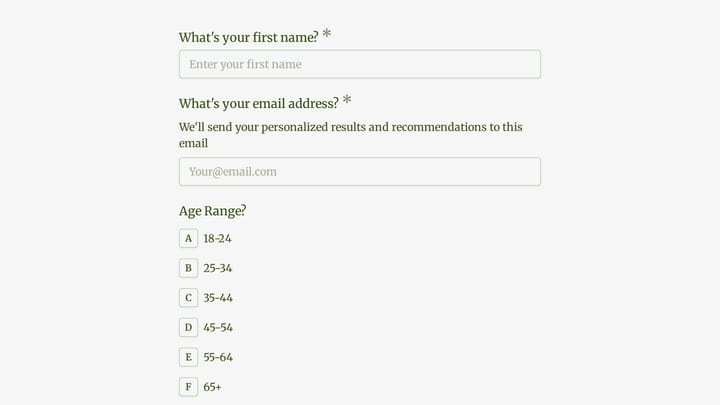
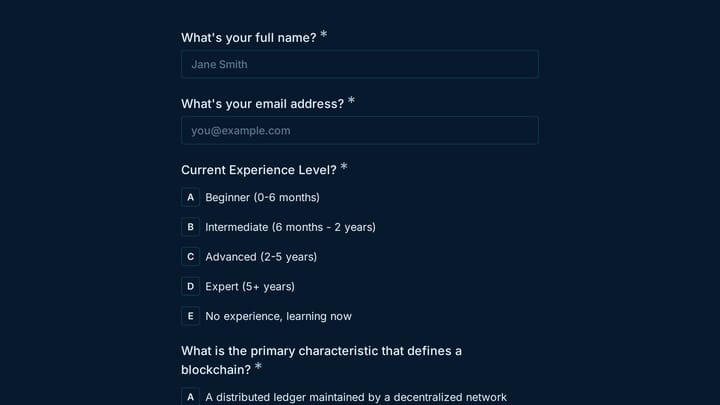
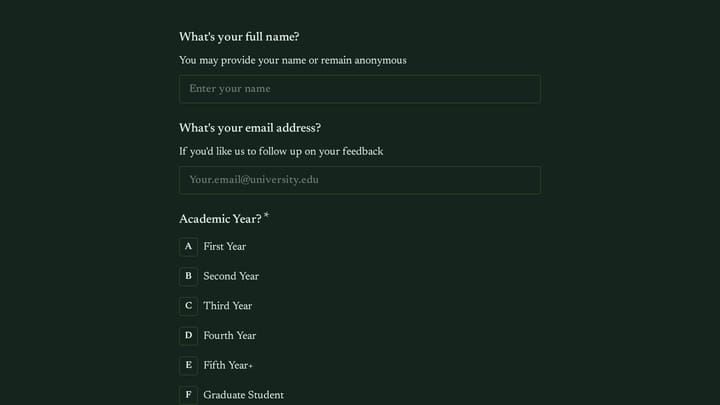
Academic Skills Tutoring Request

This form helps college freshmen request academic skills tutoring as they transition to higher education. It efficiently gathers their needs for support in areas like time management, study habits, note-taking, and test preparation.

Education Support Quote Requests Education Teacher & Educator
0

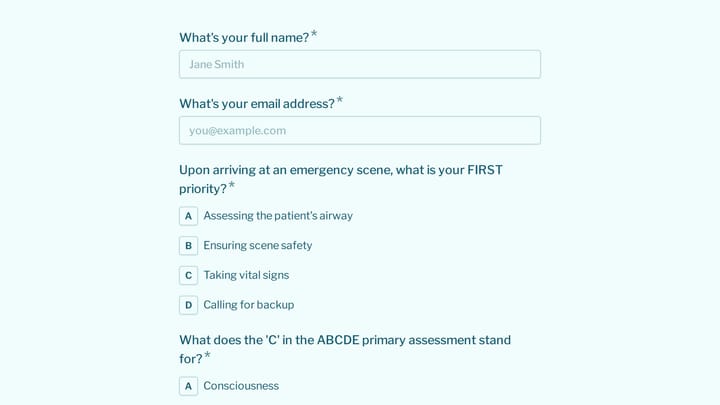
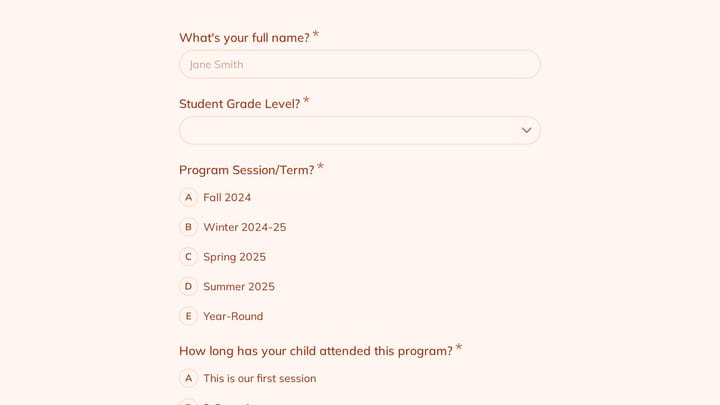
Academic Tutor Discovery Form

Efficiently gather essential student information with this professional discovery form. It helps you assess needs, learning challenges, and preferences to craft truly personalized learning plans.

Education Support Contacts Education Teacher & Educator
0

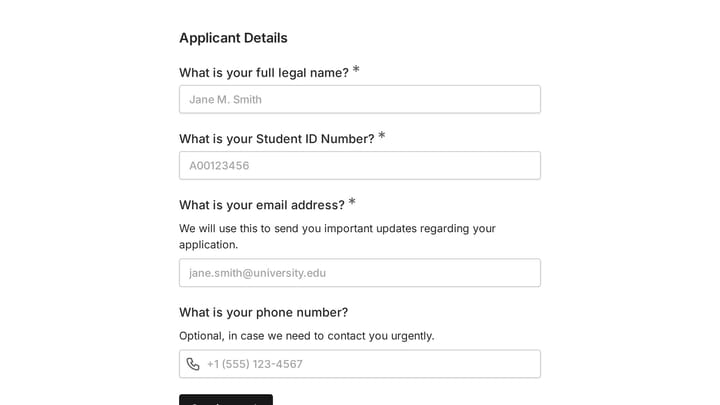
Graduation Application Form

Simplify the graduation application process for your educational institution with this intuitive online form. It allows you to effortlessly gather crucial academic details and confirm student eligibility, making a key administrative task much smoother.

Education Event Registration Application Education Teacher & Educator
0

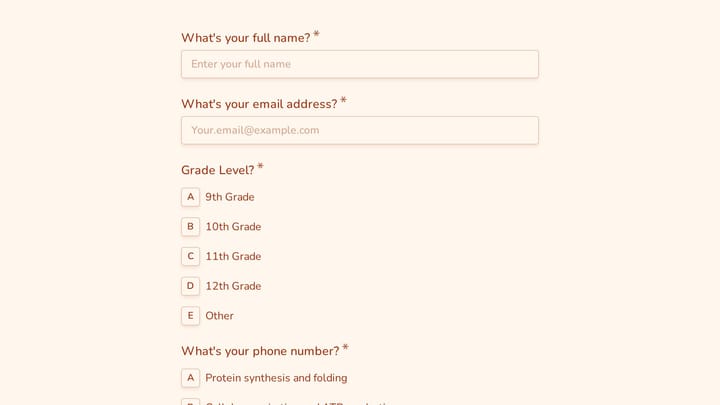
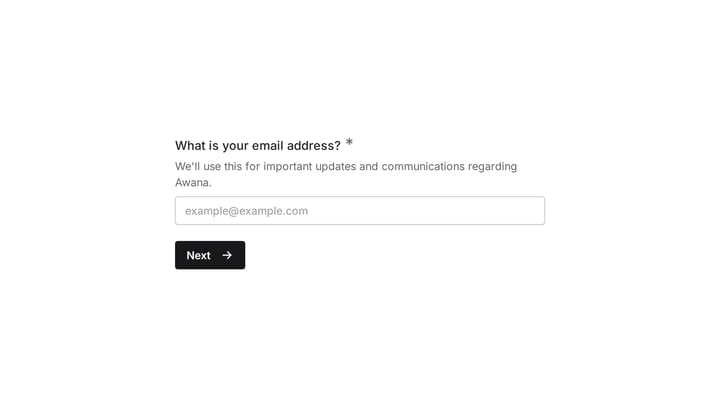
Awana Registration Form

Effortlessly manage Awana registrations with this customizable form template. It streamlines the collection of crucial parent and child information, including consent and medical release details.

Event Registration Education Healthcare Education Teacher & Educator
0

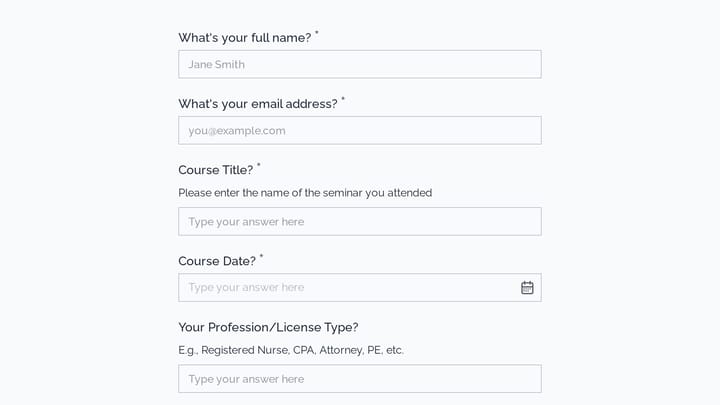
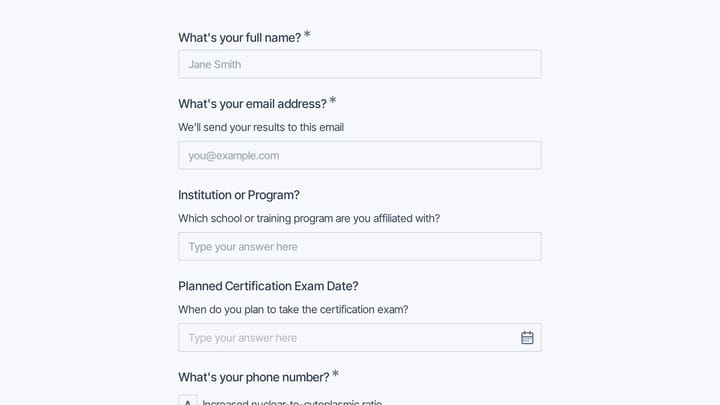
exam registration form

Simplify exam sign-ups for students and educators with this user-friendly digital form. It efficiently collects essential registration details, making data organization for any testing period straightforward and seamless.

Registrations Event Registration Education Education Teacher & Educator

Forms for Teachers & Educators

Teachers and educators balance instruction with administrative responsibilities—collecting permission slips, communicating with parents, assessing student progress, and managing classroom logistics. Forms help streamline these tasks so educators can focus on teaching.

Digital forms make parent communication easier, reduce lost paperwork, and create organized records of student information. They work on any device, making it simple for busy families to respond promptly.

Common Form Types for Educators

  • Permission slips for trips and activities
  • Parent contact and emergency information
  • Student assessment and progress forms
  • Reading logs and homework tracking
  • Conference scheduling with parents
  • Supply request and wish list forms
  • Classroom volunteer signup
  • Course evaluation and feedback forms

Settings Where Educators Work

Teaching happens in many environments. K-12 schools manage diverse student populations. Universities coordinate large courses. Tutoring centers track individual progress. Online learning platforms gather student feedback. Corporate training departments assess skill development. Non-profit education programs serve underserved communities.

Building Effective Education Forms

Forms for education must work for diverse audiences—students, parents, and administrators. Use clear, jargon-free language that translates well for multilingual families. Keep forms concise and mobile-friendly since parents often complete them during busy moments. Provide clear deadlines and send reminders for time-sensitive forms like permission slips. Consider accessibility needs across your school community.

Frequently asked questions

What is a form template?

A form template is a pre-designed form structure that you can use as a starting point for creating your own forms. Templates include pre-configured fields, layouts, and styling that are tailored for specific use cases, saving you time and ensuring best practices are followed. Simply select a template, customize it to match your needs, and publish it to start collecting responses.

How do I customize this template?

Customizing a template is easy with our drag-and-drop editor. Click "Use Template" to open the form in the editor where you can add, remove, or rearrange fields, change colors and fonts to match your brand, update question text and descriptions, configure validation rules, and set up email notifications. All changes are saved automatically, and you can preview your form at any time before publishing.

Is this template free to use?

Yes, all our form templates are completely free to use. You can create unlimited forms from any template on our free plan. Some advanced features like file uploads, custom domains, and removing branding require a paid plan, but the core form functionality and templates are available to everyone at no cost.

Can I use this template for my business?

Absolutely! Our templates are designed for both personal and business use. Whether you're a freelancer, small business, or enterprise, you can use any template to collect leads, gather feedback, process applications, or handle any other form-based workflow. For business use, we recommend our Pro plan which includes features like custom branding, advanced analytics, and priority support.

How do I share my form after creating it?

Once you've customized and published your form, you have several sharing options. You can copy the direct link to share via email, social media, or messaging apps. You can also embed the form on your website using our embed code, or use a QR code for offline materials. All sharing options are available from your form's settings page after publishing.

Ready to create your first Fomr?

Your next form deserves better than a white page with dropdowns. Build something people actually want to fill out.