Pre-Course Background and Expectations Survey Template

Learn about incoming students before a course starts: their prior experience, goals, weekly study time, confidence in key topics, and any concerns about the course format.

Use Template
Used 0 times
4.9
Created by Fomr Team
Last updated

About

Instructors and program teams plan better when they know who is coming to the first session. This pre-course survey captures each student's background and expectations ahead of time, so you can spot beginners who need extra support, experienced learners who may want stretch material, and anyone worried about the course format.

The example is set up for an advanced UX design program, and every question is easy to adapt to another subject. Students share their email, then select their prior experience with your programs or similar courses, the related programs they plan to explore, and their main reason for enrolling. They choose how prepared they feel for a job search or promotion in the field and describe what they hope to accomplish.

The second half looks at practical readiness. Students choose how many hours a week they can commit, tick the topics they already feel proficient in, and pick a self-rated skill level from complete beginner to confident practitioner. The survey ends by asking how worried they are about the course format suiting their learning style, plus open space for specific challenges and anything else they want to share.

Running the same survey for every cohort builds a useful picture over time. Comparing expected weekly hours with completion rates, or self-rated skill levels with assessment results, helps refine prerequisites and onboarding for future students.
Related Templates

View all →
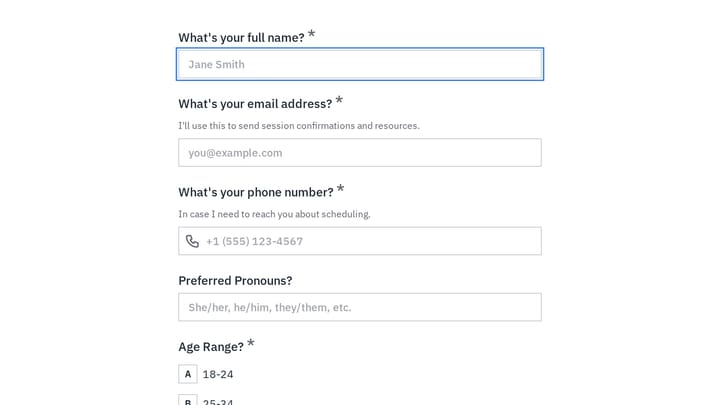
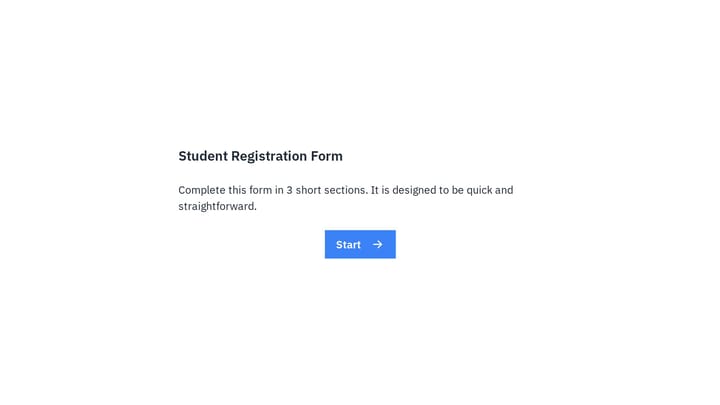
Student Registration Form preview

Student Registration Form

Use this student registration form to collect essential enrollment details for a course or class in one clear flow. It helps schools, tutors, and training providers gather names, student numbers, course information, and contact details onl…

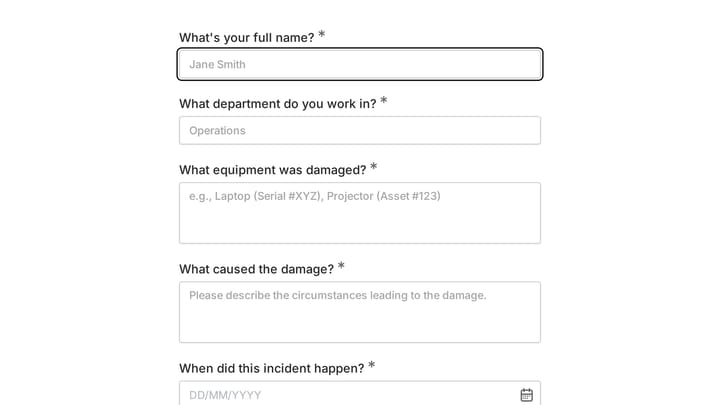
Damage Report Form preview

Damage Report Form

This template provides an easy way for staff to document incidents and damaged equipment online. It's fully customizable to efficiently capture essential details for internal record-keeping and prompt follow-up.

Inner Critic Coaching Intake preview

Inner Critic Coaching Intake

Use this client intake form to collect the details you need before starting a conversation, project, or request. It helps teams qualify submissions and respond with better context.

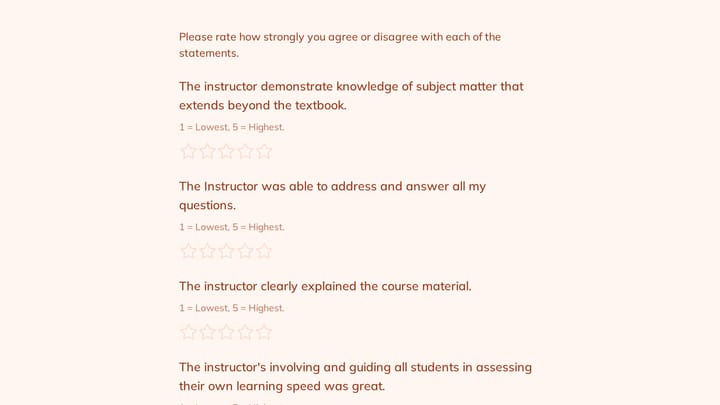
Instructor Evaluation Form preview

Instructor Evaluation Form

Use this course evaluation form to collect clear feedback, satisfaction scores, and open-ended comments in one place. It helps teams understand what is working well and where the experience can improve.

Event Volunteer Form preview

Event Volunteer Form

Streamline your event planning by effortlessly collecting all the crucial details from your potential volunteers. This customizable form simplifies sign-ups, helping you build a supportive and well-organized team.

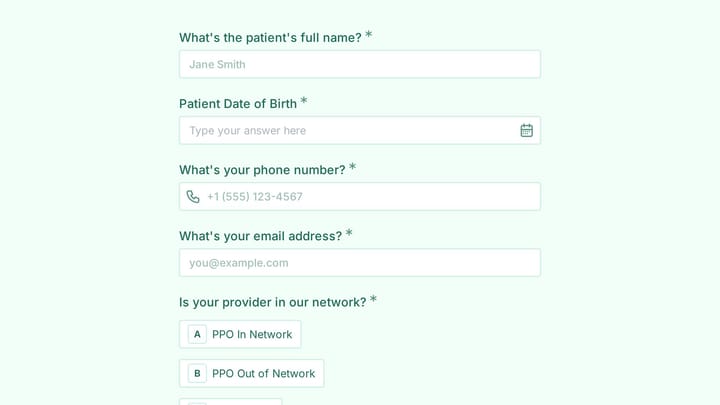
Insurance Verification Form preview

Insurance Verification Form

Use this patient intake form to collect structured responses in a format that is easy for both respondents and your team. It helps turn incoming information into a more organized workflow.

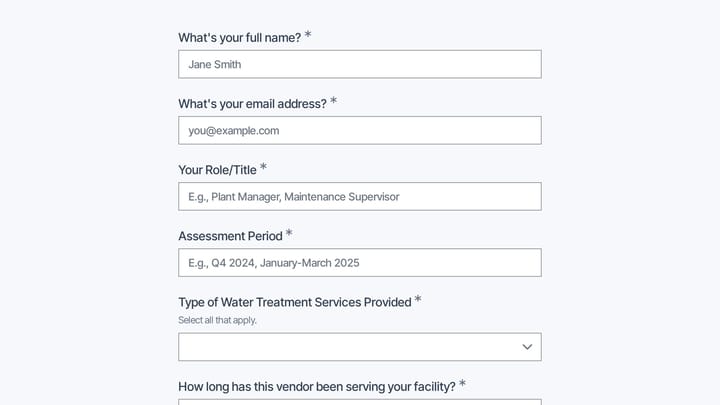
Industrial Water Treatment Vendor Assessment preview

Industrial Water Treatment Vendor Assessment

Use this industrial water treatment vendor assessment form to collect structured responses in a format that is easy for both respondents and your team. It helps turn incoming information into a more organized workflow.

Integrative Oncology Complementary Therapy Screening preview

Integrative Oncology Complementary Therapy Screening

Use this integrative oncology complementary therapy screening form to collect structured responses in a format that is easy for both respondents and your team. It helps turn incoming information into a more organized workflow.

Frequently asked questions

When should students complete this survey?

Send it after enrollment and at least a week before the course starts. That gives instructors time to review the answers, adjust the first sessions, and reach out to students who flagged concerns about workload or learning style.

Can I use it for a course that isn't about UX design?

Yes. Replace the program name, the list of related programs, and the proficiency topics with ones from your subject, and rewrite the skill level options to describe beginner through advanced in your field. The flow of background, goals, time commitment, and concerns works for most courses.

Which answers help instructors the most?

Weekly hours and self-rated skill level are quick indicators of who may fall behind, while the open questions about goals and challenges show what students want from the course. Together they help you group students, pace early lessons, and decide where to add support.

Which questions are required?

Email, prior experience, related programs, main reason for enrolling, weekly hours, topic proficiency, and skill level are required. The career readiness, format concern, and open-ended questions are optional, so students who are short on time can still submit.

Can I run the same survey again at the end of the course?

Yes. Asking the career readiness, proficiency, and skill level questions again at the end lets you compare each student's starting and finishing answers. Rewording the goals question to ask what they achieved turns it into a simple course outcome check.

Do I need the email question?

The email lets you match answers to enrolled students and follow up with anyone who raised a concern. If you prefer anonymous responses, remove it and add a short note explaining that answers are only used to plan the course.

Your next form could be the best-looking thing on your site.

Free forever. Unlimited responses. No signup to start.