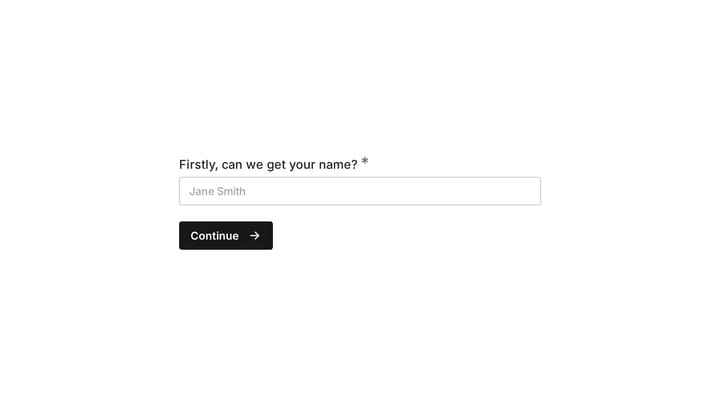
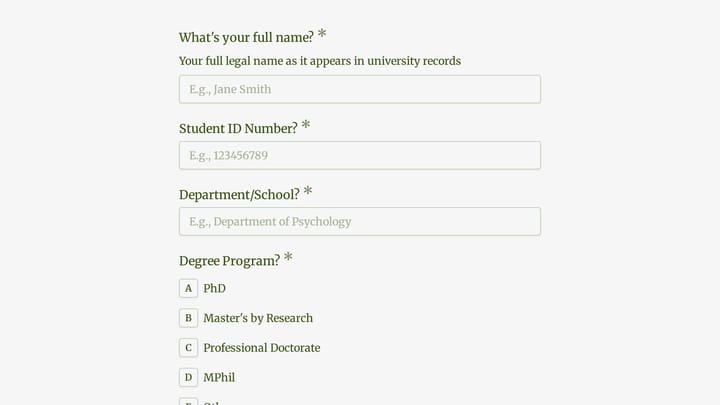
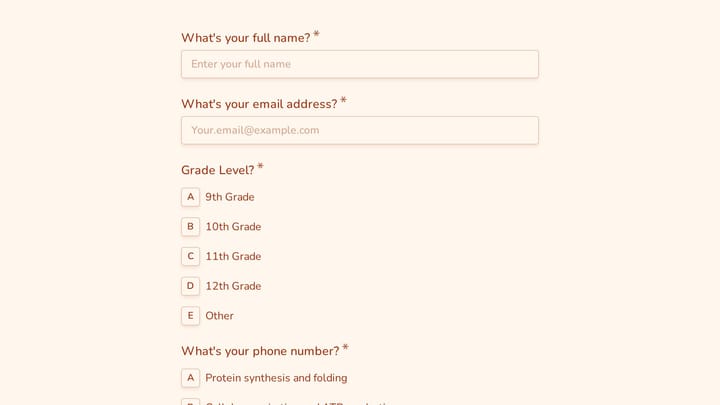
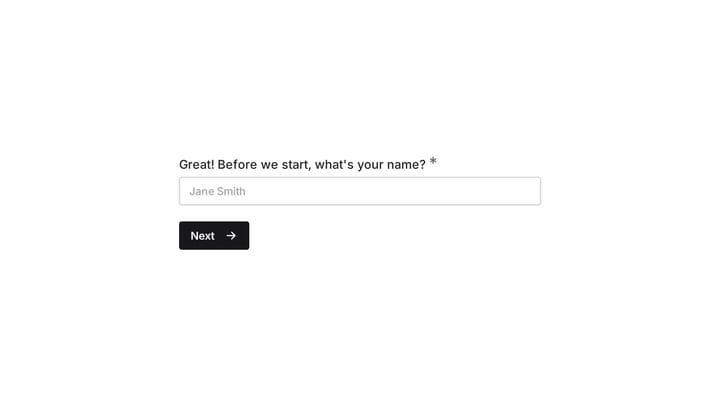

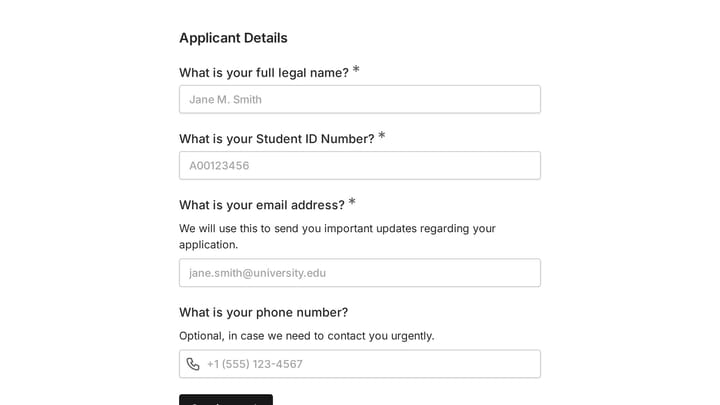
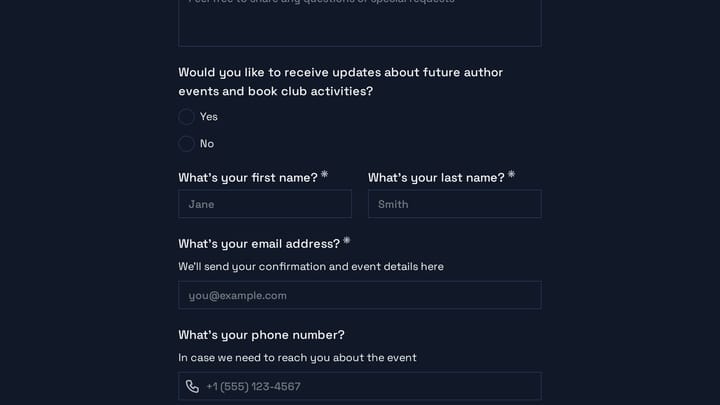
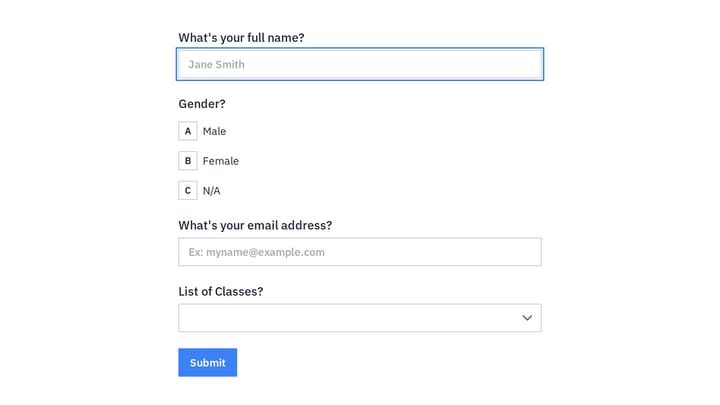
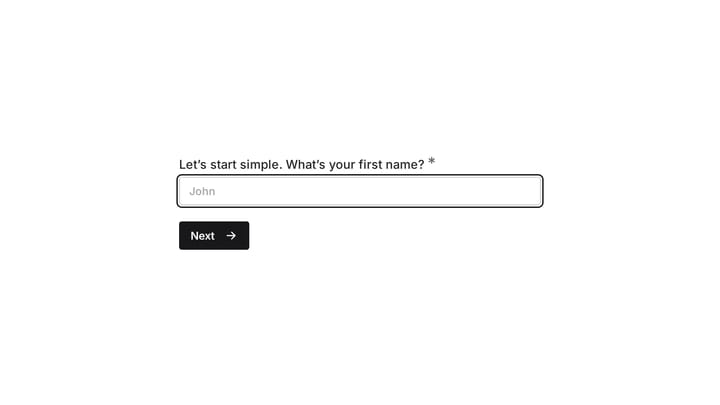
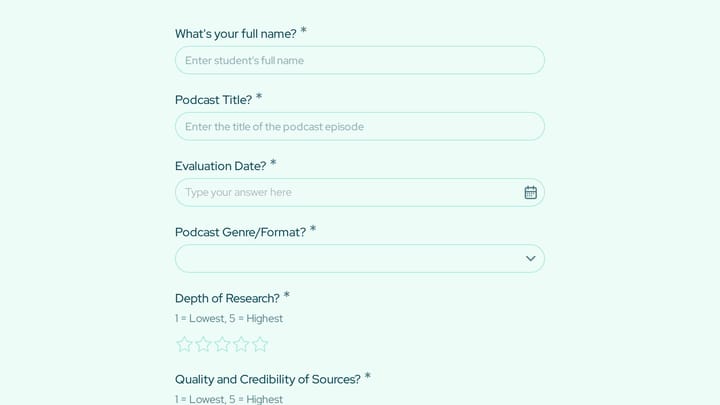
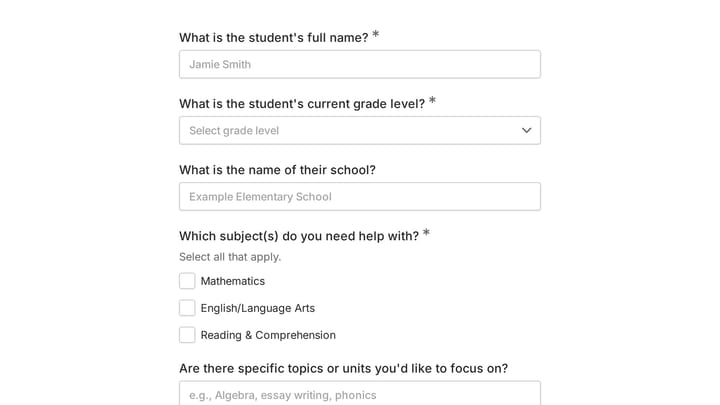
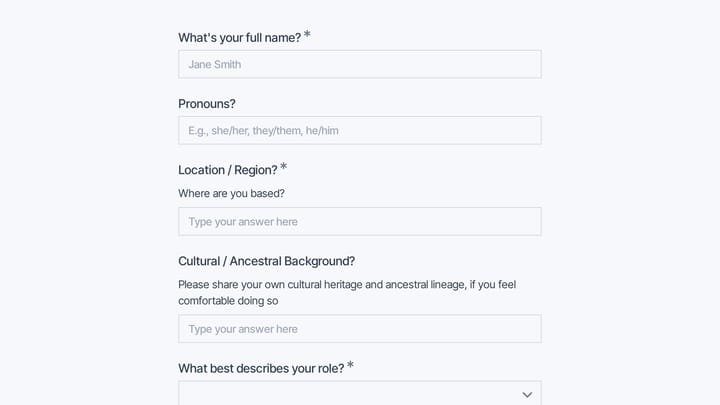
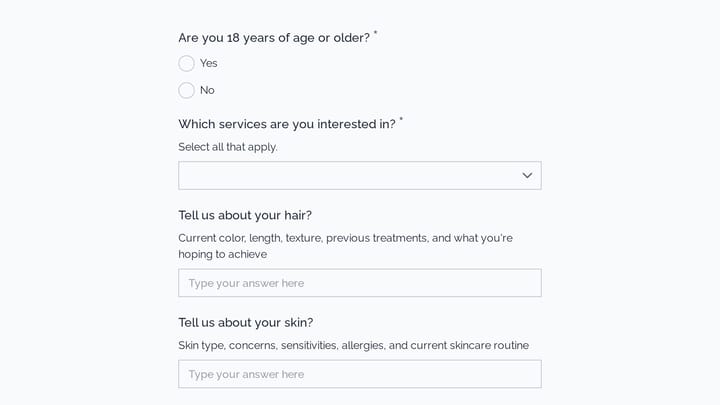
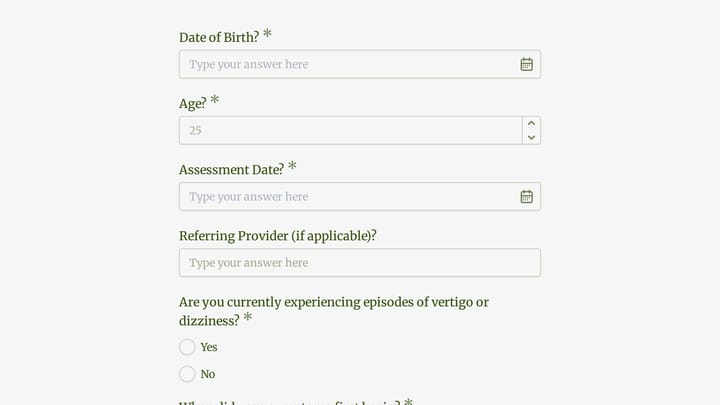
Education Administration Forms Templates

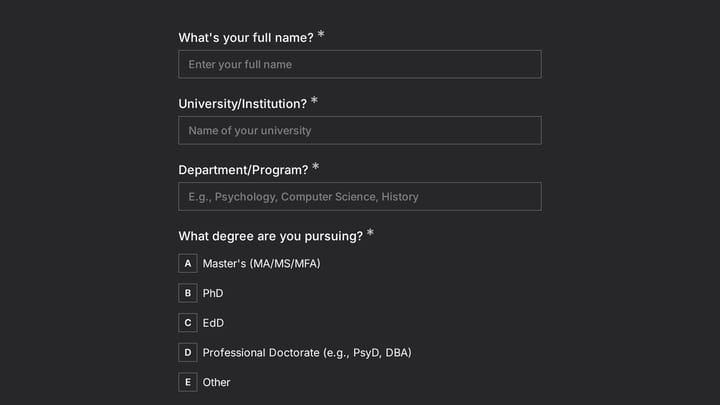
Free education form templates for schools and institutions. Create forms that streamline academic administration.

4

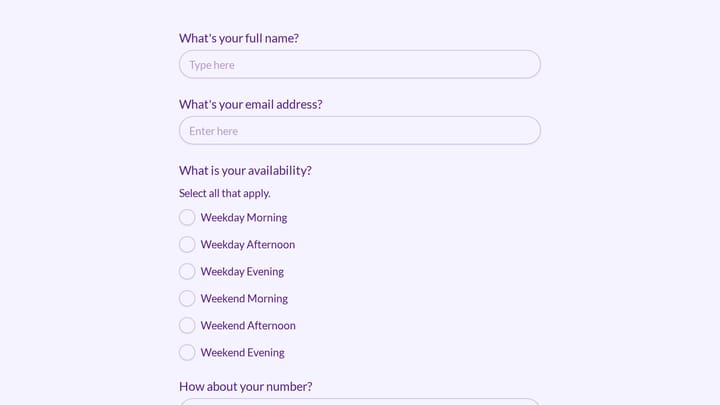
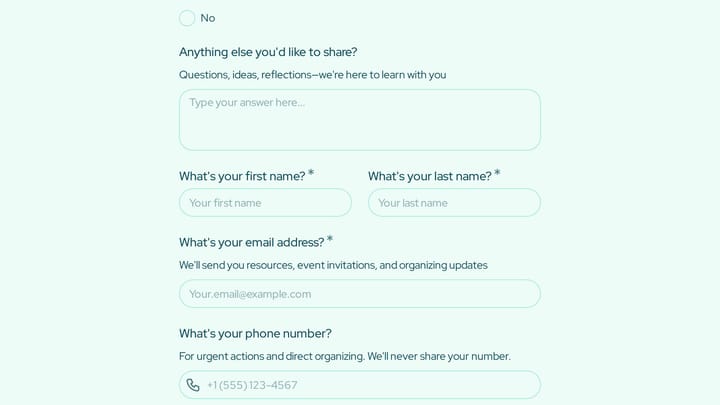
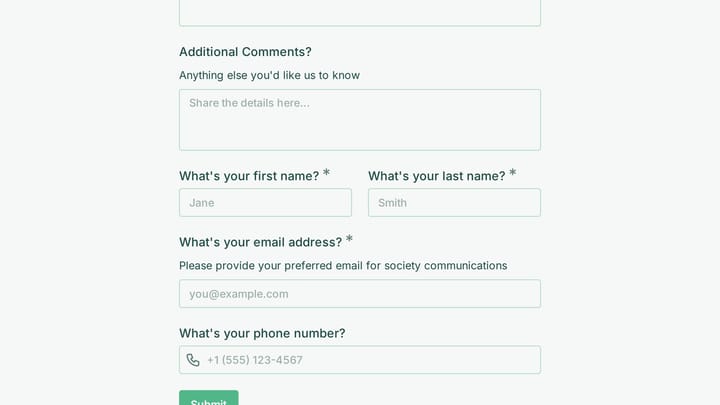
Event Volunteer Form

Streamline your event planning by effortlessly collecting all the crucial details from your potential volunteers. This customizable form simplifies sign-ups, helping you build a supportive and well-organized team.

Feedback Polls Education Events Sales Representative

About Education Administration Forms

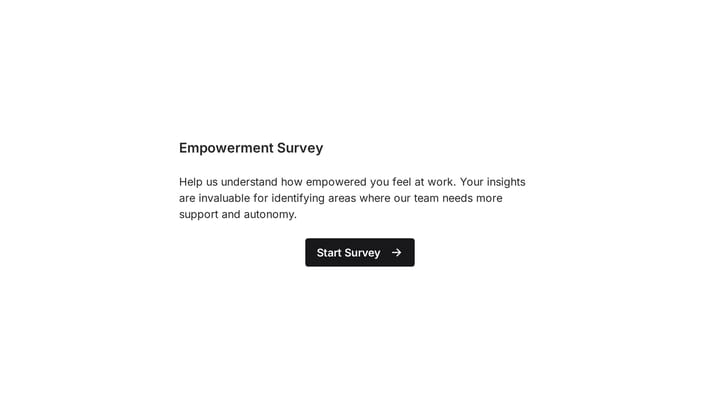
Education forms support the administrative functions that keep schools, universities, and training programs running smoothly. From student applications to course evaluations to permission slips, these forms handle the paperwork that enables learning to happen. Digital forms reduce administrative burden while creating organized records for students, parents, and educators.

K-12 schools manage student documentation. Universities handle admissions and registration. Online course platforms enroll learners. Corporate training tracks employee development.

Common Use Cases

  • Student applications and admissions forms
  • Course registrations and class selection
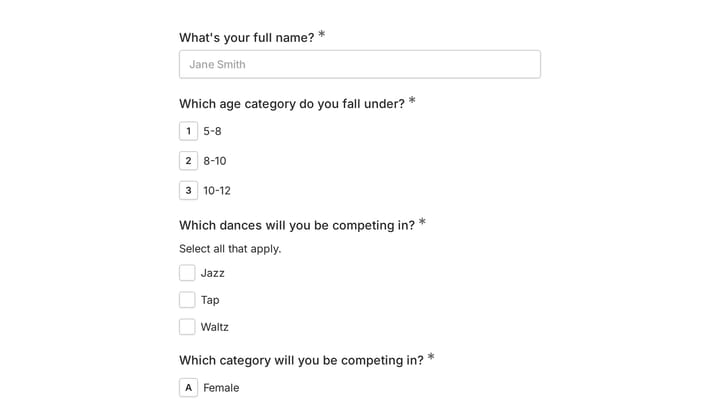
  • Permission slips for field trips and activities
  • Course evaluations and teacher feedback
  • Parent contact and emergency information
  • Grade appeals and academic requests
  • Scholarship applications and financial aid forms

Who Uses Education Administration Forms?

Educational institutions at all levels rely on these forms. Elementary schools collect parent information. High schools process college recommendations. Community colleges manage enrollment. Tutoring centers track student progress. Professional certification programs handle credential applications.

Building Effective Education Forms

Consider the audience—parent forms differ from student forms differ from faculty forms. Include clear deadlines and instructions. For student forms, keep language age-appropriate. Build in required fields for essential compliance information. Route submissions to appropriate administrators automatically. Maintain records according to educational privacy requirements.

Frequently asked questions

What is a form template?

A form template is a pre-designed form structure that you can use as a starting point for creating your own forms. Templates include pre-configured fields, layouts, and styling that are tailored for specific use cases, saving you time and ensuring best practices are followed. Simply select a template, customize it to match your needs, and publish it to start collecting responses.

How do I customize this template?

Customizing a template is easy with our drag-and-drop editor. Click "Use Template" to open the form in the editor where you can add, remove, or rearrange fields, change colors and fonts to match your brand, update question text and descriptions, configure validation rules, and set up email notifications. All changes are saved automatically, and you can preview your form at any time before publishing.

Is this template free to use?

Yes, all our form templates are completely free to use. You can create unlimited forms from any template on our free plan. Some advanced features like file uploads, custom domains, and removing branding require a paid plan, but the core form functionality and templates are available to everyone at no cost.

Can I use this template for my business?

Absolutely! Our templates are designed for both personal and business use. Whether you're a freelancer, small business, or enterprise, you can use any template to collect leads, gather feedback, process applications, or handle any other form-based workflow. For business use, we recommend our Pro plan which includes features like custom branding, advanced analytics, and priority support.

How do I share my form after creating it?

Once you've customized and published your form, you have several sharing options. You can copy the direct link to share via email, social media, or messaging apps. You can also embed the form on your website using our embed code, or use a QR code for offline materials. All sharing options are available from your form's settings page after publishing.

Ready to create your first Fomr?

Your next form deserves better than a white page with dropdowns. Build something people actually want to fill out.