Request for Quote (RFQ) Form Template

Record supplier quotes in a consistent format, including the supplier's name, address, and email, the item name and number, the quantity quoted, and the price.

Use Template
Used 0 times
4.9
Created by Fomr Team
Last updated

About

Comparing supplier quotes gets messy when they arrive as emails, PDFs, and phone notes in different formats. This request for quote form gives procurement and purchasing staff one consistent way to record each quote, so every supplier's offer can be reviewed against the same fields.

The form moves through seven short steps, one question at a time. The person logging the quote enters their own name, then the supplier's name and address, the item name and part number, the quantity being quoted, and the quoted price in US dollars. The last step captures the supplier's email address so anyone on the team can follow up.

Because quantity and price are number fields, responses can be sorted and compared directly once several suppliers have been logged. Small businesses, operations managers, and office administrators can use it for anything from raw materials to office equipment, and it is simple to add fields such as lead time, payment terms, or quote expiry date.
Related Templates

View all →
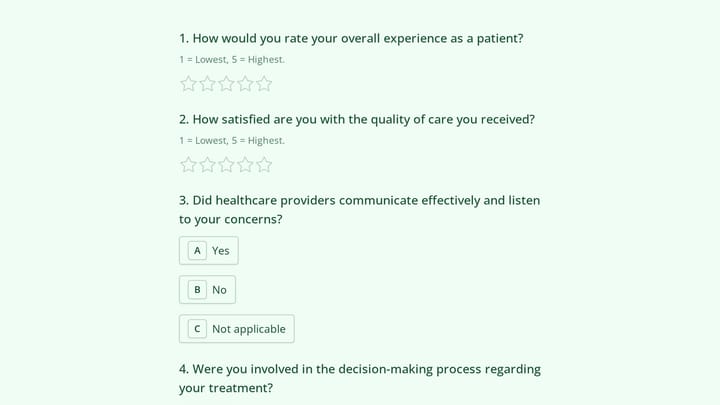
Patient Engagement Survey Form preview

Patient Engagement Survey Form

Use this patient engagement survey form to collect clear feedback, satisfaction scores, and open-ended comments in one place. It helps teams understand what is working well and where the experience can improve.

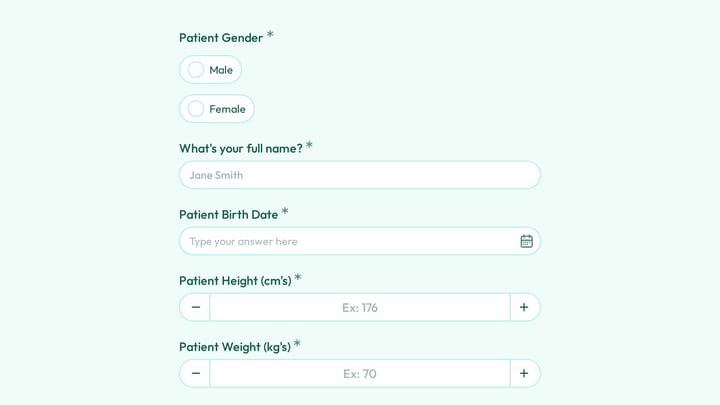
Patient Medical History Form preview

Patient Medical History Form

Use this event registration form to collect structured responses in a format that is easy for both respondents and your team. It helps turn incoming information into a more organized workflow.

Branding Project Intake Form preview

Branding Project Intake Form

Empower your branding projects from the start with this essential intake form template. It guides creative professionals in capturing crucial client details like project goals, target audience, style preferences, and necessary assets for a perfectly aligned kickoff.

Party RSVP Form preview

Party RSVP Form

Use this party rsvp form to track responses, attendee details, and follow-up information in a single workflow. It gives organizers a simple way to manage registrations without extra admin work.

Employee emergency contact form preview

Employee emergency contact form

Streamline the collection and management of employee emergency contact information with this customizable form template. It simplifies HR processes, ensuring critical details are always accessible for any workplace situation.

Ask a Question preview

Ask a Question

Easily add a customizable 'Ask a Question' form to your website with this template. It empowers visitors to submit inquiries and comments effortlessly, streamlining communication and improving engagement.

Performance Management Survey preview

Performance Management Survey

Use this performance management survey to gather employee feedback on management processes, time use, and day-to-day inefficiencies across departments. It helps teams identify where work is getting stuck and what changes could improve role…

Perfume Box Form preview

Perfume Box Form

Use this event registration form to collect structured responses in a format that is easy for both respondents and your team. It helps turn incoming information into a more organized workflow.

Frequently asked questions

What is a request for quote form used for?

An RFQ form records the price a supplier offers for a specific item and quantity. Keeping every quote in the same format makes it easier to compare vendors and choose the best value before placing an order.

Who fills in this RFQ form?

As set up, a member of your purchasing or operations team fills it in for each supplier quote they receive. You can also send it directly to suppliers by rewording the first question to ask for the supplier contact name.

Can I record more than one item per submission?

Each submission covers one item and quantity, which keeps comparisons clean. For multi-line quotes, submit the form once per item, or add extra item and price questions if your suppliers usually quote several products together.

What other fields should I consider adding?

Lead time, payment terms, shipping costs, and the date the quote expires are the most common additions. They often matter as much as unit price when choosing between suppliers.

Can I change the currency?

Yes. Edit the price question to name your currency, such as euros or pounds. If you buy from suppliers in several countries, add a currency question next to the price so every quote is recorded accurately.

How do I compare quotes once they are collected?

Review the responses in a table or export them, then sort by item and price to see each supplier side by side. Including the item number in every entry makes sure you are comparing the same product across vendors.

Your next form could be the best-looking thing on your site.

Free forever. Unlimited responses. No signup to start.