Subscription Cancellation Survey Template

A one-page exit survey that asks customers why they cancelled, how they rate their overall experience, and what would improve the product. Useful for subscription businesses tracking churn.

Use Template
Used 0 times
4.9
Created by Fomr Team
Last updated

About

Every cancellation carries information you cannot get anywhere else. This short exit survey asks departing subscribers for their main reason for leaving, a quick rating of their overall experience, and one open question about what would make the product better.

The reasons cover the most common causes of churn, including low usage, price, missing features, no longer needing the service, and switching to an alternative. If someone chooses Other, a text field appears so they can explain in their own words. Everyone else sees only the questions that apply to them.

Everything fits on a single page, which matters when people are on their way out and have little patience for long forms. Link to it from your cancellation confirmation email or the last step of your cancellation flow, then review the reasons regularly to spot patterns before they grow.
Related Templates

View all →
Dog Grooming Certification Practice Quiz preview

Dog Grooming Certification Practice Quiz

A dog grooming certification practice quiz form helps you assess grooming knowledge across breed-specific cuts, handling techniques, skin conditions, and salon safety. Use it to deliver a structured practice test for students, junior groom…

Art Contest Voting Form preview

Art Contest Voting Form

Easily manage and streamline the voting for your art competition with this user-friendly template. It's designed to eliminate manual data entry, ensuring a fair and seamless experience for everyone.

Damage Report Form preview

Damage Report Form

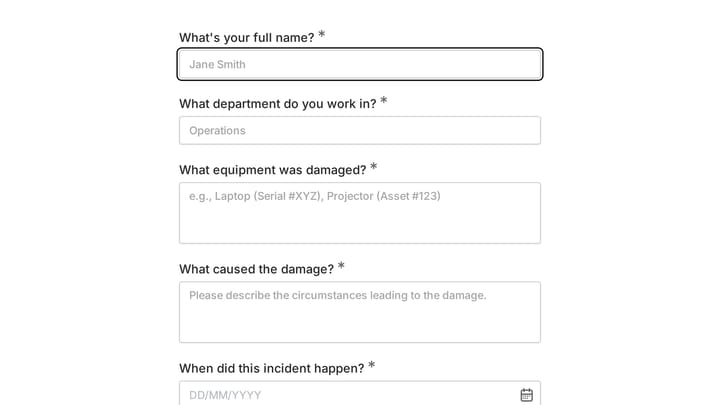
This template provides an easy way for staff to document incidents and damaged equipment online. It's fully customizable to efficiently capture essential details for internal record-keeping and prompt follow-up.

Anxiety Disorder Diagnostic Assessment preview

Anxiety Disorder Diagnostic Assessment

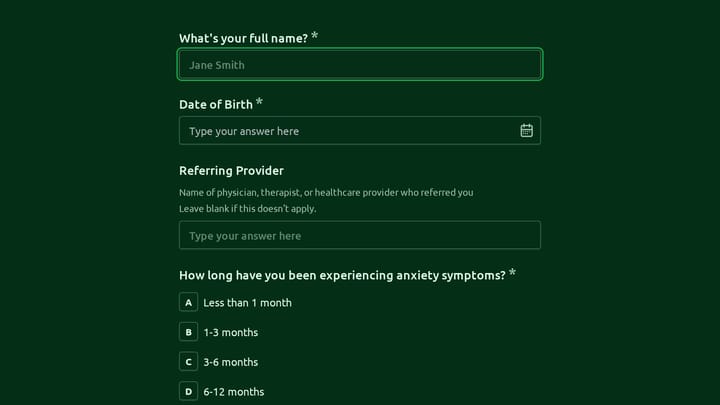
This anxiety disorder diagnostic assessment form helps mental health clinicians collect intake details, symptom history, prior diagnoses, current treatment, and panic attack frequency in a structured format. It is designed to support consi…

Board Game Convention Player Feedback preview

Board Game Convention Player Feedback

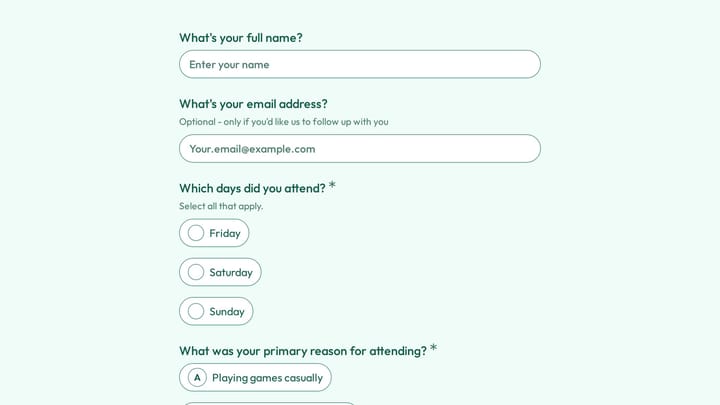
Use this board game convention player feedback form to gather attendee insights on game library quality, event experience, and return intent after your convention. It helps organizers understand what players enjoyed, what needs work, and w…

Agricultural Cooperative Annual Meeting Planning Form preview

Agricultural Cooperative Annual Meeting Planning Form

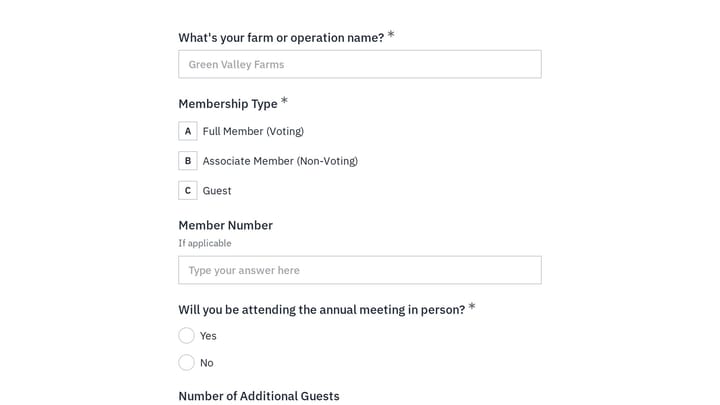
This event registration form helps agricultural cooperatives organize annual meeting RSVPs, proxy voting, guest counts, and session interest in one place. Use it to plan attendance, board election participation, vendor showcases, equipment…

Adoption and Foster Care Therapy Intake Form preview

Adoption and Foster Care Therapy Intake Form

This client intake form helps therapists and caregivers gather essential background for adopted children and foster placements before care begins. It organizes caregiver details, placement context, and child information in one clear intake…

Event Volunteer Form preview

Event Volunteer Form

Streamline your event planning by effortlessly collecting all the crucial details from your potential volunteers. This customizable form simplifies sign-ups, helping you build a supportive and well-organized team.

Frequently asked questions

When should I send a cancellation survey?

The best moment is right after someone cancels, while the decision is fresh. Many businesses link to it from the cancellation confirmation screen or email. Waiting days or weeks usually means fewer responses and vaguer answers.

Which questions are required?

Only the cancellation reason is required. The rating, the improvement question, and the follow-up text are optional, so customers can share as much or as little as they like. That keeps the survey quick for people who just want to leave.

What happens when a customer selects Other?

A short text field appears so they can describe why they cancelled. Customers who pick one of the listed reasons never see it. If you edit the reasons, keep the Other option so the follow-up still works.

How do I act on the results?

Group responses by reason each month and compare them with the ratings and comments. A rise in price-related cancellations may point to a pricing or packaging issue, while missing-feature answers can feed your roadmap.

Can I add a win-back offer?

You can add a text block or a question asking whether the customer would return for a discount or a pause option. Keep any offer short and optional so the survey still reads as a request for feedback rather than a sales pitch.

Can I change the cancellation reasons?

Yes. Edit the options to match your product, for example by adding technical issues or poor support. Keep the list to around five to seven choices so it stays easy to scan.

Your next form could be the best-looking thing on your site.

Free forever. Unlimited responses. No signup to start.