If you’re shopping for the best form builder right now, you’re probably not asking “what is a form builder.” You’re replacing something. Maybe Typeform’s response cap finally bit you, maybe Google Forms looks too much like Google Forms, or maybe you got a renewal email that made you wince.
So this list skips the category tour and gets to the actual decision. In practice, most shortlists come down to three features: conditional logic, payment collection, and file uploads. Whichever tools have the ones you need, at a price you can predict, win. We verified every price and limit below against each vendor’s pricing page in August 2026, because these numbers move constantly (Typeform currently allows 10 free responses a month, and Paperform quietly added a free tier in 2025).
One disclosure up front: we make Fomr, one of the tools on this list. We’ve put it where it genuinely wins and named what it can’t do yet.
The quick verdict
- Best overall: Jotform. The most complete feature set, 30+ payment gateways with no added transaction fees, and a real free plan.
- Best free plan: Tally. Unlimited forms and submissions at $0, including logic, payments, and uploads.
- Best for form design: Fomr. Unlimited everything free and the deepest visual customization, but no payments yet.
- Best value paid plan: Fillout. 1,000 free responses a month, and paid starts at $15.
If one of those already matches your situation, you can stop reading and go try it. Fomr’s editor is open without an account at fomr.io/app/guest/new if design is your deciding factor. Otherwise, here’s the detail.
The best form builders compared
All prices are the monthly cost on annual billing. Competitor prices were verified in August 2026; Fomr pricing reflects the September 2026 update. Month-to-month billing is higher on most of these.
| Tool | Free plan | Entry paid plan | Logic | Payments | File uploads | Branding removal |
|---|---|---|---|---|---|---|
| Jotform | 5 forms, 100 submissions/mo | $34/mo (Bronze) | Yes | Yes, 30+ gateways | Yes | From Bronze |
| Tally | Unlimited forms and submissions | $24/mo (Pro) | Yes, free | Yes, free | Yes, free (10 MB/file) | Pro only |
| Fomr | Unlimited forms and responses | $24/mo (Pro, $288/year) | Yes, free | Coming soon | Yes, free (10 MB/file) | Pro only |
| Fillout | 1,000 responses/mo | $15/mo (Starter) | Yes, free | Yes, free | Yes, free (20 MB) | From Pro ($40/mo) |
| Typeform | 10 responses/mo | $28/mo (Basic) | Paid plans | From Plus ($56/mo) | Yes | From Plus |
| Google Forms | Free, effectively unlimited | Via Google Workspace | Section skips only | No | Google sign-in required | Never |
| Paperform | 30 submissions/mo | $49/mo (Pro, annual) | Yes | Yes | Yes | Removed on Pro |
1. Jotform: best overall
Jotform is the pick when you can’t predict what your forms will need next year. It has more field types, more templates, and more payment options than anything else here, and its logic builder handles genuinely complicated branching.
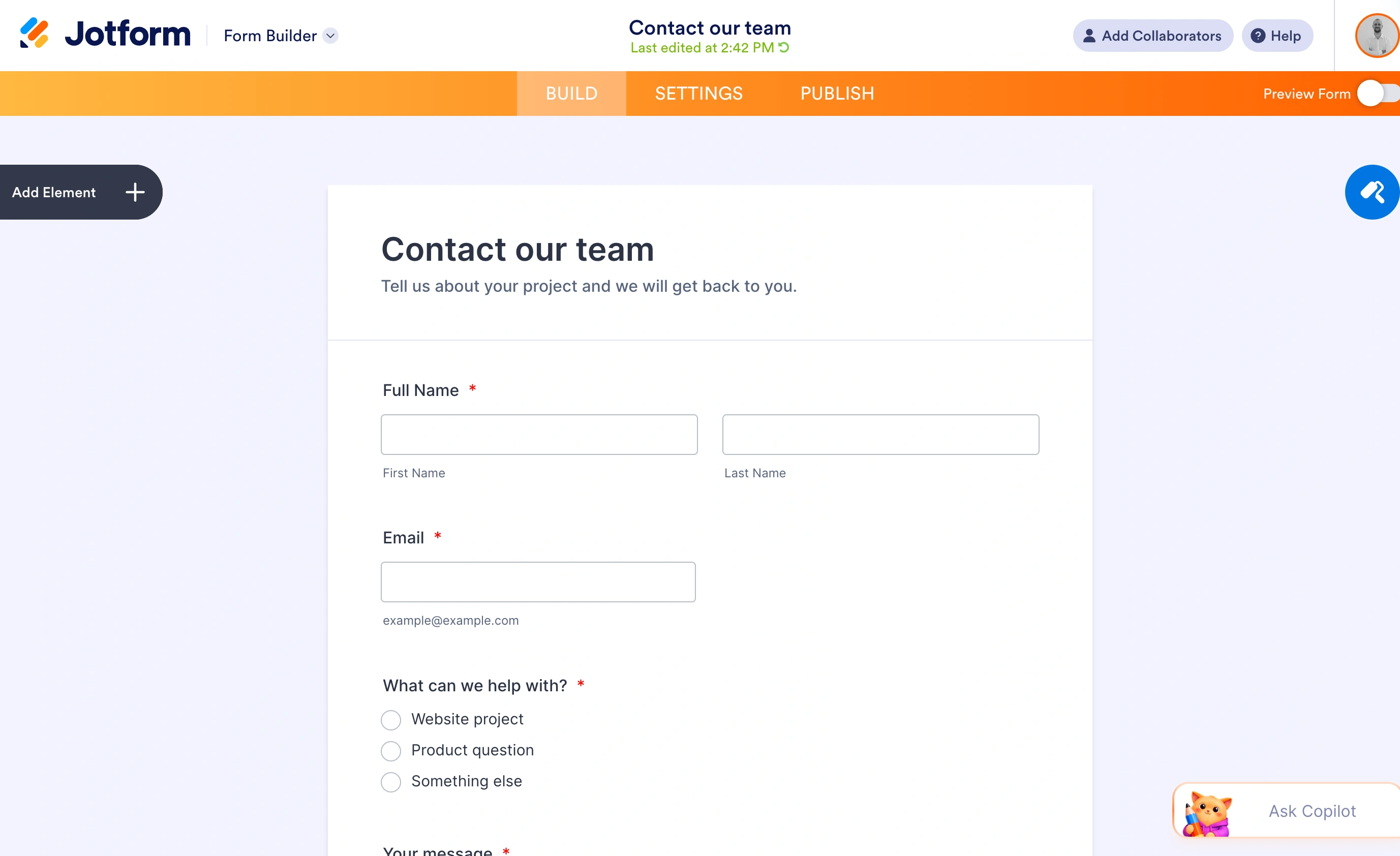
The free Starter plan gives you 5 forms and 100 submissions a month with Jotform branding. Paid starts at Bronze, $34 a month on annual billing ($39 month-to-month), which raises you to 25 forms and 1,000 monthly submissions. Full limits are on Jotform’s pricing page.
The payments story is the standout. Jotform connects to 30+ gateways and charges no transaction fee of its own on any plan, so you only pay your processor’s rate. For anyone selling through forms, that alone can justify the subscription.
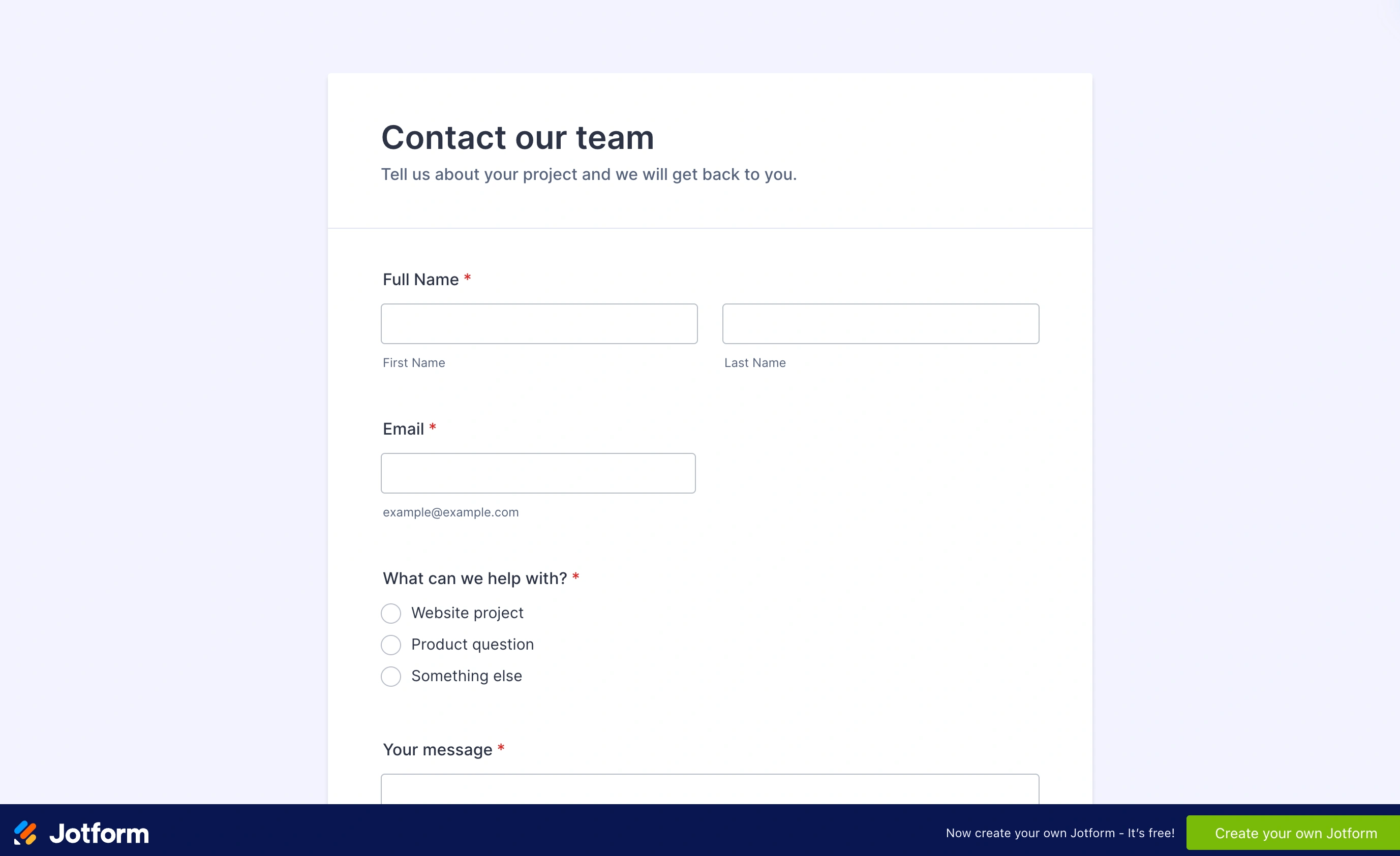
Where it loses: the interface is dense and dated in places, and per-plan caps on forms, submissions, and even monthly form views mean you’re always watching a meter. Bronze’s 25-form cap arrives faster than you’d think.
Migration cost: exporting responses is easy (CSV/Excel), but complex logic and payment flows have to be rebuilt by hand anywhere you go.
2. Tally: best free plan
Tally’s free plan is the most generous in the category, and it isn’t close. Unlimited forms, unlimited submissions, and the features other tools gate behind paid tiers: conditional logic, calculations, payments, signatures, and file uploads (capped at 10 MB per file on free).
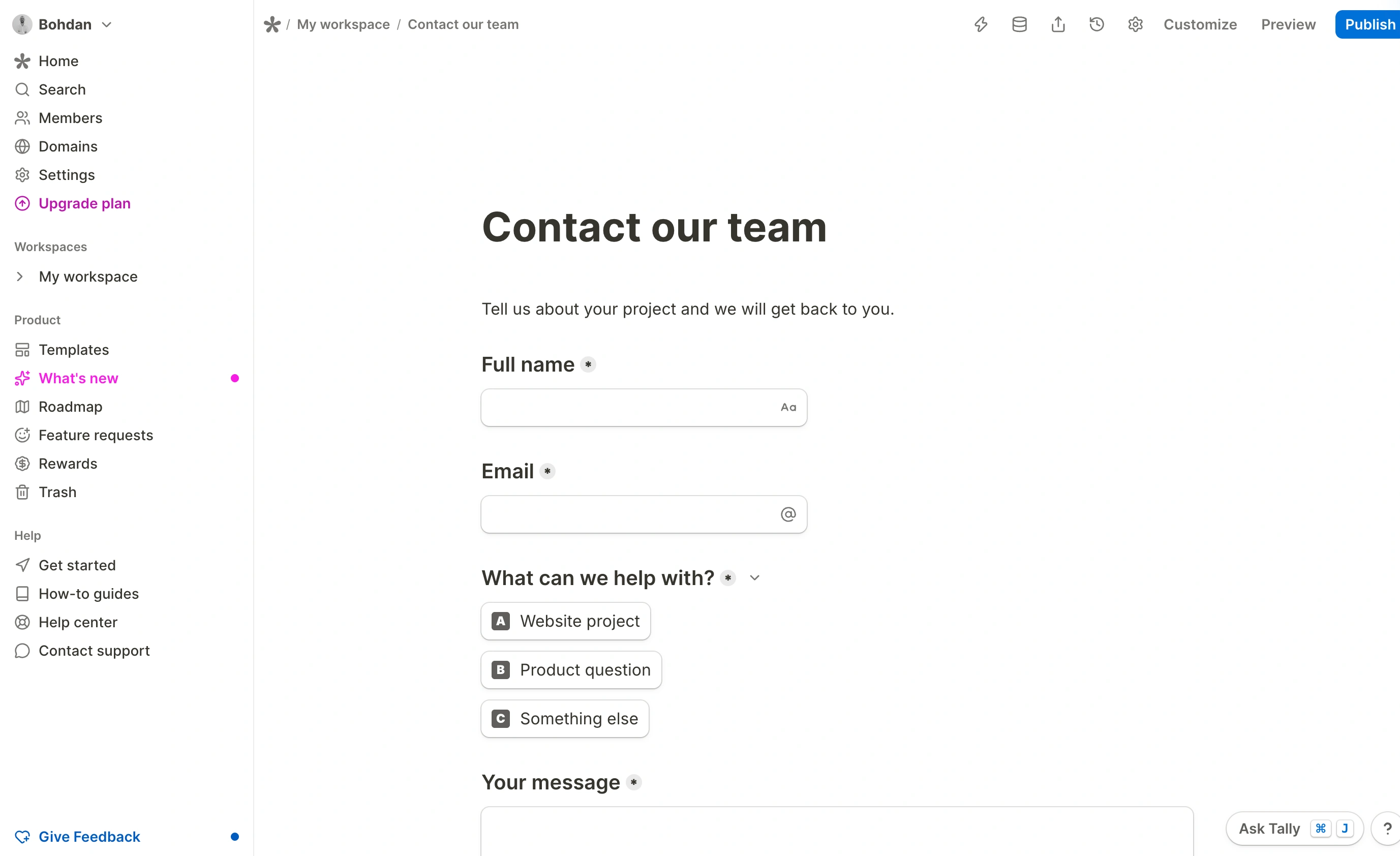
Pro is $24 a month on annual billing, $29 month-to-month, and mostly buys polish: removing the “Made with Tally” badge, custom domains, team workspaces, and partial submission capture.
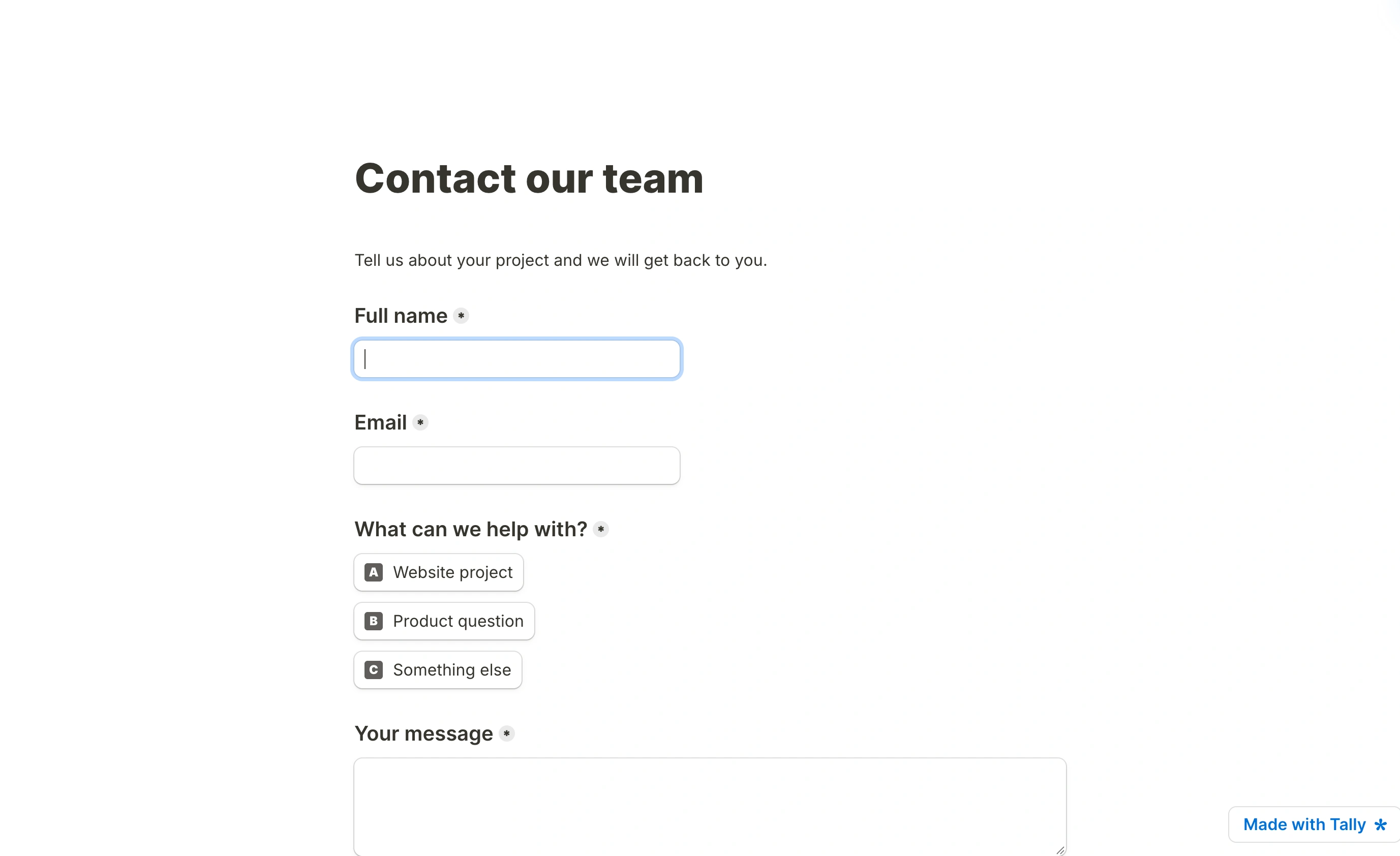
Where it loses: design. Tally forms use a Notion-style block editor and every form looks like a clean but plain document. If your form needs to carry your brand, you’ll feel the ceiling quickly. The free plan’s badge is also non-negotiable until you pay.
Migration cost: low coming in, moderate going out. CSV export is free, but forms built around Tally’s calculation blocks won’t translate directly elsewhere.
3. Fomr: best for form design
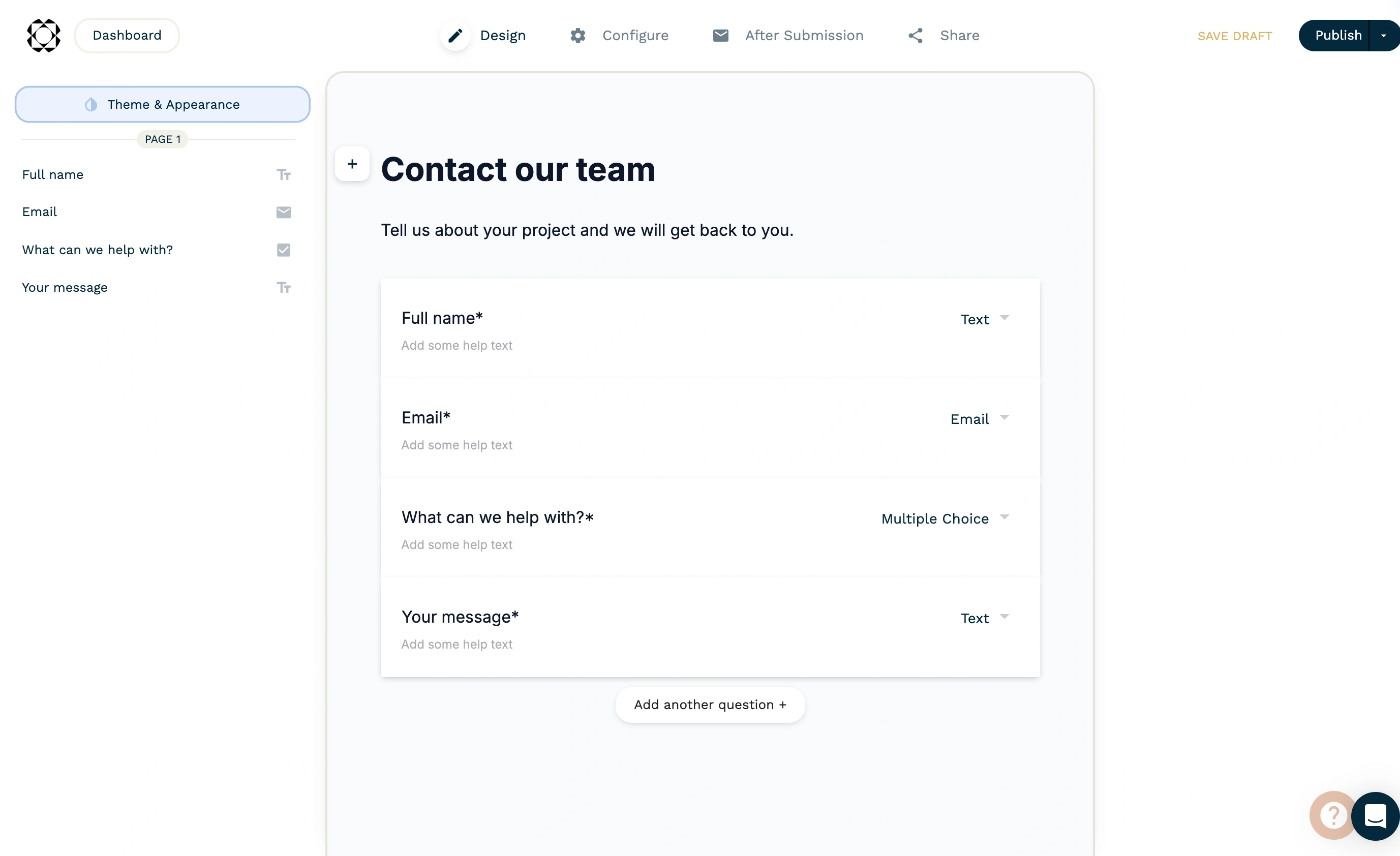
Fomr is our tool, so weigh this section accordingly. We built it because most form builders make you choose between generous limits and forms you’d actually want to put your logo on.
The free plan has no meters at all: unlimited forms, unlimited responses, unlimited fields, unlimited team members. Design is the focus, with 1,700+ fonts, full color and background control, multi-page layouts, and 30+ field types. You can open the editor without creating an account and see the whole thing in about a minute. Pro is $34/month or $24/month billed yearly and adds custom domains, branding removal, and SEO controls; details on the pricing page.
Where it loses: one of the three shortlist-deciding features. Payments are still on our roadmap, along with Zapier and webhook integrations. If you need any of those today, pick Jotform, Tally, or Fillout, and that’s exactly why Fomr isn’t our own top pick on a general list.
Migration cost: low. Forms here are simple to rebuild elsewhere, though any Logic rules you add have to be recreated by hand.
Give it a try
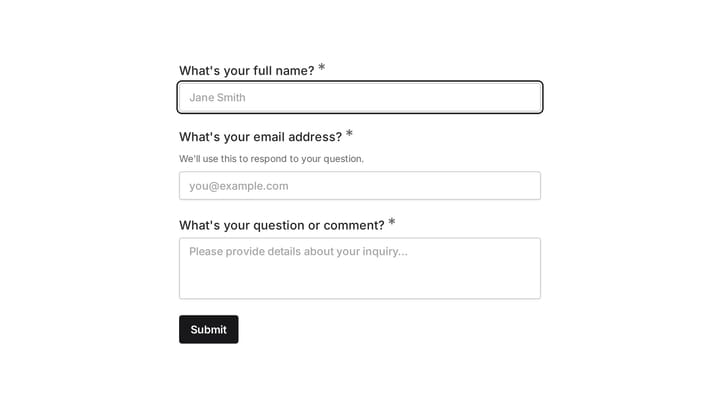
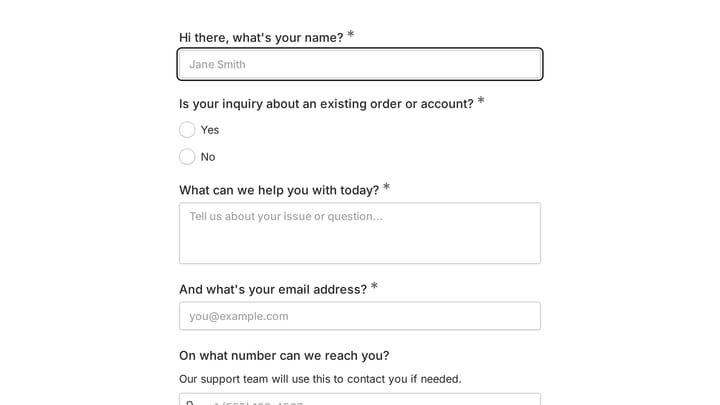
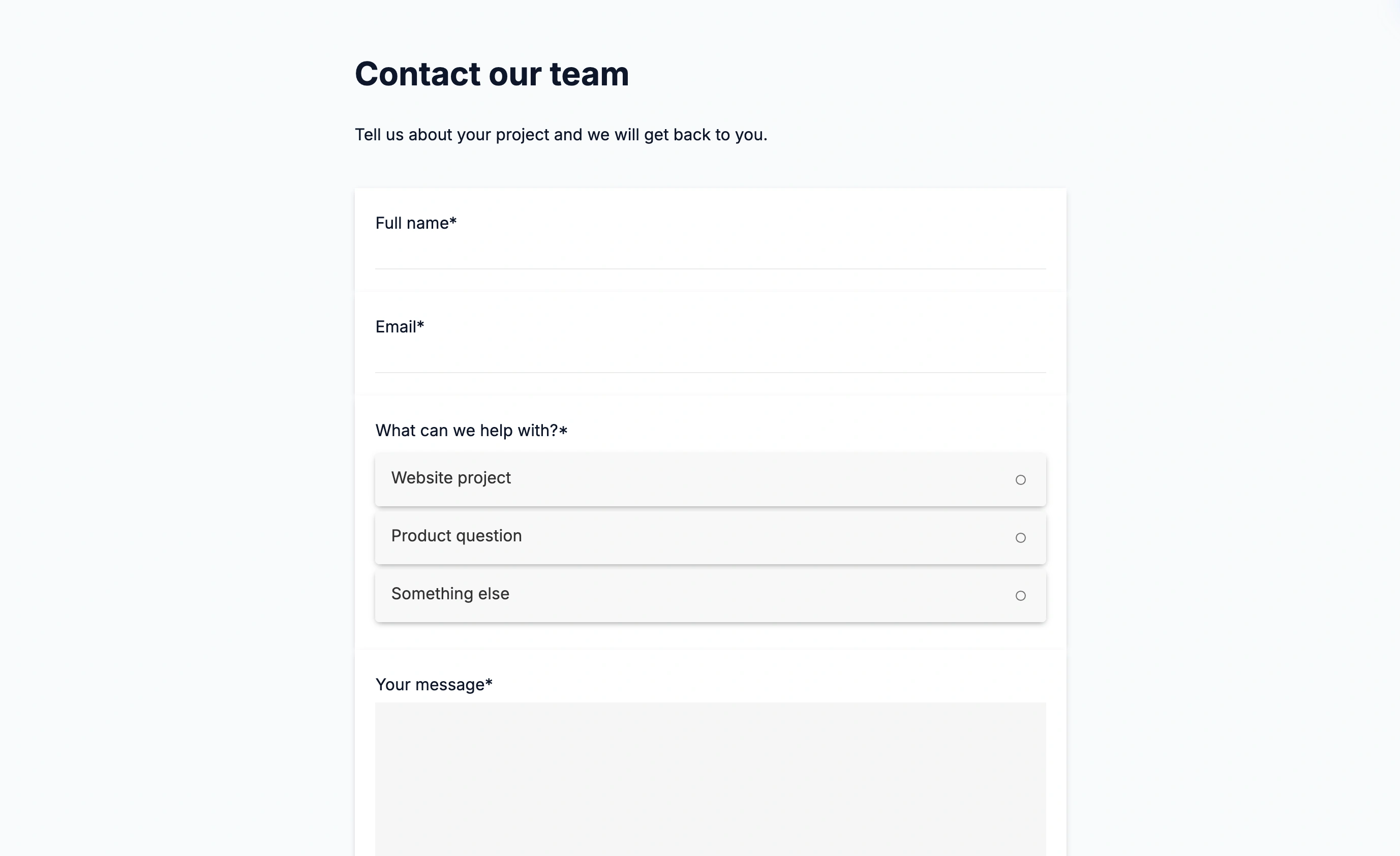
Try this Fomr registration form
Try the name, company, job title, and contact fields in this Fomr registration example to judge its layout before customizing a form for your own audience.

4. Fillout: best value paid plan
Fillout packs an odd amount into its free plan: 1,000 responses a month, unlimited forms and seats, plus logic, payments, file uploads (20 MB), calculations, and scheduling. That free response cap is ten times Jotform’s.
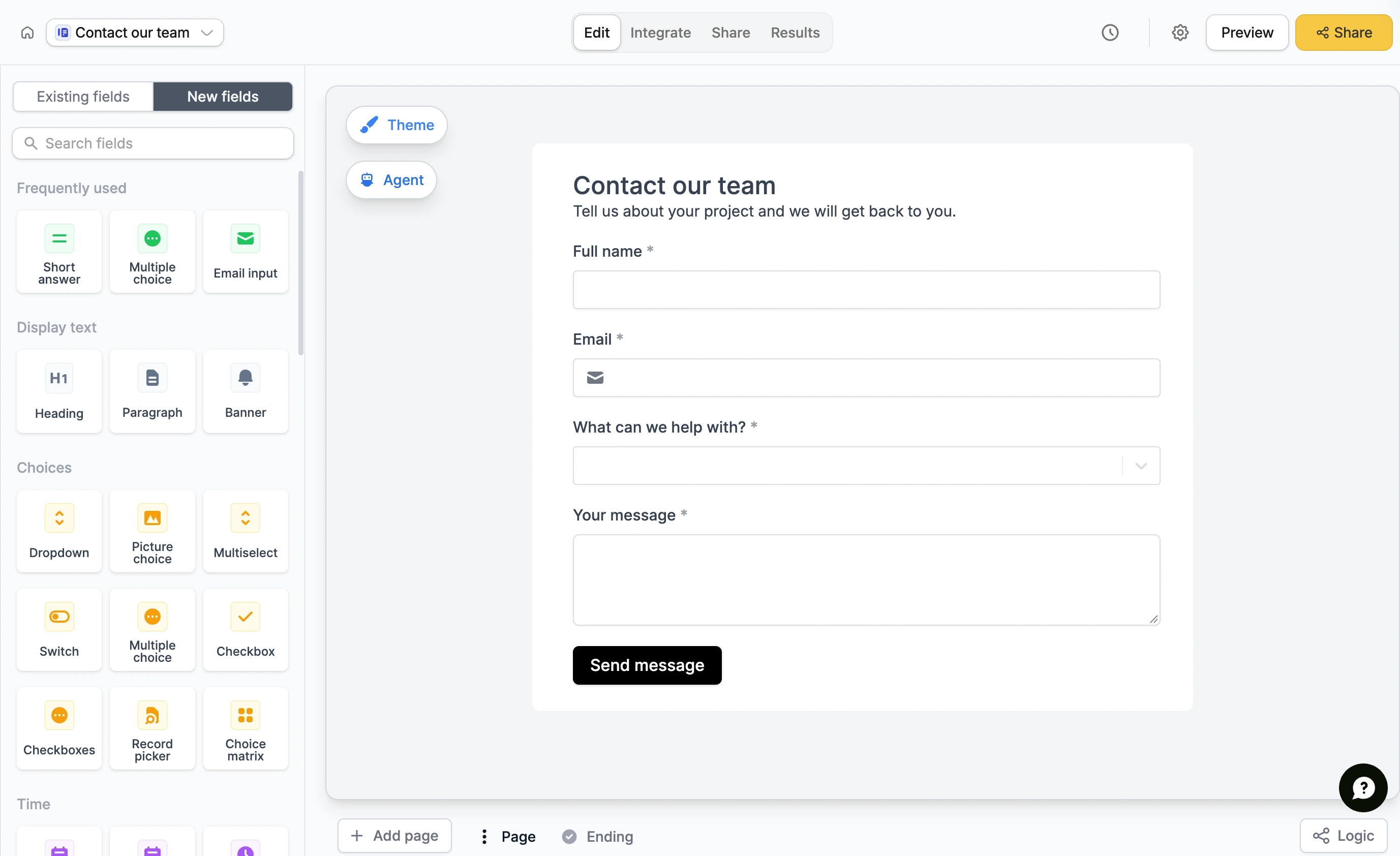
Paid starts at Starter, $15 a month, for 2,000 responses and nicer theming. The catch is that branding removal waits until Pro at $40 a month, which is where the value math gets less flattering.
Where it loses: breadth over depth. Individual features are shallower than Jotform’s equivalents, the template library is thinner, and the pricing ladder leans on gating polish (custom fonts, custom endings, branding) rather than capacity.
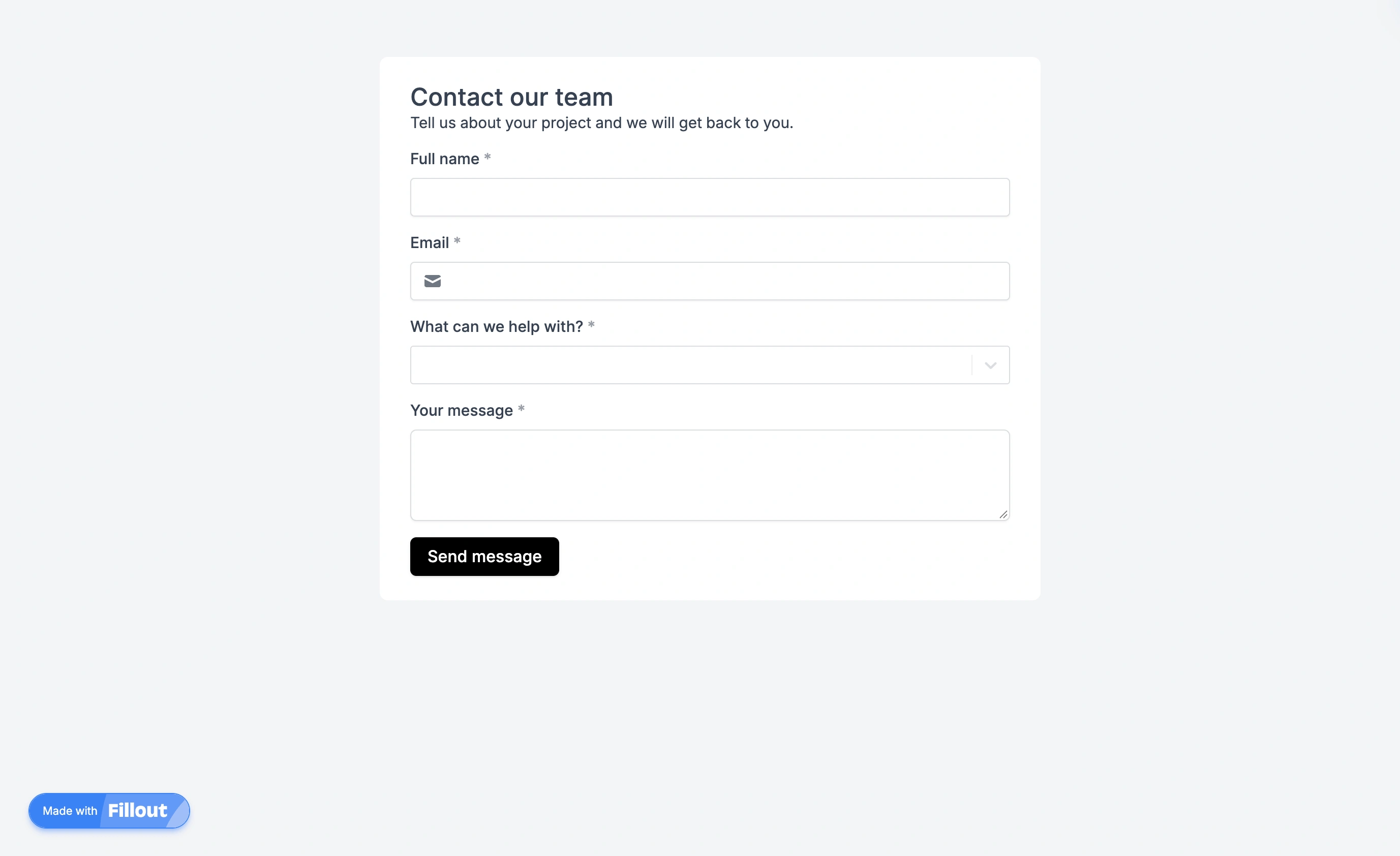
Migration cost: low to moderate. Standard exports exist, but Fillout’s scheduling and pre-fill workflows are its own.
5. Typeform: best conversational forms
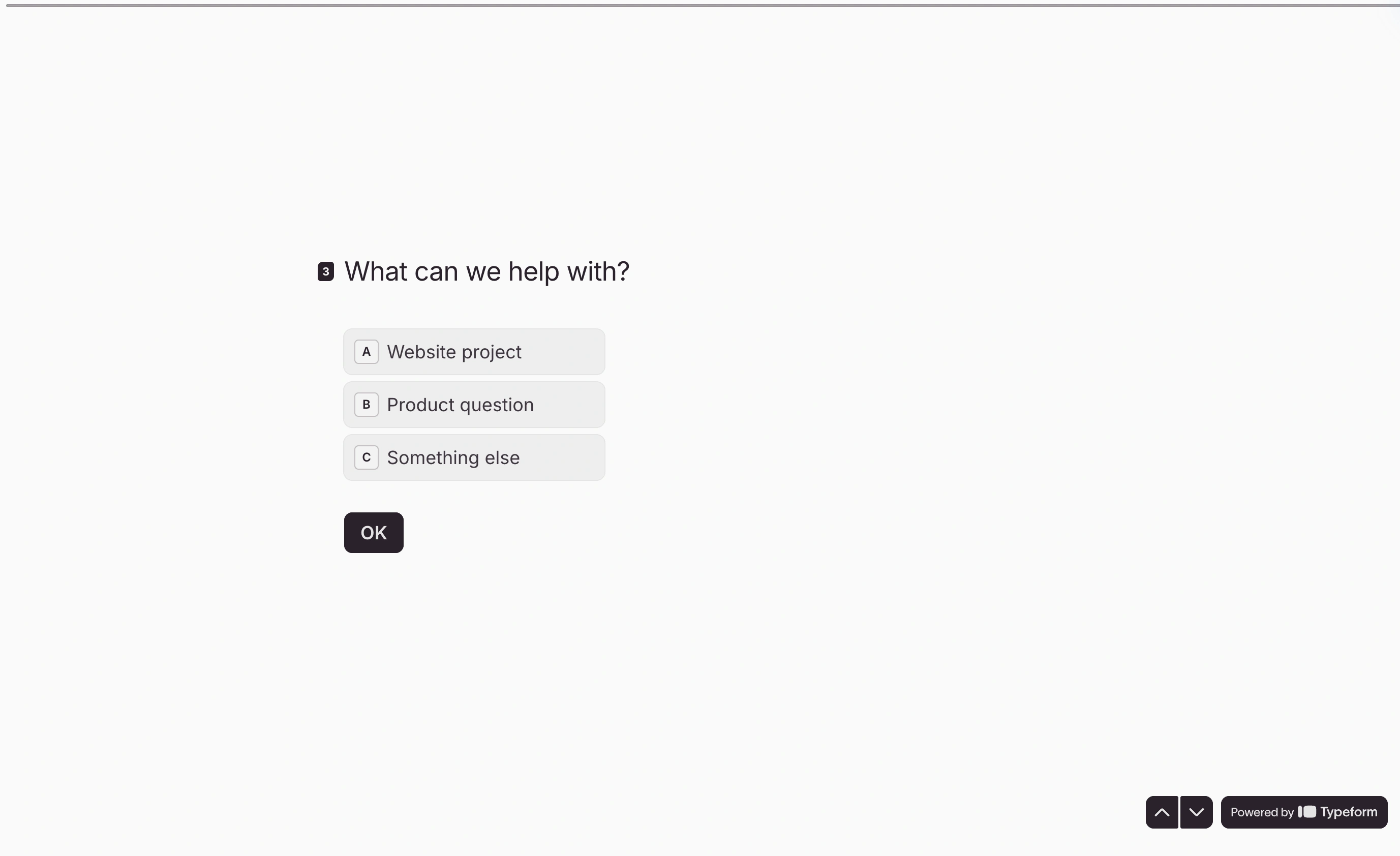
Typeform still owns the one-question-at-a-time format. For lead-gen quizzes and marketing surveys where the form is part of the pitch, its animations and polish are hard to match, and completion rates on short conversational forms tend to be genuinely good.
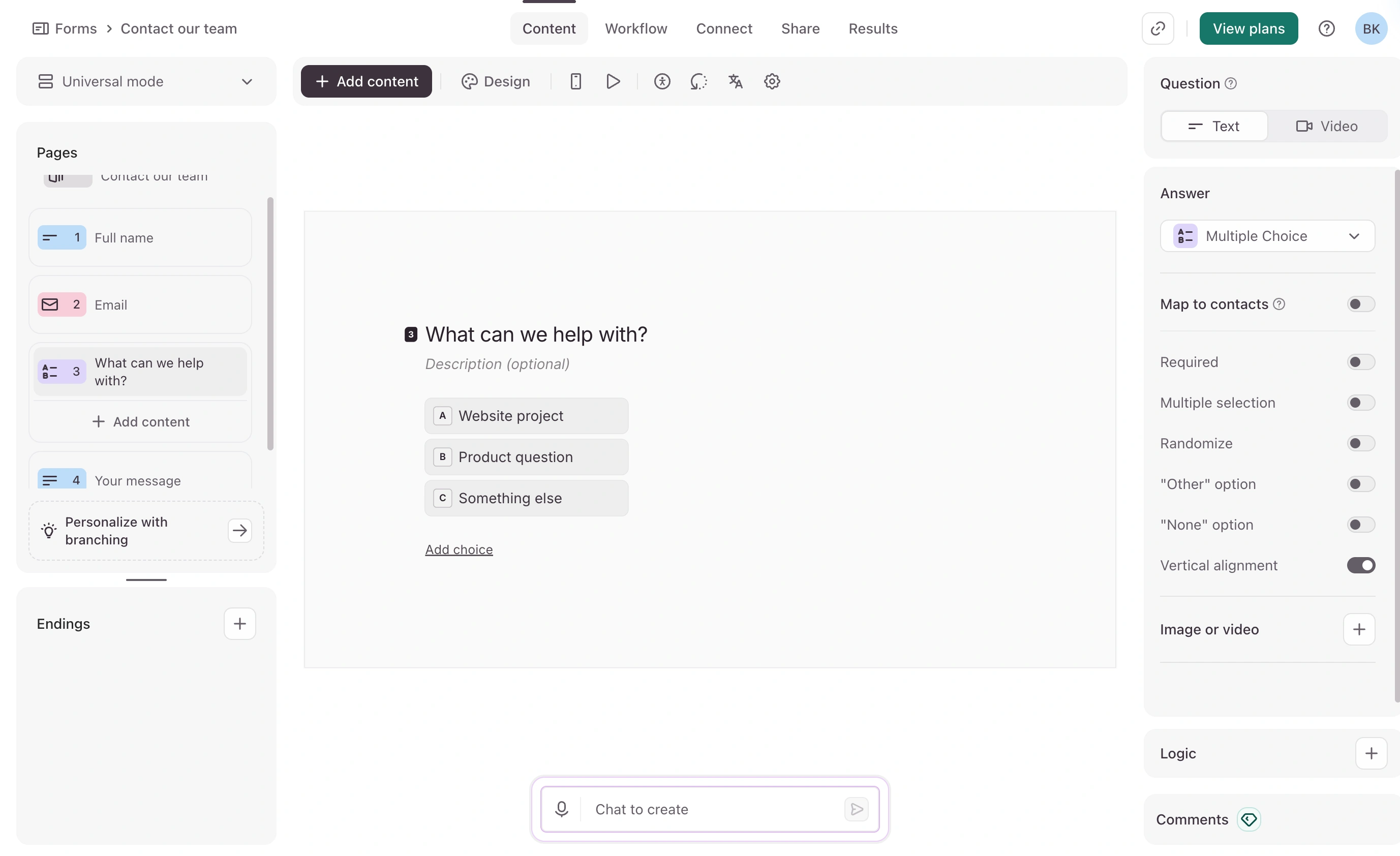
The pricing is the problem. The free plan now allows 10 responses a month, which makes it a demo rather than a plan. Basic is $28 a month on annual billing ($39 month-to-month) and still caps you at 100 responses a month with Typeform branding. Stripe payments are available on Basic; removing branding requires Plus at $56/month billed annually ($79 monthly). Current numbers are on Typeform’s pricing page.
Where it loses: cost per response, and the format itself. One question at a time is wrong for long applications or anything respondents want to scan first.
Migration cost: high if you rely on its logic jumps and hidden-field tracking; plan a real rebuild.
6. Google Forms: fastest free option
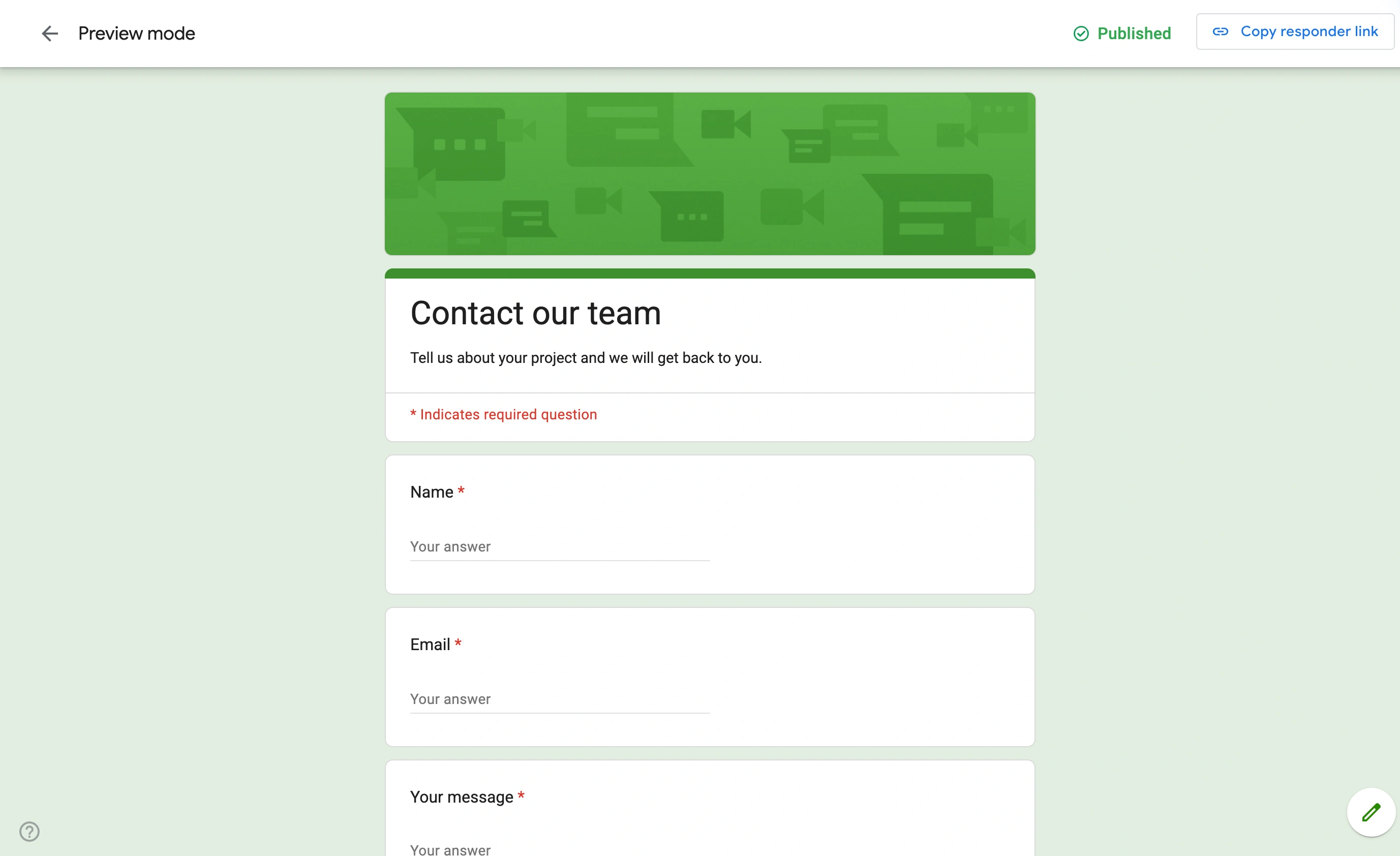
Google Forms is free with any Google account, has no meaningful response limits, and pipes results straight into Sheets. For internal polls, quick RSVPs, and classroom quizzes, it’s the rational default and we’d honestly recommend it over paying for anything.
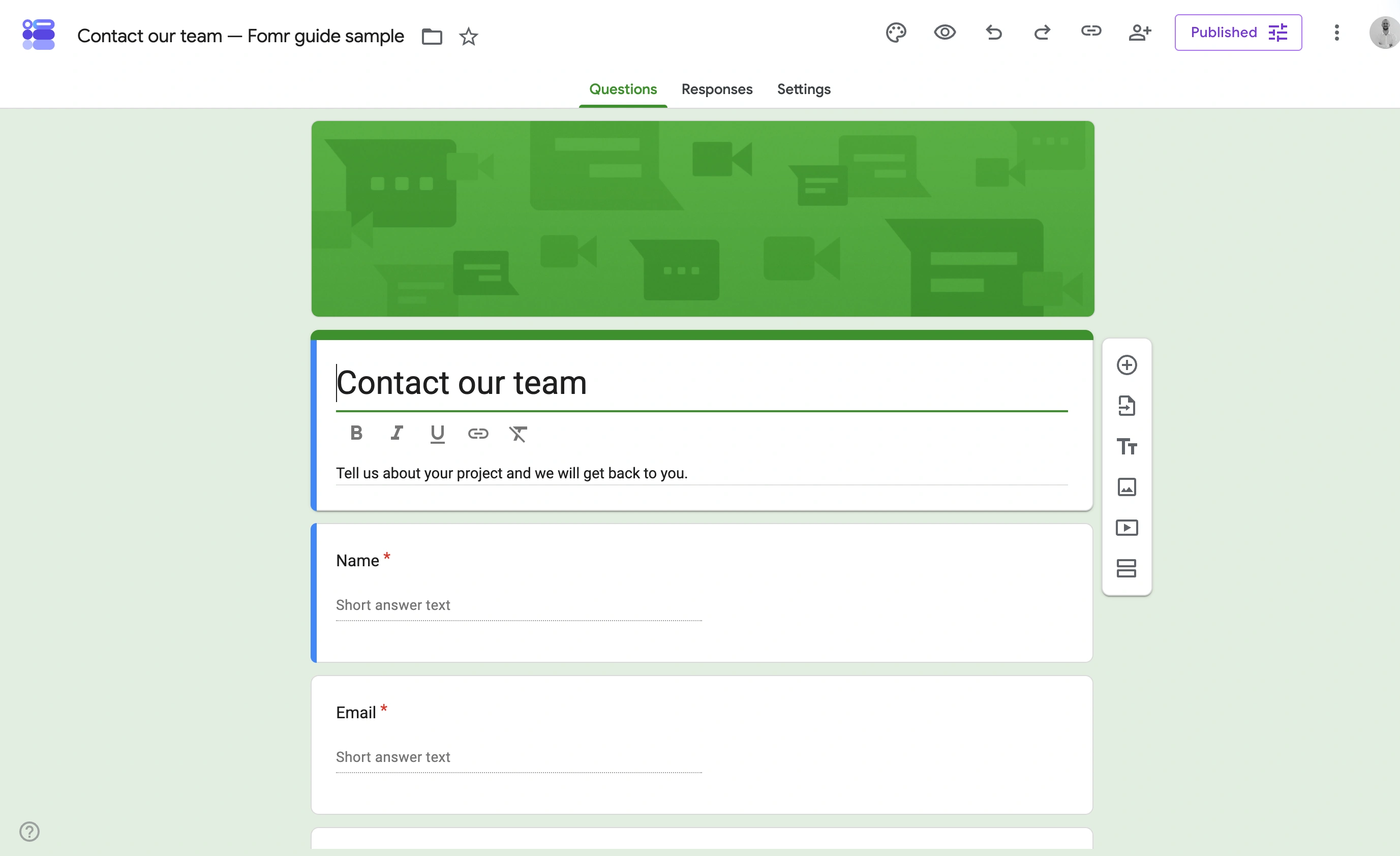
Where it loses: everything customer-facing. Forms look like Google product surveys no matter what you do, there are no payments, logic is limited to skipping between sections, and file uploads force respondents to sign in to Google, which quietly kills response rates from outside your organization.
Migration cost: basically zero in either direction. That’s part of its charm.
7. Paperform: best for order and booking pages
Paperform’s editor works like a document: you write a page and drop questions, images, and payment fields into the text wherever they belong. For product order pages, service bookings, and anything that reads more like a landing page than a questionnaire, that model fits better than a standard form canvas.
Paperform Free includes unlimited forms and users but only 30 submissions per month. Pro costs $59/month monthly or $49/month billed annually, with unlimited submissions subject to fair use, calculations, custom styling, and branding removal. A custom domain costs another $20/month on Pro. See current plans.
Where it loses: the per-year submission caps are tight for the price, and the feature gating pushes serious users up to Pro fast.
Migration cost: moderate. The document-style pages don’t map cleanly onto any other builder’s structure.
How to pick the best form builder for you
Skip the feature matrices and answer three questions:
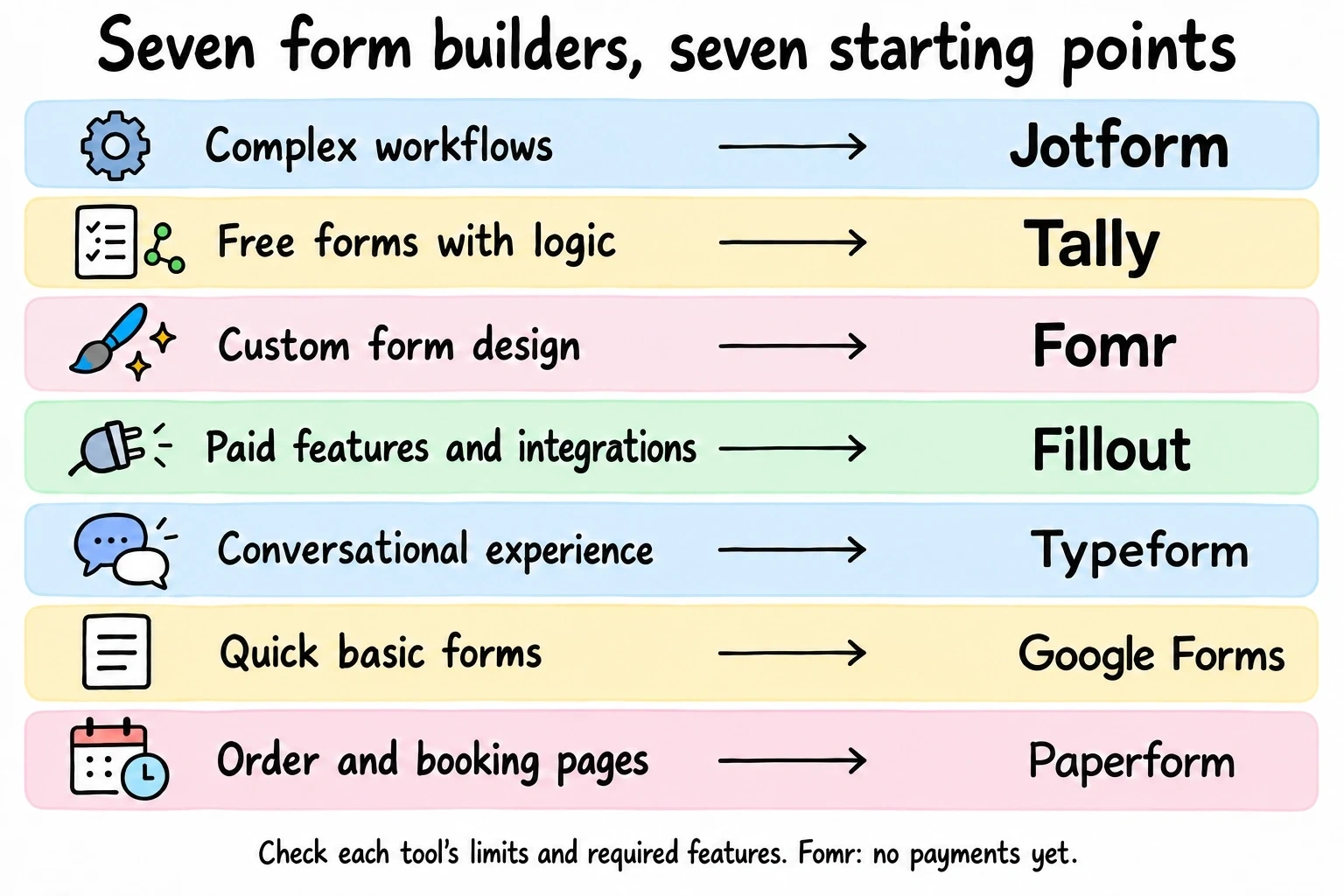
- Do you need payments? If yes, your list is Jotform, Tally, or Fillout. Jotform for depth, Tally for free, Fillout for the middle.
- Is the form customer-facing? Then branding removal and design control matter, and you should price the tier that includes them, not the entry tier.
- How many responses do you really get? Count last quarter’s actual numbers before paying for capacity. Most teams overbuy.
We’ve written a deeper head-to-head in our top form builders comparison, and if $0 is the budget, the best free form builders post covers that angle.
Try the design-first option
If your forms are the first thing a customer sees, design is not a nice-to-have, and that’s the case where we’d put Fomr on your shortlist. Unlimited forms and responses free, full control over how everything looks, and no account needed to try it.
Open the Fomr editor and build your first form now. If you need payments before we ship them, pick Jotform or Tally from this list, and no hard feelings.