Jotform vs Cognito Forms is a strange matchup because the two tools price completely different things. Cognito Forms charges you for entries: every plan has unlimited forms, and the tiers are really just submission buckets. Jotform charges for capacity across the board: forms, submissions, storage, and even how many payments you can take are all metered per plan.
That difference means neither tool is “cheaper.” One is cheaper at your volume, and the winner changes depending on whether money flows through your forms. So instead of a feature-by-feature slog, we’ll price both at 100, 1,000, and 10,000 monthly submissions, then cover the features that should override the price math.
All prices below were checked against both vendors’ pricing pages in August 2026. Both change their tiers often enough that anything older is suspect.
The plans, side by side
From Jotform’s pricing page and Cognito Forms’ pricing page, here’s the current lineup. Monthly prices shown; annual billing discounts follow.
| Jotform | Cognito Forms | |
|---|---|---|
| Free plan | Starter: 5 forms, 100 submissions/mo, 10 payment submissions/mo, 100 MB | Individual: unlimited forms, 100 entries/mo, 1 user, 100 MB |
| First paid tier | Bronze: $39/mo ($34 annual), 25 forms, 1,000 submissions/mo | Pro: $24/mo ($19 annual), 2,000 entries/mo, 2 users |
| Middle tier | Silver: $49/mo ($39 annual), 50 forms, 2,500 submissions/mo | Team: $49/mo ($39 annual), 10,000 entries/mo, 5 users |
| Top standard tier | Gold: $129/mo ($99 annual), 100 forms, 10,000 submissions/mo | Enterprise: $174/mo ($129 annual), unlimited entries, 20 users |
| Added fee on payments | None on any plan | 2% on Individual, 1% on Pro, none on Team and Enterprise |
| Conditional logic and calculations | All plans, including free | All plans, including free |
Two things jump out. First, Cognito’s unlimited forms on every tier, including free, against Jotform’s 5-form cap on Starter. If you run many small forms, that alone can decide it. Second, the payment fee row, which we’ll come back to, because it quietly flips one of the price verdicts.
Jotform vs Cognito Forms pricing at three volumes
At 100 submissions a month: both free, both uncomfortably tight
Both free plans cap at exactly 100 submissions or entries per month. If your real volume is 60 a month, either works. If it’s 100, you’re one good month away from the wall, and the failure modes differ: Jotform disables forms once you blow past limits, while Cognito stops accepting entries until the counter resets or you upgrade.
The tiebreakers at this volume are about shape, not price. Need more than 5 forms? Cognito, since even its free plan has unlimited forms. Collecting payments? Jotform’s free plan allows only 10 payment submissions a month, while Cognito’s free plan takes unlimited payments but skims 2% off each one on top of Stripe’s processing fee. Ten small payments a month favors Jotform; steady payment volume on a free plan favors neither, and you should read the next section.
At 1,000 submissions a month: Cognito wins on the sticker, with an asterisk
- Jotform Bronze: $39/mo, or $34/mo billed annually, and 1,000 submissions is the hard ceiling
- Cognito Pro: $24/mo, or $19/mo billed annually, with a 2,000-entry ceiling
Cognito is roughly 40% cheaper and leaves you double the headroom, which matters because sitting exactly at your plan’s cap is how you end up with a form that stops working during your busiest week. On pure collection volume, this tier isn’t close.
The asterisk is payments. Cognito adds a 1% fee on Pro-plan payments, on top of the processor’s own cut. Jotform adds nothing on any plan. The gap between Bronze annual and Pro annual is $15 a month, so if your forms collect more than about $1,500 a month, Cognito’s 1% eats its own price advantage. An order form doing $5,000 a month pays Cognito $50 in fees, making the true cost $69 versus Jotform’s flat $34. The sticker winner and the real winner are different tools once money moves.
At 10,000 submissions a month: Cognito wins big, and the fee problem solves itself
- Jotform Gold: $129/mo, or $99/mo billed annually
- Cognito Team: $49/mo, or $39/mo billed annually
Same 10,000 ceiling, and Cognito costs 60% less. Better still, the Team plan drops Cognito’s added payment fee entirely, so the payment asterisk from the previous tier disappears. At this volume Cognito wins on price whether or not you collect money, and it’s not a judgment call.
What you’re giving up is Jotform Gold’s bundle: HIPAA-friendly accounts, 100 GB of storage, and a 100-form allowance with 1,000 payment submissions. If you need HIPAA specifically, Cognito pushes you to its Enterprise tier at $129/mo annual, and the price gap closes to almost nothing. For everyone else, Team at $39 is the value pick of this entire comparison.
Beyond price: where each tool actually wins
Where Cognito Forms is better
Cognito’s calculation engine is the deepest of any mainstream form builder. Fields can reference other fields, run math and text operations, and drive conditional pricing. Repeating sections let a respondent add line items, and totals update as they go, which makes real order forms and quote calculators possible without code. Entries are editable after submission, respondents can save partial progress, and the workflow features around an entry (statuses, role-based views) treat submissions as records, not just rows in an export.
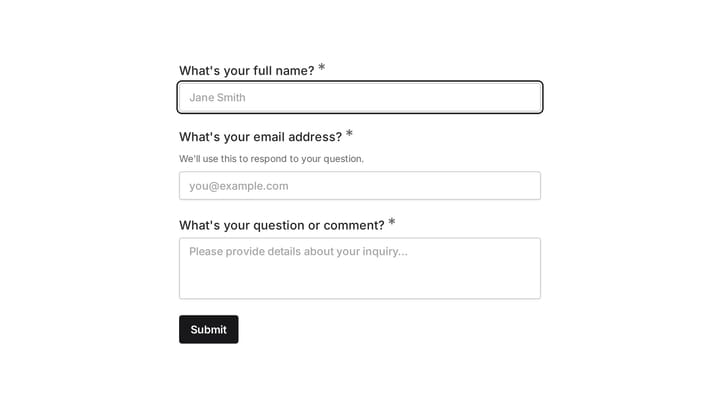
The published contact form shows the simpler side of Cognito Forms: a heading followed by the contact fields and message box. This example is useful for judging the basic layout; it does not demonstrate the advanced calculations discussed above.
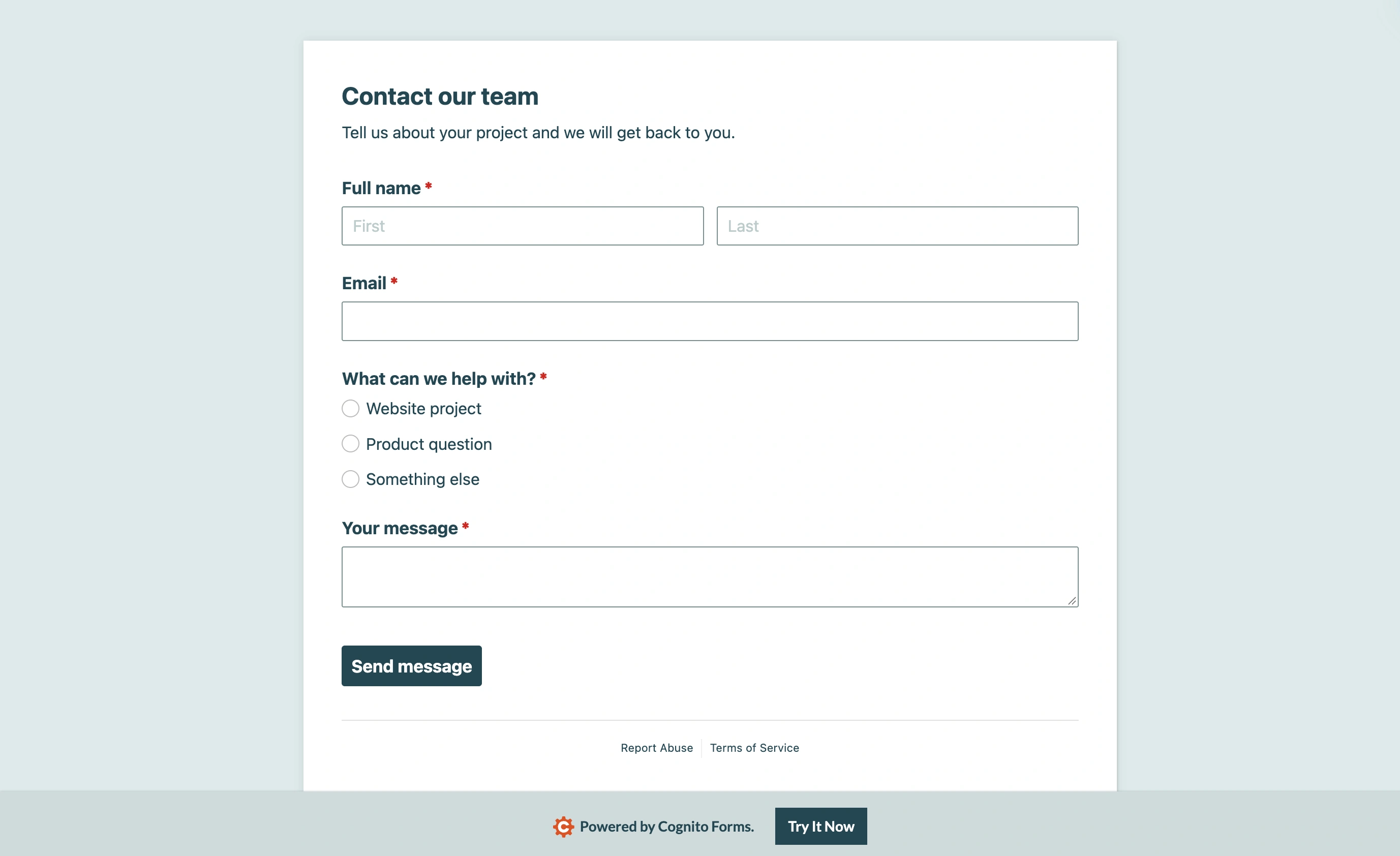
Our Cognito Forms sample is a straightforward contact form. The editor puts the form layout beside its configuration controls; this is the starting point to evaluate before adding a more involved workflow.
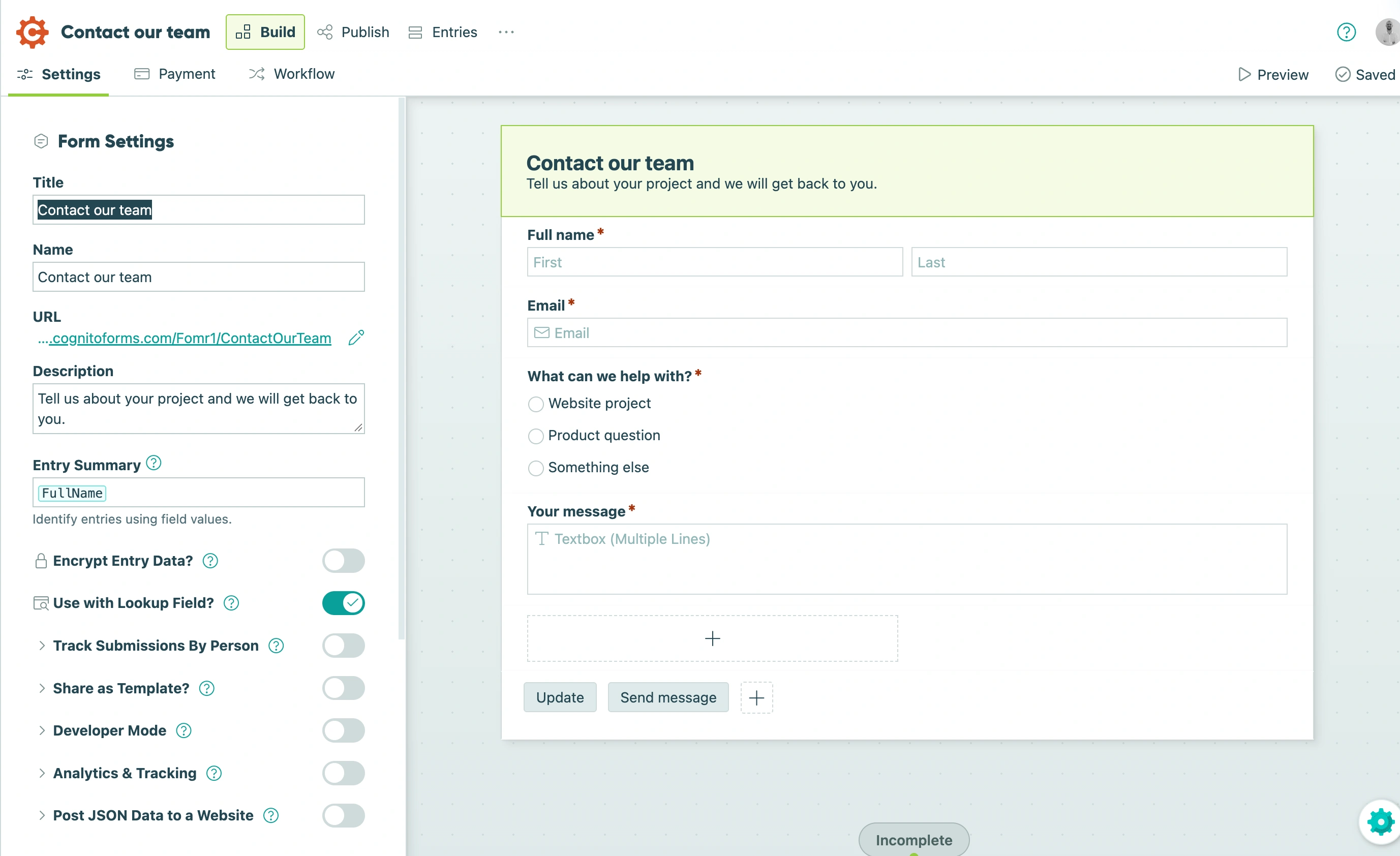
It’s fair to say Cognito treats a form as a small application. If you’re building registration with per-option pricing, an invoice-style order form, or anything an accountant would want to audit, this is the stronger tool.
Where Jotform is better
Jotform’s ecosystem is simply bigger. Ten thousand-plus templates, hundreds of widgets, 30+ payment gateways against Cognito’s short list, and integrations with most software you already use. The no-added-fee policy on payments is a genuine structural advantage, not marketing. Approval flows, e-signature, and mobile apps for collecting data offline round out a product line Cognito doesn’t try to match.
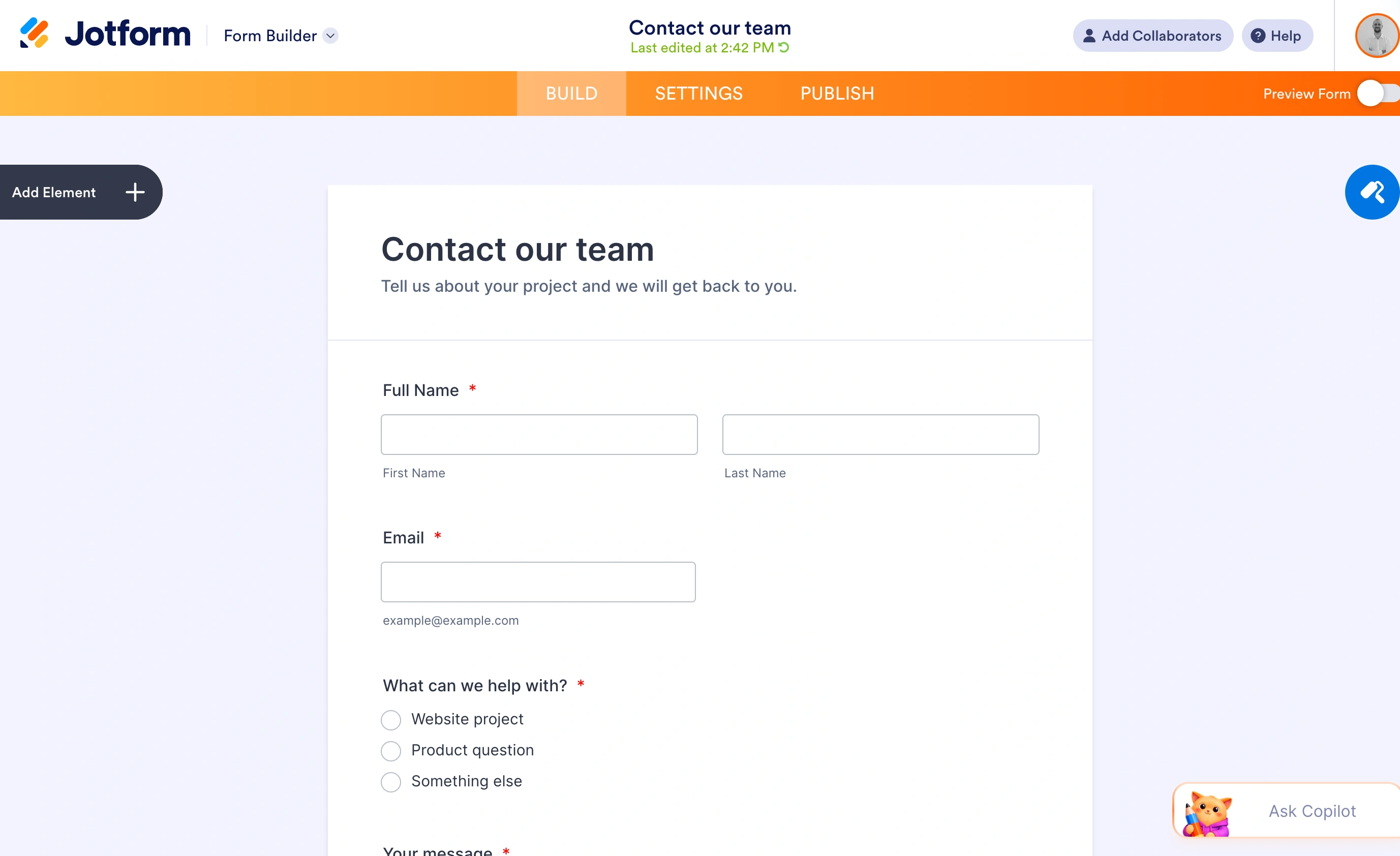
The trade-off is that Jotform sells you capacity in every direction at once, and the interface shows its age in places. You will hit a limit (forms, storage, payment submissions) and the fix is always the next tier. Budgeting for Jotform means budgeting for the plan above the one you think you need.
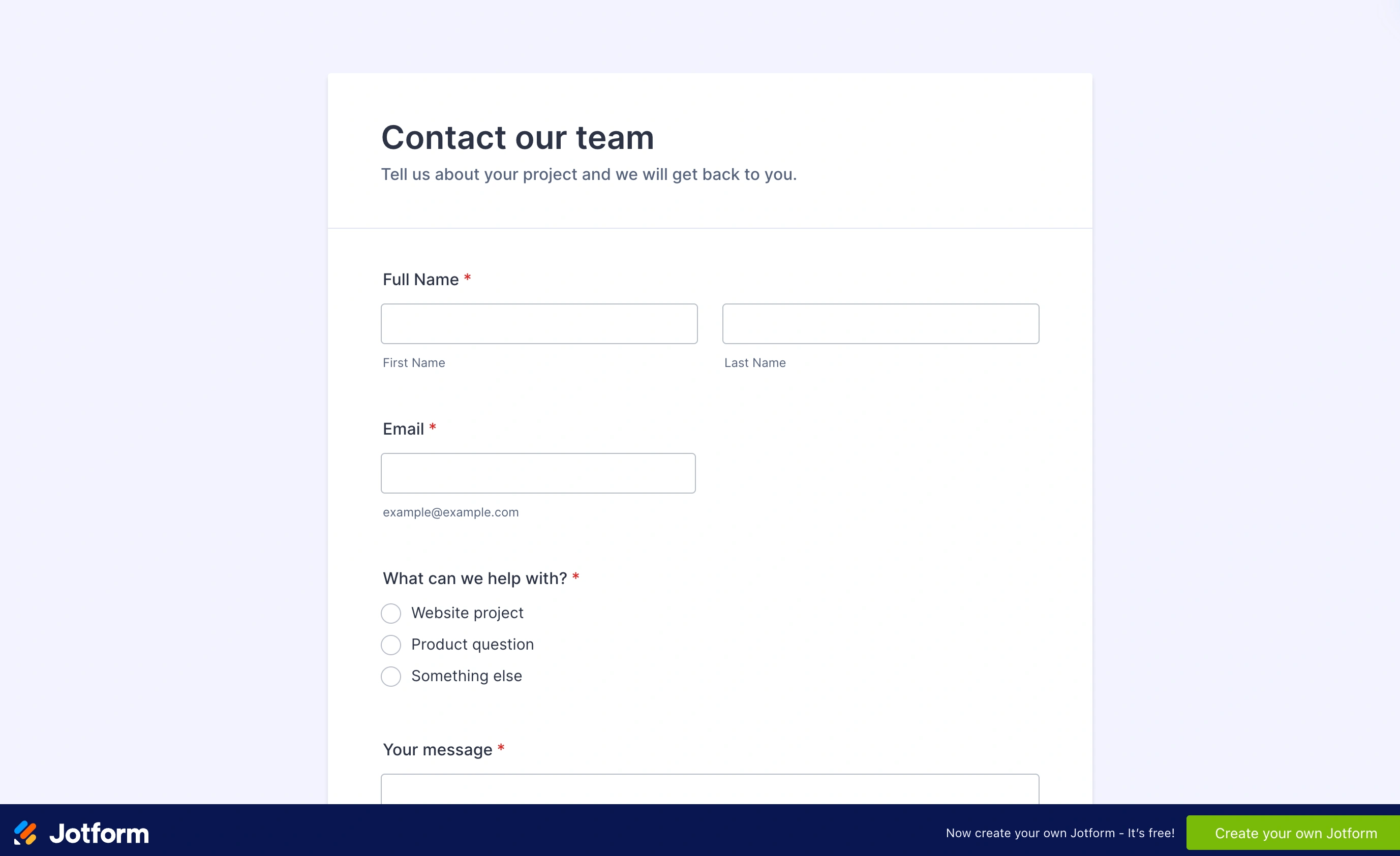
Our finished contact form puts the name, email, topic, and message fields on one page. Respondents can see what information they need to provide before they start typing.
What about design?
Neither tool will win a design award. Jotform’s themes look like 2019; Cognito’s output is clean but plainly utilitarian, and making either match your brand takes CSS work. We wrote up the design-focused options in our Cognito Forms alternatives guide if the look of the form is your main complaint.
That’s also the honest place to mention Fomr. Our free plan has no submission caps at all, which makes the entire volume model above moot, and design control (1,700+ fonts, full color and background control, multi-page layouts) is the focus. Conditional logic and Calculated values are on every plan too, but we don’t have payment collection yet; it’s coming, not shipped. If that feature is why you’re comparing Jotform and Cognito in the first place, Fomr is only the right answer if you’ve realized you mostly need good-looking forms with unlimited responses, not payments. You can test that theory without an account in a few minutes.
Give it a try
Try this Fomr lead capture information form
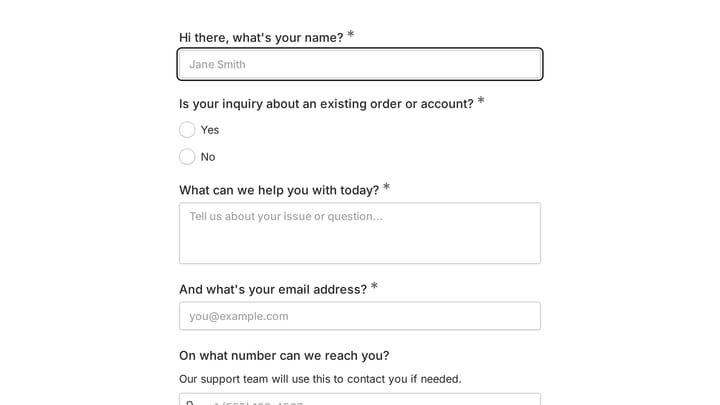
Try this Fomr lead-capture example: enter contact details, choose an interest, and describe what you need. The pages show the collection experience without automated lead routing.

What switching costs you
Whichever way you’re leaning, price in the move itself. Both tools export entries to Excel or CSV, so your data comes with you. Your forms don’t. There’s no importer in either direction, so every form gets rebuilt by hand, and Cognito calculations translate to Jotform’s calculation widgets only approximately, since the formula syntax is different. Links are the bigger trap: form URLs and embed codes change, so every place a form lives (email signatures, QR codes on printed material, embeds across your site) needs updating on the day you switch. Budget an afternoon per complex form and keep the old account read-only for a month.
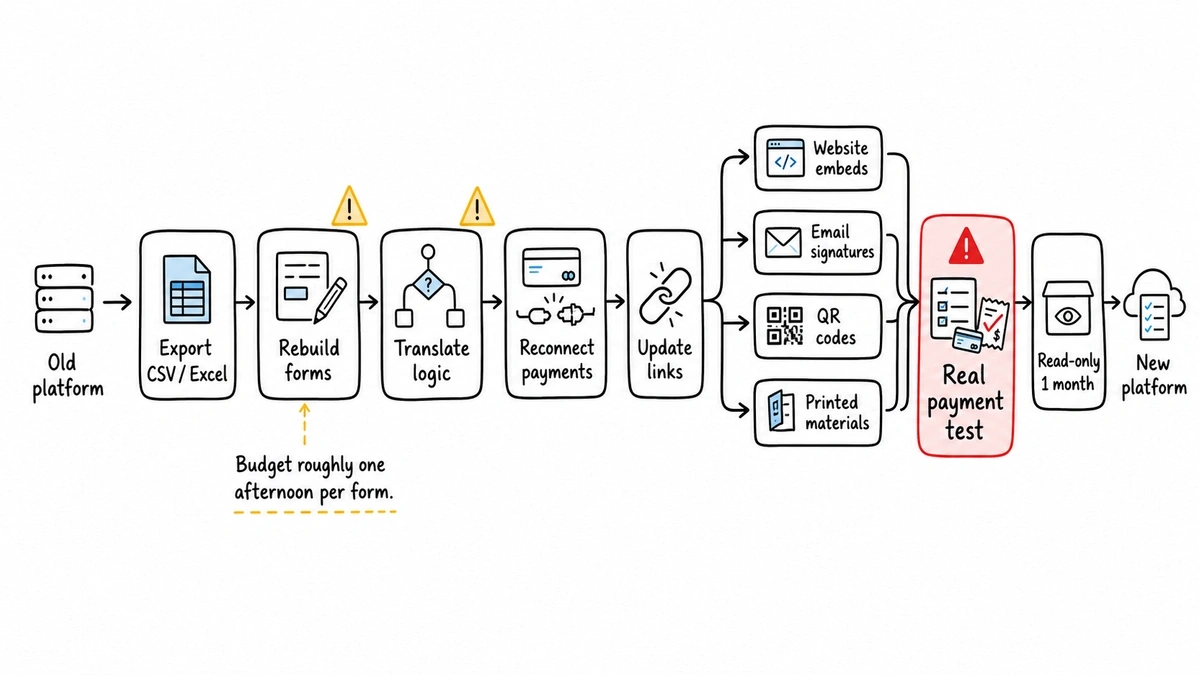
Payment forms deserve extra care. Reconnect your Stripe or PayPal account on the new tool and run a real test transaction before you retire the old form, because a broken payment form fails silently from your side. The respondent sees the error; you just see fewer orders.
Cognito Forms or Jotform: the verdict by buyer
Choose Cognito Forms if your forms are workflows. Calculations, repeating sections, conditional pricing, editable entries, and the best price per submission at every paid tier. At 10,000 entries it’s 60% cheaper than Jotform. Its honest weakness: a smaller integration list, dated-looking output, and that 1% payment fee on Pro, which you should model against your payment volume before subscribing.
Choose Jotform if your forms move money or plug into other software. Zero added payment fees, 30+ gateways, the biggest template and integration catalog, and HIPAA at a lower price point than Cognito’s equivalent. Its honest weakness: everything is metered, the free plan’s 5-form and 10-payment caps are tight, and matching Cognito’s per-submission price is impossible at volume.
Choose neither if you don’t need payments. If you got three-quarters through this article thinking “I just need a form that looks good and doesn’t cap responses,” you’re overbuying. Run your numbers through our form builder cost calculator to see what your volume costs on each tool, then try the free option with no caps first.
A last practical note: whichever you pick, subscribe monthly for the first cycle even though annual is cheaper. Your real submission volume, not the estimate you made today, decides which tier you need, and one month of data beats a year of the wrong plan.