Most “best quiz maker” lists fail for a simple reason: they rank seven tools against each other when those tools aren’t even competing. A teacher grading a chapter test, a trainer running a game show on a projector, and a marketer building a “which plan fits you?” quiz are shopping for three different products that happen to share a name.
So this list is sorted by the quiz you’re actually making. Figure out which of the three jobs is yours, read that section, and skip the rest.
Full disclosure: we make Fomr, which appears in exactly one of the three sections, with its limits stated plainly. It does not auto-grade, so if you’re here for classroom testing, our own tool is the wrong pick and we’ll say so.
The three kinds of quiz, and why one ranking fails
- Graded quizzes need answer keys, automatic scoring, shuffling to discourage copying, and results per student. The winner is decided by grading workflow, not looks.
- Live game-show quizzes run in real time with everyone answering on their own device. The deciding constraints are participant caps and energy: timers, leaderboards, music.
- Lead-gen and personality quizzes map answers to an outcome (“You’re a planner!”) and trade the result for an email address. Here the quiz is marketing, so design control and lead limits decide it.
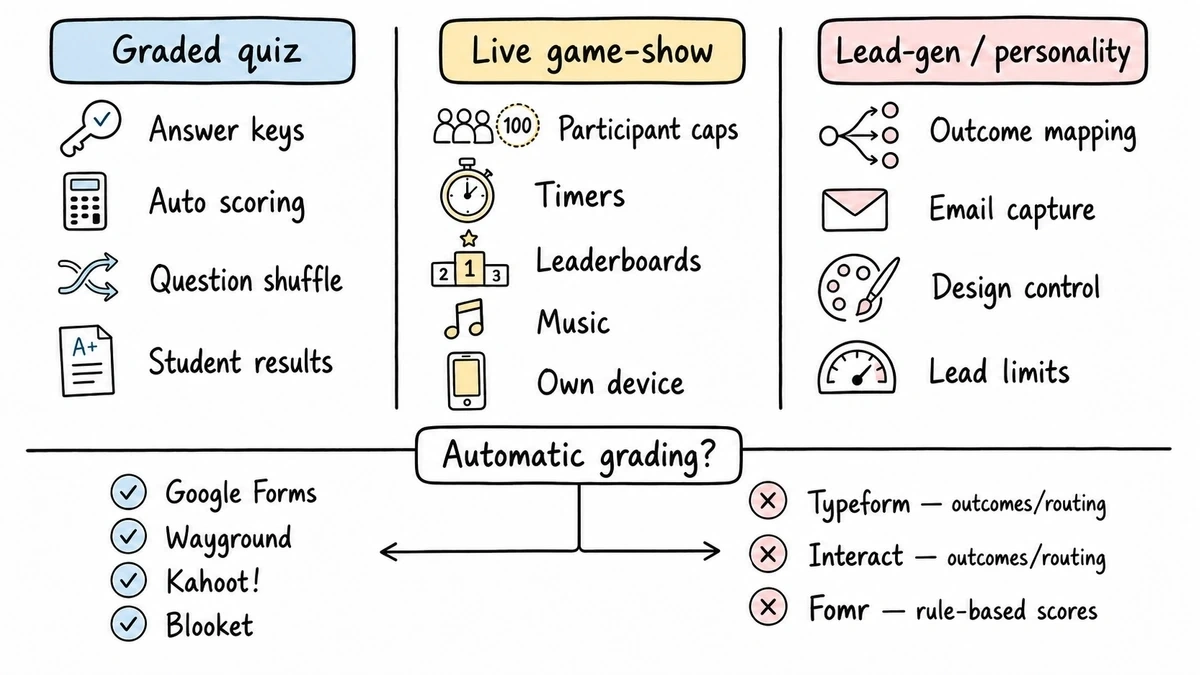
Auto-grading is the sharpest dividing line. Google Forms, Wayground, Kahoot!, and Blooket score answers against a key for you. Typeform, Interact, and Fomr calculate outcomes and scores for routing people, not grading them. Buy against the wrong column and no feature list saves you.
Best quiz makers compared
| Tool | Auto-grading | Timers and shuffle | Free tier | Paid entry (annual) |
|---|---|---|---|---|
| Google Forms | Yes, answer keys | Shuffle yes, no native timer | Unlimited | Free |
| Wayground (Quizizz) | Yes | Yes | 100 participants, limited storage | Regional pricing |
| Kahoot! | Yes, live scoring | Yes | 40 players/session (teachers) | From $3/mo |
| Blooket | Yes, via games | Game-paced | 60 players/game | $4.99/mo |
| Typeform | Scores and outcomes, not grades | No | 10 responses/mo | $28/mo |
| Interact | Outcomes for lead routing | No | 2 quizzes, 100 completions/mo | $27/mo |
| Fomr | Scores and outcomes, not grades | No | Unlimited quizzes and responses | $24/mo |
Prices and limits checked against vendor pages in August 2026. Kahoot! pricing varies by segment (school, home, work), so treat its numbers as the teacher-plan floor.
Graded classroom quizzes
1. Google Forms, the best free quiz maker for straightforward grading
Turn on quiz mode in Google Forms and you get answer keys, automatic scoring, per-question feedback, and question shuffling, all free and with no participant limits worth thinking about. Results land in a Google Sheet where averages and item analysis are one formula away. For homework checks and low-stakes assessment, this is genuinely hard to beat, and we’d start here before paying anyone.
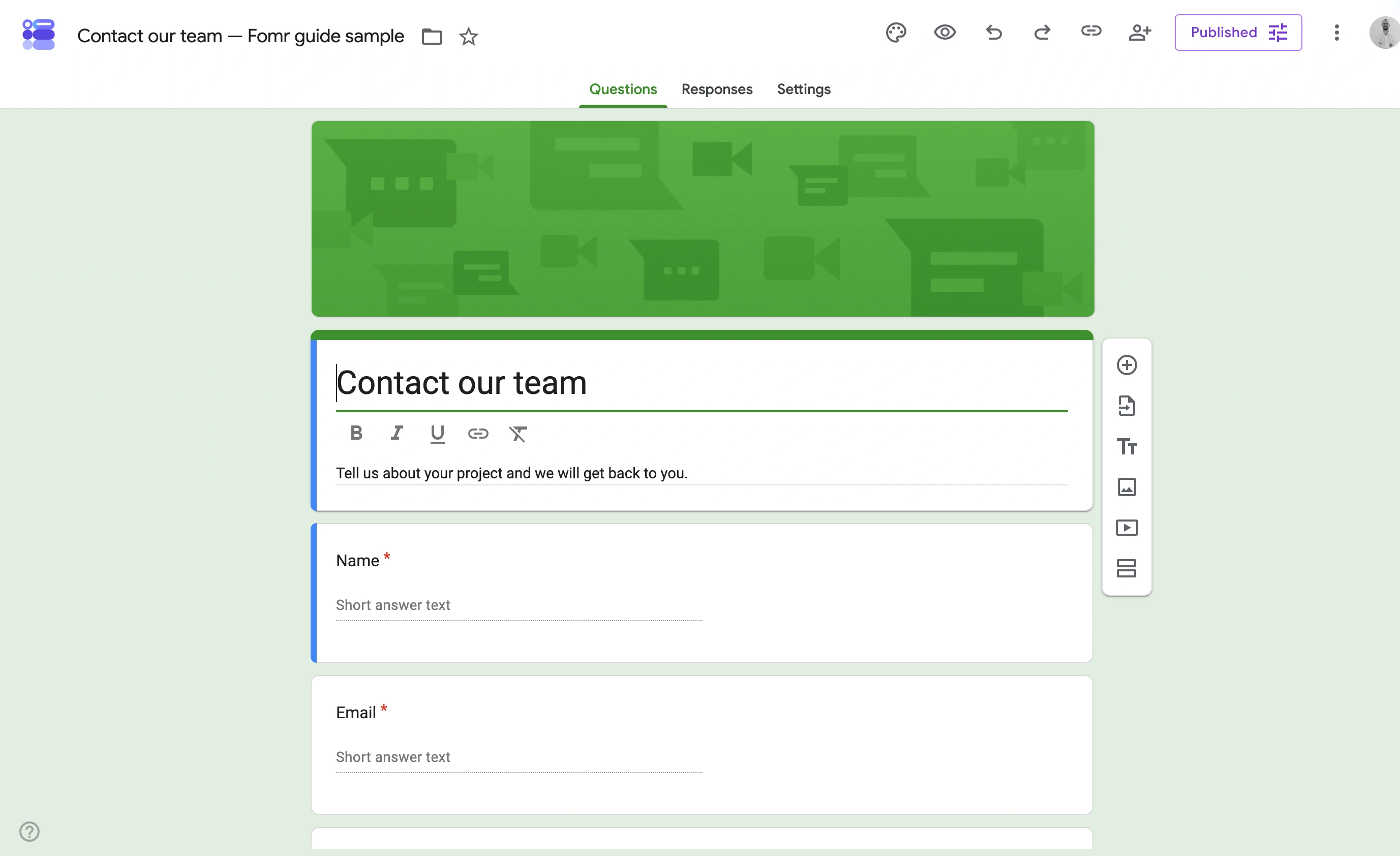
The gaps: there’s no built-in timer (that requires third-party add-ons), the visual design is rigid, and there’s nothing game-like to hold attention. It grades; it doesn’t motivate.
Best for: teachers and trainers who want scoring handled and don’t need spectacle.
2. Wayground (formerly Quizizz), the best quiz maker for students working at their own pace
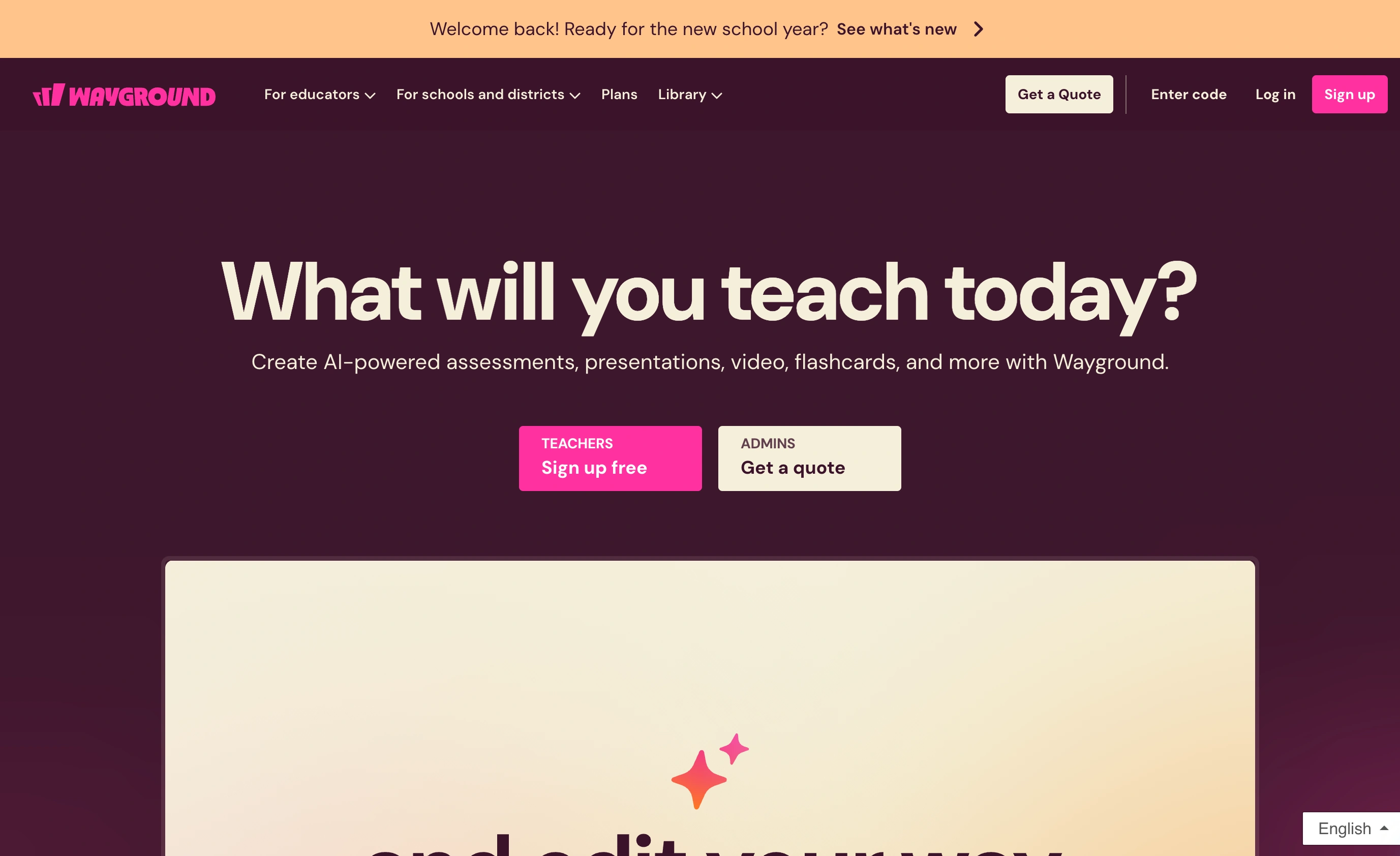
Wayground, which you may still know as Quizizz, sits between a test and a game. Students answer self-paced on their own devices with memes and power-ups if you want them, and everything auto-grades against your key with question-level reports afterward. Timers and shuffling are built in, and the free Starter plan handles up to 100 participants per activity, which covers a normal class several times over.
The catch is what the free plan holds back: activity storage is limited, and the fuller question types and unlimited storage sit on the Individual (Super) plan, whose price Wayground doesn’t publish flatly because it varies by region. That opacity is annoying when you’re comparing costs on a teacher’s budget.
Best for: classrooms that want game energy without the whole room moving at one pace.
Live game-show quizzes
3. Kahoot!, still the room-energy king
Kahoot! remains the default for the projector-and-phones format for a reason: the countdown music, the leaderboard reveals, and the instant familiarity every student already has with it. Scoring is live and automatic, timers are core to the format, and hosting takes minutes.
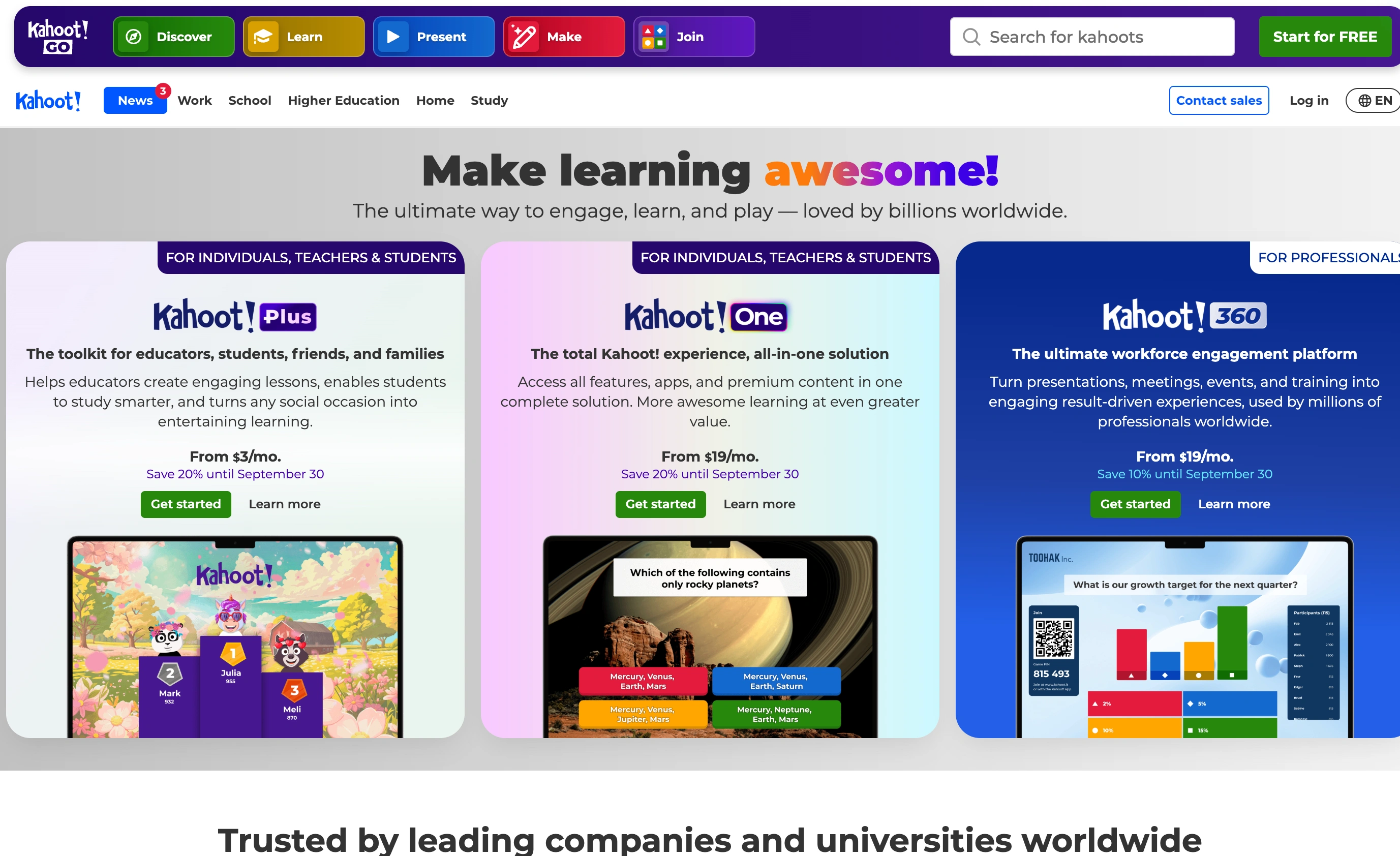
Pricing is where it gets fiddly. A free teacher account caps sessions at 40 players. Kahoot!+ tiers lift that to 50, 100, or 200 players, starting around $3/month billed annually (about $9 month-to-month), but the catalog differs across school, home, and work segments, so check the plans page for your actual segment before budgeting. For a single classroom the free cap is usually enough; for assemblies or all-hands sessions it isn’t.
Best for: live sessions where energy matters more than depth of reporting.
4. Blooket, the best quiz maker app for younger students
Blooket wraps quiz questions in actual games: tower defense, gold rush, racing. Students answer questions to earn moves, which makes review sessions feel considerably less like review. The free plan allows up to 60 players per game, and Blooket Plus at $4.99/month billed annually (or $9.99 month-to-month) raises that to 300 and unlocks detailed reports.

Be honest with yourself about the trade: the game layer that hooks a 10-year-old reads as noise to adults, and reporting on the free tier is thin. It’s a supplement to assessment, not a replacement for it.
Best for: elementary and middle school review games on a small budget.
Lead-gen and personality quizzes
5. Interact, the specialist for quiz funnels
Interact does one thing: quizzes that turn visitors into leads. Outcome logic maps answers to results pages, branching adjusts questions mid-quiz, and the integrations push captured emails straight into your marketing platform. The free plan is a real trial (2 quizzes, 100 completions a month, no integrations or branching), while Lite at $27/month billed annually allows 5 quizzes and 500 email leads a month, scaling to 2,000 leads on Growth at $53/month.
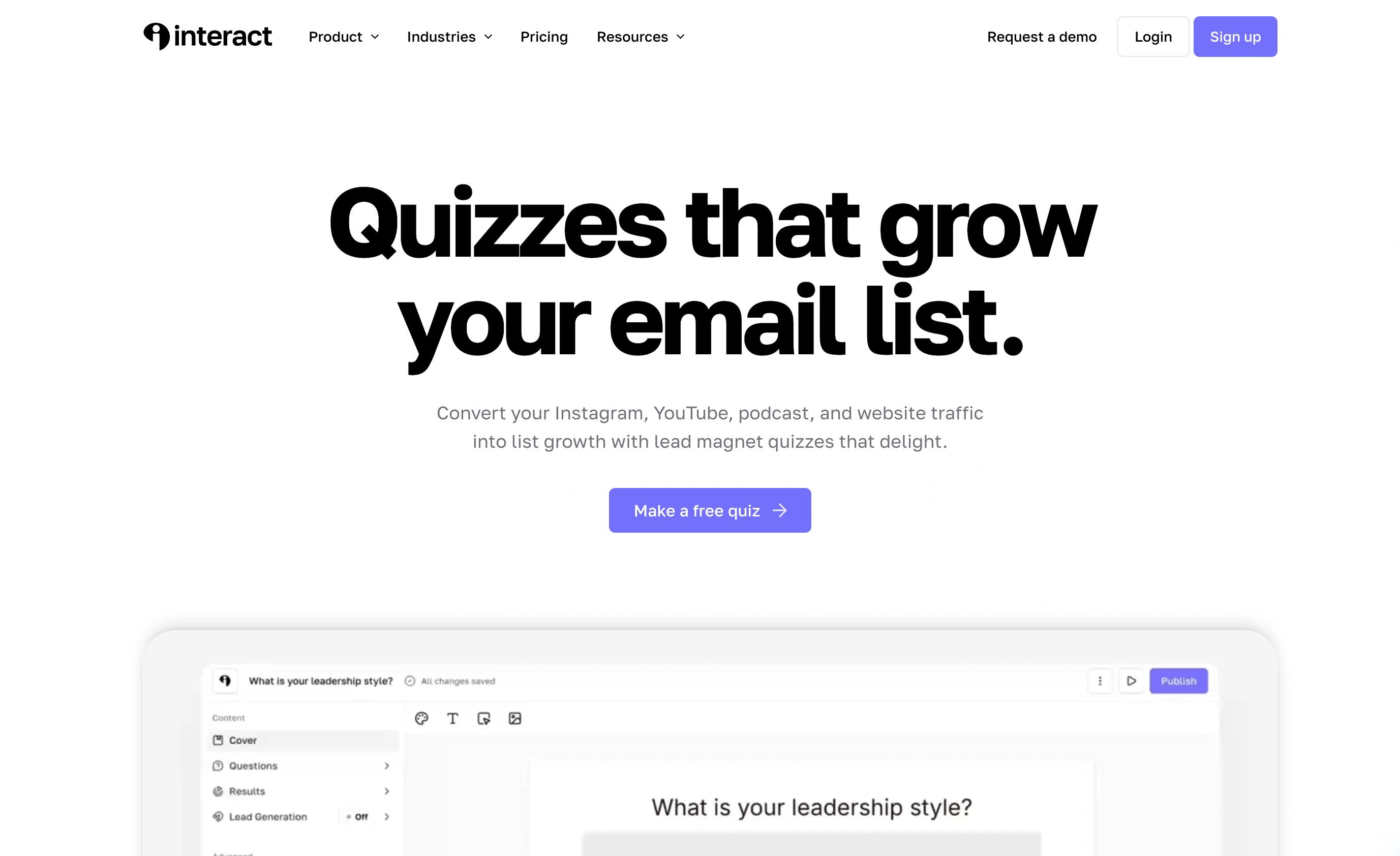
The lead-based pricing is the honest limitation: a quiz that performs well gets more expensive, and $27/month is a real commitment for something you’re testing. But if quiz funnels are a pillar of your marketing, the specialist tooling earns it.
Best for: marketers running quizzes as a primary lead channel.
6. Typeform, the polished generalist with scoring
Typeform’s one-question-at-a-time format suits personality quizzes naturally, and its paid plans support outcome quizzes plus score calculations for routing respondents to different endings. The polish is real and the templates are strong.
The pricing needs eyes open. Typeform limits its free plan to 10 responses a month, which makes the free tier a demo rather than a plan. Basic at $28/month billed annually ($39 month-to-month) includes 100 responses a month, and 1,000 responses requires Plus at $56/month. For a quiz meant to attract volume, count what a good month would cost before committing.
Best for: brand-conscious teams already paying for Typeform who want quizzes from the same tool.
7. Fomr, the free pick for ungraded and lead-gen quizzes
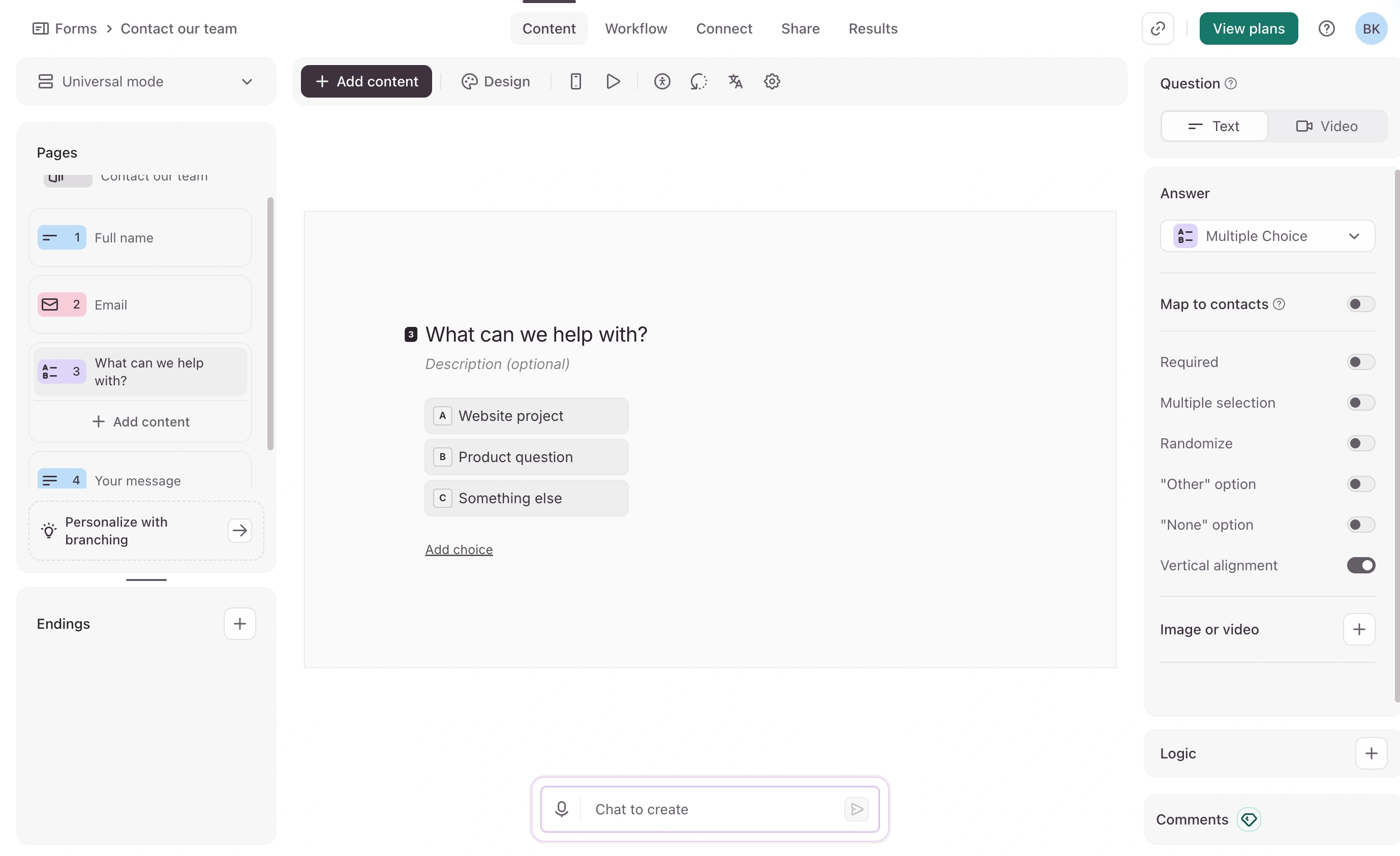
Our lane, stated precisely: Fomr does not auto-grade quizzes. There’s no answer key and no timer, so if you need either, pick from the sections above. It can score and route, though: Calculated values add up points as people answer, and on Pro, conditional logic sends each person to one of up to 10 result endings. Free forms have a single ending, which can still show each person their score.
What Fomr does offer this category: unlimited quizzes and unlimited responses on the free plan, full design control (1,700+ fonts, your colors, your logo) so the quiz looks like your brand rather than a template, and a results pipeline that syncs each response to a Google Sheet automatically, calculated score included, so segmenting by result is a filter rather than a formula. For a personality-style quiz where you email results afterward, or a poll-like knowledge check where trends matter more than individual grades, that combination costs nothing at any volume, which no other tool in this list matches.
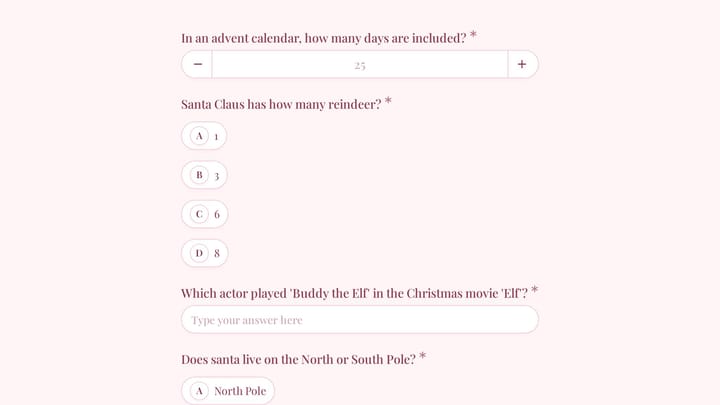
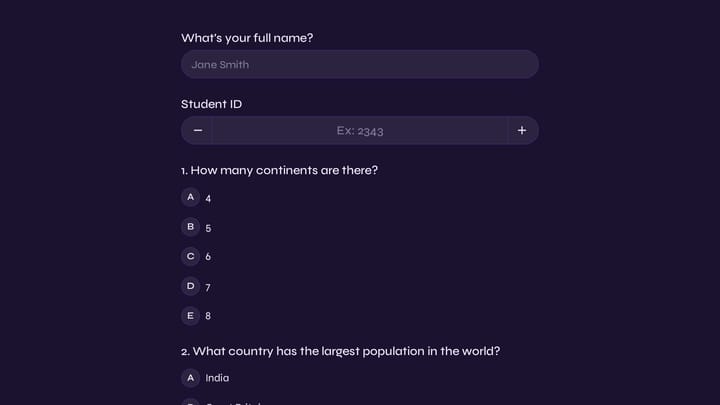
You can build one right now without creating an account, start from a template, and lean on our guides to creating a quiz and running a poll for question design.
Best for: lead-gen and personality quizzes at volume, on a budget of zero, with scoring you set up yourself.
Give it a try
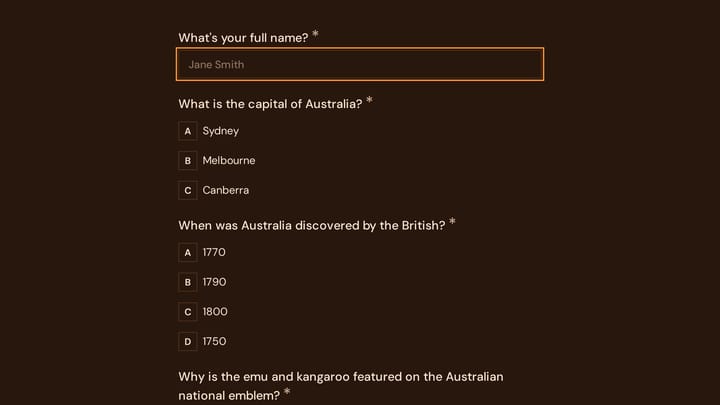
Try this Fomr the aussie quiz
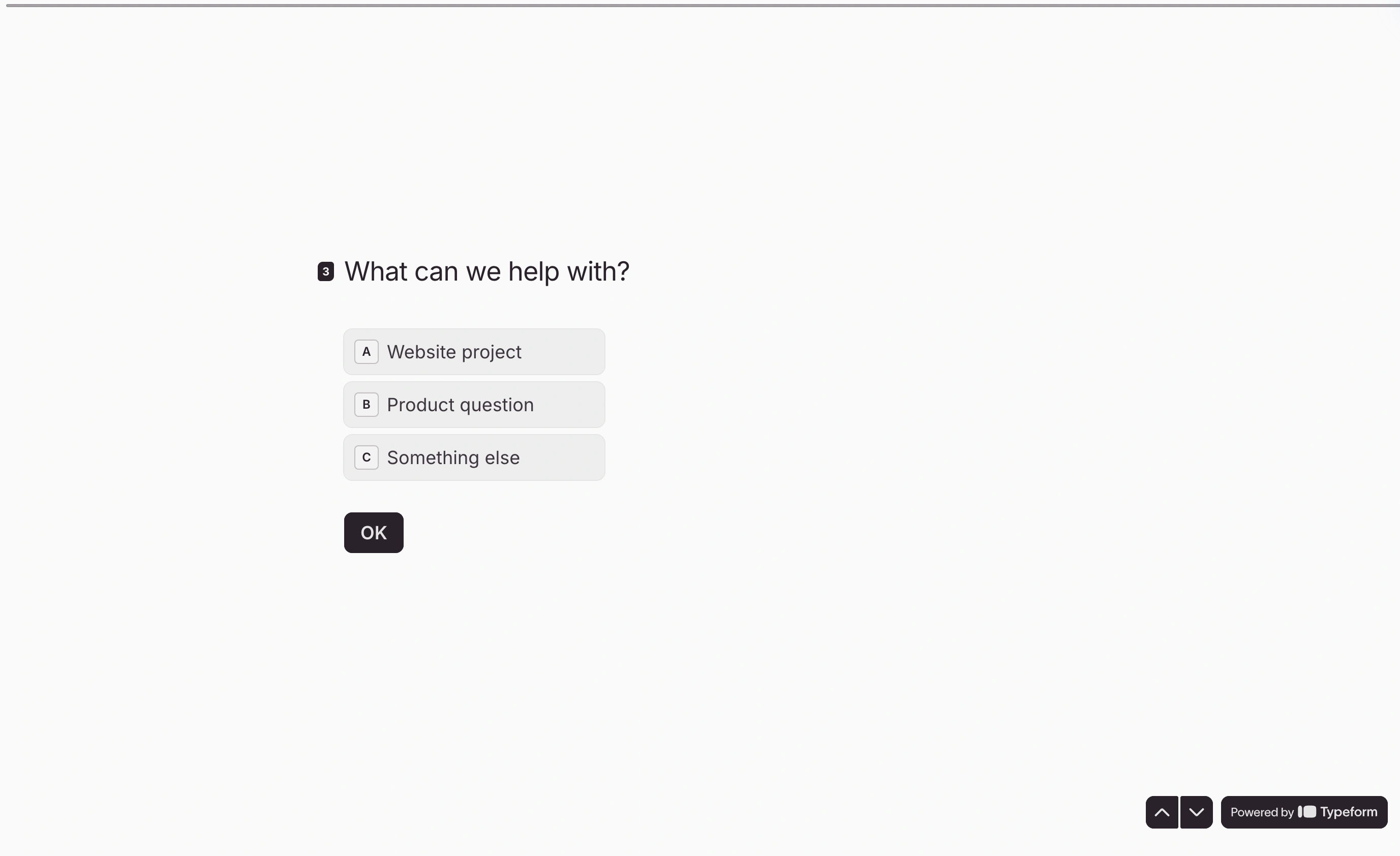
Answer the questions in this Fomr Australia quiz to try its question flow. The template only collects answers; add Calculated values and Logic rules in the editor if you want it to keep score and route people to a result.
The verdict: best quiz maker by job
- Graded quizzes, free: Google Forms
- Graded quizzes with game energy: Wayground
- Live game shows: Kahoot!, or Blooket for younger students
- Quiz funnels as a core channel: Interact
- Polished outcome quizzes, budget permitting: Typeform
- Ungraded or lead-gen quizzes at unlimited volume: Fomr
If your quiz doesn’t need a grade, the cheapest test of this whole list takes ten minutes: open the Fomr editor, build the quiz without signing up, and see whether the free plan’s unlimited responses cover what you’d otherwise pay $27 to $56 a month for.