If you’re weighing Cognito Forms vs Google Forms, you’ve probably noticed the pitch is the same on both sides: build forms for free. The catch is that “free” means opposite things. Google Forms is free and flat, with no meters anywhere but not much machinery either. Cognito Forms gives you calculations, real conditional logic, and payment collection at no cost, then meters how many entries you can collect each month.
Both tools are fine. The decision comes down to one question, and we’ll get to it right after the introductions.
Google Forms is the form tool inside Google Workspace. It’s built for fast, flat data collection: surveys, RSVPs, quizzes, sign-ups. Responses land in a linked Google Sheet, and there is no cap on how many you collect.
Cognito Forms is a dedicated form builder aimed at small businesses whose forms do work: quotes that compute a total, registrations that charge a fee, intake forms with sections that appear and disappear based on earlier answers.
The deciding question: does your form do arithmetic?
Here’s the cleanest way we know to resolve Cognito Forms vs Google Forms. Look at the form you’re about to build and ask whether any part of it needs to compute something from the respondent’s answers. A quote total. A price that changes with quantity. A score. A deposit amount.
If yes, Google Forms is out, and no add-on wrestling will change that. Google Forms has no calculated fields; the closest it gets is quiz scoring after submission. Its branching is one mechanism, “Go to section based on answer”, and it only works on multiple choice and dropdown questions. You can route people between sections, but you can’t show a single field conditionally, compare two answers, or do math with either.
Cognito Forms treats this as the whole point. The free plan includes spreadsheet-style calculations, per-field conditional logic, and repeating sections (line items that respondents can add rows to, with a computed total at the bottom). This isn’t gated behind a paid tier. It’s the free product.
If your form is flat (questions in, answers out), the question flips: why pay, or accept an entry cap, for machinery you won’t use?
Cognito Forms vs Google Forms: the numbers
Verified against both products in August 2026:
| Criteria | Google Forms | Cognito Forms |
|---|---|---|
| Free plan | Everything, with a Google account | Individual: unlimited forms, 100 entries/mo, 100 MB |
| Response limit | None | 100/mo free, 2,000/mo on Pro, 10,000/mo on Team |
| Paid plans | None (Workspace is per-user, not per-form) | Pro $24/mo, Team $49/mo, Enterprise $174/mo (monthly billing) |
| Calculations | No | Yes, free plan |
| Conditional logic | Section-skip only, choice questions only | Full field-level logic, free plan |
| Payments | No native payments | Yes, free plan, via Cognito Pay |
| File uploads | Yes, but respondents must sign in to Google | Yes, free plan, no respondent account needed |
| Where responses live | Google Sheets, natively | Cognito’s entry manager, export to Excel/CSV |
| Design control | Header image and theme color | Templates plus custom styling |
Two footnotes worth reading before you decide anything from that table.
First, payments. Cognito lets you collect payments on the free plan through Cognito Pay, but adds its own 2% fee on top of processing costs. Upgrading to Pro drops that to 1%, and Team removes it. Stripe, Square, and PayPal as direct processors are reserved for Team and Enterprise. If you’ll process real volume, that 2% is the number to model, not the $0 plan price.
Second, Google’s file uploads. They work, and storage is generous since files land in your Drive. But a file upload question forces every respondent to sign in to a Google account, with no setting to turn that off. For an internal team on Workspace, irrelevant. For a public form, it’s a wall that some respondents won’t climb.
Where Google Forms wins
Volume, at zero cost. No entry metering exists anywhere in the product. A form that collects 5,000 responses in a week costs exactly what one collecting 5 does. Cognito’s free plan shuts the door at 100 entries a month, and once you’re paying $24/mo you’re no longer comparing against free.
The Sheets pipeline. Responses stream into a spreadsheet you already know how to filter, chart, and share. Cognito exports to Excel and CSV, but export is a chore you repeat; a live Sheet is plumbing you set up once.
Zero learning curve. Anyone who has used a Google product can build a working form in five minutes and share it with a link. Cognito’s builder is reasonable, but calculations and logic come with concepts to learn.
Permanence of free. Google Forms has been free for over a decade and sits inside Workspace’s per-user pricing, so there’s no per-form upsell waiting. Cognito’s free plan is genuinely generous, but it exists to graduate you to Pro.
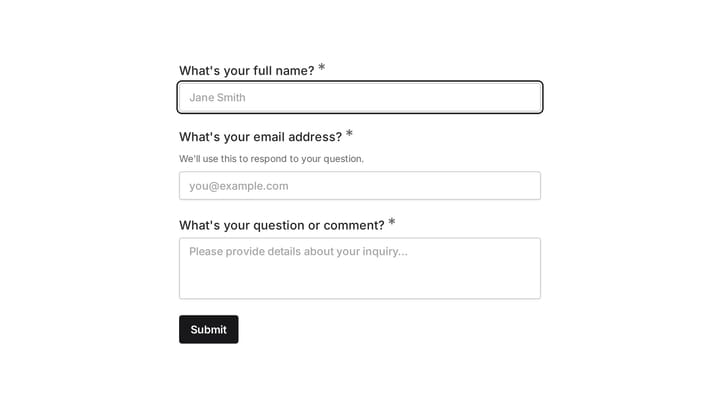
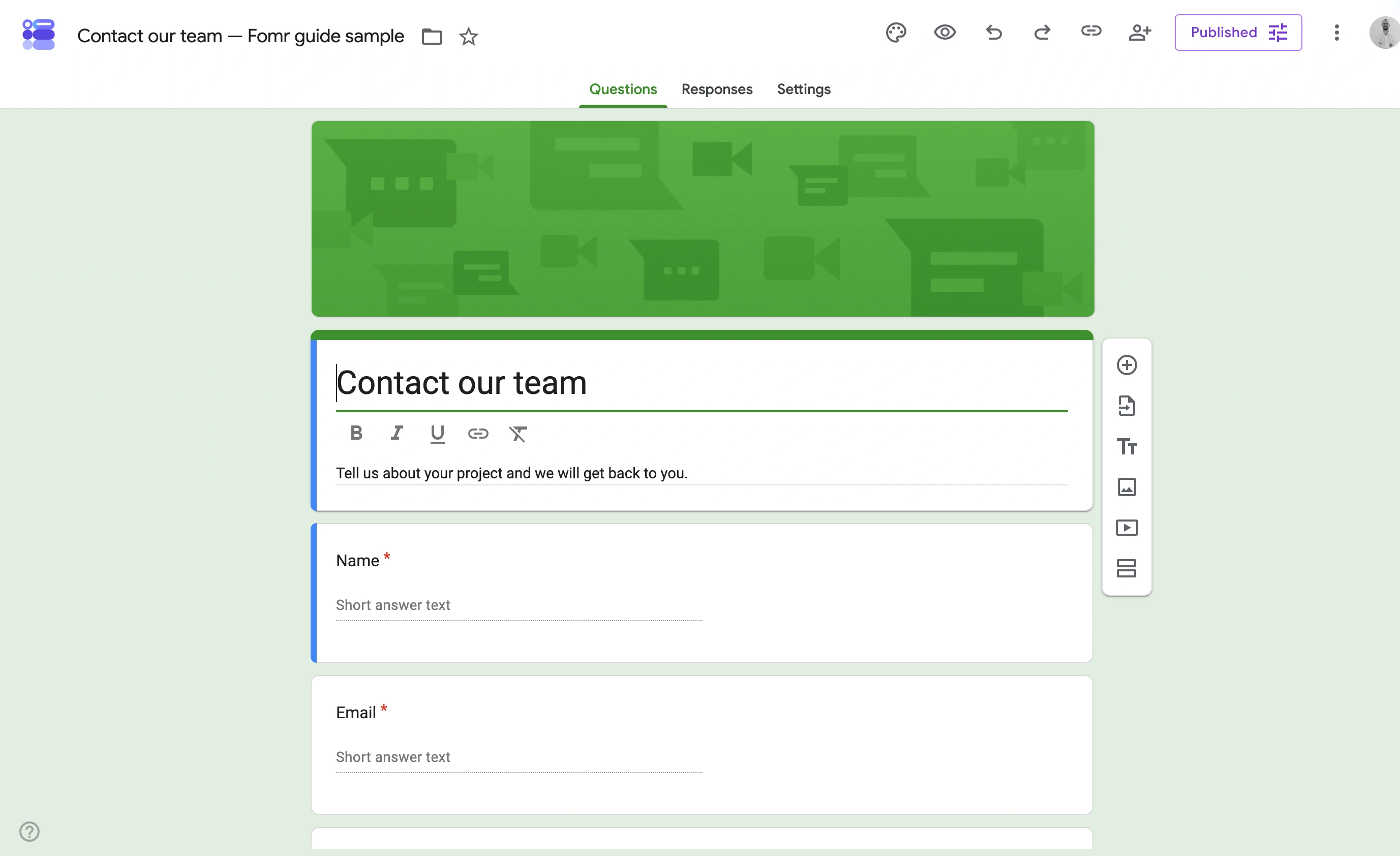
Our contact-form example uses separate question cards for the contact details and message. The question toolbar stays beside the active card, so adding a field does not require leaving the form.
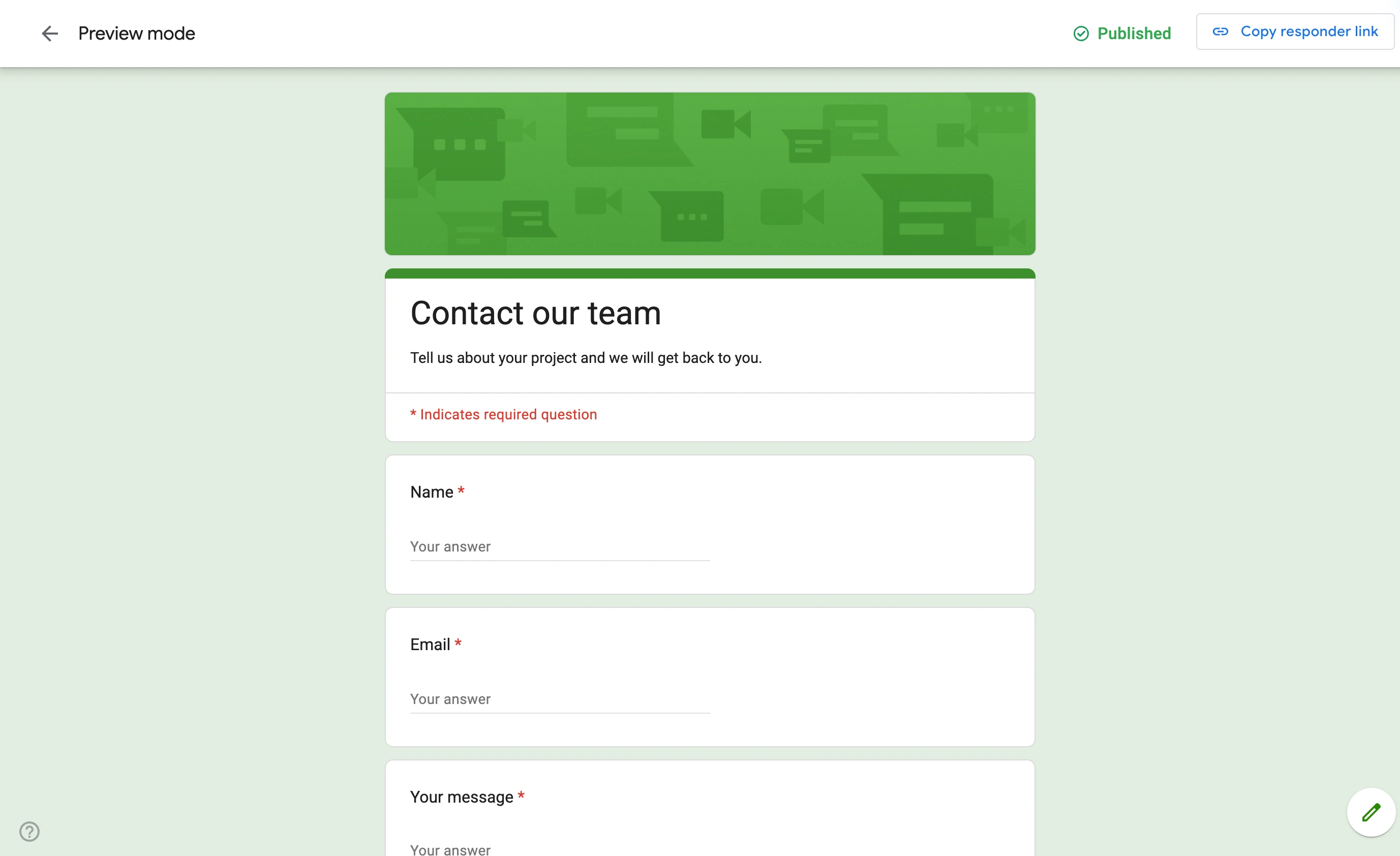
The published Google Forms sample uses a single header and stacked question cards. You can see the contact fields in order, with the same restrained styling as the editor preview.
Where Cognito Forms wins
Anything with a total. Quotes, orders, registrations with per-option pricing, invoices with line items. Calculations plus repeating sections handle these on the free plan. In Google Forms this entire category is impossible without bolting on Apps Script or a third-party add-on, at which point you’ve built a worse version of what Cognito ships.
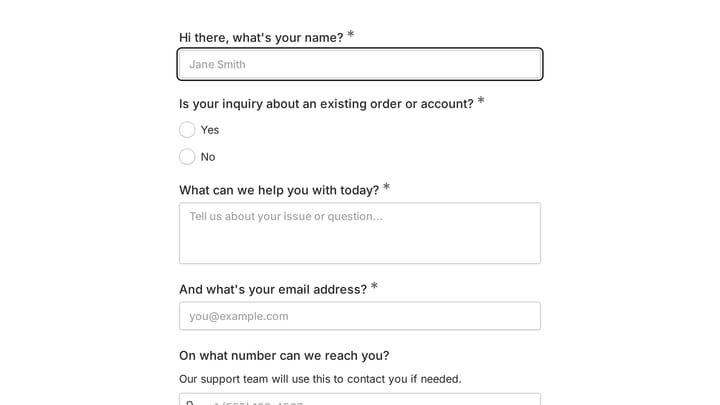
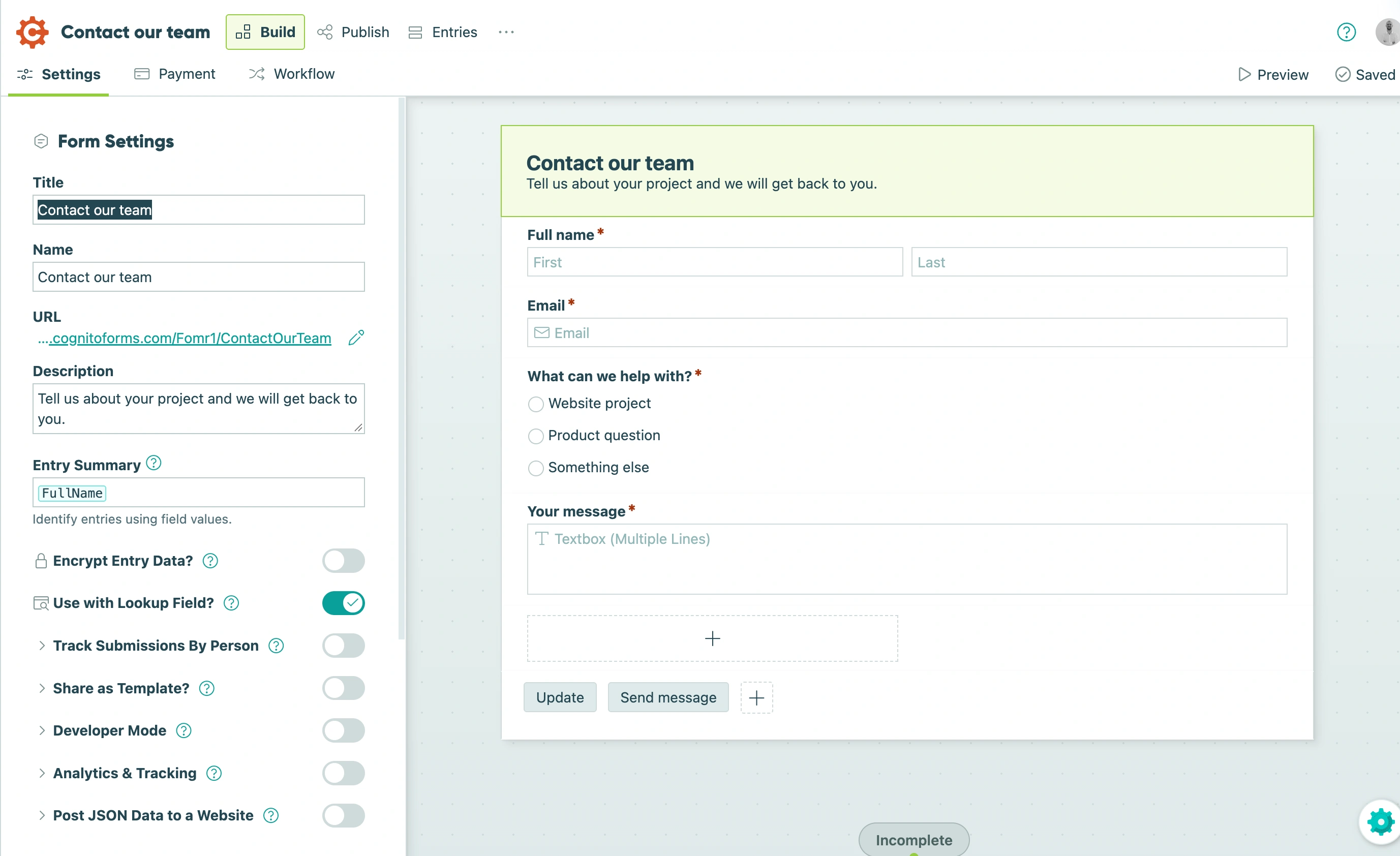
Our Cognito Forms sample is a straightforward contact form. The editor puts the form layout beside its configuration controls; this is the starting point to evaluate before adding a more involved workflow.
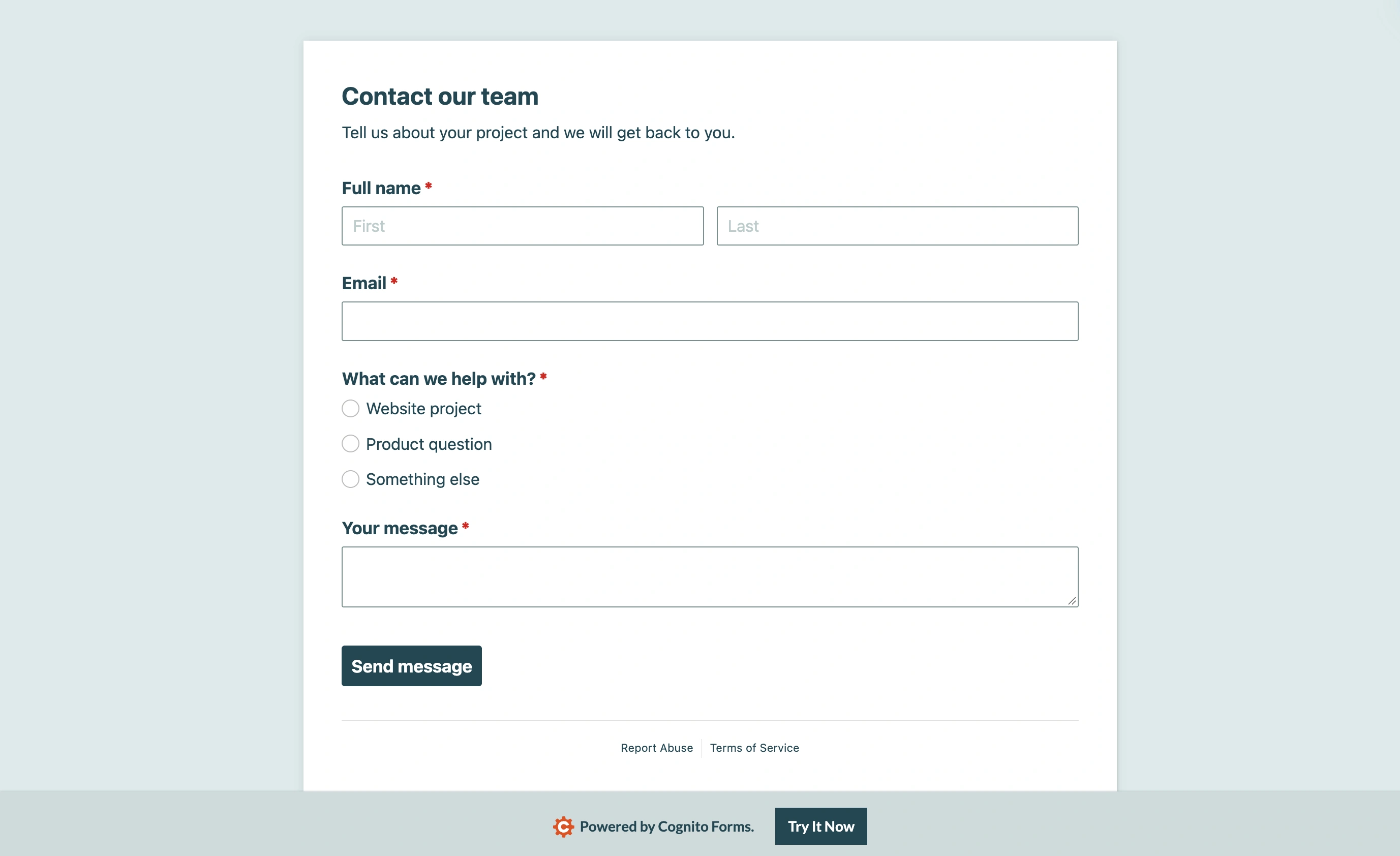
The published contact form shows the simpler side of Cognito Forms: a heading followed by the contact fields and message box. This example is useful for judging the basic layout; it does not demonstrate the advanced calculations discussed above.
Taking money. A registration fee, a deposit, a product order: Cognito computes the amount and charges it in one flow. Google Forms can’t take a payment at all; the standard workaround is pasting a payment link into the confirmation screen and hoping, with nothing tying the payment to the submission.
Real logic. Showing an “explain further” field only when someone answers “other”, requiring an upload only for one answer path, hiding a whole section from returning customers. Google’s section-skip covers maybe a third of these cases; Cognito’s field-level rules cover all of them.
Public file uploads. No forced sign-in, so uploads work for whoever you send the form to.
Entry management. Cognito’s entry view supports statuses and editing submitted data, closer to a lightweight record system than a response log. With Google you get rows in a Sheet, which is either exactly enough or clearly not, and you already know which.
What upgrading actually costs
Cognito’s paid ladder, on monthly billing: Pro at $24/mo (2,000 entries, 2 users), Team at $49/mo (10,000 entries, 5 users, direct Stripe/Square/PayPal), Enterprise at $174/mo (unlimited entries, HIPAA features). Annual billing takes 20% off each. See the current numbers on Cognito’s pricing page before you commit, since entry limits are the axis they adjust.
The trap to avoid: upgrading to Pro just because you passed 100 entries a month on a form that never calculates anything. At that point you’re paying $288 a year for capacity that Google Forms, or several Google Forms alternatives, give away.
Three things people get wrong about the free plans
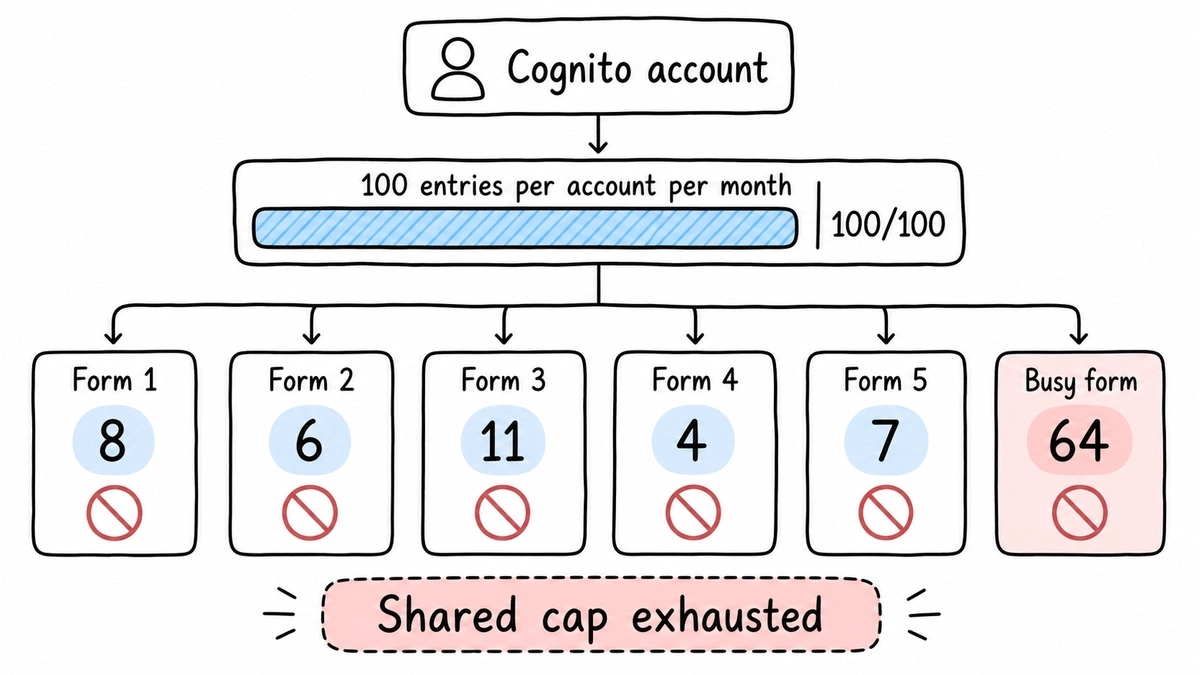
Cognito’s 100 entries are per account, not per form. Unlimited forms sounds roomy until you notice every one of them draws from the same monthly pool. Five quiet forms plus one busy one can exhaust the cap by mid-month, and the busy form stops collecting along with the rest.
Google Forms isn’t always anonymous, and sometimes it can’t be public. Depending on settings and whether the form lives in a Workspace organization, it may collect the respondent’s email or be restricted to people in that organization. Check the form’s settings and test the link in a private browser window before sharing it, because respondents hitting a sign-in wall is the most common surprise on the Google side.
“Free forever” means different things. Google Forms is a permanent free product with no upgrade path to sell you. Cognito’s Individual plan is an on-ramp: generous, genuinely usable, and designed so that success pushes you toward Pro. Neither model is wrong, but you should know which one you’re standing on.
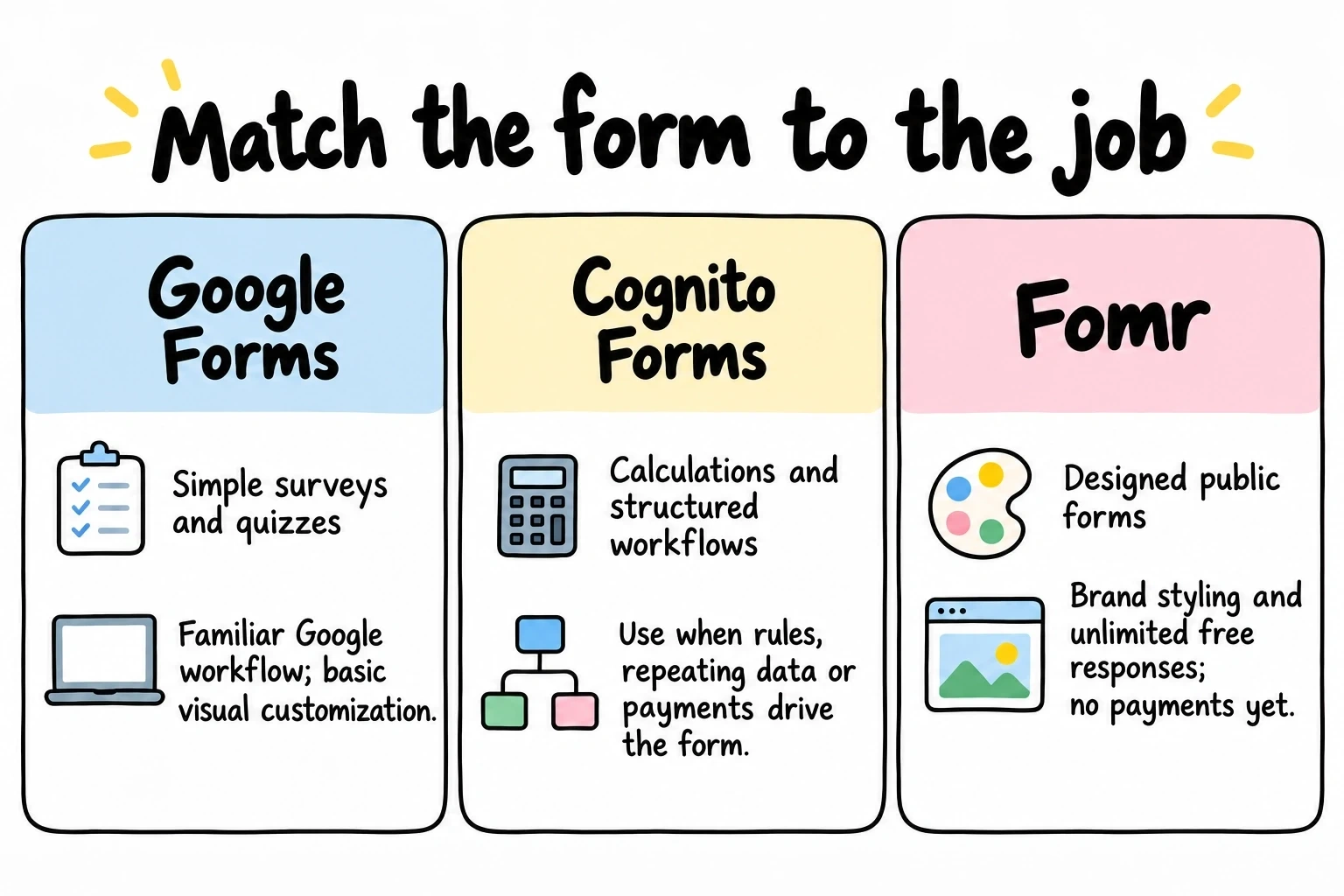
A disclosure before the verdicts, since we make a form builder too. Fomr has Calculated values for totals and scores, but we don’t have payment collection yet. Where we fit is the case where neither of these tools does, a public-facing form that has to look like your brand rather than a Google survey, with unlimited responses free. If that’s the actual problem, try it without an account; if your form takes payments, read on and pick between the two tools this article is about.
Give it a try
Try this Fomr contact form
Try the name, email, and message fields in this Fomr contact form. It is a simple example of the visitor experience you can embed on your site.

Cognito Forms vs Google Forms: the verdict by use case
Internal surveys, RSVPs, quizzes, feedback at any volume: Google Forms. Free, unmetered, lands in Sheets. Using Cognito for this means accepting an entry cap for features you’d never touch.
Quotes, orders, paid registrations, calculated anything: Cognito Forms. Start free. If you outgrow 100 entries a month on a form that computes or charges, Pro at $24/mo is priced fairly for what it does, and the 1% payment fee at that tier is tolerable until volume says otherwise.
High-volume public forms with payments: Cognito Team, at $49/mo, for direct Stripe or Square with no Cognito fee.
Design-led public forms that don’t take payments: neither is great. Google looks like Google, and Cognito’s styling is functional rather than beautiful. That’s the one case we’d point you to our own comparison of Cognito Forms alternatives or our Google Forms alternative page instead.
The question to answer before any of this: does the form do arithmetic? Answer that, and the rest of the comparison mostly answers itself.