Here’s the thing most Squarespace form builder roundups skip: whether you can even use a third-party form on your site depends on which Squarespace plan you pay for. JavaScript and iframe embeds only work in code blocks on the Core plan and up. If you’re on the Basic plan, every “just paste this embed code” tutorial on the internet quietly doesn’t apply to you.
So before recommending anything, we’ll sort this out by plan tier. First what the native form block actually does (it’s better than its reputation), then five external form builders worth embedding, and what to do if you’re on Basic and can’t embed at all.
Check your plan before you pick a Squarespace form builder
Squarespace currently sells four website plans: Basic, Core, Plus, and Advanced. Billed annually they run $16, $23, $39, and $99 a month, with monthly billing costing noticeably more.
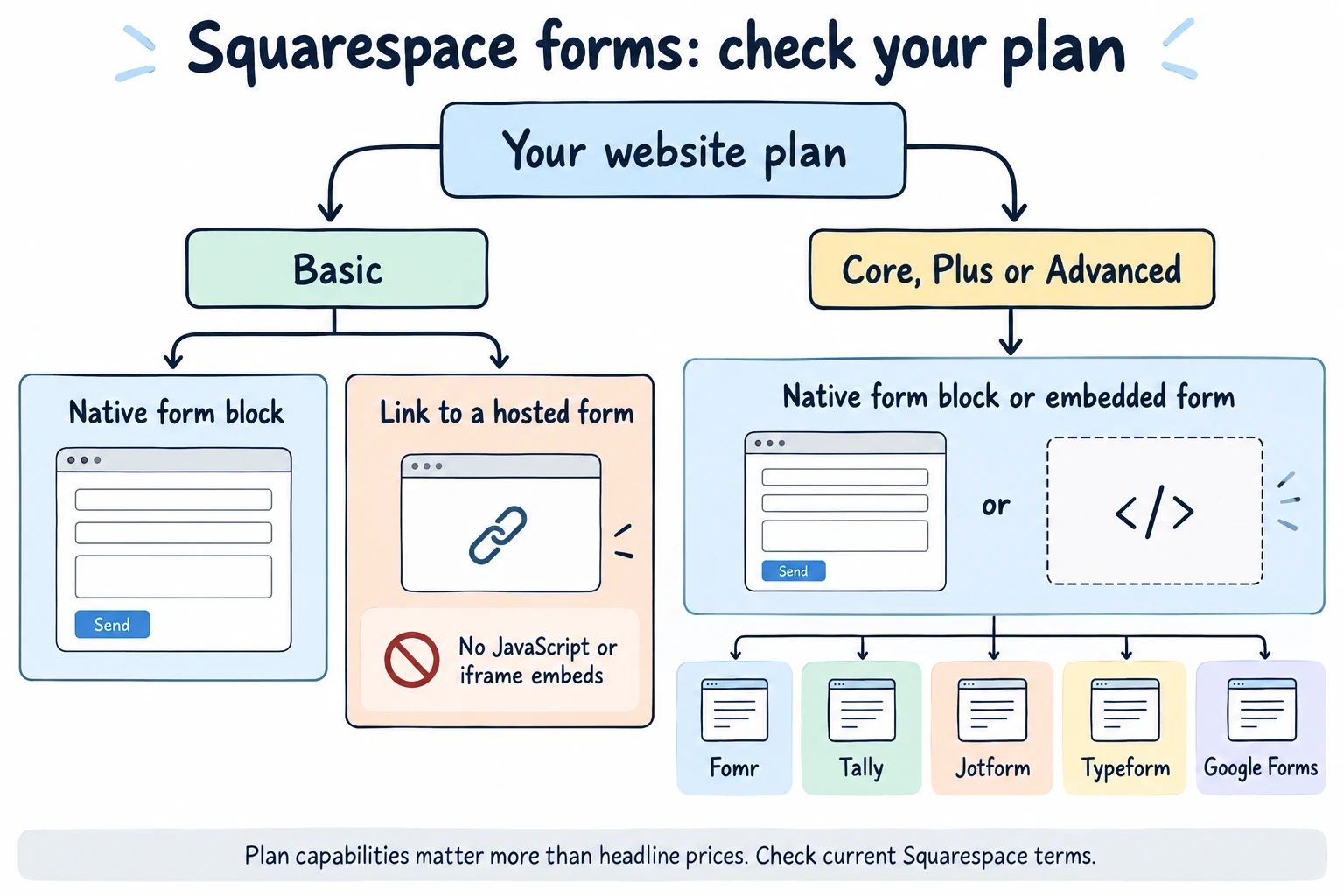
The gate that matters for forms: according to Squarespace’s premium features list, adding JavaScript or iframes to a code block requires Core or higher. On Basic, code blocks accept plain text, HTML, Markdown, and CSS, but the moment your embed snippet contains a <script> tag or an iframe, it won’t render.
That leaves three situations:
- Basic plan. Use the native form block, or link out to a hosted form instead of embedding (more on that below).
- Core, Plus, or Advanced. Any form builder on this list embeds cleanly through a code block.
- Still deciding on a plan. If forms are central to your site, the $7/month gap between Basic and Core annual pricing buys you the entire embed ecosystem. It’s usually worth it.
What the native Squarespace form block can do
The built-in form block is included on every plan, and it covers more ground than most people assume. Field types include name, email, phone, short and long text, dropdowns, checkboxes, radio buttons, a five-step survey scale, address, website, date, time, number, currency, file upload, and hidden fields.

It even has basic follow-up questions now: dropdown, checkbox, radio, and survey fields can reveal an extra question based on the answer picked. You can’t nest follow-ups inside follow-ups, but for a simple “How did you hear about us?” branch it works.
Submissions go to your login email by default, and you can connect Google Drive, Mailchimp, or Zapier as storage. The Mailchimp connection caps out at 30 fields.
Where it falls short
Design control is the real ceiling. The form block inherits your site’s styles, which sounds nice until you want the form to look different from the rest of the page, or you want layouts beyond a single stacked column. There’s no multi-page support, no progress bar, no answer piping, and the survey field is locked to one five-point agree/disagree scale.
There’s also no response dashboard to speak of. Your “database” is an inbox folder or a Google Sheet. For a contact form that gets five messages a week, fine. For event registrations or anything you need to filter and review, it gets painful fast.
If the native block covers your needs, use it and stop reading. If not, here are the five tools we’d actually embed.
1. Fomr — best for forms that match your site’s design
You picked Squarespace because you care how your site looks. That’s exactly the gap we built Fomr to close: forms that look designed rather than bolted on.
You get 1,700+ fonts, full color control, background images, logos, and multi-page layouts, so the form can mirror your Squarespace template’s typography and palette instead of fighting it. The editor is drag-and-drop with a live preview, and you can try it without creating an account.
The free plan has no caps: unlimited forms, unlimited responses, unlimited fields, unlimited team members. On a $16-per-month website budget, that matters.
The honest limitation: conditional logic and payment collection are still on our roadmap. The native Squarespace block actually beats us on follow-up questions today. If you need those right now, look at Jotform below or stick with the native block.
Pricing: free for everything. Pro is $34/month or $24/month billed yearly for custom domains, removed branding, and SEO controls.
Squarespace plan required: Core or higher to embed (our embed is a JavaScript widget). On Basic, share the hosted link or a QR code instead. See our embed options for the details.
Give it a try
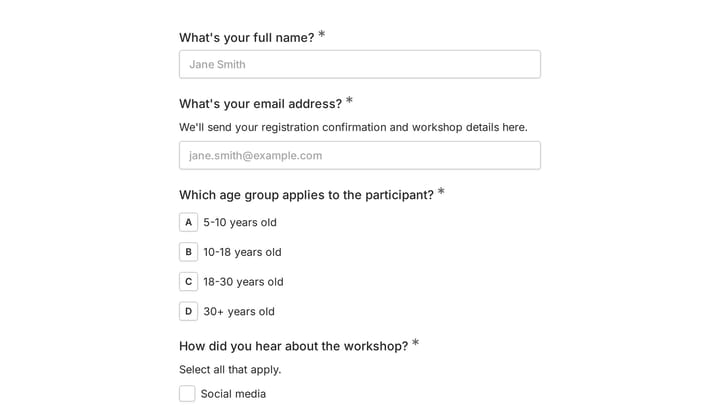
Try this Fomr designer contact form
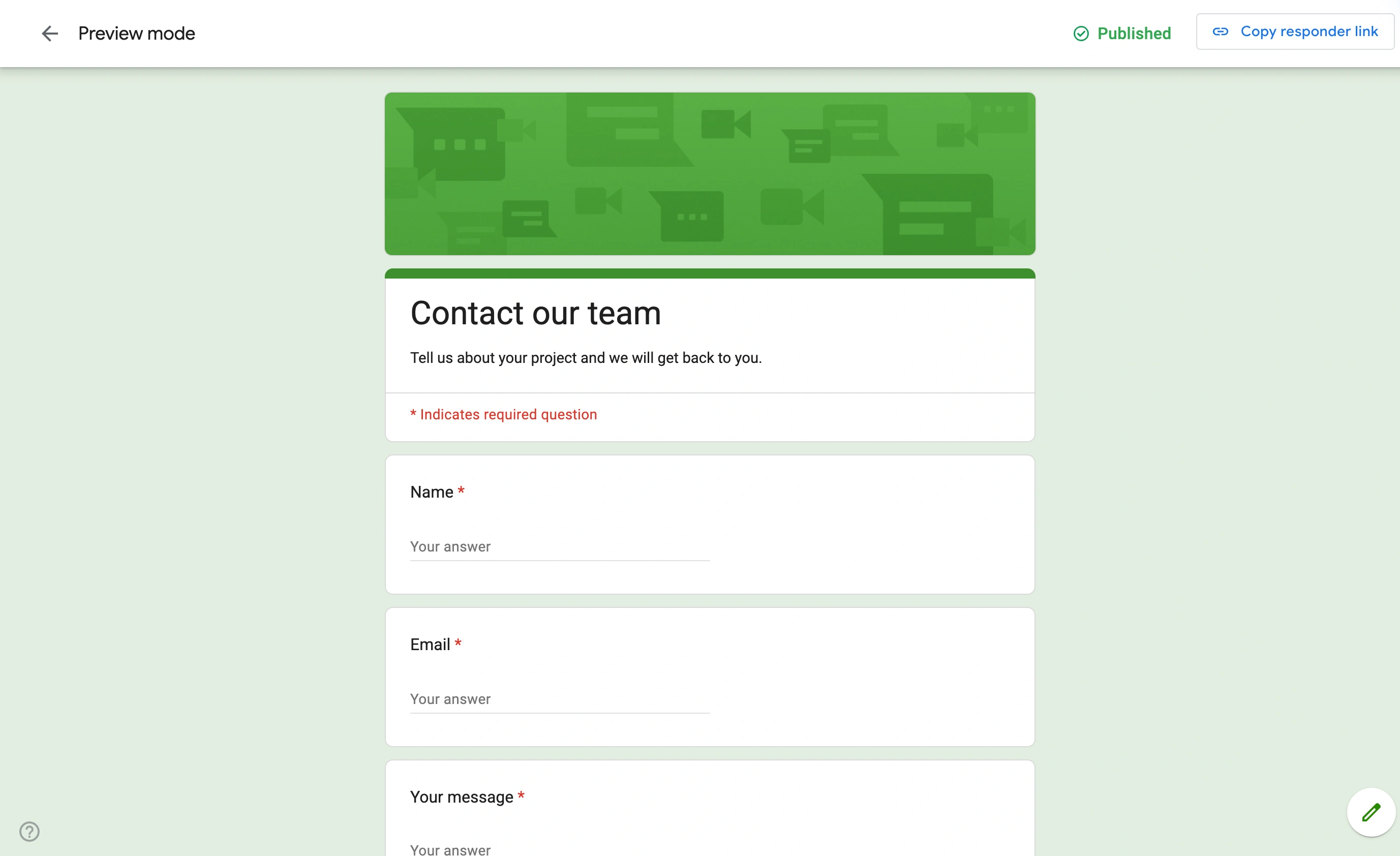
Try the project-type and contact steps in this Fomr designer inquiry form. This is the respondent experience you can embed in a Squarespace page.

2. Tally — best budget pick with advanced features
Tally is the tool we recommend when someone needs conditional logic on a free plan today. Its free tier includes unlimited forms and submissions under fair-use guidelines, with logic, signatures, and uploads all included rather than paywalled.
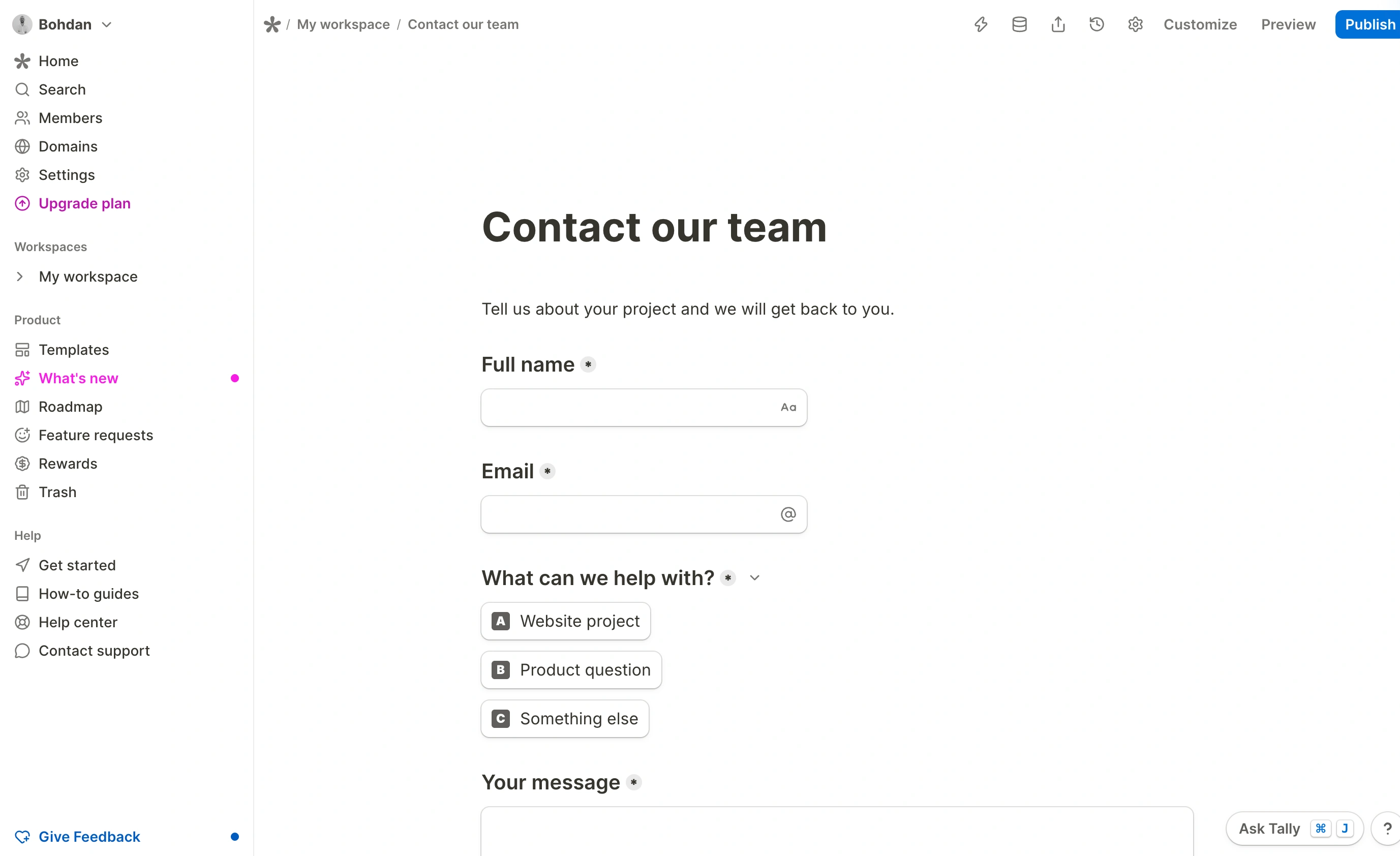
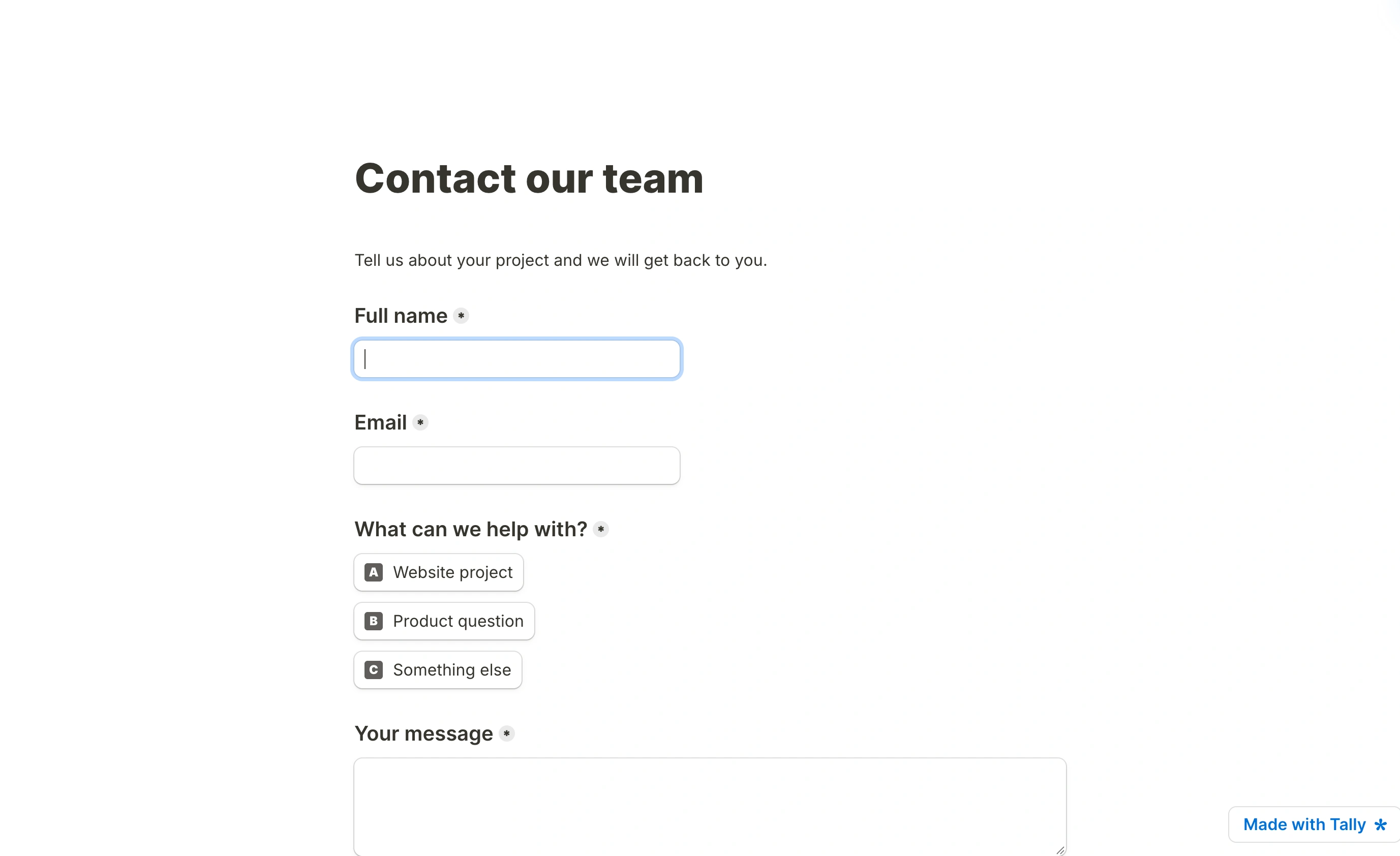
The trade-off is design range. Tally forms look clean in a minimal, document-like way, and that’s roughly the only way they look. If your Squarespace site is minimal too, they’ll blend in fine. If your brand leans expressive, you’ll feel the walls.
Pricing: free with fair-use limits. Pro is $24/month for branding removal, custom domains, and team features; Business is $74/month.
Squarespace plan required: Core or higher for the embed.
3. Jotform — best for payments and heavy-duty forms today
Jotform is the feature warehouse: payment fields, file uploads, appointment scheduling, approval flows, and a template library in the tens of thousands. If your Squarespace site needs an order form or a booking form with a deposit this week, Jotform does it now.
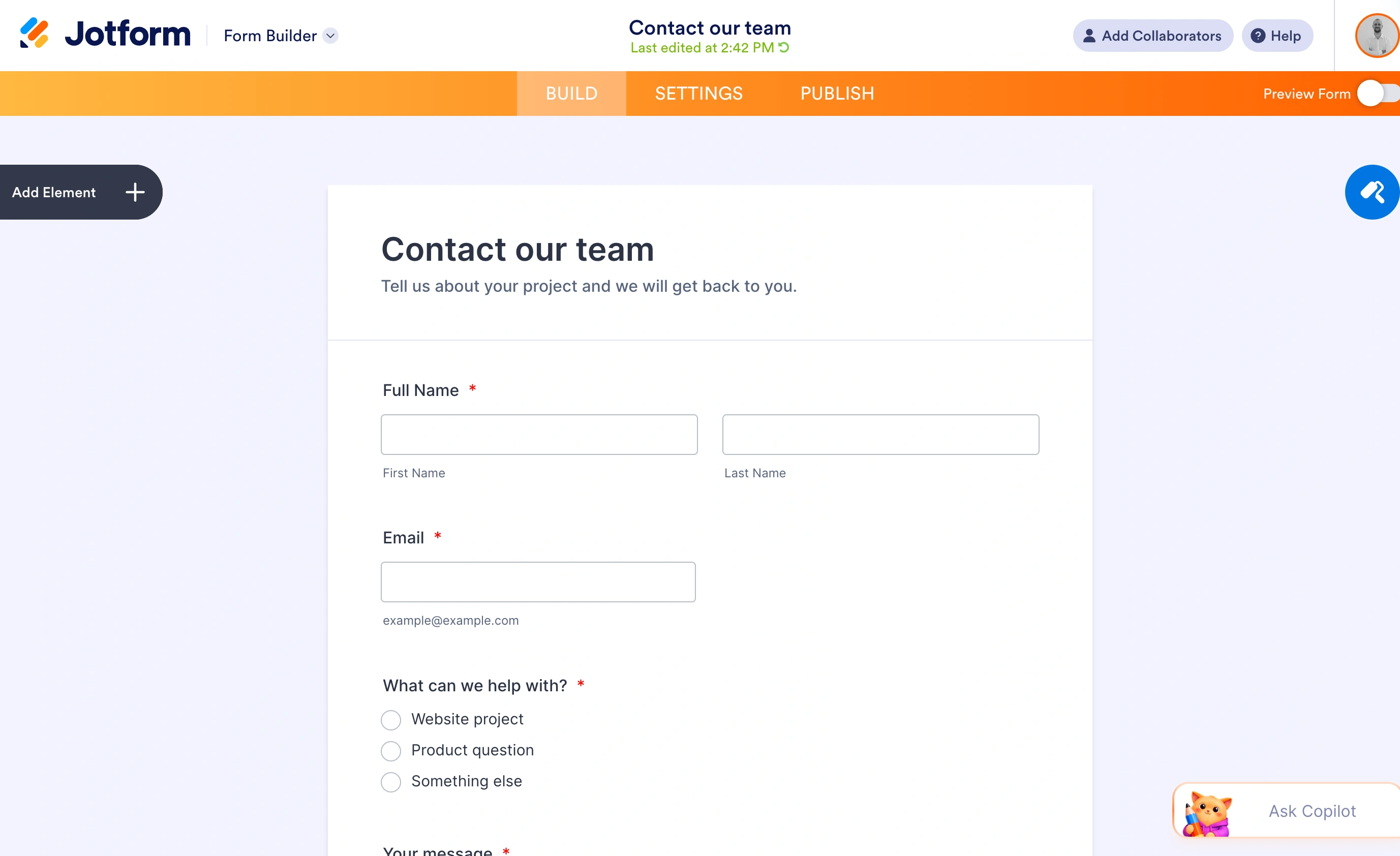
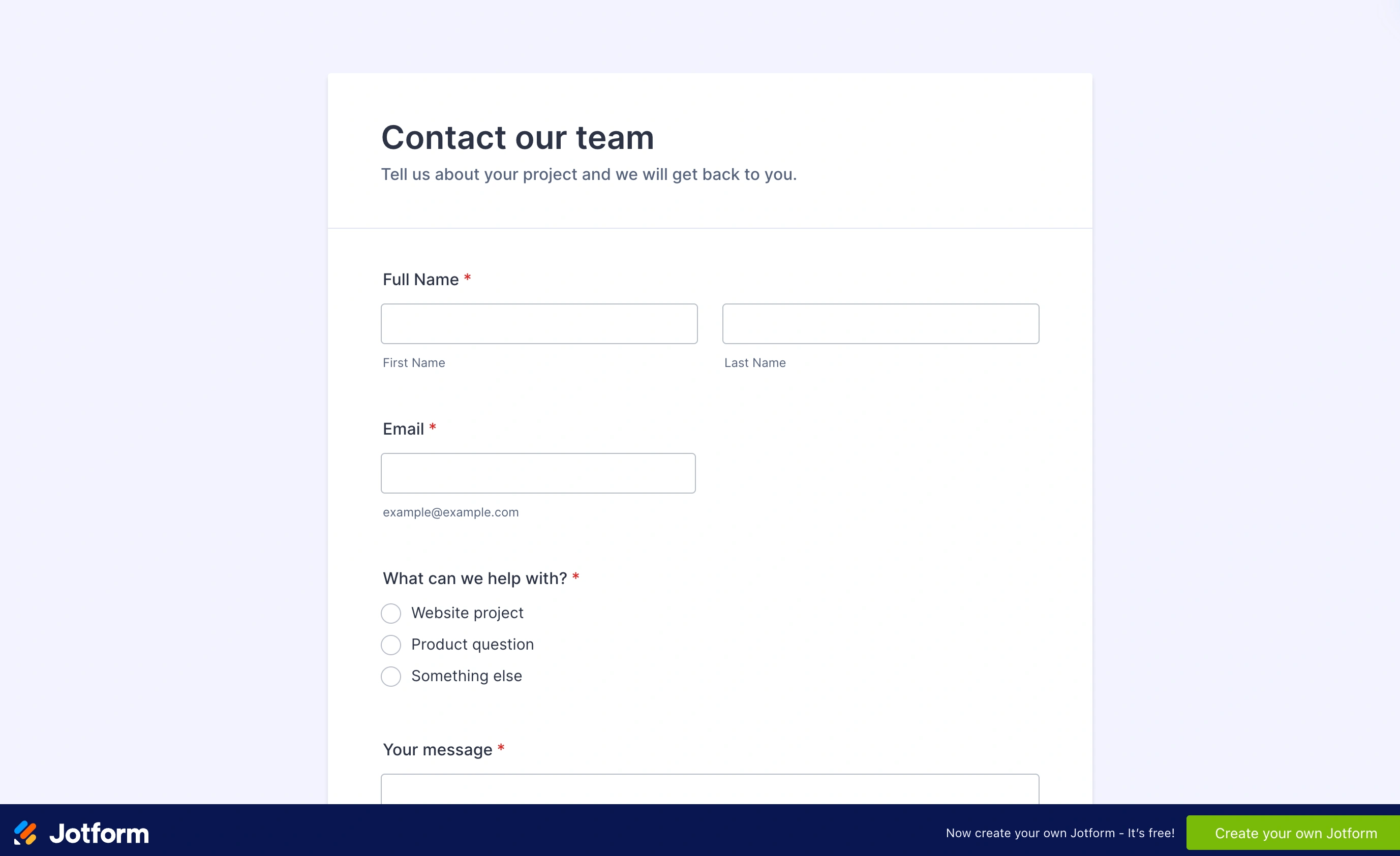
Two things to watch. The free Starter plan allows 5 forms and 100 submissions a month, which a modest site can burn through quickly. And the design defaults look dated next to a Squarespace template, so budget time in the theme editor.
Pricing: free Starter (5 forms, 100 submissions/month). Paid plans start at $34/month billed annually (Bronze: 25 forms, 1,000 submissions/month) and climb to $99/month billed annually for Gold.
Squarespace plan required: Core or higher for the embed.
4. Typeform — best for conversational lead capture
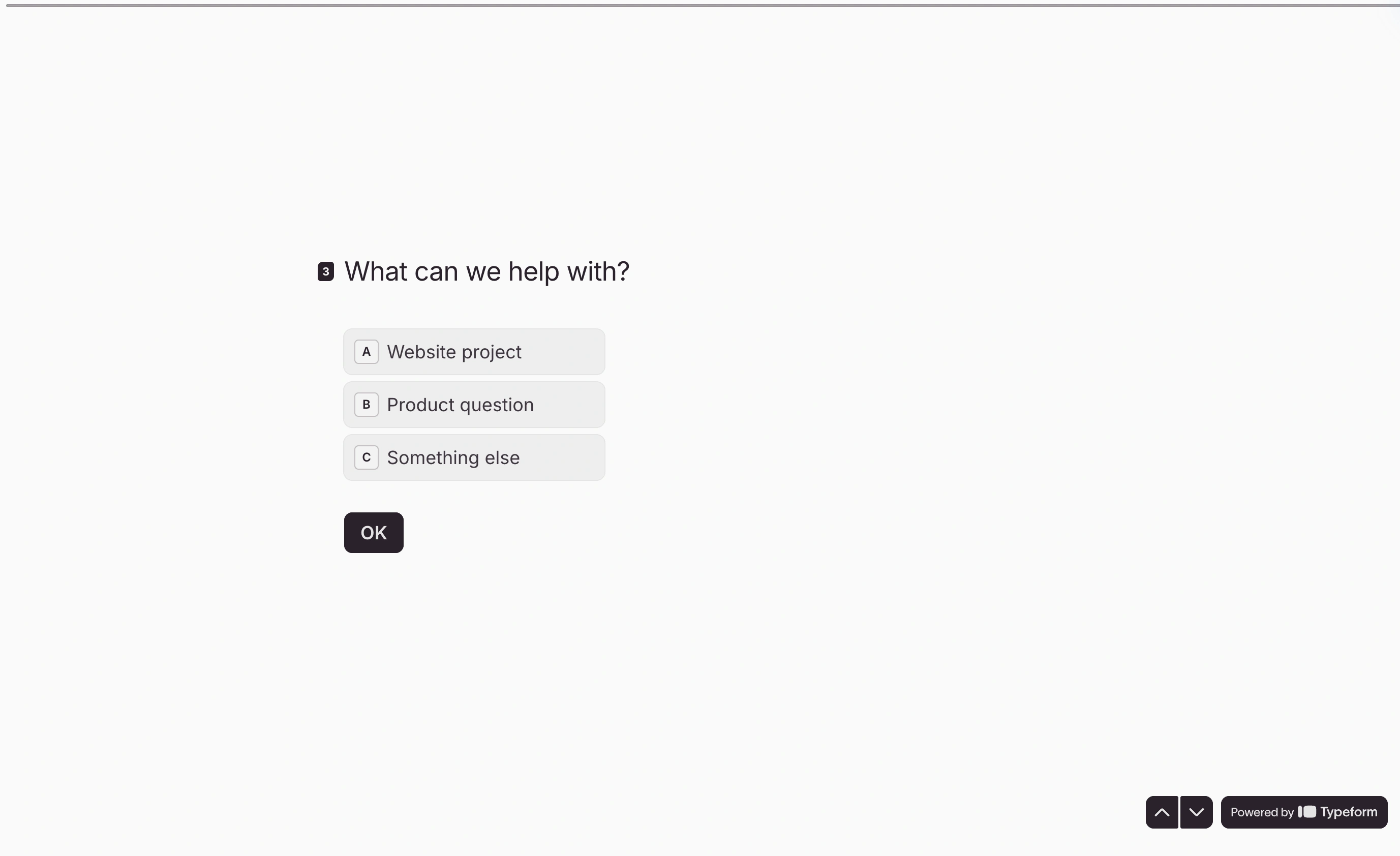
Typeform’s one-question-at-a-time format photographs well on a portfolio or agency site, and its logic jumps are genuinely good for qualifying leads. Embedded as a full-width section on a Squarespace landing page, it can feel like part of the site rather than a form on it.
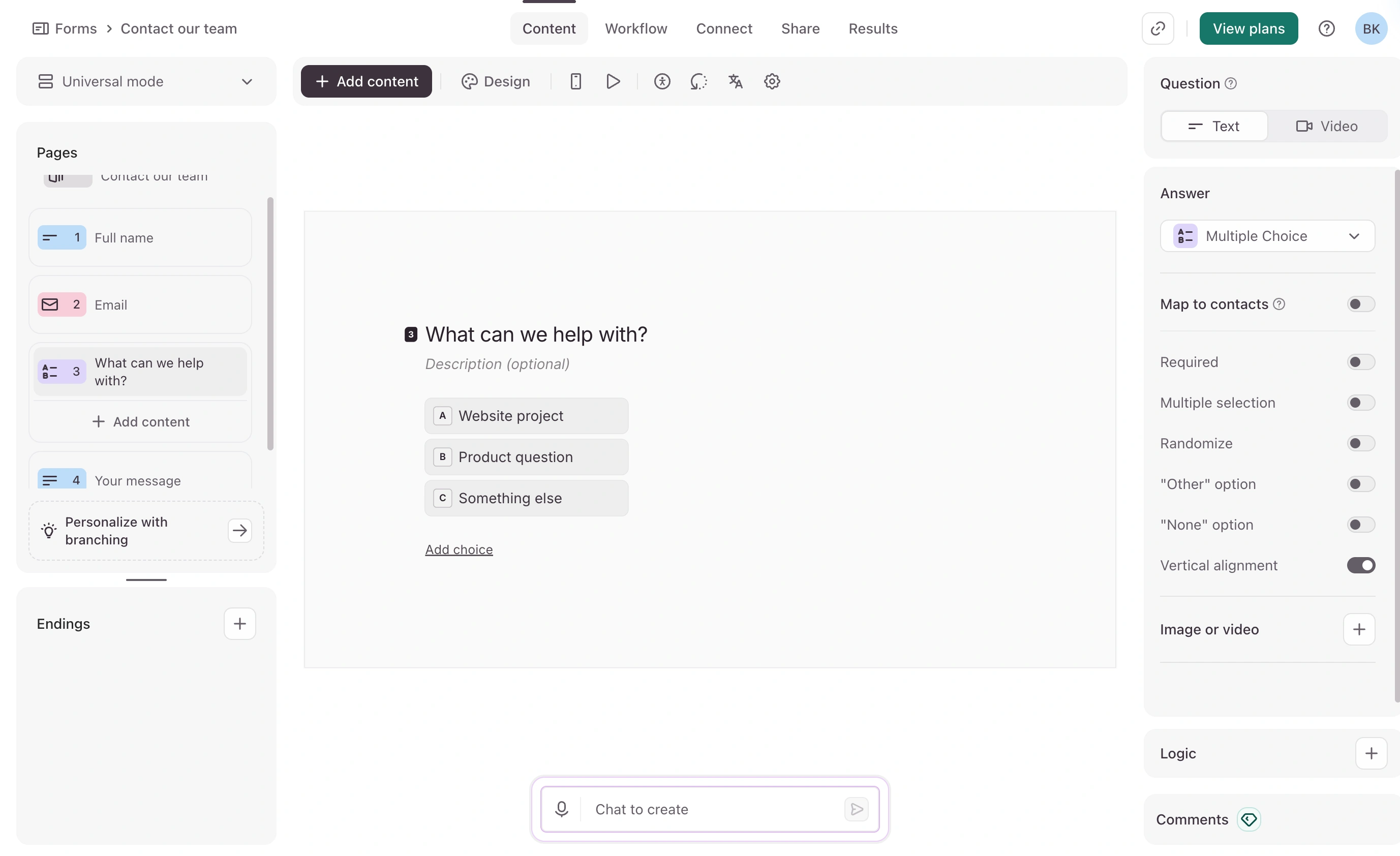
The pricing is the problem. The free plan now allows just 10 responses a month across all your forms, which makes it a demo rather than a plan. Basic is $39/month (or $28/month billed annually) and still caps you at 100 responses a month. For a small site, that’s more than the website itself costs.
Pricing: free plan capped at 10 responses/month. Basic $39/month (100 responses), Plus $79/month (1,000), Business $129/month (10,000), each cheaper on annual billing.
Squarespace plan required: Core or higher for the embed.
5. Google Forms — best free fallback for internal stuff
Google Forms embeds into Squarespace through an iframe, costs nothing, and pipes responses into Google Sheets. That’s the whole pitch.
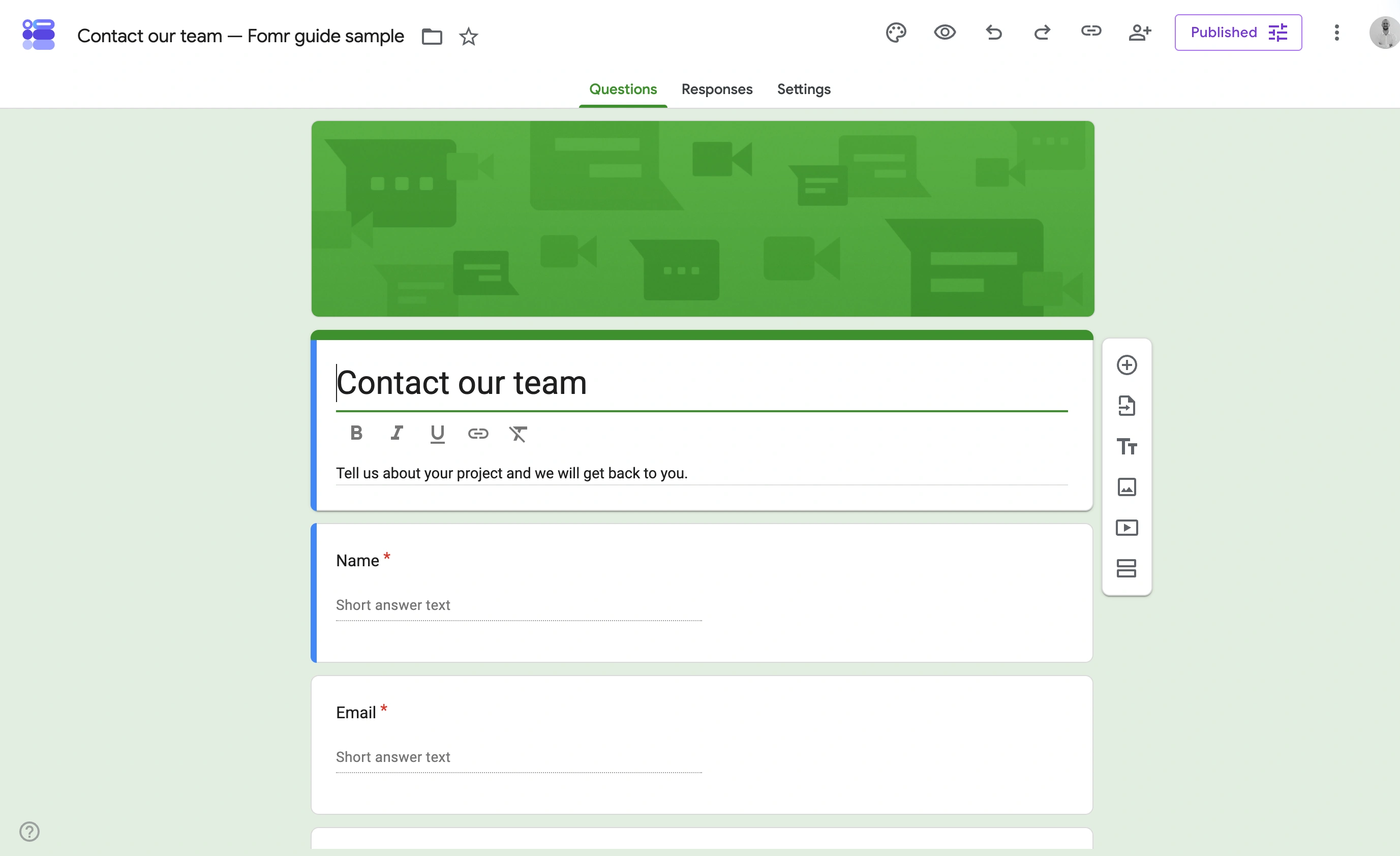
We’d use it for things visitors never judge you on: volunteer signups, internal requests, quick polls. The visual mismatch with a designed Squarespace site is severe, and there’s no way to fix it. A purple Google Form in the middle of a carefully typeset page reads as “we ran out of budget.”
Pricing: free with a Google account.
Squarespace plan required: Core or higher, since the embed is an iframe.
Squarespace form builder comparison
| Tool | Free plan | Paid from | Squarespace plan needed | Standout | Weak spot |
|---|---|---|---|---|---|
| Native form block | Included on all plans | n/a | Basic | Zero setup, follow-up questions | Styling and response management |
| Fomr | Unlimited forms and responses | $34/mo monthly or $24/mo yearly | Core (or link out on Basic) | Design control | No conditional logic yet |
| Tally | Unlimited (fair use) | $24/mo | Core | Free logic and uploads | One visual style |
| Jotform | 5 forms, 100 submissions/mo | $34/mo annual | Core | Payments, uploads, templates | Dated defaults, tight free caps |
| Typeform | 10 responses/mo | $39/mo | Core | Conversational UX | Price per response |
| Google Forms | Free | n/a | Core | Sheets pipeline | Looks like Google Forms |
How to embed a form on Squarespace
The steps are the same for any script or iframe embed, using Fomr as the example:
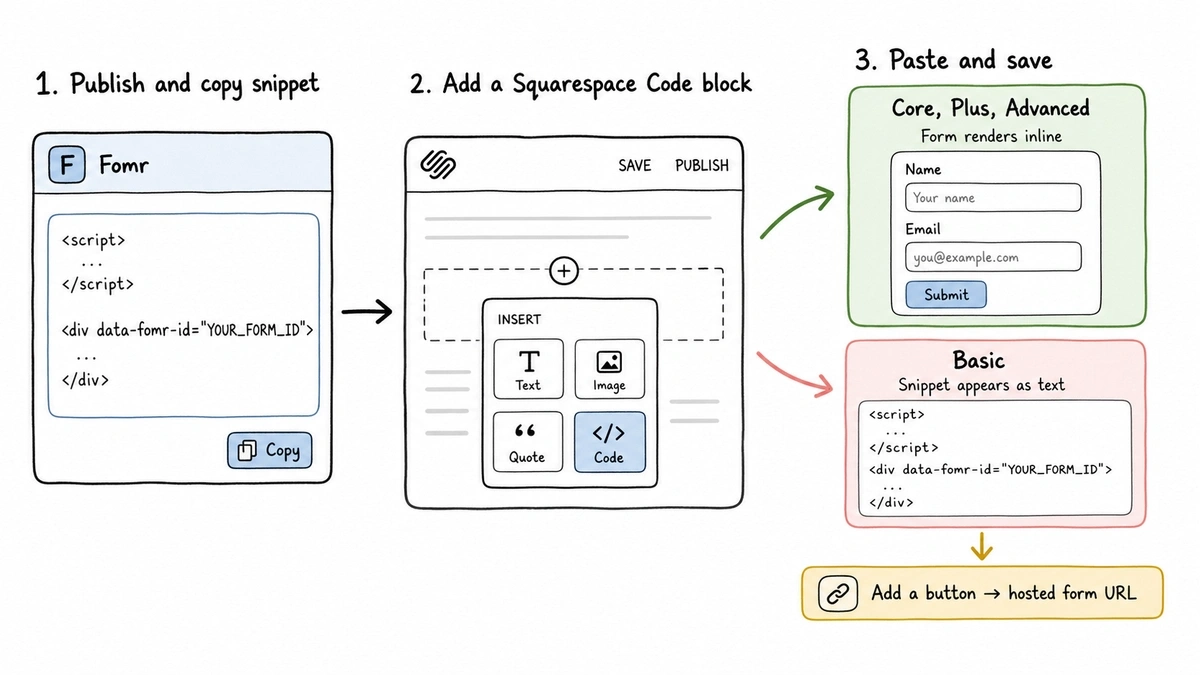
- Build and publish your form, then grab the embed snippet. Ours looks like this:
<script async src="https://fomr.io/widget/embed.js"></script><div data-fomr-id="YOUR_FORM_ID"></div>- In the Squarespace editor, click an insert point on the page and choose Code from the block menu.
- Paste the snippet into the code block and save. On Core and above, the form renders right on the page. On Basic, the block will display the code as text instead of running it, which is how you find out about the plan gate the hard way.
For popup embeds, floating buttons, and sizing details, our embed guide and the broader walkthrough on adding a form to your website cover the variations.
On the Basic plan? Link out instead
No code block required: add a normal Squarespace button, point it at your form’s hosted URL, and style the button to match your site. You lose the inline placement but keep the branded experience, since a well-designed hosted form page (with your logo, fonts, and colors set up in a tool like ours via custom design controls) doesn’t feel like leaving the site. QR codes work the same way for print and packaging.
Our verdict
On Basic: use the native form block for contact forms, and a hosted link for anything the block can’t handle. Don’t upgrade plans just for a form unless forms drive real revenue for you.
On Core or higher: embed Fomr if design consistency is the point, Tally if you need logic for free, and Jotform if you need payments today. Typeform only makes sense if conversational lead capture pays for its response pricing.
If you want to see how a form would look next to your site before committing to anything, open our guest editor and rebuild your contact form in it. No account, takes about five minutes, and you’ll know immediately whether the design control is worth the embed.