Typeform vs Qualtrics is a strange matchup, and most comparison posts won’t tell you that. These two tools barely compete. Typeform is a marketing form builder with a famously pleasant respondent experience. Qualtrics is an enterprise research platform sold through sales calls and annual contracts. Comparing them is a bit like comparing a nice camera app to a broadcast studio.
But people search this exact comparison for a real reason: both show up when you look for “survey tools,” both get name-dropped in meetings, and the price gap between them is so enormous that you want to know what the expensive one buys you. So here’s the honest version, with every price and limit checked against the vendors’ own pages in August 2026.
The short answer up front: if you’re asking this question, you probably need Typeform, and there’s a decent chance you need neither.
What each tool actually is
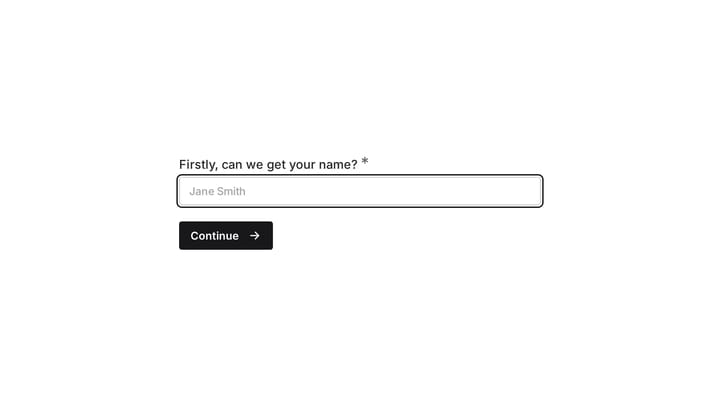
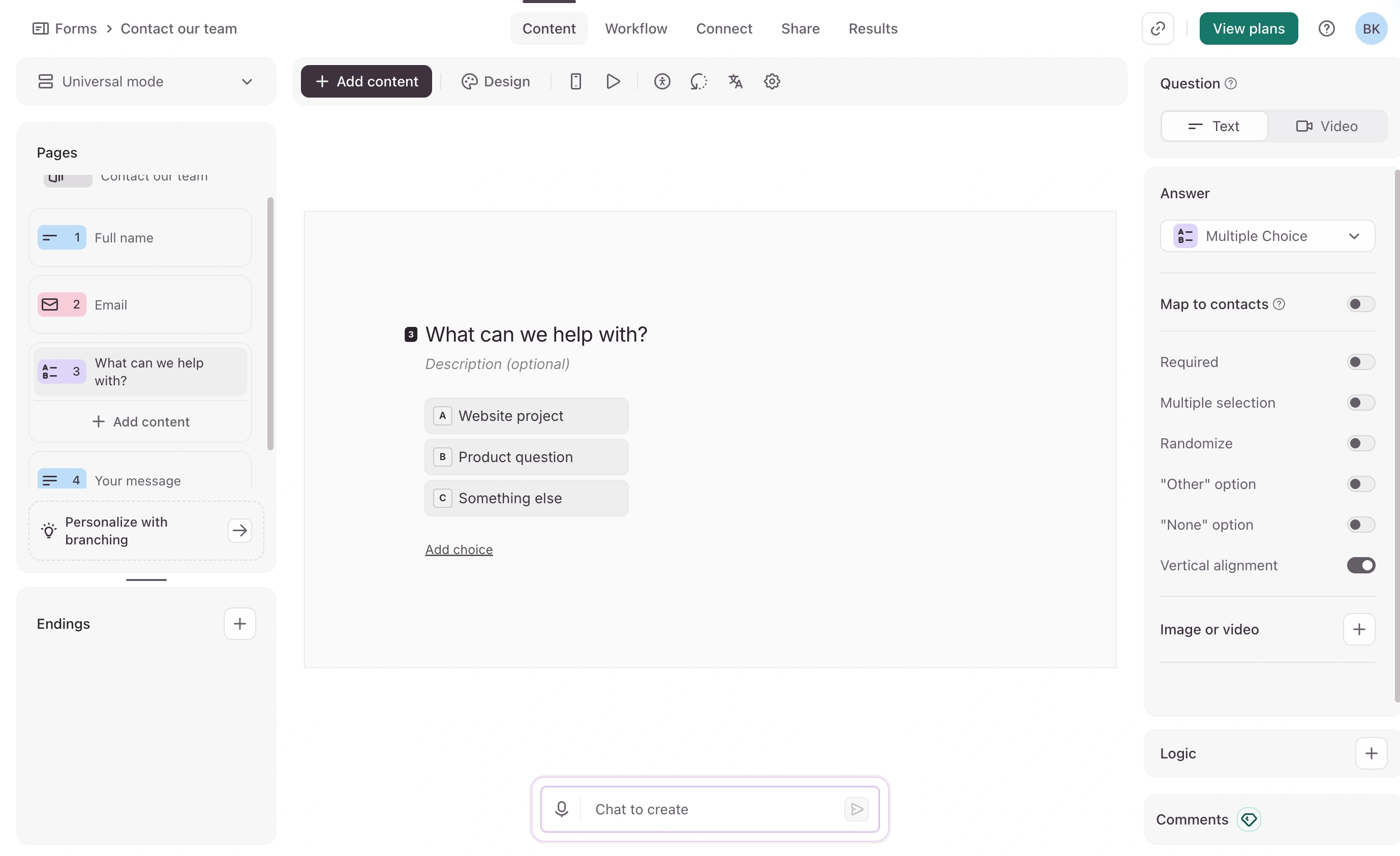
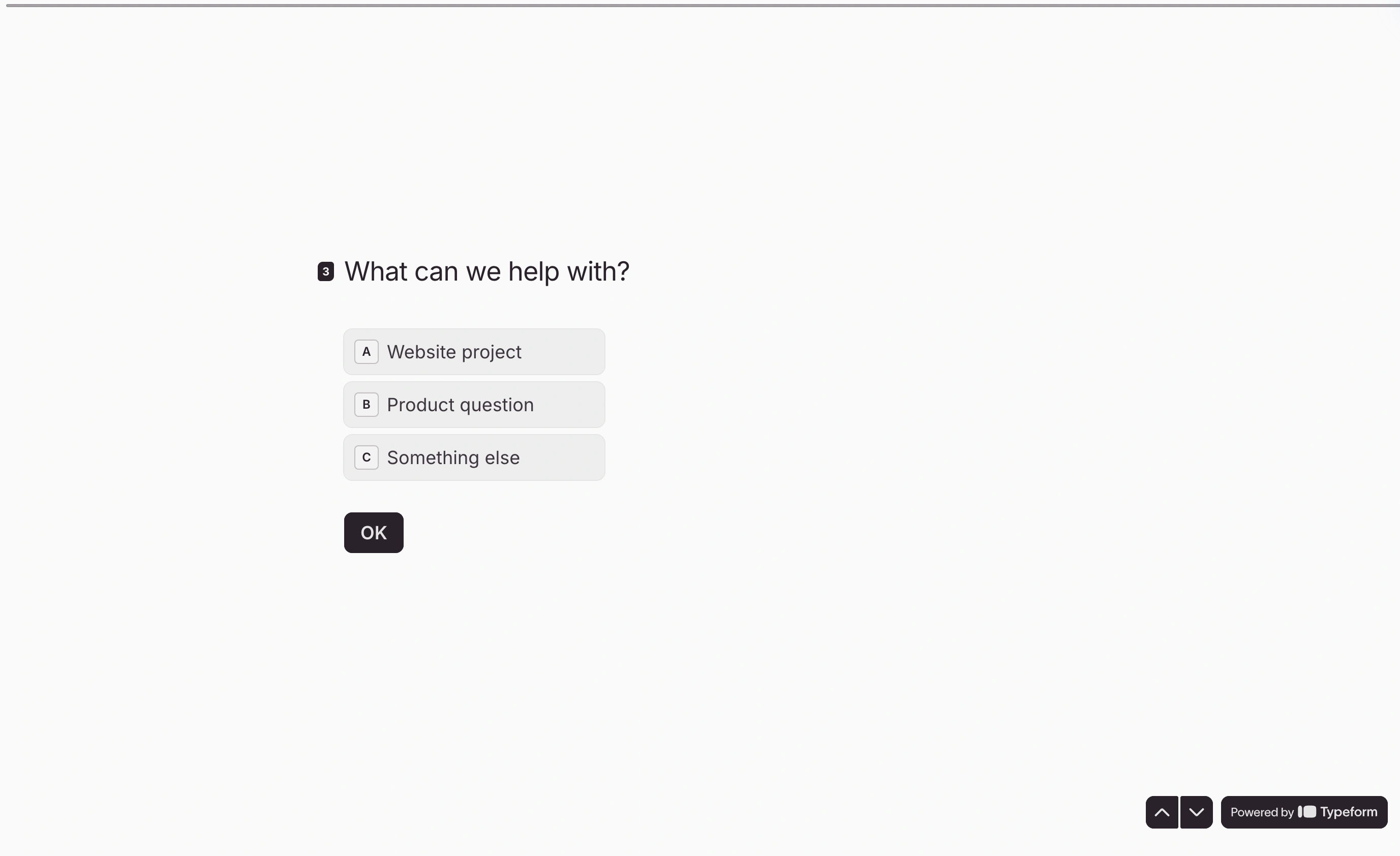
Typeform collects responses through conversational, one-question-at-a-time forms. It’s built for marketers: lead capture, quizzes, short feedback surveys, signups. The pitch is completion rate through experience, and it mostly delivers. Forms feel polished with almost no effort.
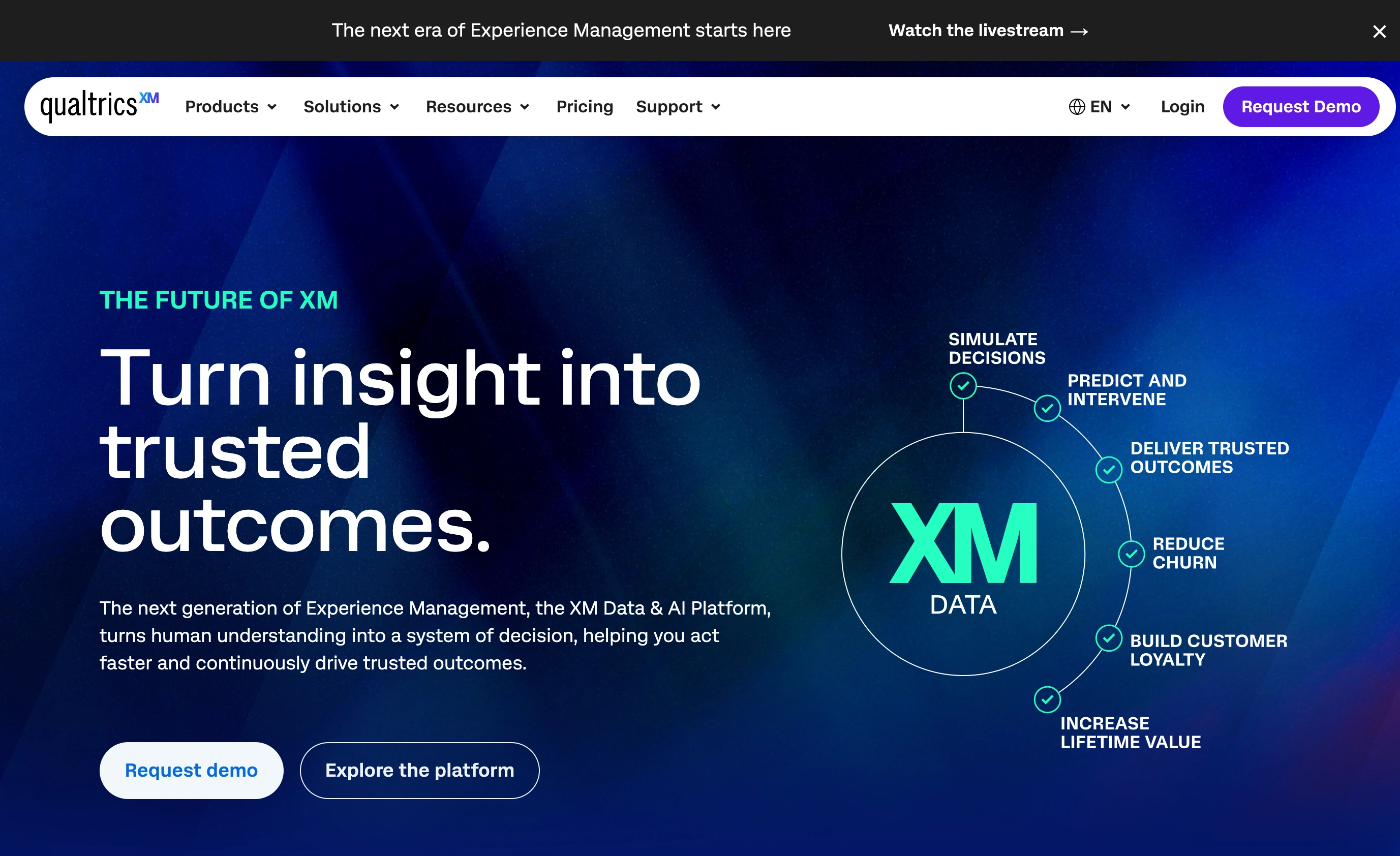
Qualtrics is an experience management platform built for researchers. Surveys are just the collection layer; the product’s real substance is in sampling control, experiment design, and statistical analysis. Universities teach courses on it. Insight teams run brand trackers and conjoint studies on it. Nobody has ever called it fun.
That’s not a quality gap, it’s a species difference. The right question isn’t “which is better,” it’s “am I doing marketing or research?”
Typeform vs Qualtrics pricing: a subscription vs a procurement project
This is where the comparison gets stark.
Typeform publishes its prices. Qualtrics doesn’t publish any. There is no price list on qualtrics.com; every contract is quoted based on seats, expected response volume, and which modules you license. Verified-buyer data from procurement platforms puts typical contracts in the tens of thousands of dollars per year, with entry-level deals rarely under four figures. Renewals commonly come with built-in annual increases. Buying Qualtrics is a budgeting exercise with legal review, not a checkout page.
Typeform’s current pricing, from its pricing page:
| Plan | Price (billed annually) | Price (monthly) | Responses/month | Seats |
|---|---|---|---|---|
| Free | $0 | $0 | Around 10; enough to test, not to run | 1 |
| Basic | $28/mo | $39/mo | 100 | 1 |
| Plus | $56/mo | $79/mo | 1,000 | 3 |
| Business | $91/mo | $129/mo | 10,000 | 5 |
| Enterprise | Custom | Custom | Custom | Custom |
Note those response caps, because they’re the number one complaint about Typeform. 100 responses a month on a $28 plan is tight, and when you hit the cap, your form stops collecting. Typeform’s Free plan documentation specifies 10 responses per month across the account.
Qualtrics has a free account too, and it’s more generous than people expect for evaluation: 500 responses total, up to 3 active surveys, 30 questions per survey. Total means total, though. It’s a sandbox for testing the platform, not a free tier you can operate on.
Features: what the Qualtrics money buys
Here’s the same criteria applied to both. This is where the species difference shows.
| Capability | Typeform | Qualtrics |
|---|---|---|
| Conditional logic / branching | Yes, all paid plans | Yes, deeper (display logic, branch logic, embedded data) |
| Piping / recall | Yes | Yes |
| Quotas | No | Yes |
| Question/block randomization | No | Yes |
| Panel & sample integration | No | Yes |
| Advanced analysis (crosstabs, Stats iQ, Text iQ) | No | Yes |
| Exports | CSV, XLSX | CSV, XLSX, SPSS, and more |
| API & webhooks | Yes, all paid plans | Yes |
| Respondent experience | Excellent, best in class | Functional, traditional |
| Setup time to first survey | Minutes | Days, realistically |
Three of those rows decide most real purchases:
Quotas. If you need “stop collecting once we have 200 women aged 25 to 34,” Typeform simply cannot do it. This alone disqualifies it from serious market research.
Randomization. Rotating question or answer order to control bias is table stakes in research and absent in Typeform.
Analysis. Typeform gives you completion metrics and a spreadsheet export. Qualtrics gives you crosstabs, significance testing, and text analytics inside the platform. If your deliverable is a stats-backed report, that difference is your job.
Read that table the other way, though, and Typeform wins the row Qualtrics can’t fix with money: the respondent experience. Qualtrics surveys look and feel like instruments. For a customer-facing brand touchpoint, that matters, and it’s why marketing teams inside companies that own Qualtrics licenses still quietly pay for Typeform.
Where each one is genuinely better
Typeform is better when the survey is short, customer-facing, and part of your brand experience. Lead forms, post-purchase feedback, quizzes, NPS pulses. It’s also better whenever the person building the survey isn’t a researcher; you can go from idea to live link in fifteen minutes without training.
Qualtrics is better when the output has to survive scrutiny. Anything with sampling requirements, quota controls, experimental design, or statistical significance behind it. It’s also the only one of the two with the compliance, admin, and data-governance depth that enterprise IT and academic review boards ask about.
Neither is better when you need 500 people to answer 8 questions about your product. Typeform will charge you per response for what’s essentially a nice-looking form; Qualtrics will charge you an enterprise contract for a fraction of its capability. This describes a lot of the people searching this comparison.
If you’re switching from one to the other
It happens in both directions more than you’d think. Companies outgrow Typeform when the insights team professionalizes; companies flee Qualtrics when the renewal quote lands. Either way, plan for three costs.
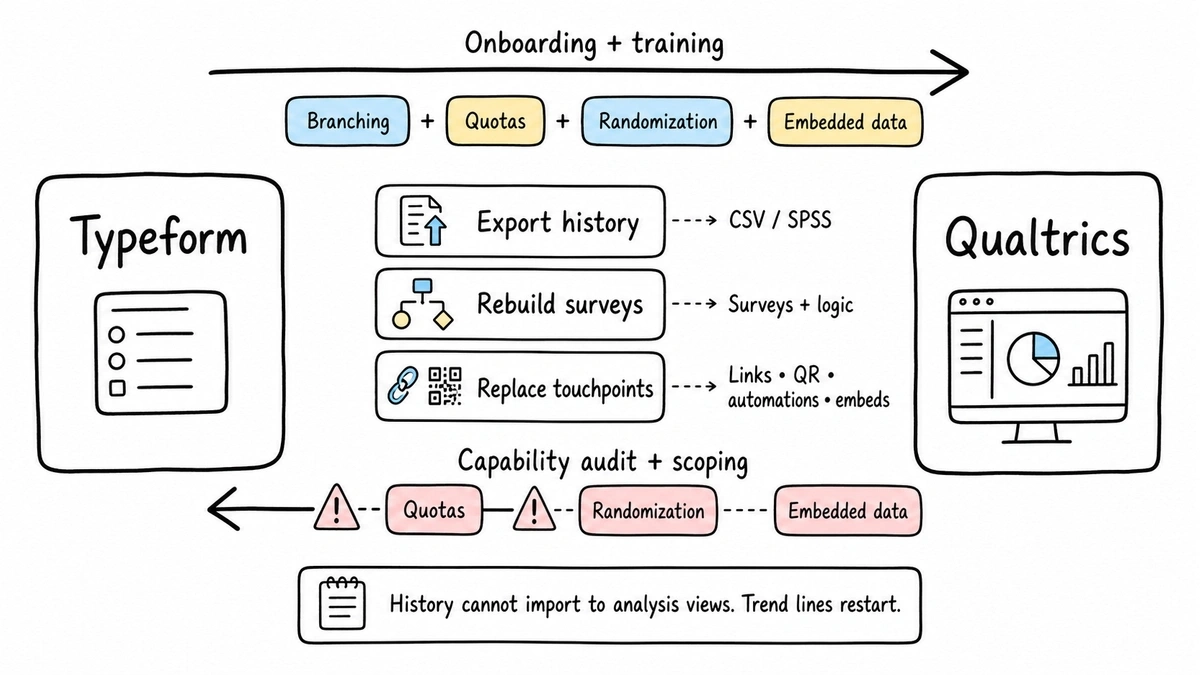
Response history stays behind. Both tools export raw responses (CSV from either, SPSS additionally from Qualtrics), but neither imports the other’s history into its analysis views. If you track anything over time, your trend lines restart. Export everything before the old subscription lapses, and check access terms: a lapsed plan can close off data you assumed you’d keep.
Surveys get rebuilt by hand. There’s no portable format for logic. Typeform’s logic maps to Qualtrics branching cleanly enough, but going the other way, any quota, randomization block, or embedded-data trick in your Qualtrics surveys has no Typeform equivalent at all. Audit for those before committing, not after.
Live links and embeds break. Distribution URLs are platform-bound. QR codes on printed material, links in email automations, and embedded surveys on your site all need replacing on cutover day. The mundane part of the migration is usually the part that gets missed.
The direction matters for effort. Moving up to Qualtrics is mostly an onboarding and training cost. Moving down to Typeform is a scoping question: you’re deliberately giving up capabilities, so someone has to confirm nobody was quietly depending on them.
Typeform vs Qualtrics: the verdict for each buyer
You’re a marketer, founder, or product person collecting feedback and leads. Typeform, without much debate. Start on Basic at $28/month billed annually, and watch the response caps, because outgrowing them is how a $28 plan becomes a $91 plan. If Typeform’s per-response pricing stings, we’ve compared it to other options on our Typeform alternatives page.
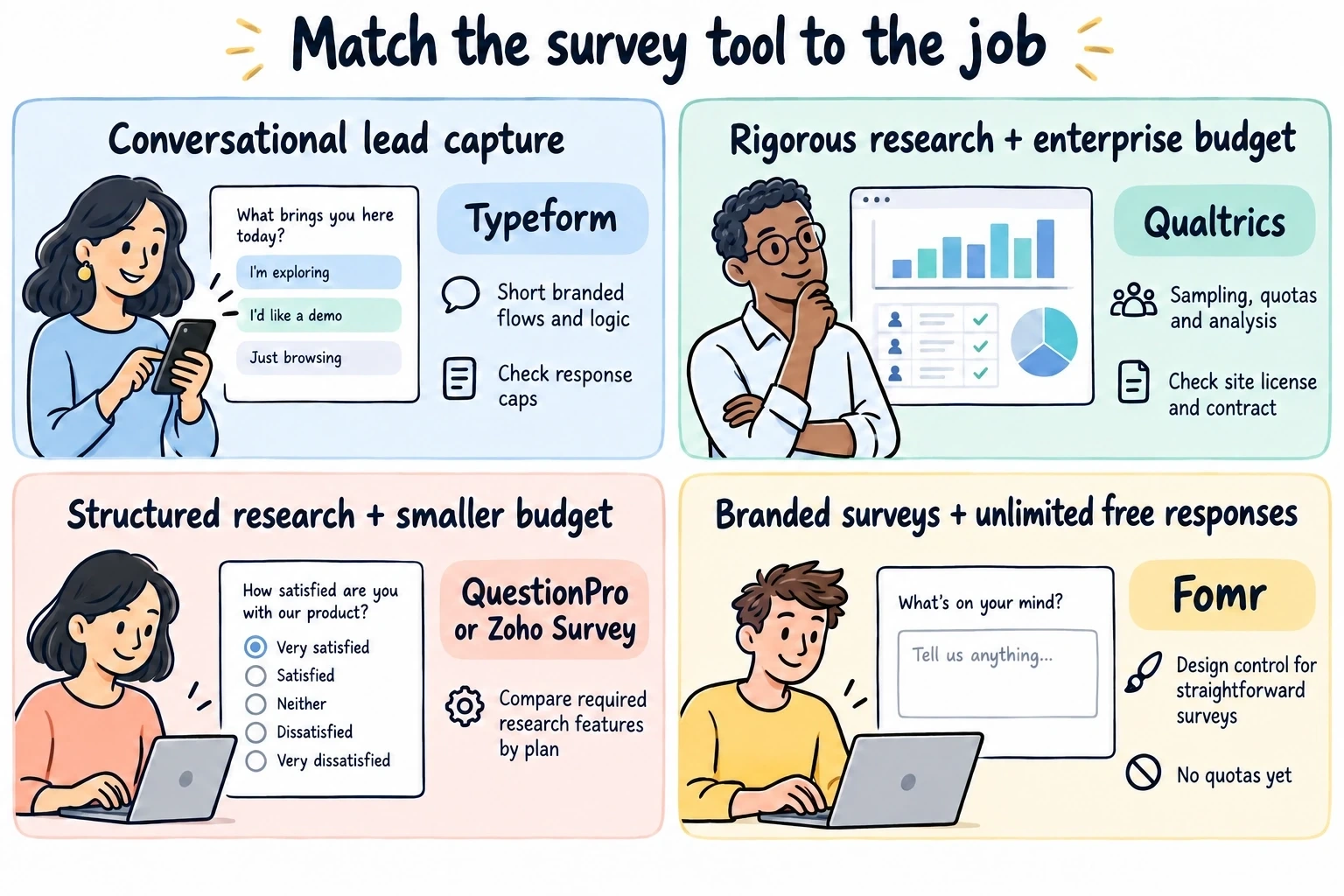
You’re a researcher, or your report needs to withstand methodological review. Qualtrics, and honestly you already knew that. Budget for a real contract, a real onboarding period, and check whether your university or employer already has a site license, because many do.
You’re running structured research on a startup budget. Neither. Qualtrics is unaffordable and Typeform lacks quotas and randomization. Mid-market research tools (QuestionPro and Zoho Survey are the usual suspects, and we compared them in our online survey software roundup) cover most of the gap at a fraction of Qualtrics money.
You just need a short, branded survey with unlimited responses. This is the one place we’ll mention our own tool. Fomr is a form builder with unlimited free responses, deep design control, and conditional logic on every plan. It doesn’t compete with Qualtrics’ analysis, and we don’t have quotas yet. But for a 10-question branded survey where Typeform would meter your responses, it does the job for free, and you can try it without an account.
Give it a try
Try this Fomr customer feedback survey form
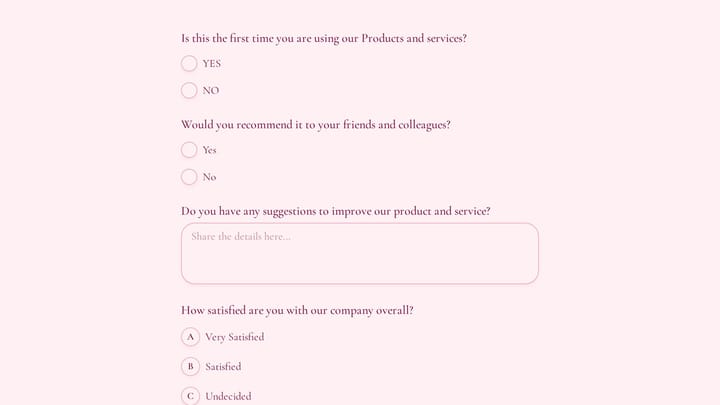
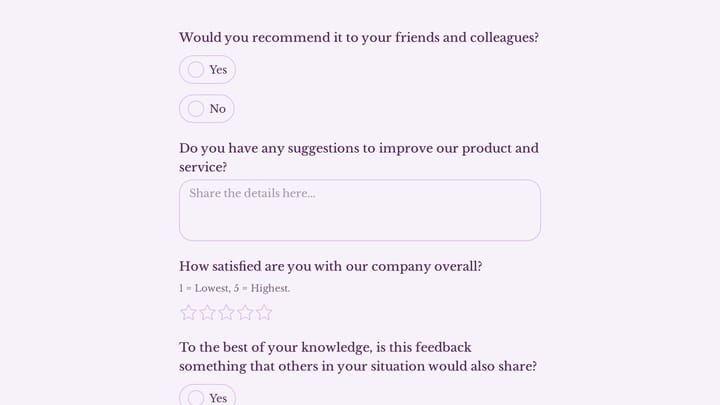
Try the recommendation, improvement, and satisfaction questions in this Fomr feedback survey. It shows how to collect responses, without automated research analysis or scoring.

Before you buy either one
Do two cheap things first. Write your questions and figure out your sample size, because both decisions constrain the tool choice more than feature lists do. Pew Research’s guide to writing survey questions is the best free resource on the former. For the latter, our sample size calculator takes a minute: if the number it gives you is in the hundreds per month, Typeform’s response caps become a real cost line, and if your sampling plan needs quotas to hit that number correctly, Typeform is out entirely.
Match the tool to the job. A research platform for marketing forms wastes money; a form builder for research wastes credibility. And if your job turns out to be simpler than both, a well-designed free form might be all the survey software you need.