Nobody shops for online survey software casually. You’re here because a free tool ran out of road: the response cap hit mid-project, the export didn’t have the format your analyst needed, or someone asked “can we quota this by region?” and the answer was no.
That’s the real dividing line in this category. Form builders collect answers. Survey software controls who answers, what they see, and how the data comes out the other end. Logic, piping, quotas, SPSS exports, admin roles. If you don’t need any of that, you’re overpaying for survey software, and we’ll say so below.
We checked every price and limit in this post against the vendors’ own pricing pages in August 2026. Survey pricing changes constantly (Typeform restructured its free tier this year, for one), so treat anything older with suspicion.
Our quick argument, before the details:
- Best overall: SurveyMonkey, for teams that survey regularly and need analysis built in
- The specialist: Qualtrics, if you have a research budget and a procurement department
- Best value: QuestionPro, which gives away features others charge for
- Budget pick: Zoho Survey, the cheapest way to get real logic and quotas
How we compared the online survey software below
Every tool below is judged on the same five things: what the cheapest useful plan costs, how many responses it includes, whether it supports logic and piping, whether it supports quotas, and what you can do with the data afterward (exports and API access).
| Tool | Paid entry point | Included responses | Logic | Quotas & piping | Exports & API |
|---|---|---|---|---|---|
| SurveyMonkey | ~$27/user/mo, 3-seat minimum (region-priced, annual) | 50,000/year (Team Advantage) | Yes; advanced logic on Premier | Yes, higher tiers | CSV/XLSX/SPSS; API |
| Qualtrics | Quote only | Negotiated per contract | Yes, deepest available | Yes, both | CSV/XLSX/SPSS/Tableau; API |
| QuestionPro | $99/user/mo (annual) | 25,000/year (Advanced) | Yes, even on free | Piping and quotas on paid tiers | CSV/XLSX/SPSS; API on Research Suite |
| Zoho Survey | Low, region-priced (annual) | Unlimited on annual Plus and up | From Plus | Quotas from Plus, piping from Pro | CSV/XLSX from Basic, SPSS from Pro; webhooks from Pro |
| Typeform | $28/mo (annual) | 100/month (Basic) | Yes, all paid plans | Piping yes, quotas no | CSV/XLSX only; API and webhooks |
| Google Forms | Free | Unlimited | Basic section branching | No | Google Sheets/CSV; Apps Script |
| Fomr | Free (Pro $34/mo monthly or $24/mo yearly) | Unlimited | Yes, all plans | Piping yes, quotas no | CSV; API coming soon |
Now the honest version of each.
1. SurveyMonkey: best overall for recurring survey programs
SurveyMonkey has been doing this since 1999, and it shows in the right ways. The question bank is enormous, the analysis tools (crosstabs, trend charts, benchmarking) are built in rather than bolted on, and admins get the roles and permissions that make a shared survey program manageable.
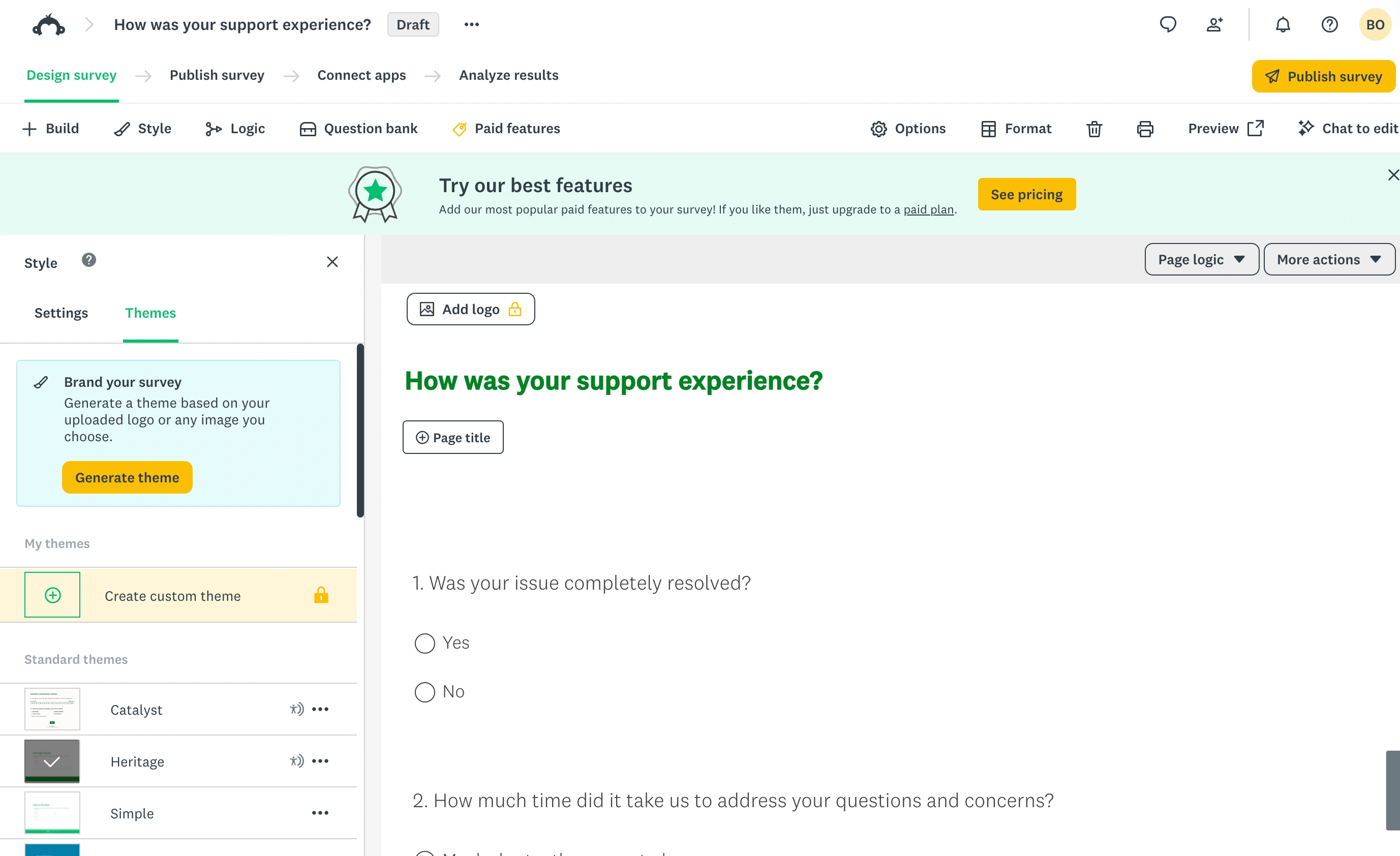
The team plans are where most buyers land. Team Advantage includes 50,000 responses per year pooled across the team, with a three-seat minimum. When we checked, it worked out to roughly $27 per user per month billed annually, but note that SurveyMonkey localizes its prices by region, so your figure may differ. Team Premier (about $65 per user per month in our check) roughly doubles the response pool to 100,000 a year and adds the researcher features: advanced logic, block randomization, multilingual surveys, and crosstabs.
Two things to watch. First, the free plan is close to unusable for real work: 10 questions per survey and only the first 25 responses viewable. It’s a demo, not a plan. Second, going over your response allowance triggers per-response overage billing, which makes a viral survey an expensive surprise.
Honest limitation: the interface feels dated next to newer tools, respondent-facing design options are thin, and the pricing structure (annual billing, seat minimums, regional prices, overages) takes real effort to predict.
Best for: teams running surveys monthly or quarterly that want analysis in the same tool as collection.
2. Qualtrics: the research specialist
Qualtrics is what universities and Fortune 500 insight teams use, and it earns that position. Quotas, question and block randomization, conjoint analysis, panel integrations, statistical tooling (Stats iQ, Text iQ), and export to every format an analyst could want, SPSS included. If a methodologist can imagine it, Qualtrics can probably run it.
The catch is the buying process. Qualtrics publishes no price list; every contract is negotiated based on seats, response volume, and modules. Verified-buyer data puts typical contracts in the tens of thousands of dollars per year. There is a free account, but it’s capped at 500 responses total (not per month, total), 3 active surveys, and 30 questions per survey, so it’s an evaluation sandbox rather than a working tier.
Honest limitation: massive overkill for most teams, and you can’t even find out what it costs without a sales call. If you’re not running structured research at scale, don’t start here.
Best for: dedicated research teams with budget, methodology requirements, and patience for procurement.
3. QuestionPro: best value for a full research feature set
QuestionPro is the sleeper pick in this list. Its free Essentials tier includes skip logic and branching, 30 question types, and 200 responses per survey. That’s functionality SurveyMonkey and Zoho both gate behind paid plans, free.
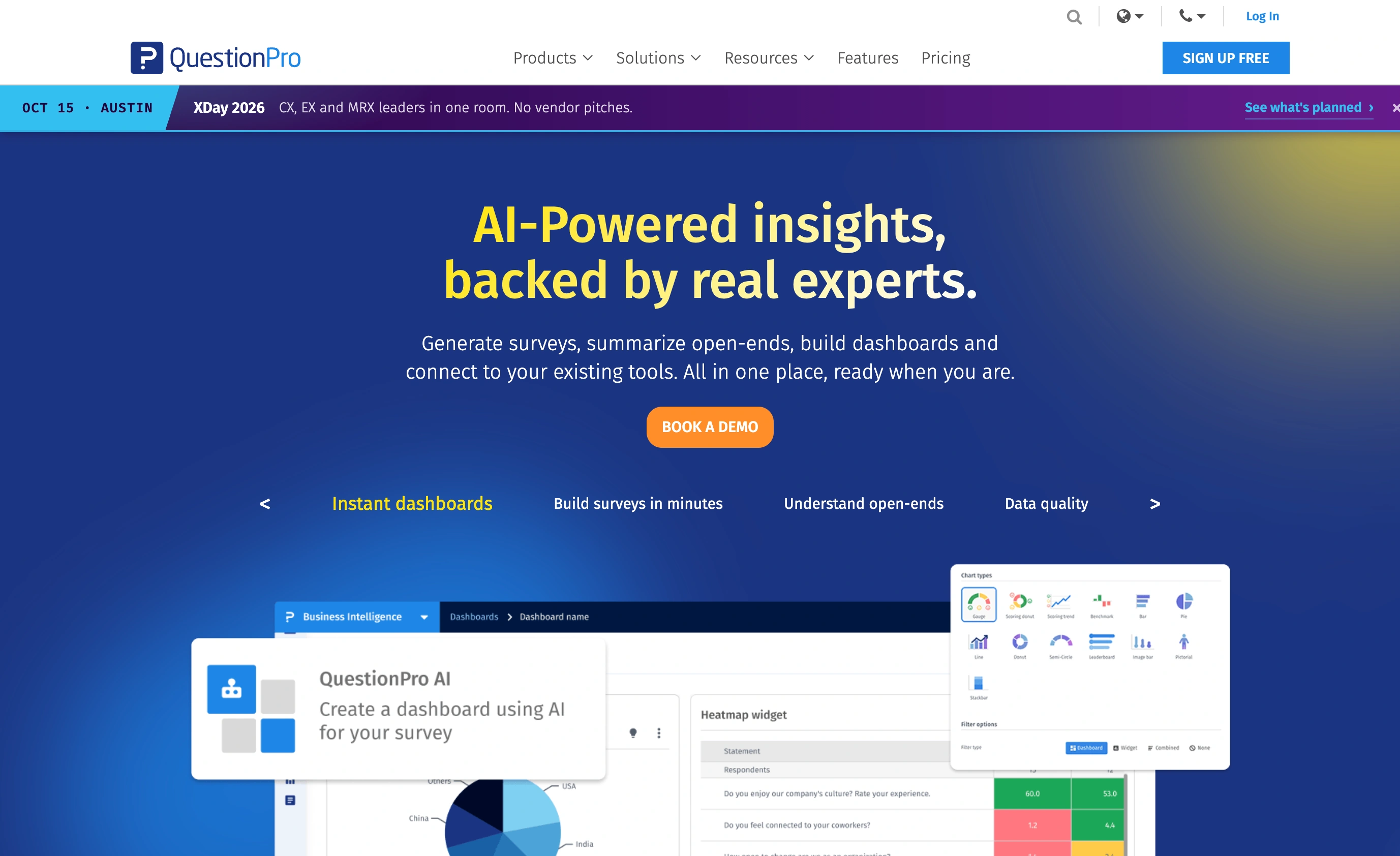
The Advanced plan runs $99 per user per month billed annually with 25,000 responses a year, and the Team Edition ($83 per user per month, annual) pools 100,000 responses a year across users. Serious research features (advanced quotas, panels, API access) live in the quote-based Research Suite.
The interface is busier than it needs to be, and the feature naming takes some decoding. But on raw capability per dollar, QuestionPro is hard to argue with.
Honest limitation: the jump from free to $99/user/month is steep with nothing in between, and the product feels engineered rather than designed. Respondent-facing surveys look functional, not polished.
Best for: budget-conscious teams that need real research features and can live with a utilitarian interface.
4. Zoho Survey: budget pick with a genuinely useful annual quirk
Zoho Survey’s headline trick is that annual Plus, Pro, and Enterprise plans include unlimited responses. In a category obsessed with response caps, that’s a structural advantage: you can run a high-volume customer survey without watching a meter.
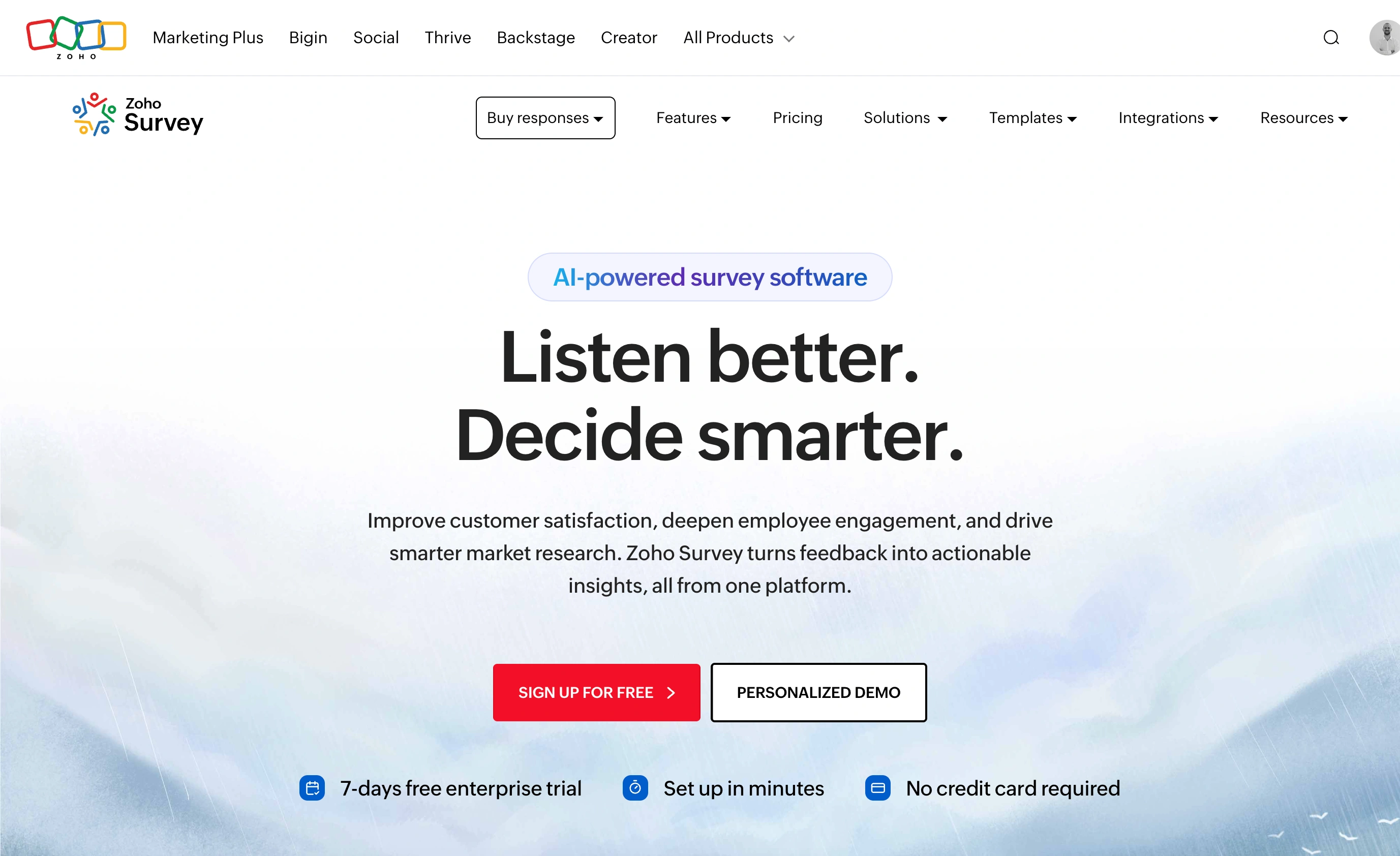
The feature gates are sensible. CSV and XLSX exports arrive at the Basic tier (12,000 responses a year), skip logic and quotas at Plus, and piping, SPSS export, and webhooks at Pro. The free plan (10 questions, 100 responses a month) is enough to evaluate with. One verification note: Zoho loads region-specific prices on its pricing page, so we won’t quote a dollar figure here, but its paid tiers are consistently among the cheapest in this list. Check their pricing page for your region.
If your company already lives in Zoho’s suite, the CRM and Campaigns integrations make this a near-automatic pick.
Honest limitation: the survey themes look distinctly last-decade, the editor is slower to work in than modern tools, and outside the Zoho ecosystem the integration story thins out fast.
Best for: cost-sensitive teams that need logic and quotas, especially at high response volumes.
5. Typeform: best respondent experience, weakest research toolkit
Typeform sits awkwardly in this list, and that’s exactly why it’s here: a lot of people searching for survey software end up evaluating it. The one-question-at-a-time format is genuinely pleasant to fill out, and for short customer-facing surveys that pleasantness translates into completion rates.
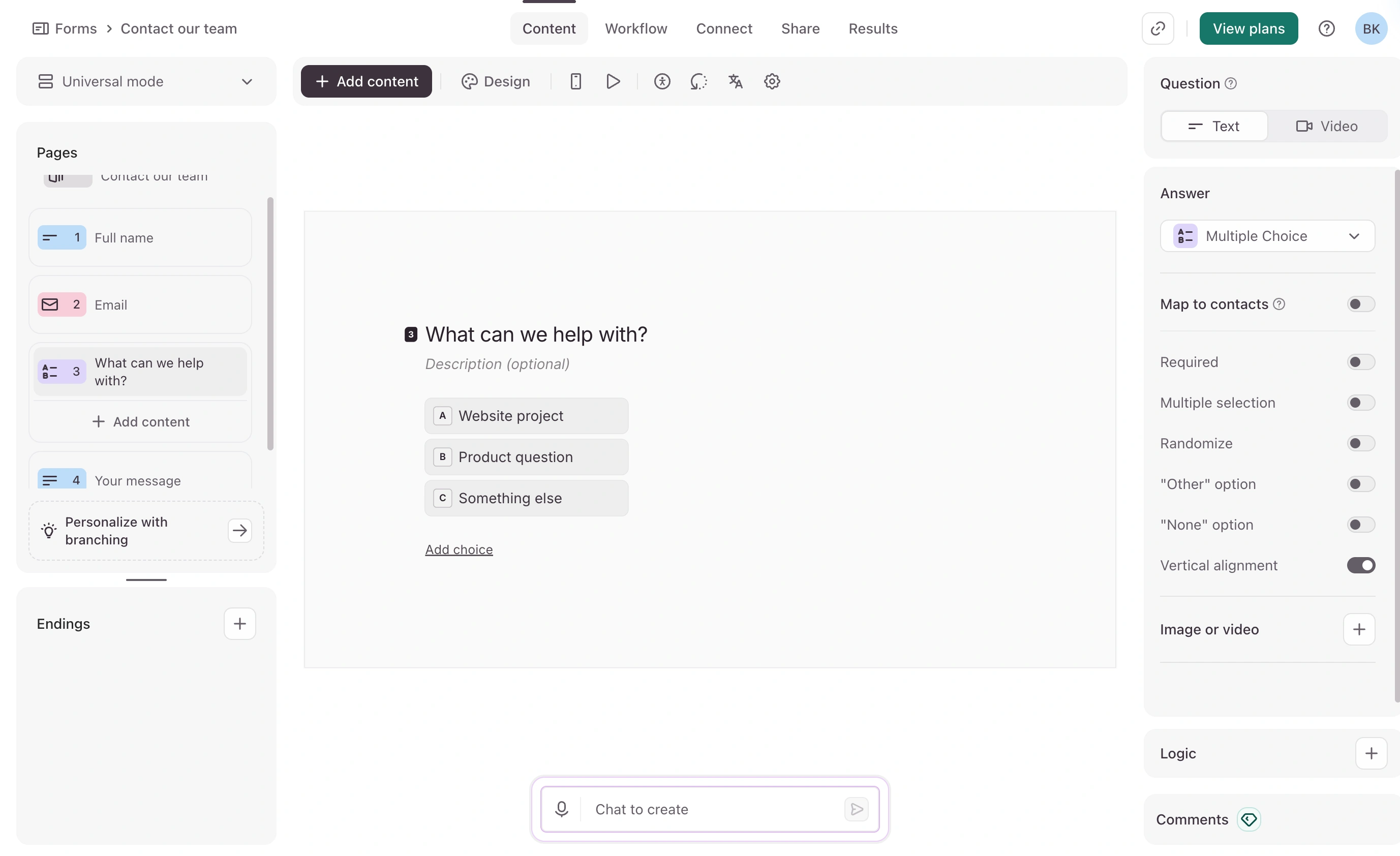
But look at it through a research lens and the gaps appear. All paid plans get conditional logic, piping (recall), hidden fields, and webhooks, which is good. There are no quotas, no randomization, and exports stop at CSV and XLSX (no SPSS). And the response limits are the tightest here: Basic is $39/month (or $28/month billed annually) for just 100 responses a month with one seat. Plus ($56/month annual) gets you 1,000 responses and 3 seats; Business ($91/month annual) gets 10,000 and 5 seats. The free plan now allows so few responses per month (10, at last report) that it’s effectively a preview.
We’ve written a fuller breakdown in our Typeform vs SurveyMonkey comparison if you’re weighing those two.
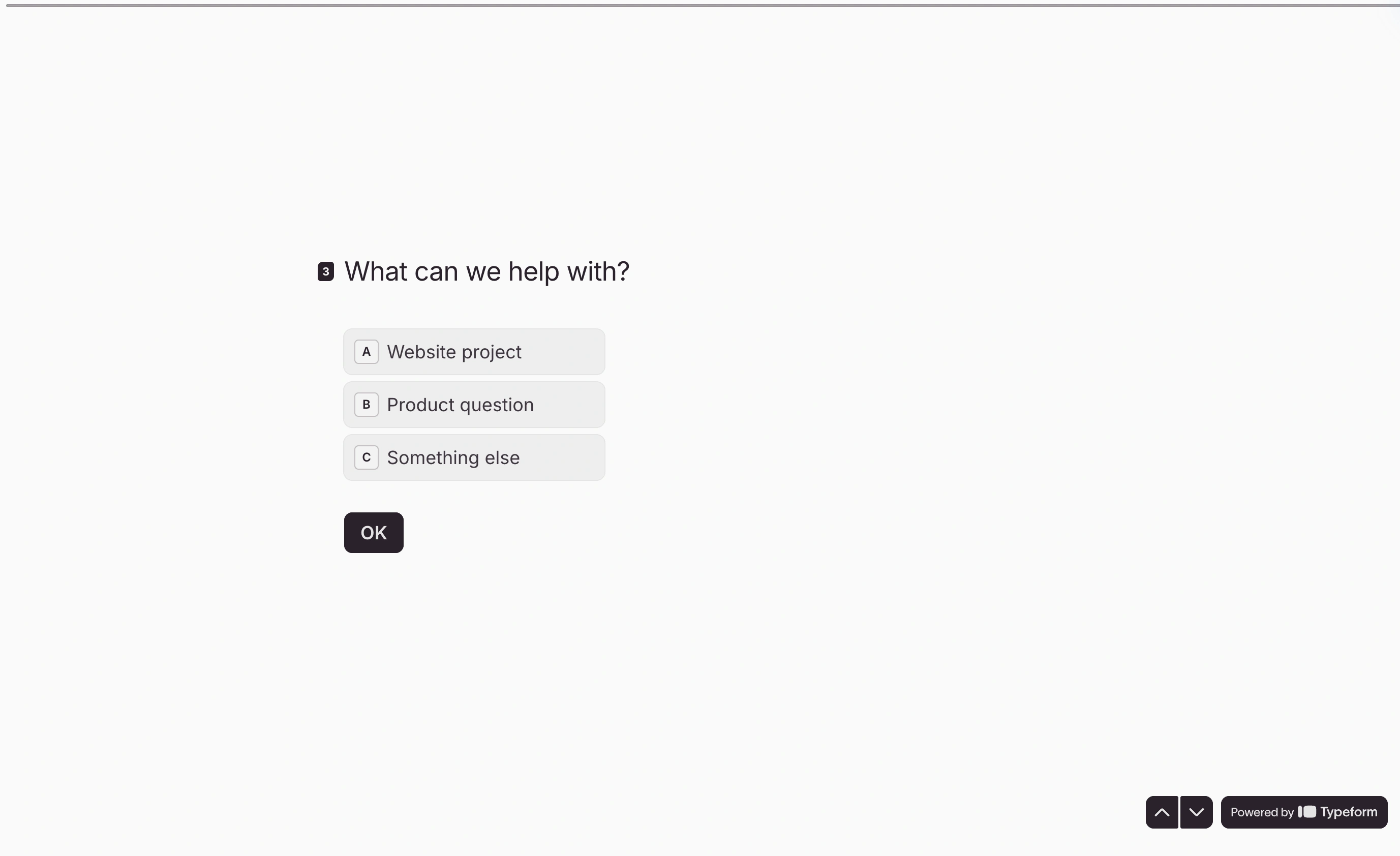
Honest limitation: you’re paying survey-software prices for form-builder capabilities with better animations. Per response, Typeform is the most expensive tool in this list.
Best for: marketing teams running short, branded surveys where the respondent experience matters more than methodology.
6. Google Forms: the free baseline everyone should rule out first
Before paying anyone, check whether Google Forms already covers you. It’s free, has no response limits, pipes answers straight into Google Sheets, and handles basic branching with go-to-section logic. For internal polls, event feedback, and quick pulse checks, it’s genuinely enough.
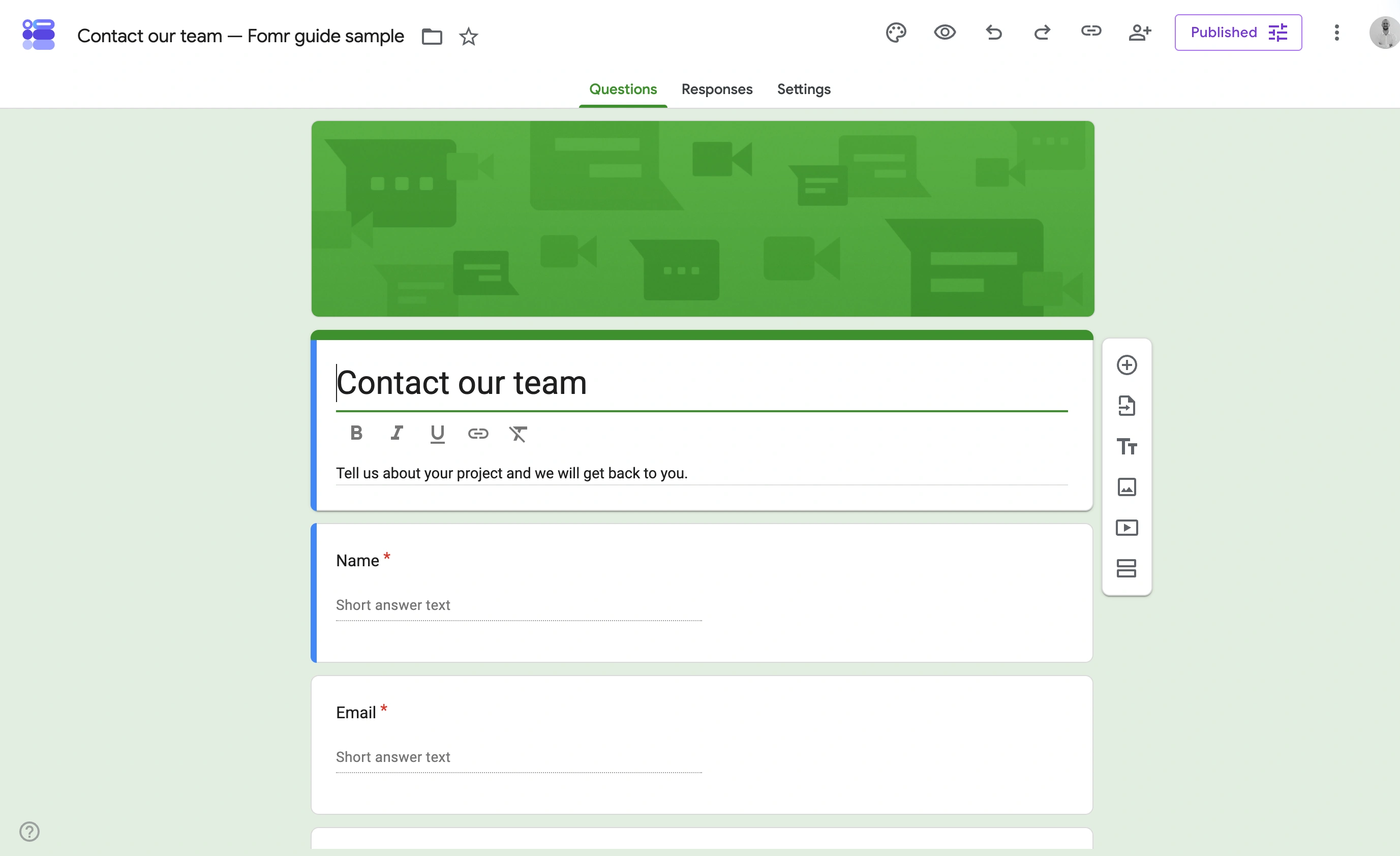
What it can’t do defines when to leave: no quotas, no piping, no randomization beyond question shuffle, no respondent-facing design control worth mentioning, and analysis means “do it yourself in Sheets.”
Honest limitation: it looks like Google Forms, always. Sending one to customers says something about your brand, and it’s not flattering.
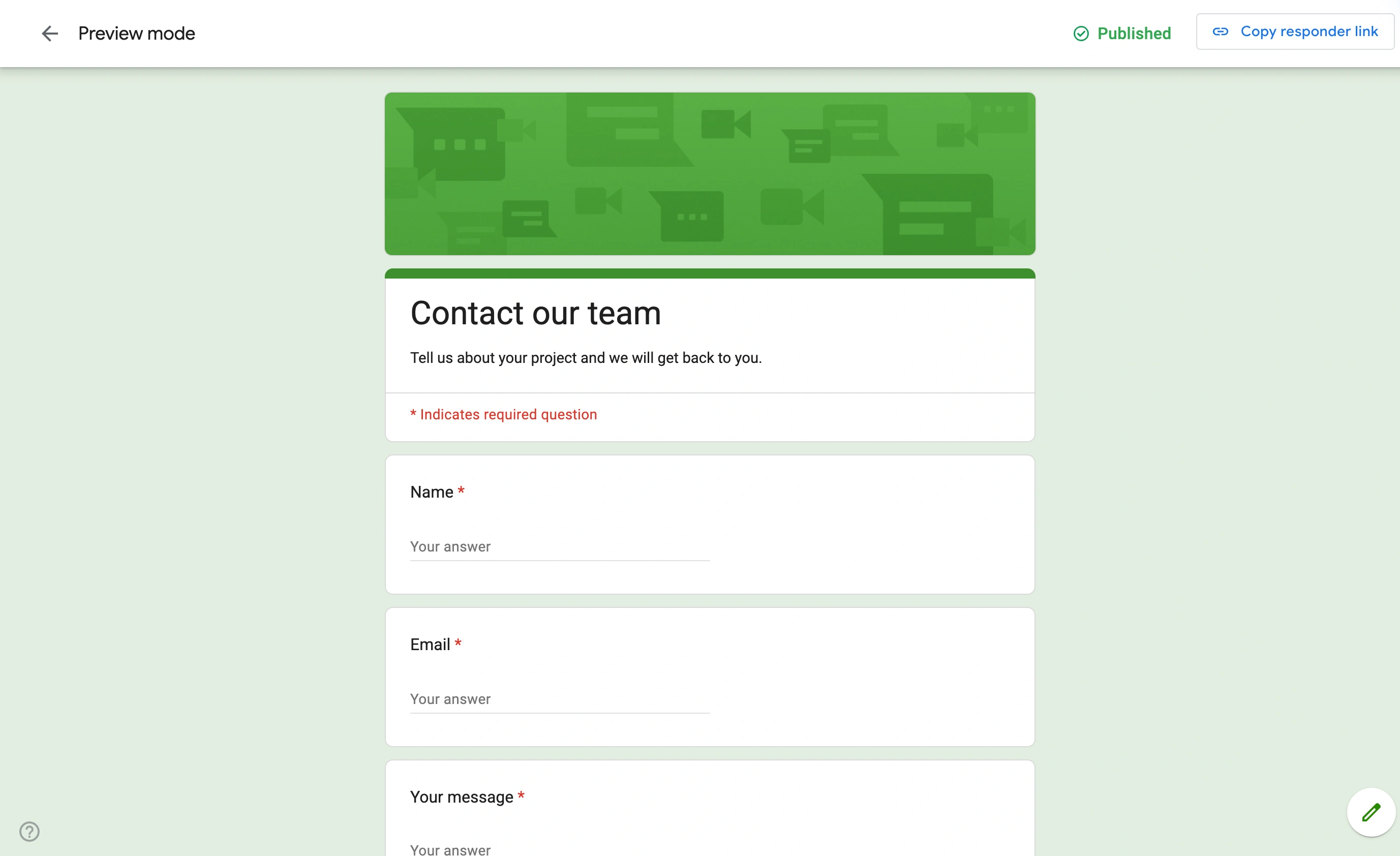
Best for: internal and low-stakes surveys, and as the test that tells you whether you need survey software at all.
7. Fomr: if you only need a simple branded survey
We build Fomr, so this entry gets the clearest label in the post: Fomr is a form builder, not survey software. There are no quotas today (integrations are on our roadmap, but you shouldn’t buy roadmaps).
Where Fomr fits is the case the tools above handle worst: a short, good-looking survey at zero cost and unlimited volume. The free plan has no caps on forms, responses, or team members, and the design control (1,700+ fonts, full color and layout control, multi-page flows) means your survey looks like your brand rather than a template. Skip logic and answer piping are on every plan too, so respondents only see the questions that apply to them. You can build one without even creating an account. Pro ($34/month or $24/month billed yearly) adds custom domains and removes our branding.
If you’re a small team choosing between simple tools, our survey tools for small teams post covers that lighter end of the market in more depth.
Best for: NPS, CSAT, and feedback surveys under 20 questions where branding and unlimited responses matter most. Wrong choice if you need quotas today.
Give it a try
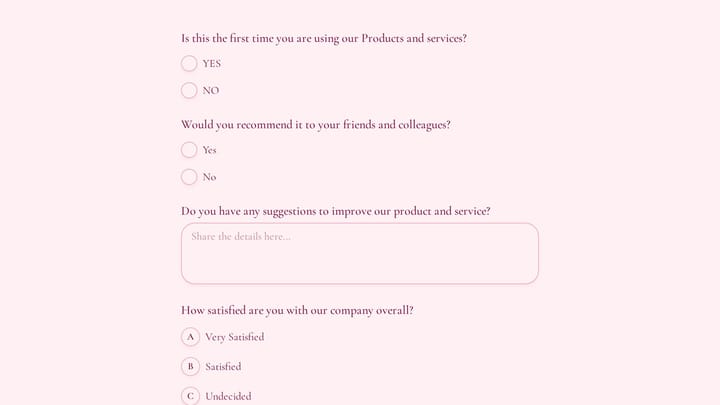
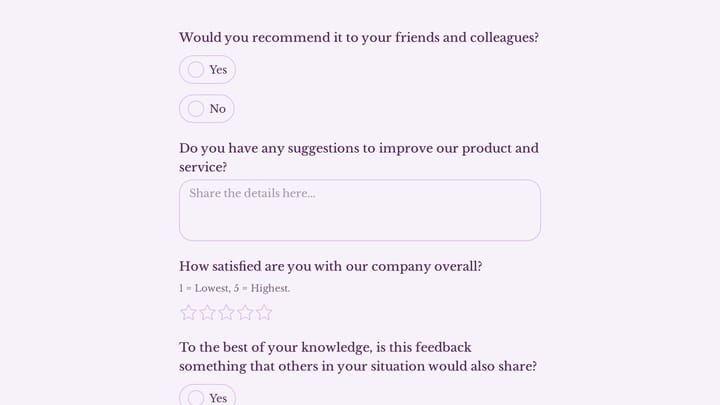
Try this Fomr brand awareness survey form
Try the brand-familiarity and customer-experience questions in this Fomr survey. It illustrates answer collection rather than research quotas or statistical analysis.

What switching actually costs
Whichever way you move, budget for three things nobody mentions on pricing pages.
Historical data doesn’t follow you. Every tool here exports responses (CSV at minimum), but none imports a competitor’s response history into its analysis engine. Your trend lines restart at zero. Export everything before you cancel, because some tools close access when the plan lapses.
Logic gets rebuilt by hand. There’s no portable format for branching rules, quotas, or piping. A 40-question survey with heavy logic is a day or two of rebuild and retest time, so schedule migrations between survey waves, not during one.
Live links break. Survey URLs are tied to the platform. Anything printed, embedded, or sitting in a scheduled email needs updating on switch day.
How to choose your online survey software
Start from the question, not the tool. If you need quotas, randomization, or SPSS output, you’re buying research software: Qualtrics with budget, QuestionPro without. If you need recurring team surveys with built-in analysis, SurveyMonkey is the safe default and Zoho Survey the cheap one. And if you honestly just need a few hundred people to answer ten branded questions, skip the category entirely. Good survey questions matter more than software (Pew Research’s questionnaire guide is free and better than most paid onboarding), and a well-designed form collects them fine. Our guide to creating a survey from scratch walks through that build step by step.
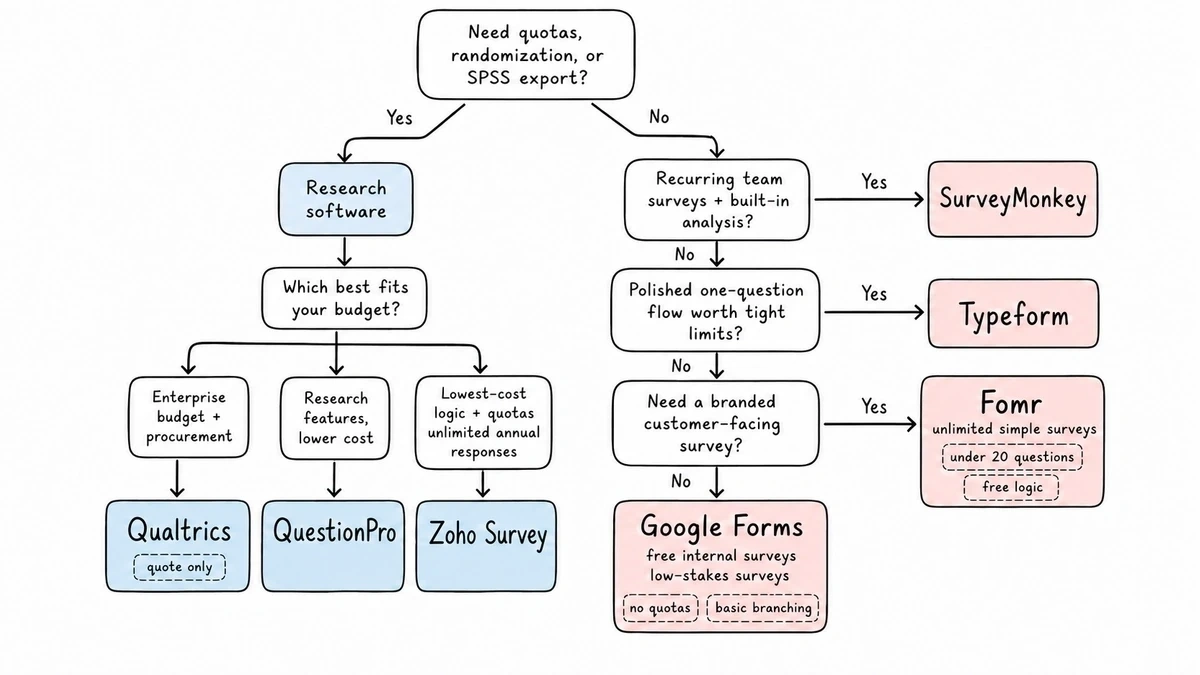
That last case is ours. Try Fomr’s editor without signing up, build your survey in a few minutes, and see whether unlimited free responses and full design control cover what you actually need. If you’re sizing your sample first, our sample size calculator will tell you how many responses you need before you pick where to collect them.