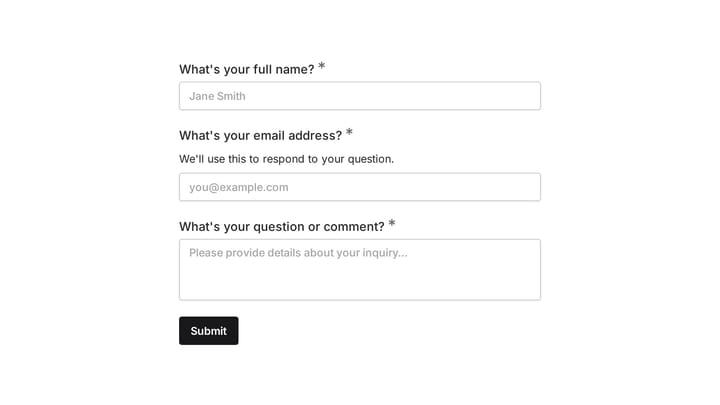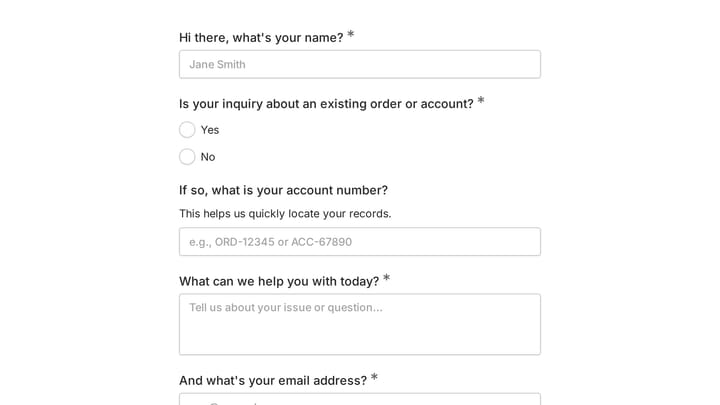
Typeform vs Tally usually gets framed as a feature fight. It isn’t. Both build the same kind of form: one question on screen at a time, big type, smooth transitions, the format Typeform invented and everyone else copied.
The real split is what happens when people actually fill the thing out. Typeform’s free plan gives you 10 responses a month across every form in your account. Tally’s free plan doesn’t count responses at all.
That one difference decides this comparison for most buyers, so let’s put a number on it before anything else.
What each tool is, and who it’s built for
Typeform is the original conversational form builder, and it’s now a fairly serious research and marketing platform. Branching logic, calculations, scoring, a real API, a long list of native integrations, and a separate plan aimed specifically at recruiting teams. It’s built for companies with a budget line for this.
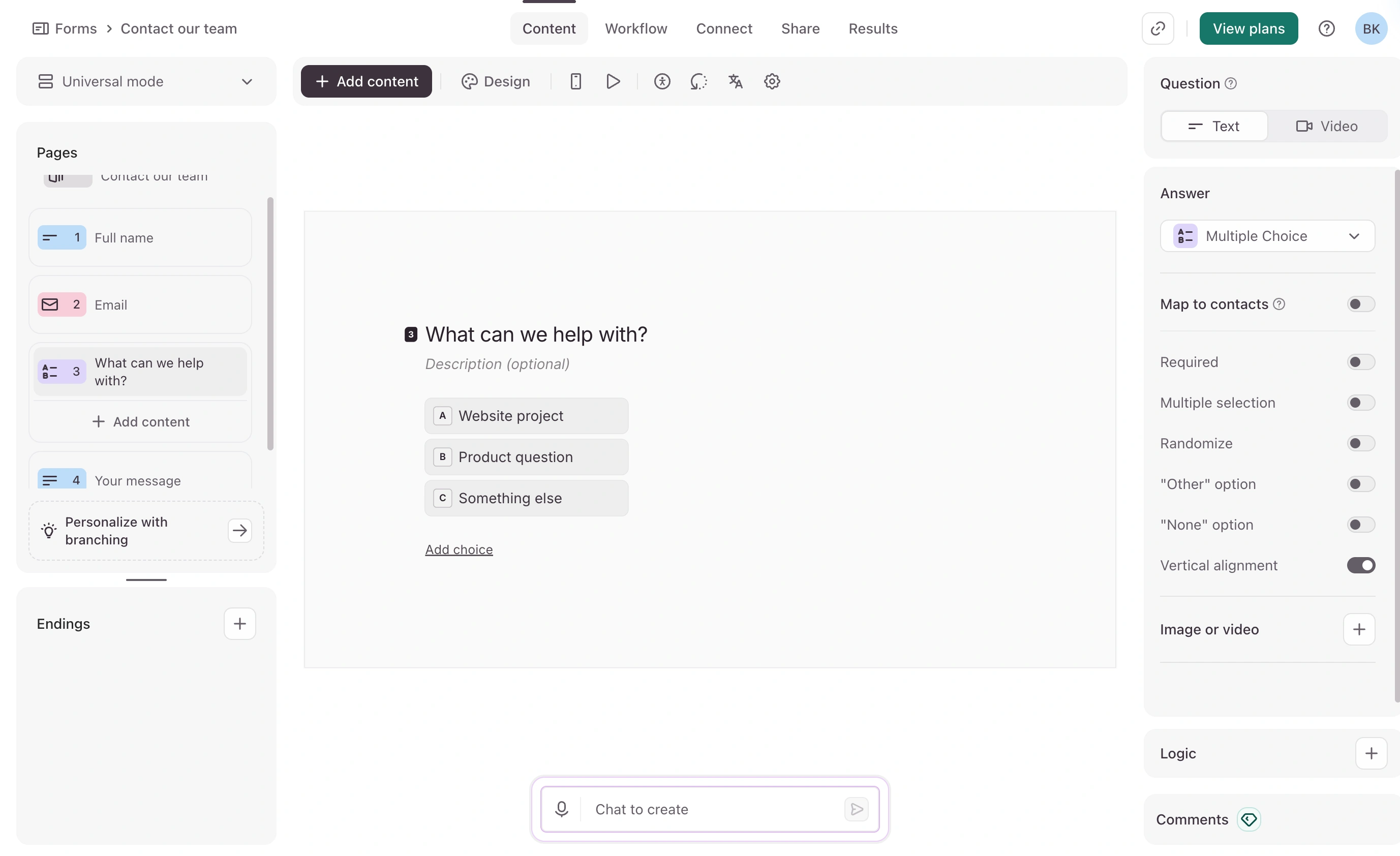
Tally is a Notion-style form builder. You type into a document and it becomes a form. It’s built free-first: the company’s pitch is that roughly 99% of the product is available without paying, and the paid tier exists mostly for branding, domains, and team features.
Both are good. They’re aimed at completely different wallets.
Typeform vs Tally: the response cap is the whole story
Typeform’s free plan collects 10 responses per month across all of your forms combined. Not 10 per form. Ten total. When you hit it, your forms drop into private mode until the next month starts or you upgrade.
Ten responses is a demo, not a form. Any real use of Typeform starts on a paid plan.
Tally’s free plan has no response cap and no form cap, subject to a fair usage policy. Conditional logic, calculations, payment collection, file uploads, signatures, and webhooks are all on the free tier too.
Typeform vs Tally pricing at 50, 500, and 5,000 responses a month
Here’s the part worth screenshotting. Typeform’s tiers each include a fixed response allowance, so your bill steps up as volume grows. Tally’s doesn’t move.
| Responses per month | Typeform plan needed | Typeform cost | Tally cost |
|---|---|---|---|
| 50 | Basic (100/mo) | $39/mo, or $28/mo billed annually | $0 |
| 500 | Plus (1,000/mo) | $79/mo, or $56/mo billed annually | $0 |
| 5,000 | Business (10,000/mo) | $129/mo, or $91/mo billed annually | $0 |
At 5,000 responses a month you’re paying Typeform $1,548 a year on monthly billing, or $1,092 billed annually. Tally charges nothing for the same volume, and $290 a year if you also want your branding on it.
One detail that catches people out: Basic at $39/mo still shows Typeform branding on your forms. Removing it starts at Plus, $79/mo. So the cheapest Typeform plan that collects a meaningful number of responses and looks like yours is $56/month billed annually or $79/month billed monthly.
Side by side on identical criteria
| Typeform | Tally | |
|---|---|---|
| Free plan responses | 10/mo, all forms combined | Unlimited (fair usage) |
| Free plan forms | Unlimited | Unlimited |
| Cheapest paid plan | Basic, $39/mo ($28/mo annual) | Pro, $29/mo ($290/yr) |
| Responses on cheapest paid plan | 100/mo | Unlimited |
| Remove branding | Plus, $79/mo | Pro, $29/mo |
| Custom domain | Enterprise / Growth Custom, custom pricing | Pro, $29/mo |
| Conditional logic | Yes, deepest of the two | Yes, on the free plan |
| Payments and file uploads | Yes | Yes, free (10 MB upload cap until Pro) |
| Team seats | 1 on Basic, 3 on Plus, 5 on Business | Unlimited on Pro |
| Version history | Not published per tier | 30 days on Pro, 90 on Business |
| Integrations and API | Extensive | Good, narrower than Typeform |
A note on that logic row. Typeform’s pricing comparison table and its help documentation don’t agree about whether logic is available on the free tier, and the docs are more generous than the table. If logic on free matters to your decision, build a test form and confirm it works before you commit. I wouldn’t buy on either page alone.
Where Typeform is genuinely better
Logic depth. Typeform handles branching, calculations, scores, and variables in a way that holds up when a form gets complicated. Tally does logic well, but Typeform does it better once you’re past a few branches.
Integrations and API. Typeform connects natively to far more tools, and its developer platform is more mature. If your form needs to write into a CRM and trigger a workflow the moment someone submits, Typeform gets you there with less plumbing.
Respondent experience. The animations, the pacing, the way validation errors appear. Tally’s forms are perfectly pleasant. Typeform’s are noticeably more polished, and if your form is a customer-facing marketing asset, that gap is worth something.
Recruiting teams also get a dedicated Talent plan, which no one else here offers.
Where Tally is genuinely better
Price, at every single volume. That’s the obvious one.
The less obvious one is custom domains. Typeform gates custom domains to its Enterprise and Growth Custom plans, both custom-priced, which in practice means a sales call. Tally gives you a custom domain on Pro at $29/mo. If you want your forms on forms.yourcompany.com, that’s a difference between a credit card and a procurement process.
Tally’s free tier is also unusually complete. Payments, file uploads, logic, and webhooks on a plan that costs nothing is not normal in this category. Most free plans hold those back specifically to force an upgrade.
Where design control leaves both of them room
This is the gap we built Fomr into, so read it with that in mind.
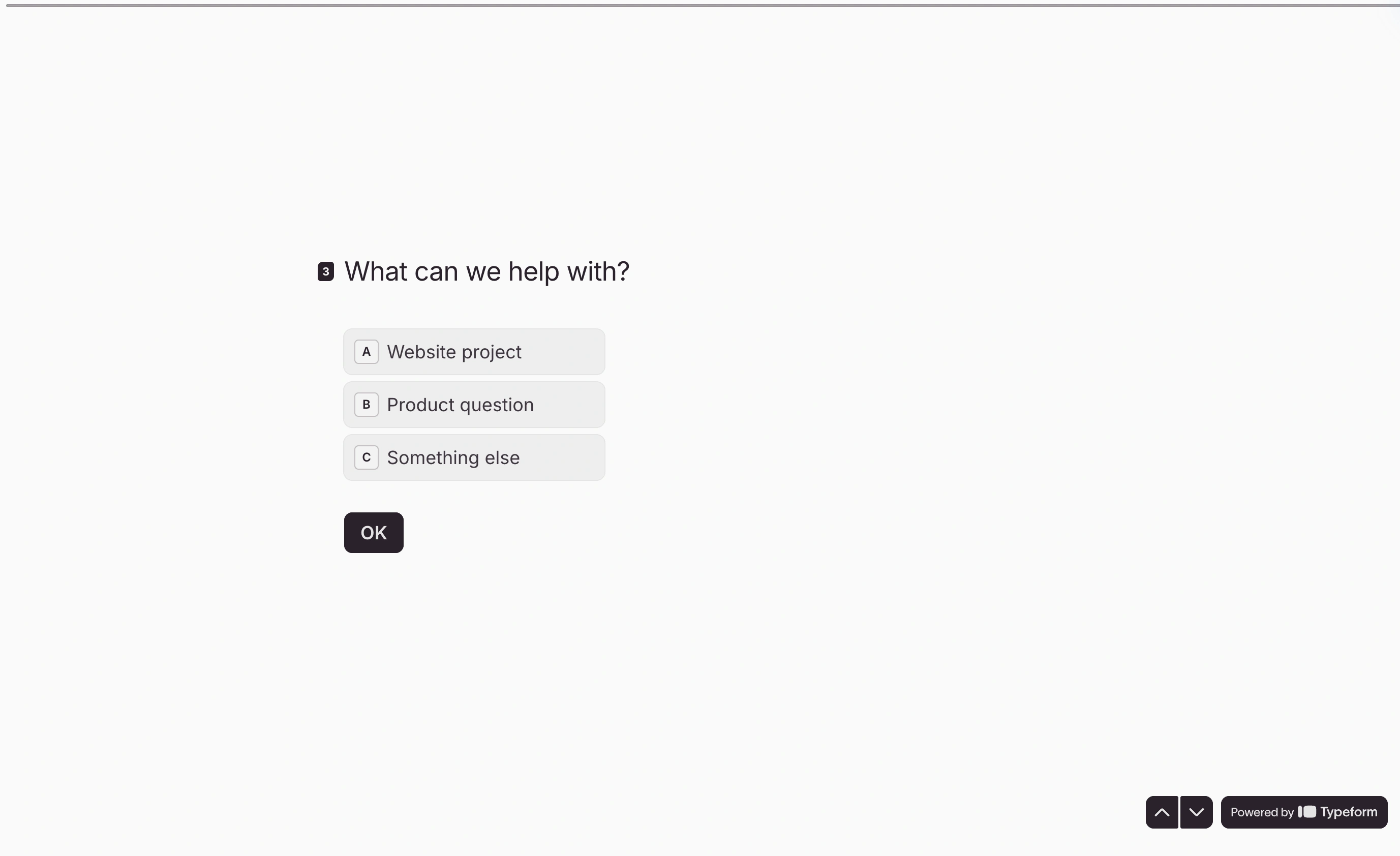
Tally’s editor is fast because it’s document-shaped, which is also why precise layout is awkward. You can’t easily drag a field into position, tune spacing, or build side-by-side arrangements. Typeform gives you more visual control than Tally but still nudges every form toward looking like a Typeform.
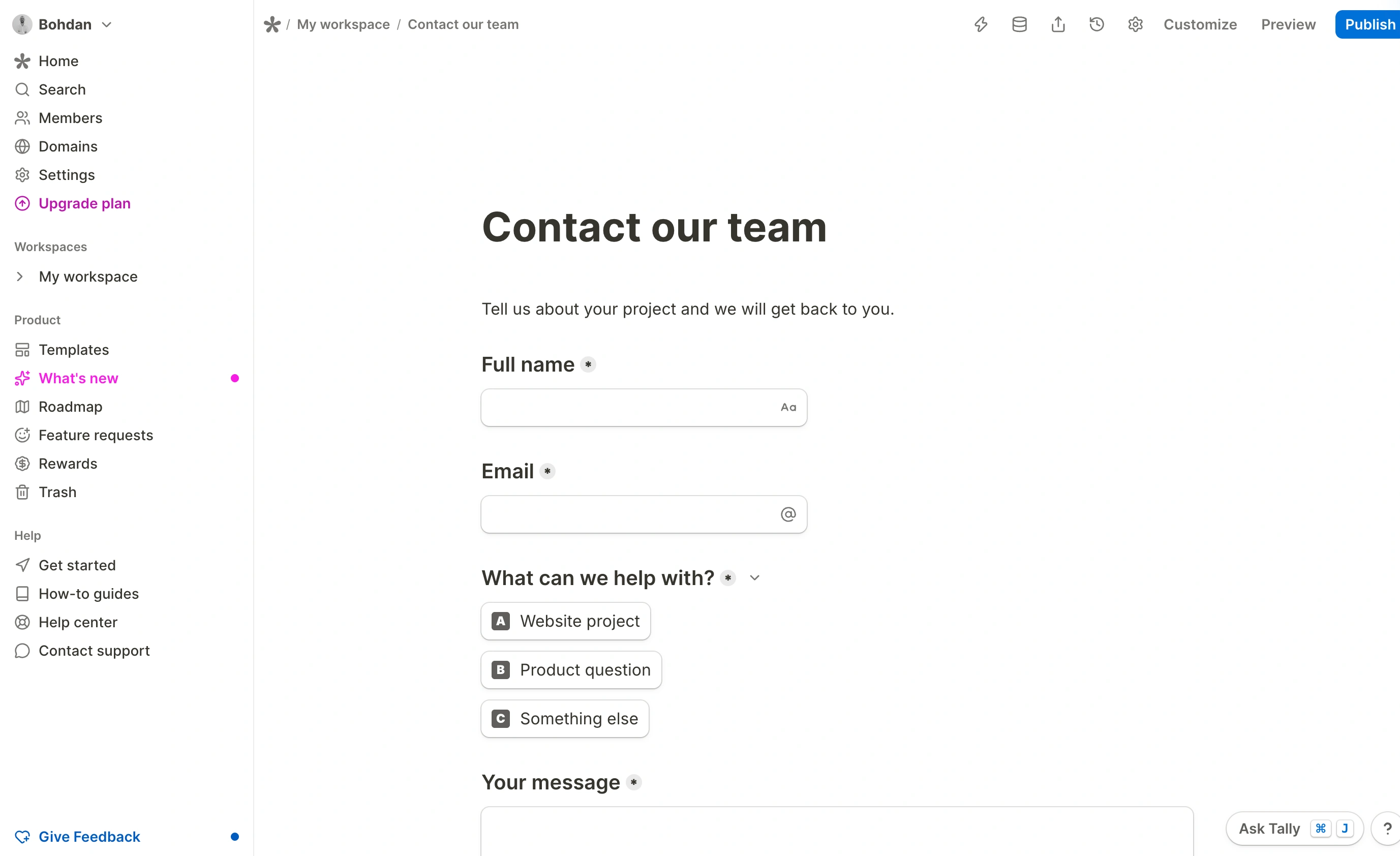
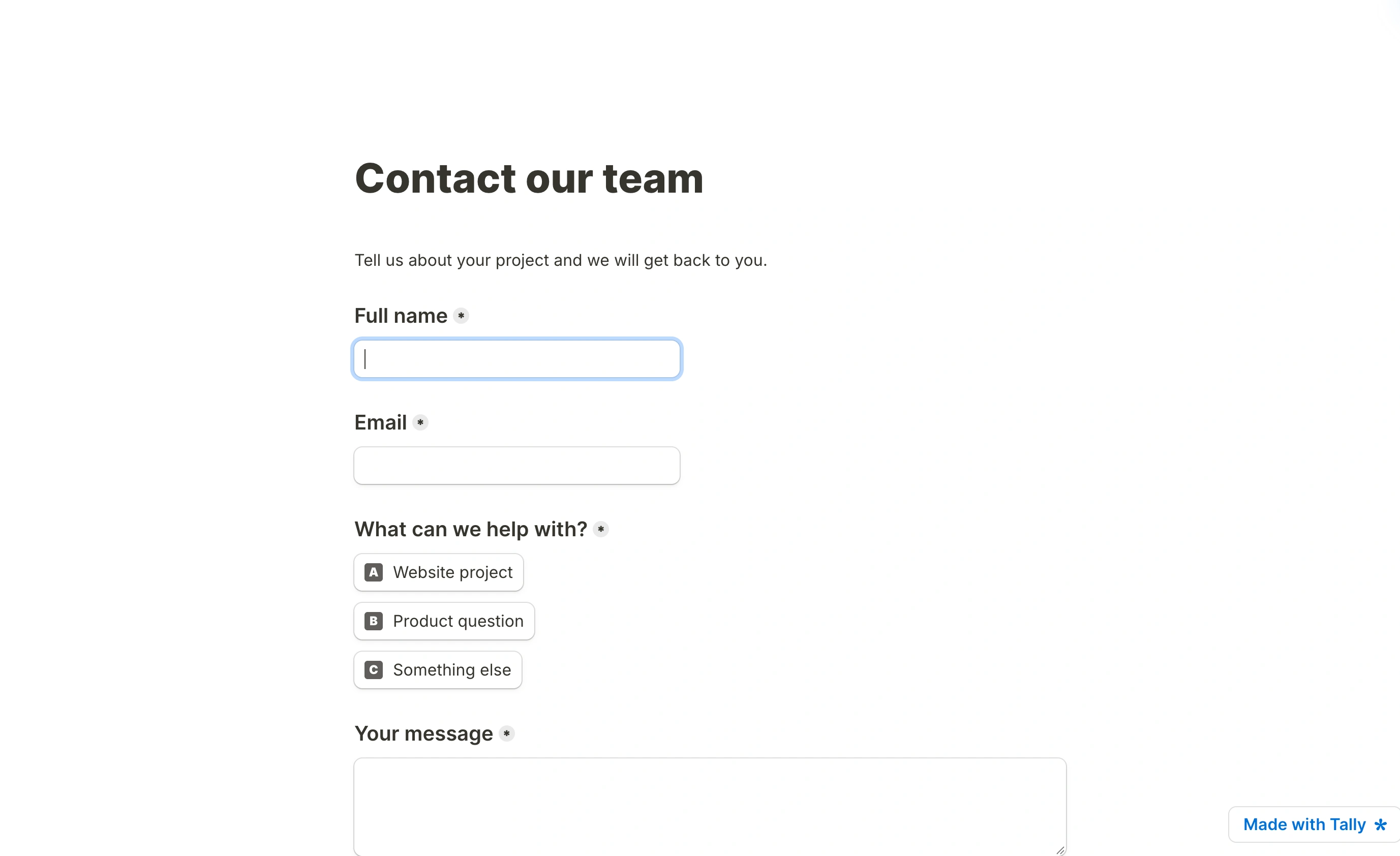
The published sample reads like a short document, with the contact fields laid out in sequence. Its restrained styling keeps attention on the questions, but also shows the visual limits of the document-based approach.
Fomr is a visual drag-and-drop editor with 1,700+ fonts, custom colors, backgrounds, and logos, plus multi-page layouts and the same one-question-at-a-time option. Unlimited forms, responses, fields, and team members are free. Custom domains and branding removal are $34/month or $24/month billed yearly. The free plan includes the full visual editor; Pro adds these branding features.
Now the honest part. Fomr doesn’t have conditional logic, payment collection, Zapier or Notion integrations, or a public API yet. All of those are on the roadmap and tracked in our changelog, but “coming” is not “shipped.” If you need any of them this quarter, we’re the wrong answer and I’d rather say so here than waste your evaluation time.
Give it a try
Try this Fomr email signup form
Try entering a name and email, then choose how often to receive updates in this Fomr signup example. The preview does not subscribe you to a mailing list.

The verdict, by what you’re actually doing
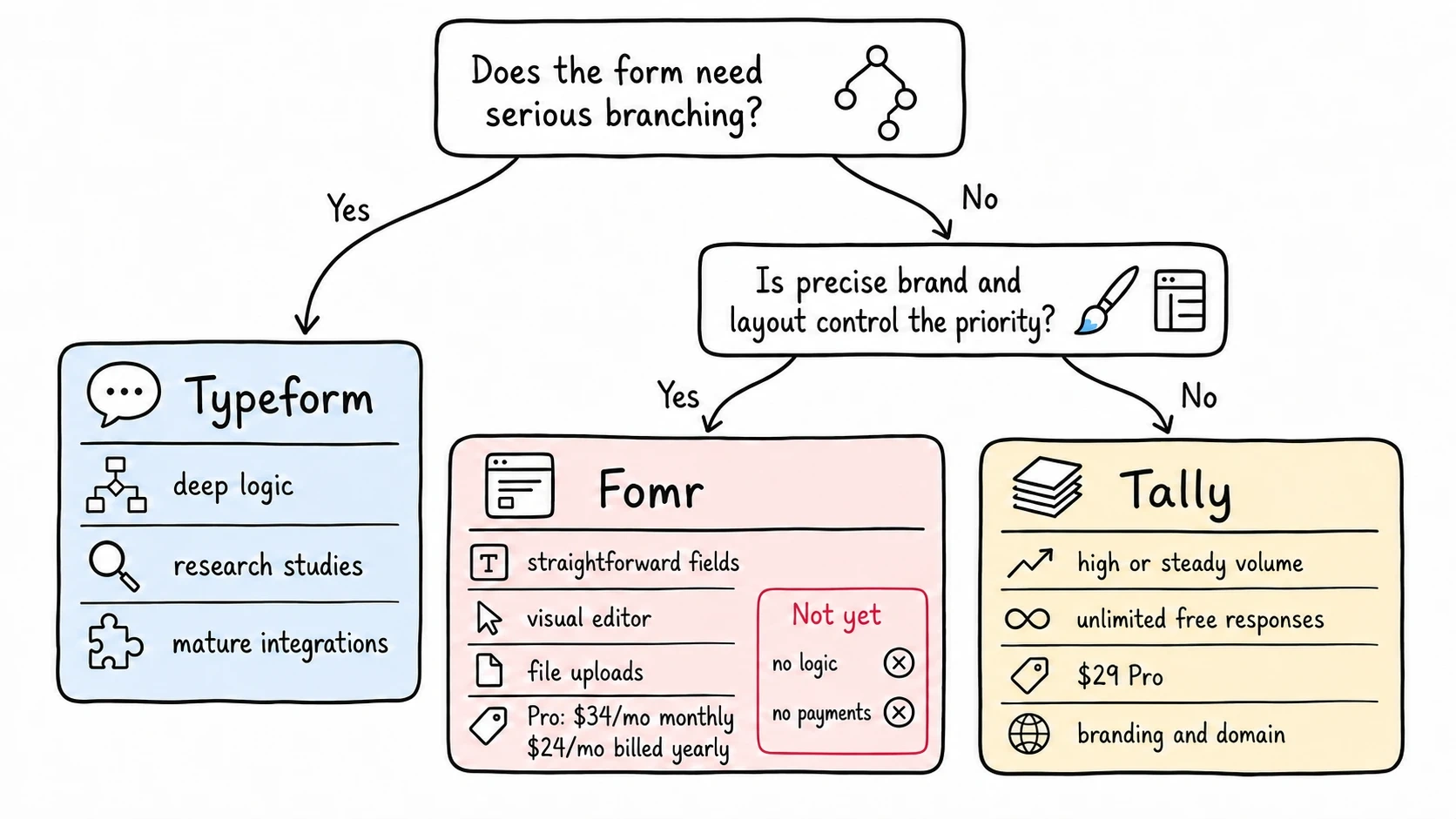
Running a paid research study, or anything with real branching
Pick Typeform. Not Tally, and definitely not Fomr.
When you’re paying incentives to participants, the form is the cheapest part of the project. Typeform’s logic handles screener questions and disqualification paths cleanly, the integrations get responses into your analysis stack without manual exports, and the respondent experience reduces the odds someone abandons halfway through a study you already paid for. Budget for Plus or Business and stop optimizing the wrong line item.
Collecting steady volume and tired of watching a meter
Pick Tally. This is most people reading this.
Contact forms, feedback, signups, applications, order forms. If your form does its job, you’ll blow past 10 responses in a day and past 100 within a month, and Typeform’s pricing will follow you upward forever. Tally’s won’t. Start free, add Pro at $29/mo when you want your own domain and branding, and that’s the end of the cost conversation.
Our Tally alternative comparison covers where we differ, and best Tally alternatives has five other options if neither fits.
The form has to look like your brand, and it’s mostly straightforward fields
Try Fomr, with the caveats above firmly in mind. Unlimited responses free, real design control, custom domain at $34/mo. Google Sheets workflows are available; conditional logic, payments, and other integrations are still on the roadmap.
You can build one in the guest editor without creating an account, which is the fastest way to find out whether the design control is worth the missing features to you. Our Typeform alternative page has the direct feature-by-feature version.
What switching actually costs
Nobody mentions this in comparison posts, so briefly.
There’s no automated migration between any two of these. You rebuild the form by hand, which takes 15-30 minutes for a typical form and longer if you have deep branching. Typeform’s logic in particular does not translate cleanly to anything else, and that rebuild is the real switching cost.
Your existing responses stay where they are. Export them to CSV before you cancel, because access to historical data follows your subscription.
Every live link and embed breaks. If your form is embedded on a site or linked from an email sequence, update those first, then keep the old form live for a couple of weeks so in-flight traffic doesn’t hit a dead URL. On a custom domain you can repoint DNS and keep the same address, which is one more argument for setting one up early.
Pick based on volume, then on logic
Two questions settle this. How many responses a month do you expect, and does your form need serious branching?
High volume plus simple logic goes to Tally. Serious branching, or a study you’re paying people to complete, goes to Typeform and it’s worth the money. Design control with straightforward fields is where we fit, and where we don’t fit, we’ve said so.
Start building on Fomr with no signup, or check the pricing on Typeform and Tally yourself before you commit. Prices in this post were checked in August 2026 and these companies do change them.