Emergency Evacuation & Safety Check Template

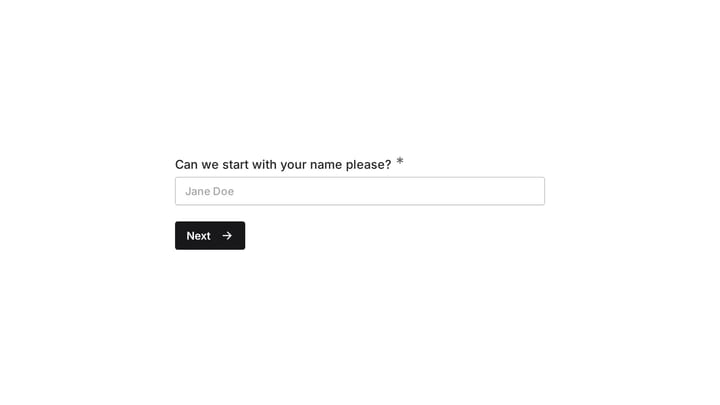
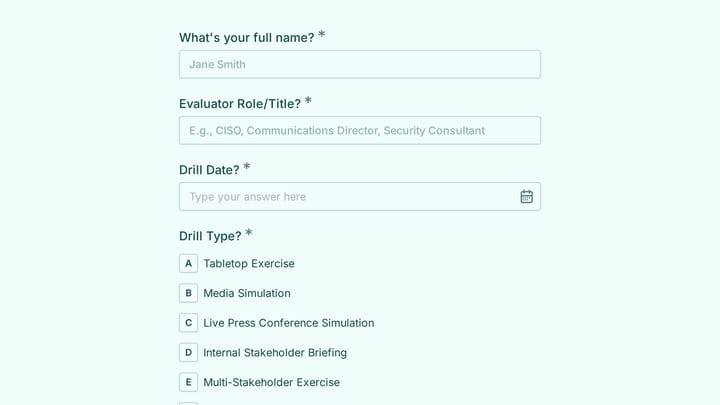
This emergency evacuation & safety check form helps aerial silks studios document evacuations, confirm headcounts, and capture key safety details during urgent incidents. Use it to record what happened, who was present, whether emergency s…

Use Template
Used 0 times
5.0
Created by Fomr Team
Last updated

About

An emergency evacuation & safety check form is essential when an incident interrupts classes, rehearsals, or studio operations. This template is designed for aerial silks environments where suspended performers, rigging points, mats, and instructor supervision all affect how an evacuation should be documented.

The form captures the core details teams need right away, including the evacuation date and start time, the staff member completing the report, the type of emergency, and whether emergency services were called. It also records the total number of people in the studio, separates performers or students from staff and instructors, and confirms whether every person has been located.

This template is especially useful for studios that need a consistent record after events such as fire alarms, gas leaks, structural damage, rigging failures, or medical emergencies. It gives managers and safety leads a clear starting point for incident review, follow-up communication, and internal safety checks after the immediate situation is under control.
Related Templates

View all →
Body Measurement Form preview

Body Measurement Form

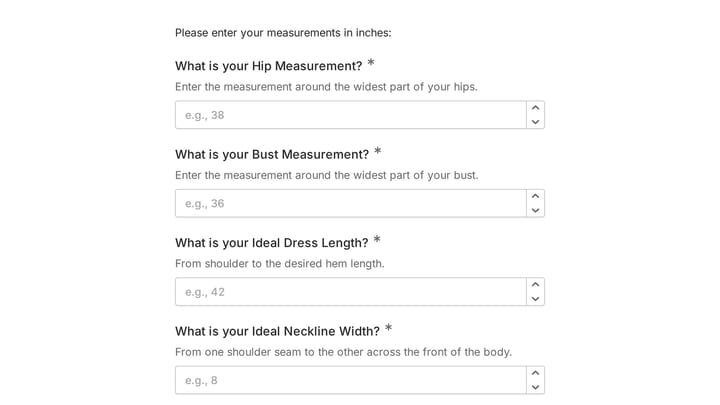
This body measurement form provides a straightforward way to record essential physical dimensions. It's an ideal tool for custom clothing design, fitness tracking, or monitoring personal progress with precision.

Cybersecurity Discovery & Assessment preview

Cybersecurity Discovery & Assessment

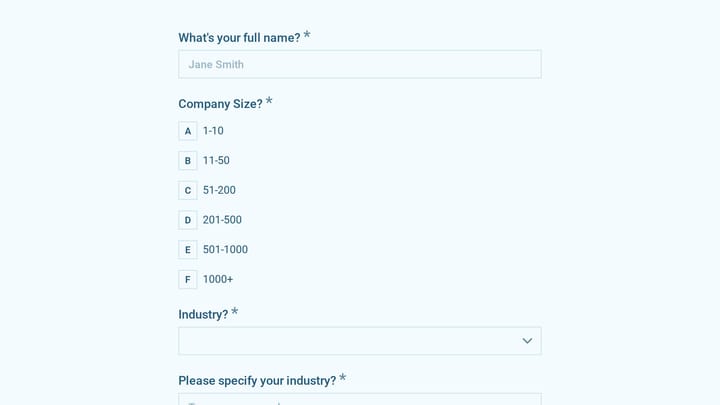
A cybersecurity discovery & assessment form helps consultants, MSPs, and internal IT teams collect the key details needed to evaluate an organization's security posture. Use it to gather company context, current tools, policy maturity, sec…

Website Contact Form preview

Website Contact Form

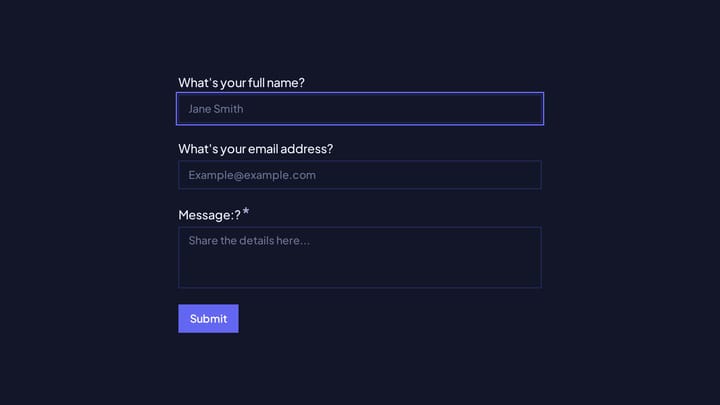
Use this Website Contact Form to collect contact and intake details in one place. It gives teams clearer context before responding, scheduling, or taking the next step.

Address form preview

Address form

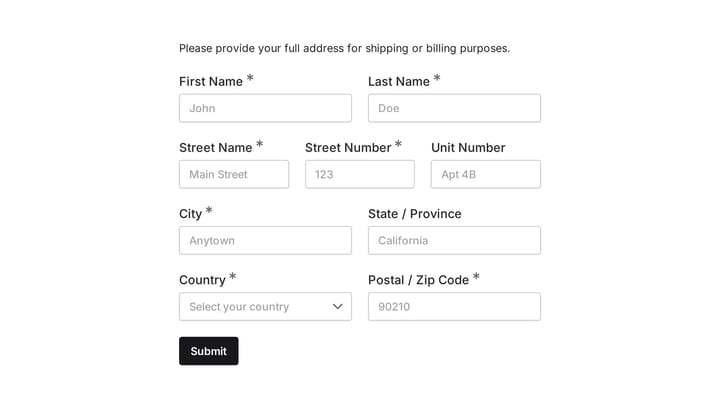
Quickly and accurately collect full shipping and billing addresses with this versatile template. It's designed for businesses that need reliable customer location details for deliveries, invoicing, or organized record-keeping.

Cyber Security Consultant Estimate Form preview

Cyber Security Consultant Estimate Form

Effortlessly capture leads and provide instant quotes for your cybersecurity consulting services using this customizable estimate form.

Ask a Question preview

Ask a Question

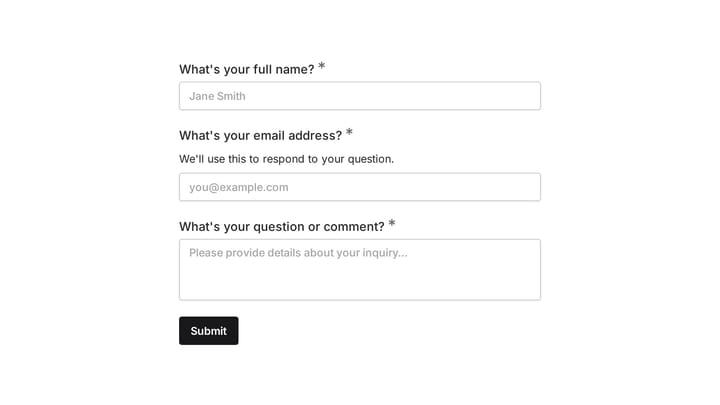
Easily add a customizable 'Ask a Question' form to your website with this template. It empowers visitors to submit inquiries and comments effortlessly, streamlining communication and improving engagement.

Cyber Security Consultant Quote Form preview

Cyber Security Consultant Quote Form

Empower cyber security consultants to effortlessly manage client inquiries, deliver precise service estimates, and send professional quotes with this intuitive form.

Cyber Crisis Communication Drill Evaluation preview

Cyber Crisis Communication Drill Evaluation

Use this course evaluation form to assess how well your team handled a cyber crisis communication drill, from spokesperson performance to message clarity under pressure. It helps security, compliance, and leadership teams document strength…

Frequently asked questions

What is this emergency evacuation & safety check used for?

This template is used to collect structured responses for a emergency evacuation & safety check workflow. It gives teams a consistent format for gathering the information they need and reviewing submissions more efficiently.

What information should I collect first?

Start with the most important details people can answer quickly, then move into the more specific questions. In this template, that can include items such as Date of Evacuation, Time Evacuation Initiated, Your Name (Person Completing Form) depending on how you customize it.

Can I customize this template for my own workflow?

Yes. You can adapt the questions, required fields, and structure to fit your process while keeping the overall flow clear and easy to complete. That makes it useful as both a starting point and a publish-ready template.

How many questions should a form like this include?

Keep only the questions that directly support the purpose of the form. Shorter forms usually get better completion rates, so it is often better to collect the essentials first and ask for extra details later if needed.

Why use a structured template instead of building from scratch?

A structured template helps you move faster and keeps your submissions more consistent. It also reduces the chance of missing important details because the form already follows a logical order.

Your next form could be the best-looking thing on your site.

Free forever. Unlimited responses. No signup to start.