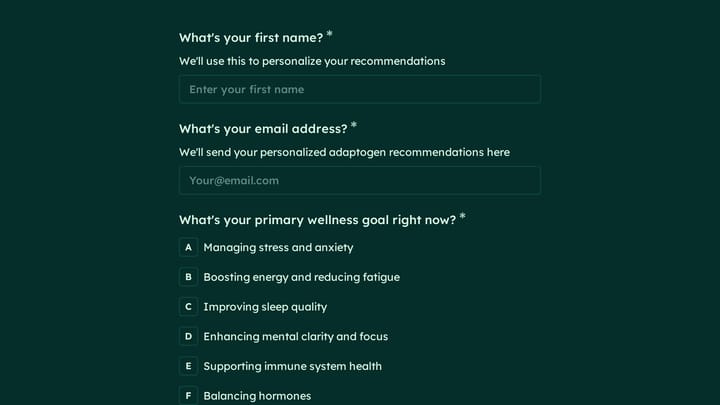
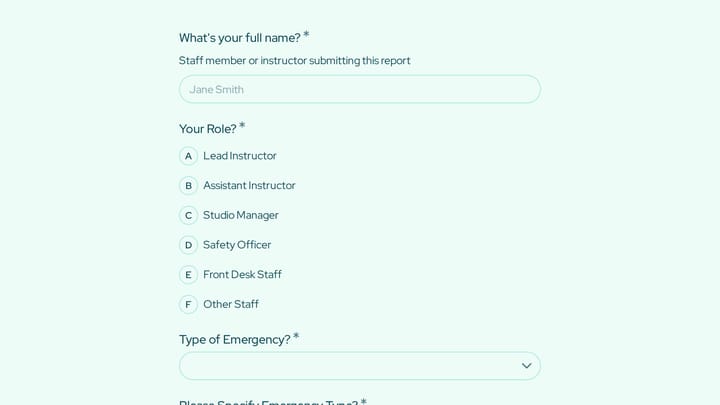
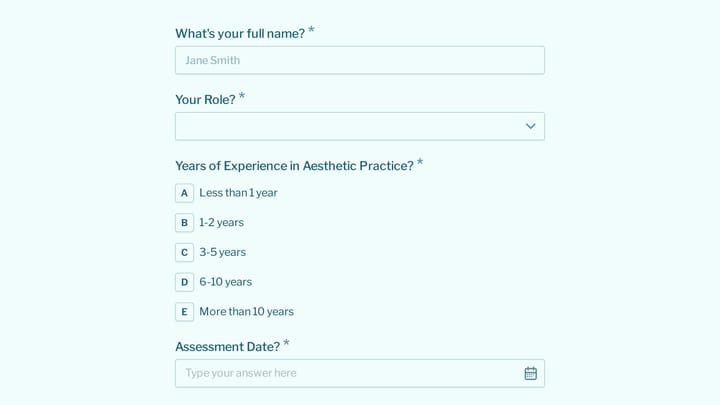
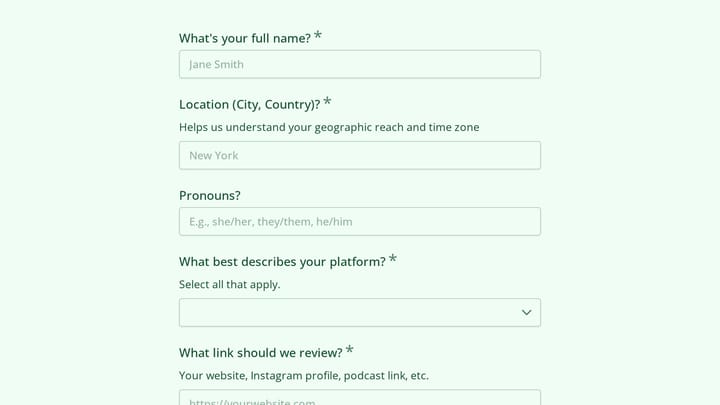
Beauty & Wellness Form Templates

Free beauty and wellness form templates. Create client intake, appointment, and consultation forms for your practice.

0

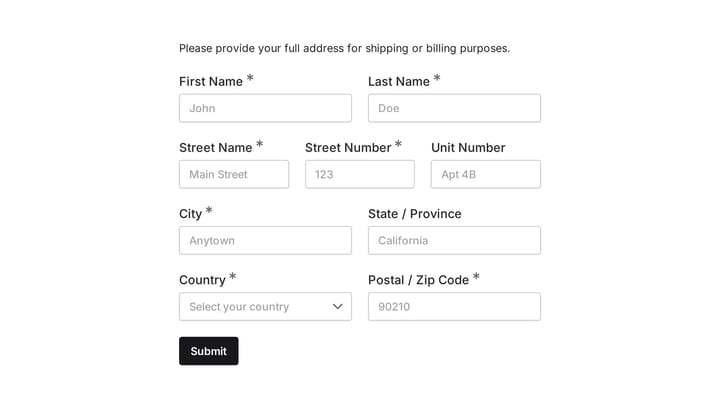
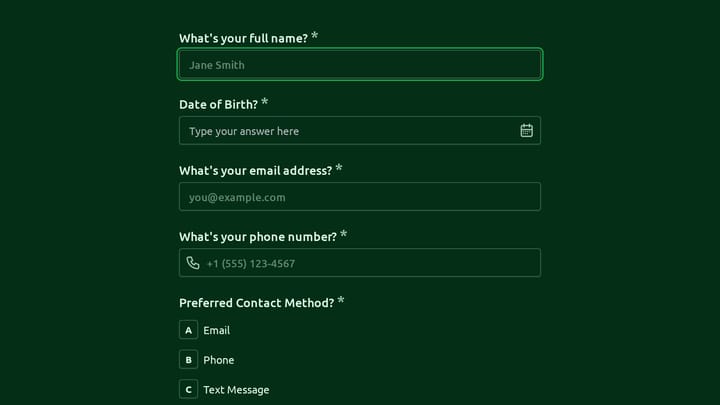
Address form

Quickly and accurately collect full shipping and billing addresses with this versatile template. It's designed for businesses that need reliable customer location details for deliveries, invoicing, or organized record-keeping.

Contacts Onboarding Job Applications E-commerce Marketing Executive
0

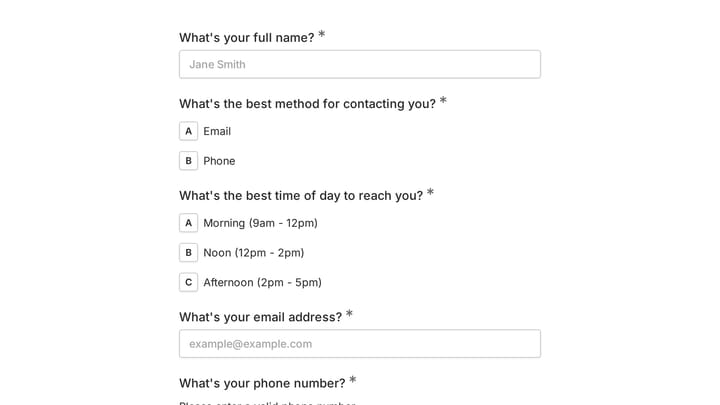
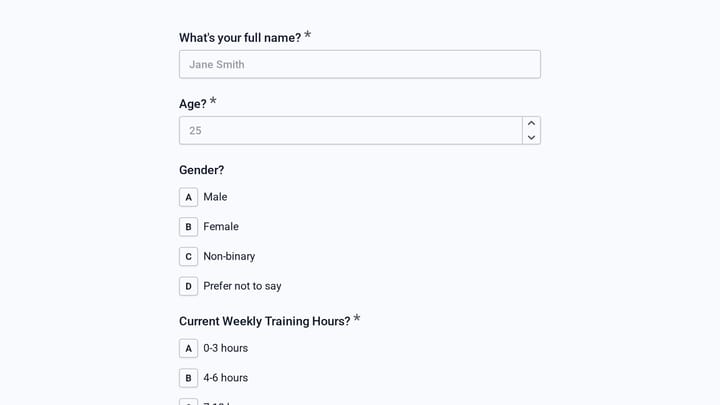
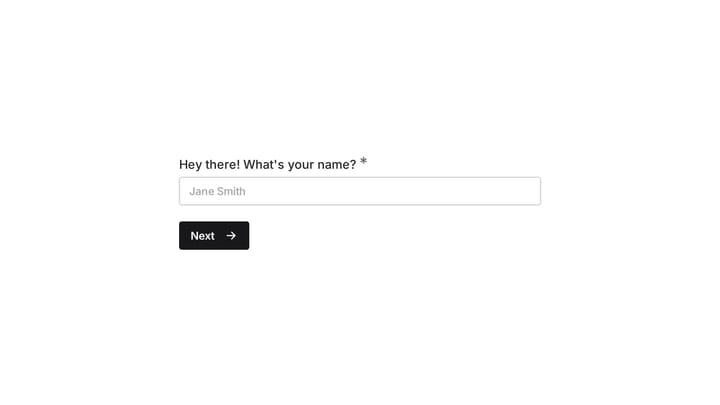
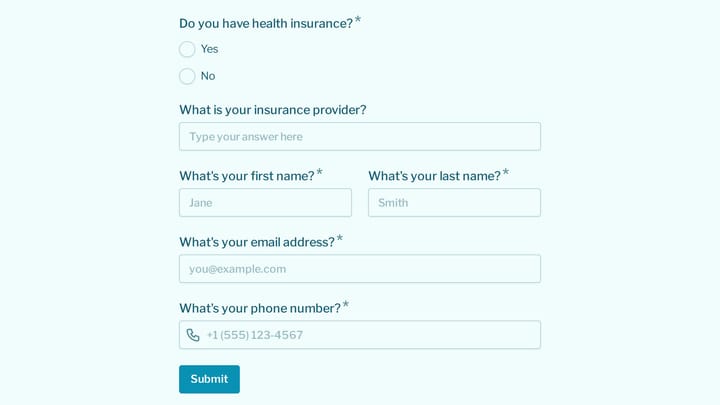
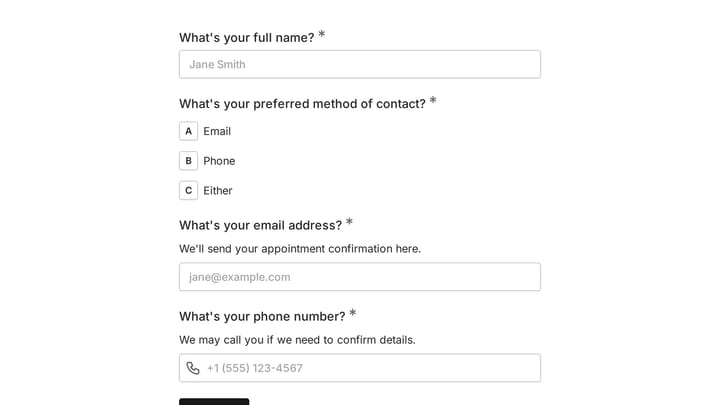
Appointment Form

This versatile form template helps streamline the process of scheduling appointments or collecting registrations for various events. It simplifies gathering client and participant details efficiently.

Event Registration Healthcare Appointments Beauty & Wellness Small Business Owner
0

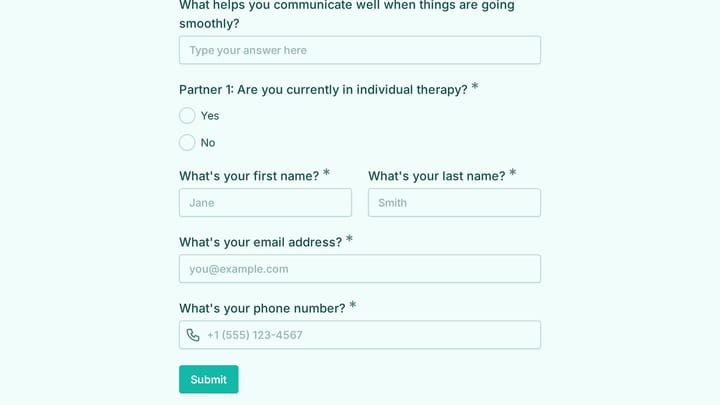
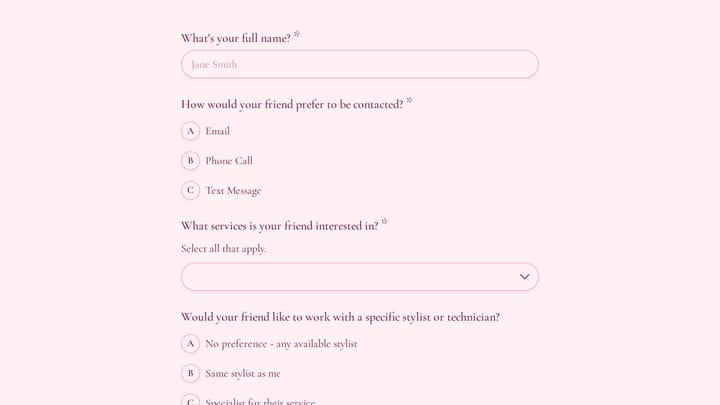
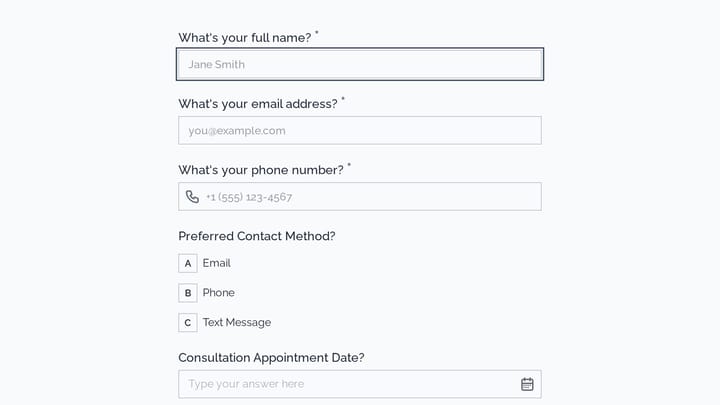
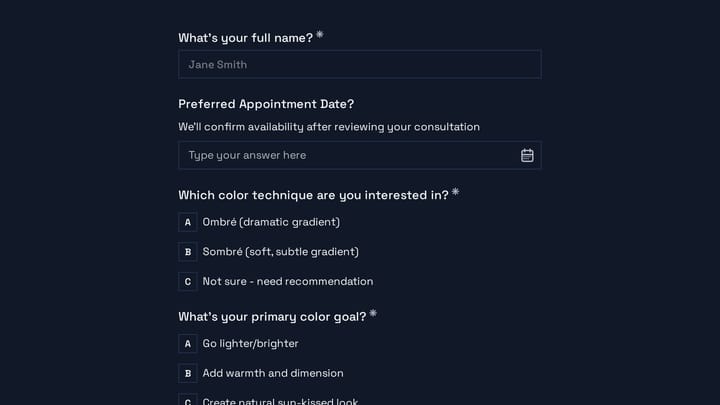
Hairdressers Appointment Request Form

Make booking a breeze for your hair salon with this appointment request form. It gathers all essential client details, service choices, stylist preferences, and desired times, simplifying scheduling for everyone.

Appointments Healthcare Feedback Beauty & Wellness Small Business Owner
0

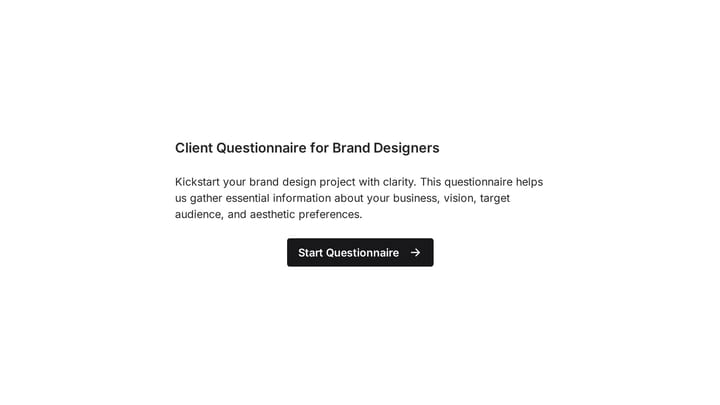
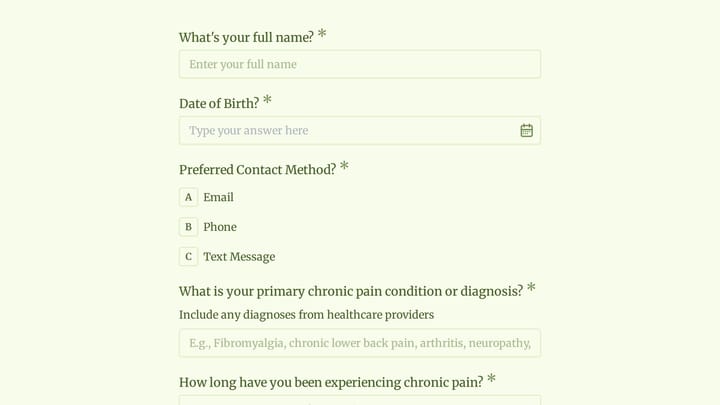
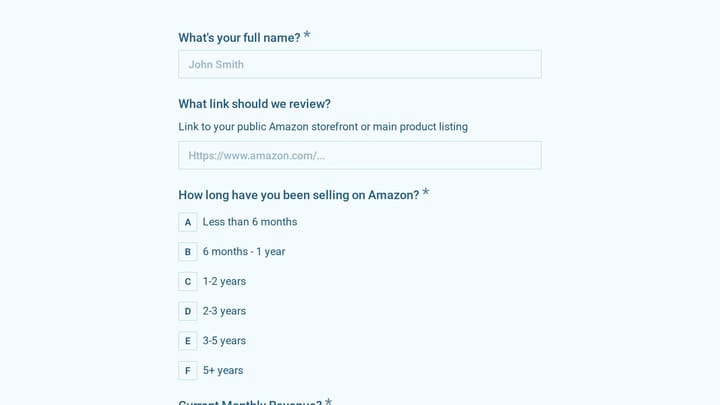
Client Questionnaire for Brand designers

Kickstart your brand design projects with clarity using this comprehensive client questionnaire. It helps you gather essential information about your client's business, vision, target audience, and aesthetic preferences, ensuring clear communication and successful design outcomes.

Intakes Feedback Consulting Small Business Owner
0

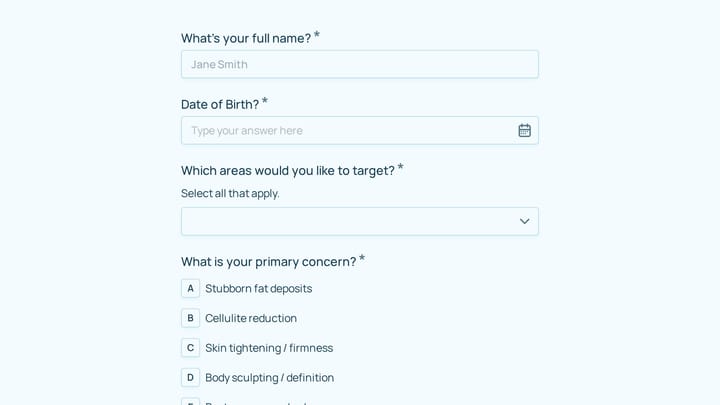
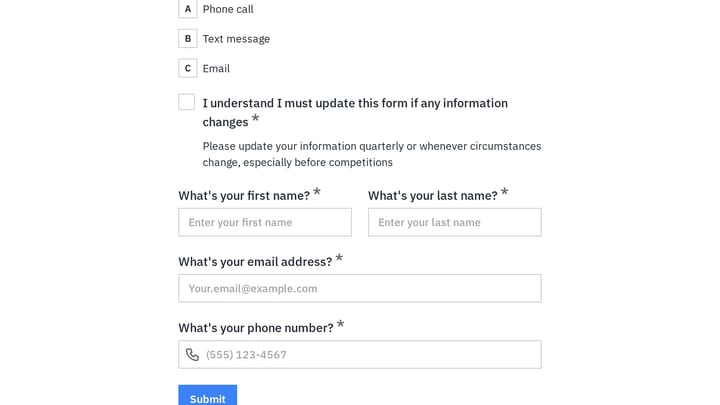
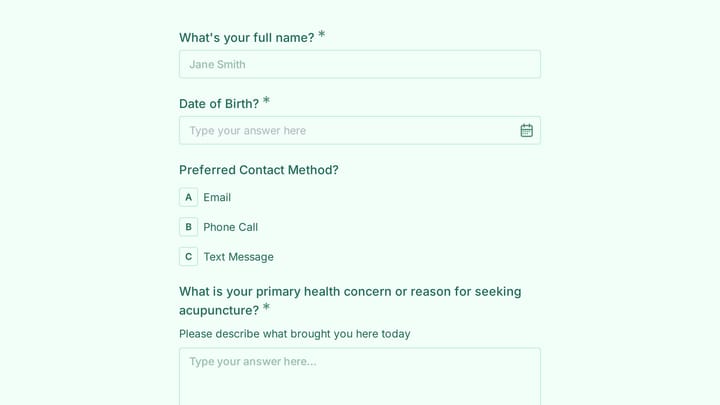
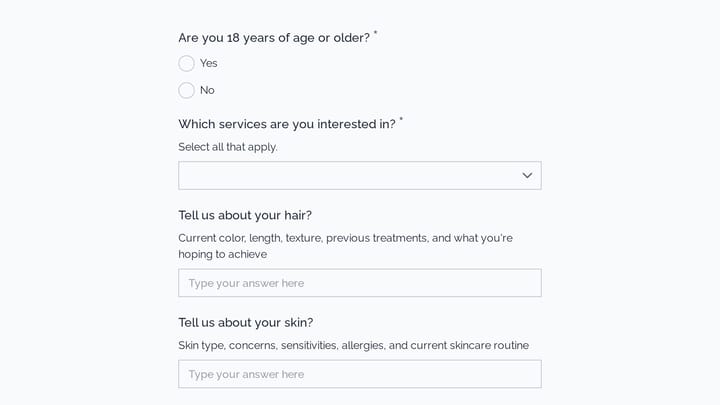
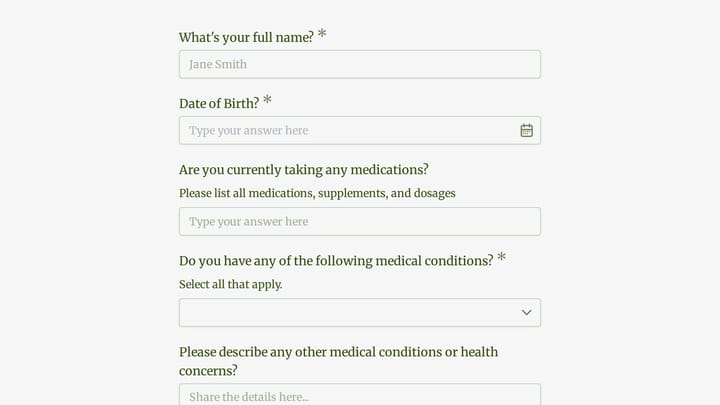
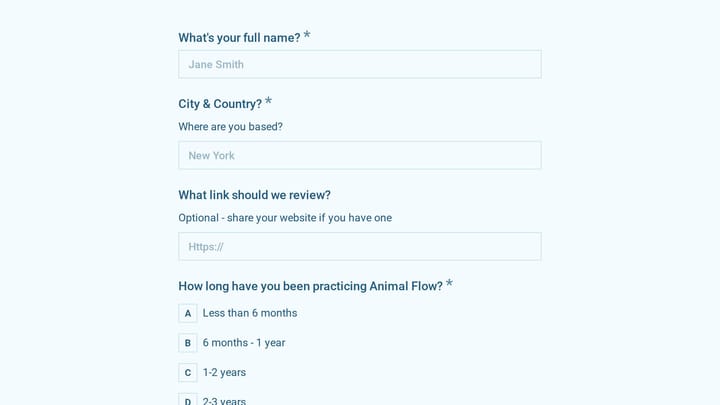
Esthetician Client Intake Form

Prepare thoroughly for every appointment by gathering essential client information upfront. This esthetician client intake form makes it easy to collect everything you need in one comprehensive step.

Intakes Feedback Lead Generation Beauty & Wellness Small Business Owner

About Beauty & Wellness Forms

Beauty and wellness forms support the personalized service that keeps clients coming back. From intake questionnaires and consultation forms to appointment booking and aftercare instructions, they help beauty professionals understand client needs and deliver tailored experiences.

The beauty industry thrives on relationships and personalization. Forms should feel professional yet welcoming, collecting the information needed to deliver customized services.

Common Form Types for Beauty & Wellness

  • New client intake with service history and preferences
  • Skin and hair analysis questionnaires
  • Consultation forms for treatments
  • Appointment booking and scheduling
  • Consent forms for treatments and procedures
  • Aftercare instruction acknowledgments
  • Product recommendation forms
  • Referral and loyalty program enrollment

Who Uses Beauty & Wellness Forms?

Beauty professionals across specialties benefit from these forms. Hair salons track client preferences. Day spas manage treatment bookings. Estheticians document skin assessments. Nail technicians collect health information. Massage therapists gather intake details.

Building Forms for Beauty & Wellness

Create forms that match your brand's aesthetic—they're part of the client experience. Collect detailed preference information that enables personalization. Include health and allergy questions for relevant services. For treatments with potential reactions, document informed consent. Make booking easy with clear service descriptions and timing. Send appointment reminders and aftercare instructions automatically.

Frequently asked questions

What is a form template?

A form template is a pre-designed form structure that you can use as a starting point for creating your own forms. Templates include pre-configured fields, layouts, and styling that are tailored for specific use cases, saving you time and ensuring best practices are followed. Simply select a template, customize it to match your needs, and publish it to start collecting responses.

How do I customize this template?

Customizing a template is easy with our drag-and-drop editor. Click "Use Template" to open the form in the editor where you can add, remove, or rearrange fields, change colors and fonts to match your brand, update question text and descriptions, configure validation rules, and set up email notifications. All changes are saved automatically, and you can preview your form at any time before publishing.

Is this template free to use?

Yes, all our form templates are completely free to use. You can create unlimited forms from any template on our free plan. Some advanced features like file uploads, custom domains, and removing branding require a paid plan, but the core form functionality and templates are available to everyone at no cost.

Can I use this template for my business?

Absolutely! Our templates are designed for both personal and business use. Whether you're a freelancer, small business, or enterprise, you can use any template to collect leads, gather feedback, process applications, or handle any other form-based workflow. For business use, we recommend our Pro plan which includes features like custom branding, advanced analytics, and priority support.

How do I share my form after creating it?

Once you've customized and published your form, you have several sharing options. You can copy the direct link to share via email, social media, or messaging apps. You can also embed the form on your website using our embed code, or use a QR code for offline materials. All sharing options are available from your form's settings page after publishing.

Ready to create your first Fomr?

Your next form deserves better than a white page with dropdowns. Build something people actually want to fill out.