
About Mental Health Forms
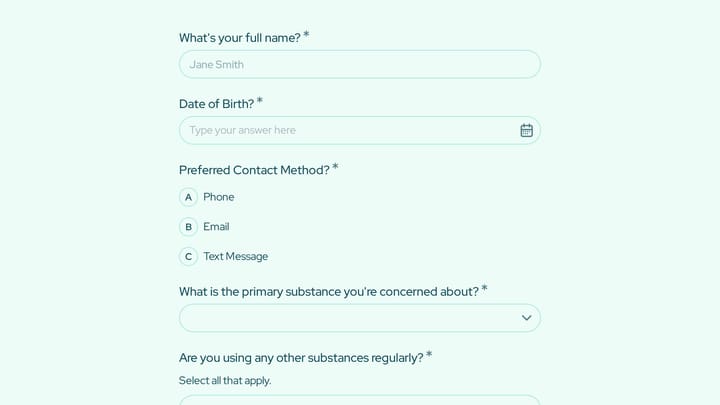
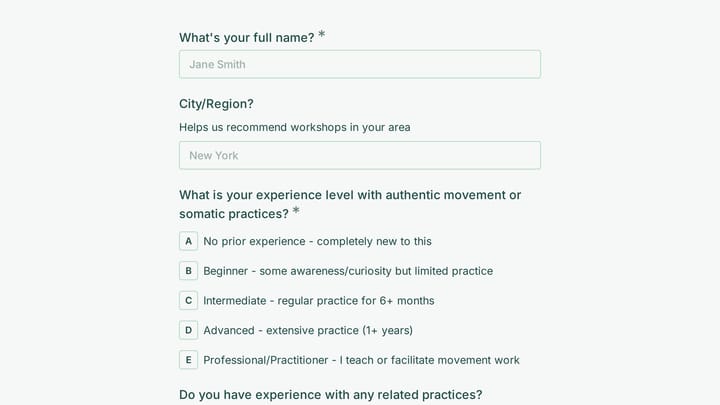
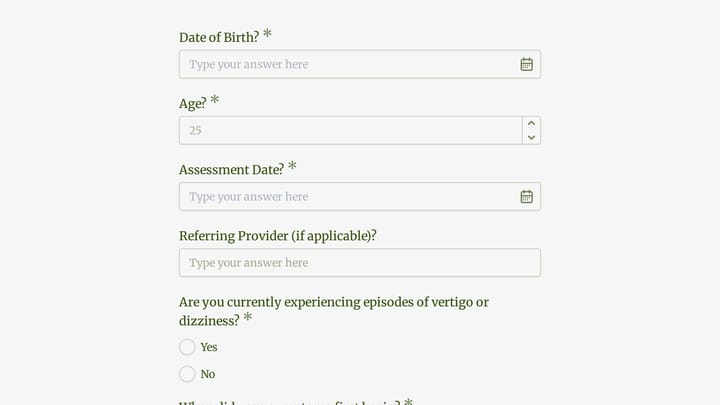
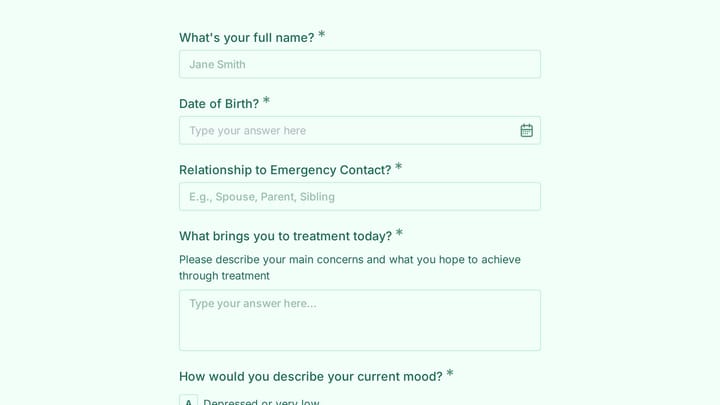
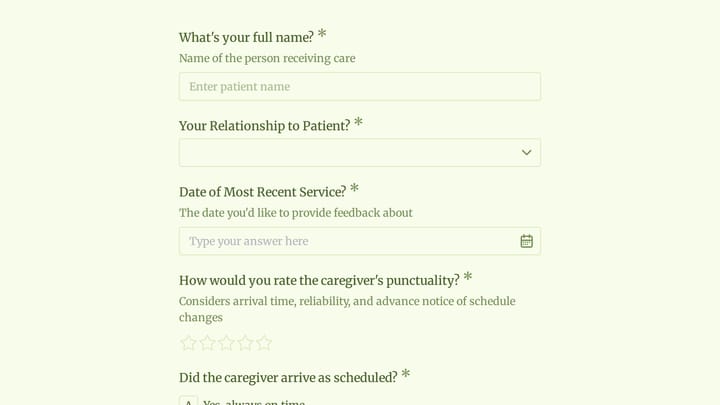
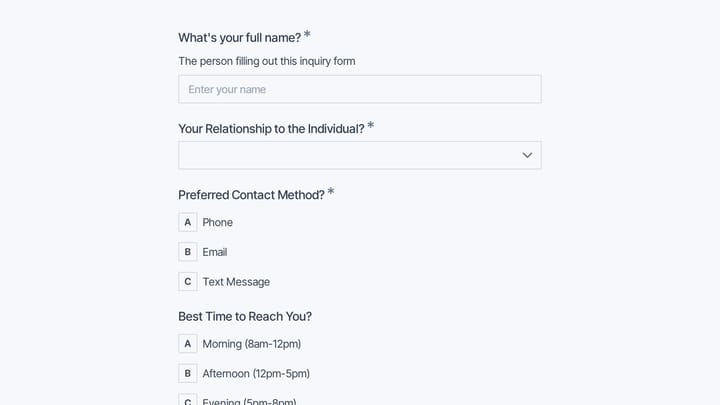
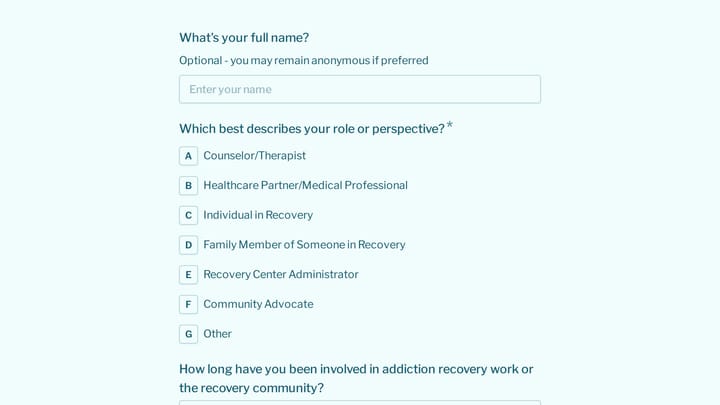
Mental health forms help practitioners gather the information needed to provide effective care while creating a professional, organized client experience. From initial intake questionnaires to ongoing progress assessments, these forms support the therapeutic relationship by collecting relevant history and tracking client development over time.
The mental health field requires particular sensitivity around form design. Clients may be sharing difficult experiences for the first time, and forms should create a safe, non-judgmental space for disclosure while collecting the clinical information practitioners need.
Common Form Types for Mental Health
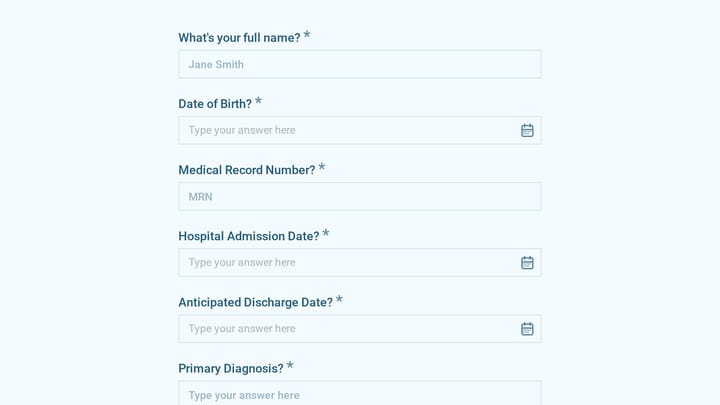
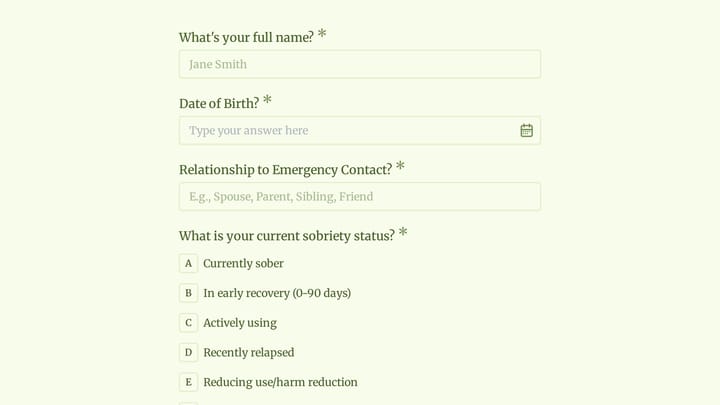
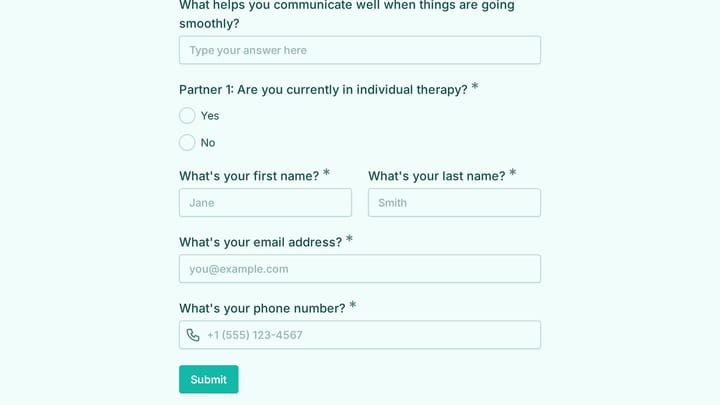
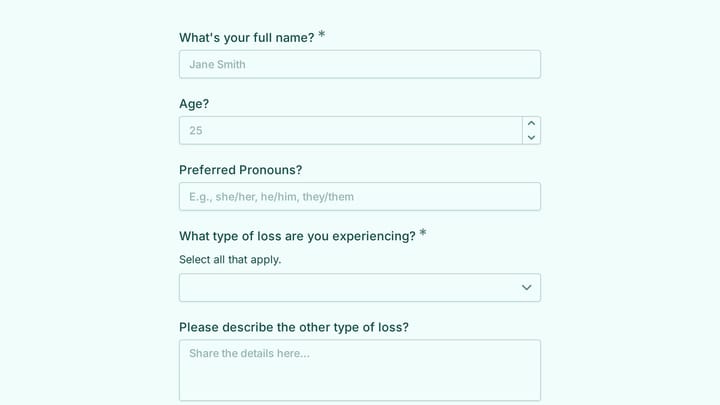
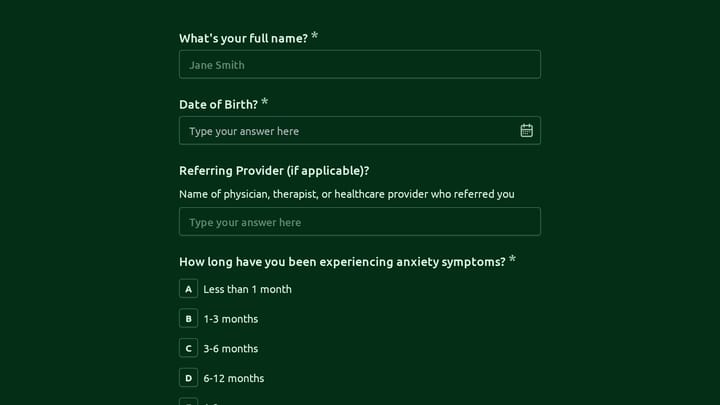
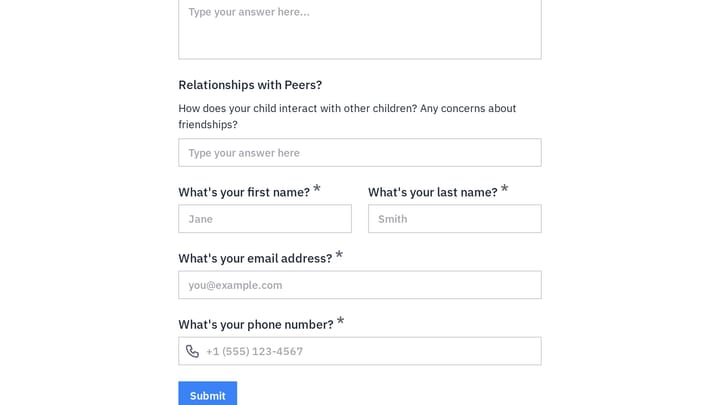
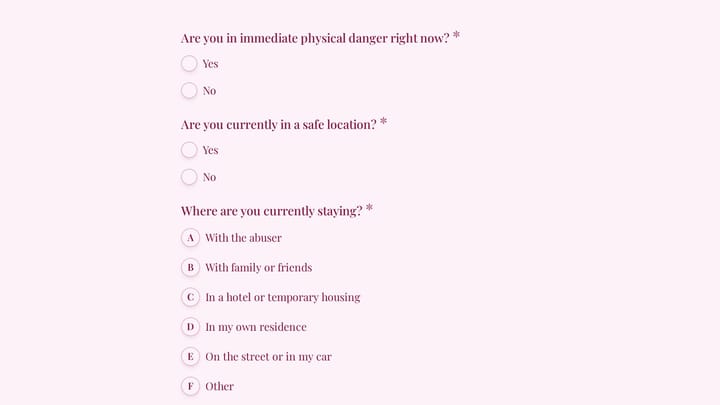
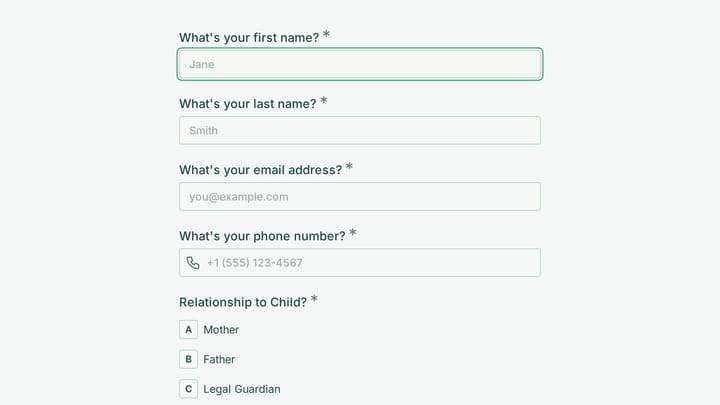
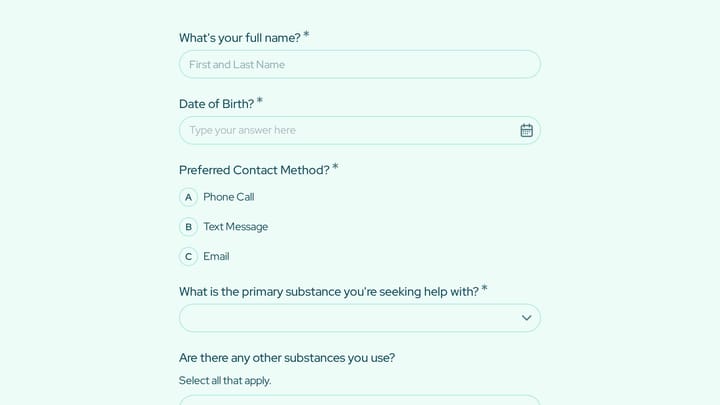
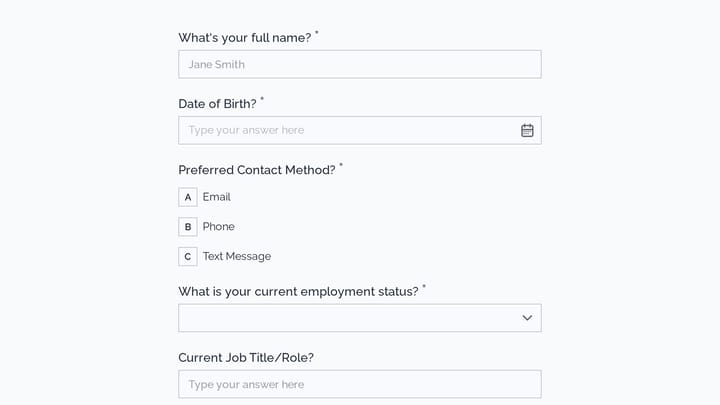
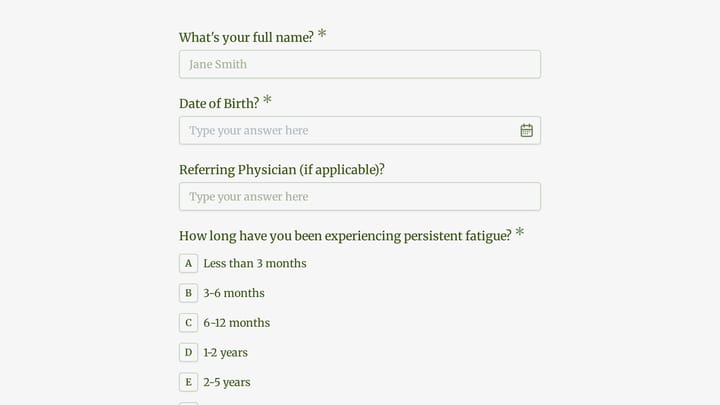
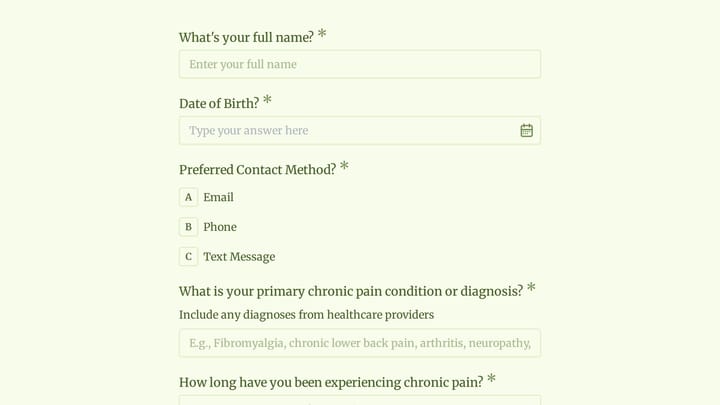
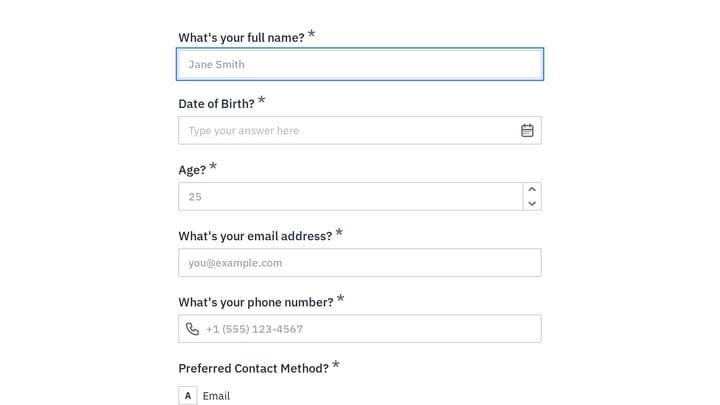
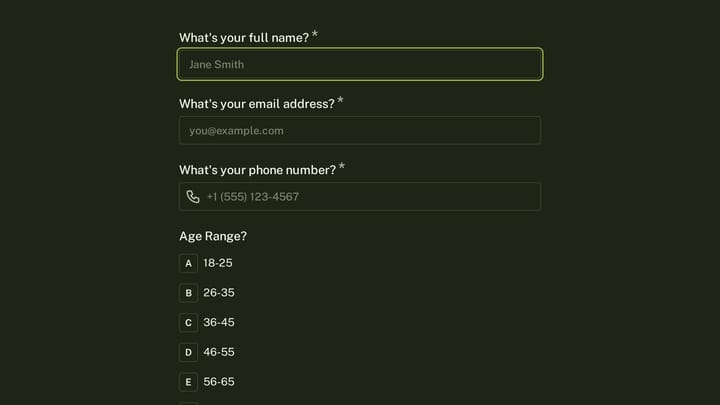
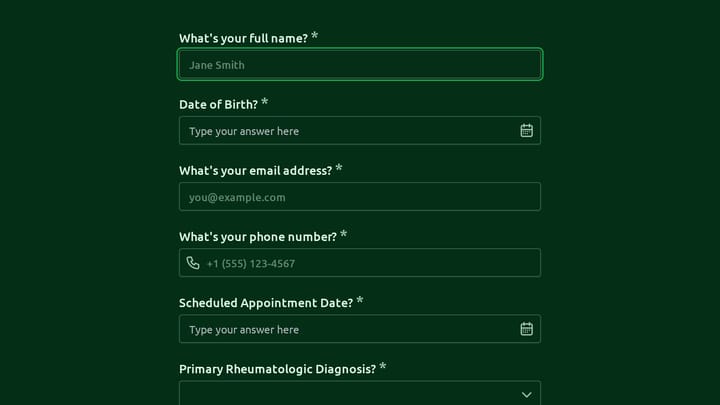
- Client intake forms with presenting concerns
- Mental health history questionnaires
- Consent to treatment and confidentiality agreements
- Depression and anxiety screening tools
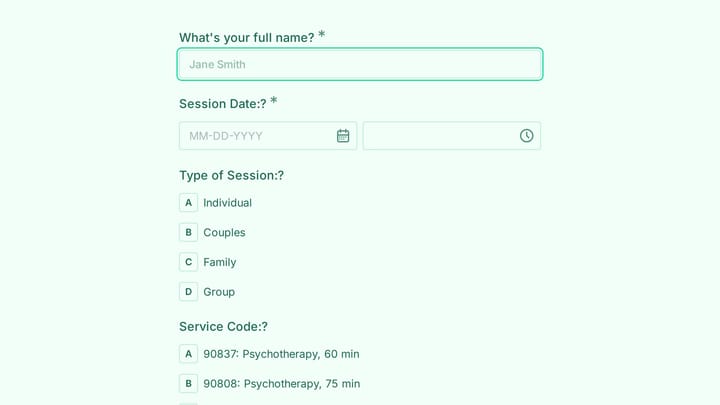
- Session scheduling and appointment requests
- Progress tracking and outcome measures
- Release of information authorizations
- Cancellation policy acknowledgments
Who Uses Mental Health Forms?
Practitioners across the mental health spectrum use specialized forms. Psychotherapists assess new clients. Clinical psychologists administer assessments. Counselors track session notes. Psychiatric practices manage medication information. Group practice administrators coordinate intake processes.
Building Forms for Mental Health
Create a welcoming tone that acknowledges the courage it takes to seek help. Use clear, everyday language rather than clinical terminology. Offer definitions or examples where questions might be unclear. Respect client time by keeping forms focused on essential information. Ensure privacy and confidentiality are clearly communicated. Consider offering forms in advance so clients can complete them in comfortable settings.
