

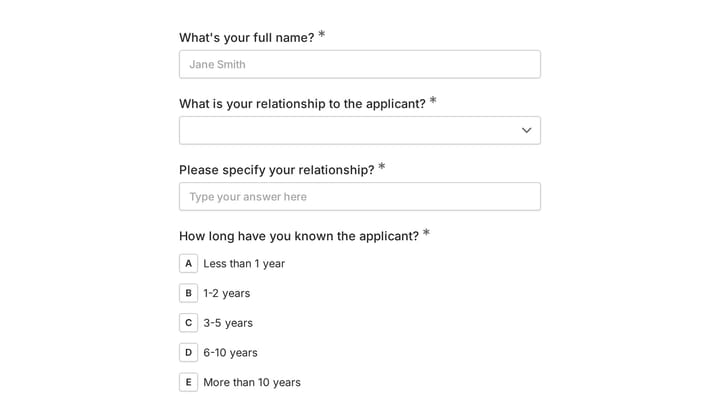

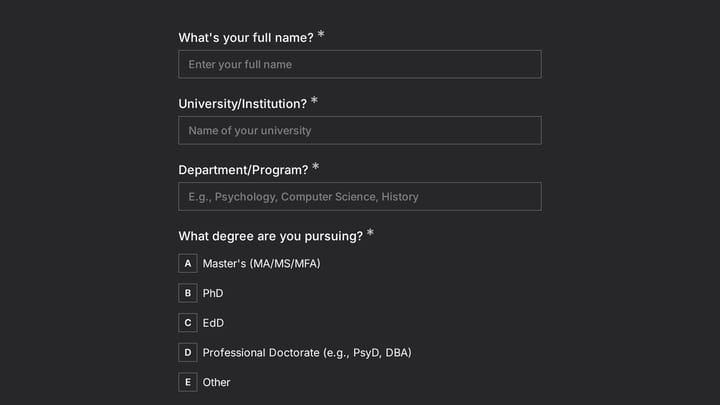
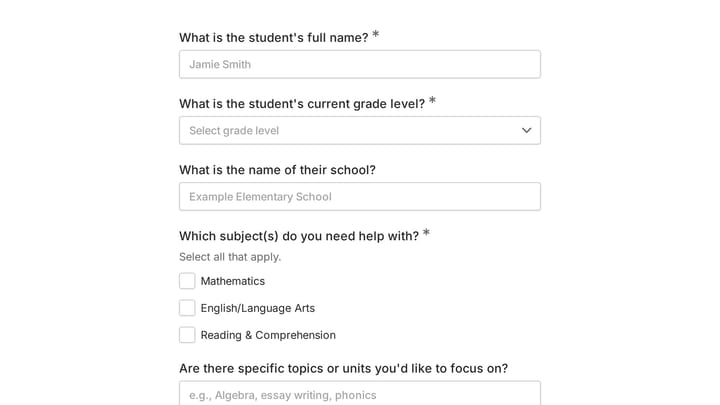
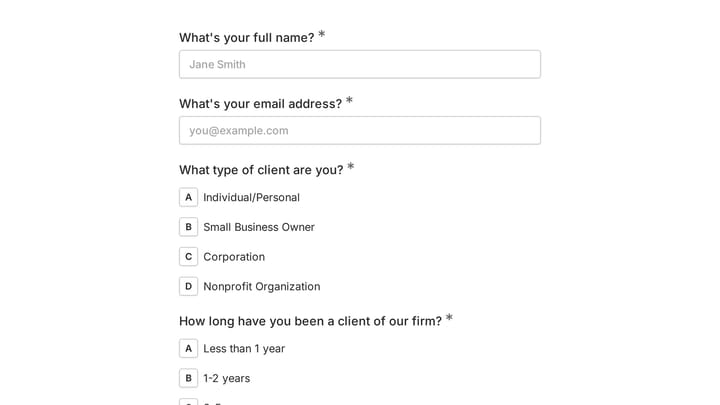

Forms for Therapists & Counselors
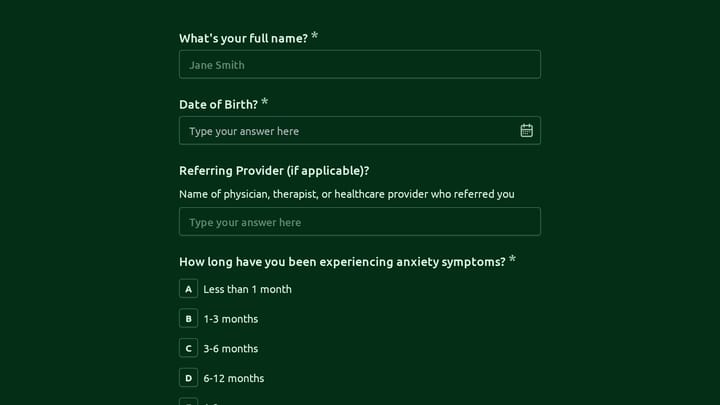
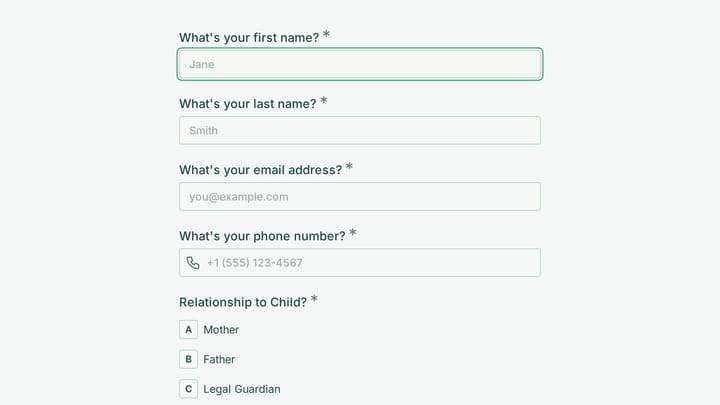
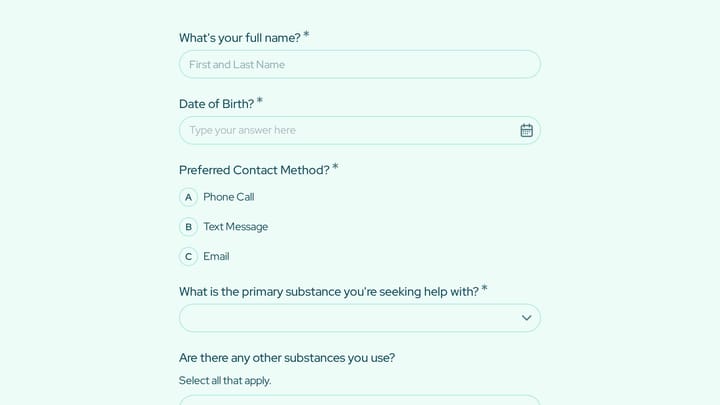
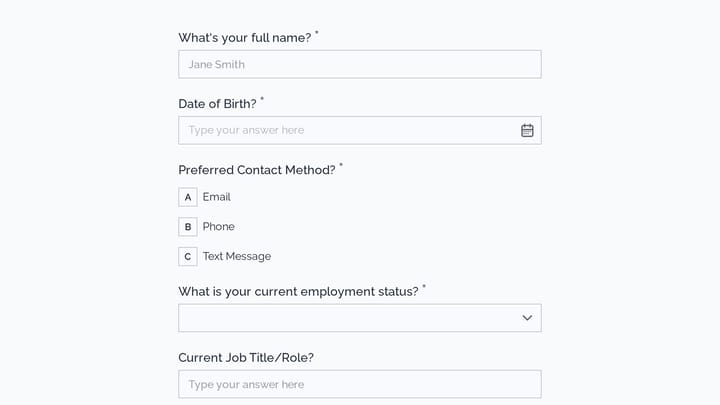
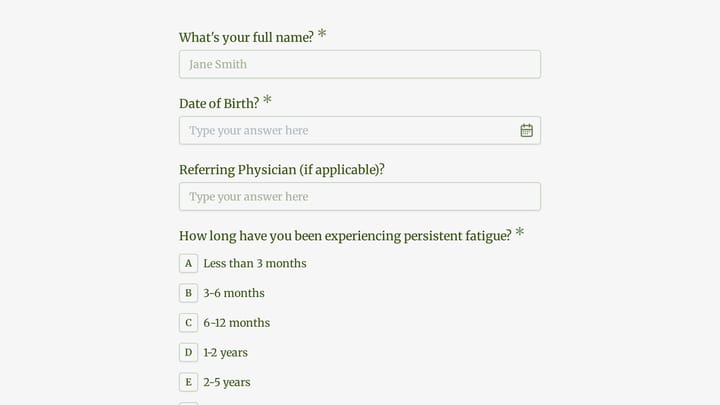
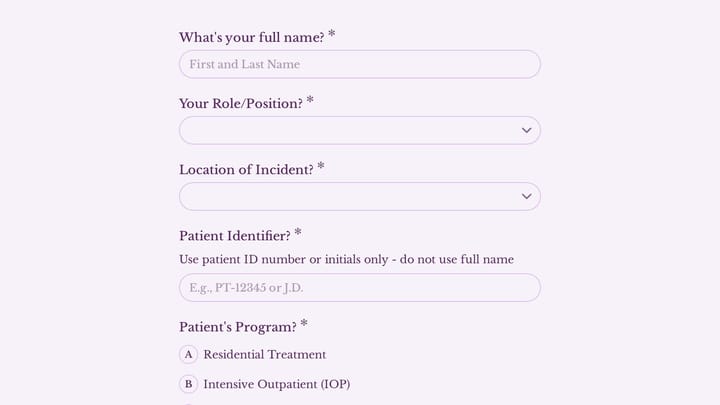
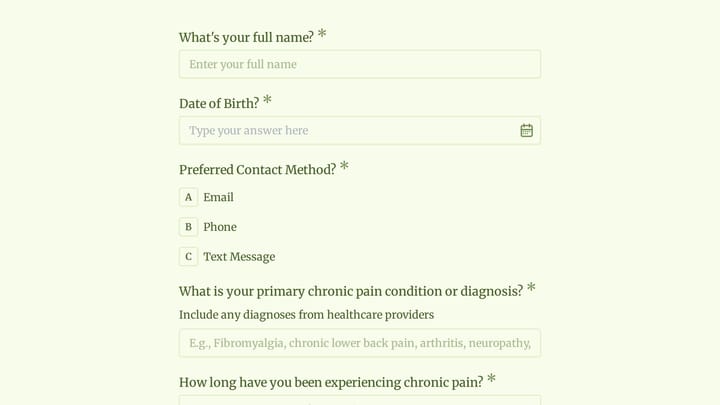
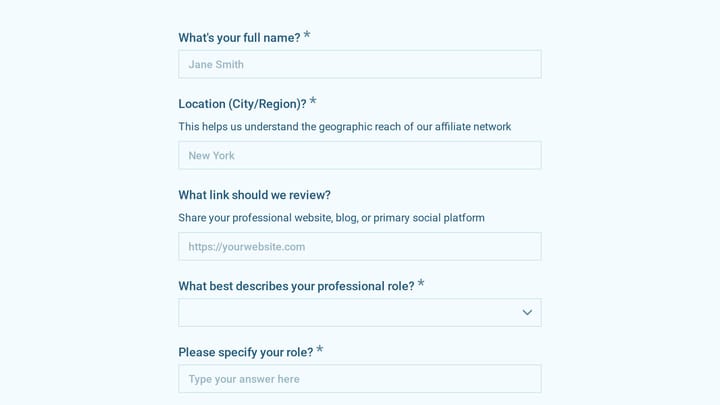
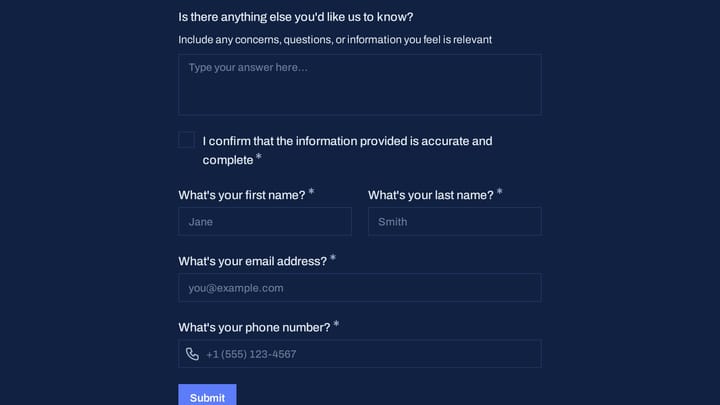
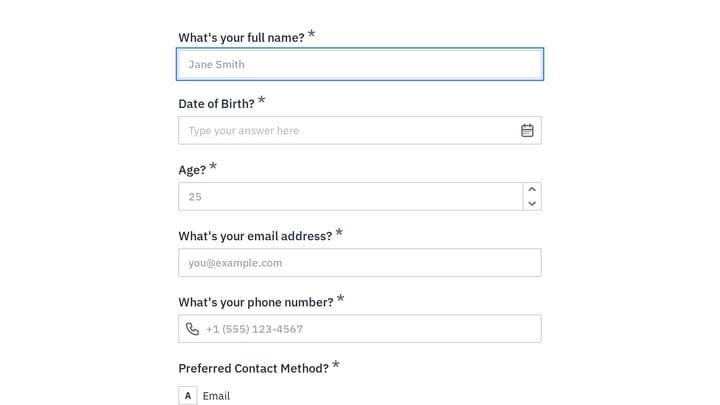
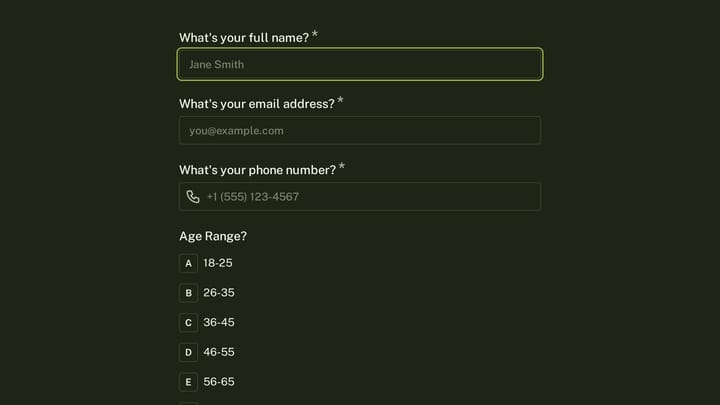
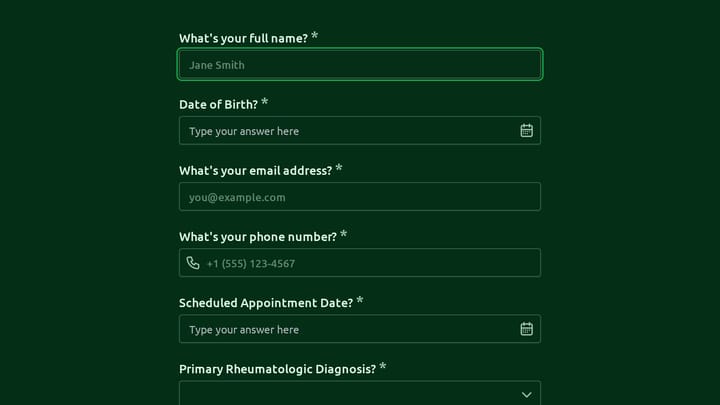
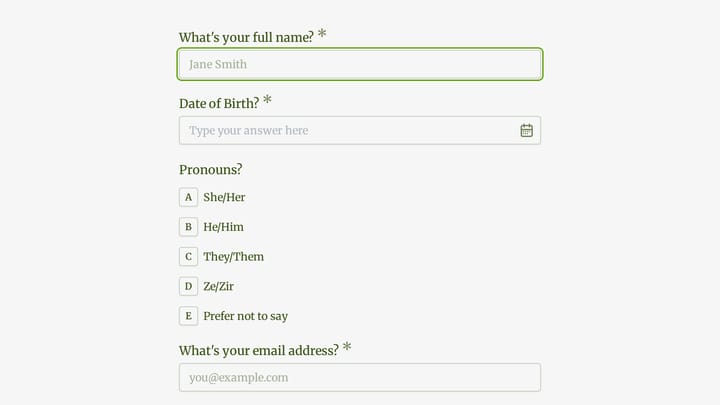
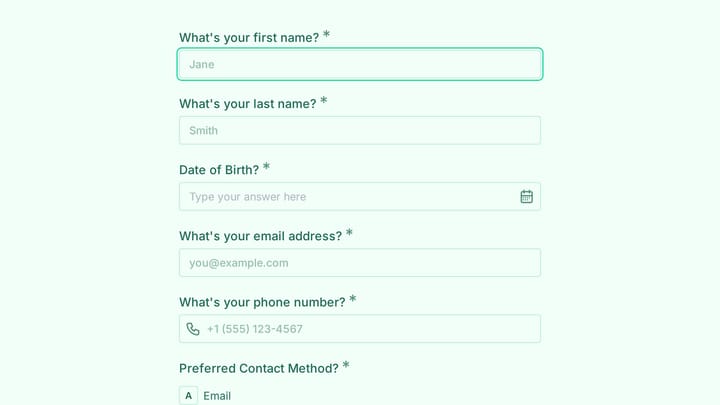
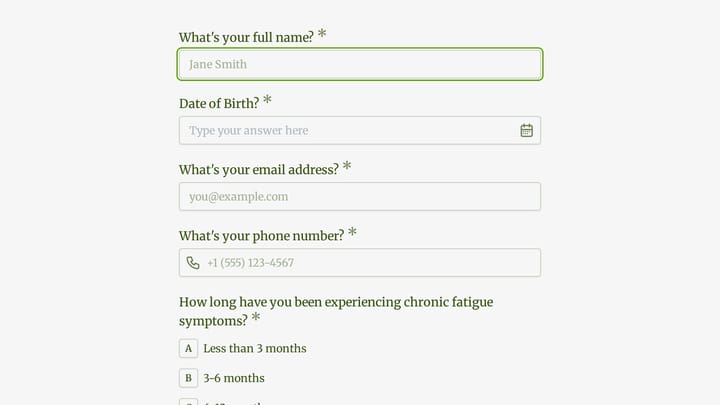
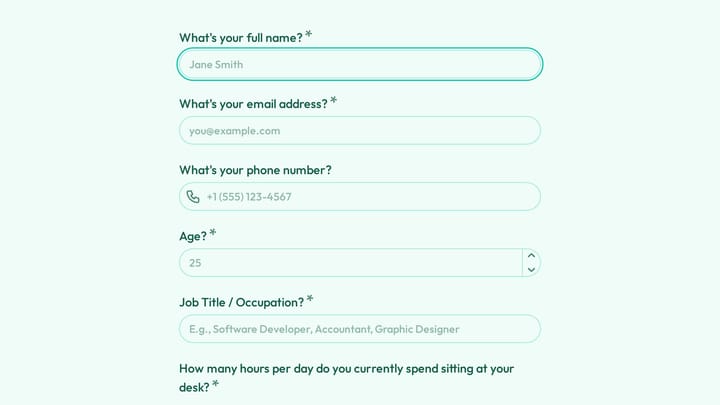
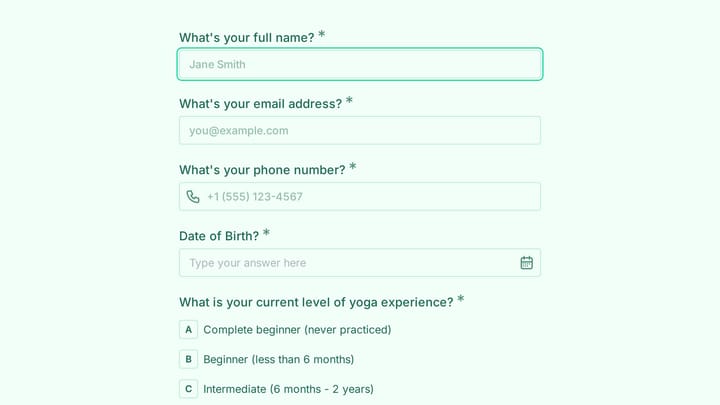
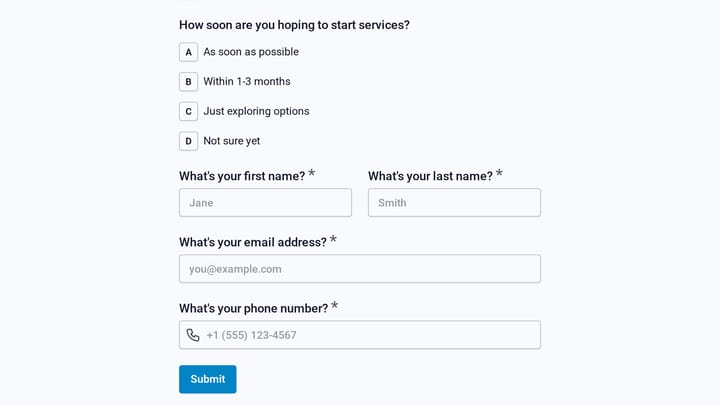
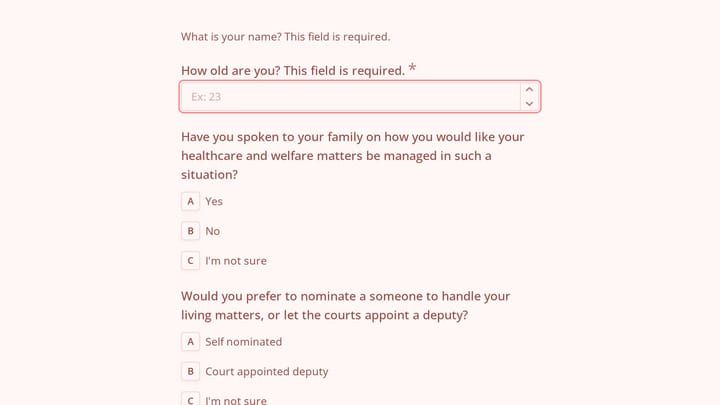
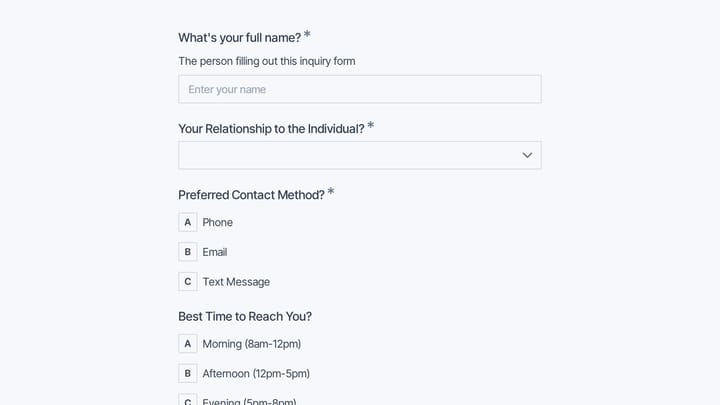
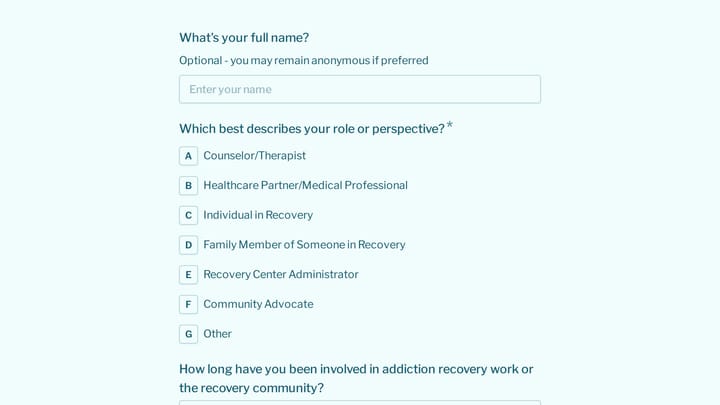
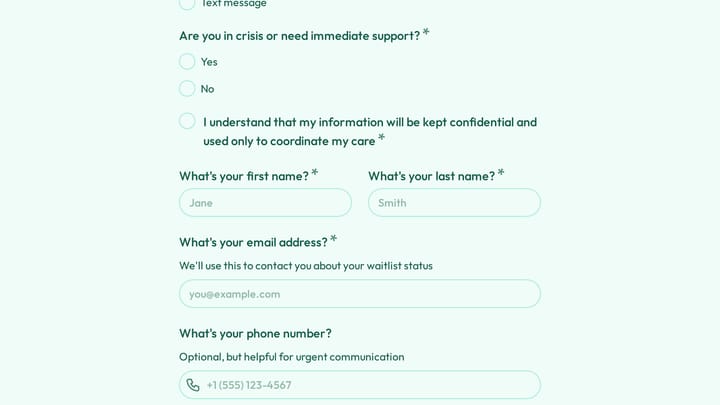
Therapists and counselors use forms to gather essential client information before first sessions, document consent and policies, track progress over time, and prepare for productive appointments. Well-designed intake forms help clients feel heard from the start while providing clinicians with the context needed for effective treatment.
Digital forms protect client privacy while reducing administrative burden. They ensure consistent documentation across your practice and create secure records that support continuity of care.
Common Form Types for Therapists
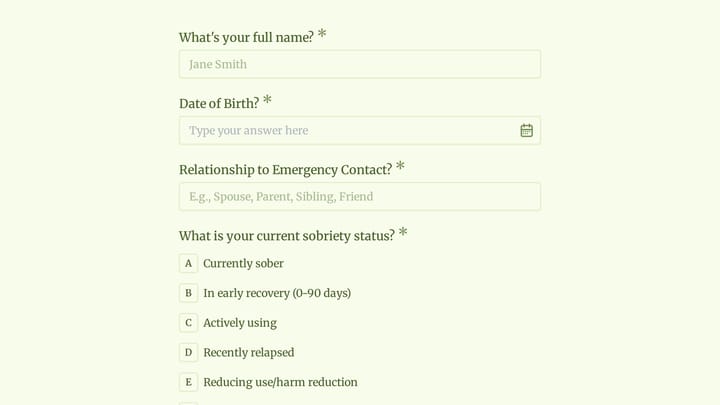
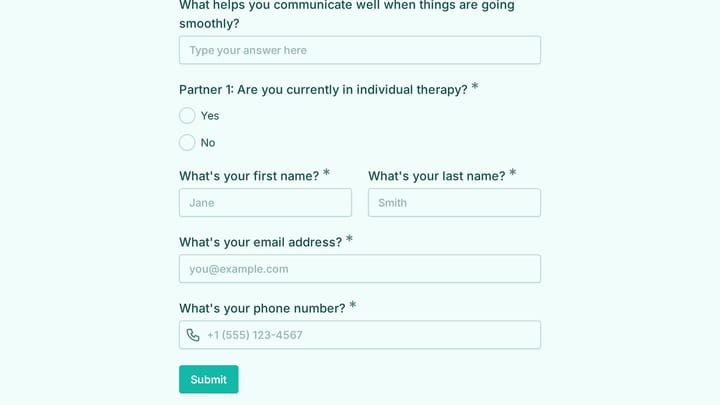
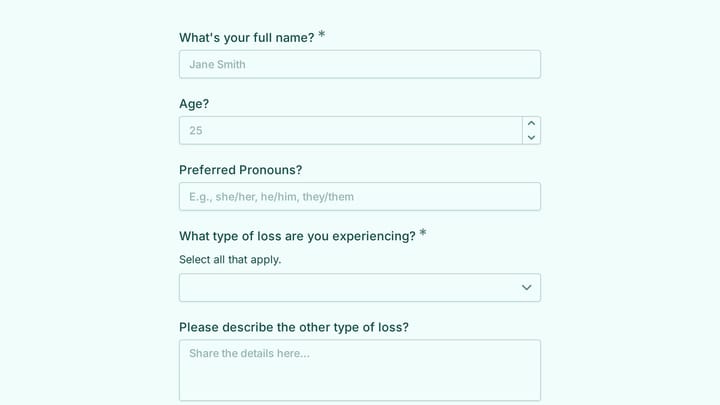
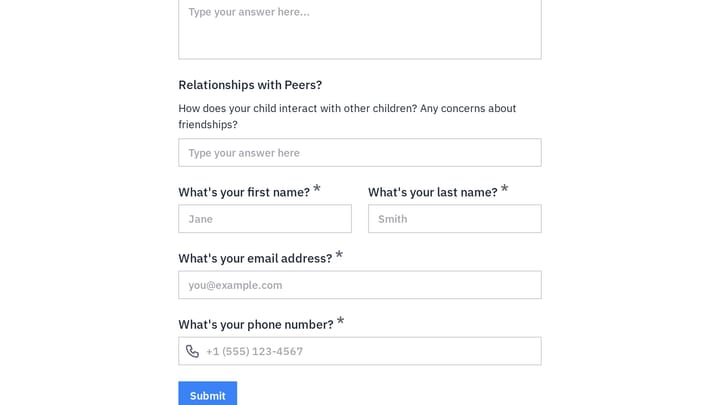
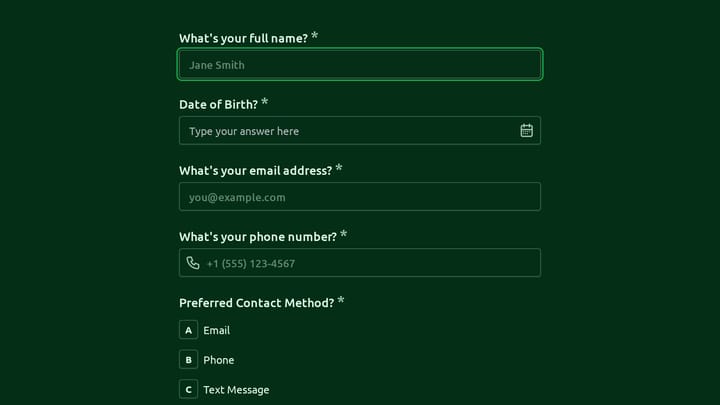
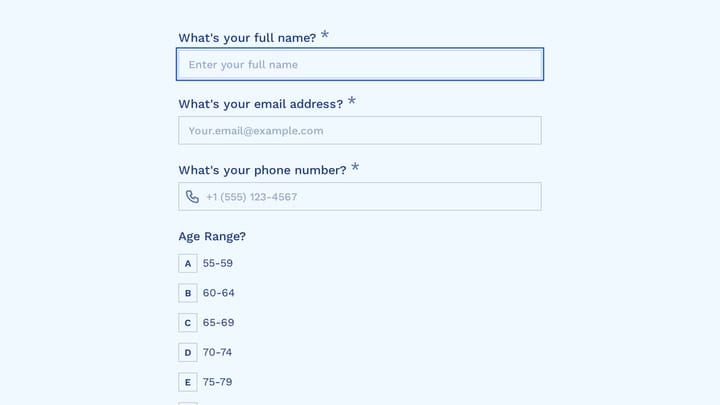
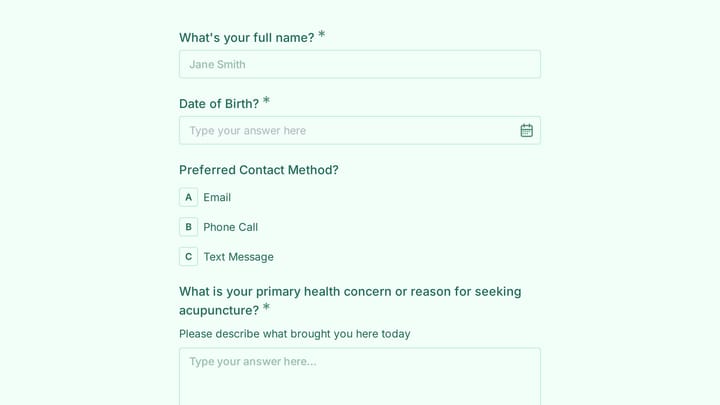
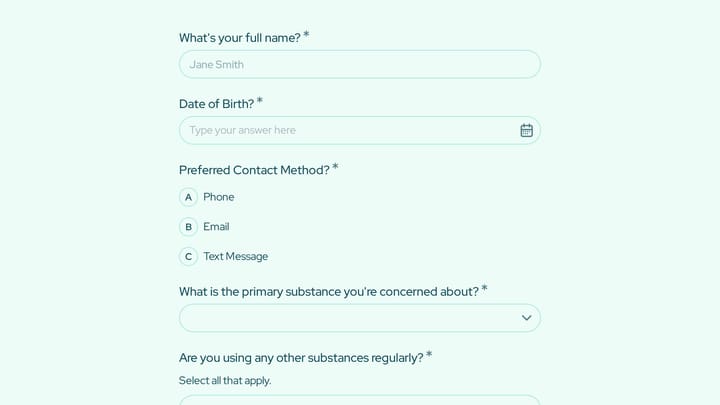
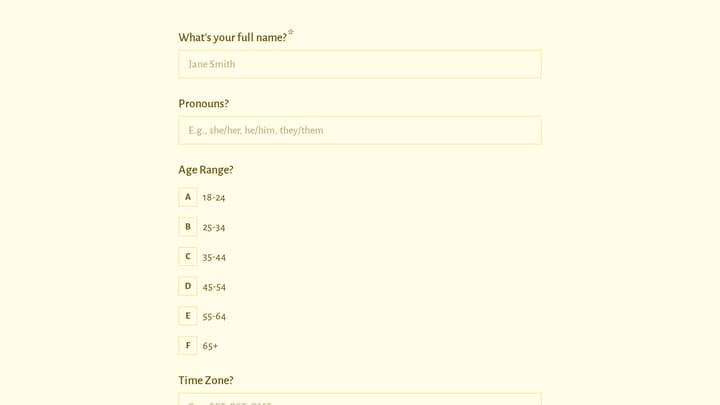
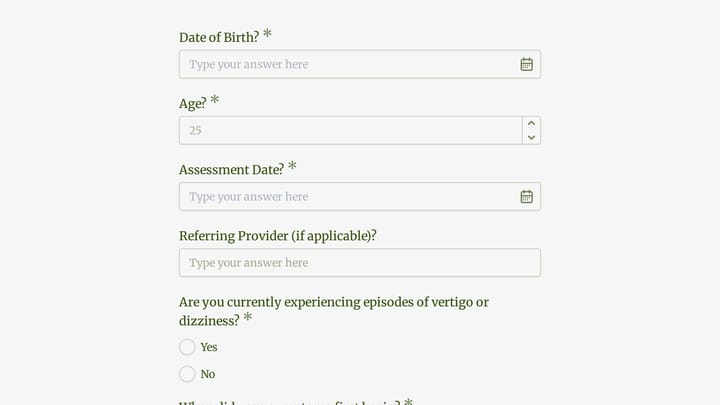
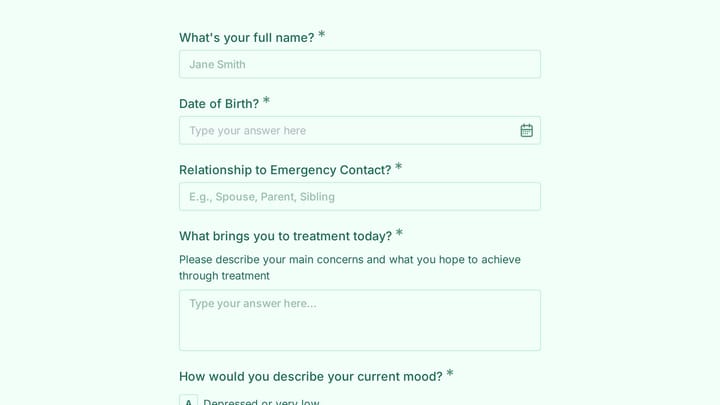
- Client intake and personal history forms
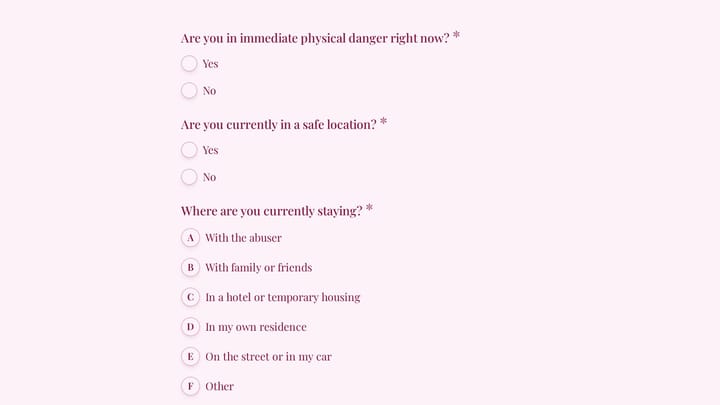
- Mental health assessments and screening tools
- Informed consent and practice policies
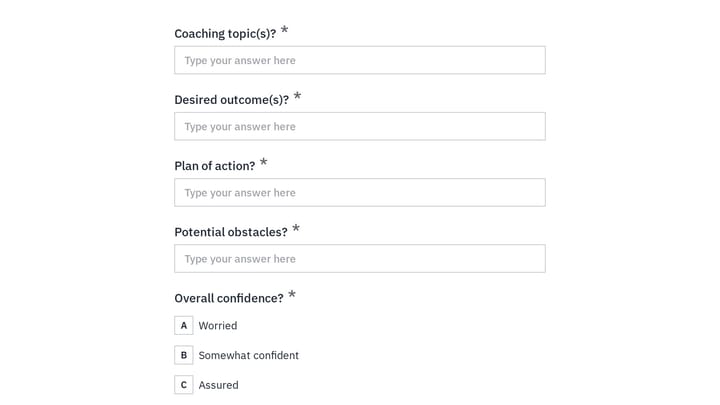
- Treatment goals and care planning
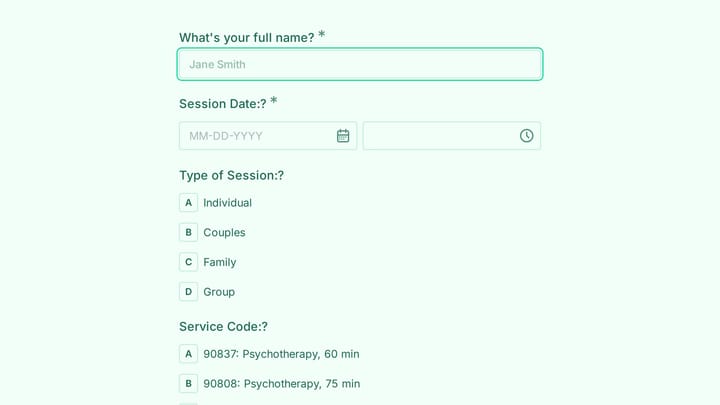
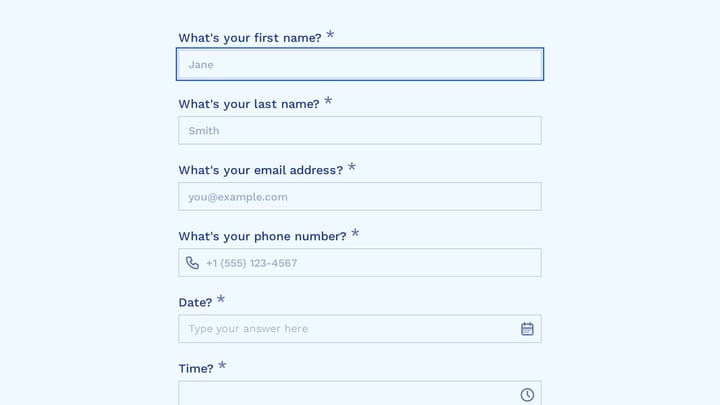
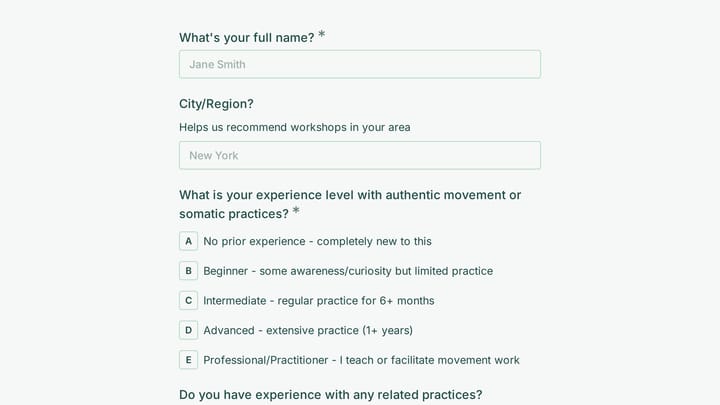
- Session preparation questionnaires
- Progress tracking and outcome measures
- Release of information authorizations
- Satisfaction and feedback surveys
Settings Where Therapists Work
Mental health professionals practice in diverse settings. Private practices serve individual clients. Community mental health centers support underserved populations. School counselors help students. Employee assistance programs provide workplace support. Substance abuse treatment centers guide recovery. Telehealth platforms enable remote care.
Building Effective Therapy Forms
Therapy forms handle sensitive information, so trust and clarity are paramount. Explain why each question is asked and how information will be used. Use compassionate, non-judgmental language throughout. Keep intake forms comprehensive but not overwhelming—consider breaking long assessments into sections. Ensure forms meet privacy requirements and work across devices for client convenience.
