Class Feedback Form Template for Instructors

A short post-class survey for teachers, trainers, and workshop leaders that collects an overall rating plus focused feedback on how the class was structured and delivered.

Use Template
Used 0 times
4.9
Created by Fomr Team
Last updated

About

Feedback about a class is most useful right after it ends, before students forget what worked and what dragged. This class feedback form is short enough to share in the last few minutes of a session or in a follow-up email, and it focuses on the two things an instructor can change most easily: how the class is structured and how it is delivered.

Students begin with an overall rating on a 1 to 10 scale. They then say whether the structure worked and whether they enjoyed the delivery, and each answer leads to a different follow-up. A yes asks what they liked, while a no asks what could be improved, so every student gets the question that fits their experience. A final open question collects suggestions for future classes.

Each question appears on its own screen, which keeps the form quick on a phone. Because the follow-up questions branch, students only answer what is relevant, and you get specific praise and specific criticism instead of a pile of generic comments. It works for school lessons, university seminars, fitness classes, workshops, and online courses.
Related Templates

View all →
Wedding Florist Reference Verification preview

Wedding Florist Reference Verification

Use this wedding florist reference verification form to collect structured responses in a format that is easy for both respondents and your team. It helps turn incoming information into a more organized workflow.

Damage Report Form preview

Damage Report Form

This template provides an easy way for staff to document incidents and damaged equipment online. It's fully customizable to efficiently capture essential details for internal record-keeping and prompt follow-up.

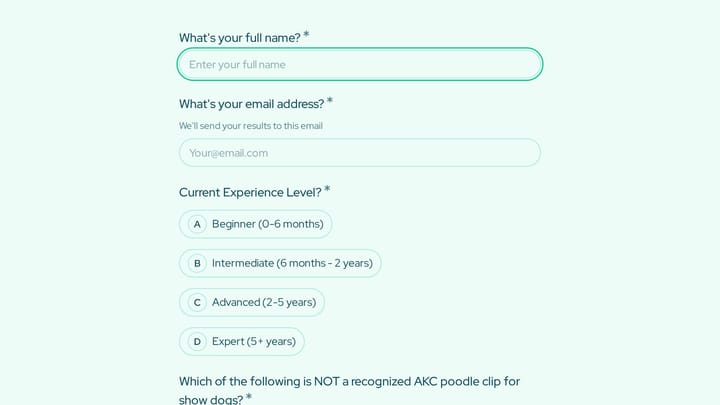
Dog Grooming Certification Practice Quiz preview

Dog Grooming Certification Practice Quiz

A dog grooming certification practice quiz form helps you assess grooming knowledge across breed-specific cuts, handling techniques, skin conditions, and salon safety. Use it to deliver a structured practice test for students, junior groom…

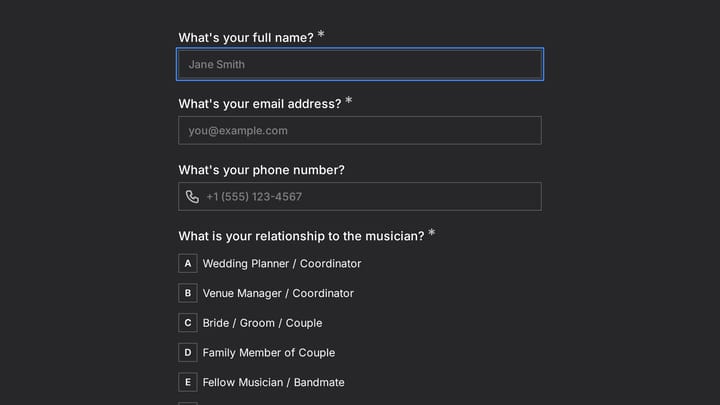
Wedding Ceremony Musician Reference Check preview

Wedding Ceremony Musician Reference Check

Use this event registration form to collect structured responses in a format that is easy for both respondents and your team. It helps turn incoming information into a more organized workflow.

Event Volunteer Form preview

Event Volunteer Form

Streamline your event planning by effortlessly collecting all the crucial details from your potential volunteers. This customizable form simplifies sign-ups, helping you build a supportive and well-organized team.

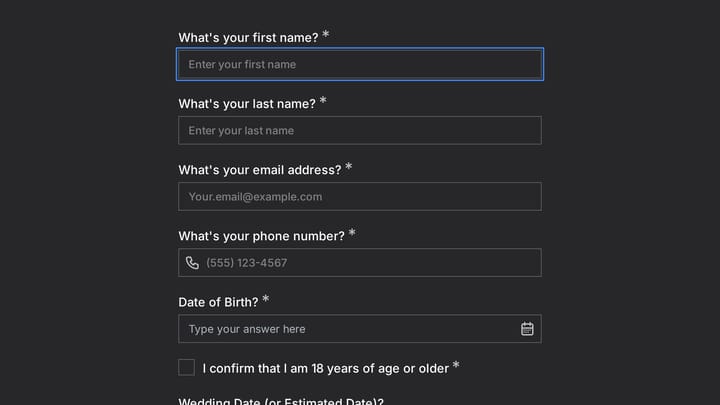
Wedding Expo Booth Registration preview

Wedding Expo Booth Registration

Use this event registration form to track responses, attendee details, and follow-up information in a single workflow. It gives organizers a simple way to manage registrations without extra admin work.

Wedding Day Makeup Emergency Kit & Touch-Up Schedule preview

Wedding Day Makeup Emergency Kit & Touch-Up Schedule

Use this form builder for small business to collect structured responses in a format that is easy for both respondents and your team. It helps turn incoming information into a more organized workflow.

Workplace Accident Report Form preview

Workplace Accident Report Form

Use this bug report form to collect structured responses in a format that is easy for both respondents and your team. It helps turn incoming information into a more organized workflow.

Frequently asked questions

Who is this class feedback form for?

It suits teachers, lecturers, corporate trainers, fitness instructors, and anyone running workshops or online courses. The questions are written in the first person, so they work well when an individual instructor shares the form directly.

How do the follow-up questions change?

After students say whether the structure worked, a yes leads to a question about what they liked and a no leads to a question about what to improve. The delivery question works the same way. Every student sees only one follow-up for each topic.

How long does it take students to complete?

Most students finish in about two minutes. There is one rating, two yes or no questions, and a few short written answers, each on its own screen.

Can I collect feedback anonymously?

Yes. The form does not ask for names or email addresses, so responses are anonymous by default. If you need to track feedback by class or session, add a question for the class name or date.

Can I reuse the form for every session?

Yes. Many instructors share the same link after every class and compare ratings over time. Adding a session date or topic question makes it easier to see which classes landed best.

Can I add more topics beyond structure and delivery?

You can add similar yes or no pairs for course materials, pacing, or the venue. Follow the same pattern of asking what worked or what to improve so the feedback stays specific.

Your next form could be the best-looking thing on your site.

Free forever. Unlimited responses. No signup to start.