Cybersecurity Awareness Training Quiz Template

Test employees on phishing, passwords, two-factor authentication, data protection, and physical security with scenario-based questions after security training.

Use Template
Used 5 times
4.9
Created by Fomr Team
Last updated

About

Security training only works if people can apply it when a suspicious email lands in their inbox. This quiz helps IT teams, HR, and compliance leads check what employees actually took away from awareness training, using realistic workplace scenarios instead of abstract definitions.

Employees enter their name, email, and department, then work through questions on phishing emails and chat messages, compromised colleague accounts, password strength and storage, two-factor authentication, and public Wi-Fi. Later questions cover sharing company information, a USB drive found in the parking lot, device disposal, reporting a suspected breach, badge requests from strangers, social engineering, unapproved software, and what counts as sensitive data. A final optional question invites comments or questions about the training.

Most items ask what the employee should do in a specific situation, which mirrors how security incidents really start. Department answers let you compare results across teams and plan targeted refreshers. Run the quiz after each training session or as a yearly check to support your compliance records.
Related Templates

View all →
Address form preview

Address form

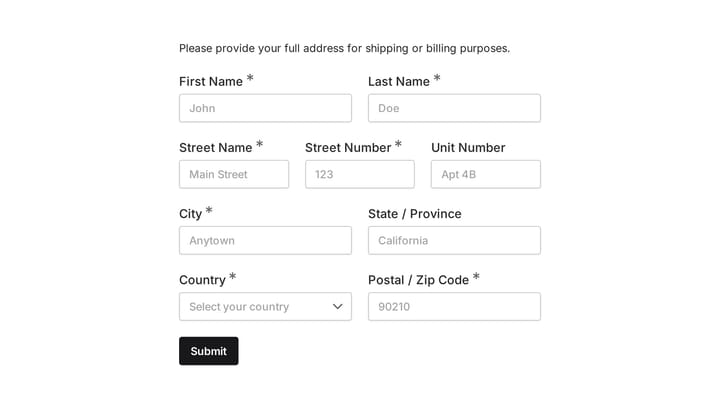
Quickly and accurately collect full shipping and billing addresses with this versatile template. It's designed for businesses that need reliable customer location details for deliveries, invoicing, or organized record-keeping.

Director of Photography Job Application Form preview

Director of Photography Job Application Form

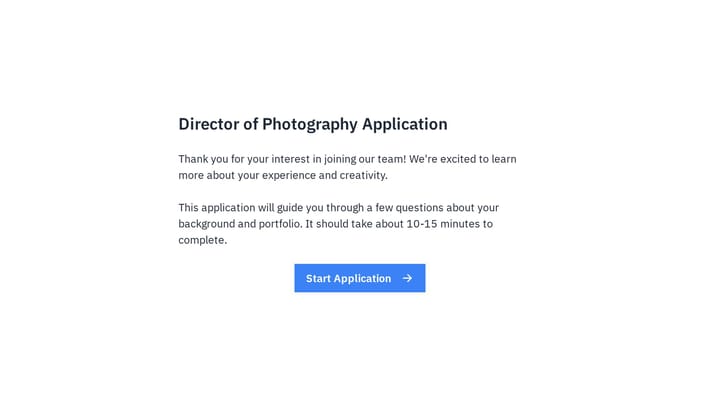
Impress Director of Photography candidates with a job application form that reflects your brand. Easily collect resumes, cover letters, and essential portfolio details in one seamless step.

Dining Preferences Quiz preview

Dining Preferences Quiz

A playful quiz for restaurants, food guides, and reservation services that asks diners how they eat out, what they order, and what they spend, then collects an email for tailored restaurant picks.

Digital Marketing Manager Job Application Form preview

Digital Marketing Manager Job Application Form

Attract top digital marketing talent with a professional job application form that reflects your brand. Easily collect resumes, cover letters, and essential candidate information all in one streamlined process.

Director of Storytelling Job Application Form preview

Director of Storytelling Job Application Form

Attract top storytelling talent with a branded job application form that reflects your company culture. Easily gather resumes, cover letters, and crucial insights in a single, streamlined process.

Dog Grooming Certification Practice Quiz preview

Dog Grooming Certification Practice Quiz

A dog grooming certification practice quiz form helps you assess grooming knowledge across breed-specific cuts, handling techniques, skin conditions, and salon safety. Use it to deliver a structured practice test for students, junior groom…

Employee Coaching Form preview

Employee Coaching Form

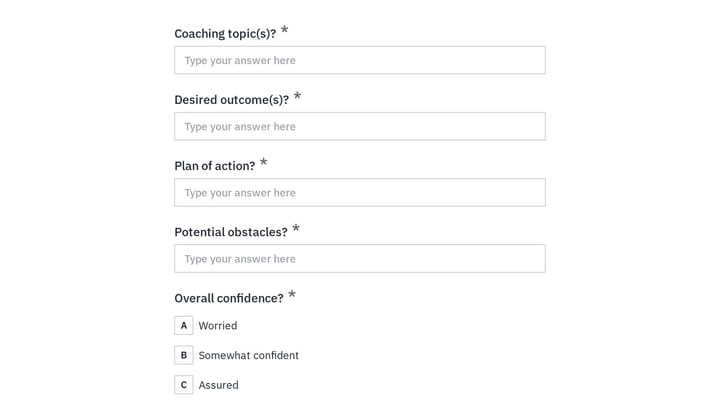
Use this employee coaching form to document key takeaways from 1:1 coaching sessions, including goals, action steps, obstacles, confidence level, and the next meeting date. It gives managers, HR teams, and coaches a clear, repeatable way t…

Digital Detox Assessment for Retreat Guests preview

Digital Detox Assessment for Retreat Guests

A pre-arrival questionnaire for wellness retreats that maps each guest's phone habits, screen triggers, and detox goals so your team can plan a fitting unplugged stay.

Frequently asked questions

Who should take this quiz?

All employees with access to company email, systems, or office spaces, including new hires during onboarding. IT and compliance teams often send it after annual security training or after a phishing simulation.

Does the quiz score employees on submission?

Not as written. Answers are collected so your team can review them. To show a score, add a calculated value that gives a point for each correct answer and display the result on the confirmation screen.

Can I add questions about our own security policies?

Yes. Add questions about your password rules, approved tools, or incident reporting process. Scenario questions work best, so describe a realistic situation and ask what the employee should do.

Why does the quiz ask for department?

Department shows whether certain teams need extra training. Finance and HR staff, for example, often face more targeted phishing and may benefit from a focused refresher.

How often should we run a security awareness quiz?

Many organizations run one after each training session and at least once a year. Repeating the quiz with updated scenarios helps you track whether awareness improves over time.

Can the results support compliance audits?

Each submission records who completed the quiz and when, which can help show that training took place. Check your framework or auditor requirements to confirm what evidence they expect.

Your next form could be the best-looking thing on your site.

Free forever. Unlimited responses. No signup to start.