Skin Condition Pre-Appointment Assessment Client Intake Form Template

This client intake form helps dermatology practices collect skin concern details, symptom history, and photos before an appointment. It gives providers clearer context ahead of the visit and helps patients share important information in on…

Use Template
Used 2 times
4.9
Created by Fomr Team
Last updated

About

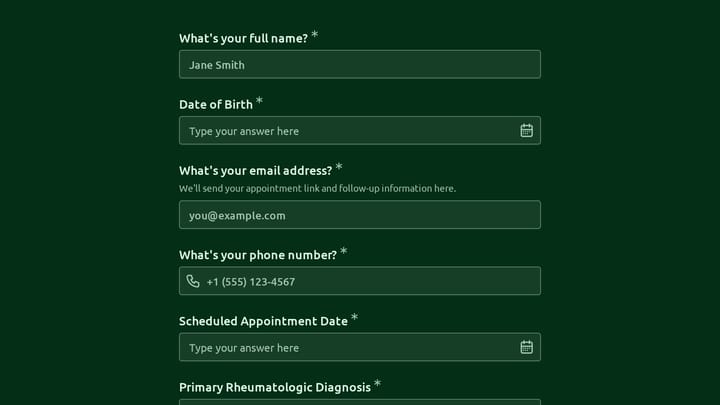
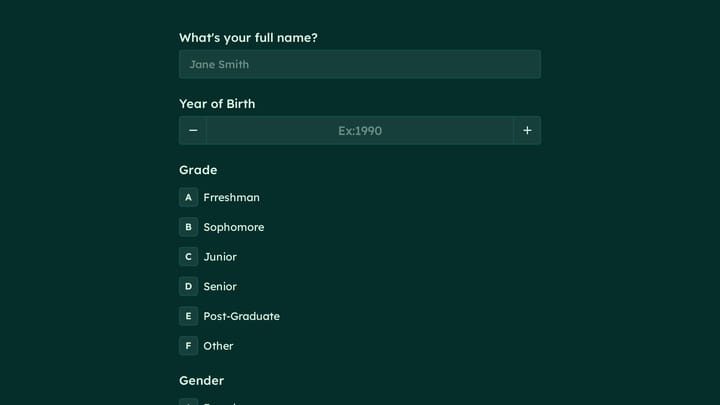
This skin condition pre-appointment assessment is a client intake form designed for dermatology visits, follow-ups, routine skin checks, acne treatment consultations, and mole evaluations. It gathers the key details a care team needs before the patient arrives, including contact information, date of birth, appointment timing, the main skin concern, and the type of visit.

The template also helps patients describe how long the condition has been present, whether it has recently changed or worsened, and which areas are affected, such as the forehead, cheeks, nose, chin, around the mouth, or scalp. When photo upload is included, providers can review visible symptoms in advance and prepare for a more focused appointment.

Using a structured patient intake form like this can reduce back-and-forth before the visit and make documentation more consistent across new and returning patients. It is a practical fit for clinics that want a form builder for healthcare with file upload, clear intake questions, and a smoother pre-appointment process.
Related Templates

View all →
Ask a Question preview

Ask a Question

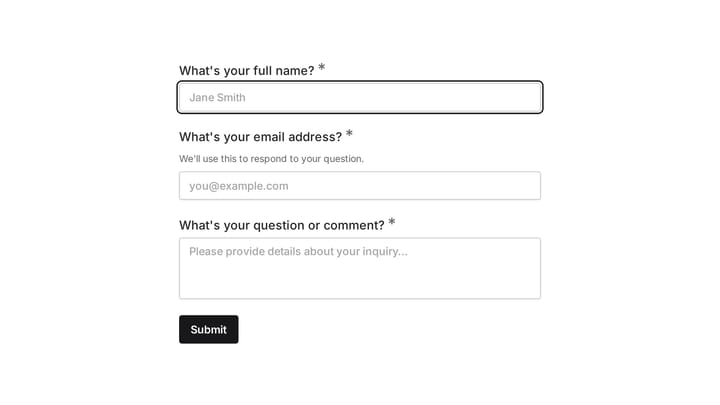
Easily add a customizable 'Ask a Question' form to your website with this template. It empowers visitors to submit inquiries and comments effortlessly, streamlining communication and improving engagement.

Student Stress Survey Form preview

Student Stress Survey Form

Use this student stress survey form to collect clear feedback, satisfaction scores, and open-ended comments in one place. It helps teams understand what is working well and where the experience can improve.

Telehealth Rheumatology Follow-Up preview

Telehealth Rheumatology Follow-Up

Use this client intake form to collect structured responses in a format that is easy for both respondents and your team. It helps turn incoming information into a more organized workflow.

Trade Show Attendee Registration preview

Trade Show Attendee Registration

Use this event registration form to track responses, attendee details, and follow-up information in a single workflow. It gives organizers a simple way to manage registrations without extra admin work.

Online Shopping Survey Form preview

Online Shopping Survey Form

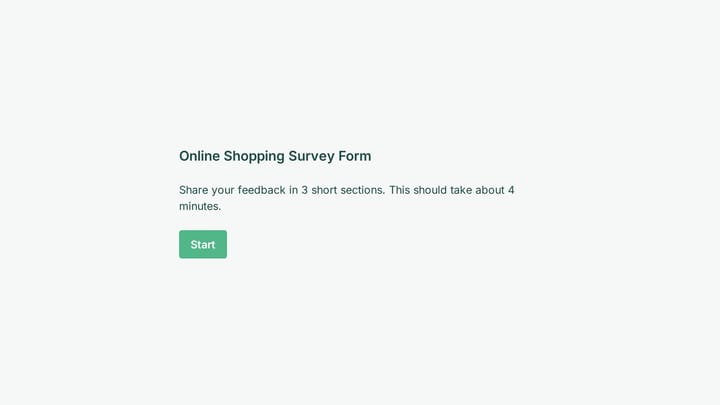
Use this online shopping survey form to collect clear feedback, satisfaction scores, and open-ended comments in one place. It helps teams understand what is working well and where the experience can improve.

Subscription Box Business Client Intake preview

Subscription Box Business Client Intake

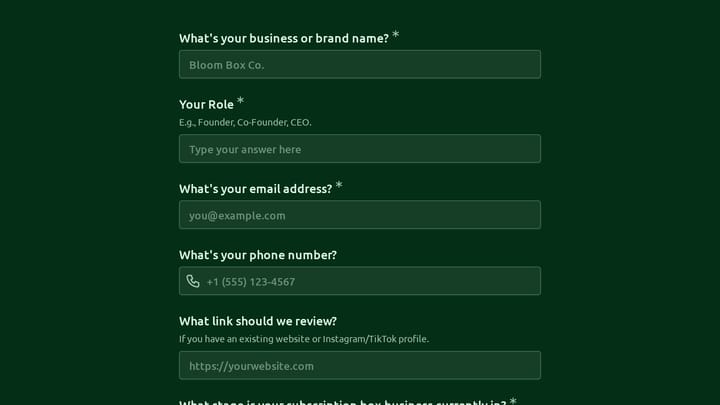
Use this client intake form to collect the details you need before starting a conversation, project, or request. It helps teams qualify submissions and respond with better context.

Body Measurement Form preview

Body Measurement Form

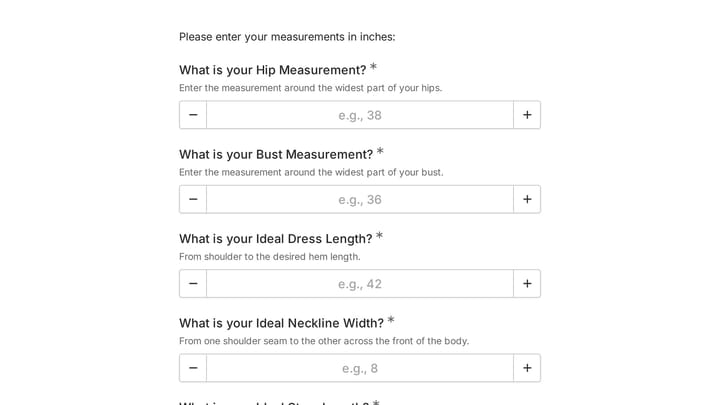
This body measurement form provides a straightforward way to record essential physical dimensions. It's an ideal tool for custom clothing design, fitness tracking, or monitoring personal progress with precision.

Branding Project Intake Form preview

Branding Project Intake Form

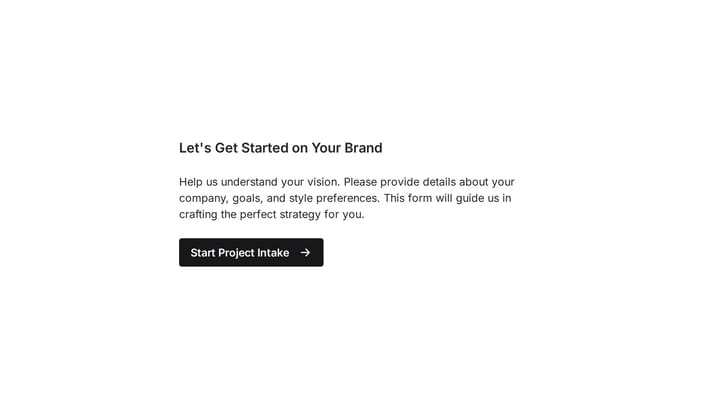
Empower your branding projects from the start with this essential intake form template. It guides creative professionals in capturing crucial client details like project goals, target audience, style preferences, and necessary assets for a perfectly aligned kickoff.

Frequently asked questions

What is this skin condition pre-appointment assessment used for?

This template is used to collect structured responses for a skin condition pre-appointment assessment workflow. It gives teams a consistent format for gathering the information they need and reviewing submissions more efficiently.

What information should I collect first?

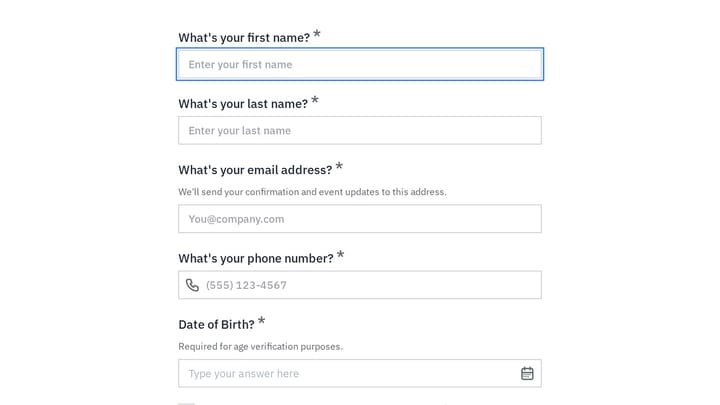
Start with the most important details people can answer quickly, then move into the more specific questions. In this template, that can include items such as First Name, Last Name, Email Address depending on how you customize it.

Can I customize this template for my own workflow?

Yes. You can adapt the questions, required fields, and structure to fit your process while keeping the overall flow clear and easy to complete. That makes it useful as both a starting point and a publish-ready template.

How many questions should a form like this include?

Keep only the questions that directly support the purpose of the form. Shorter forms usually get better completion rates, so it is often better to collect the essentials first and ask for extra details later if needed.

Why use a structured template instead of building from scratch?

A structured template helps you move faster and keeps your submissions more consistent. It also reduces the chance of missing important details because the form already follows a logical order.

Your next form could be the best-looking thing on your site.

Free forever. Unlimited responses. No signup to start.