Gender-Affirming Care Callback Request Form Template

Let patients request a callback about gender-affirming care, sharing their preferred name, pronouns, services of interest, support letter status, and insurance details.

Use Template
Used 0 times
4.9
Created by Fomr Team
Last updated

About

Reaching out to a new provider about gender-affirming care can take a lot, and the first conversation goes better when the person calling already knows the patient's name, pronouns, and what they hope to explore. This callback request form gives clinics, surgical practices, and community health centers a respectful way to gather that context before picking up the phone.

The form starts with legal and preferred names, pronouns, date of birth, and contact details, followed by the preferred contact method and the best time to call. Patients then choose the services they are interested in, from hormone therapy and voice therapy to surgical consultations and hair removal, and share where they are in their journey and how soon they hope to begin.

A few questions adjust to each patient. Anyone who already has a mental health support letter is asked about its status, while those who do not are offered referrals to affirming mental health providers. Patients with health insurance can name their provider and say whether they have confirmed coverage, and everyone can ask about self-pay options and add anything they want to cover on the call.
Related Templates

View all →
Ask a Question preview

Ask a Question

Easily add a customizable 'Ask a Question' form to your website with this template. It empowers visitors to submit inquiries and comments effortlessly, streamlining communication and improving engagement.

Archery Range Arrow Injury Incident Report preview

Archery Range Arrow Injury Incident Report

This incident report form helps archery ranges document arrow-related injuries with the key details needed for follow-up, safety review, and recordkeeping. It captures incident timing, exact location, injured participant information, and t…

Customer Feedback Survey Form preview

Customer Feedback Survey Form

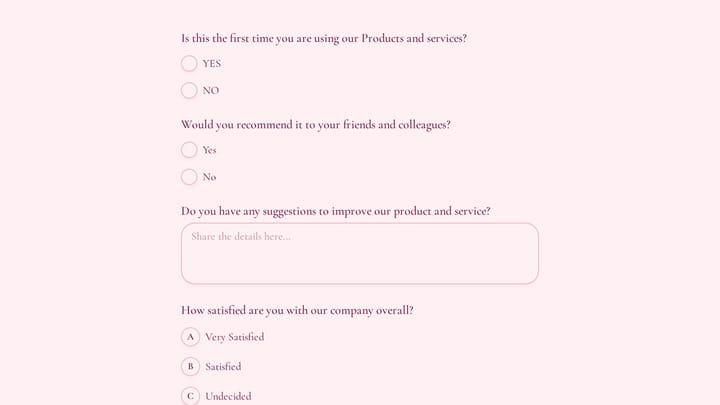
Use this customer feedback form to collect clear feedback, satisfaction scores, and open-ended comments in one place. It helps teams understand what is working well and where the experience can improve.

Life Support System Emergency Report preview

Life Support System Emergency Report

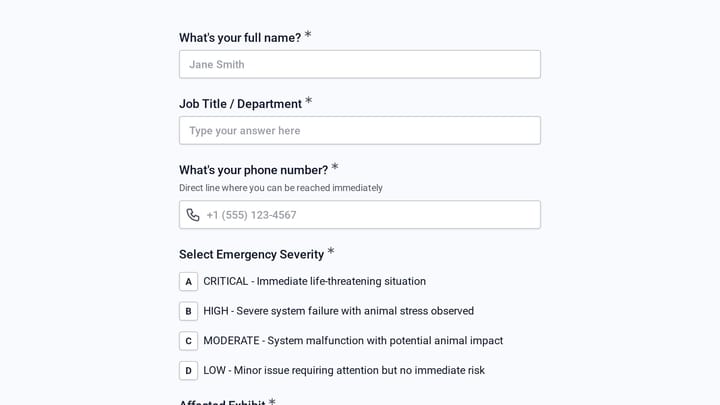
A life support system emergency report form helps aquarium teams document critical equipment failures, assess animal welfare risk, and alert the right staff quickly. This template is designed for fast, structured reporting when exhibit…

Found Item Report preview

Found Item Report

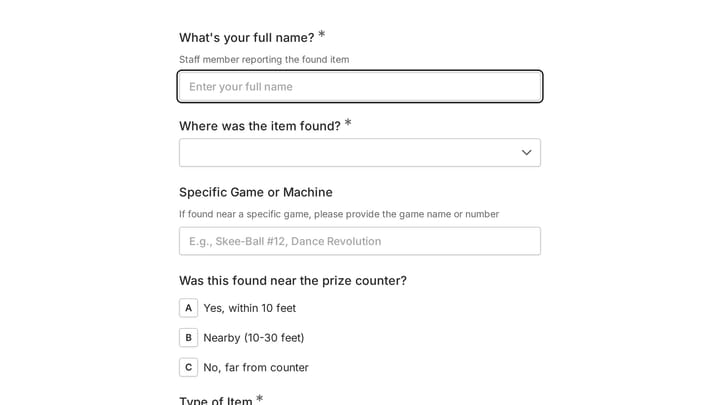
A found item report form helps arcade and family entertainment center staff document lost property with clear location, timing, and item details. This template is designed to capture where an item was discovered, what it looks like, and wh…

Body Measurement Form preview

Body Measurement Form

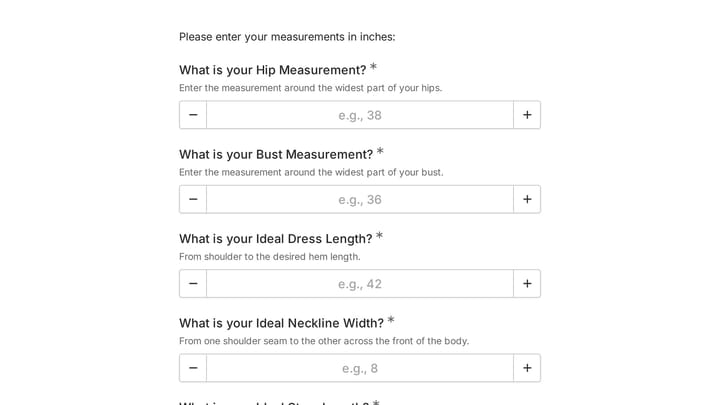
This body measurement form provides a straightforward way to record essential physical dimensions. It's an ideal tool for custom clothing design, fitness tracking, or monitoring personal progress with precision.

Apprenticeship & Internship Program Evaluation preview

Apprenticeship & Internship Program Evaluation

Use this apprenticeship & internship program evaluation form to gather focused feedback on mentorship quality, program structure, and overall participant experience. It helps teams understand what supported growth, where guidance fell shor…

Aqua Aerobics Intake Form preview

Aqua Aerobics Intake Form

Intake form for arthritis-focused aqua aerobics programs that gathers health, safety, and contact details before participation. It helps instructors screen applicants, document medical clearance, and prepare for individual mobility needs.

Frequently asked questions

Who should use this callback request form?

It is designed for clinics, surgeons, hormone therapy providers, voice therapists, and community health centers that offer gender-affirming services. It works well as the first step on a new patient page, before a scheduled consultation.

Why does the form ask for a legal name and a preferred name?

The legal name may be needed to match insurance and medical records, while the preferred name is what your staff should use on the call. Make sure whoever returns the call sees the preferred name and pronouns first.

How do the support letter questions work?

Patients first say whether they have a mental health support letter. Those who answer yes are asked whether the letter is ready, in progress, or not needed, and those who answer no are asked whether they would like referrals to mental health providers who specialize in gender-affirming care.

What happens when a patient has health insurance?

Patients who say they have insurance are asked for their provider and whether they have confirmed that gender-affirming care is covered. That lets your billing or intake team prepare for the call, and the separate self-pay question covers patients who would rather pay directly.

Can I change the list of services?

Yes. Edit the services list to match what your practice offers, and remove anything you refer out. If you only provide one type of care, you can replace the multi-select with a short description of your services in a text block.

How should I protect the information patients share?

Responses include health-related details, so limit access to the staff who return calls and handle intake. Check your obligations under the health privacy laws that apply to your practice, such as HIPAA in the United States, and add a short note on the form explaining how you keep information confidential.

Which questions can patients skip?

Preferred name, pronouns, journey stage, timing, insurance details, and the open questions box are optional. Name, date of birth, contact details, contact preferences, services, and the two yes or no questions are required, and you can relax any of these to suit your intake process.

Your next form could be the best-looking thing on your site.

Free forever. Unlimited responses. No signup to start.