Archery Range Arrow Injury Incident Report Form Template

This incident report form helps archery ranges document arrow-related injuries with the key details needed for follow-up, safety review, and recordkeeping. It captures incident timing, exact location, injured participant information, and t…

Use Template
Used 1 times
4.9
Created by Fomr Team
Last updated

About

An archery range arrow injury incident report form should capture the facts quickly and clearly while the details are still fresh. This template is designed for ranges, clubs, training facilities, and event organizers that need a consistent way to document injuries, identify what happened, and support internal safety review.

The form covers the essentials you would expect in this type of incident report form, including the date and time of the incident, the specific range location, the staff member reporting, the injured person's details, participant type, experience level, and emergency contact information. That structure helps staff record who was involved, where the incident happened, and the immediate context around the injury without relying on incomplete notes or memory later.

Because the layout is already organized for real-world range use, it works well for documenting lane incidents, field target accidents, course station injuries, and safety zone violations. You can adapt it to match your operating procedures, but the core flow already supports accurate reporting, follow-up communication, and more consistent safety records.
Related Templates

View all →
Employee Safety Survey preview

Employee Safety Survey

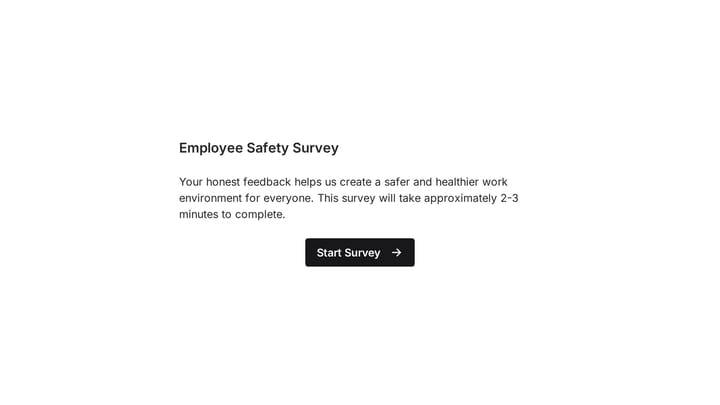
This template offers a comprehensive employee safety survey designed to collect vital feedback on workplace protocols and employee well-being. Easily customize the questions to perfectly match your organization's unique requirements and promote a safer environment for everyone.

Ask a Question preview

Ask a Question

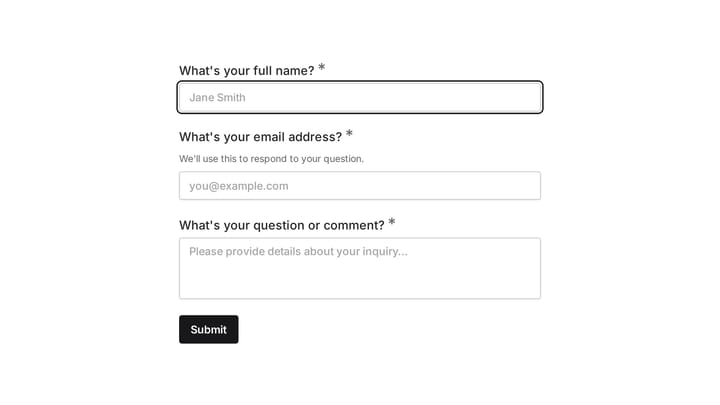
Easily add a customizable 'Ask a Question' form to your website with this template. It empowers visitors to submit inquiries and comments effortlessly, streamlining communication and improving engagement.

Employee Retention Risk Assessment preview

Employee Retention Risk Assessment

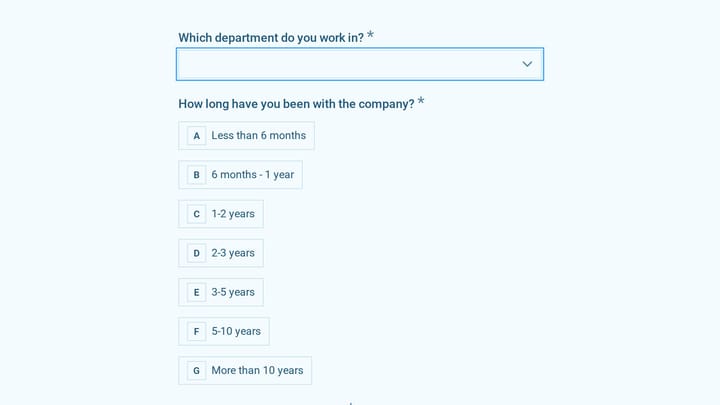
A stay survey for HR teams that asks employees about job search activity, satisfaction with pay, growth, management, and culture, and what would keep them, so you can spot retention risks early.

Employee referral submission form preview

Employee referral submission form

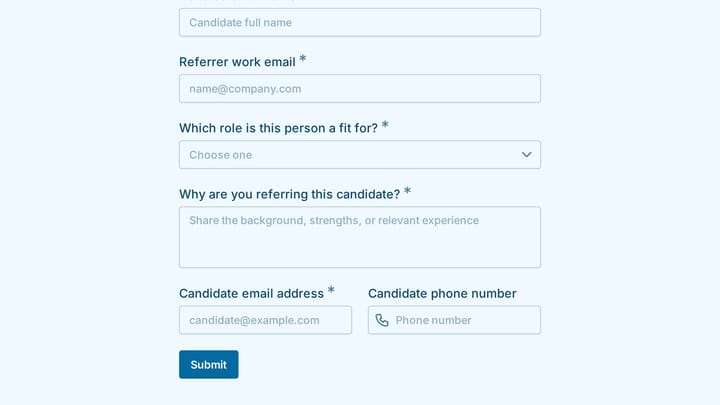
Collect candidate referrals with context, contact details, and role alignment notes.

Employee Scholarship Program for Dependents Survey preview

Employee Scholarship Program for Dependents Survey

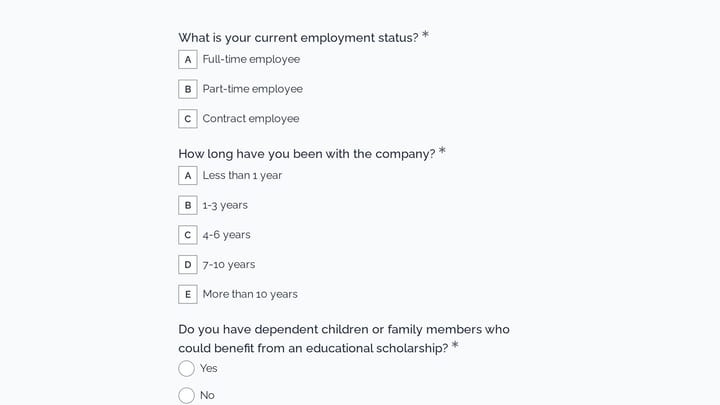
Use this employee scholarship program for dependents survey form to gather employee feedback on program awareness, eligibility, communication, and the application experience. It helps HR teams understand whether the benefit is clear, fair,…

Body Measurement Form preview

Body Measurement Form

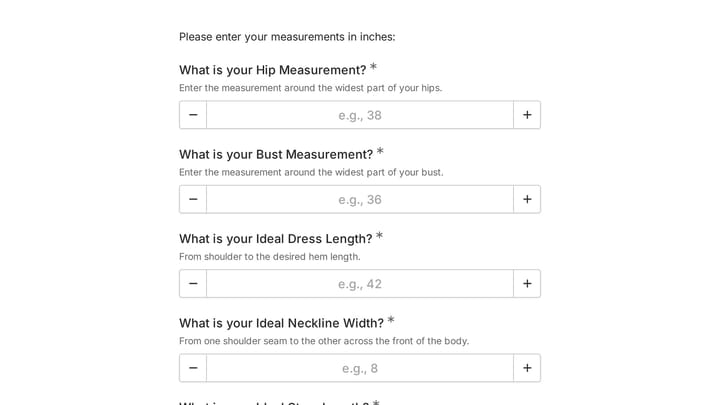
This body measurement form provides a straightforward way to record essential physical dimensions. It's an ideal tool for custom clothing design, fitness tracking, or monitoring personal progress with precision.

Address form preview

Address form

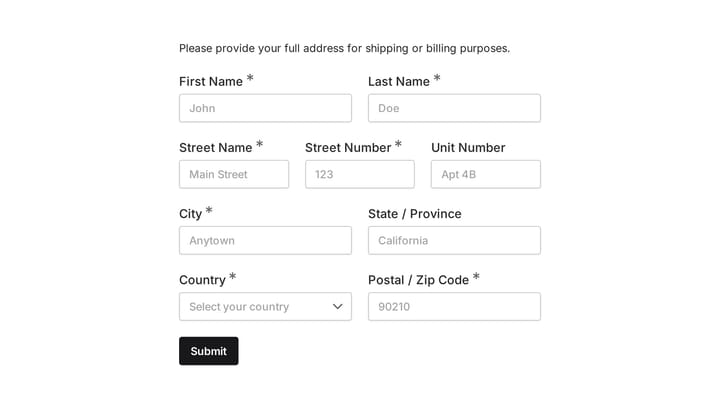
Quickly and accurately collect full shipping and billing addresses with this versatile template. It's designed for businesses that need reliable customer location details for deliveries, invoicing, or organized record-keeping.

Alternative Mental Health Benefits Survey preview

Alternative Mental Health Benefits Survey

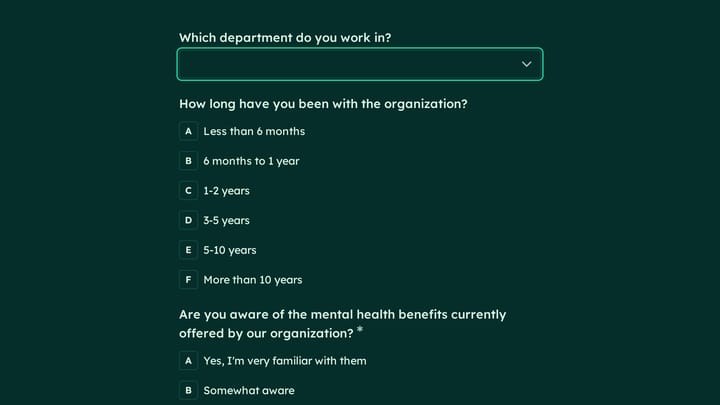
Confidentially measure employee awareness, interest, and comfort levels around alternative mental health benefits with this alternative mental health benefits survey form. It helps HR teams assess coverage needs, identify barriers to acces…

Frequently asked questions

What is this archery range arrow injury incident report used for?

This template is used to collect structured responses for a archery range arrow injury incident report workflow. It gives teams a consistent format for gathering the information they need and reviewing submissions more efficiently.

What information should I collect first?

Start with the most important details people can answer quickly, then move into the more specific questions. In this template, that can include items such as Date of Incident, Time of Incident, Specific Range Location depending on how you customize it.

Can I customize this template for my own workflow?

Yes. You can adapt the questions, required fields, and structure to fit your process while keeping the overall flow clear and easy to complete. That makes it useful as both a starting point and a publish-ready template.

How many questions should a form like this include?

Keep only the questions that directly support the purpose of the form. Shorter forms usually get better completion rates, so it is often better to collect the essentials first and ask for extra details later if needed.

Why use a structured template instead of building from scratch?

A structured template helps you move faster and keeps your submissions more consistent. It also reduces the chance of missing important details because the form already follows a logical order.

Your next form could be the best-looking thing on your site.

Free forever. Unlimited responses. No signup to start.