Standing Desk Transition Fitness Intake Template

Use this standing desk transition fitness intake form to collect the details you need before starting a conversation, project, or request. It helps teams qualify submissions and respond with better context.

Use Template
Used 1 times
5.0
Created by Fomr Team
Last updated

About

A good standing desk transition fitness intake form should make it easy for people to respond while still giving your team useful information to work with. This template keeps the flow clear and structured so submissions are easier to review, route, and act on.

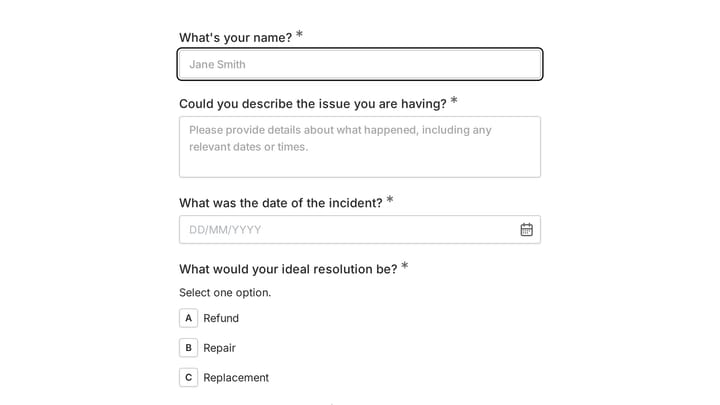
It includes practical prompts such as Full Name, Email Address, Phone Number, Age, which helps capture the context people usually expect to provide in this kind of workflow. That balance between clarity and completeness makes the template useful right away, while still leaving room for customization.

Because the structure is already organized, teams can spend less time chasing missing details and more time responding to submissions. It also helps create a more consistent experience across every response you collect.

It also fits naturally alongside related use cases such as one question at a time form and client intake form, which makes it a flexible starting point for teams that want a template they can adapt to different workflows.
Related Templates

View all →
Body Measurement Form preview

Body Measurement Form

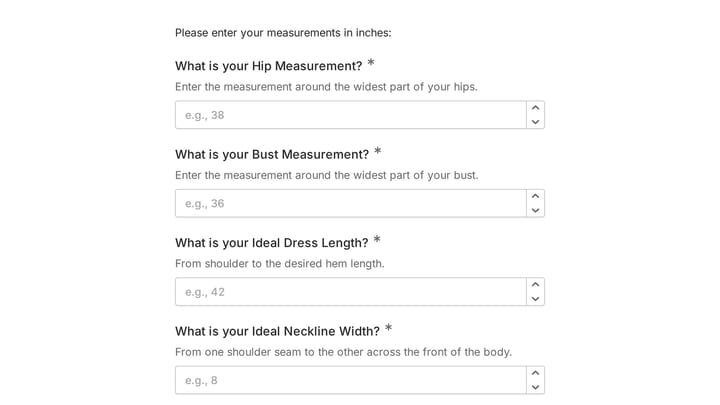
This body measurement form provides a straightforward way to record essential physical dimensions. It's an ideal tool for custom clothing design, fitness tracking, or monitoring personal progress with precision.

Aircraft Maintenance Software User Research preview

Aircraft Maintenance Software User Research

An aircraft maintenance software user research form helps you gather detailed feedback from technicians, inspectors, and maintenance teams about how they track work, manage compliance, and handle parts and inspections. Use it to identify w…

Admission Checklist Form preview

Admission Checklist Form

Streamline your intake process with this comprehensive digital admission checklist template. It helps organizations efficiently collect all necessary information and documents from applicants, ensuring a smooth and organized start.

Airport Employee Missing Person Report for Special Needs Traveler preview

Airport Employee Missing Person Report for Special Needs Traveler

This incident report form helps airport staff quickly document a missing special needs traveler, including last known location, urgency, disability-related details, and key staff contacts. It is designed to support fast internal coordinati…

Airline Passenger Experience Focus Group preview

Airline Passenger Experience Focus Group

This airline passenger experience focus group form helps research teams screen and recruit qualified travelers for airline studies. It captures travel frequency, trip purpose, cabin history, and recent flight behavior so you can identify p…

Airport Missing Child Report preview

Airport Missing Child Report

This incident report form helps airport teams capture the critical details needed when a child is reported missing, including guardian contact information, identifying characteristics, and travel context. It is designed to support fast, ac…

Air Force Base Runway Foreign Object Debris (FOD) Report preview

Air Force Base Runway Foreign Object Debris (FOD) Report

An incident report form for documenting runway foreign object debris discoveries on airfields, including exact location, reporter details, nearby aircraft exposure, and follow-up contacts. It helps safety and operations teams capture the f…

Employee Coaching Form preview

Employee Coaching Form

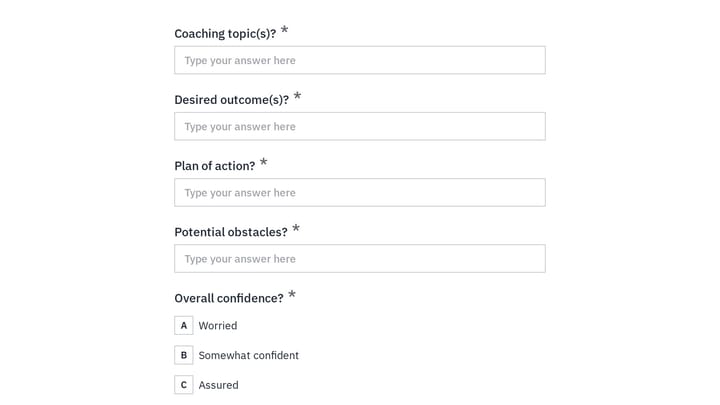
Use this employee coaching form to document key takeaways from 1:1 coaching sessions, including goals, action steps, obstacles, confidence level, and the next meeting date. It gives managers, HR teams, and coaches a clear, repeatable way t…

Frequently asked questions

What is this standing desk transition fitness intake used for?

This template is used to collect structured responses for a standing desk transition fitness intake workflow. It gives teams a consistent format for gathering the information they need and reviewing submissions more efficiently.

What information should I collect first?

Start with the most important details people can answer quickly, then move into the more specific questions. In this template, that can include items such as Full Name, Email Address, Phone Number depending on how you customize it.

Can I customize this template for my own workflow?

Yes. You can adapt the questions, required fields, and structure to fit your process while keeping the overall flow clear and easy to complete. That makes it useful as both a starting point and a publish-ready template.

How many questions should a form like this include?

Keep only the questions that directly support the purpose of the form. Shorter forms usually get better completion rates, so it is often better to collect the essentials first and ask for extra details later if needed.

Why use a structured template instead of building from scratch?

A structured template helps you move faster and keeps your submissions more consistent. It also reduces the chance of missing important details because the form already follows a logical order.

Your next form could be the best-looking thing on your site.

Free forever. Unlimited responses. No signup to start.