For event planners
Event Registration Form Builder
Build event registration, RSVP, volunteer, and post-event feedback forms that attendees fill out on any device. Free, with no limit on registrations.
Every event runs on a guest list
A 30-person workshop and a 3,000-person conference start with the same two questions. Who's coming, and what do they need? When the answers arrive by email, DM, and a sign-up sheet at the door, someone spends the week before the event merging lists by hand.
A registration form gives every attendee the same questions, in the same order, and puts every answer in one list. Ticket type, dietary needs, accessibility requirements, and session choices are all filterable the moment someone registers, so the caterer gets a headcount and the venue gets an access plan without a reconciliation job.
Fomr doesn't cap responses on any plan, so a sold-out event costs the same as a quiet one. Most planners use one form for registration and a second for feedback the morning after.
Event registration forms
Registration forms for conferences, workshops, competitions, and community events.
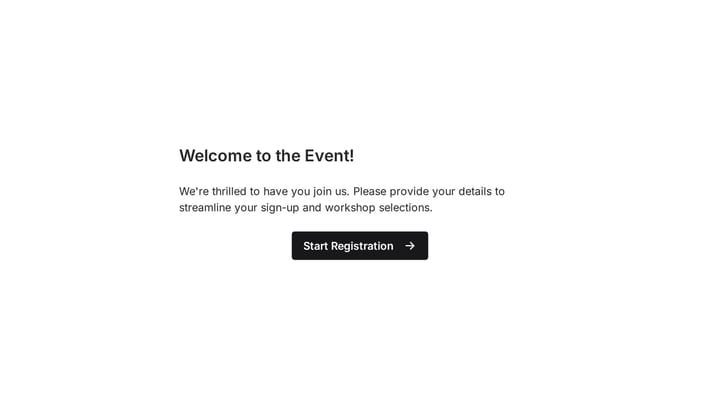
Event Registration Form
Effortlessly gather attendee information for any event with this registration form template. It streamlines sign-ups, manages workshop selections, and collects vital details like dietary needs, ensuring smooth planning.
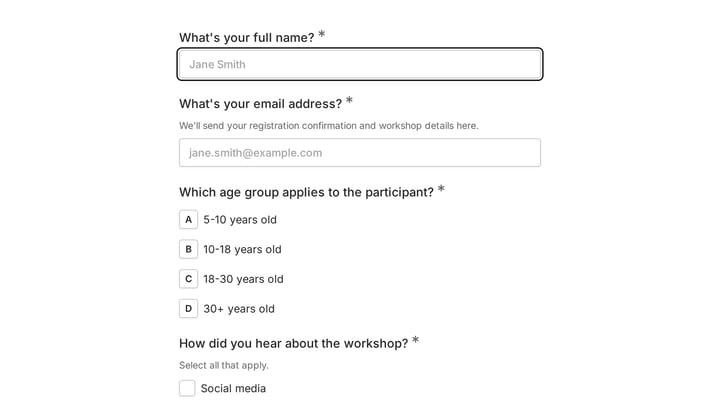
Art Workshop Registration Form
Streamline the sign-up process for your creative courses and workshops with this intuitive Art Workshop Registration Form Template. It efficiently gathers essential participant information like contact details, age group, and preferred workshop dates.
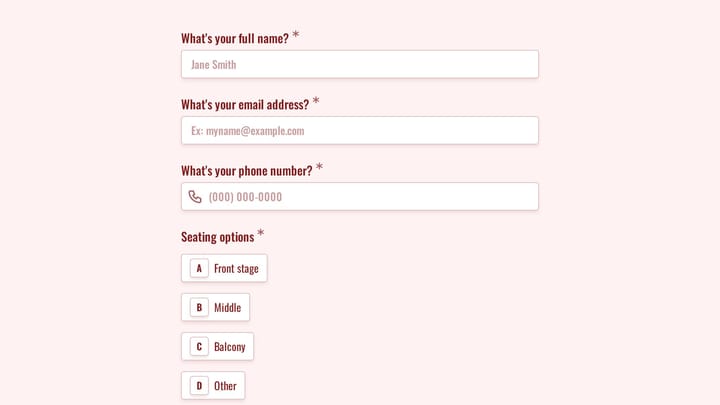
Concert Ticket Registration Form
Use this concert ticket registration form to track responses, attendee details, and follow-up information in a single workflow. It gives organizers a simple way to manage registrations without extra admin work.
Forms event planners build with Fomr
Each one starts from a template or a blank page, and every field below is a suggestion you can rename, reorder, or remove.
Event registration
Names, ticket types, and dietary needs collected in one pass, on any device.
- Name
- Ticket type
- Dietary needs
- Accessibility needs
RSVPs
A yes-or-no plus a headcount, without the reply-all thread.
- Attending?
- Number of guests
- Plus-one names
- Meal choice
Workshop and class signups
Session choices and experience levels so instructors know who's in the room.
- Session
- Experience level
- Equipment needs
Conference session selection
Let attendees pick tracks and sessions, with conditional questions per track.
- Track
- Sessions
- Workshop add-ons
- T-shirt size
Speaker applications
Talk proposals with abstracts, bios, and slides uploaded in one structured submission.
- Talk title
- Abstract
- Speaker bio
- Headshot upload
Volunteer signups
Availability, shift preferences, and skills, so the rota builds itself.
- Availability
- Shift preference
- Skills
- T-shirt size
Vendor and exhibitor applications
Booth requests and vendor details reviewed side by side before you allocate space.
- Company
- Booth size
- Power needs
- Product category
Post-event feedback
Find out what worked while the event is still fresh, with ratings per session.
- Overall rating
- Session ratings
- NPS
- What to improve
Planning and interest surveys
Ask your community about dates, formats, and topics before you book the venue.
- Preferred dates
- Format
- Topics
- Budget
RSVPs and invitations
Party, wedding, and dinner RSVPs that tell you exactly how many chairs to set out.
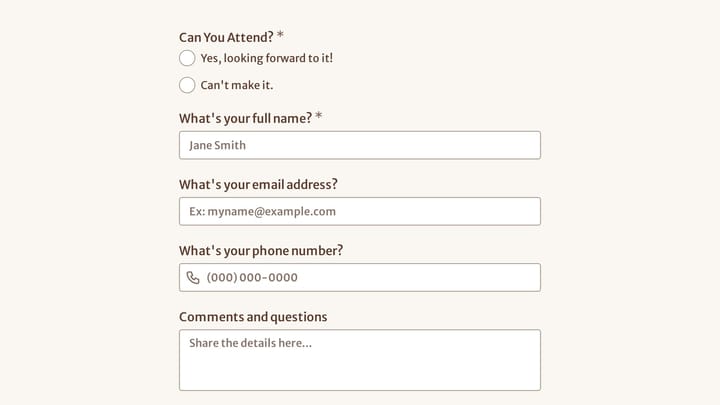
Cocktail Event RSVP Form
Use this event registration form to track responses, attendee details, and follow-up information in a single workflow. It gives organizers a simple way to manage registrations without extra admin work.
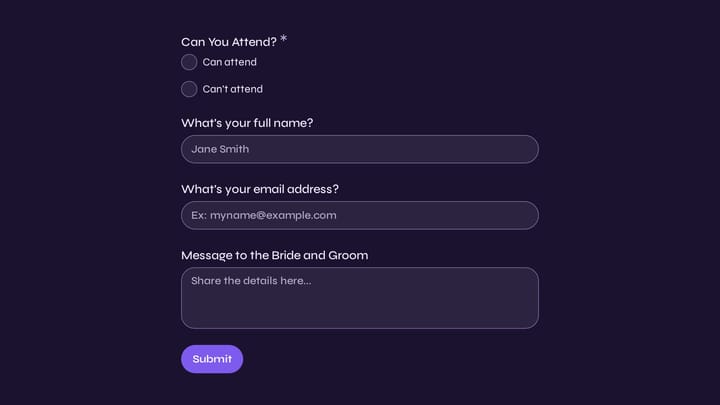
Wedding Attendance Form
Use this event registration form to track responses, attendee details, and follow-up information in a single workflow. It gives organizers a simple way to manage registrations without extra admin work.
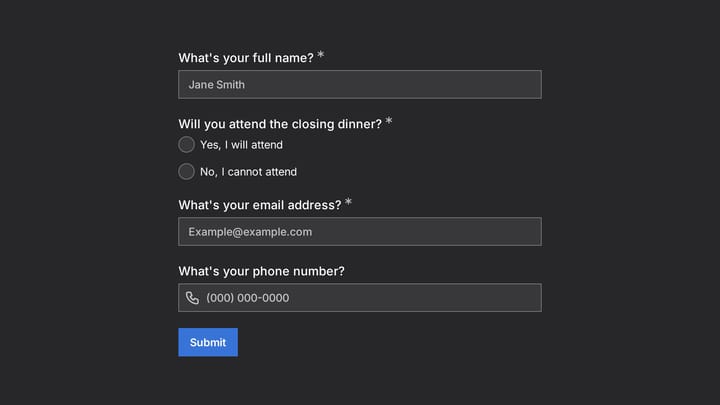
Conference Closing Dinner RSVP Form
Use this event registration form to track responses, attendee details, and follow-up information in a single workflow. It gives organizers a simple way to manage registrations without extra admin work.
Why event planners choose Fomr
Survives the registration spike
There's no response cap, so launch day and the final-week rush cost the same as a quiet Tuesday, which is nothing.
QR codes that just work
Print the form's QR code on posters and badges; attendees register or give feedback right from their seat.
A live list, not a reconciliation job
Registrations from your site, social, and email all land in one results view you can filter by any answer.
Volunteers, speakers, and vendors
Applications for the people who make the event happen.
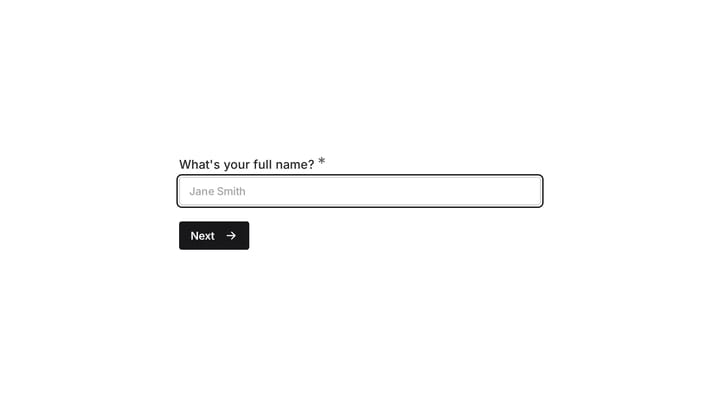
Event Volunteer Form
Streamline your event planning by effortlessly collecting all the crucial details from your potential volunteers. This customizable form simplifies sign-ups, helping you build a supportive and well-organized team.
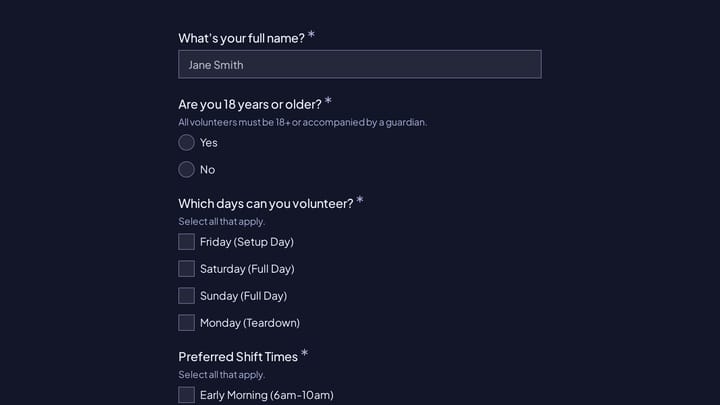
Anime Convention Volunteer Application
This anime convention volunteer application form helps organizers collect availability, shift preferences, role rankings, and emergency contact details in one place. It is designed for convention teams that need a clear, organized way to r…
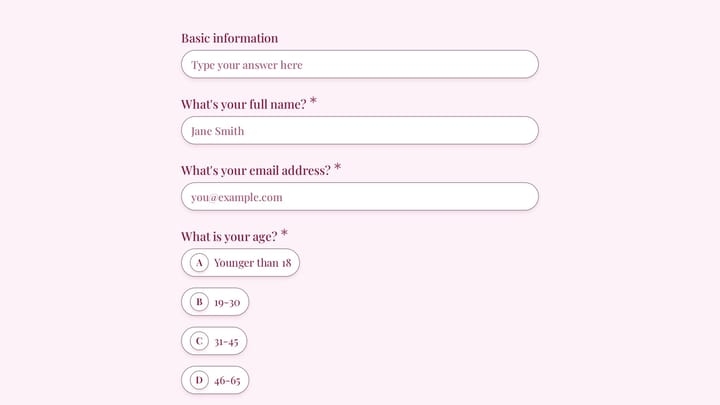
Volunteer Signup Form
This volunteer signup form helps nonprofits, community groups, and event organizers collect volunteer details, interests, availability, and relevant experience in one place. Use it to screen responses more clearly and match people with the…
How to get started
- 1
Pick a template
Pick a registration or RSVP template. If none fits, describe the event and AI drafts one.
- 2
Add your event details
Ticket types, sessions, and dietary options, with conditional questions for add-ons like workshops or plus-ones.
- 3
Open registration on schedule
Set the form to open and close on specific dates, then share the link, embed it on the event page, or print a QR code.
- 4
Work from a live list
Filter registrations by any answer, export to CSV, or send every new signup to Google Sheets.
For every kind of event
From a birthday RSVP to a multi-track conference.
Conferences and summits
Registration with track and session selection, speaker calls, and sponsor feedback.
Workshops and classes
Signups with experience levels, materials lists, and post-session evaluations.
Weddings and parties
RSVPs with meal choices, plus-ones, and song requests in one link.
Community and nonprofit events
Fundraiser registrations, volunteer rotas, and annual meeting RSVPs.
Sports and recreation
Tryout registrations, tournament entries, and team signups with emergency contacts.
Corporate events
Offsite registrations, team-building signups, and internal event feedback.
Event feedback and planning surveys
Surveys before and after the event that make the next one better.
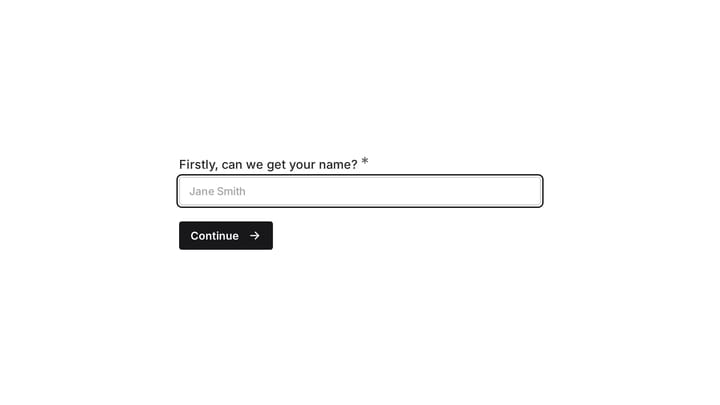
Event Evaluation Survey
Gather honest feedback from your guests after any event with this evaluation survey. Understand what worked, what didn't, and what you can improve for future gatherings.
Post-event feedback survey form
Measure attendee satisfaction after an event with structured ratings and follow-up comments.
Event Satisfaction Survey
Unlock valuable insights into your event's success with this comprehensive satisfaction survey. Collect feedback on everything from registration to content to continuously enhance future attendee experiences.
How to build a registration form people finish
The fewer reasons to hesitate, the more seats you fill.
Put the essentials first
Name, email, and ticket type on page one. Dietary, accessibility, and session questions can follow on the next page.
Only ask for what changes the plan
If the answer won't change catering, seating, or communication, leave the question out.
Use conditional questions for add-ons
Show plus-one names only to people bringing a guest, and workshop choices only to people who picked a full pass.
Set a close date
Schedule the form to close when registration ends, so late signups see a clear message instead of a form you've stopped reading.
Print the QR code
Put the registration QR code on posters and flyers, and a feedback QR code on the last slide, so people act while they're in the room.
Send feedback while it's fresh
Share the feedback survey within 24 hours. Response rates drop quickly once attendees are back at their desks.
Related reading
Event planners and Fomr: common questions
Not yet. Fomr doesn't collect payments today. You can offer ticket types and calculate a total with Calculated values, then take payment through your own payment link or at the door.
Yes. Form access settings let you schedule open and close dates, and you can close the form manually at any time when you reach capacity. Visitors see a closed-form message instead of the form.
Yes. Turn on duplicate response prevention and match on the email address, so the same attendee can't register twice.
Respondent confirmation emails are available on Pro, and can include answers from the registration such as ticket type or session. On every plan, up to 10 team members can be notified about each new registration.
Yes. Add a choice question for the session or date and use conditional logic to show session-specific questions, then filter the results by session.
Publishing gives you a share link you can send anywhere — email, chat, social, or a QR code. The same form can also be embedded on your website or shown as a popup, and responses from every channel land in one place.
Yes, Fomr has a free plan that includes unlimited forms, unlimited responses, unlimited team members, 25+ form components, conditional logic, calculated values, design customization, email notifications, and more. The Pro plan adds features like custom domains, removal of Fomr branding, SEO controls, multiple endings, and redirects on completion.
Create an account and you can start building forms right away using the drag-and-drop editor. You can also try the editor without signing up to see how it works first.