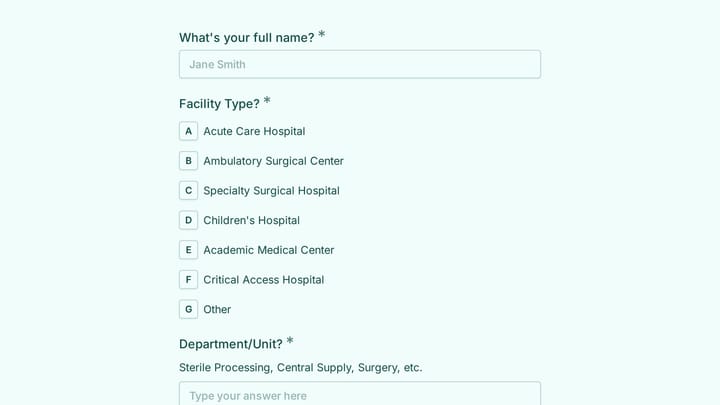
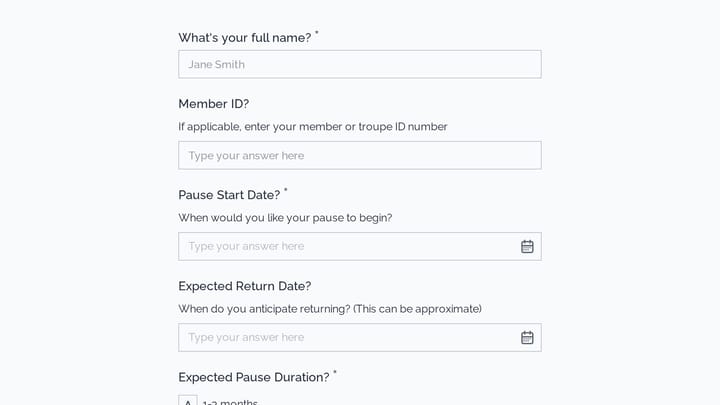
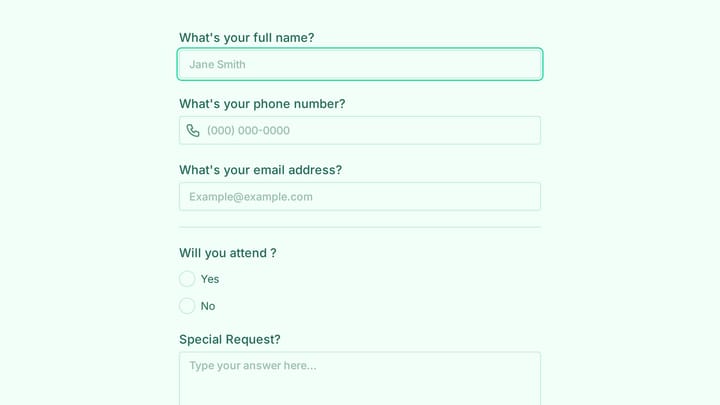
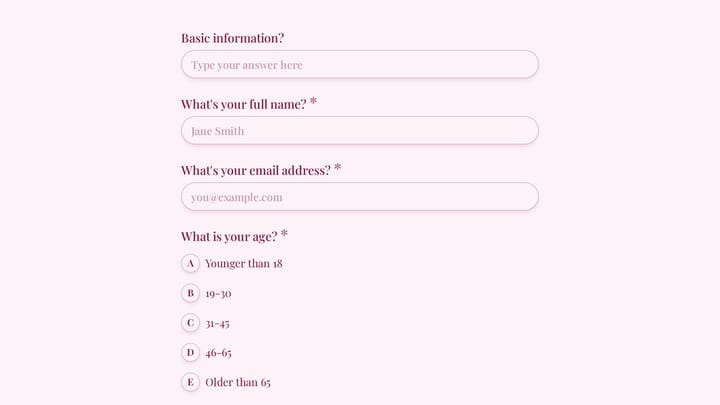
Nonprofit Coordinator Form Templates

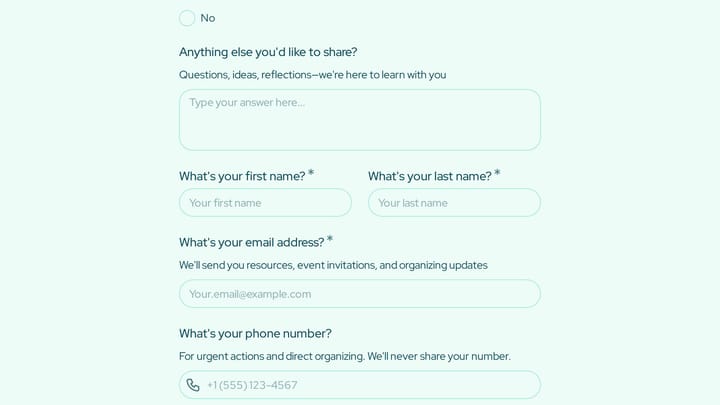
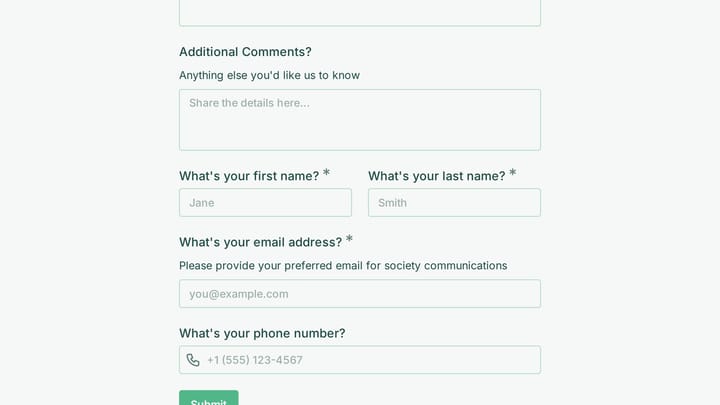
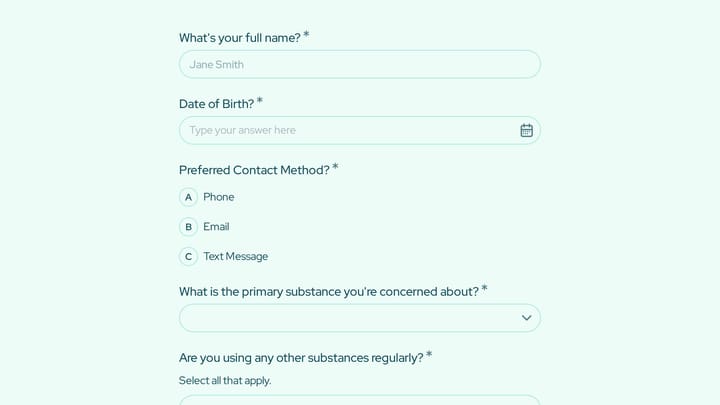
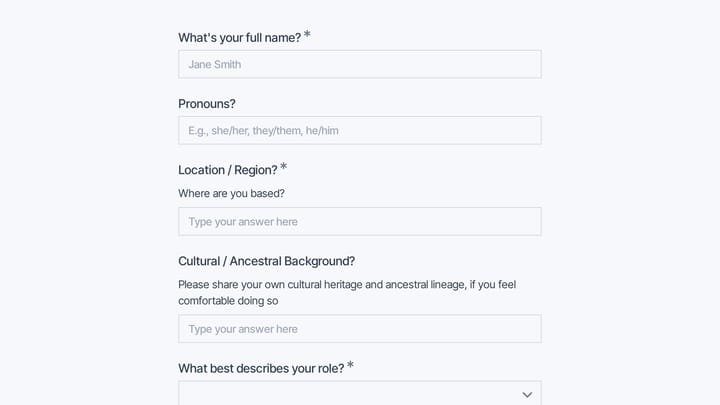
Free nonprofit form templates. Create volunteer signup, donation, and program registration forms that support your mission.

0

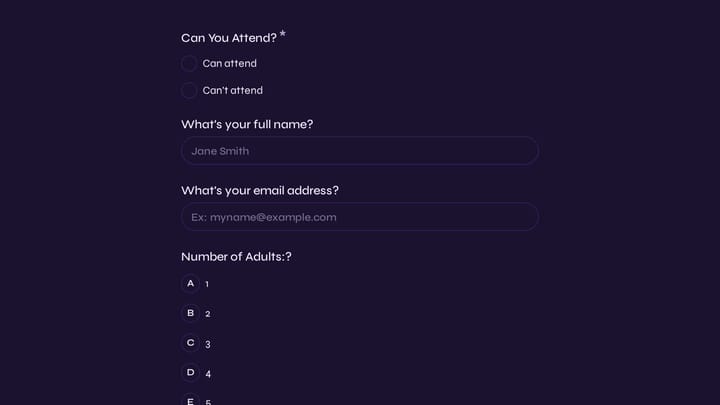
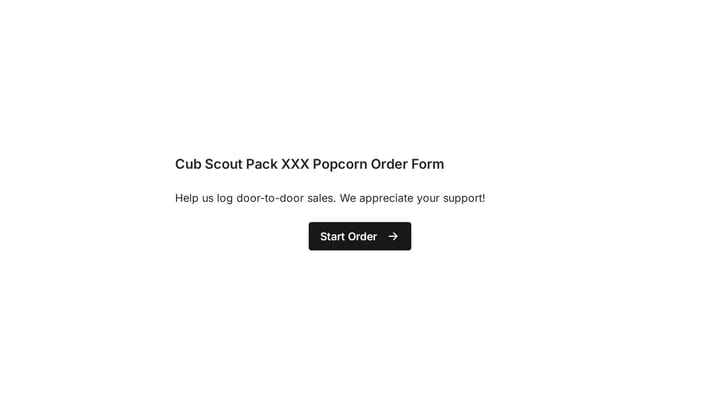
Scout's Popcorn Sales Form

This template simplifies order taking for scout popcorn sales and other fundraising campaigns. It helps young sellers accurately log door-to-door sales, integrating seamlessly with Google Forms for efficient data management.

Orders Event Registration Payments Non-profit Nonprofit Coordinator
0

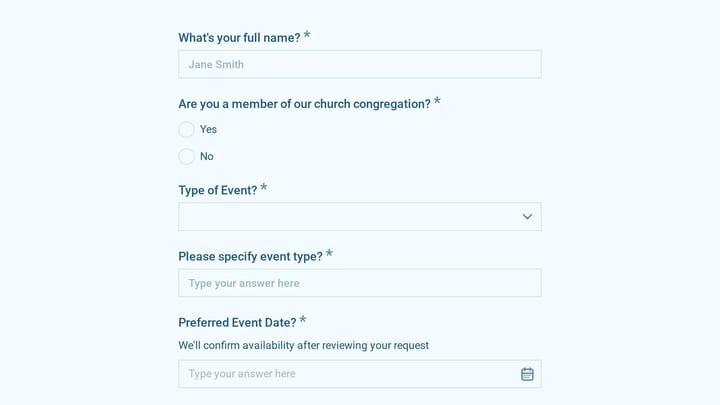
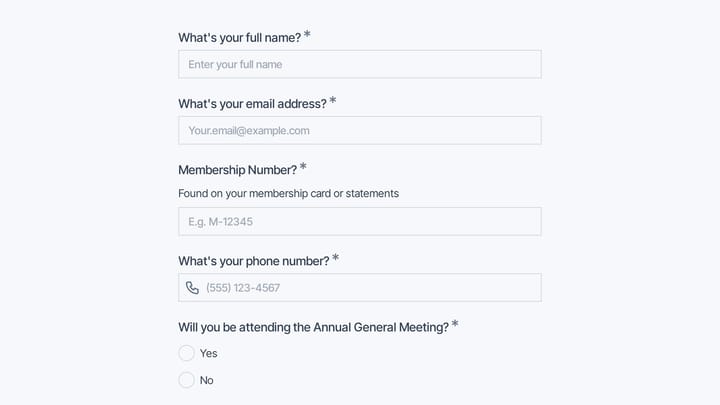
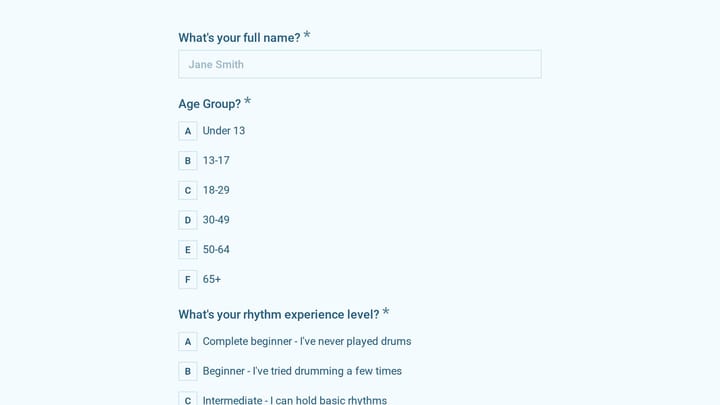
Event Registration Form

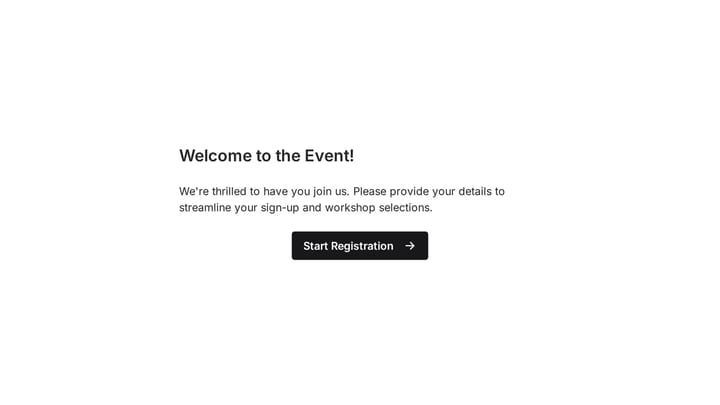
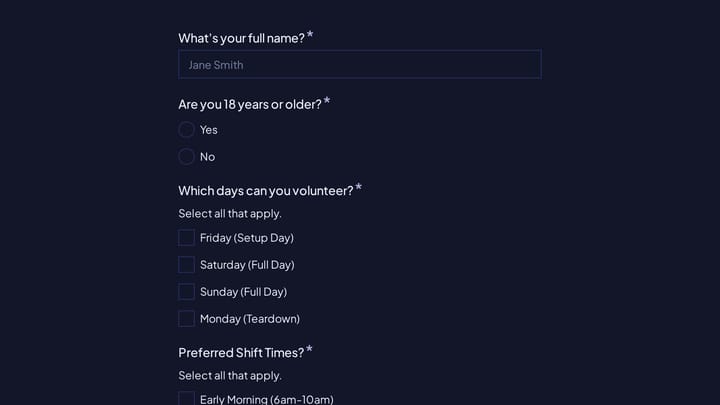
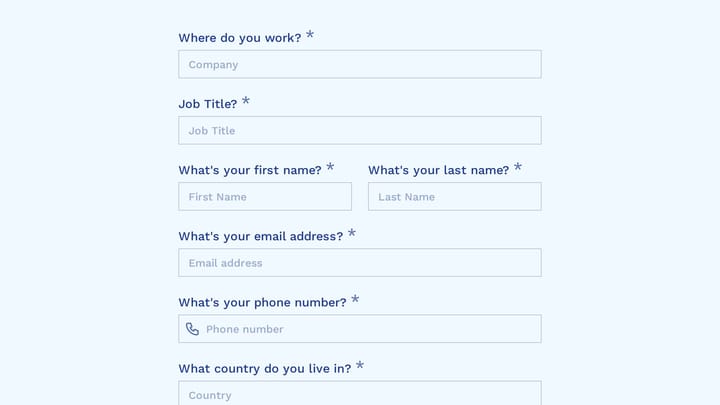
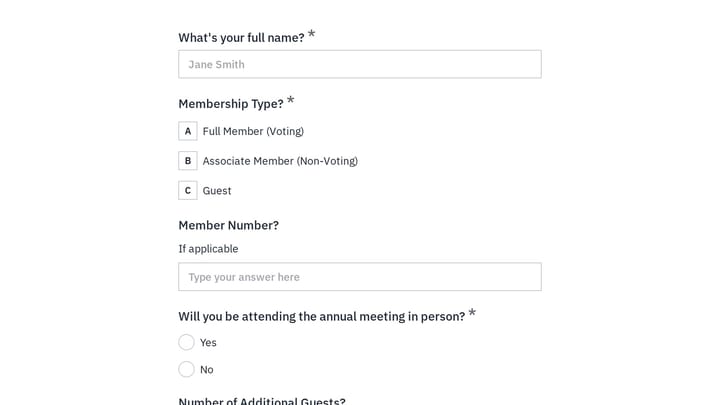
Effortlessly gather attendee information for any event with this registration form template. It streamlines sign-ups, manages workshop selections, and collects vital details like dietary needs, ensuring smooth planning.

Event Registration Job Applications Registrations Events Event Planner

Forms for Nonprofit Coordinators

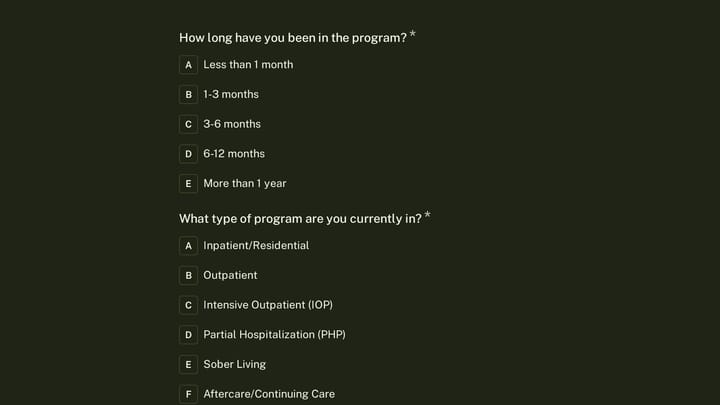
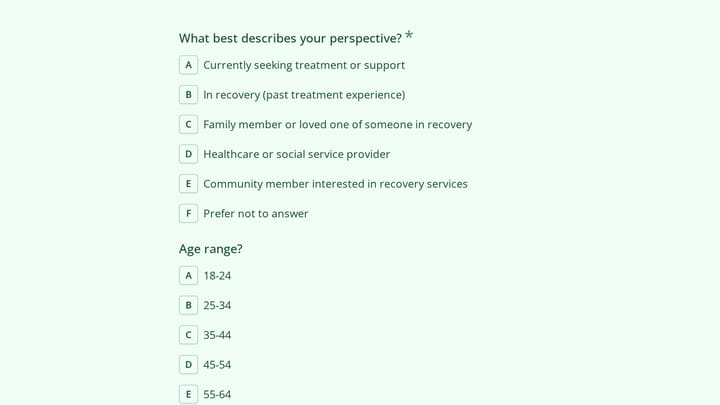
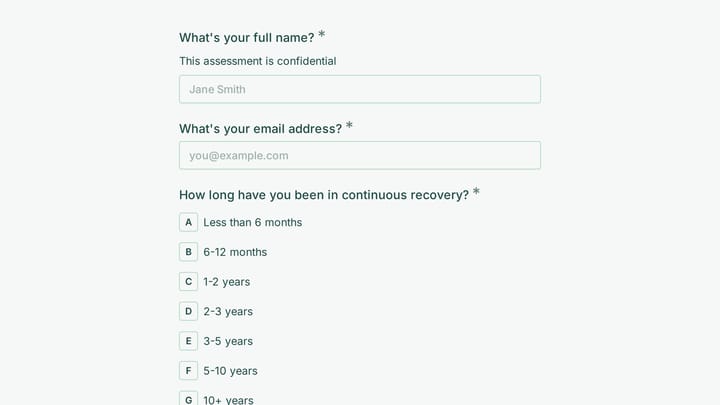
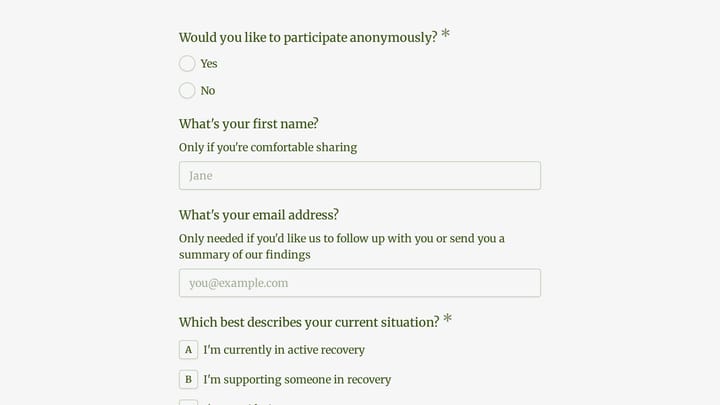
Nonprofit coordinators manage multiple programs while engaging volunteers, donors, and community members. Forms help process donations, coordinate volunteers, register participants for programs, and collect the data needed to demonstrate impact to funders.

Digital forms maximize limited resources by automating registration, donation processing, and volunteer coordination. They provide consistent data collection that supports grant reporting and program evaluation.

Common Form Types for Nonprofits

  • Donation forms for one-time and recurring gifts
  • Volunteer signup and availability scheduling
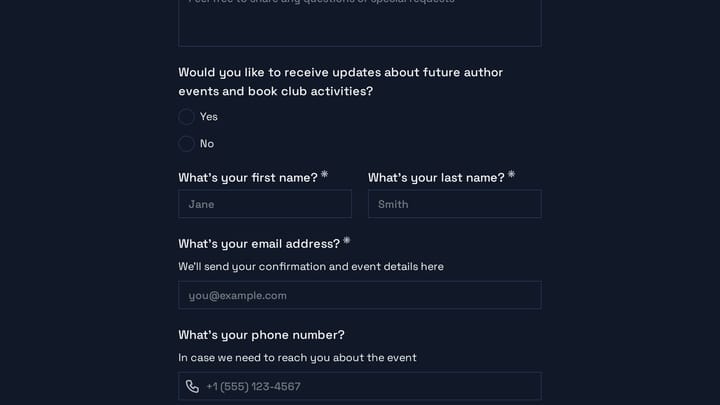
  • Program registration and enrollment
  • Event registration and ticket sales
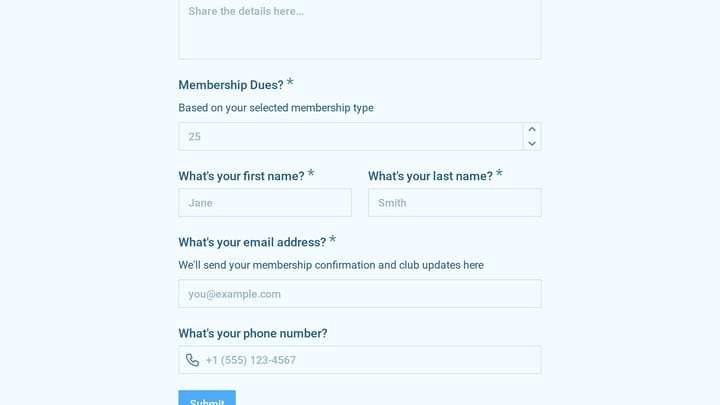
  • Membership applications and renewals
  • Grant application and reporting forms
  • Client intake for service programs
  • Impact surveys and outcome measurement

Nonprofit Focus Areas

Nonprofits serve diverse causes. Social services organizations help families in need. Environmental groups mobilize conservation efforts. Arts organizations build cultural communities. Religious organizations serve their congregations. Educational nonprofits support student success. Healthcare charities fund research and patient support.

Building Effective Nonprofit Forms

Nonprofit forms should make giving and participating easy. Donation forms need minimal friction while capturing information for stewardship. Volunteer forms should collect availability and skills without overwhelming new supporters. Program registration forms must gather required information while remaining accessible to diverse populations. Include clear impact statements that show donors and volunteers how their contributions make a difference.

Frequently asked questions

What is a form template?

A form template is a pre-designed form structure that you can use as a starting point for creating your own forms. Templates include pre-configured fields, layouts, and styling that are tailored for specific use cases, saving you time and ensuring best practices are followed. Simply select a template, customize it to match your needs, and publish it to start collecting responses.

How do I customize this template?

Customizing a template is easy with our drag-and-drop editor. Click "Use Template" to open the form in the editor where you can add, remove, or rearrange fields, change colors and fonts to match your brand, update question text and descriptions, configure validation rules, and set up email notifications. All changes are saved automatically, and you can preview your form at any time before publishing.

Is this template free to use?

Yes, all our form templates are completely free to use. You can create unlimited forms from any template on our free plan. Some advanced features like file uploads, custom domains, and removing branding require a paid plan, but the core form functionality and templates are available to everyone at no cost.

Can I use this template for my business?

Absolutely! Our templates are designed for both personal and business use. Whether you're a freelancer, small business, or enterprise, you can use any template to collect leads, gather feedback, process applications, or handle any other form-based workflow. For business use, we recommend our Pro plan which includes features like custom branding, advanced analytics, and priority support.

How do I share my form after creating it?

Once you've customized and published your form, you have several sharing options. You can copy the direct link to share via email, social media, or messaging apps. You can also embed the form on your website using our embed code, or use a QR code for offline materials. All sharing options are available from your form's settings page after publishing.

Ready to create your first Fomr?

Your next form deserves better than a white page with dropdowns. Build something people actually want to fill out.