For HR teams & recruiters
HR Form Builder
Build job application, onboarding, time-off request, and employee survey forms for your HR team. Free, with unlimited forms, responses, and team members.
Most HR work is collecting the same information, over and over
Every hire runs on the same loop. A candidate applies, someone asks for references, a manager wants the CV in a different format, and on day one a new employee fills in their bank details, emergency contacts, and equipment sign-off on paper that someone retypes later. Then the cycle repeats for time-off requests, reviews, and exit interviews.
A form breaks that loop. Every candidate answers the same questions in the same format, and the hiring manager reads the results directly. A CV upload sits next to the role-specific questions, so nothing gets lost in a reply chain.
Fomr doesn't charge per seat, so hiring managers can read applications themselves without a license. There are 300+ HR templates to start from.
Job application forms
Role-specific applications with resume uploads, ready to adapt to your open positions.
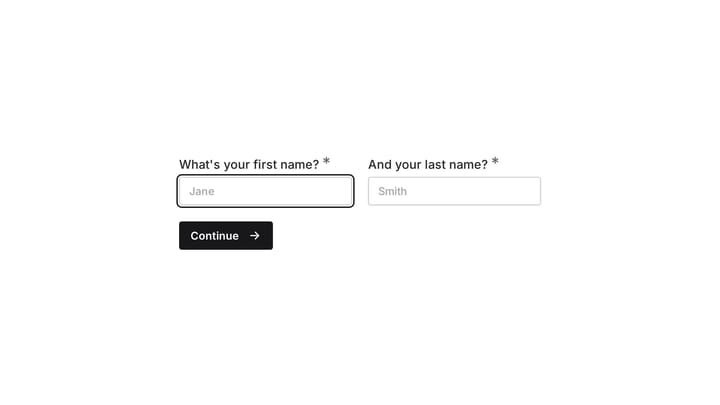
Customer Service Job Application Form
Efficiently screen customer service job applicants with this customizable template designed to gather essential details. It helps you collect resumes, cover letters, and insightful responses, making candidate qualification straightforward.
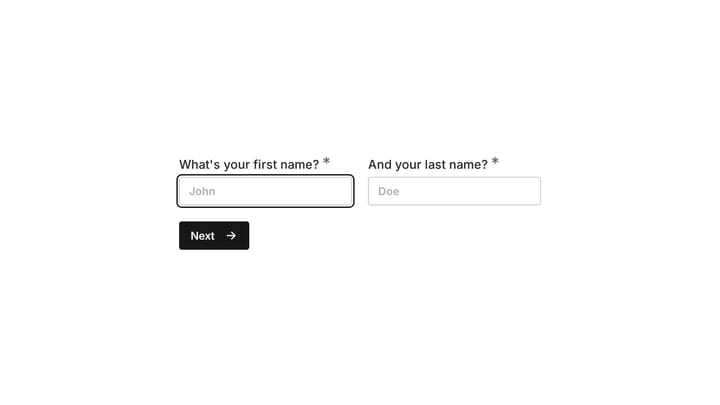
Engineer Job Application Form
Create a professional, on-brand engineer job application form that captures resumes, cover letters, and essential candidate details in one seamless step.
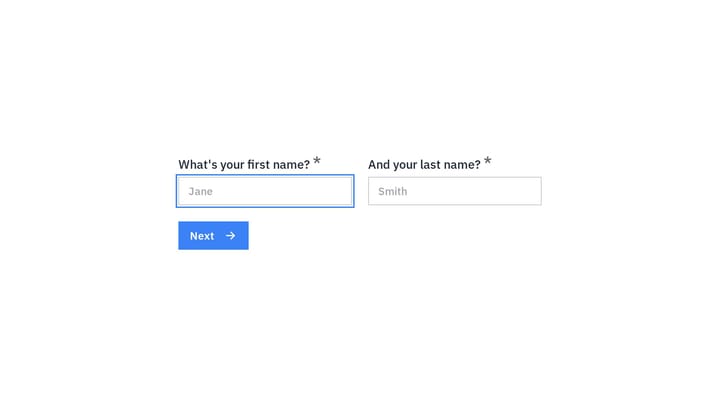
Digital Marketing Manager Job Application Form
Attract top digital marketing talent with a professional job application form that reflects your brand. Easily collect resumes, cover letters, and essential candidate information all in one streamlined process.
Forms HR teams & recruiters build with Fomr
Each one starts from a template or a blank page, and every field below is a suggestion you can rename, reorder, or remove.
Job applications
Role-specific questions and a resume upload, all in one submission candidates can finish on their phone.
- Contact details
- Role applied for
- Resume upload
- Work authorization
- Availability
Reference checks
Send referees a short structured form instead of scheduling calls, so every reference answers the same questions.
- Relationship
- Dates worked together
- Strengths
- Rehire rating
Interview feedback
Scorecards interviewers fill in right after the conversation, while the details are fresh.
- Candidate
- Interview stage
- Skill ratings
- Recommendation
Onboarding paperwork
Personal details, banking, equipment, and policy acknowledgments collected before day one.
- Personal details
- Emergency contact
- Equipment needs
- Policy acknowledgment
Time-off and leave requests
Dates, leave type, and coverage plans submitted in one place instead of scattered across chat.
- Leave type
- Start and end date
- Coverage plan
- Manager
Employee engagement surveys
Pulse checks and annual surveys with scales you can compare from quarter to quarter.
- eNPS
- Satisfaction scales
- Manager support
- Open comments
Performance and peer reviews
Self-assessments and peer feedback with the same rating scale for every person.
- Goals met
- Competency ratings
- Strengths
- Growth areas
Exit interviews
Find out why people leave with a short, honest survey they can answer after their last day.
- Reason for leaving
- Role satisfaction
- Would return
- Suggestions
Incident and suggestion forms
A safe channel to report workplace incidents or share ideas, with optional anonymity.
- Incident type
- Date and location
- Description
- Anonymous option
Onboarding and employee records
The forms new hires and existing staff fill in once, so HR records stay complete.
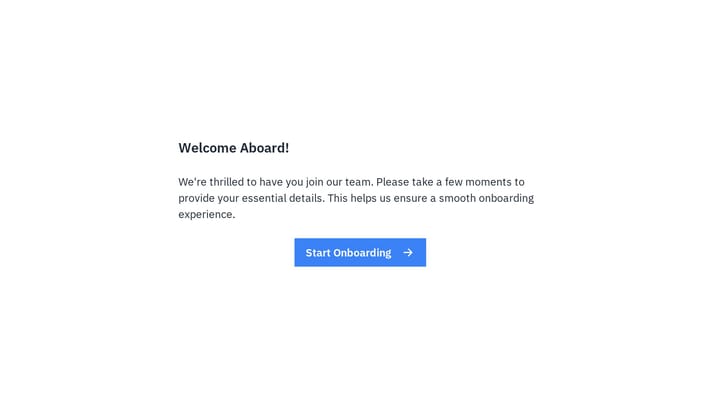
Employee details form
Effortlessly onboard new team members with this customizable employee details form. It helps you quickly gather essential personal, contact, and employment information in a professional, branded experience.
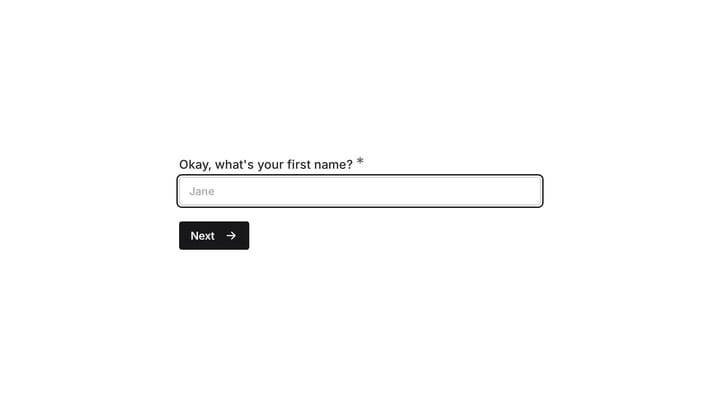
Employee emergency contact form
Streamline the collection and management of employee emergency contact information with this customizable form template. It simplifies HR processes, ensuring critical details are always accessible for any workplace situation.
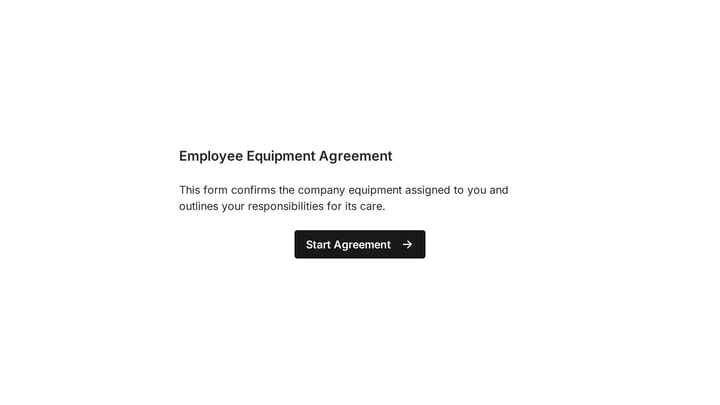
Employee Equipment Agreement Form
This online Employee Equipment Agreement Form template helps you efficiently track company assets assigned to your staff. Easily collect important details like employee names, departments, and serial numbers for items ranging from laptops and monitors to specialized tools.
Why HR teams & recruiters choose Fomr
One place per candidate
Applications land in one results view you can filter and compare. No more attachments buried in reply chains.
The whole team can look
Unlimited team members means the hiring manager reads responses themselves, without asking HR to export a spreadsheet.
Multi-page without drop-off
Longer applications split into pages so candidates aren't scared off by a wall of fields on page one.
Employee feedback and engagement
Pulse surveys, reviews, and suggestion boxes that show how the team is really doing.
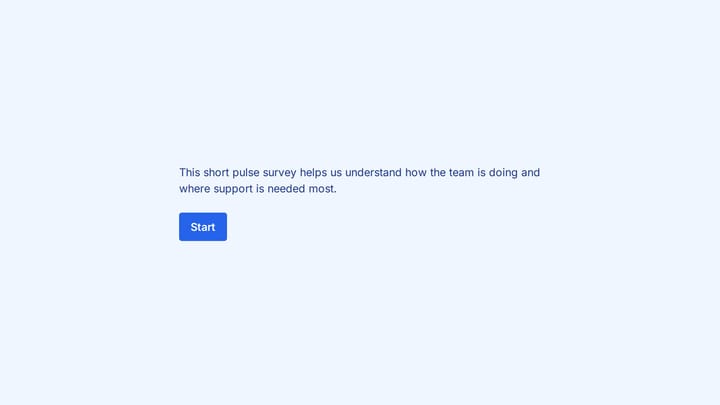
Employee engagement pulse survey form
Run a lightweight internal survey to understand morale, clarity, and day-to-day support.
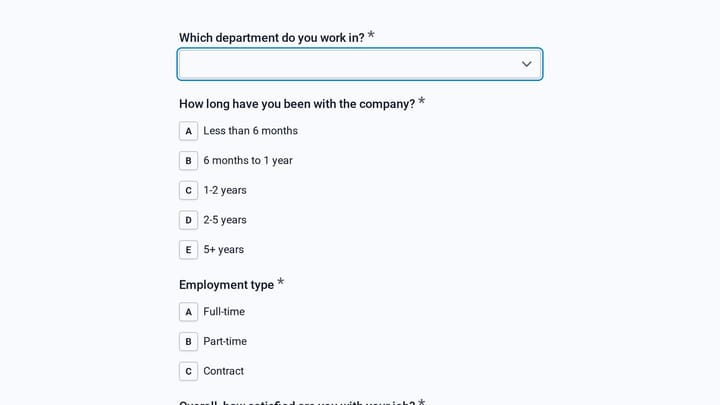
Annual Employee Engagement Survey
This satisfaction survey template helps HR teams measure employee engagement across job satisfaction, motivation, culture, inclusion, and team support. Use it for an annual review cycle to spot patterns by department, tenure, and employmen…
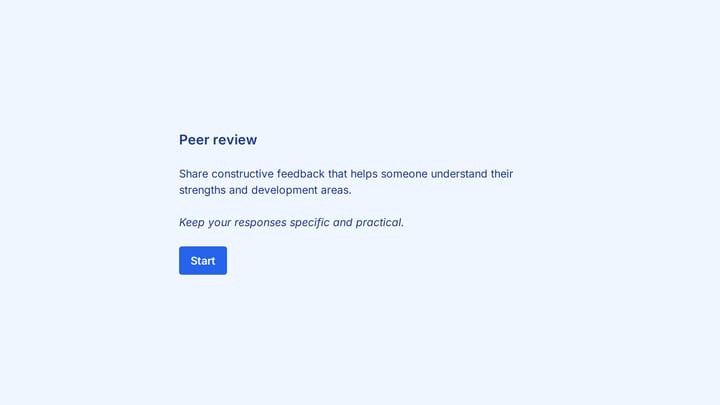
Peer performance review form
Collect structured peer feedback with performance ratings and thoughtful written comments.
How to get started
- 1
Pick a template
Start with a job application template, or paste the job description into the AI builder and edit what it drafts.
- 2
Tailor it to the role
Add role-specific questions, a resume upload, and conditional follow-ups that only appear when they apply.
- 3
Share it where candidates are
Post the link on job boards, embed it on your careers page, or send it straight to a new hire.
- 4
Review together
Invite hiring managers to the organization so everyone reads, filters, and compares responses in one place.
For everyone who touches the employee lifecycle
Hiring, onboarding, and feedback forms for teams of every size.
Recruiters and talent teams
Applications, screening questions, and candidate experience surveys that keep pipelines moving.
HR and people ops
Onboarding records, policy acknowledgments, leave requests, and engagement surveys.
Hiring managers
Interview scorecards and reference checks that make candidates easy to compare.
Office administrators
Equipment requests, availability forms, and emergency contacts kept up to date.
Small business owners
A professional application form on your own site without paying for an applicant tracking system.
Volunteer and community programs
Volunteer applications, availability sign-ups, and post-shift feedback for nonprofits and clubs.
Leave, requests, and references
Day-to-day HR requests and reference checks with every detail in one submission.
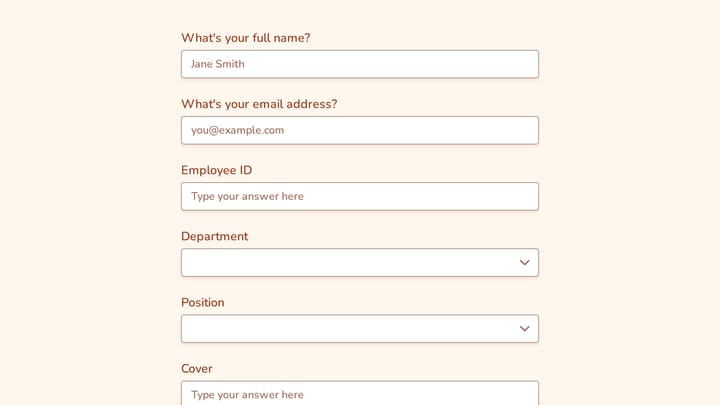
Time Off Request Form
This time off request form helps employees submit leave details in a consistent format, including supervisor information, department, position, and employee ID. It gives managers the context they need to review requests and keep scheduling…
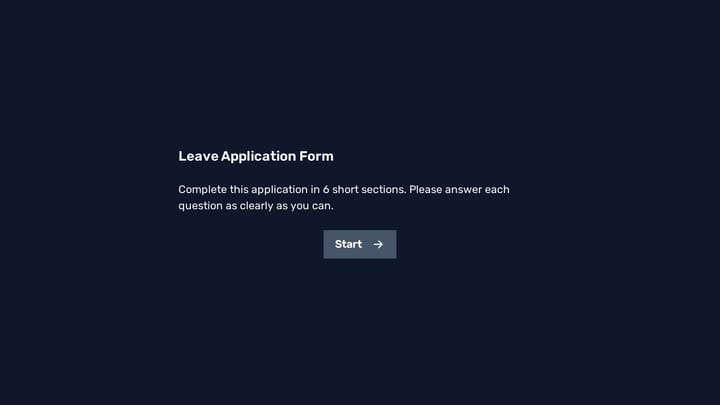
Leave Application Form
This leave application form helps employees submit time-off requests with the key details managers and HR teams need to review them quickly. Use it to collect consistent leave dates, duration, team information, and manager details in one c…
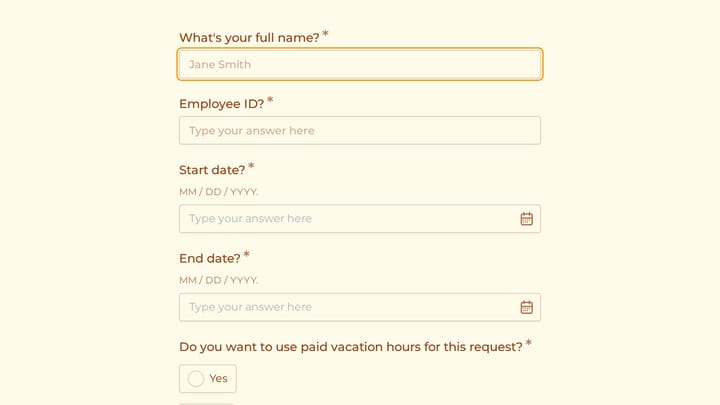
Vacation Request Form
Use this application form builder to collect the details you need before starting a conversation, project, or request. It helps teams qualify submissions and respond with better context.
How to write HR forms people finish
Candidates and employees judge your company by its forms. A few habits that help.
Keep the first page short
Ask for name, email, and role first. Candidates who've started are far more likely to finish the longer questions on later pages.
Don't ask for what's in the resume
If you collect a CV, skip retyping job history field by field. Ask the questions the resume can't answer instead.
Use the same scale for every reviewer
Interview scorecards and peer reviews are only comparable when everyone rates on the same scale with the same labels.
Offer anonymity where honesty matters
Engagement and exit surveys get more candid answers when you don't collect names. Leave out identity fields entirely if you promise anonymity.
Branch by role or location
Conditional logic shows store staff, remote engineers, and contractors only the questions that apply to them, from one form.
Close the form when the role is filled
Schedule a close date or close the form manually, and set a message so late applicants know the position is no longer open.
Related reading
HR teams & recruiters and Fomr: common questions
Yes. Add a File Upload component to any form and choose which file types to accept. Free organizations accept files up to 10 MB each, and Pro raises that to 5 GB. Uploaded files stay private to your organization.
Yes. Don't add any name or email questions and the survey collects no identity from the respondent. For pulse surveys you can also use the NPS component to calculate an eNPS score.
Yes. Every plan, including Free, includes unlimited team members. Invite hiring managers to your organization so they can read and filter responses themselves.
Yes. Google Sheets workflows are available on every plan, and you can export responses to CSV at any time.
Not fully. Fomr collects and organizes applications, references, and feedback, but it doesn't schedule interviews or move candidates through pipeline stages. Many small teams find forms plus a shared results view are all they need; larger teams often pair Fomr with an ATS.
As many as you want. Fomr has no per-seat pricing and no editor limits — invite your whole team on the free plan and build together.
Yes, you can create forms with multiple pages to organize longer forms into sections. Add navigation between pages and customize the flow based on your needs. Learn more about multi-page forms.
Yes, Fomr has a free plan that includes unlimited forms, unlimited responses, unlimited team members, 25+ form components, conditional logic, calculated values, design customization, email notifications, and more. The Pro plan adds features like custom domains, removal of Fomr branding, SEO controls, multiple endings, and redirects on completion.